 SwitchMyTool

My working verdict
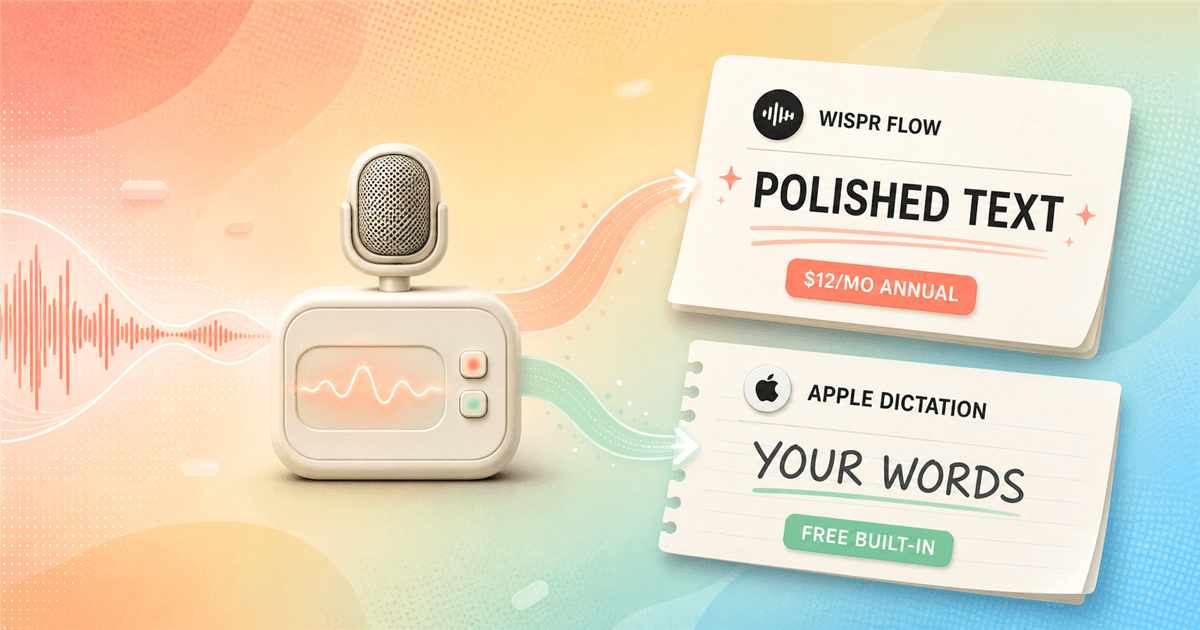
Apple Dictation wins the first minute. Wispr Flow wins when cleanup becomes a second job.
- I keep Apple Dictation for short, literal, private, and offline-capable work on Apple devices.
- I pay for Wispr Flow when I want spoken thoughts turned into sendable email, updates, prompts, and notes across four platforms.
- I would not subscribe because Flow sounds impressive in a demo. I subscribe only when it removes enough corrections from a normal week.
The useful version of a wispr flow vs apple dictation comparison starts with an awkward fact: Apple already gives me competent system-wide dictation for no extra charge. It works in any text field, supports punctuation and editing commands, and can process many languages on device.
Wispr Flow has to earn $144 per year against that baseline. It does not win by hearing a microphone. It wins by turning a rambling sentence into text I would actually send, remembering vocabulary, adapting to the app under my cursor, and following me from Mac to Windows, iPhone, and Android.
If both choices miss the point, my Wispr Flow alternatives guide covers local, open-source, cheaper, and more configurable options. Here I am answering a narrower question: when is Apple's free tool enough, and when does Flow pay back its subscription?
My verdict
I start free, then upgrade only when the transcript keeps becoming an editing project.
Apple Dictation is my default recommendation for someone who has not yet measured the problem. I can press a key, speak into Mail, Notes, Messages, or a browser field, and continue typing on Apple silicon without ending the dictation session. There is no account to maintain and no new shortcut system to learn.
Flow earns its place when the work is structurally messy. I can speak a customer reply with a false start, a correction, and an aside, then receive a cleaner paragraph instead of a transcript that preserves every wobble. That is useful. It is also editorial intervention, and I do not want it everywhere.
My dividing line is simple. If I mostly fix recognition mistakes, I compare engines. If I mostly fix my own spoken structure, I compare workflows. Apple handles the first problem at zero marginal cost. Flow is built around the second.
| Situation | My pick | Reason |
|---|---|---|
| Short messages on Apple devices | Apple Dictation | It is already installed, starts from the keyboard, costs nothing extra, and stays close to the words I said. |
| Polished email and work updates | Wispr Flow | It removes filler, repairs structure, and adapts formatting to the app instead of returning a mostly literal transcript. |
| Android or Windows | Wispr Flow | Flow supports Mac, Windows, iPhone, and Android. Apple Dictation belongs to Apple's operating systems. |
| Offline dictation | Apple Dictation | Apple says many languages are processed on device without an internet connection. Flow transcription always runs in the cloud. |
| Exact quotations and literal wording | Apple Dictation | I would rather correct punctuation than discover that an assistant improved wording I needed to preserve exactly. |
| Names, repeated terminology, and reusable writing | Wispr Flow | Dictionary entries, snippets, app-aware context, and Command Mode turn repeated corrections into a reusable system. |
Daily use
Apple feels like a keyboard feature. Flow feels like a writing layer.
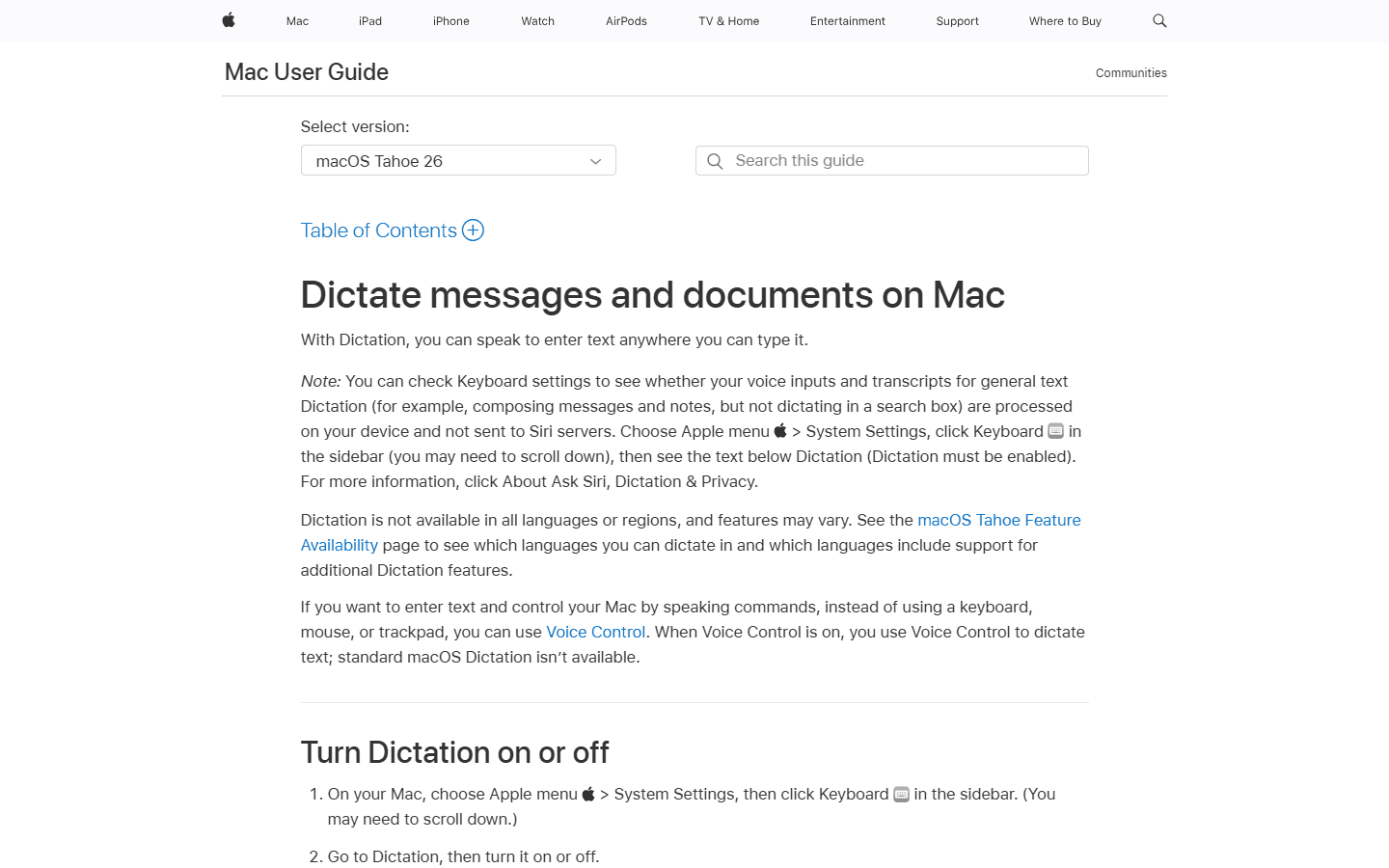
On Mac, Apple Dictation disappears into the operating system. I choose a shortcut in Keyboard settings, place the cursor, speak, and stop with the same key or Escape. It is boring in the best way. If I switch to an iPhone, the microphone lives on the keyboard and I can type while Dictation remains active.
Flow asks for more during setup because it does more afterward. It needs microphone access and system permissions to insert text across apps. I choose a hold-to-talk or toggle workflow, teach it names, and decide how much context and cloud storage I permit. The payoff is that the output changes with the destination. An email can gain a greeting and paragraphs, while a short message stays compact.
That difference becomes obvious after the novelty wears off. Apple Dictation is almost frictionless to start but leaves me responsible for the edit. Flow adds installation, permissions, an account, privacy settings, and a bill, then tries to remove the edit. Neither workflow is objectively lighter; the work simply happens at a different stage.
Output quality
The argument is not raw accuracy. It is how much permission I give the software to change my sentence.
Apple Dictation generally tries to return what I said, with automatic punctuation in supported languages and spoken commands for edits, line breaks, emoji, and formatting. That makes it predictable for quotations, names, figures, meeting notes, and anything where my wording matters more than elegance.
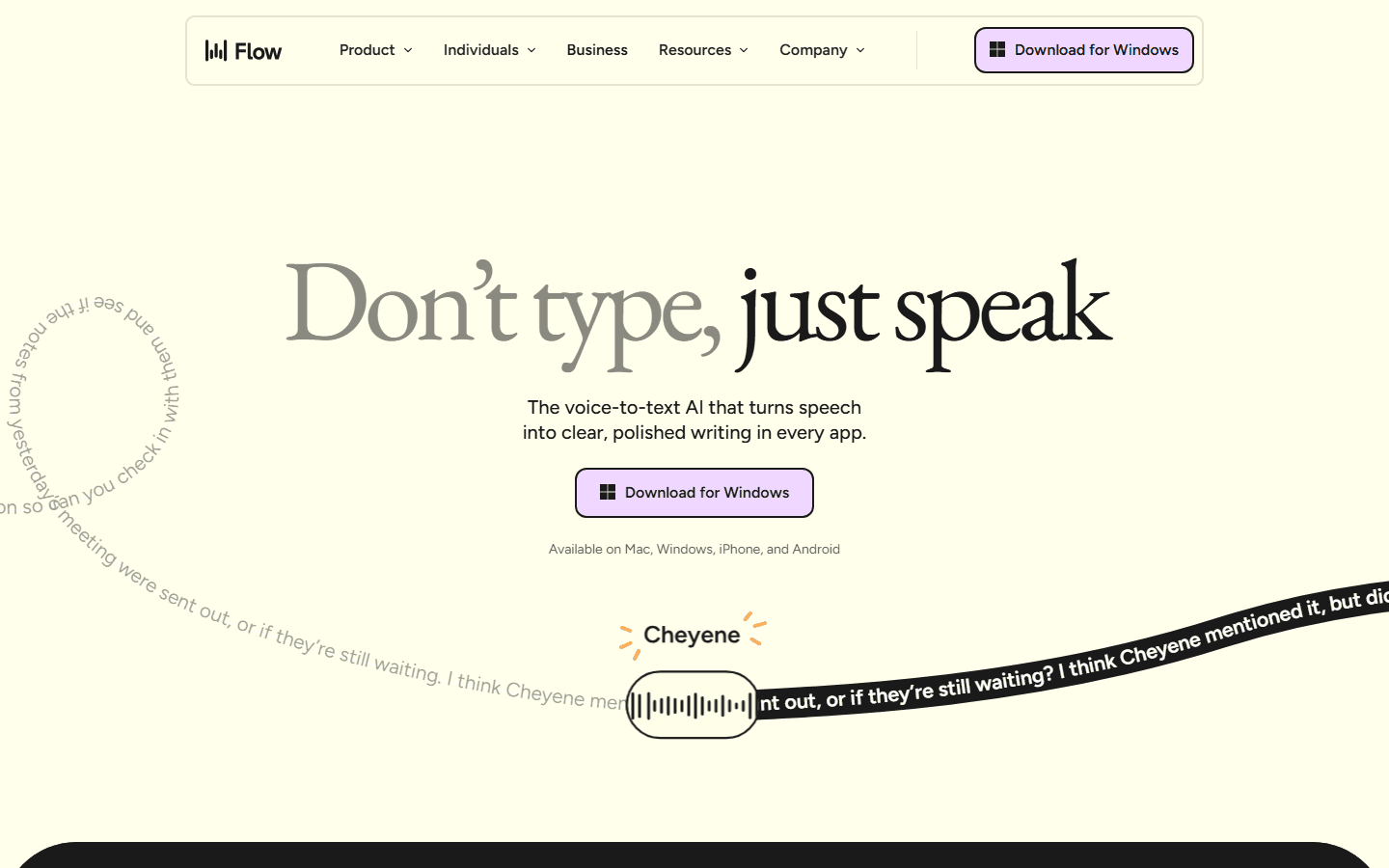
Flow is more willing to infer. Context Awareness can use limited nearby text and app metadata to choose vocabulary and formatting. Dictionary entries help with people, companies, and technical terms. Snippets insert repeated blocks. Command Mode lets me revise selected text by voice. Those pieces make Flow feel less like a microphone and more like an editor attached to the cursor.
The same intelligence can annoy me. A polished sentence is not automatically a faithful sentence. If I am recording a quote, drafting legal language, preserving a customer's phrasing, or writing code, an elegant substitution can be worse than an obvious typo. I keep a literal route available instead of forcing every spoken word through cleanup.
Use literal output
Quotes, figures, names, dictated source material, legal wording, and any sentence where a changed verb changes the meaning.
Use polished output
Email, Slack updates, project notes, first drafts, prompts, and routine communication where I care about the finished message.
Watch carefully
Mixed languages, code, domain jargon, and sentences that include spoken editing words such as delete, change, or replace.
Length and interruptions
The 30-second Apple limit is mostly a badly repeated fact.
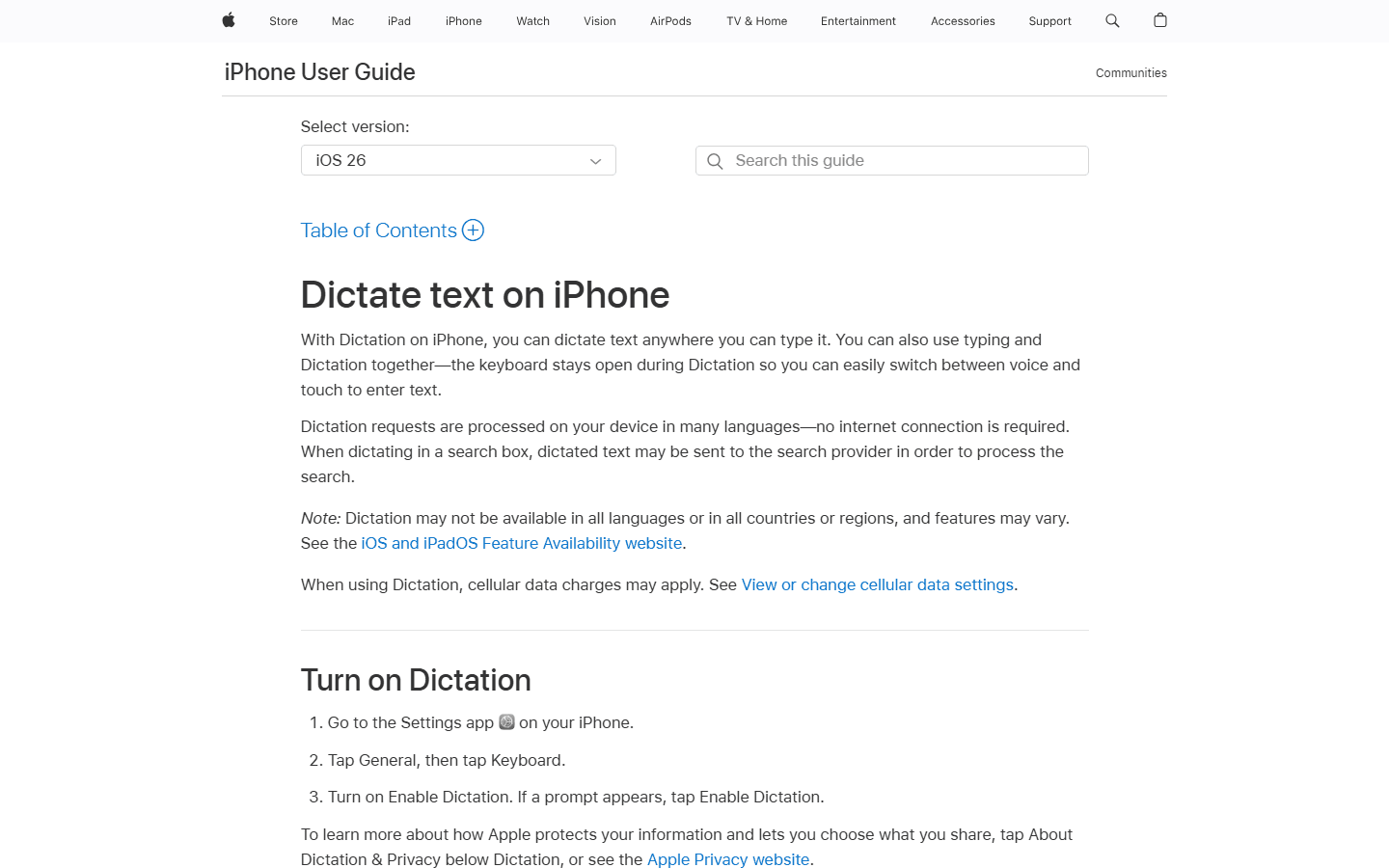
Apple's current Mac guide says I can dictate text of any length without a timeout. It stops automatically after 30 seconds with no detected speech. The current iPhone guide uses the same 30-second silence rule. That is different from cutting off every recording at 30 seconds, and it makes several older comparisons misleading.
Long dictation can still feel fragile because a pause, app focus change, language mismatch, microphone issue, or noisy room can interrupt the session. Apple provides troubleshooting for exactly those cases. I do not need to invent a hard duration cap to explain why a person may find the experience unreliable.
Flow is more comfortable when my spoken input is a rough draft rather than a stream I need preserved. I can pause, correct myself in the sentence, and rely on cleanup to remove verbal scaffolding. The practical limit becomes my ability to review a long AI-edited block. I still break important work into paragraphs because a confident rewrite is harder to audit than a visible transcription error.
Platforms
Flow follows my account. Apple Dictation follows my hardware.
Apple Dictation is deeply integrated into Mac, iPhone, and iPad. That integration is the advantage: it uses the system keyboard, current input language, selected microphone, and familiar settings. It is also the boundary. A Windows workstation or Android phone ends the continuity.
Flow currently supports Mac, Windows, iPhone, and Android. Dictionary entries and snippets sync across devices independently of the newer Private Cloud Sync control. For someone who starts a message on Windows, replies from an iPhone, and keeps an Android device in the mix, that coverage can matter more than a small accuracy difference.
I would not pay for cross-platform support I do not use. A MacBook-and-iPhone routine already has a coherent free path. Flow's device advantage becomes valuable only when my real week crosses Apple's fence or when I want the same cleanup behavior on every screen.
Privacy and offline use
Apple offers the clearer local route. Neither product deserves a one-word privacy verdict.
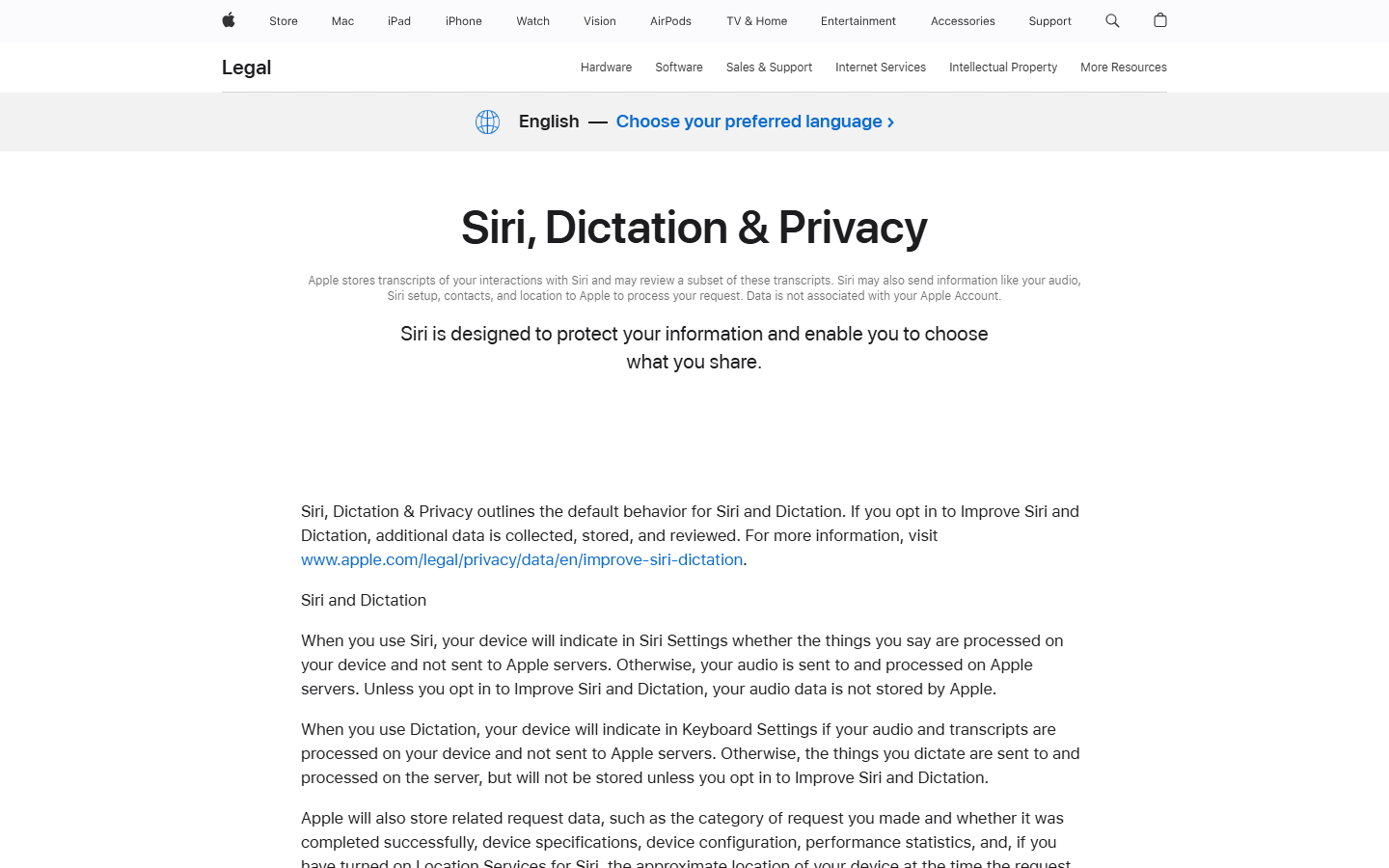
Apple says Dictation requests are processed on device in many languages, with no internet connection required. Its privacy page is more precise than a blanket local claim: Keyboard settings indicate whether audio and transcripts stay on the device. Other configurations can send dictated material to Apple servers for processing, and search-box text may go to the search provider.
Apple also separates normal use from Improve Siri and Dictation. When server processing applies, Apple says audio is not stored unless I opt into improvement. Related request data and transcripts have their own retention rules, so I still read the settings instead of assuming the Apple logo settles every privacy question.
Flow always transcribes in the cloud. Its newer controls separate model training from server storage. Privacy Mode governs whether dictation data may improve models. Private Cloud Sync governs storage and features such as synced notes. Turning Privacy Mode on and Private Cloud Sync off provides Flow's zero-data-retention configuration, but audio still travels to cloud infrastructure for core transcription.
For an airplane, unreliable connection, or policy that forbids cloud transcription, Apple wins when my device and language support local processing. For managed teams that need documented controls across multiple operating systems, Flow may still fit, but that is an administrative decision rather than a claim that cloud equals private.
Pricing
Free wins until correction time becomes the expensive part.
Apple Dictation has no separate subscription. I already paid for the device, and the feature arrives with the operating system. That makes it hard to beat for occasional use and impossible to beat on sticker price.
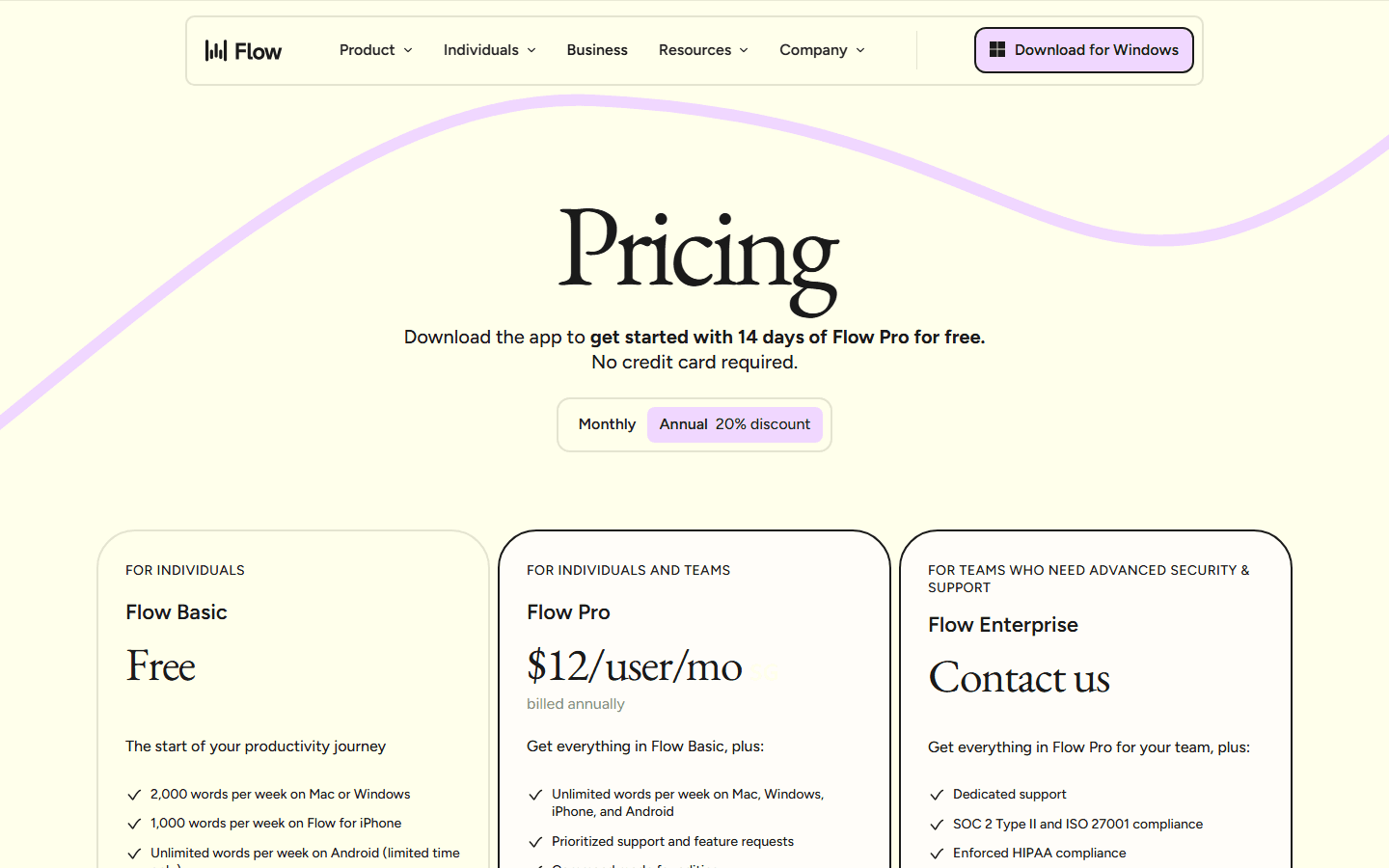
Flow Basic lets me compare the workflow without paying. The current pricing page lists 2,000 words per week on Mac or Windows and 1,000 on iPhone, while Android is shown as unlimited for a limited time. Pro is $15 month to month or $12 per month billed annually. The annual bill is $144.
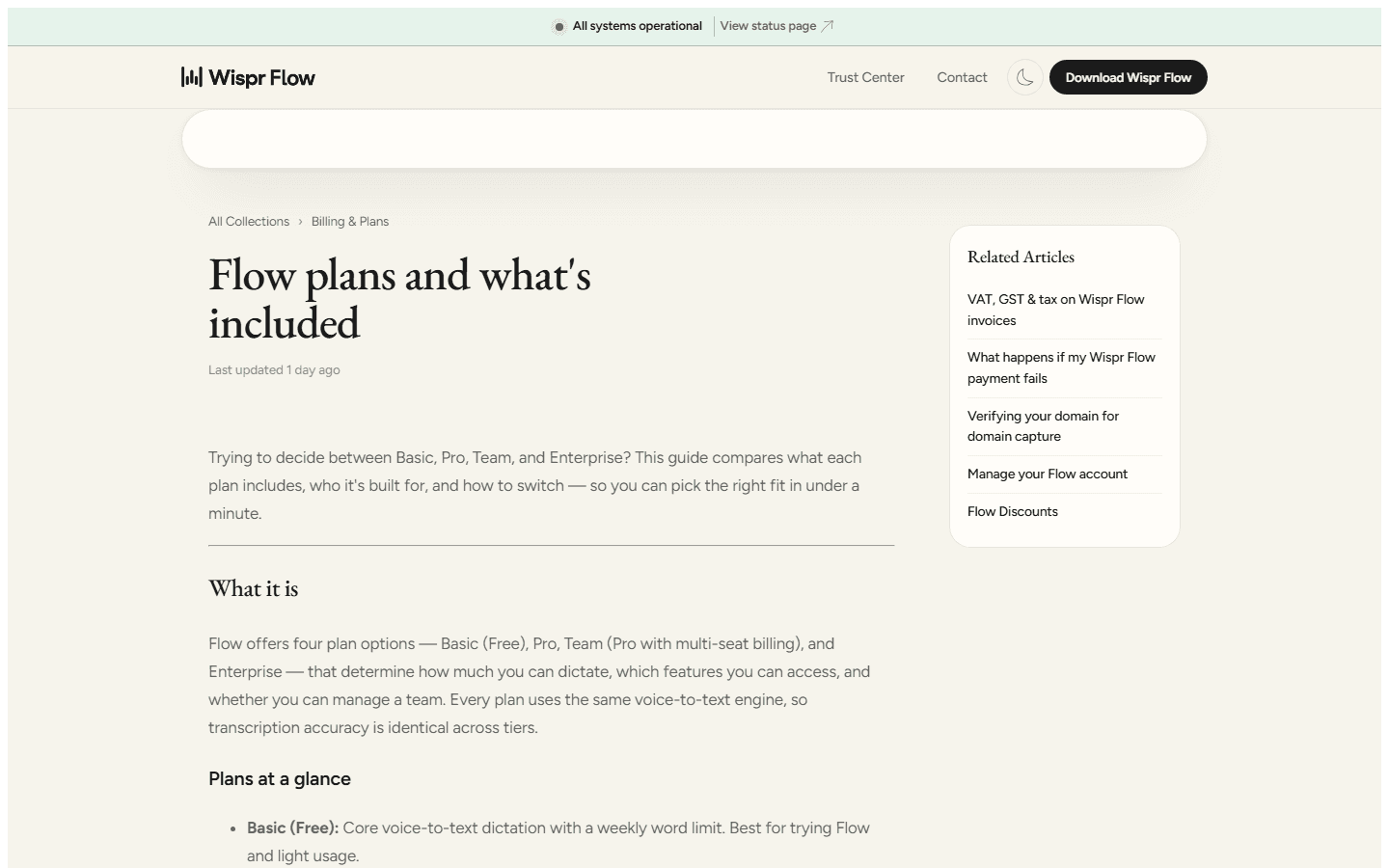
The free and paid Flow tiers use the same transcription engine, so Pro is not an accuracy tax. I pay for volume and workflow features: unlimited words, Command Mode, early access, priority support, and broader language support. That distinction matters because a light user may get the useful comparison from Basic and never need Pro.
I justify the bill with avoided editing, not words per minute. If Flow saves ten awkward corrections across a day of client communication, $12 per month is easy to defend. If I dictate two grocery items and a text to a friend, the subscription is comic overkill.
| Cost or limit | Apple Dictation | Wispr Flow |
|---|---|---|
| Starting cost | Included with a compatible Apple device | Basic is free with weekly word limits |
| Paid personal plan | No separate Dictation subscription | $15 monthly or $144 annually in USD |
| Usage limits | Apple's current Mac guide says any length, with automatic stopping after 30 seconds of silence; iPhone also stops after 30 seconds of silence | Basic currently lists 2,000 words per week on Mac or Windows and 1,000 on iPhone; Pro includes unlimited words across supported platforms |
| What payment adds | Not applicable | Unlimited words, Command Mode, app-aware cleanup, snippets, dictionary sync, priority support, and 100+ languages |
Reddit complaints
The complaints reveal two different ideas of what dictation should do.
The strongest defense of Apple Dictation is not that it wins benchmarks. It is that many people use it every day and do not have a problem worth solving. They press one key, get text, stay offline in supported configurations, and wonder why the dictation market keeps rebuilding a free feature.
The recurring Apple complaints are recognition quality on iPhone, extra corrections with some accents or languages, sessions that seem to stop unexpectedly, and limited help with the messy structure of spoken thought. These reports conflict because devices, languages, microphones, rooms, and expectations differ. I use them to design checks, not to declare a universal accuracy score.
Flow complaints cluster around subscription fatigue, cloud dependency, privacy discomfort, and unwanted rewriting. Some users want the app to improve a sentence; others want the app to keep its hands off their words. That is why I refuse to call cleanup an unqualified advantage. It is a feature only when I wanted an editor.
Workflow fit
I choose by the cost of the edit, not the quality of the demo.
Choose Apple Dictation
You write short messages, use only Apple devices, prefer literal wording, need an offline-capable route in a supported language, or cannot justify another subscription.
Do not choose Apple Dictation
You spend real time repairing filler, structure, names, and formatting; need Windows or Android; or want reusable commands, snippets, and app-aware output.
Choose Wispr Flow
You dictate work email, project updates, prompts, and longer notes across several devices, and the cleanup saves more time than the subscription costs.
Do not choose Wispr Flow
You need guaranteed offline transcription, handle exact quotations, dislike automatic rewriting, cannot permit cloud processing, or dictate too little to exhaust Basic.
A solo Apple user should begin with the built-in option. I would turn on automatic punctuation, confirm the input language, learn the handful of editing commands, and use it in real email and notes for a week. A surprising number of people can stop there.
A cross-platform knowledge worker has a stronger case for Flow. The value compounds when the same dictionary, snippets, cleanup, and shortcut support customer replies, planning notes, AI prompts, and mobile messages. Flow is less attractive when only one of those workflows exists.
For sensitive work, I check the data path before convenience. Apple shows whether my selected configuration processes general dictation on device. Flow offers meaningful training and storage controls, but core transcription remains cloud-based. That difference can settle the decision before accuracy enters the room.
Migration cost
Moving is easy. Rebuilding the habit is the part people forget.
| Move | What I have to rebuild | Effort |
|---|---|---|
| Apple Dictation to Wispr Flow | Install Flow, grant microphone and accessibility permissions, choose a shortcut, add names to the dictionary, create two or three snippets, and review Privacy Mode plus Private Cloud Sync. | Low to medium |
| Wispr Flow to Apple Dictation | Enable Dictation on each Apple device, pick languages and shortcuts, replace snippets with text replacements, and accept more manual cleanup after speaking. | Low for short text, medium for established workflows |
| Keep both | Use Apple Dictation for private, literal, or offline notes and Flow for work that benefits from cleanup. Separate shortcuts make the split easy to remember. | Low |
Apple to Flow is technically quick. The hidden work is vocabulary and trust. I add the names I correct repeatedly, map the shortcut into muscle memory, create only the snippets I genuinely reuse, and decide whether automatic cleanup is welcome in each type of writing.
Flow to Apple is even easier to install because there is nothing to install. The migration cost appears in the output. Snippets may become Apple text replacements, while Command Mode habits become manual editing or spoken Dictation commands. I save the subscription and take back some cleanup.
Keeping both is not indecision. It is often the lowest-risk setup. Apple handles a literal private note or a disconnected Mac. Flow handles the project update that needs to sound as if I composed it with a keyboard and a small amount of dignity.
My decision rule
Run four ordinary pieces of work, then count corrections.
I compare both with a short message, a client email, a paragraph containing names and numbers, and a mobile reply. I include one false start and one mid-sentence correction because clean demo speech tells me almost nothing about my working day.
For each result, I mark recognition errors, unwanted rewrites, missing structure, and time spent touching the keyboard. I also repeat one item offline. Apple gets credit for zero subscription cost and literal output. Flow gets credit only for edits it actually removes.
If Apple Dictation produces acceptable text after a few taps, I keep the free system feature. If Flow consistently turns rough speech into sendable work and I use it across several devices, I pay. If I need local models with more control than Apple provides, I leave this comparison and choose from the broader alternatives guide.
Start with Apple
You already own the device, the setup takes minutes, and the result establishes an honest free baseline.
Try Flow Basic next
Use the same four pieces of work before the weekly limit resets. Do not judge from a scripted demo sentence.
Pay only after proof
Upgrade when the saved corrections repeat across a normal week and the cloud data path fits your policy.
FAQ
Common questions about Wispr Flow and Apple Dictation
Is Wispr Flow better than Apple Dictation?
I think Wispr Flow is better for polished work writing, repeated terminology, and people who move between Mac, Windows, iPhone, and Android. Apple Dictation is better for free, literal, and potentially offline dictation on Apple devices. The better choice depends on whether cleanup or control matters more.
Is Apple Dictation free?
Yes. Apple Dictation is included with compatible Macs, iPhones, and iPads, so there is no separate Dictation subscription. The device itself is still the platform cost.
Does Apple Dictation have a 30-second limit?
No universal 30-second speaking limit appears in Apple's current guides. The Mac guide says I can dictate text of any length. Mac and iPhone Dictation stop automatically after 30 seconds without detected speech, which is a silence timeout rather than a maximum transcript length.
Can Apple Dictation work offline?
Yes, in many supported languages Apple processes Dictation on device without an internet connection. Availability varies by device, language, region, and text field. Apple recommends checking Keyboard settings to confirm how a specific configuration processes audio and transcripts.
Can Wispr Flow work offline?
No. Wispr Flow's current documentation says transcription runs in the cloud. Privacy Mode and Private Cloud Sync control training and storage behavior, but they do not turn Flow into an offline transcription app.
Sources
Product pages and discussions I checked for this comparison
- Wispr Flow homepage
- Wispr Flow pricing
- Wispr Flow plans and limits
- Wispr Flow Context Awareness
- Wispr Flow privacy controls
- Apple: Dictate messages and documents on Mac
- Apple: Dictate text on iPhone
- Apple: Siri, Dictation and Privacy
- Reddit: whether dictation apps should rewrite speech
- Reddit: free Wispr Flow alternatives on iPhone


