 SwitchMyTool

My working verdict
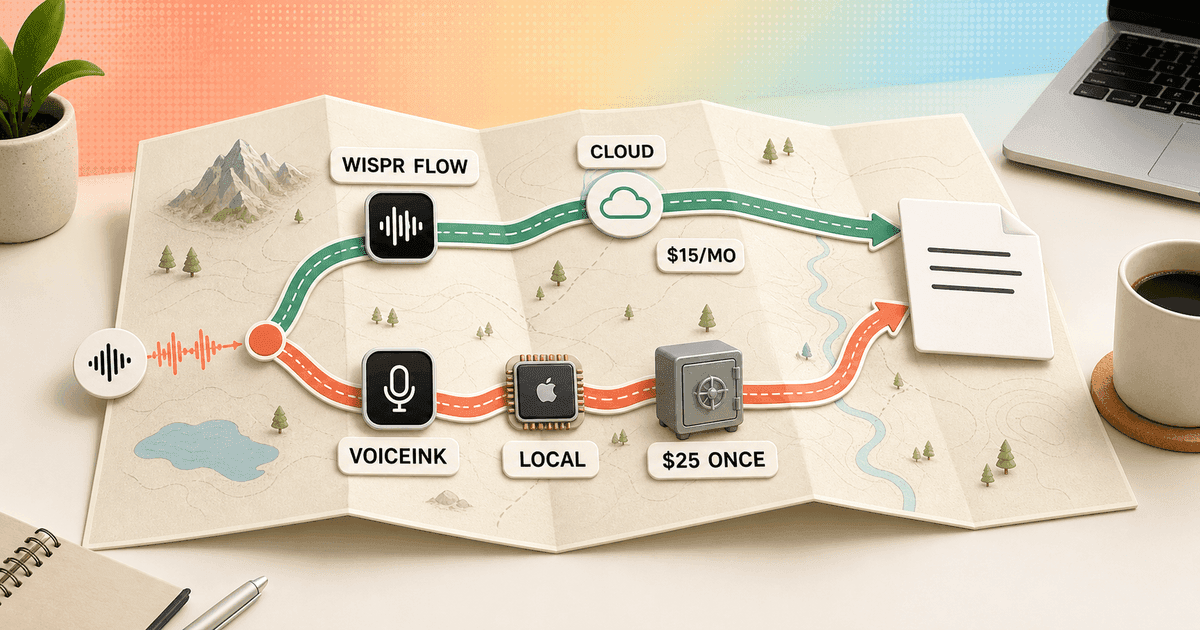
I pay Wispr Flow to remove decisions. I choose VoiceInk when I want those decisions back.
- Wispr Flow is my easier recommendation for fast cleanup across Mac, Windows, iPhone, and Android.
- VoiceInk is my stronger Apple Silicon choice for local transcription, offline use, open source access, and a one-time license.
- Wispr Flow costs more money. VoiceInk costs more attention: models, modes, permissions, provider keys, and paste behavior all belong to me.
- I keep the product that loses fewer thoughts, not the one with the longest feature list.
My verdict
Wispr Flow vs VoiceInk is managed convenience against local ownership.
Wispr Flow and VoiceInk now overlap enough that a shallow comparison becomes misleading. Both can clean speech, switch behavior by context, remember vocabulary, and place the final text under my cursor. The difference is who owns the plumbing when the result is slow or wrong.
Wispr Flow owns the service. I install one app, sign in, grant permissions, and let its cloud pipeline handle transcription and cleanup. The result is a consistent product across four platforms. When it works, I barely think about the machinery.
VoiceInk hands me the machinery. I can run Parakeet or Whisper locally, connect optional cloud transcription, choose an enhancement provider, build modes, define triggers, and decide what context enters the workflow. That control is excellent on a capable Mac and tedious when I only wanted to answer an email.
My default is Wispr Flow for mixed-device work and VoiceInk for an Apple Silicon setup where privacy or ownership is non-negotiable. If neither route fits, my Wispr Flow alternatives guide compares seven wider options.
| Decision | My winner | Why |
|---|---|---|
| Fastest low-setup start | Wispr Flow | It gives me a polished cloud default without asking me to choose and maintain speech or cleanup models. |
| Local transcription | VoiceInk | Local Whisper and Parakeet routes can keep audio on the Mac and work without an internet connection. |
| Broadest device coverage | Wispr Flow | One account covers Mac, Windows, iPhone, and Android. VoiceInk's main desktop product requires Apple Silicon. |
| Lowest long-term software price | VoiceInk | The compiled Mac app starts at $25 once, and experienced users can build the GPLv3 source themselves. |
| Simplest privacy story | VoiceInk | Local transcription is the default architecture rather than a cloud service with storage and training controls. |
| Least maintenance | Wispr Flow | I spend less time choosing models, managing provider keys, fixing paste timing, and tuning modes for the machine. |
| Deepest user control | VoiceInk | Modes can choose transcription, enhancement, context, output behavior, triggers, shortcuts, and local or cloud providers. |
Daily use
Wispr Flow disappears into the task. VoiceInk becomes part of the setup.
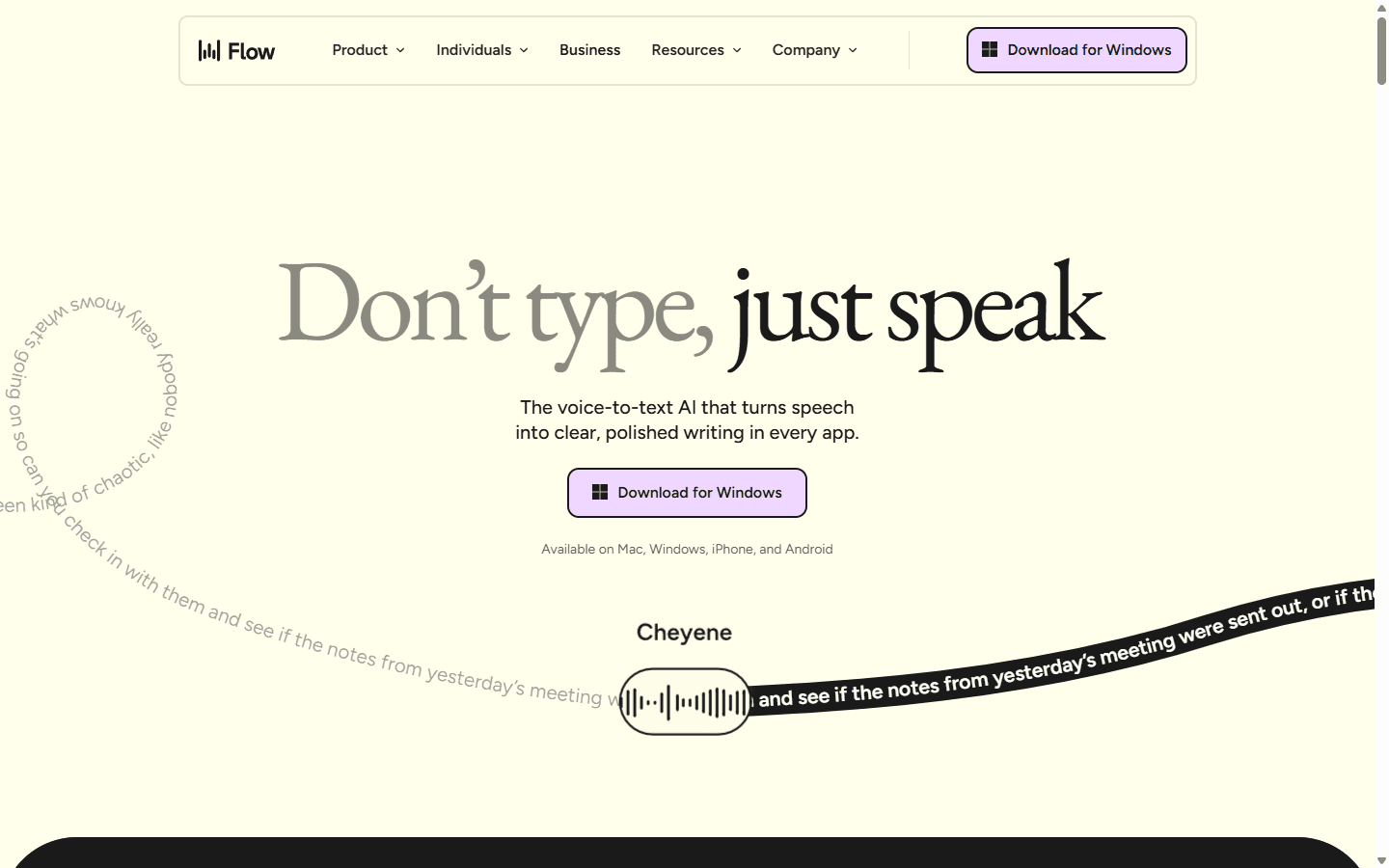
Wispr Flow's best feature is rhythm. I press the shortcut, speak in half-finished sentences, and expect a coherent paragraph to arrive. The service makes punctuation and formatting decisions without asking me to pick a model first. That is valuable when dictation happens fifty times a day rather than during one careful demo.
VoiceInk can feel just as direct after I have tuned it. The current app supports toggle, push-to-talk, and hybrid shortcuts, then routes the recording through the active Mode. A Mode can control transcription, AI cleanup, context, paste behavior, and even whether the result is sent automatically.
The phrase after I have tuned it matters. VoiceInk exposes more places where a choice can be wrong: microphone, local model, language, mode trigger, prompt, provider, output action, and clipboard delay. I enjoy that control for a stable workflow. I do not enjoy debugging it five minutes before a call.
I judge both products by how often I touch their settings after week one. Wispr Flow wins when the default understands me. VoiceInk wins when one carefully built local Mode removes a repeated cleanup step without creating three new ones.
Speed and accuracy
Cloud speed is predictable. Local speed belongs to the Mac on my desk.
Wispr Flow streams audio to its service and returns cleaned text quickly. That fixed route makes performance easier to understand: connection quality, microphone quality, and the service itself are the main variables. I cannot swap the underlying speech model when a name or accent performs badly, but I also cannot accidentally choose a model my laptop hates.
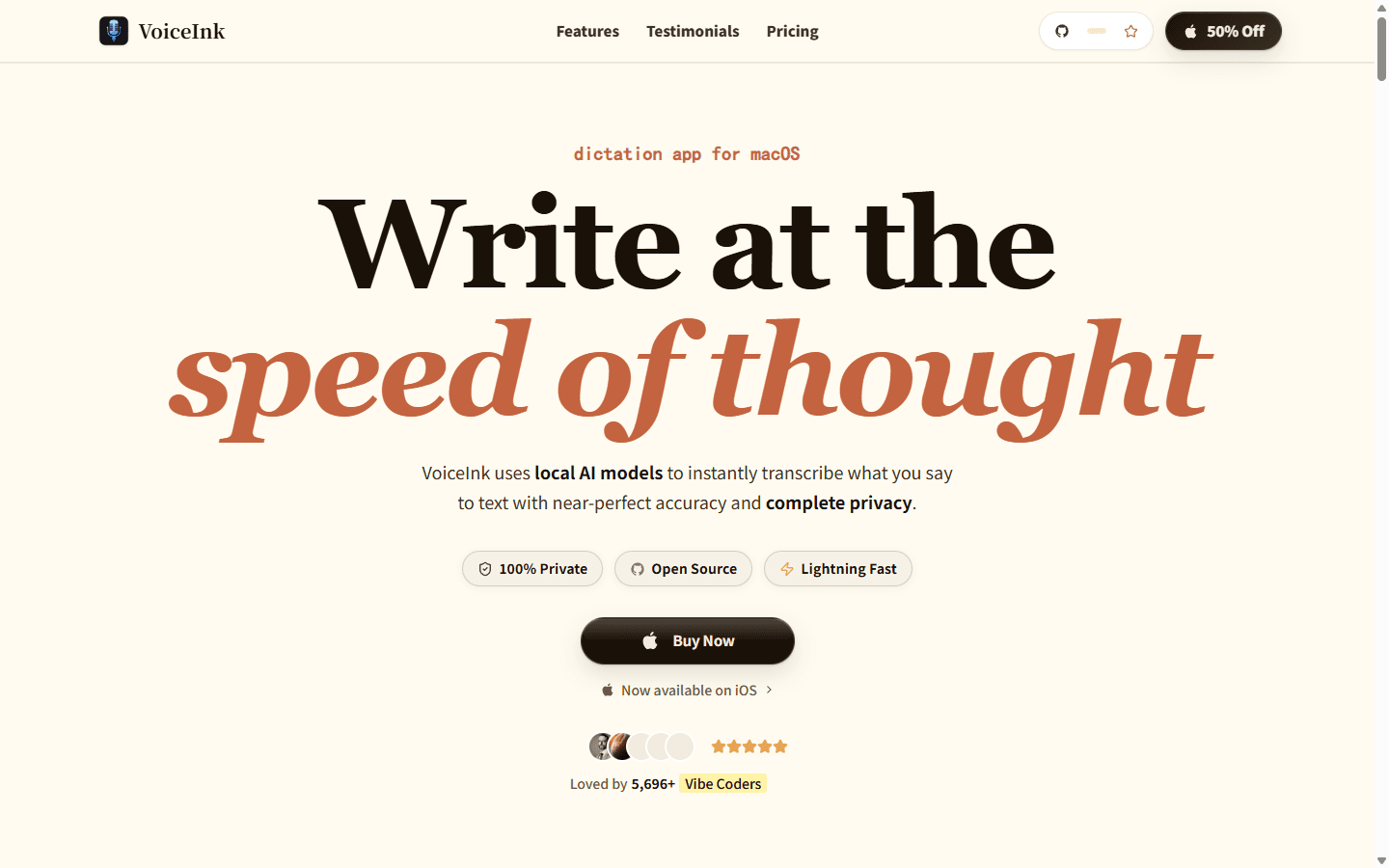
VoiceInk lets me separate transcription from enhancement. Its current documentation recommends Parakeet as the first local route for speed and accuracy, while Whisper remains available. I can also add cloud providers when local processing is too slow or a hosted model handles my audio better.
Reddit comparisons describe the practical downside. One user reported waiting roughly two to four seconds after finishing a VoiceInk recording before text appeared, while Wispr felt more immediate. Another replied that a cloud model reduced the delay. That is not a universal benchmark. It is a reminder that local and cloud configurations are different products hiding inside one app.
My accuracy corpus includes product names, punctuation commands, a correction halfway through, dates, numbers, code terms, and a noisy-room recording. I count edits and lost phrases over a week. A model that wins one clean paragraph can still lose the workflow because it takes too long to start or pastes into the wrong field.
Privacy and local models
VoiceInk can keep audio on the Mac. Wispr Flow gives me cloud controls, not local transcription.
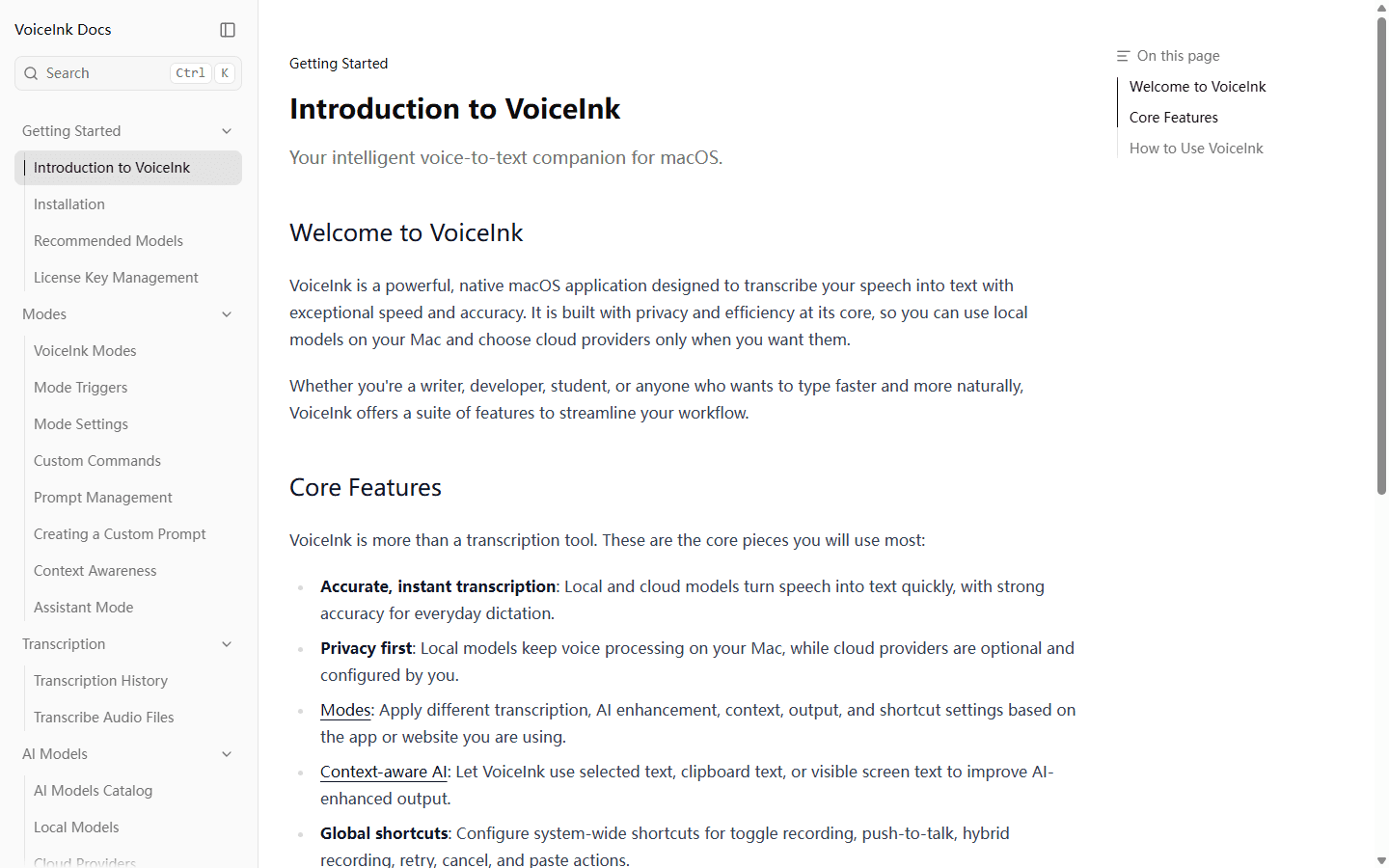
VoiceInk processes audio locally by default when I choose a local model. Its terms say optional cloud transcription sends audio to the provider I select, while optional AI enhancement sends transcribed text rather than audio. Provider keys and terms become my responsibility.
That architecture is the cleanest reason to choose VoiceInk. I can dictate private notes on a plane, work behind a restrictive network, or block the app's network access while keeping the core transcription route. Open source code also gives a technical buyer something concrete to inspect and build.
Local does not mean effortless. Models take disk space, use memory and compute, and perform differently by Mac generation. VoiceInk requires Apple Silicon for the commercial build. Its own support material warns that a local model can simply be too slow for the machine.
Wispr Flow separates Private Cloud Sync from Privacy Mode. I can control whether transcripts sync and whether dictation data is used to improve models. Those are meaningful controls, but the service still depends on a hosted transcription route. If the policy says audio must never leave the device, I stop comparing settings and choose the local architecture.
Modes and cleanup
VoiceInk has caught up on workflow control, but every extra switch needs an owner.
VoiceInk 2.0 is no longer the tiny transcription utility described in its original Reddit launch. Modes can switch by app, website, group, spoken trigger, or shortcut. They can choose a local or cloud speech model, add AI enhancement, read selected or visible text, format paragraphs, paste, auto-send, or pass output to another command.
That breadth changes the comparison. I can build a private plain-transcription Mode for notes, a coding Mode with technical vocabulary, and an email Mode that sends text to an optional cleanup model. Wispr Flow gives me automatic context and Command Mode, but VoiceInk lets me design the route more explicitly.
The danger is invisible state. VoiceInk's own documentation says a Mode can make the model or language appear to change on its own. If I forget which Mode fired, I can blame transcription for a prompt or trigger problem. I keep the default Mode boring and add specialized Modes only after a repeated need appears.
Wispr Flow remains easier for people who do not want to think in routes. VoiceInk is stronger when the route itself is the reason for buying the app.
Platform support
A Windows laptop or Android phone ends this comparison early.
Wispr Flow officially supports Mac, Windows, iPhone, and Android under the same account. Its current desktop requirements include Intel and Apple Silicon Macs plus x64 Windows 10 or 11. That coverage matters more than open source ideals when my day moves between a work PC and an Android phone.
VoiceInk's main app requires Apple Silicon and macOS 14.4 or later. An iPhone and iPad companion exists, but the iOS purchase flow is separate from the macOS license. A multi-Mac license does not include the phone.
I do not treat a separate iOS app as automatic continuity. I test dictionary behavior, shortcuts, insertion, and purchase boundaries on each device. Wispr Flow wins the platform column because the product and billing story are simpler.
VoiceInk wins only when the platform constraint is already acceptable. For a Mac-first individual, that narrow focus can be an advantage: the app can lean on Apple Silicon and native macOS permissions instead of smoothing every feature across four operating systems.
Pricing and open source
VoiceInk is cheaper in dollars. Wispr Flow bundles away more operational work.
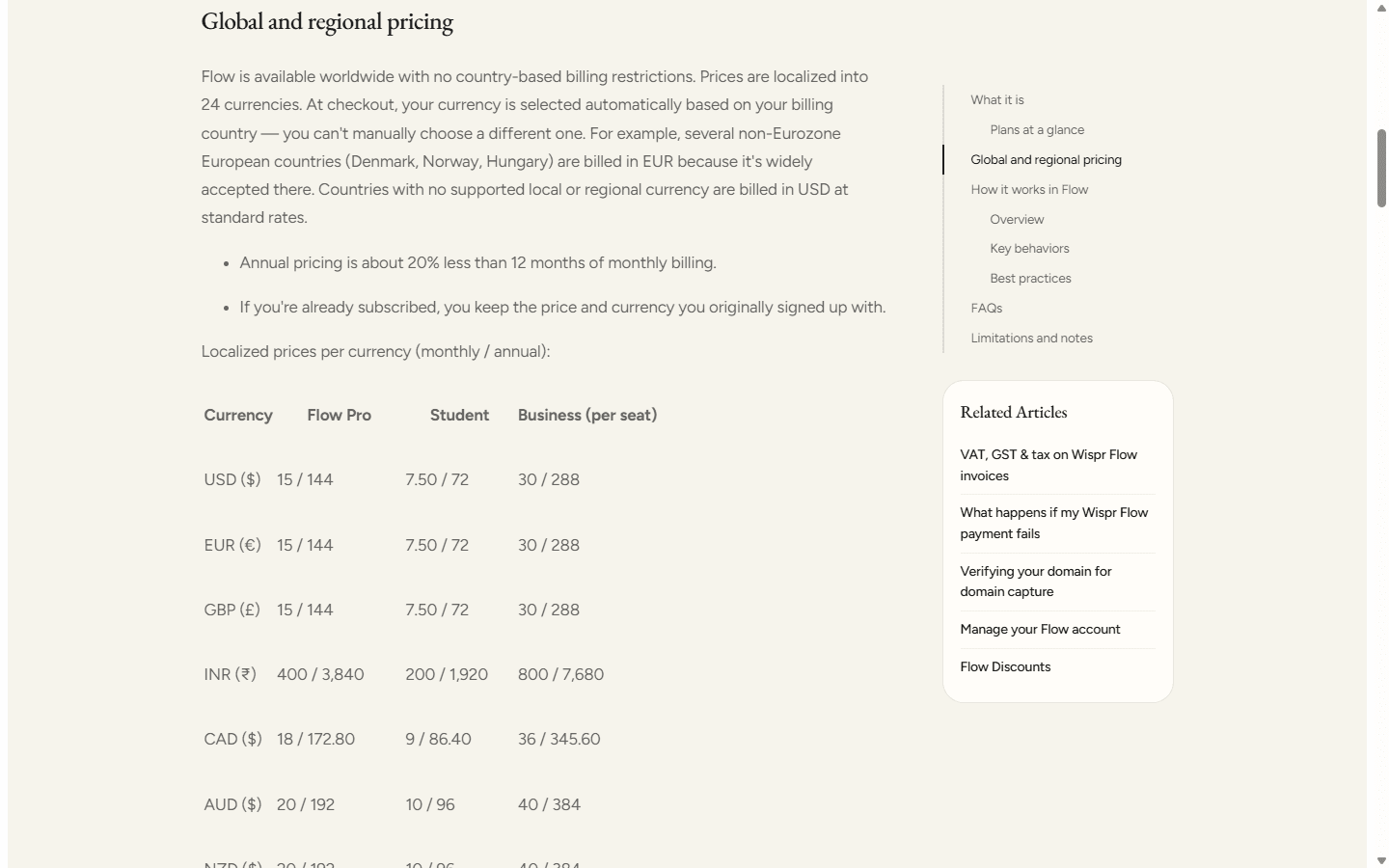
Wispr Flow Pro costs $15 monthly or $144 annually in USD. The paid plan removes word limits and adds Command Mode, priority support, early access, and more than 100 languages. Basic is useful for a fit check, but its weekly word limits make it hard to judge a heavy daily workflow indefinitely.
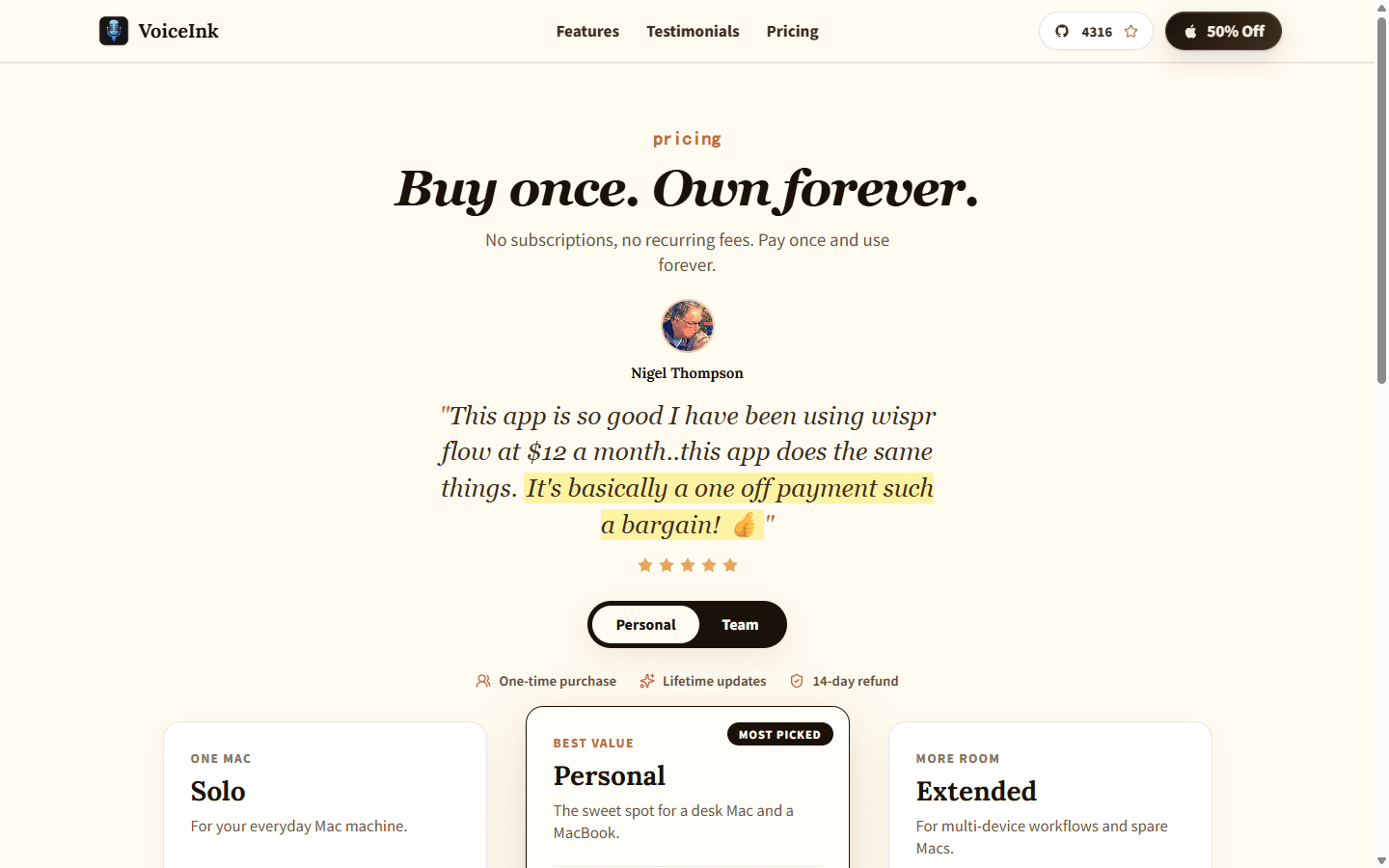
VoiceInk sells the compiled Mac app for $25 once on one Mac, $39 on two Macs, or $49 on three. Each plan includes lifetime updates and a 14-day refund window. Against Wispr Flow annual pricing, even the three-Mac license costs less than five months of Flow Pro.
The open source option needs one careful sentence. VoiceInk's source is GPLv3 and can be built by an experienced user. The website's commercial license pays for a ready-to-use build, automatic updates, and support. Open source does not mean the vendor owes every reader a polished binary for free.
Optional cloud providers can add their own bills. Local models cost compute, storage, and setup time instead. I compare the total workflow: software, provider usage, model maintenance, and the value of the minutes I lose when output does not paste.
| Cost area | Wispr Flow | VoiceInk |
|---|---|---|
| Entry | Basic plan with weekly word limits | Free trial or build GPLv3 source yourself |
| One device | $15 monthly or $144 annually | $25 once for one Apple Silicon Mac |
| Two Macs | Same personal Pro account | $39 once |
| Three Macs | Same personal Pro account | $49 once |
| Extra usage cost | No per-word charge on Pro | Local models have no provider bill; optional cloud models use the provider account and pricing you choose |
Reddit complaints
The useful complaints describe where dictation breaks my train of thought.
Wispr Flow complaints cluster around the subscription, cloud dependency, privacy concerns, and occasional quality or support regressions after updates. The positive counterpoint is equally clear: people keep paying because the service cleans up rambling speech quickly and works across their devices.
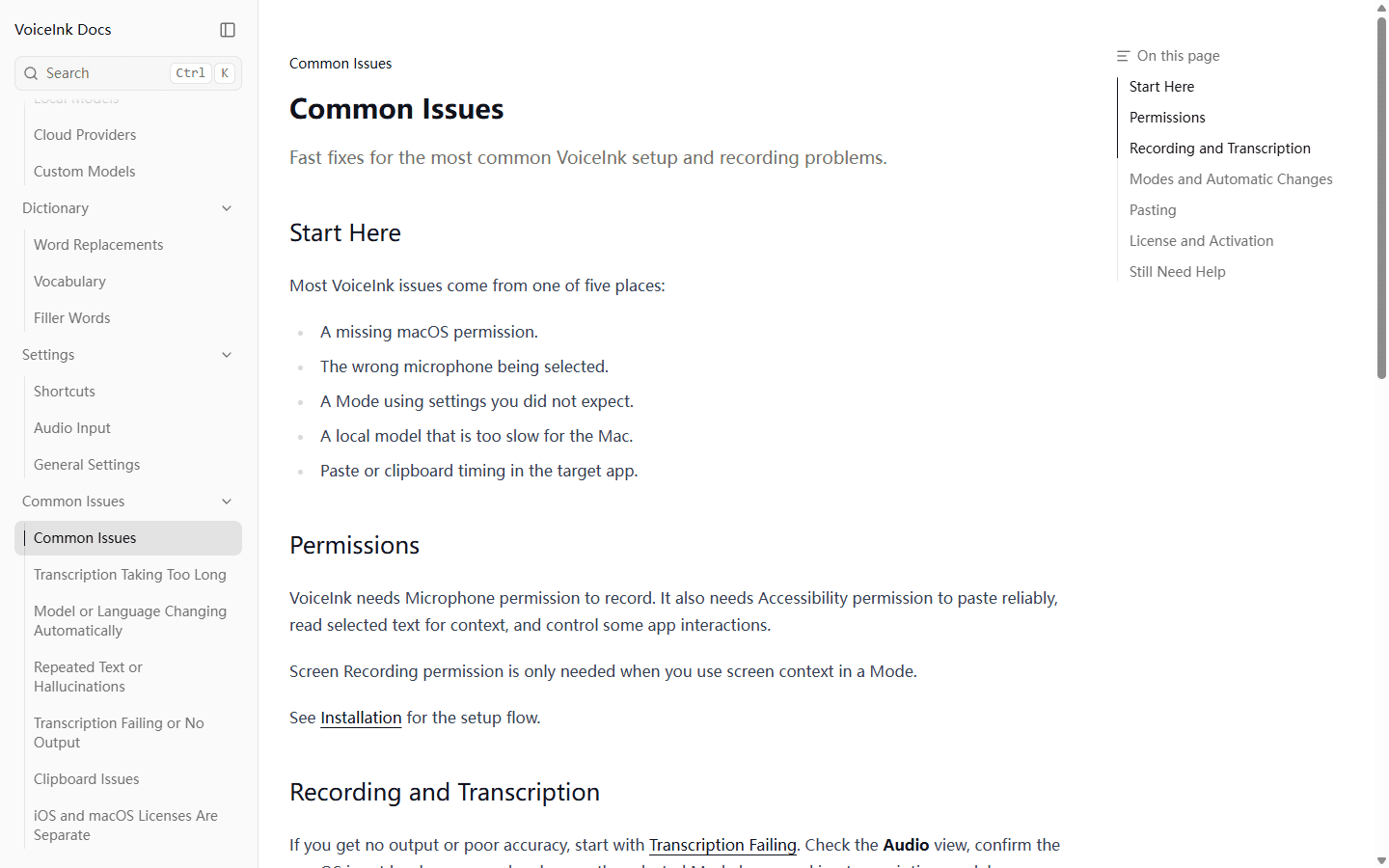
VoiceInk complaints are more mechanical. Users describe local post-recording delay, punctuation commands that require prompt examples, models that are too heavy for a Mac, and text that reaches History but fails to paste into the target app. The official troubleshooting guide independently names permissions, microphone selection, unexpected Mode settings, local model speed, and clipboard timing.
Some older complaints are stale. Early Reddit threads asked for live text and richer workflow control; current VoiceInk releases now support real-time models, modes, context, dictionaries, and multiple providers. I date every complaint before turning it into a buying conclusion.
Reddit also overrepresents technical Mac users and product founders. I use it to find the awkward edge cases that official pages underplay, then verify current capability in docs and reproduce the failure on my machine.
Who each is for
I choose by the burden I am willing to own.
Wispr Flow is easier for a founder, manager, writer, recruiter, support professional, or developer who wants polished voice input without becoming the local speech-model administrator. It is also the practical answer for Windows and Android users.
VoiceInk fits a Mac power user who cares about local audio processing, offline work, model choice, custom routes, and avoiding another subscription. Developers gain the additional benefit of source access and local CLI or custom-provider options.
Neither product fixes a bad microphone, unclear privacy policy, or a team rollout with no owner. I assign someone to document permissions, vocabulary, shortcuts, and escalation before putting dictation into a sensitive workflow.
Choose Wispr Flow
You want polished dictation with little setup, use Windows or Android, switch devices often, or value one vendor owning the whole workflow.
Do not choose Wispr Flow
Audio must stay on your machine, you work offline, you dislike recurring subscriptions, or you want to choose every model and prompt.
Choose VoiceInk
You use an Apple Silicon Mac, care about local processing, enjoy tuning modes, want optional BYOK cloud models, or prefer a one-time license.
Do not choose VoiceInk
You need Windows or Android, expect a Mac license to cover iPhone, use an Intel Mac, or cannot spend time on permissions, models, and paste behavior.
Migration cost
Moving to VoiceInk replaces a vendor bill with a setup bill.
Before switching, I inventory the current shortcut, vocabulary, snippets, cleanup behavior, privacy choices, microphones, target apps, and phone use. I save a small corpus of difficult dictation so memory does not turn the old tool into a saint after cancellation.
Moving from Wispr Flow to VoiceInk means choosing a local model, waiting for the download, granting microphone and Accessibility access, deciding whether screen context is allowed, building Modes, and testing paste timing. Optional cloud models add provider accounts and keys.
Moving back to Wispr Flow is shorter. I transfer the important vocabulary and snippets, then decide which custom VoiceInk behavior I can live without. I also review Private Cloud Sync and Privacy Mode instead of assuming the default fits the data.
Keeping both is defensible when the line is obvious: VoiceInk for private or offline Mac work, Wispr Flow for cross-platform speed. If I hesitate over the hotkey, I have built a worse keyboard.
| Move | What I rebuild | Effort |
|---|---|---|
| Wispr Flow to VoiceInk | Choose and download a local model, recreate dictionary terms and snippets, configure modes, grant macOS permissions, and retest every target app. | Medium to high |
| VoiceInk to Wispr Flow | Move important vocabulary and snippets, replace custom modes with Flow defaults or Command Mode, and review cloud privacy settings. | Medium |
| Keep both | Reserve VoiceInk for private or offline work and Wispr Flow for cross-platform speed; use separate shortcuts that are impossible to confuse. | Low initially, medium over time |
Decision test
I run one ugly week, then keep the app that asks for less recovery work.
I dictate the same 1,000-word set into email, chat, a document, an AI prompt, and one awkward editor. It contains proper names, punctuation commands, numbers, a correction, a list, technical terms, and a noisy recording. Demo-perfect speech is banned.
For VoiceInk, I test the recommended local model before experimenting. I measure model startup, time from releasing the shortcut to pasted text, corrections, CPU pressure, and failed pastes. Then I repeat one subset with a cloud provider to learn whether the local route is causing the pain.
For Wispr Flow, I test normal dictation, Command Mode, weak Wi-Fi, every required device, and the privacy settings I would actually keep. I record any moment where the service changes meaning while cleaning my speech.
At the end of the week, I total correction minutes, delays, failures, setup time, software cost, and provider cost. Wispr Flow wins when the managed default saves more time than the subscription costs. VoiceInk wins when the local route is fast enough and ownership is worth the tuning.
FAQ
Questions I hear about Wispr Flow vs VoiceInk
Is VoiceInk better than Wispr Flow?
I think VoiceInk is better for Apple Silicon users who want local transcription, open source code, custom models, and a one-time license. Wispr Flow is better when low setup, Windows, Android, and consistent cross-device behavior matter more.
Is VoiceInk really free and open source?
The VoiceInk source code is available under GPLv3, so an experienced user can build it. The ready-to-use compiled Mac app is commercial and starts at $25 once, adding automatic updates and support.
Does VoiceInk work offline?
Yes. VoiceInk can use local models such as Parakeet and Whisper without sending audio to a cloud provider. Optional cloud transcription and AI enhancement are separate routes that you configure yourself.
Does VoiceInk work on Windows or Android?
The Beingpax VoiceInk compared here is a macOS product requiring Apple Silicon and macOS 14.4 or later. It has a separate iOS app, but it does not provide Windows or Android coverage like Wispr Flow.
Which is cheaper, Wispr Flow or VoiceInk?
VoiceInk is cheaper over time if one of its Mac licenses fits: $25 once for one Mac, $39 for two, or $49 for three. Wispr Flow Pro costs $15 monthly or $144 annually in USD but includes broader platform coverage and a managed cloud workflow.
Sources
Product pages and discussions I checked for this comparison
- Wispr Flow homepage
- Wispr Flow plans and pricing
- Wispr Flow privacy controls
- Wispr Flow supported devices
- VoiceInk homepage
- VoiceInk pricing
- VoiceInk documentation
- VoiceInk common issues
- VoiceInk source code
- Reddit: Wispr Flow alternatives and VoiceInk latency
- Reddit: VoiceInk punctuation behavior
- Reddit: original VoiceInk launch discussion


