 SwitchMyTool

My working verdict
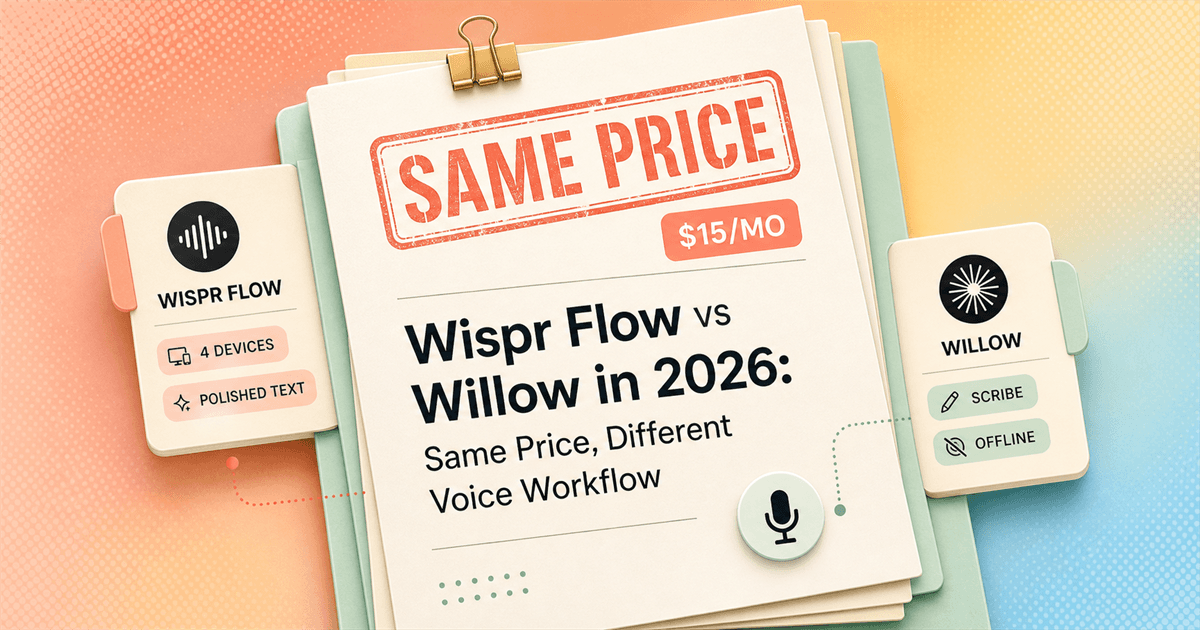
The price is a tie. I choose between a dictation system and a writing assistant.
- I choose Wispr Flow when I need the same polished dictation habit across Mac, Windows, iPhone, and Android.
- I choose Willow when Scribe, style memory, or an optional offline mode matters more than Android support.
- I do not pick on the demo sentence. I pick the tool that creates fewer corrections in email, chat, technical writing, and mobile use.
A wispr flow vs willow comparison looks easy until I open both pricing pages. The personal Pro plans currently cost the same: $15 monthly or $144 annually in USD. That removes the lazy conclusion. I cannot call one the budget pick and go home early.
The real decision appears after I stop speaking. Wispr Flow is built to turn a messy sentence into clean text with minimal ceremony. Willow can do that too, but Scribe pushes further: I can describe the message I need, select existing text, or ask for a different structure and let the app write rather than merely transcribe.
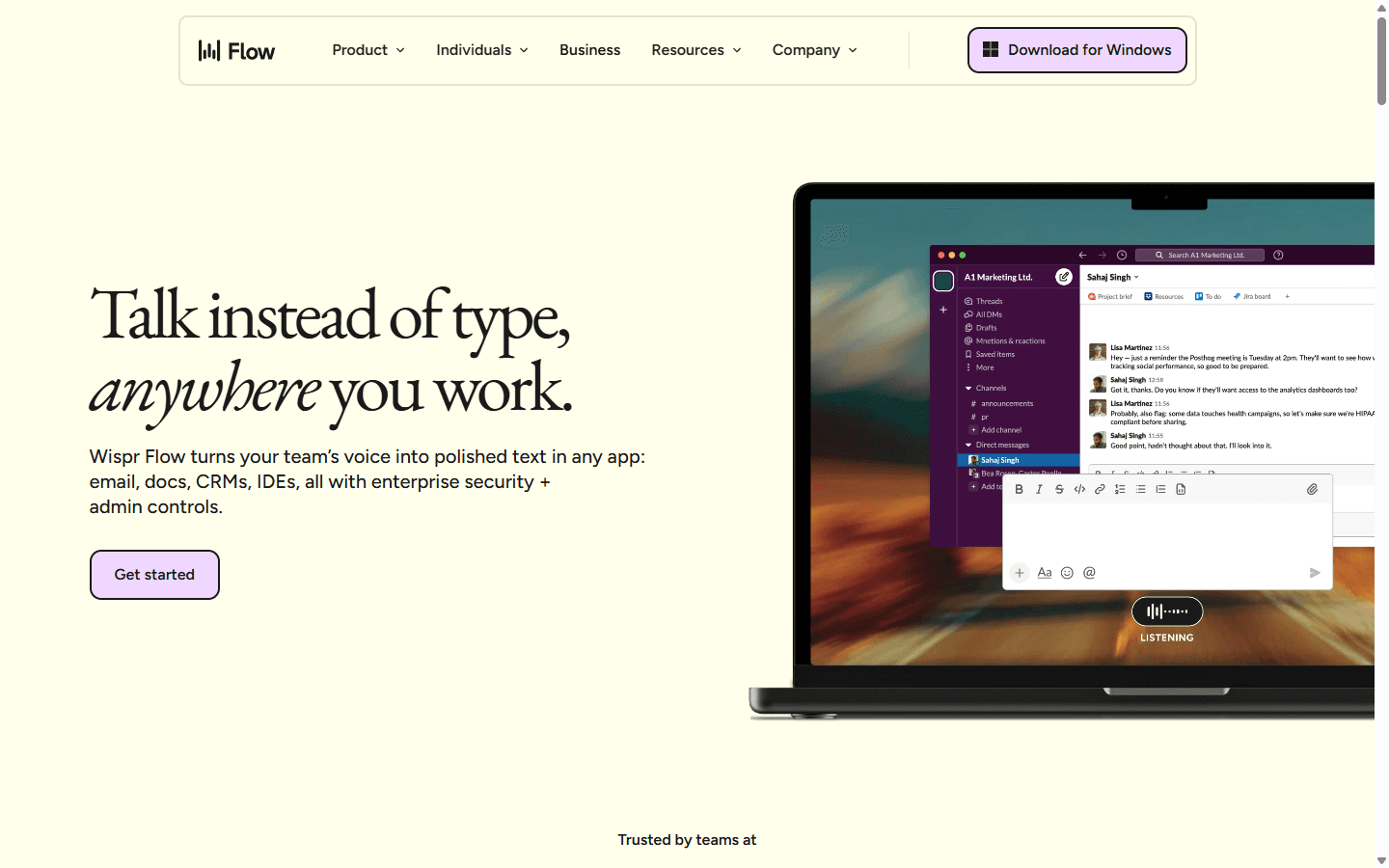
If neither feels right, my Wispr Flow alternatives guide compares local, cheaper, and cross-platform options. This page stays focused on two hosted products that compete at almost exactly the same price.
My verdict
Wispr Flow is the safer default. Willow has the more interesting ceiling.
Wispr Flow is easier for me to recommend without knowing a person's exact writing routine. It covers four major platforms, handles punctuation and formatting automatically, reads useful nearby context when enabled, and gives me a single shortcut that behaves consistently enough across normal work apps.
Willow becomes more compelling when writing is the bottleneck rather than typing. Scribe lets me speak an intent such as a customer reply, then turns it into a complete message. Style memory, dictionary terms, and voice shortcuts can make repeated communication feel less generic over time.
The risk is that helpful interpretation can cross the line into unwanted rewriting. I want Willow for drafts and transformations. I am more cautious when I need literal wording, code, quoted language, or an exact record of what I said.
| Decision | Winner | Why I pick it |
|---|---|---|
| Best default for four devices | Wispr Flow | It currently covers Mac, Windows, iPhone, and Android with one account and one familiar workflow. |
| Best for turning intent into a finished message | Willow | Scribe is explicitly designed to write from a rough instruction, then edit, shorten, translate, or restructure selected text. |
| Best Android option today | Wispr Flow | Willow lists Android as coming soon, while Flow already ships an Android app. |
| Best offline route | Willow | Willow now advertises an optional on-device offline mode. Flow requires an internet connection for transcription. |
| Best established context handling | Wispr Flow | Flow has detailed app-aware behavior for email, messaging, Notion, AI chats, and supported code editors. |
| Lowest personal Pro price | Tie | Both currently list $15 month to month or $12 per month on annual billing in USD. |
Daily use
Both remove typing. They remove different amounts of thinking.
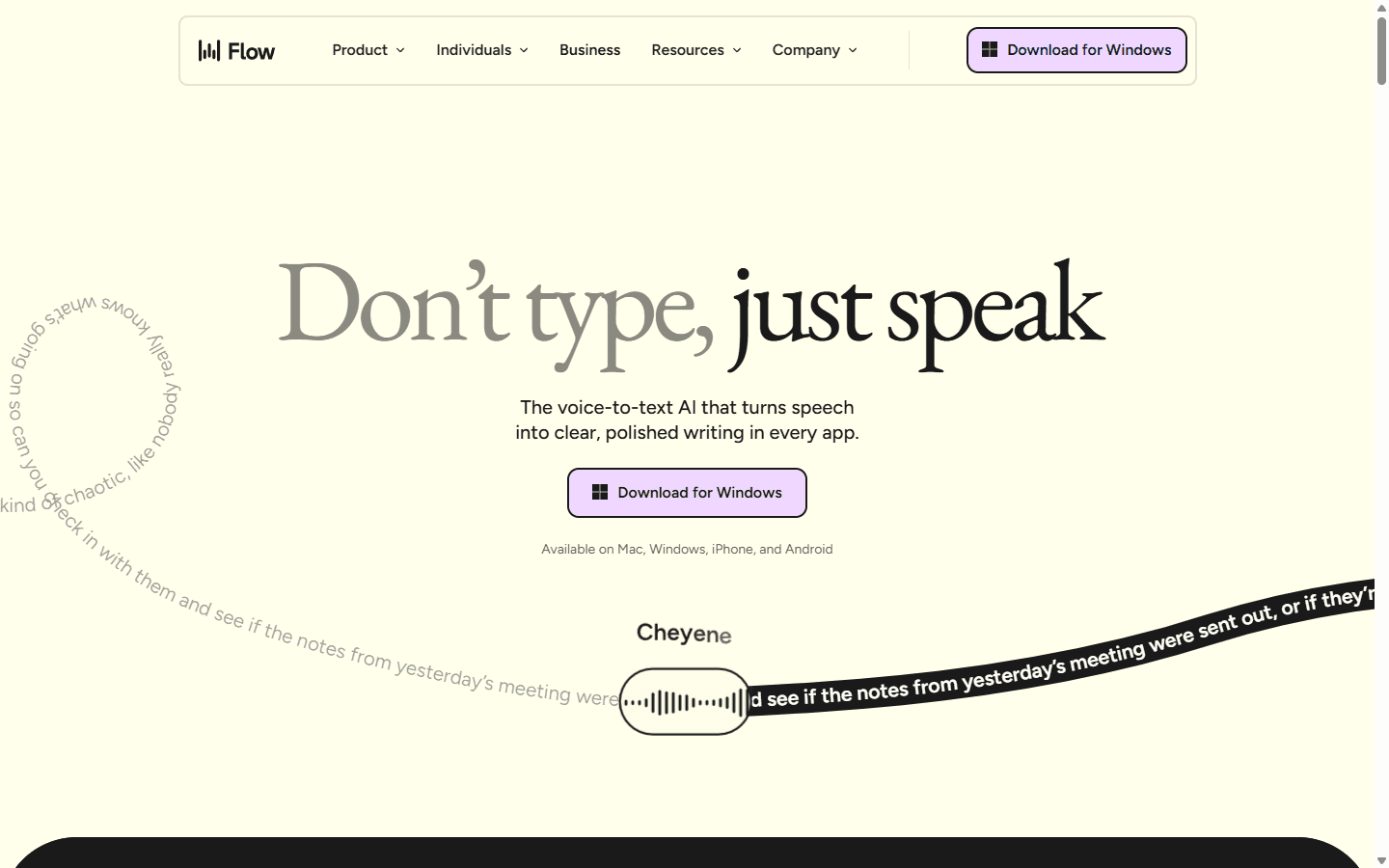
My normal Wispr Flow loop is short: focus a text field, hold the shortcut, speak naturally, release, and scan the result. The cleanup is the product. It removes filler, finds punctuation, and adjusts the output to the app instead of making me select a writing mode before every sentence.
That makes Flow especially good for high-volume fragments: Slack replies, short emails, issue notes, prompts, comments, and the paragraph I need to add before I lose the thought. The app stays out of the way until a connection problem or a bad correction makes it visible again.
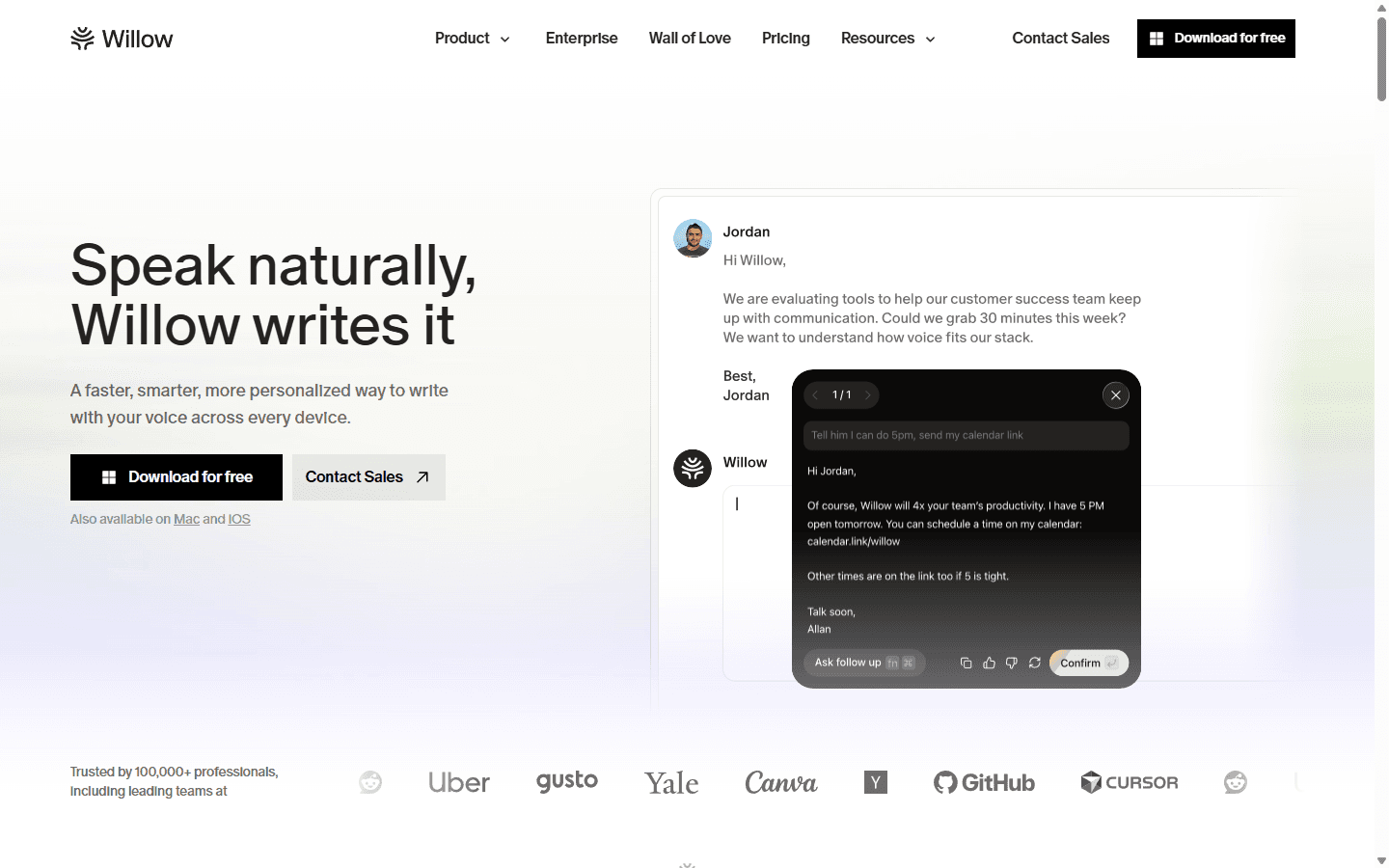
Willow's plain dictation loop feels familiar, but Scribe changes how I approach a blank field. Instead of composing a polished email in my head, I can say who it is for, what must be included, and the tone I want. Willow writes the message where I am already working.
I like that split because it gives the product two jobs. Dictation handles words I have already chosen. Scribe handles the moments when I know the outcome but do not want to assemble every sentence. The catch is obvious: the second job gives the model more authority over my meaning.
Speed and output
Willow often feels faster. Wispr Flow is easier to trust without watching it.
Willow advertises text appearing in as little as 200 milliseconds, and speed is the praise I see most consistently in community comparisons. In short messages, fast insertion matters more than an abstract accuracy score. A half-second of hesitation repeated fifty times becomes a product decision.
Wispr Flow still feels quick enough for my normal rhythm, and its advantage is the shape of the finished text. Paragraph breaks, capitalization, punctuation, app category, surrounding words, and known names can influence the output. In email and work messaging, that often saves a correction even when raw transcription is not visibly faster.
I test accuracy with my actual failure vocabulary: colleague names, product terms, abbreviations, file names, numbers, and a sentence where I correct myself halfway through. Both tools offer dictionaries. The useful metric is not word error rate from a clean script; it is how often I reach for the keyboard after speaking naturally.
Scribe and commands
Willow writes from intent. Flow edits what is already there.
Willow documents two distinct modes. Dictation is the word-for-word route. Scribe can draft from a rough instruction, rewrite selected text, translate it, shorten it, add a missing detail, or restructure a wall of prose into paragraphs and bullets. Personal and team shortcuts can supply recurring links, addresses, templates, and company language.
Wispr Flow Pro answers with Command Mode and Transforms. I can select text and ask for an edit, or run a reusable transformation. The feature set is strong, but Flow still feels dictation-first to me. Willow makes the assistant layer more central to the product story.
For support, recruiting, sales, and management, Scribe's emphasis makes sense. For a legal quote, a shell command, or wording that must remain mine, I keep the assistant on a shorter leash. A smart rewrite that changes intent is slower than typing because I have to notice the change first.
Privacy and offline use
Neither privacy page fits into one reassuring badge.
Wispr Flow uses cloud transcription and requires an internet connection. Its Privacy Mode controls whether dictation content is used to evaluate, train, or improve models. Private Cloud Sync is a separate control that governs server storage for audio, transcripts, history, and related context. I review both settings instead of assuming one privacy toggle covers everything.
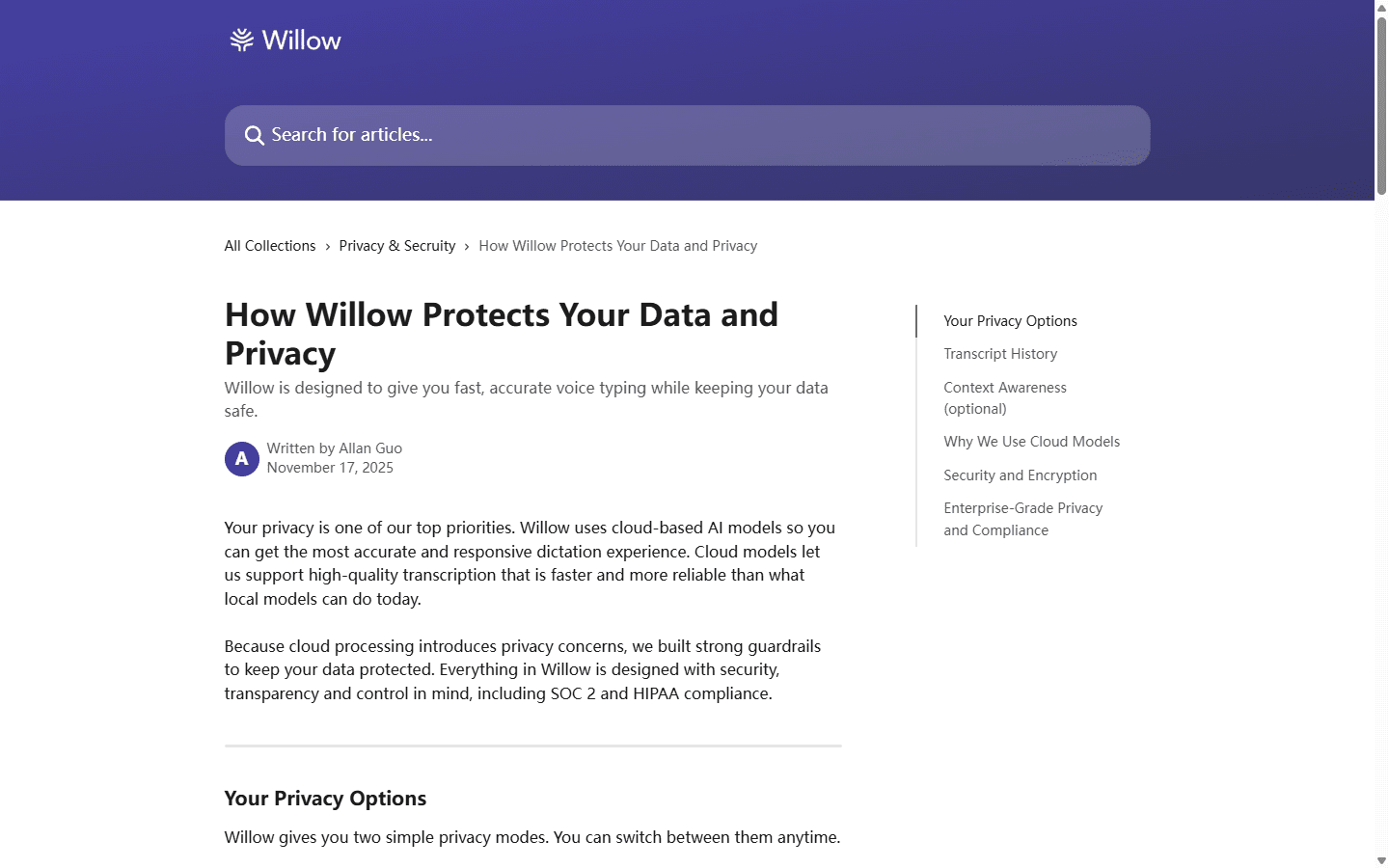
Willow also uses cloud models for its fastest, highest-accuracy route. Its documented Private Mode is the default and says dictated text, contextual awareness data, and audio are not stored on Willow's servers. Transcript history remains on the device. Context Awareness is optional and can read nearby text without storing it.
Willow now advertises an Offline Mode powered on-device. That is the clearest architectural advantage in this comparison, but I still test it on the exact device, language, microphone, and vocabulary I plan to use. A local fallback is only valuable if its latency and corrections remain acceptable during real work.
Platform support
Android is the cleanest reason to choose Wispr Flow today.
Flow currently supports Mac, Windows, iPhone, and Android. That matters to me because a dictation habit becomes valuable when the same shortcut logic follows me from a desk to a phone. The Android app has its own overlay and accessibility requirements, but it exists now rather than on a roadmap.
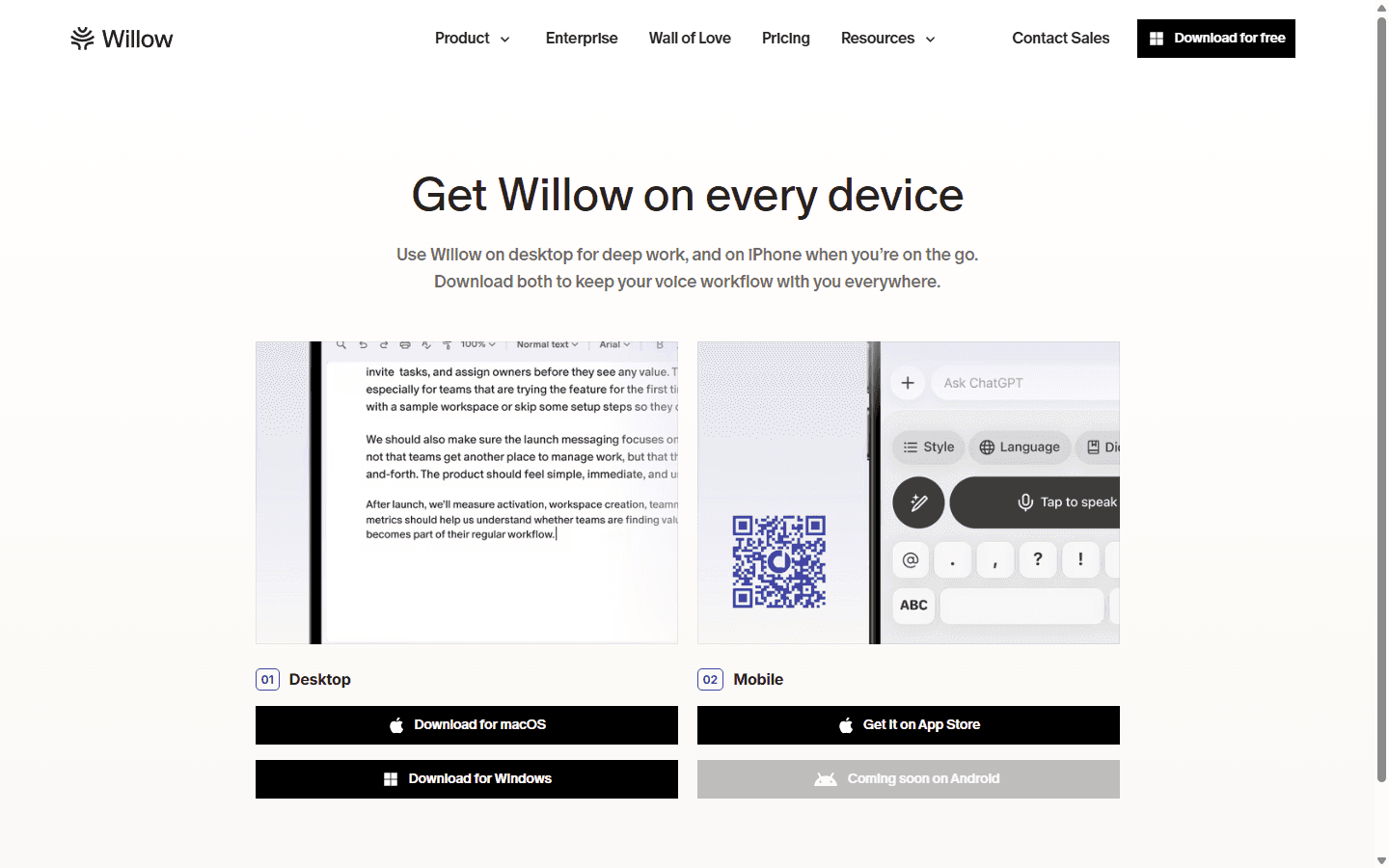
Willow currently offers Mac, Windows, and iPhone. Its download page marks Android as coming soon. I do not treat a future button as a shipping platform, so an Android-heavy workflow ends this comparison quickly.
The reverse edge is Willow's offline option on supported devices. Flow's broad coverage remains cloud-dependent. A traveler, clinician, developer behind restrictive networking, or anyone with unreliable Wi-Fi may prefer fewer platforms if one of them keeps working without a connection.
Pricing
The paid bill is identical. The free plans are not.
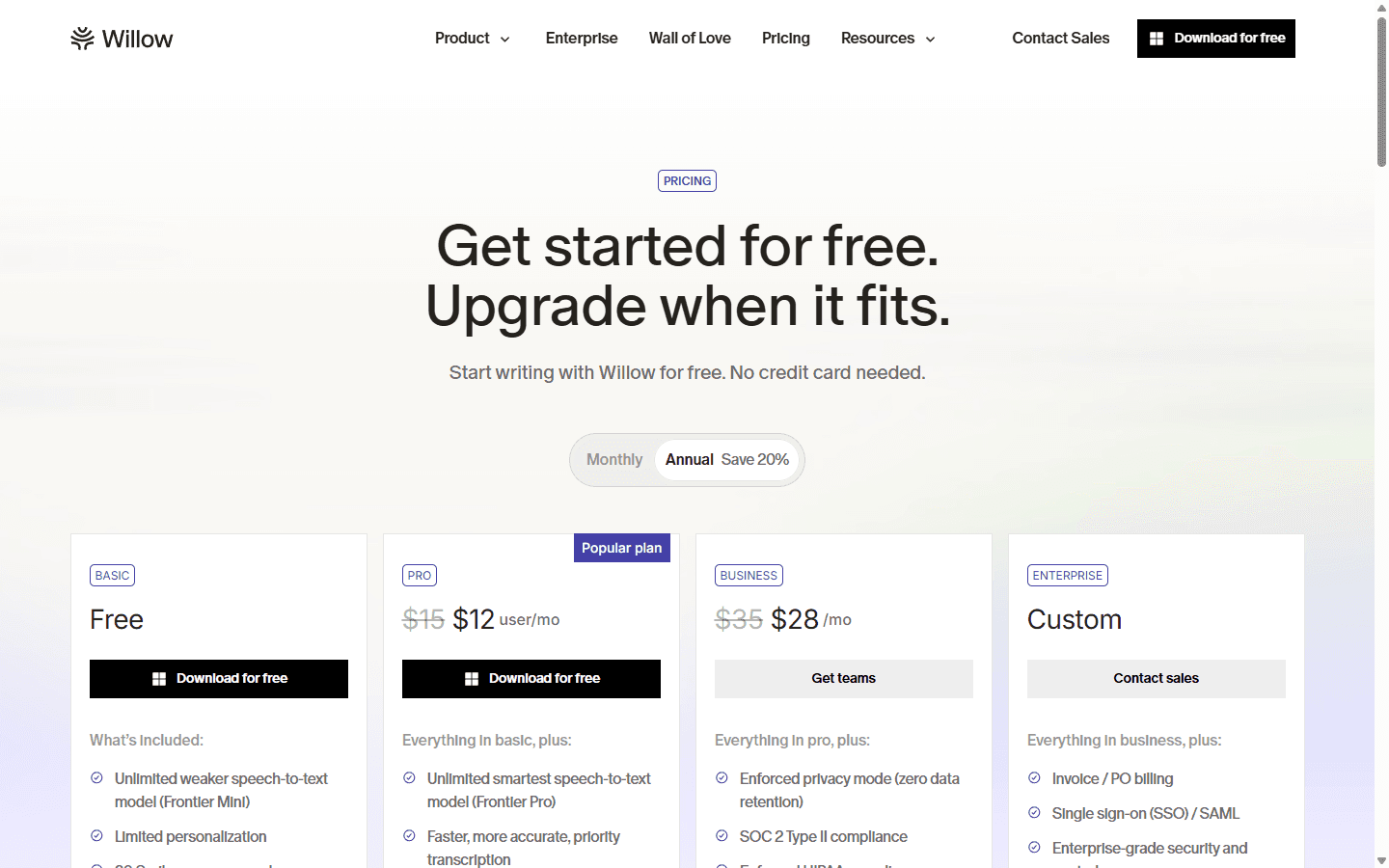
Both individual Pro plans currently list $15 per month or $12 per month on annual billing. That means $144 for a year either way. I would not move from Wispr Flow to Willow to save money, because there is no meaningful personal Pro saving to collect.
Flow Basic uses weekly word limits that vary by platform. Willow Basic takes a different route: unlimited use of its weaker Frontier Mini speech model, limited personalization, and 20 Scribe uses per week. The fair free-plan test is whether Willow's weaker model is good enough for my voice or whether Flow's stronger shared engine is worth rationing.
On Pro, Flow sells unlimited words, Command Mode, early access, prioritized support, and 100-plus languages. Willow sells its Frontier Pro model, faster priority transcription, smart memory of writing style, unlimited Scribe, and longer dictation. Same invoice, different center of gravity.
| Plan detail | Wispr Flow | Willow |
|---|---|---|
| Free entry | Basic plan with weekly word limits that vary by platform | Unlimited use of the weaker Frontier Mini model, limited personalization, and 20 Scribe uses per week |
| Monthly Pro | $15 per month | $15 per month |
| Annual Pro | $144 per year ($12 per month) | $144 per year ($12 per month) |
| Main paid upgrade | Unlimited words, Command Mode, early features, prioritized support, and 100+ languages | Frontier Pro, faster priority transcription, style memory, unlimited Scribe, and longer dictation |
| Team starting point | Business and Enterprise options | Team Pro requires at least three seats; Enterprise is custom |
Reddit complaints
The complaints reveal where each product takes control away.
The useful part of Reddit is not the winner count. It is the failure language. Willow users praise speed, then complain when the assistant interprets a word as an instruction or rewrites more than expected. That tells me to test literal words such as delete, replace, quote, slash, and cancel before trusting the keyboard in editing work.
Wispr Flow complaints cluster around paying every month, requiring a stable connection, and occasional reports of slow or inconsistent output. Those reports tell me to test through my normal VPN, on weaker Wi-Fi, and during long dictations before an annual purchase.
I also discount suspiciously perfect reviews and founder replies that turn every comparison into a launch post. Community discussion is best at finding edge cases. Official documentation is still where I verify features, prices, platform support, and privacy controls.
Workflow fit
I choose by the failure I can tolerate, not the feature I can demo.
Choose Wispr Flow
You use Android, move between four platforms, want strong app-aware cleanup, or prefer a mature default that asks for fewer workflow decisions.
Do not choose Wispr Flow
You need offline transcription, work behind a VPN that cannot exempt Flow, dislike separate privacy and cloud-sync controls, or want the assistant to draft from intent rather than mainly clean dictation.
Choose Willow
You write lots of email and Slack messages, want Scribe to turn rough intent into finished copy, value style memory, or need an optional offline path on supported devices.
Do not choose Willow
Android is part of your daily workflow, you need strictly literal transcription at all times, frequent product changes disrupt your setup, or you do not want an assistant interpreting words as editing commands.
For a mixed-device operator, Flow is simpler. For a communication-heavy professional who wants help finding the words, Willow is more ambitious. For sensitive or unreliable-network work, Willow's offline route deserves a serious trial. For Android, the decision currently belongs to Flow.
Neither product is my first recommendation for someone who wants an open-source local stack, a one-time license, or complete model control. That reader should start with the alternatives guide rather than forcing two subscription products to solve the wrong problem.
Migration cost
The subscription is easy to replace. The learned behavior is not.
A switch is more than installing another microphone button. My dictionary contains names, products, acronyms, and phrases the model used to get wrong. My snippets or shortcuts contain boilerplate I no longer remember typing. My thumb and little finger know a hotkey before my conscious brain does.
Moving from Flow to Willow means rebuilding that vocabulary, deciding which snippets become Shortcuts, setting Scribe and dictation bindings, reviewing Private Mode and Context Awareness, and giving style memory enough real writing to become useful. I budget one focused setup session, then several days of correction logging before I decide.
Moving back to Flow means translating Scribe habits into Command Mode or Transforms, rechecking app-specific formatting, and configuring Privacy Mode plus Cloud Sync. The practical migration cost is medium in either direction because the price and core dictation habit stay familiar while the assistant behavior changes.
| Move | Work involved | Cost |
|---|---|---|
| Wispr Flow to Willow | Move names and jargon into Willow's dictionary, rebuild snippets as Shortcuts, set hotkeys, choose privacy and context settings, then teach style memory with real work. | Medium |
| Willow to Wispr Flow | Recreate dictionary terms and snippets, map Scribe habits to Command Mode or Transforms, review Privacy Mode and Cloud Sync, then retest formatting per app. | Medium |
| Keep both for a week | Assign different shortcuts, run the same email, technical note, list, and mobile message through both, then compare correction time instead of demo quality. | Low initially |
My decision rule
Run four ugly dictations, then count the repairs.
I use one interrupted customer email, one Slack update with names, one technical paragraph with file or product terms, and one mobile message. I speak naturally, including corrections and filler. Then I compare insertion delay, wrong words, formatting repairs, tone changes, and whether either app silently changed my meaning.
Willow wins if Scribe removes a separate drafting step and the offline route performs well enough on my hardware. Wispr Flow wins if its app awareness and four-platform continuity reduce more friction than Willow's assistant layer removes.
My default recommendation remains Wispr Flow for the broadest audience. My more interesting recommendation is Willow for people who spend the day turning rough intent into polished communication. At the same price, the winner is the tool that leaves less work after the text appears.
FAQ
Common questions about Wispr Flow vs Willow
Is Willow better than Wispr Flow?
I prefer Willow when Scribe, style memory, or offline use matters most. I prefer Wispr Flow when Android support, four-device continuity, and mature app-aware formatting matter more. Neither is universally better because their current personal Pro prices are effectively identical.
Which is cheaper, Wispr Flow or Willow?
Neither has a meaningful personal Pro price advantage in USD. Both currently list $15 monthly or $12 per month on annual billing, which is $144 per year. Their free plans and included features differ, so I compare the workflow before the bill.
Does Willow work offline?
Willow's current product pages advertise an optional Offline Mode powered on-device. Its primary high-accuracy experience still uses cloud models, so I verify the offline model on my exact device and language before relying on it for travel or sensitive work.
Can Wispr Flow work offline?
No. Wispr Flow's current documentation says voice transcription requires an internet connection. It can preserve some failed mobile dictations for retry, but that is not offline transcription.
Does Willow work on Android?
Not yet according to Willow's current download page. Willow offers Mac, Windows, and iPhone, while Android is marked as coming soon. Wispr Flow already supports Android alongside Mac, Windows, and iPhone.
Sources
Product pages and discussions I checked for this comparison
- Wispr Flow homepage
- Wispr Flow for Business
- Wispr Flow plans and pricing
- Wispr Flow Context Awareness
- Wispr Flow privacy and compliance
- Willow homepage
- Willow pricing
- Willow downloads
- Willow Scribe guide
- Willow privacy guide
- Reddit: dictation speed and Willow update discussion
- Reddit: Willow literal dictation complaint
- Reddit: whether Wispr Flow is worth the subscription


