 SwitchMyTool

My verdict
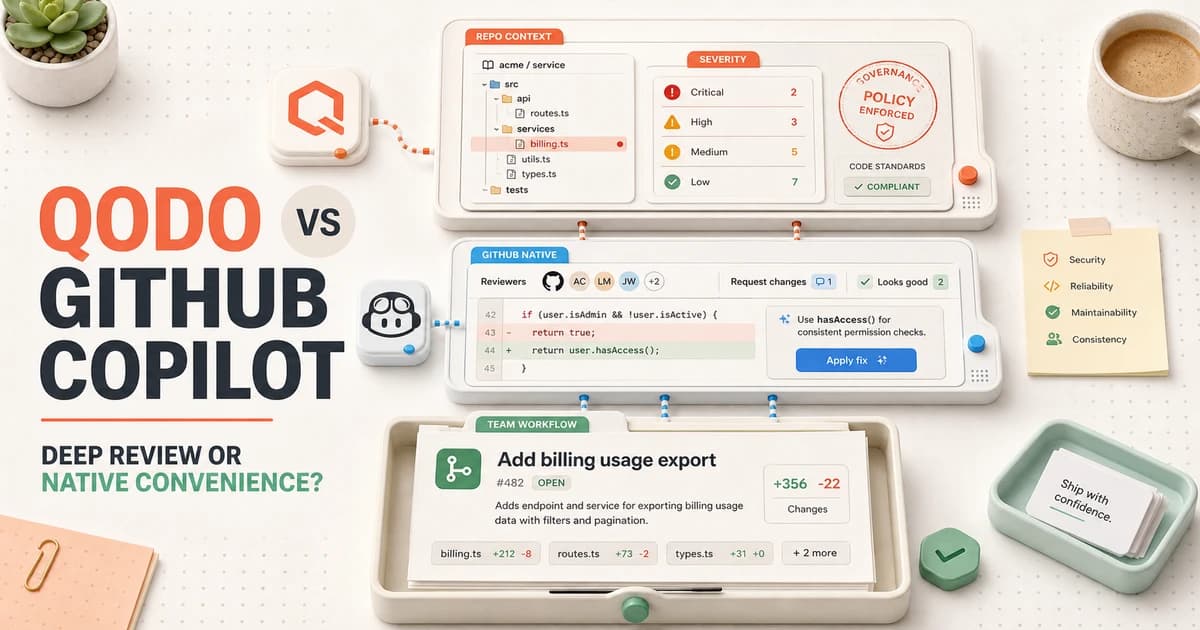
Qodo is the better specialist. GitHub Copilot is the easier default.
I choose Qodo when code review itself is the product decision. Its multi-agent workflow is built to understand more than a diff, rank findings by consequence, apply repository standards, and connect a pull request to history, architecture, and related repositories. That depth earns its keep in a mature platform where a small change can break a contract somewhere else.
I choose GitHub Copilot when the team already lives in GitHub and wants useful review without introducing another vendor. Assigning Copilot as a reviewer feels like adding a familiar teammate. It can comment quickly, suggest an applicable fix, follow repository instructions, and work across GitHub, the CLI, mobile, and supported editors.
The convenience has a ceiling. Copilot always leaves a Comment review. It cannot approve the pull request, request changes, satisfy a required approval, or block a merge by itself. Qodo also stays in the assistant role, but it gives me better tools for organizing review depth, severity, and governance.
My practical verdict in qodo vs GitHub Copilot is simple: buy Qodo for review intelligence, buy Copilot for workflow consolidation, and keep humans responsible for the merge.
If neither choice fits, my guide to Qodo alternatives compares seven review workflows, including specialist context tools, GitHub-native options, and deterministic quality gates.
The real difference
Qodo is a review system. Copilot is a coding system that also reviews.
Feature lists blur the distinction because both tools review pull requests, use repository context, support instructions, suggest fixes, and react to new work. The difference appears in what the product asks me to manage.
Qodo asks me to manage review quality. I choose effort, tune severity and verbosity, define guidelines, control where findings appear, and decide how the system should use cross-repository context. Specialized agents inspect different dimensions, then a judge process combines and prioritizes the output. The product is trying to make review consistent across a codebase and, eventually, across an organization.
Copilot asks me to manage one assistant across the development lifecycle. The same subscription supports chat, completion, agents, CLI work, and code review. That is attractive when vendor sprawl is the problem. It is less attractive when I need a clean review budget or an independent reviewer with a very different operating model from the tool that helped write the code.
Neither architecture guarantees better comments. A specialist can still be noisy. A general assistant can still catch the bug everyone missed. I compare accepted findings and cleanup time, not product category.
At a glance
Qodo vs GitHub Copilot feature comparison
| Decision | Qodo | GitHub Copilot |
|---|---|---|
| Primary strength | A dedicated review platform built around multi-agent analysis, repository context, severity, standards, and governance. | A GitHub-native reviewer bundled into a broader coding assistant that many developers already use. |
| Review surface | Pull requests plus Qodo's wider code quality and governance workflow. | GitHub.com, GitHub CLI, GitHub Mobile, VS Code, Visual Studio, and other supported editor surfaces. |
| Context | Full-repository history, standards, architecture, review effort, and optional cross-repository relationships. | Repository instructions, path-specific instructions, agent skills, MCP servers, and optional deeper project context. |
| Comment behavior | Ranks findings by severity, filters overlap, and can maintain a persistent review as commits arrive. | Leaves a Comment review with ready-to-apply suggestions; it does not approve, request changes, or block a merge. |
| Price shape | Pro Team starts at $30 with pooled credits, a 14-day trial, no permanent free tier, and customer-controlled overage. | Code review is included on paid Copilot plans, but the feature consumes shared GitHub AI Credits and some agentic work can use Actions minutes. |
| Best fit | Teams that need a specialist reviewer for connected repositories, standards, risk ranking, and review governance. | GitHub-centered teams that value fast rollout, fewer vendors, and one assistant across writing, reviewing, and fixing code. |
Qodo has the more deliberate review controls. GitHub Copilot has the more convenient distribution. The table does not tell me which one developers will trust after the tenth pull request, so I do not make the purchase from a polished demonstration.
I use historical regressions, current feature work, dependency changes, tests, configuration, and one awkward cross-file change. If a reviewer only shines on planted null checks, I have learned that it can recognize a demo, not that it understands my system.
Review workflow
Copilot wins the first five minutes. Qodo can win the next six months.
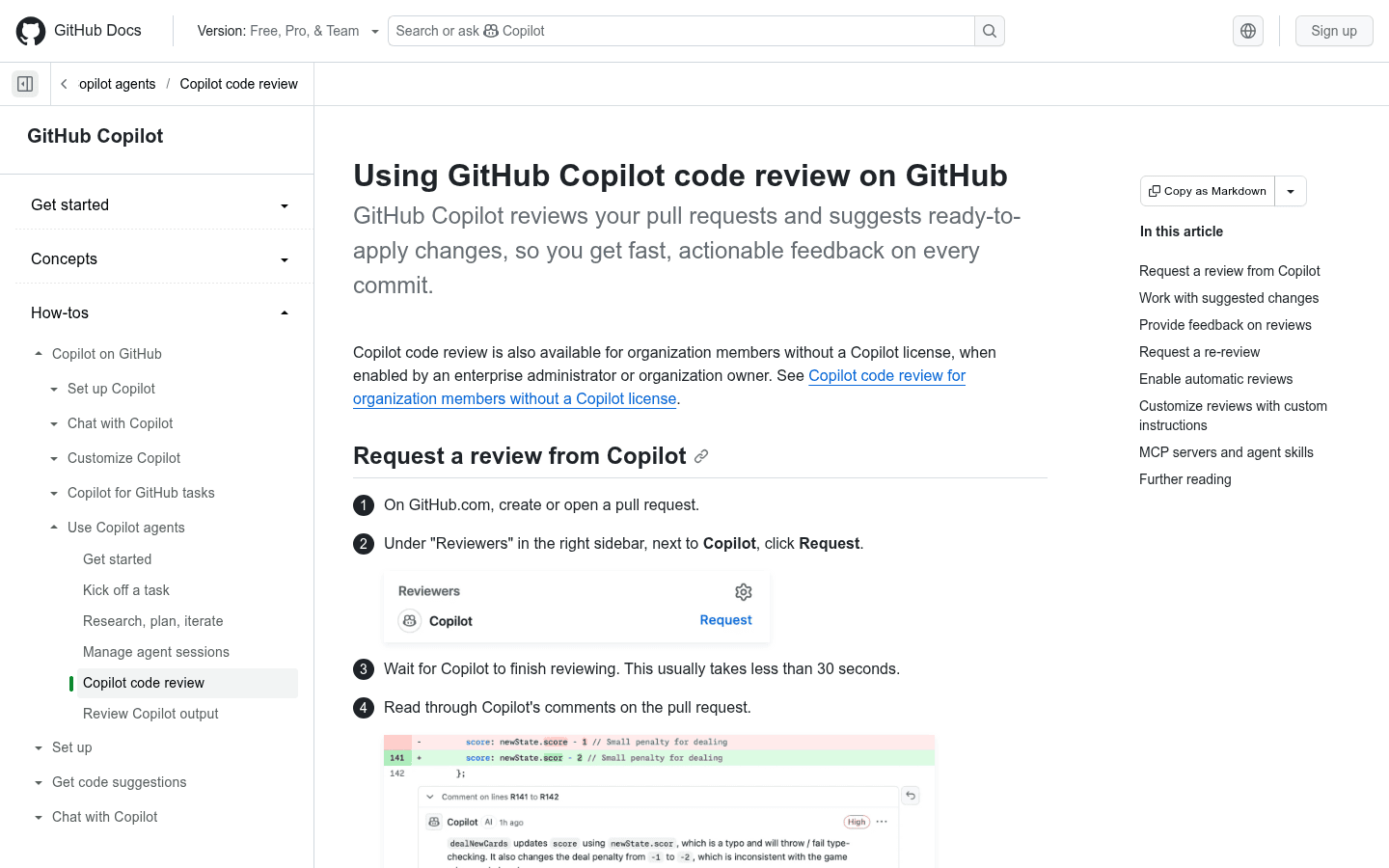
GitHub's native loop is hard to beat. I open a pull request, request Copilot under Reviewers, wait for the review, then read comments or apply a suggested change. GitHub says the initial pass usually finishes in under thirty seconds. Automatic review can remove the manual request step.
That speed makes adoption easy. There is no separate review dashboard to teach, and the developer already understands comments, suggestions, and re-review requests. Organization owners can also enable code review for members without assigning a full Copilot license, which can simplify a focused rollout.
The tradeoff is policy. A Copilot review is always informational. I still need branch protection, required human approvals, tests, static analysis, and security checks to enforce the floor. I also need to decide whether automatic re-review runs on every push or only at useful milestones.
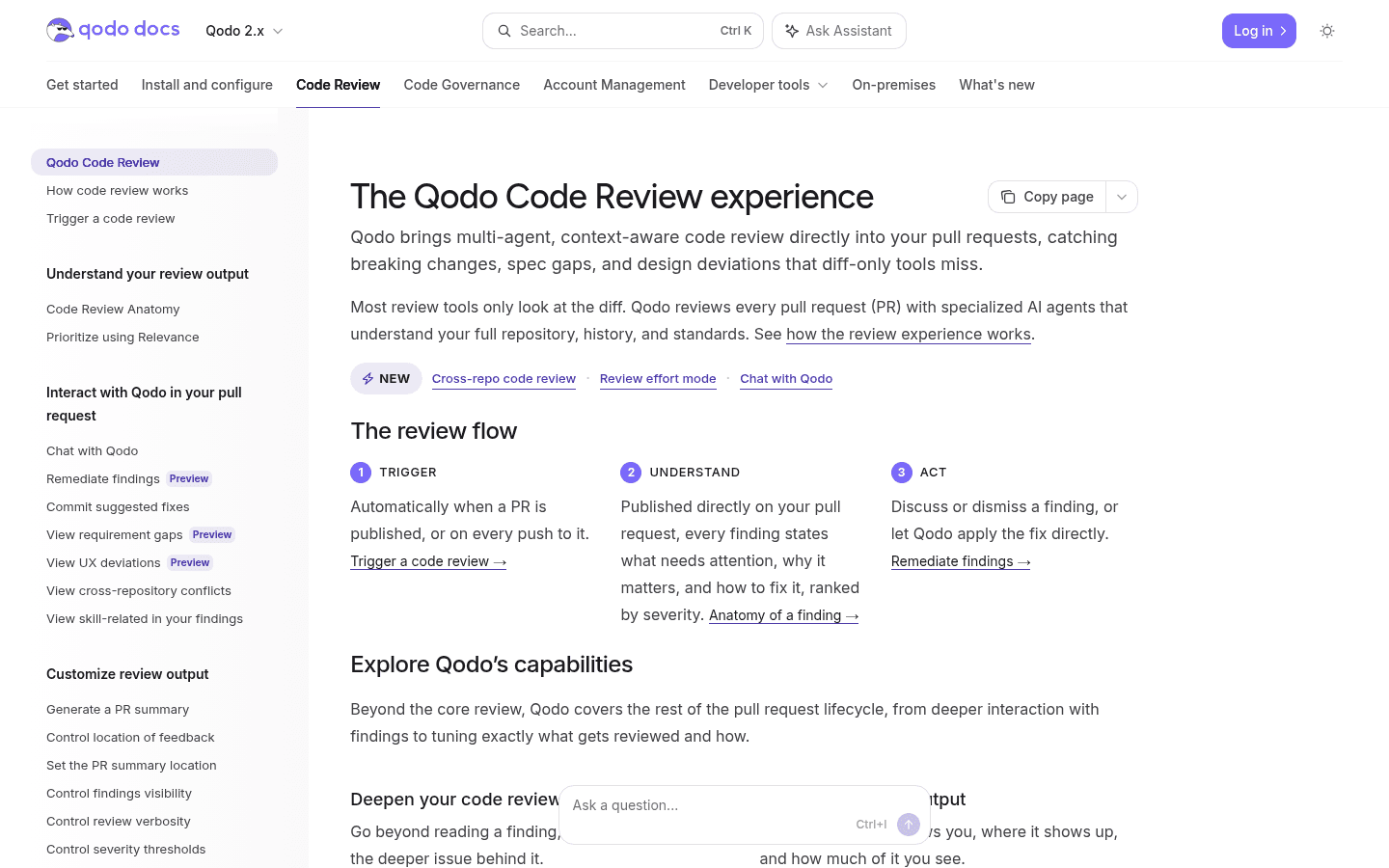
Qodo's loop takes more explanation, but it gives me a stronger vocabulary for review effort and finding quality. It can trigger automatically when a pull request opens or changes, update findings after new commits, rank them by severity, and keep a persistent review coherent as the pull request evolves.
Context and instructions
More context helps only when the repository contains the truth.
Qodo makes the stronger context claim. Its current documentation describes full-repository review, history, standards, architecture, review-effort controls, and cross-repository analysis. I value that on service platforms, shared schemas, generated clients, data migrations, and code where the visible diff is only the first link in the chain.
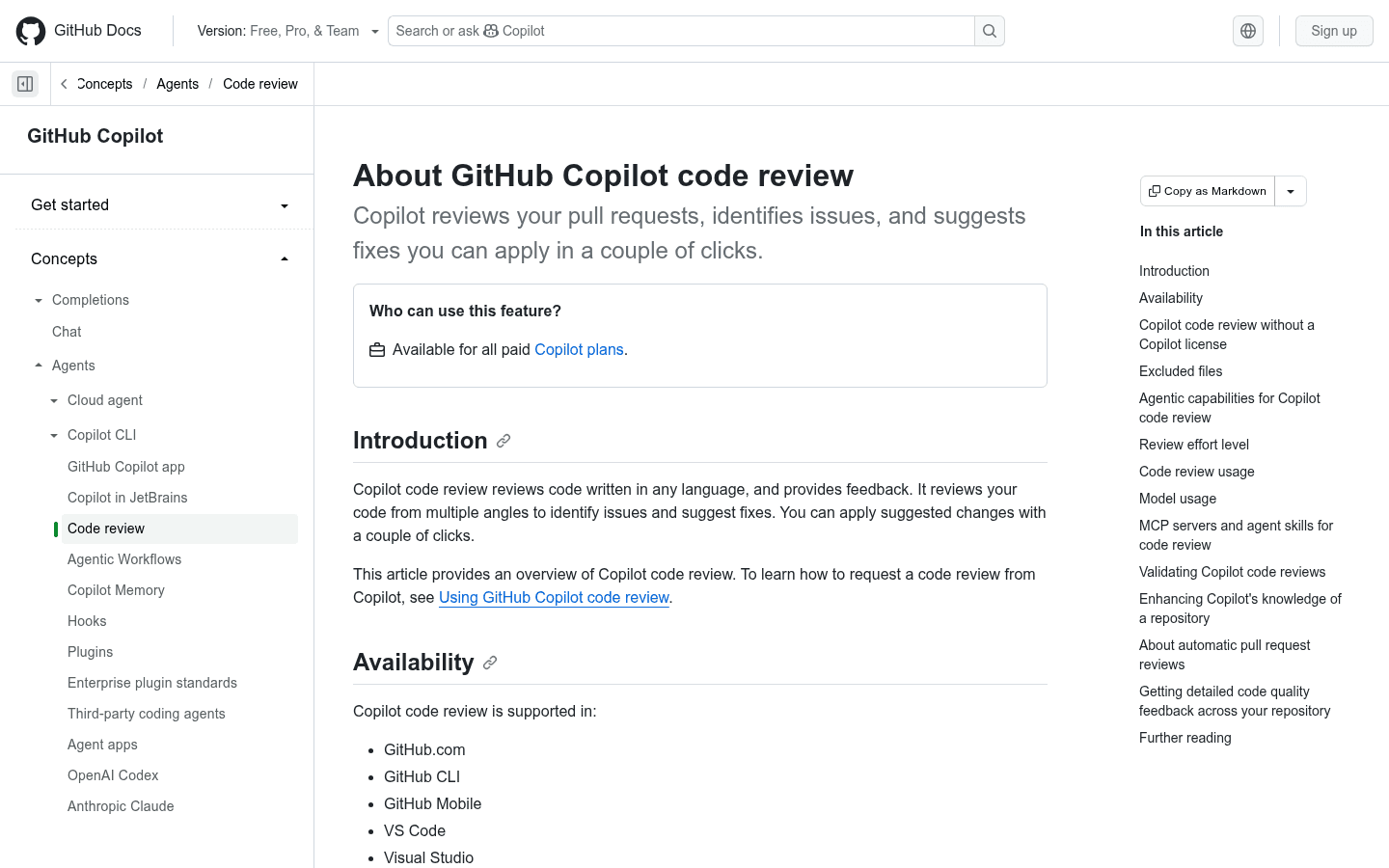
GitHub Copilot has closed part of the gap. I can provide repository-wide instructions, path-specific instructions, agent skills, and MCP servers. Deeper project context can make the reviewer more agentic, although that workflow adds setup and may use GitHub Actions infrastructure.
The uncomfortable truth is that both tools fail when the important rule exists only in someone's head. A model can see that two functions disagree. It cannot know that an old customer contract requires the strange branch unless the codebase explains it.
- Write instructions as testable constraints instead of broad preferences.
- Put business invariants in tests, architecture notes, or comments near the affected code.
- Exclude generated files, lockfiles, logs, and vendor code unless they are the purpose of the change.
- Send formatting and simple style enforcement to deterministic linters.
- Require a finding to cite impact, evidence, and the smallest safe fix.
Comments and trust
A technically correct comment can still make the team slower.
Review noise is not a minor interface problem. If a bot repeats lint output, proposes unrelated refactors, and raises weak edge cases on every pull request, developers learn to skim. The rare critical finding then arrives through a channel the team has trained itself to ignore.
Qodo's severity ranking, specialized agents, and combined judgment are the features I test hardest. I want five findings ordered by consequence, not twenty observations ordered by line number. Persistent review comments can also keep a long-running pull request readable instead of leaving a new trail after every push.
Copilot's advantage is familiarity. A suggestion appears like a normal GitHub review comment and can include a ready-to-apply change. Its limitation is authority: the review cannot request changes or block the merge. That protects the team from an overconfident model, but it also means weak review discipline can turn every comment into optional wallpaper.
I count a finding as useful only when it exposes a real defect, improves a test, prevents a regression, or records a decision the team accepts. Everything else consumes review time, even when the sentence sounds clever.
Pricing and usage
Qodo has a separate review meter. Copilot shares one meter with the rest of the assistant.
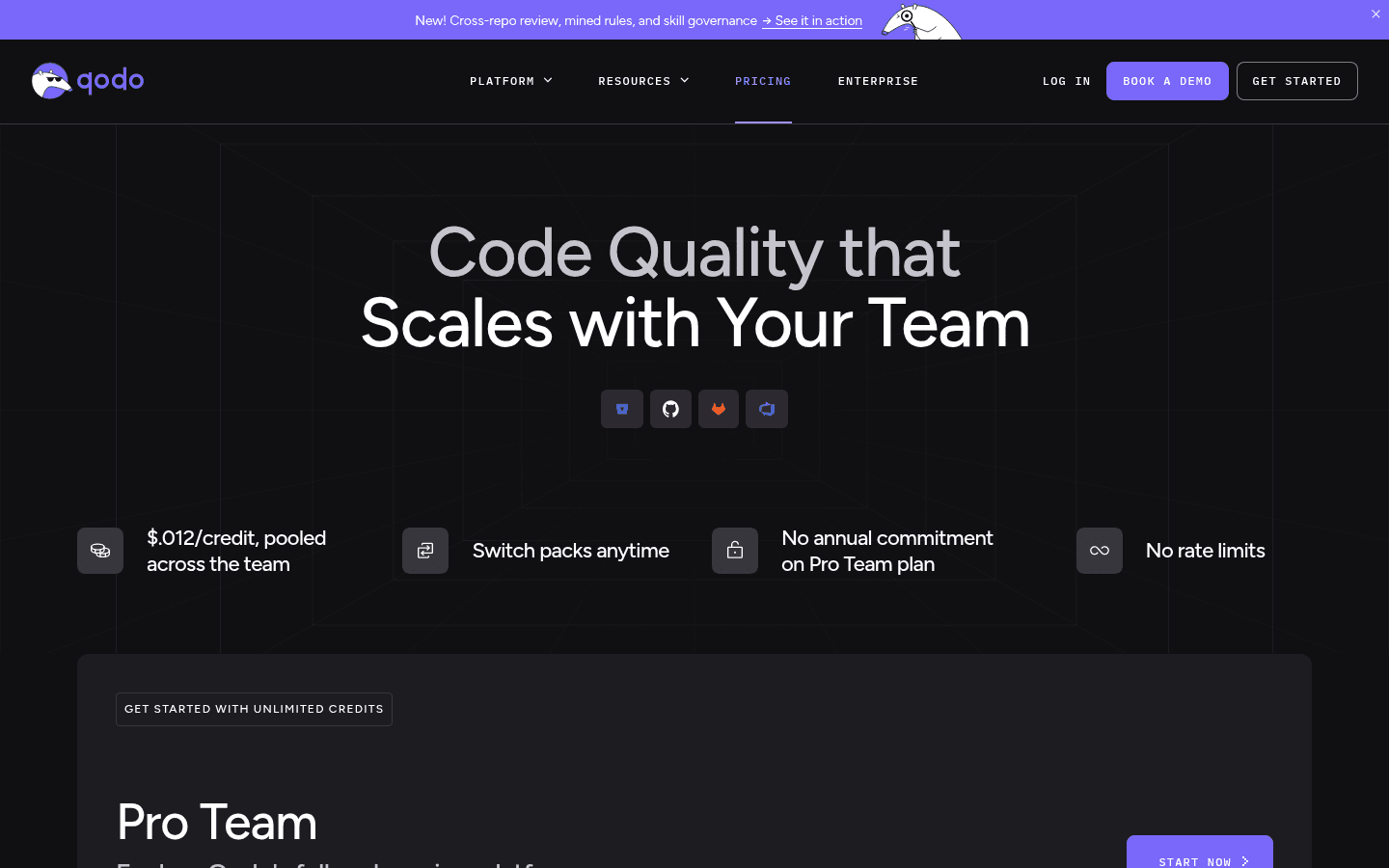
Qodo Pro Team currently starts at $30. The pricing page lists pooled credits at $0.012 per credit, lets teams switch packs, and says there are no repository or review rate limits. The company offers a 14-day trial without a credit card and states that there is no permanent free tier.
That is not the same as unlimited free usage. Credits expire at the end of the monthly cycle, and additional use can continue within a customer-controlled spending cap. I test a normal month of pull requests before I forecast cost, including repeated pushes, deeper review effort, and repositories with very different change sizes.
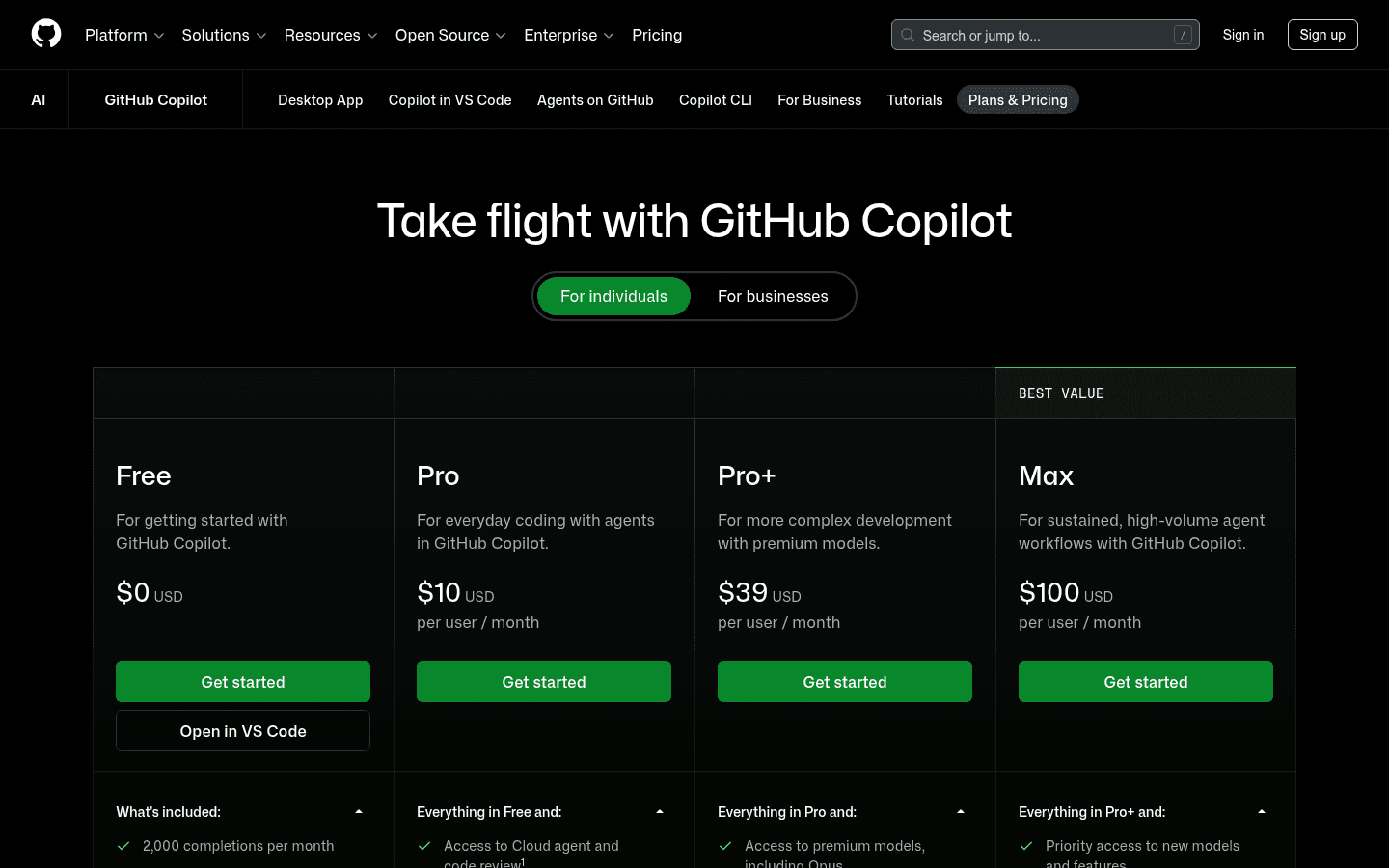
GitHub currently lists Copilot Pro at $10, Pro Plus at $39, and Max at $100 per user monthly for individuals. Code review starts on paid plans. The important 2026 detail is that chat, agents, code review, cloud agents, CLI, and Copilot Apps draw from shared GitHub AI Credits, with usage varying by model and feature.
GitHub also documents Actions-minute costs for some agentic private-repository work. That makes Copilot inexpensive to add when the seats already exist, but harder to isolate as a review budget. A busy review month competes with the rest of the team's Copilot usage.
I compare total cost per accepted finding. A $10 seat that generates twelve ignored comments can cost more in developer attention than a specialist reviewer with a larger invoice and better precision.
Fit before features
Who should use Qodo, and who should use GitHub Copilot?
- Choose Qodo
- I need review to reason across repository history, architecture, standards, or related repositories, and I am willing to tune a dedicated quality platform.
- Skip Qodo
- I want a permanent free reviewer, a simple seat-only budget, or a lightweight check for a small repository with strong tests and CI.
- Choose GitHub Copilot
- My team already uses paid Copilot, keeps work in GitHub, and wants review, suggested fixes, IDE help, and coding agents under one vendor.
- Skip GitHub Copilot
- I use multiple Git hosts, need the AI review itself to block merges, or want review spending isolated from chat, agents, CLI, and other Copilot usage.
- Keep human approval
- The pull request changes permissions, money movement, data retention, concurrency, compliance, or a business rule the repository cannot explain.
I lean toward Qodo for platform groups, regulated teams, connected repositories, and organizations that want review standards to survive beyond one strong senior engineer. The setup earns its keep when the cost of a missed cross-file or policy defect is high.
I lean toward GitHub Copilot for GitHub-only product teams that already use Copilot to write and understand code. It is the clean choice when procurement, identity, repository access, and developer training matter more than having the deepest standalone reviewer.
I skip both as a purchase priority when the team lacks tests, ownership, branch protection, or a shared definition of a consequential defect. An AI reviewer does not repair review culture. It gives that culture a faster way to produce comments.
Community signal
Reddit complaints are less about intelligence than trust.
The strongest positive reports treat AI review as a first pass. It catches routine mistakes, missing tests, null handling, inconsistent behavior, and patterns a tired reviewer may overlook. Developers still inspect the evidence and still perform the real review.
The recurring complaint is context. A comment can be locally plausible and globally wrong because the model does not know the business rule, deployment constraint, or historical compromise. GitHub Copilot attracts more of these stories because more teams already have access to it. Qodo attracts more questions about whether deeper context justifies another tool and another usage model.
I use Reddit to build the failure checklist: shallow comments, repeated findings, false confidence, setup friction, credit confusion, and vendor promotion. I do not use comment volume as proof that one model is better.
Switching cost
Installing the reviewer is easy. Rebuilding the review contract is not.
| Area | What I move or rebuild | Effort |
|---|---|---|
| App and permissions | Install the challenger on two repositories, review requested access, and keep sensitive repositories out of the first phase. | Low technically, higher for security review |
| Instructions | Translate Qodo guidelines or Copilot instructions into short rules with file scope, evidence requirements, and one concrete example. | Medium |
| Merge policy | Keep branch protection and deterministic CI checks. Copilot comments cannot count as an approval or block a merge on their own. | Medium |
| Usage budget | Map Qodo credits or Copilot AI Credits and Actions minutes against real pull-request volume, retries, effort levels, and other AI usage. | Medium to high |
| Comment baseline | Measure useful findings, false positives, duplicates, ignored comments, and developer cleanup time before changing defaults. | High |
| Team habit | Decide when the bot runs, who resolves its comments, when a human enters the review, and what evidence justifies dismissal. | High |
Moving from Qodo to Copilot is mechanically cheap for a GitHub team. The harder work is deciding which Qodo rules become Copilot instructions, which findings move to CI, and how the team handles a reviewer that can comment but cannot enforce merge policy.
Moving from Copilot to Qodo adds a dedicated app, a separate billing model, and more review controls. I treat repository access and data handling as a real security review. I also resist copying every existing instruction. Broad prompts often preserve the same noise under a new logo.
I run both tools in parallel on two repositories and prevent either from blocking the first phase. Every finding receives one label: useful, false positive, duplicate, needs context, or not actionable. The labels turn developer irritation into evidence.
30-PR pilot
I buy the reviewer that saves attention, not the one that writes the longest review.
- Scope
- Use two representative repositories and thirty pull requests across bug fixes, features, refactors, tests, configuration, and one difficult cross-file change.
- Same inputs
- Give both tools the same short rules, exclude the same generated paths, and run reviews at equivalent pull-request milestones.
- Quality
- Count findings that reveal a real defect, improve a test, prevent a regression, or document a decision the team accepts.
- Noise
- Count false positives, duplicates, stale comments, style-only advice, and findings that lack enough evidence to act.
- Speed
- Record time to first useful finding, time spent reading output, and whether new pushes create repeated or outdated advice.
- Cost
- Project Qodo credits or Copilot AI Credits and Actions usage using the pilot's real authors, push frequency, and review effort.
- Decision
- Choose the higher accepted-finding rate with lower cleanup time. Keep human approval and deterministic gates unchanged.
Qodo wins when broader context and ranking consistently produce fewer, more consequential findings. GitHub Copilot wins when developers adopt it immediately, accepted suggestions arrive quickly, and shared usage stays inside a budget the team already understands.
A tie is useful. It usually means the team should choose on workflow and total cost rather than pretend one model has special intuition. The quiet reviewer that developers trust will usually outperform the clever reviewer they mute.
FAQ
Qodo vs GitHub Copilot questions I settle before rollout
Which is better, Qodo or GitHub Copilot code review?
I choose Qodo when the hard problem is repository context, standards, risk ranking, or review governance. I choose GitHub Copilot when the team already works in GitHub and wants the lowest-friction reviewer inside a broader coding assistant.
What is the main difference in Qodo vs GitHub Copilot?
Qodo is a specialist code quality and review platform. GitHub Copilot is a broad coding assistant whose code review feature is native to GitHub and supported development environments. Qodo goes deeper on review organization, while Copilot is easier to consolidate and deploy.
Can GitHub Copilot code review block a pull request?
No. GitHub says Copilot leaves a Comment review rather than Approve or Request changes. Its review does not satisfy required approvals or block a merge, so teams still need branch protection, CI, and human approval.
Does Qodo have a free plan?
Qodo offers a 14-day Pro Team trial without a credit card, but its current pricing FAQ says it does not offer a permanent free tier. Pro Team starts at $30 and uses pooled credits.
How much does GitHub Copilot code review cost?
Code review is available on paid Copilot plans. GitHub currently lists Pro at $10, Pro Plus at $39, and Max at $100 per user monthly for individuals. Review consumes GitHub AI Credits, and some deeper private-repository workflows can also consume GitHub Actions minutes.
Can Qodo or GitHub Copilot replace human code review?
No. I use either product as a first pass for defects, missing tests, risky patterns, and inconsistencies. Humans remain responsible for architecture, domain logic, security, policy, and final merge approval.
Sources
Official pages used for current product facts
Plans, usage systems, and review behavior can change. These are the reference points I used on July 30, 2026.


