 SwitchMyTool

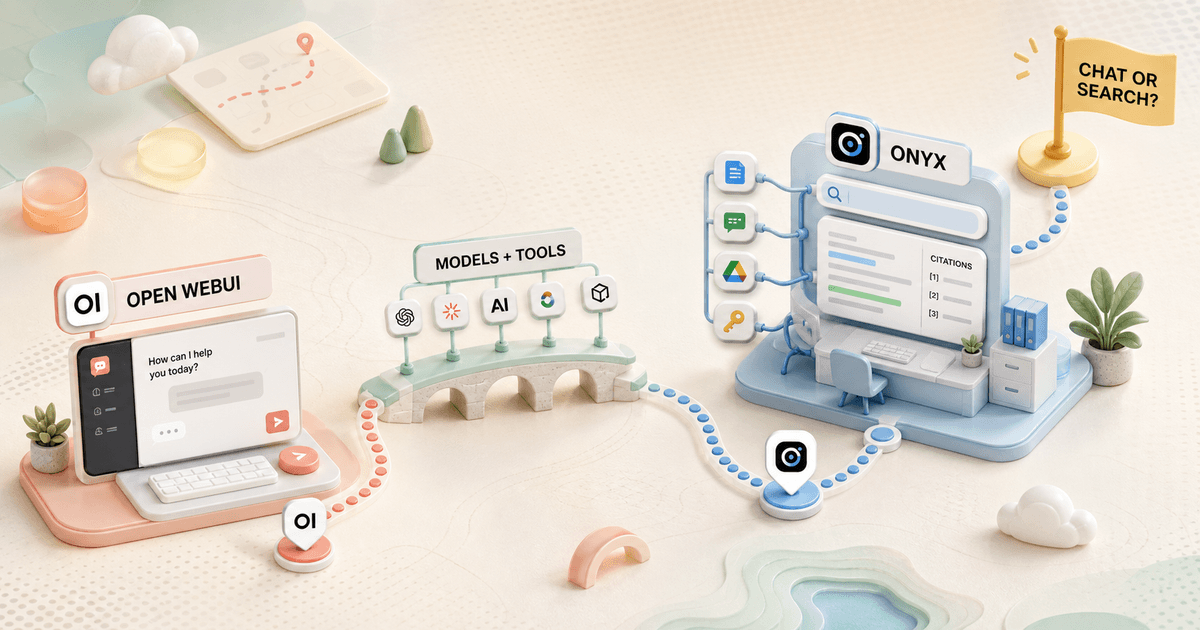
Open WebUI and Onyx both promise a private AI assistant that can use my models and documents. That overlap is real. It is also the least useful way to choose between them.
My open webui vs onyx decision starts with the system of record. Open WebUI makes the AI interface the center of the product. Onyx makes company knowledge and search the center. One asks which model and tools a user may run. The other asks which sources a user may search.
That difference changes the deployment, permissions, maintenance, and migration plan. A team chat portal and a company search layer can share features without being the same job.
My verdict
Open WebUI is the better AI portal. Onyx is the better company search product.
I choose Open WebUI when people need one controlled place for Ollama, hosted models, chat, tools, prompts, knowledge, media, and reusable model presets. It is the more flexible front door for a mixed AI stack.
I choose Onyx when the first requirement is "search our company knowledge." Persistent connectors, indexed sources, citations, agents, and source-aware permissions make more sense than treating every knowledge problem as another folder of uploaded files.
My broader Open WebUI alternatives guide covers lighter chat clients and other RAG products. I use it when neither portal flexibility nor company search describes the whole requirement.
Choose Open WebUI
I need a flexible team chat portal, a strong local-model front end, curated model presets, tools, prompts, and granular controls inside the AI interface.
Skip Open WebUI
My main problem is searching many live company systems with inherited source permissions, or I want a deliberately narrow knowledge-search product.
Choose Onyx
I need continuously synced company knowledge, citations, connectors, search, agents, and a path toward permission-aware retrieval across departments.
Skip Onyx
I mainly want a private Ollama chat screen, rarely search company documents, or cannot staff connector, index, identity, and source-ownership work.
The real difference
Open WebUI organizes AI capabilities. Onyx organizes searchable company knowledge.
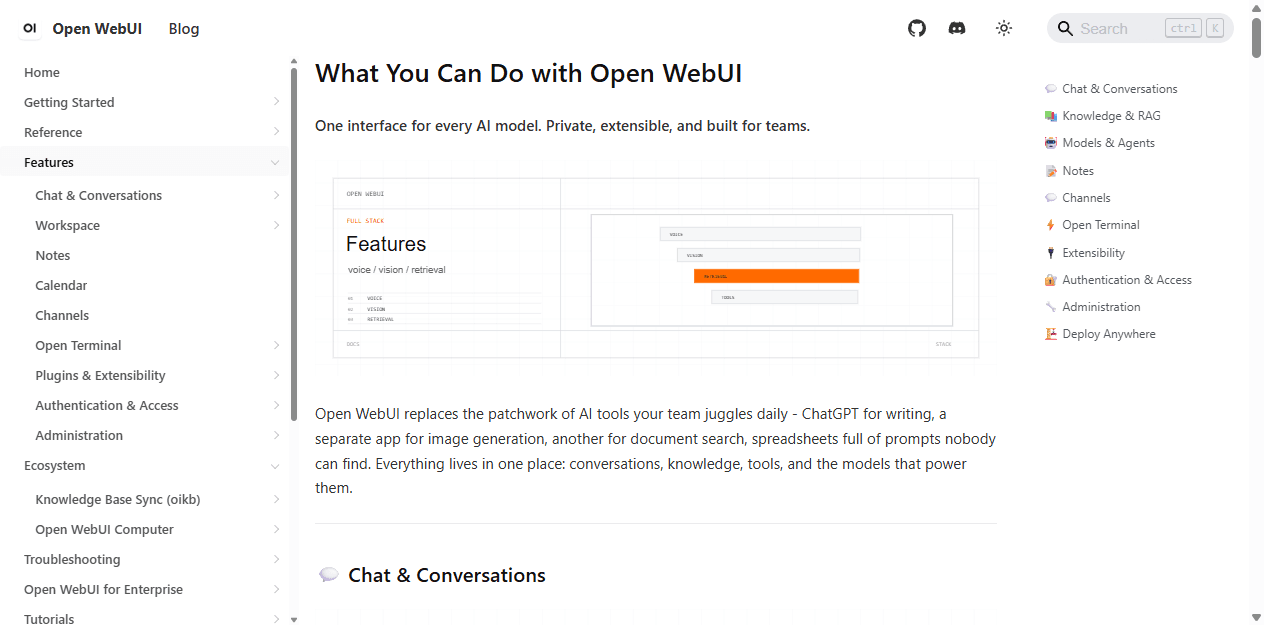
Open WebUI has become a broad application platform. Its current feature map spans chat, knowledge, models, agents, notes, channels, web search, code execution, image generation, voice, authentication, and administration. I can use it as a home page for almost every model-backed workflow a team wants to expose.
Onyx includes chat and agents, but its distinctive architecture begins with retrieval. Connectors pull from company systems, background jobs keep indexes current, and search returns evidence from those sources. The product earns its complexity when information changes outside the AI application.
This is why a feature checklist can mislead. Both products can answer questions over documents. Open WebUI is strongest when knowledge supports a larger AI portal. Onyx is strongest when connected knowledge is the product.
| Decision area | Open WebUI | Onyx |
|---|---|---|
| Center of gravity | A shared AI portal for models, chat, knowledge, tools, prompts, media, and team controls | A company search and AI assistant built around connected internal knowledge |
| Best first use | Give a team one governed interface for local and hosted models | Search across live company systems and answer with traceable sources |
| Knowledge model | Knowledge bases and files attached to chats, models, or reusable workspace resources | Persistent connectors that regularly sync source systems into an indexed search layer |
| Permissions | Groups and feature or resource permissions inside Open WebUI | Source-aware document access, with advanced inheritance and permission sync in paid tiers |
| Local-model fit | Excellent when Ollama and OpenAI-compatible endpoints are the main attraction | Supported, but the product earns its keep when connected organizational knowledge matters |
| Operational burden | Model gateways, tools, retrieval settings, users, upgrades, backups, and a growing capability surface | Connectors, indexing, source freshness, permissions, identity, background workers, upgrades, and backups |
Setup and operations
Open WebUI gets to useful chat faster. Onyx asks for more infrastructure because it does more background work.
A basic Open WebUI deployment is easy to understand. I start a container, connect Ollama or an OpenAI-compatible endpoint, create the administrator account, and verify persistent storage. A team rollout adds a reverse proxy, identity, backups, model access, tool review, and an upgrade policy, but chat works early.
Onyx offers a smaller Lite configuration for core LLM chat, yet that is not the reason I would choose it. A useful Onyx rollout adds document stores, connector credentials, indexing, background workers, source refresh schedules, identity, and search quality checks. More moving parts are justified only when connected knowledge has real value.
For either product, I pin versions and stage upgrades. Reddit reports about broken retrieval after updates are anecdotes, but they point to a sensible operational rule: an AI assistant with an index is stateful software. I want a backup, a restore drill, a test collection, and a rollback note before production changes.
Fastest local start
Open WebUI connected to an existing Ollama service.
Small knowledge pilot
Onyx with one department, two connectors, and a controlled question set.
Main hidden cost
Open WebUI spreads into tools and platform administration; Onyx spreads into source ownership and index operations.
Upgrade rule
Pin releases, test retrieval, confirm permissions, and keep a rollback path.
Models and chat
Open WebUI is the clearer choice when models are the product.
Open WebUI makes model selection, wrappers, parameters, tools, knowledge, and access visible parts of the operator experience. I can expose a simple curated menu to users while keeping provider details behind the server. That works well for a team experimenting with local and hosted models.
Onyx supports major hosted models and self-hosted endpoints, but I do not choose it for a prettier model picker. I choose it when the model needs to reason over indexed organizational sources. If I never connect those sources, I am paying an operational tax for a feature I am not using.
I benchmark the same model through the same backend before comparing response speed. Retrieval, query rewriting, web search, citations, tool calls, and unavailable endpoints can delay the first token. A slow answer is not automatically a slow model or a bad interface.
The Open WebUI Reddit complaints about bloat make sense in this context. Its breadth is valuable to an operator who wants a platform and distracting to someone who wants three models and a clean chat box. Onyx has the opposite risk: it can feel excessive when the team wanted chat but bought a search architecture.
RAG and search
Onyx wins when knowledge changes in other systems.
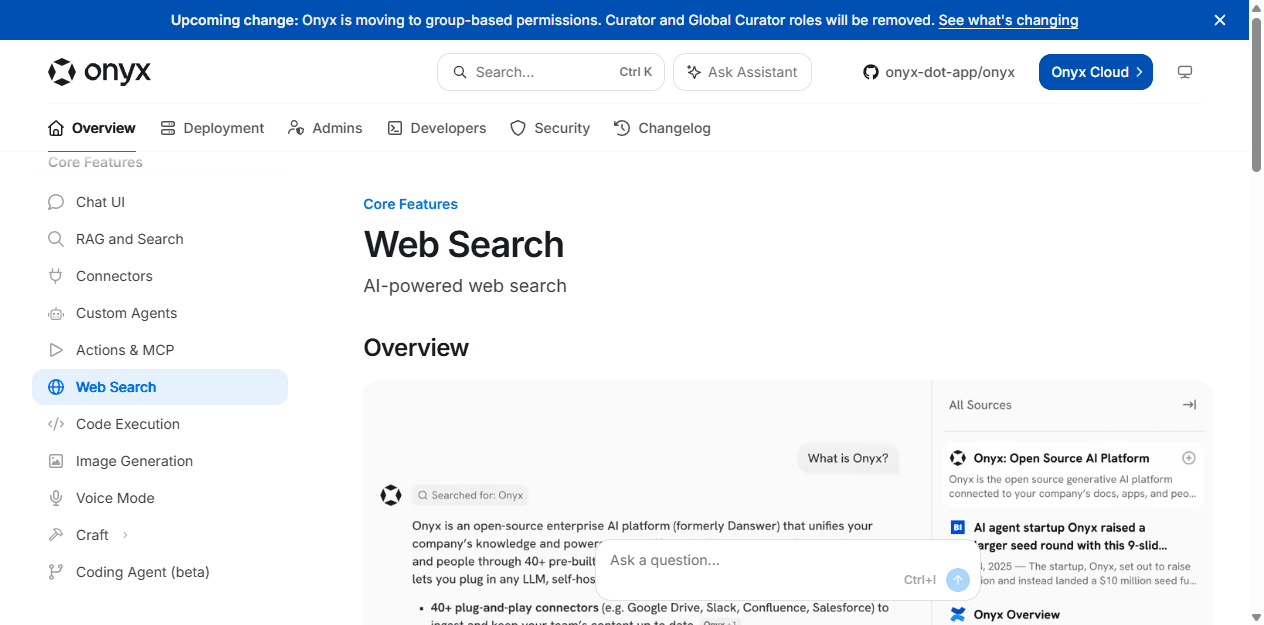
Open WebUI gives me useful retrieval controls for curated knowledge. I can attach files and knowledge bases to model presets or chats, tune extraction and search behavior, and combine retrieval with tools. That is enough for policies, manuals, research collections, and team resources that have a clear owner.
Onyx treats internal search as a first-class product. The answer, source list, citations, search query, and connected content belong to the same workflow. That matters when a user needs to move from a generated answer to the document that supports it.
I test both products with known-answer, conflicting-version, scanned-document, table, and no-answer questions. I inspect retrieved passages before reading the final prose. A polished response with the wrong evidence is still wrong.
Freshness is the dividing line. A quarterly PDF collection can live comfortably in Open WebUI. A support organization searching tickets, docs, chat, and cloud drives needs a refresh process, deletion behavior, and access rules. That is Onyx territory.
- Keep original source files and system ownership outside the AI product.
- Use the same embedding model and question set when comparing retrieval.
- Check citations against exact passages, not whether the answer sounds plausible.
- Include a recently changed document and a document the test user must not see.
Connectors and freshness
A connector is a data pipeline, not a logo in an integration gallery.
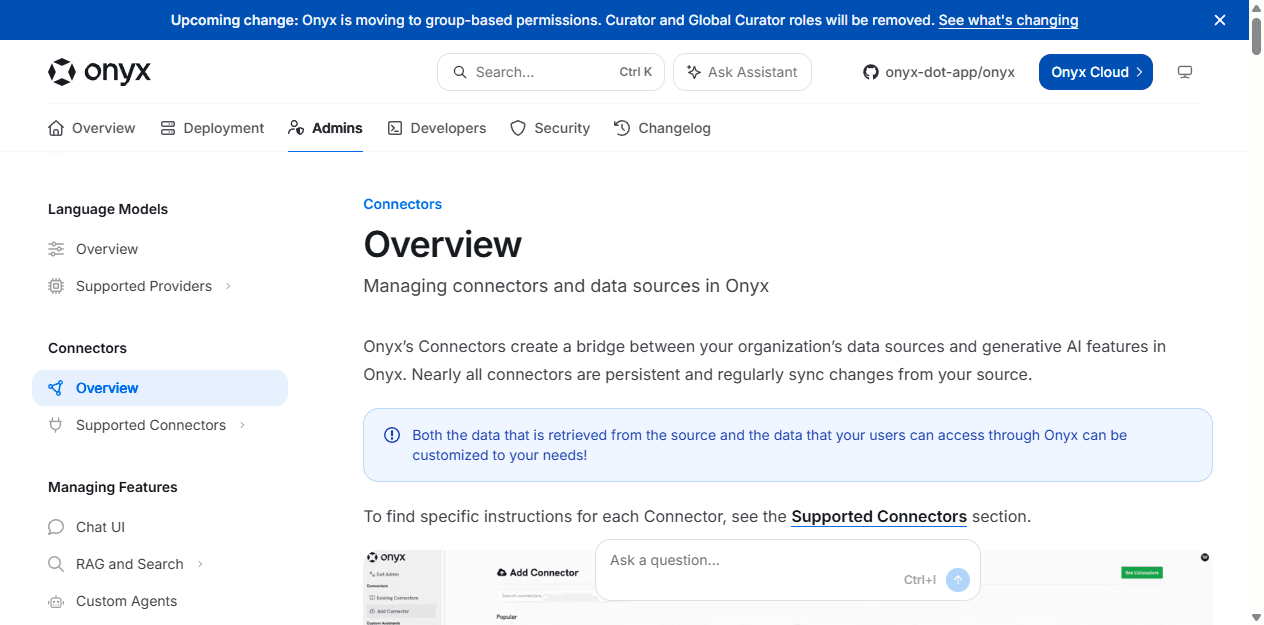
Onyx connectors are persistent. They regularly synchronize changes from a source, and administrators can manage refresh and pruning behavior. That is materially different from uploading a file once and hoping somebody remembers to replace it later.
I assign an owner to every connector. That person knows which account authenticates, what scope it has, how deletion works, how quickly changes appear, and what happens when the source API throttles or changes. Without ownership, the index slowly becomes a confident archive of old truth.
Open WebUI can reach external systems through tools, APIs, MCP servers, and knowledge-sync extensions. That flexibility is useful, but it asks the operator to assemble more of the ingestion and retrieval contract. Onyx is more opinionated about company knowledge, which is exactly why it can be easier to govern for that use case.
I would not connect forty systems on day one. Two sources with different permission models expose most architectural mistakes. If search quality, freshness, and access are not clear at two, adding more connectors creates a larger mystery.
Permissions
Interface permissions and source permissions solve different problems.
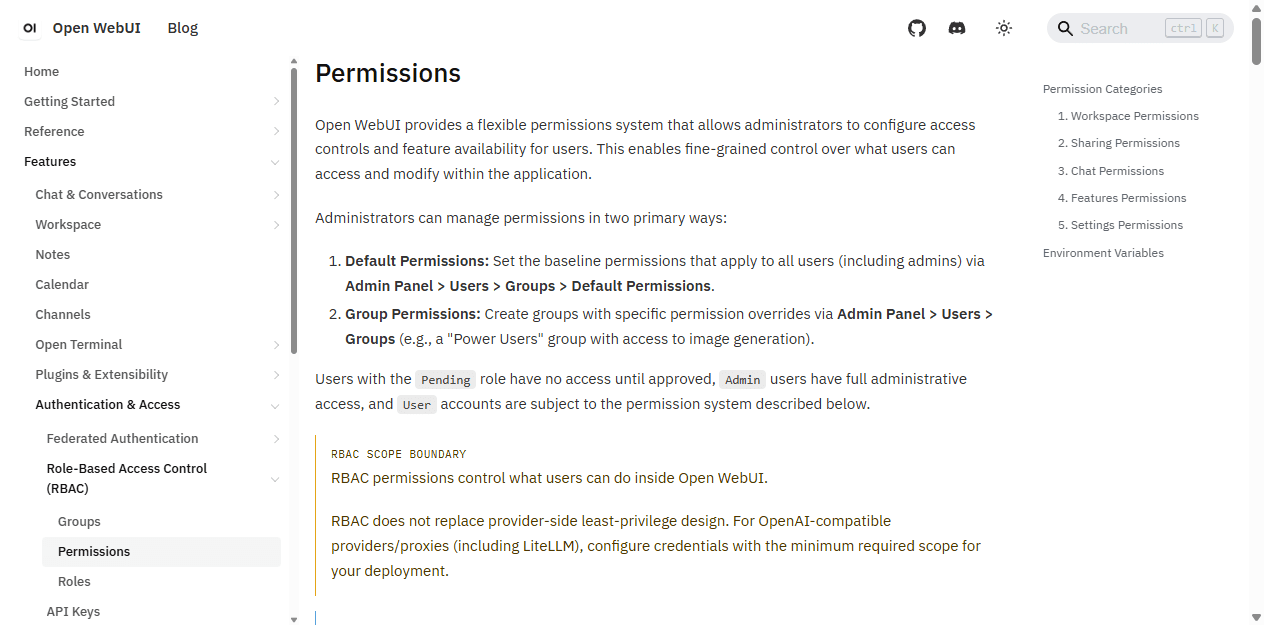
Open WebUI lets administrators set default and group permissions for what users can do inside the application. I can control access to features and shared resources, then keep expensive or sensitive capabilities away from the wrong group. Its own documentation is careful to say these controls do not replace provider-side least privilege.
Onyx has to answer a harder retrieval question: should this user see this source document? Its current connector documentation describes private, public, and auto-synced permission modes. Permission synchronization is limited to selected connectors and paid enterprise capabilities, so I verify the exact source and plan before promising inherited access.
I build the access matrix before the pilot. The rows are user groups. The columns are sources, documents, models, actions, exports, logs, and administration. I then create a negative test user who must not retrieve one known document. A permission claim without a negative test is just a slide.
If source-level permissions are not required, Open WebUI may be simpler. If they are required, Onyx is closer to the job, but the rollout becomes an identity and data-governance project rather than an interface installation.
License and cost
Open source removes a license invoice, not the operating bill.
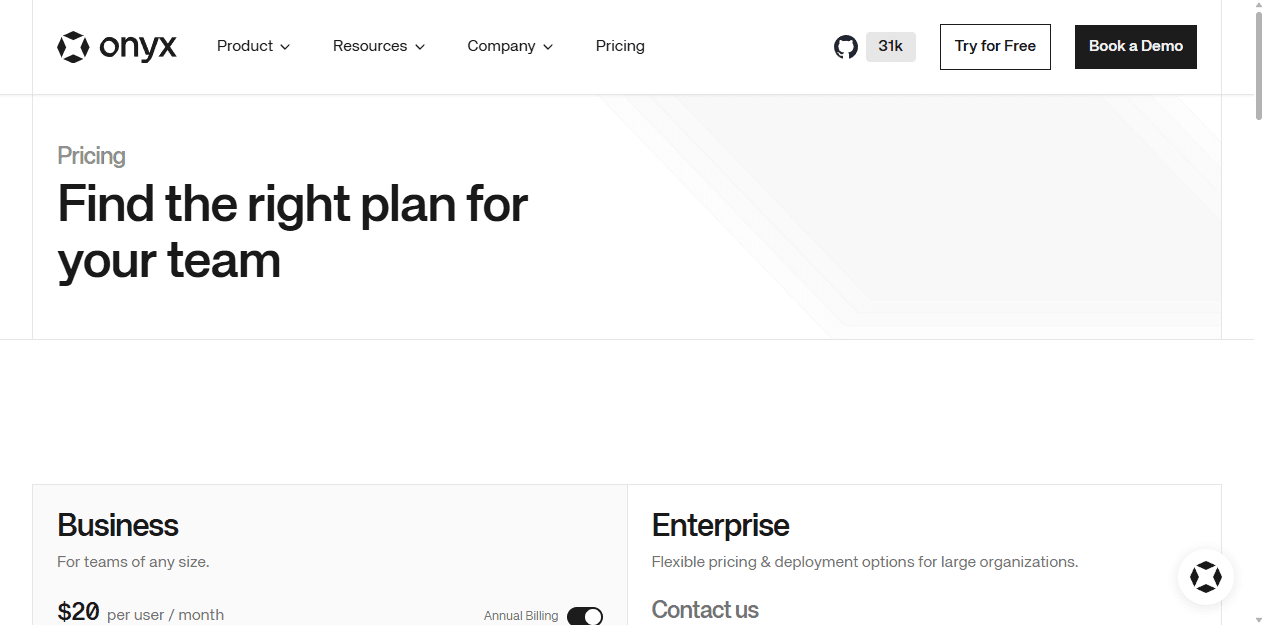
Onyx says its core connectors, chat, agents, and search are free and open source. Its repository also includes enterprise functionality with separate terms. The current Business page shows $20 per user per month on annual billing, while Enterprise pricing is negotiated. Business and Enterprise add permission, identity, governance, deployment, and support features.
Open WebUI can be self-hosted without a per-seat application fee, but current releases use the Open WebUI License with branding conditions. That may be fine for an internal portal and important for white-label or redistribution plans. I send the actual license and intended use to counsel rather than guessing from the words open and web.
The larger bill includes model APIs or GPUs, embeddings, storage, search providers, connector maintenance, backups, monitoring, upgrades, security review, and support. Onyx usually needs more data-pipeline ownership. Open WebUI usually needs more capability and tool governance. Operator time belongs in the comparison.
Who each is for
I choose by the work the team must own after launch.
Choose Open WebUI
I need a flexible team chat portal, a strong local-model front end, curated model presets, tools, prompts, and granular controls inside the AI interface.
Skip Open WebUI
My main problem is searching many live company systems with inherited source permissions, or I want a deliberately narrow knowledge-search product.
Choose Onyx
I need continuously synced company knowledge, citations, connectors, search, agents, and a path toward permission-aware retrieval across departments.
Skip Onyx
I mainly want a private Ollama chat screen, rarely search company documents, or cannot staff connector, index, identity, and source-ownership work.
Open WebUI fits an AI platform owner, technical operations team, lab, or serious home server where models and capabilities change often. It is also the better choice when a team wants one browser interface but does not need live permission-aware search across many business systems.
Onyx fits an internal enablement, support, sales, engineering, or knowledge team that already has information scattered across source systems. The buyer is willing to name data owners, maintain connectors, test retrieval, and pay for enterprise controls when inherited permissions matter.
I skip both for a one-person minimal chat window. I also skip both when the organization cannot identify who owns its source content. AI search does not repair a document lifecycle nobody manages.
Reddit complaints
The complaints are most useful when they reveal the workload hiding behind the product.
The recurring Open WebUI criticism is scope. People like the fast on-ramp to simple chat and later describe the product as bloated when they do not need its growing list of features. Slow web search with local services and confusing advanced configuration also appear in self-hosting discussions.
The recurring Onyx criticism is fit. People who do not use its RAG and connected-search model often struggle to explain why they need it. Other reports mention local endpoint configuration, Docker overhead on Windows, weak error messages, and upgrade problems. I treat each report as a test case, not a universal defect.
Licensing language attracts arguments around both projects. Current official terms matter more than an old comment. I verify the release and paid feature boundary I plan to deploy, then document it with the architecture decision.
Migration cost
The files are portable. The access and retrieval behavior are not.
| Migration area | What I rebuild | Typical effort |
|---|---|---|
| Models and credentials | Recreate provider endpoints, model names, keys, context settings, fallbacks, and per-group access. | Low to medium |
| Files and connected sources | Move source ownership first, then rebuild uploads or connectors and verify refresh behavior. | Medium to high |
| Indexes and retrieval | Re-ingest content, rebuild embeddings, retest citations, and repeat known-answer and no-answer checks. | High |
| Users and permissions | Map groups, roles, source permissions, service accounts, SSO behavior, and administrator boundaries. | High |
| Prompts, tools, and agents | Translate system prompts, OpenAPI or MCP actions, secrets, approvals, and failure handling. | Medium to high |
| History and operations | Decide what chat history must remain, then rebuild backups, monitoring, upgrade pins, and rollback notes. | Medium to high |
Moving from Open WebUI to Onyx usually means replacing curated knowledge objects with connected sources and an indexing policy. Moving from Onyx to Open WebUI means deciding which connected collections become knowledge bases, tools, or manually maintained resources.
A small pilot can move in days. A production knowledge system takes longer because the real migration includes identity, source permissions, connector accounts, freshness, deletion, citations, history, and recovery. I keep both systems available until the destination passes access, retrieval, backup, and rollback tests.
The least expensive migration is the one I avoid by choosing the right center of gravity. If users open the product to select models, Open WebUI is probably closer. If they open it to find company truth, Onyx is probably closer.
My pilot plan
Seven working days are enough to expose the wrong product shape.
- Day 1: connect the same local and hosted model endpoints, then record baseline chat behavior with retrieval disabled.
- Day 2: load one controlled document set in Open WebUI and connect one equivalent source in Onyx.
- Day 3: run known-answer, conflicting-version, scanned-file, and no-answer questions and inspect the evidence.
- Day 4: add a second live source in Onyx and one read-only API or MCP tool in Open WebUI.
- Day 5: create a restricted user and prove that one document, model, and action remain inaccessible.
- Day 6: change and delete source content, measure refresh behavior, then back up and restore both systems.
- Day 7: let intended users work without coaching and count support questions, stale results, and navigation mistakes.
I choose the product with fewer unexplained failures in the target workflow. I do not give extra points for capabilities nobody will own.
For a shared model and tool portal, my answer is Open WebUI. For connected company search, my answer is Onyx. That is the practical conclusion of Open WebUI vs Onyx: the overlap is broad, but the operating models are different.
FAQ
Open WebUI vs Onyx questions I would settle before deployment
Is Onyx better than Open WebUI?
Onyx is better when connected company search, citations, source freshness, and permission-aware retrieval are the main job. Open WebUI is better when the team wants a flexible portal for local or hosted models, chat, tools, prompts, knowledge, and broad AI capabilities.
Can Open WebUI and Onyx both use local models?
Yes. Both can work with local and OpenAI-compatible model endpoints. Open WebUI makes local-model chat a central experience. Onyx can use local models too, but its distinctive value comes from connectors, indexing, search, and organizational knowledge.
Which is better for company documents, Open WebUI or Onyx?
Onyx is usually the stronger choice when documents live across changing company systems and access should follow source permissions. Open WebUI works well for curated knowledge bases and uploaded material, especially when the same portal also needs models, tools, prompts, and other AI features.
Is Onyx open source?
Onyx describes its core chat, search, connector, and agent features as free and open source. Its repository also contains enterprise functionality with separate commercial terms. Business and Enterprise plans add permission, identity, deployment, governance, and support capabilities.
Which is easier to self-host, Open WebUI or Onyx?
Open WebUI is usually the easier first deployment for a shared model portal. Onyx Lite can provide a smaller chat-only start, but a useful company-search rollout adds connectors, indexing, background work, source ownership, and permission design. The full Onyx value proposition therefore carries more operational work.
Can I migrate from Open WebUI to Onyx?
Yes, but I treat it as a redesign rather than a direct import. Provider endpoints and source files are the easy part. Knowledge indexes, connectors, permissions, prompts, tools, users, and chat history need mapping, recreation, and testing before the old service is retired.
Sources
Official pages used for the current product facts
Product capabilities, prices, and licensing can change. These links are the current reference points I used on July 24, 2026.


