 SwitchMyTool

Open WebUI is no longer just the friendly face I put in front of Ollama. It can sit across local and hosted models, retrieve from knowledge, expose tools, connect MCP and OpenAPI servers, manage users, and apply role-based access. That breadth is useful. It also means replacing it is not a one-checkbox decision.
When I compare open webui alternatives, I start with the job that is actually painful. A solo user may want a quieter desktop app for local documents. A team may need SSO and shared agents. An enterprise may call it "chat" while the real project is permission-aware search across Slack, Drive, Confluence, and tickets.
That is why this list contains several different product shapes. LibreChat is the closest general replacement. AnythingLLM makes document work easier to reason about. Onyx treats internal search as the main event. Jan, LM Studio, and Msty reduce the operational burden by moving the experience back to the desktop.
My verdict
LibreChat is the closest replacement. AnythingLLM is the easier reset.
I would test LibreChat first when a team wants to preserve the broad Open WebUI idea: one self-hosted interface across model providers, agents, retrieval, tools, MCP, code execution, and user authentication. It replaces a platform with another platform, so the setup is not tiny, but the capability map is familiar.
I would choose AnythingLLM when Open WebUI became too much administration for a simpler document-and-agent workflow. Its desktop path is especially useful for a solo user who wants local files, local models, workspaces, and agents without operating a shared web service. The Docker edition keeps a multi-user route available when the team grows.
Onyx is my pick when the buyer says RAG but means company search. Its connectors, internal search, citations, agents, and permission model are aimed at organizational knowledge rather than a personal model playground. Jan is the clean open-source desktop choice. LM Studio is the better model lab. Msty is the polished desktop choice for people mixing local and hosted models.
I would keep Open WebUI if it is already stable, backed up, pinned to a known version, and doing the work. A migration is not an achievement by itself. If the current deployment gives users the right models, predictable retrieval, controlled tools, and manageable access, changing the interface may only move the maintenance bill.
Closest replacement
LibreChat for a broad self-hosted, multi-provider team interface.
Best document workflow
AnythingLLM for local files, workspaces, agents, and simpler RAG.
Best enterprise search
Onyx for connected internal knowledge and permission-aware access.
Best local desktop
Jan when open source matters; Msty when polish matters more.
Best model lab
LM Studio for downloading, comparing, and serving local models.
Start with the job
Open WebUI can be four products. Decide which one you are replacing.
The first product is a local model interface. In that role, the job is basic but unforgiving: discover or connect a model, adjust context and sampling, attach a file, preserve conversations, and expose an OpenAI-compatible endpoint. Jan and LM Studio compete well here because they make the local machine the center of the experience.
The second product is a personal knowledge workspace. Now extraction, chunking, embedding choice, retrieval, reranking, citations, and document organization matter more than the chat chrome. AnythingLLM is attractive because workspaces and documents feel like the product instead of an advanced menu hidden inside it.
The third product is a team AI portal. Users need accounts, shared prompts, controlled model access, groups, tools, and support that does not depend on the person who wrote the Docker Compose file remembering every environment variable. LibreChat is the closest alternative in this lane. LobeHub is interesting when agent organization and interface quality matter more than exact Open WebUI parity.
The fourth product is enterprise search. A company may want one place to ask questions across internal systems while respecting source permissions and returning traceable answers. That is a different architecture and buying problem. Onyx belongs here. I would not pretend a folder of uploaded PDFs is equivalent to connected, permission-aware organizational search.
Comparison
The best option depends on whether you want a server, a search layer, or a desktop.
| Alternative | Product shape | Best for | Migration effort | My take |
|---|---|---|---|---|
| LibreChat | Self-hosted multi-provider chat, agents, MCP, RAG | Teams replacing most of Open WebUI | Medium | Closest general replacement |
| AnythingLLM | Desktop or Docker workspaces, documents, agents | Solo users and document-heavy small teams | Low to medium | Best local RAG workflow |
| Onyx | Enterprise search, connectors, agents, permissions | Organizations searching internal knowledge | High | Best enterprise knowledge layer |
| LobeHub | Polished agent workspace, models, MCP, knowledge | Users who value interface and agent organization | Medium | Best polished agent workspace |
| Jan | Open-source local desktop chat, projects, local API | Private single-user desktop AI | Low | Best open-source desktop option |
| LM Studio | Local model discovery, chat, testing, API server | People running and comparing local models | Low | Best local model lab |
| Msty Studio | Local and cloud models, Knowledge Stacks, MCP | Users wanting a friendlier desktop workspace | Low | Best polished desktop experience |
I would not score these products with one feature total. A local desktop app should not lose points because it lacks enterprise SSO. An enterprise search platform should not win merely because it has more connectors. The useful comparison is whether the product removes the specific Open WebUI burden that started the search.
Licensing also deserves a careful read. Several products here are open source, but not every hosted feature, enterprise control, or desktop application follows the same license and support model. I check the current repository, deployment documentation, and commercial terms before I build a workflow around a label.
Closest replacement
1. LibreChat replaces the platform without shrinking the idea.
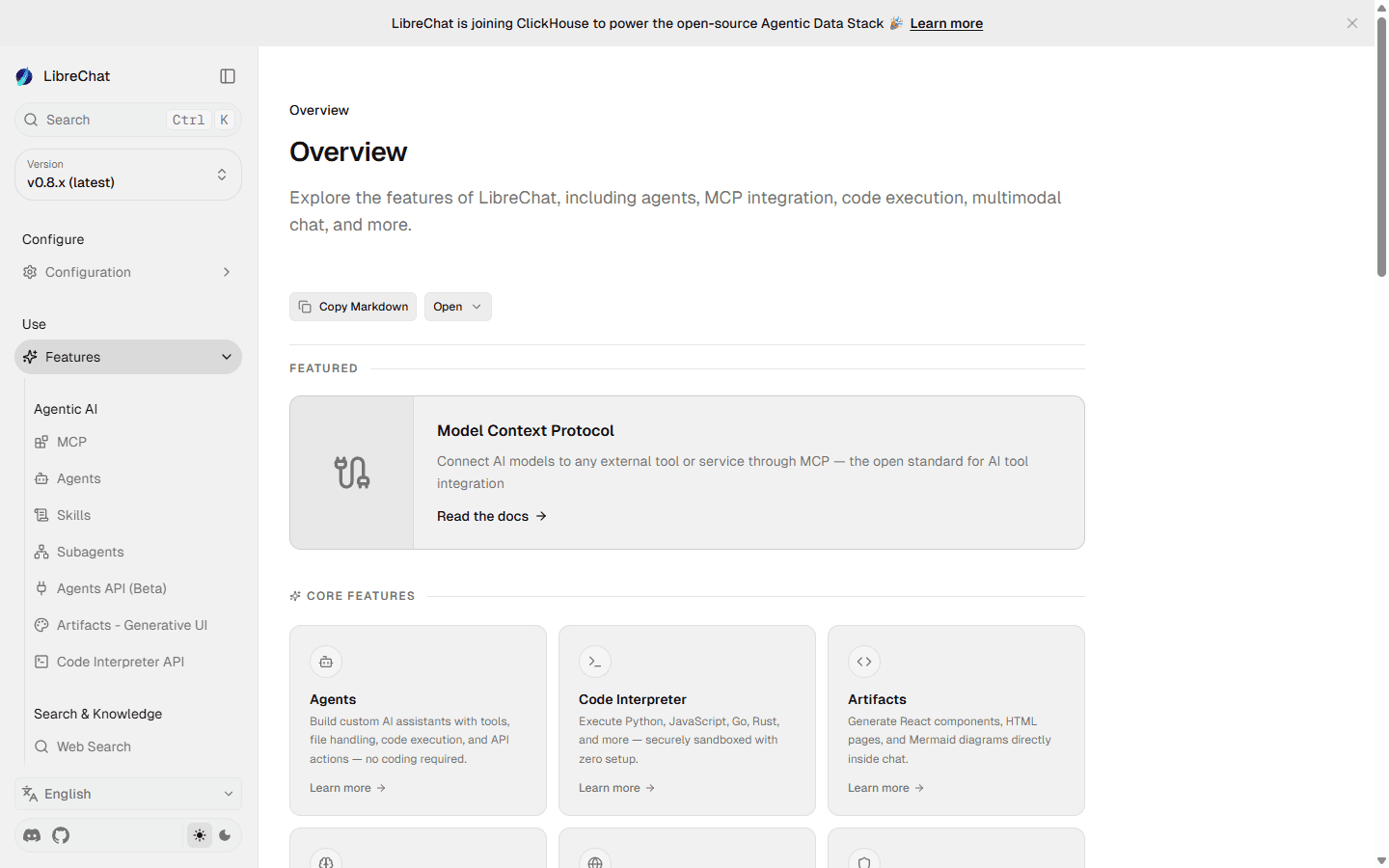
LibreChat is where I start when the request is simple: keep the self-hosted team chat, multiple providers, agents, retrieval, and tools, but move away from Open WebUI. The current feature set includes custom endpoints, agents, MCP, code interpretation, artifacts, memory, web search, RAG, OCR, multimodal chat, and several authentication options.
Coverage is the reason to choose it. I can connect hosted providers and OpenAI-compatible endpoints, build specialized assistants, give them tools, and keep one front door for the team. LibreChat also supports Docker, npm, and Helm deployment paths, which makes it plausible for both a small server and a more formal cluster.
This is a good trade for a technical team that already accepts self-hosting. It is the wrong escape route for someone who wants to stop operating a web application. Model endpoints and prompts are the easy part of the move; users, authentication, agents, files, retrieval indexes, tools, and conversation history make the overall effort medium.
My main caution is the same one I apply to Open WebUI: capability expands the security surface. An MCP server, code executor, file store, and OAuth login are not decorative features. I stage them separately, keep secrets out of client-visible configuration, and make every tool prove why it needs write access.
My Open WebUI vs LibreChat comparison goes deeper on setup, RAG, MCP, access control, licensing, migration cost, and the operator complaints behind the choice.
Best local RAG workflow
2. AnythingLLM is easier when documents are the point.
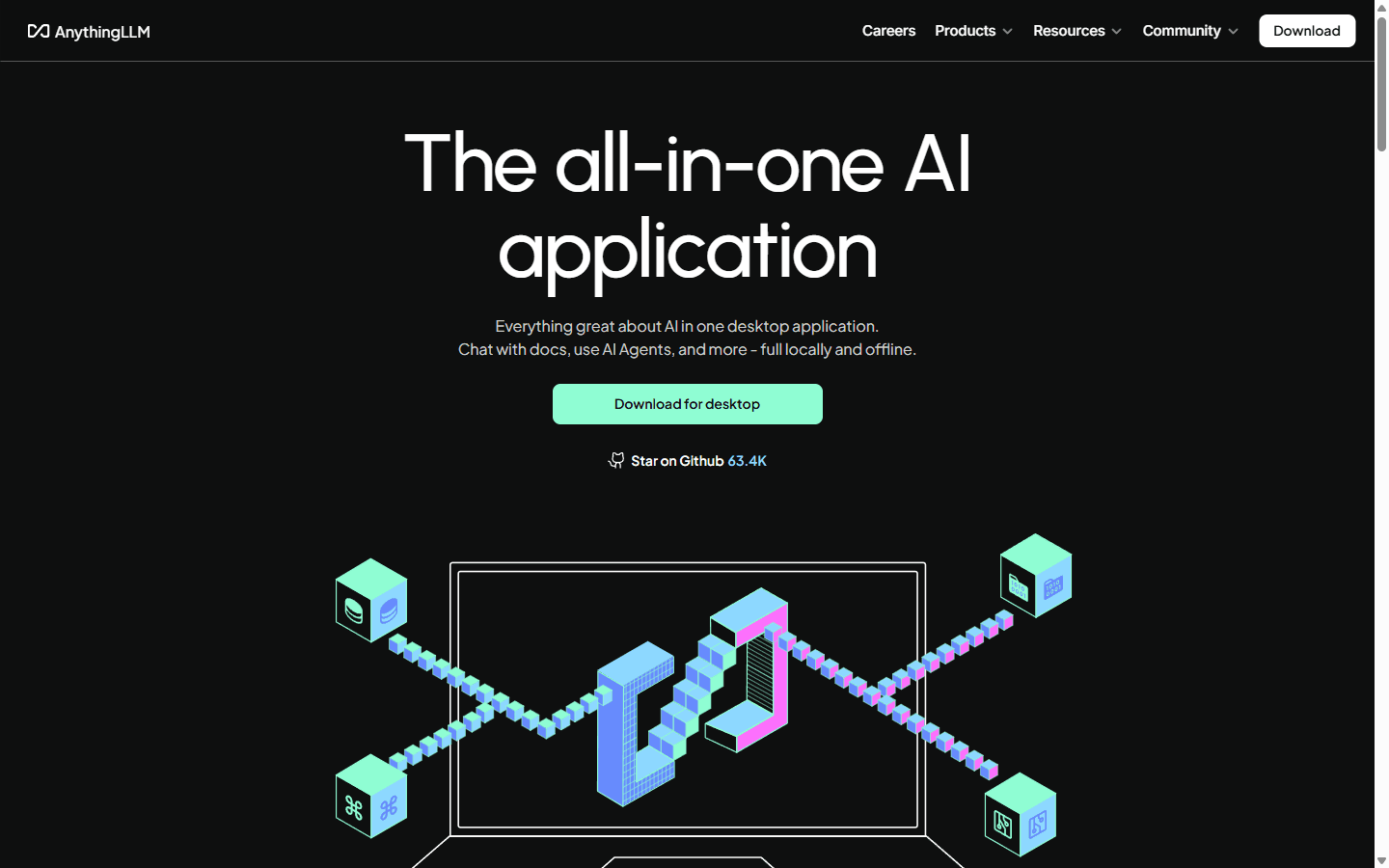
AnythingLLM feels more direct when my work starts with a folder of documents instead of a roster of users. I can create a workspace, add material, choose a model and embedding setup, ask grounded questions, and add agents without first treating the interface as a company-wide platform.
The desktop edition is the clean escape hatch for a solo user. It can run locally and offline, connect local or hosted models, and keep the workflow on one machine. The self-hosted Docker edition adds multi-user support for a team. That split is useful because I can start small without pretending every personal AI setup needs an identity provider and reverse proxy.
I would put AnythingLLM in front of consultants, researchers, support leads, and small teams that already think in document collections. I would not stretch it into a permission-heavy enterprise search layer across many live systems. Files and model connections move with little drama; carefully tuned knowledge collections and shared agents push the job into medium territory.
I would test retrieval before migrating everything. Workspaces can reduce noise, but they can also become junk drawers. I use a known-answer set, separate unrelated collections, check citations, and compare the same question with and without retrieval. If the system cannot tell me where an answer came from, a prettier document panel has not solved the hard part.
My Open WebUI vs AnythingLLM comparison goes deeper on desktop versus Docker setup, document RAG, Agent Flows, team permissions, licensing, migration cost, and the recurring operator complaints behind the choice.
Best enterprise knowledge layer
3. Onyx is for the team that needs search more than another chat window.
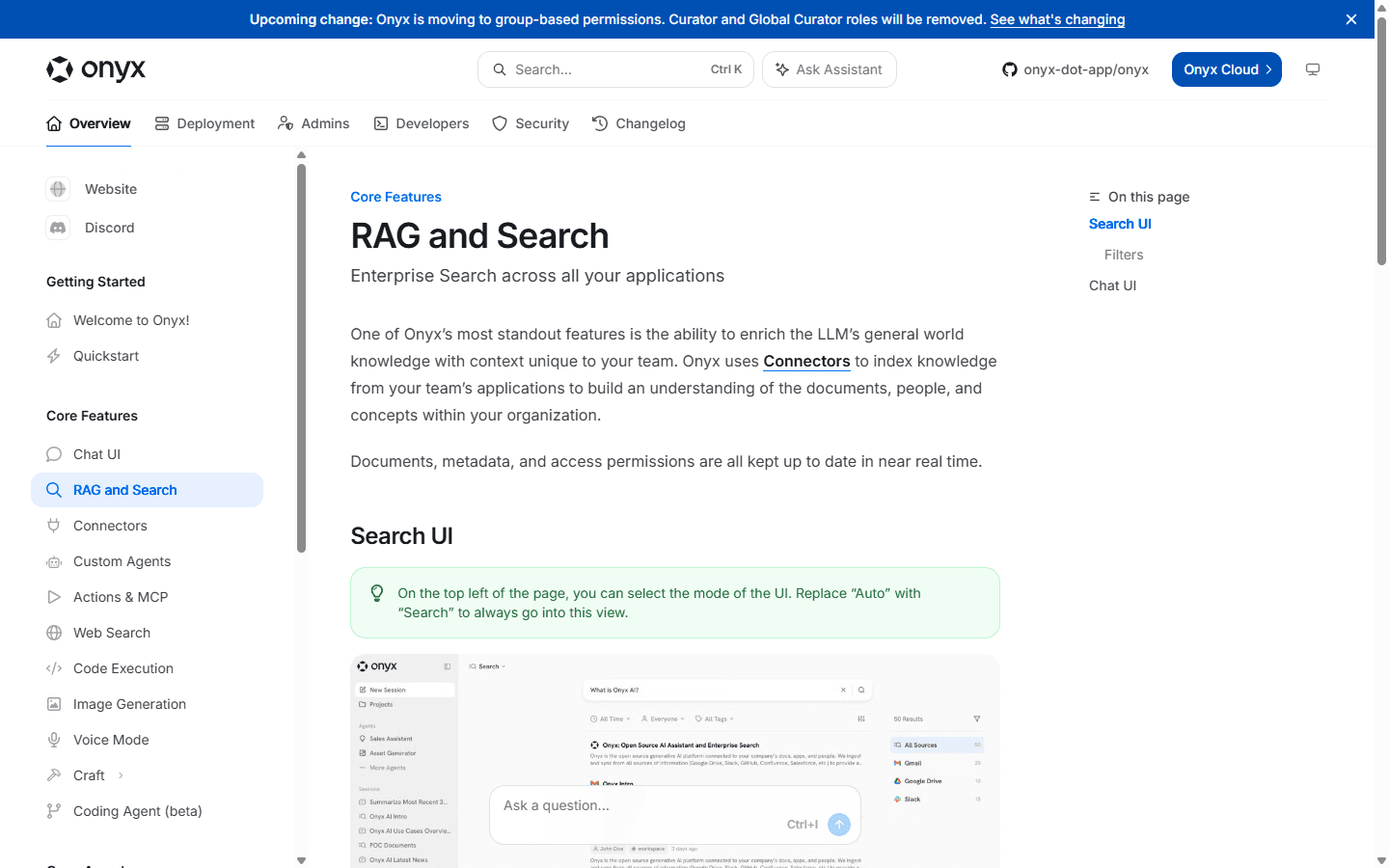
Onyx changes the center of gravity. Instead of asking how many models appear in a selector, I ask which internal systems it can connect, how often content refreshes, whether an answer cites the source, and whether access follows the permissions people already have. That is the right conversation for a company knowledge assistant.
The platform combines enterprise search, AI chat, agents, connectors, a REST API, an MCP server, and a connector framework. It can be self-hosted and can use local or hosted models. The important caveat is permission behavior: permission-syncing connectors and enterprise controls need to be evaluated against the edition being deployed. A connector without source-aware permissions can expose indexed material too broadly.
A larger team with information scattered across collaboration and documentation systems can justify Onyx. One person chatting with Ollama on a laptop cannot. This is a high-effort migration because identity, connectors, permissions, indexing, retention, observability, and ownership all come along. The interface is the smallest part of the move.
I would pilot Onyx with one department and two data sources. I would include documents that should be visible, documents that should be hidden, and questions whose answer changed recently. If the system cannot prove access boundaries and freshness in that small test, adding twenty connectors will only make the failure harder to inspect.
My Open WebUI vs Onyx comparison goes deeper on connected search, model access, permission boundaries, pricing, Reddit complaints, and the migration work behind that decision.
Best polished agent workspace
4. LobeHub is the better fit when the interface should organize agents, not just chats.
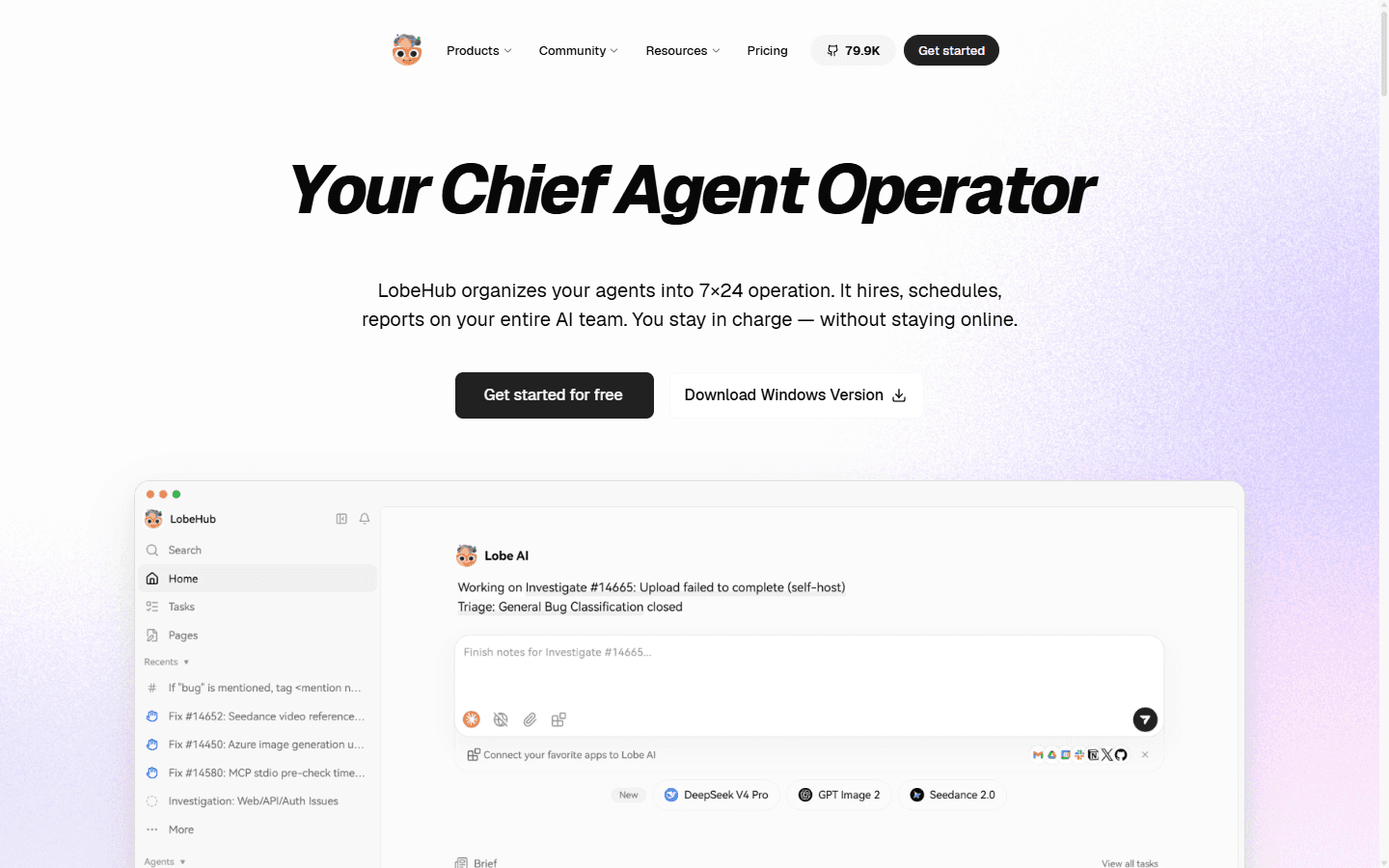
LobeHub has evolved beyond the older idea of LobeChat as a clean universal chat client. Its current product direction emphasizes agents, tasks, skills, MCP, model choice, pages, schedules, memory, and agent groups. That makes it more ambitious than a cosmetic Open WebUI replacement.
I like LobeHub when users need a polished workspace and will actually build reusable agents instead of opening a new blank conversation every time. The interface gives those agents a visible home, while the community edition and self-hosting path keep local control in the picture.
Design-conscious technical users and small teams coordinating several agents will understand the appeal. A buyer looking for a quiet, stable chat front end with the fewest moving parts probably will not. LobeHub is moving quickly, and its agent-operator direction can feel like a second platform to someone who only wanted local chat.
I rate the move as medium effort. Provider settings and prompts have obvious destinations, while skills, MCP connections, agent definitions, knowledge, and task habits need rebuilding. This is a workflow redesign, not a one-to-one object transfer.
My Open WebUI vs LobeHub comparison goes deeper on agents, models, MCP, team controls, pricing, Reddit complaints, and the migration work behind the switch.
Best open-source desktop option
5. Jan removes the server when the server was the problem.
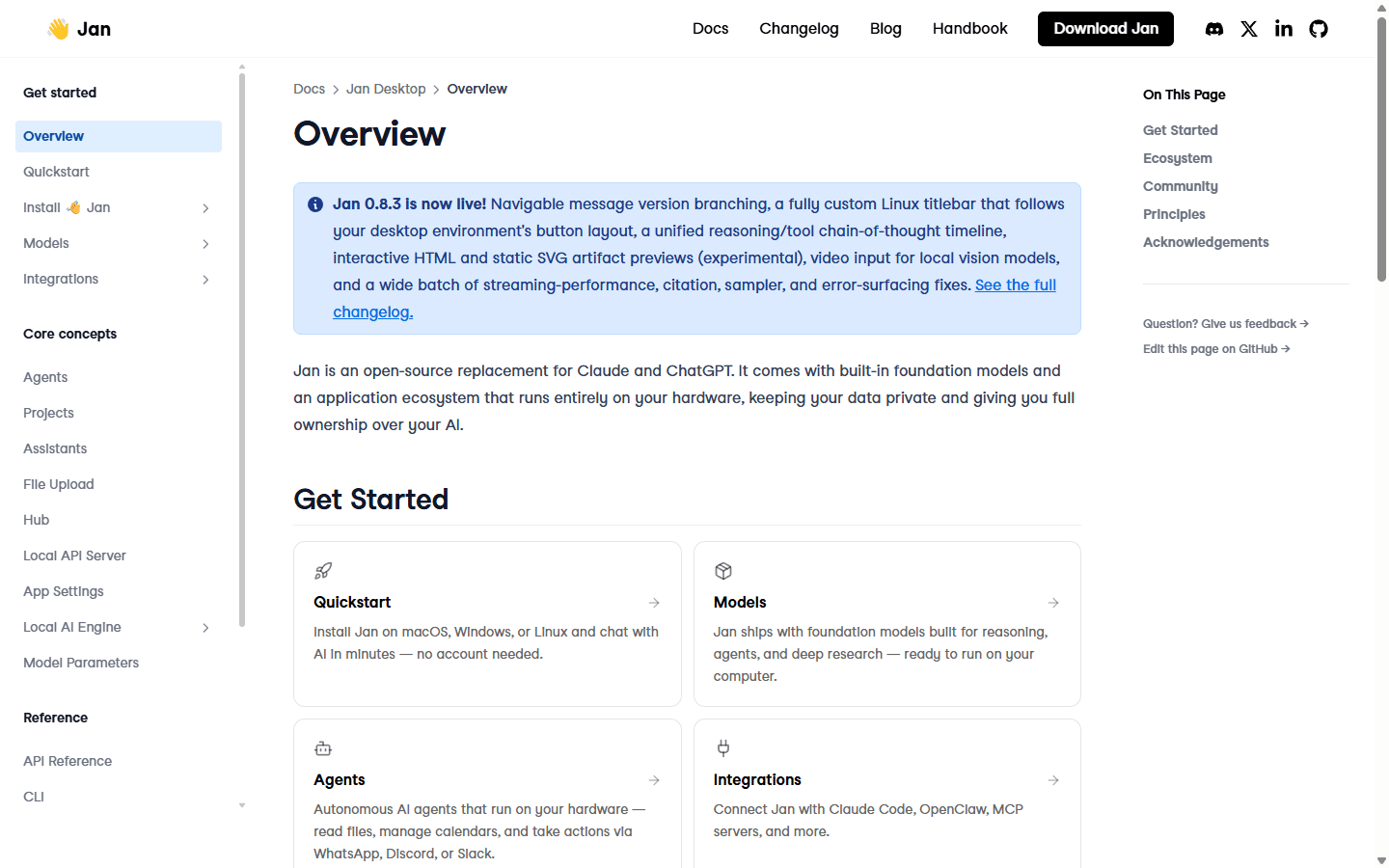
Jan is the cleanest answer for a single user who wants open-source local AI without a browser deployment. It runs on Windows, macOS, and Linux, supports local models, projects and files, assistants, agents, integrations, and a local OpenAI-compatible API. No account is required for the local path.
The desktop model changes the maintenance equation. I do not need to expose a service, maintain user accounts, configure a reverse proxy, or schedule a team outage for an upgrade. I still need enough hardware, model storage, backups, and basic judgment about which integrations can act on the machine.
Jan makes sense for developers, writers, and privacy-conscious individuals who want one workstation to own the experience. It does not replace a shared multi-user deployment. If five people need the same knowledge, tools, policies, and history, five unrelated desktop installations create a different administration problem.
The move stays low effort when the old setup was mainly local models and personal prompts. Files can become projects, endpoints can be recreated, and the local API can preserve compatibility with other tools. Conversation history and shared Open WebUI features are less likely to travel cleanly.
My Open WebUI vs Jan comparison goes deeper on local setup, models, projects, assistants, API access, team use, Reddit complaints, and migration cost.
Best local model lab
6. LM Studio is better when the real job is running models, not running a portal.
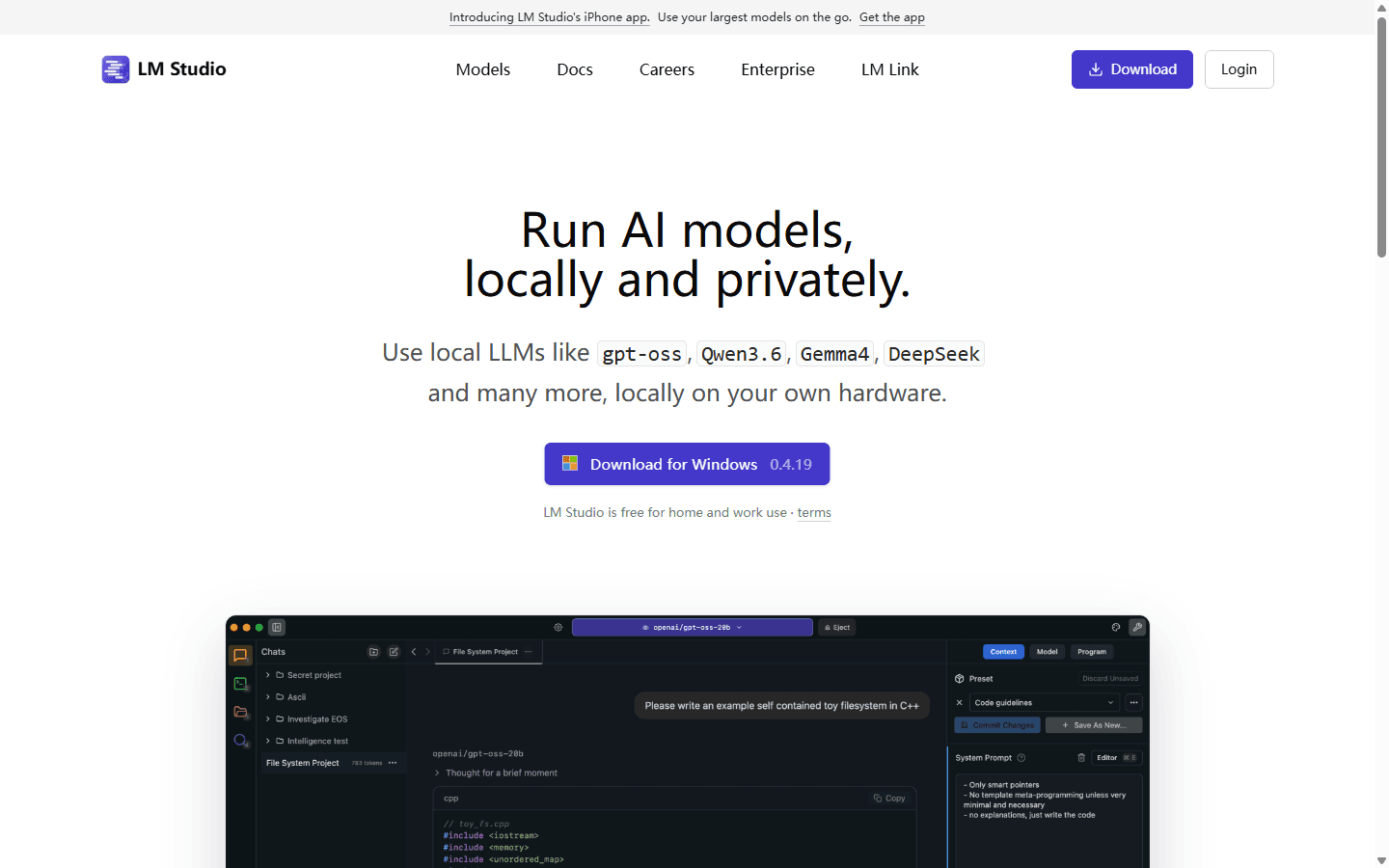
LM Studio is the product I reach for when I am comparing local models, checking memory use, adjusting runtime settings, chatting with a model, or exposing a local API to another application. The model is the object I am managing. The chat interface is useful, but it is not pretending to be a company intranet.
That focus makes LM Studio a strong Open WebUI alternative for developers and local AI experimenters who never needed users, groups, SSO, shared knowledge, or a public URL. It supports model discovery, local chat, document use, an OpenAI-compatible server, SDKs, and command-line workflows.
It is a poor fit for a team portal. I would not choose it to replace Open WebUI RBAC, shared agents, or a centrally managed knowledge system. It also should not be described as the open-source choice on this list; Jan is the clearer fit when application licensing is part of the requirement.
Moving here is usually a short job: point downstream tools at the local server, download the models I actually use, and recreate a small set of presets. Hardware is the less friendly part. A model that looked convenient on a remote server may become slow or impossible on a laptop with limited memory.
My Open WebUI vs LM Studio comparison goes deeper on model discovery, local inference, APIs, remote access, team controls, Reddit complaints, and migration cost.
Best polished desktop experience
7. Msty Studio makes a mixed local-and-cloud setup easier to live in.
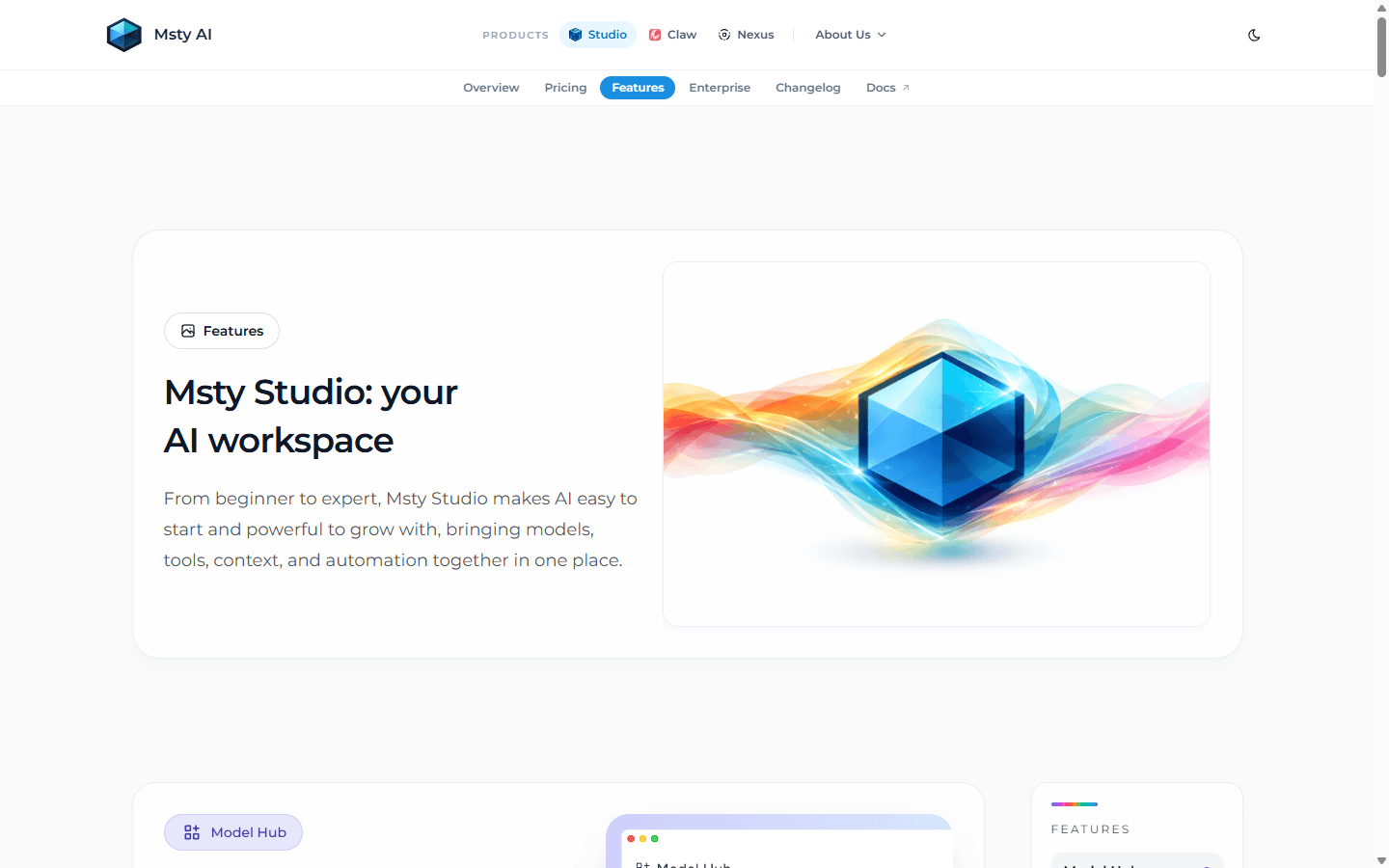
Msty Studio is the option I would show someone who likes the privacy of local models but does not want the experience to feel like a model runner. It brings local and online models, multi-model conversations, Knowledge Stacks, tools, automation, and local or remote MCP connections into a more approachable desktop workspace.
The useful distinction is mixed work. I may want a local model for private notes, a hosted model for a difficult reasoning job, and a knowledge collection for a recurring client project. Msty puts those choices in one interface without requiring me to operate a shared web service.
I would use Msty with individual professionals and small teams whose collaboration happens around files and outputs, not shared accounts inside the AI interface. It cannot stand in for centralized authentication, group permissions, and organization-wide knowledge.
Model connections and documents make this a low-to-medium move. Knowledge Stacks still need careful organization and evaluation, while tool and MCP permissions deserve the same scrutiny they would receive in a server product. A friendly desktop surface does not make an action-capable integration harmless.
My Open WebUI vs Msty Studio comparison goes deeper on setup, local and cloud models, Knowledge Stacks, MCP tools, team access, privacy, pricing, Reddit complaints, and migration cost.
Fit before features
Who should switch, and who should leave the server alone?
Switch to LibreChat
You need a broad self-hosted team interface and accept comparable operational complexity.
Switch to AnythingLLM
Documents and workspaces are the center of the job, especially for one user or a small team.
Switch to Onyx
The project is internal search across live company systems with permissions and citations.
Switch to LobeHub
Reusable agents, skills, tasks, and a polished workspace matter more than exact feature parity.
Switch to Jan
One person wants open-source local AI without maintaining a shared web deployment.
Switch to LM Studio
The actual job is downloading, testing, and serving local models.
Switch to Msty
You want a friendlier desktop workspace across local models, cloud models, knowledge, and tools.
Keep Open WebUI
The deployment is stable, retrieval is trusted, access is controlled, and the team already knows the workflow.
Open WebUI remains unusually broad. Its current documentation covers multi-provider chat, knowledge and hybrid retrieval, reranking, tools, pipelines, MCP, OpenAPI servers, roles, groups, SSO, LDAP, SCIM, and API keys. I would not move away from that working system merely because another homepage looks cleaner.
I would switch when the product shape is wrong. A desktop user should not have to become a part-time platform engineer. A company search project should not be reduced to file uploads. A team that needs broad agents and tools should not choose a minimal model runner and then rebuild the missing platform around it.
Customer research
Reddit complaints point to retrieval, upgrades, and setup friction.
The most consistent complaint I see on Reddit is not that Open WebUI lacks RAG. It is that users expect retrieval to happen automatically, then discover that a knowledge collection must be selected, tagged, or invoked in the right mode. When the answer ignores a document, the interface can make the failure feel mysterious even when the cause is configuration.
The second complaint is upgrade anxiety. Self-hosters pin a working version because rapid releases can change configuration, behavior, or extensions. That is not unique to Open WebUI, and moving to LibreChat or LobeHub does not make version churn disappear. I want a tested upgrade path, a database backup, a rollback command, and release notes I can understand before production moves.
AnythingLLM discussions repeat a different set of problems: Docker friction, document organization, folder synchronization, disk use, and confusion over when an agent mode is required. Those complaints matter because they show the trade. A product can simplify the visible workflow while still leaving ingestion and local infrastructure underneath.
LibreChat users praise the self-hosted, multi-user, API-driven shape, but they also discuss rough edges around uploads, artifacts, MCP behavior, and custody of generated files. Onyx discussions focus more on enterprise features and which identity or permission controls belong to commercial editions. LobeHub users bring up self-hosted marketplace configuration and the speed of product change.
The shared lesson is boring but useful: the interface is not the system. Retrieval depends on the ingestion pipeline. Tools depend on permissions. Self-hosting depends on upgrades and backups. The best alternative is the one whose hidden work matches the skills and patience of the person operating it.
- Local AI users discussing interfaces with dependable RAG
- AnythingLLM and Open WebUI retrieval tradeoffs
- Open WebUI users working through agent and knowledge behavior
- Self-hosted users comparing LibreChat file and MCP workflows
- Onyx users discussing community and enterprise identity features
Switching cost
Model endpoints move quickly. Knowledge and permissions do not.
I can usually recreate a local Ollama connection or an OpenAI-compatible base URL in minutes. That is the part most migration guides show because it looks satisfying. The real cost is everything that grew around the model: users, saved prompts, tools, secrets, knowledge collections, embedding choices, group access, shared links, backups, and support habits.
Knowledge is the most underestimated workstream. I do not blindly copy a vector database and hope the new application interprets it the same way. I keep the source files, rebuild extraction and indexing in the destination, then run a known-answer evaluation. Different chunking, embeddings, metadata, reranking, and prompts can change the result even when the files are identical.
Tools are the second risk. I inventory every MCP server, function, pipeline, OpenAPI connection, and API key. I record whether it reads or writes, where the secret lives, what user identity reaches the downstream service, and how I revoke it. A migration is a good moment to delete tools nobody can explain.
For a personal desktop move, I budget two to four hours. For a small shared deployment, I budget two to five days including a parallel run. For a team with SSO, groups, shared knowledge, connectors, and compliance requirements, I treat it as an infrastructure project measured in weeks.
| Workstream | What has to move | Typical effort |
|---|---|---|
| Model access | Provider keys, base URLs, local model names, context settings, and defaults | Low to medium |
| Knowledge | Files, collections, chunking, embeddings, vector data, citations, and refresh rules | Medium to high |
| Agents and tools | System prompts, functions, MCP servers, OpenAPI tools, permissions, and secrets | Medium to high |
| Users and access | Accounts, groups, SSO, roles, resource permissions, API keys, and audit expectations | High |
| Operations | Docker configuration, reverse proxy, storage, backups, upgrades, logging, and rollback | Medium to high |
| History | Chats, saved prompts, feedback, folders, and shared links | High if no compatible importer exists |
Seven-day pilot
Test the replacement with twenty jobs and one deliberate failure.
- Freeze the current system. Record the working Open WebUI version, model endpoints, knowledge settings, tools, storage, and backup process before changing anything.
- Pick one product shape. Compare a team portal with a team portal, a desktop with a desktop, or enterprise search with enterprise search. Do not let a prettier mismatch win.
- Run five normal chats. Use the same local and hosted models, long context, file attachment, markdown output, and conversation follow-up.
- Run five known-answer retrieval tests. Include one absent answer, one conflicting source, one table, one recently updated document, and one question that requires citations.
- Run three tool jobs. Test one read-only action, one write action with approval, and one failure caused by a missing permission.
- Run three access tests. Confirm a normal user cannot see an admin resource, a private knowledge collection, or another group's shared object.
- Break and recover it. Restart the service, restore a backup, rotate a provider key, and roll back one update. The best interface is not useful if only one person can recover it.
- Compare operator time. Count user confusion, retrieval corrections, admin steps, failed jobs, and maintenance time. Keep the alternative only if it improves the whole week, not the first login.
FAQ
Practical questions before replacing Open WebUI.
What is the best Open WebUI alternative in 2026?
LibreChat is the closest general replacement for a self-hosted, multi-user AI chat platform with multiple providers, agents, MCP, code execution, and retrieval. AnythingLLM is easier to recommend when documents and local workspaces matter more than matching Open WebUI feature for feature.
Which Open WebUI alternative is easiest to run locally?
Jan and LM Studio are the easiest starting points for a single desktop user. AnythingLLM Desktop is also approachable when the main job is chatting with local documents. They avoid much of the reverse-proxy, account, database, and upgrade work that comes with a shared web deployment.
Is LibreChat better than Open WebUI?
LibreChat is better when I need a broad multi-provider interface, agent tooling, MCP, artifacts, and a product shape closer to hosted AI chat services. Open WebUI remains a strong choice when its Ollama integration, knowledge tools, access controls, and existing deployment already fit the team.
Is AnythingLLM better than Open WebUI for RAG?
AnythingLLM often feels simpler for a document-first workflow because workspaces, files, agents, and retrieval are central to the product. Open WebUI offers a broader platform and more administration. Retrieval quality still depends on the documents, extraction, chunking, embedding model, reranking, and prompt design in either product.
Can I migrate Open WebUI chats and knowledge automatically?
There is no universal migration path across these products. Model endpoints and files are usually straightforward to recreate. Chat history, users, permissions, prompts, tools, embeddings, and vector indexes may require export, conversion, re-ingestion, or manual rebuilding. Test the migration before committing to a new interface.
Which alternative is best for a team?
LibreChat is my default for a general self-hosted team. Onyx is the stronger choice when the real requirement is enterprise search across internal systems with permission-aware access. Open WebUI itself may still be the sensible answer when its RBAC, SSO, groups, and knowledge setup are already stable.
Sources
First-party documentation and customer discussions used for this guide.
- Open WebUI feature documentation
- Open WebUI role-based access documentation
- LibreChat feature documentation
- AnythingLLM product overview
- AnythingLLM documentation
- Onyx RAG and internal search documentation
- Onyx connector and permission guidance
- LobeHub product overview
- Jan Desktop documentation
- LM Studio product overview
- Msty Studio feature overview
Read related articles
Keep reading practical SwitchMyTool guides after this one.

Qodo vs Codacy in 2026: Better AI Review or Stronger Merge Gates?
I compare Qodo and Codacy by AI review, static analysis, security gates, pricing, migration cost, team fit, and common Reddit complaints.
Read more
Qodo vs Graphite Agent in 2026: Better Review Governance or a Better PR Workflow?
I compare Qodo and Graphite Agent by review quality, stacked pull-request workflow, pricing, team fit, migration cost, and common Reddit complaints.
Read more
Qodo vs Bito in 2026: Better Review Governance or Broader Developer Coverage?
I compare Qodo and Bito by review governance, Git and IDE coverage, repository rules, pricing, team fit, migration cost, and Reddit complaints.
Read more