 SwitchMyTool

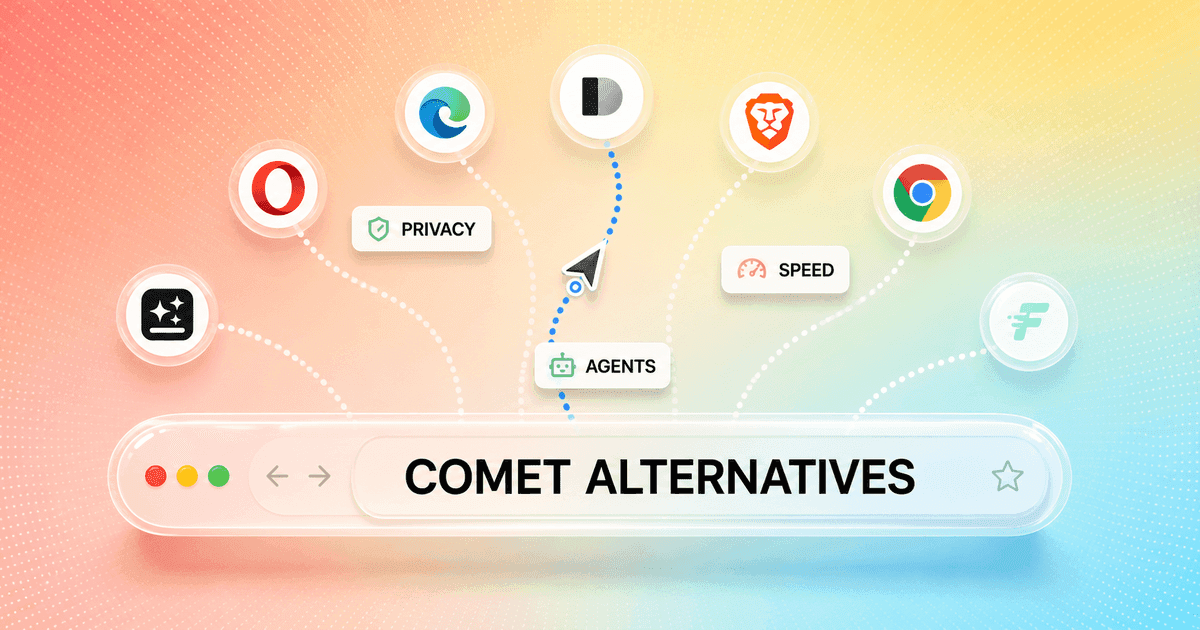
Comet is easy to understand after one useful task. I can ask about the page in front of me, pull context across tabs, or delegate a small piece of web work without copying everything into a separate chat. The browser becomes part reader, part researcher, and part impatient assistant.
The difficult part arrives later. Agent limits appear during the work. A simple action takes longer than doing it myself. I start wondering how much access the browser has to logged-in pages, email, calendars, and history. Then the search for comet browser alternatives begins.
I do not judge these browsers by whether they have an AI sidebar. That bar is on the floor. I care about five jobs: reading the current page, comparing several tabs, acting on a website, recovering when the action fails, and letting me control what the model can see. Every choice below wins a different version of that test.
My verdict
Genspark is the closest broad replacement. Opera Neon is the cleaner paid bet.
I would start with Genspark if the goal is to preserve Comet's sense of delegation on Windows or Mac. Its official material combines page-aware tools, autonomous navigation, an MCP store, ad blocking, and an on-device AI option. It is the widest attempt to replace the whole Comet workflow rather than bolt chat onto a normal browser.
Opera Neon is my second choice and the one I would test first for a focused power user. It costs $19.90 per month, brings several models into one subscription, and organizes its pitch around Chat, Do, Make, deep research, memory, scheduled work, and browser action. The tradeoff is straightforward: I am paying for an experimental browser that changes quickly.
For work, Edge is the safer organizational answer. Dia is the better reading and synthesis environment on an Apple silicon Mac. Brave is the privacy-first direction. Chrome with Gemini is the lowest-cost migration because I can keep Chrome. Fellou is the interesting laboratory at the end of the list, not the browser I would hand to an entire company.
I am deliberately excluding ChatGPT Atlas. OpenAI now says Atlas will stop working on August 9, 2026 as browser-based agentic work moves into ChatGPT and Codex. A product with a published shutdown date is not a responsible browser migration, however good its original feature set looked.
Closest replacement
Genspark for autonomous browsing, page tools, and cross-app connections.
Best paid agent
Opera Neon for users willing to pay for a more focused experimental browser.
Best for work
Microsoft Edge when Microsoft 365, tenant controls, and familiar deployment matter.
Best privacy direction
Brave, with the warning that its agentic browsing remains early.
Lowest migration cost
Chrome with Gemini because bookmarks, extensions, profiles, and habits stay put.
Start with the job
A Comet replacement has to replace the useful moment, not the logo.
Some people use Comet as a research browser. They open six sources, ask for disagreements, and want citations back to the tabs. Others use it as an action browser: fill a form, compare products, update a calendar, or work through a logged-in site. Those are different products hiding under one browser icon.
If my main job is reading, Dia, Brave, Chrome, and Edge deserve more attention than the flashiest autonomous agent. If my main job is acting, Genspark, Opera Neon, and Fellou belong at the top of the pilot. If my main concern is confidential work, the decision may be to keep a conventional browser and use AI only on selected pages.
I also separate browser quality from agent quality. A daily browser still has to render strange sites, preserve sessions, sync passwords, support extensions, handle downloads, recover tabs, and behave under memory pressure. A clever agent inside an irritating browser is not progress. It is a demo I have to live in.
Comparison
The market splits between stable browsers and ambitious agents.
| Browser | AI shape | Platform | Best for | Main caution |
|---|---|---|---|---|
| Genspark AI Browser | Autopilot, page tools, MCP connections | Windows and Mac | Closest broad replacement | Ambitious product surface needs careful permission review |
| Opera Neon | Browsing agent, research, scheduled work | Windows and Mac | Power users who want a paid agent browser | $19.90 monthly and still experimental |
| Microsoft Edge | Copilot tab context and browser actions | Windows, Mac, mobile | Microsoft 365 and managed work | Agent availability depends on plan, market, and admin |
| Dia | Cross-tab synthesis, reports, work context | Apple silicon Mac | Knowledge work and research | Limited platform reach and waitlist availability |
| Brave | Private AI plus early agentic browsing | Desktop and mobile | Privacy-first users | Agentic features are still early testing |
| Chrome with Gemini | Page summaries, tab context, Google apps | Broad Chrome support | People who do not want a browser migration | Features vary by region, account, device, and plan |
| Fellou | Cross-site action, deep search, scheduled workflows | Desktop early access | Experimenters building multi-app workflows | The highest maturity and trust risk in this list |
This is not a maturity ranking. Edge, Brave, and Chrome are mature browsers with AI features that may be limited by region, account, plan, or preview status. Genspark, Neon, Dia, and Fellou make a stronger AI promise, but the browser, permissions, billing, and long-term product direction deserve more scrutiny.
That unevenness is exactly why I would not replace Comet after reading a feature table. I would test the same ten tasks in two candidates, then keep the one that completes more work with fewer interventions and a permission model I can explain to another person.
Closest broad substitute
1. Genspark tries to replace Comet's whole operating model.

Genspark is the closest match when I want more than an assistant panel. Its official browser announcement describes a Super Agent on webpages, Autopilot Mode, ad blocking, video and shopping tools, and an MCP store connecting hundreds of apps. A later release added Windows and Mac support plus on-device open-weight models.
The on-device option is the interesting difference. Local inference can reduce the need to send every lightweight request to a server, although autonomous actions and connected services still create separate data paths. I would not turn a 'local AI' label into a blanket privacy assumption. I would inspect which task uses which model and what leaves the device.
Genspark suits researchers, operators, and solo professionals who want one browser to compare, summarize, automate, and hand work into other tools. It is a poor fit for a regulated team that needs a simple, narrow permission story or anyone who only wants current-page summaries. The migration cost is medium: browser data may import easily, but app connections, MCP permissions, local model storage, and task history require deliberate setup.
My focused Comet Browser vs Genspark comparison tests the research, automation, privacy, local AI, and migration tradeoffs in more detail.
Best paid power-user option
2. Opera Neon gives the agent a clearer home.
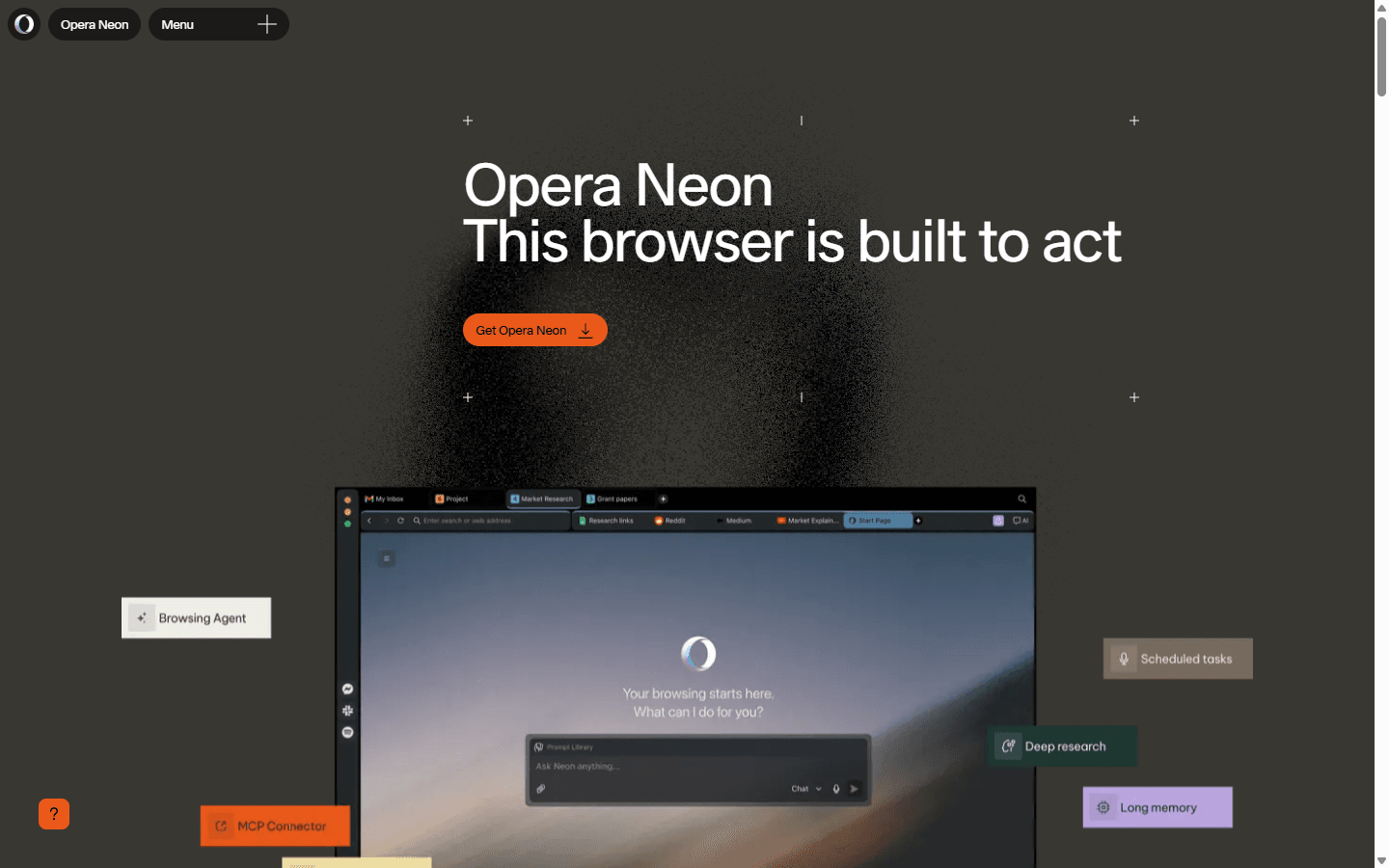
Opera Neon is easier to understand than most AI-browser pitches. Neon Chat handles conversation, Neon Do acts in the browser, Neon Make builds things, and the surrounding product adds deep research, scheduled tasks, long memory, and connectors. Opera opened public access at $19.90 per month and calls the product experimental.
I like the explicit price because it forces a real comparison. If Neon saves two tedious hours each month, the subscription is easy to defend. If I mostly summarize articles, I am paying a browser tax for capabilities I do not use. I would count completed recurring tasks, not clever one-off demos.
Neon is for an individual power user willing to tolerate weekly product change in exchange for a more ambitious agent. It is not for a team that needs frozen behavior, broad enterprise controls, or a free default browser. Migration is medium. The browser move is familiar, but scheduled jobs, memory, connector permissions, and model-dependent behavior become new operational surface.
For the direct decision, read my Comet Browser vs Opera Neon comparison. It tests the free research workflow against Neon's paid Chat, Do, Make, Tasks, and deep research workflow.
Best for Microsoft work
3. Edge is the practical answer when the browser belongs to the company.
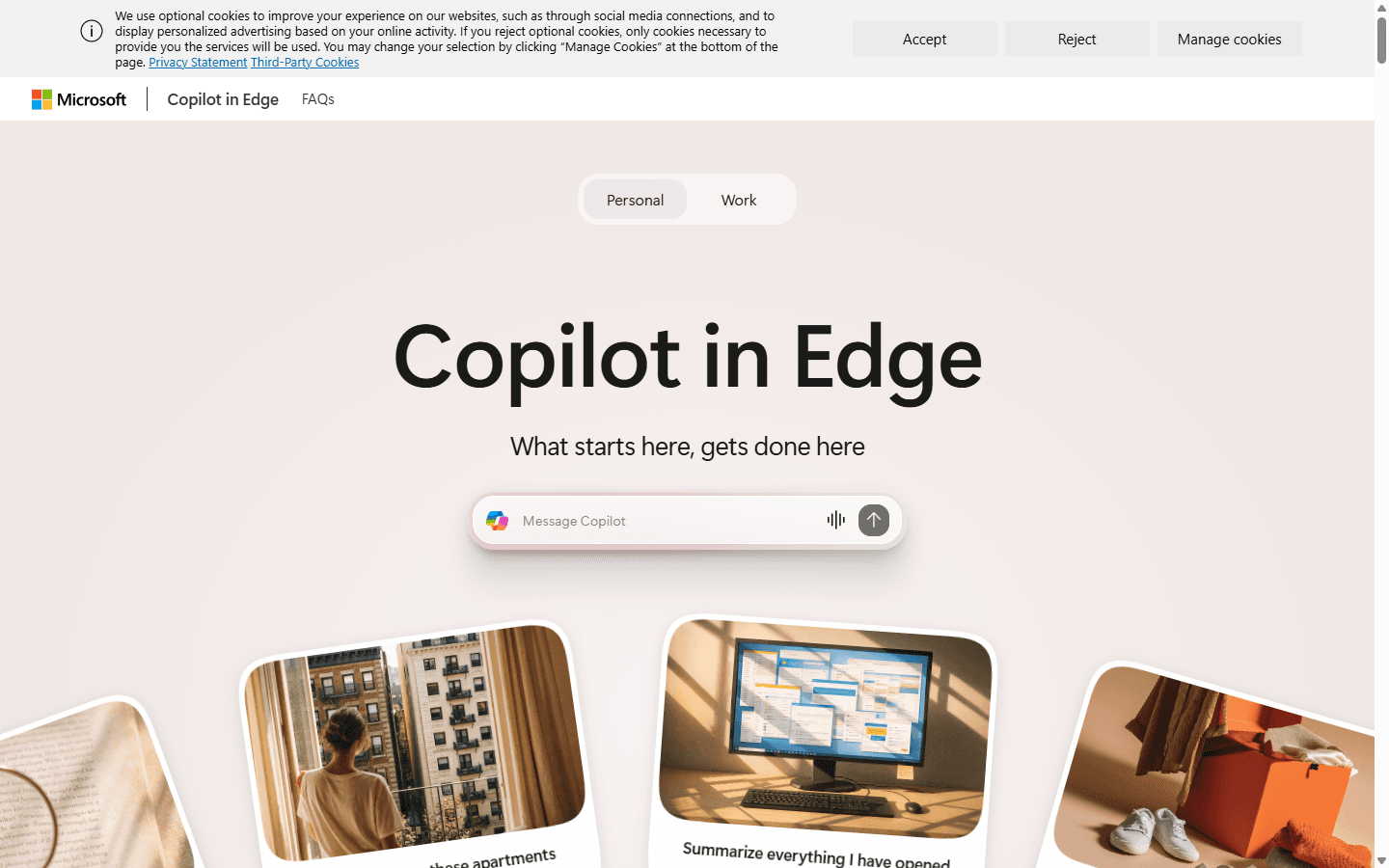
Microsoft now describes Browse with Copilot as a feature that can select, type, navigate, compare, fill forms, and help complete tasks with approval before final actions. Personal availability is rolling out through Microsoft 365 Premium in the United States, while work availability remains an opt-in preview controlled by administrators.
That limitation is also Edge's advantage. Microsoft documents site allowlists and blocklists, sensitive-action pauses, enterprise data protection, tenant controls, and visible intervention. A company already managing Edge and Microsoft 365 has a path to introduce browser action without inventing a new deployment and identity system.
Edge fits a Windows-heavy organization, a Microsoft 365 team, or a buyer who values admin controls over novelty. It is not the right answer when the feature is unavailable in the user's market or tenant, when the team is outside Microsoft's ecosystem, or when the buyer wants unrestricted autonomy. Migration is low for existing Edge users and high for a company moving browser policy, profiles, and support from another platform.
My Comet Browser vs Microsoft Edge comparison goes deeper on citations, Browse with Copilot, Workspaces, privacy, pricing, and managed rollout.
Best for synthesis
4. Dia is better at making the browser feel like a working notebook.
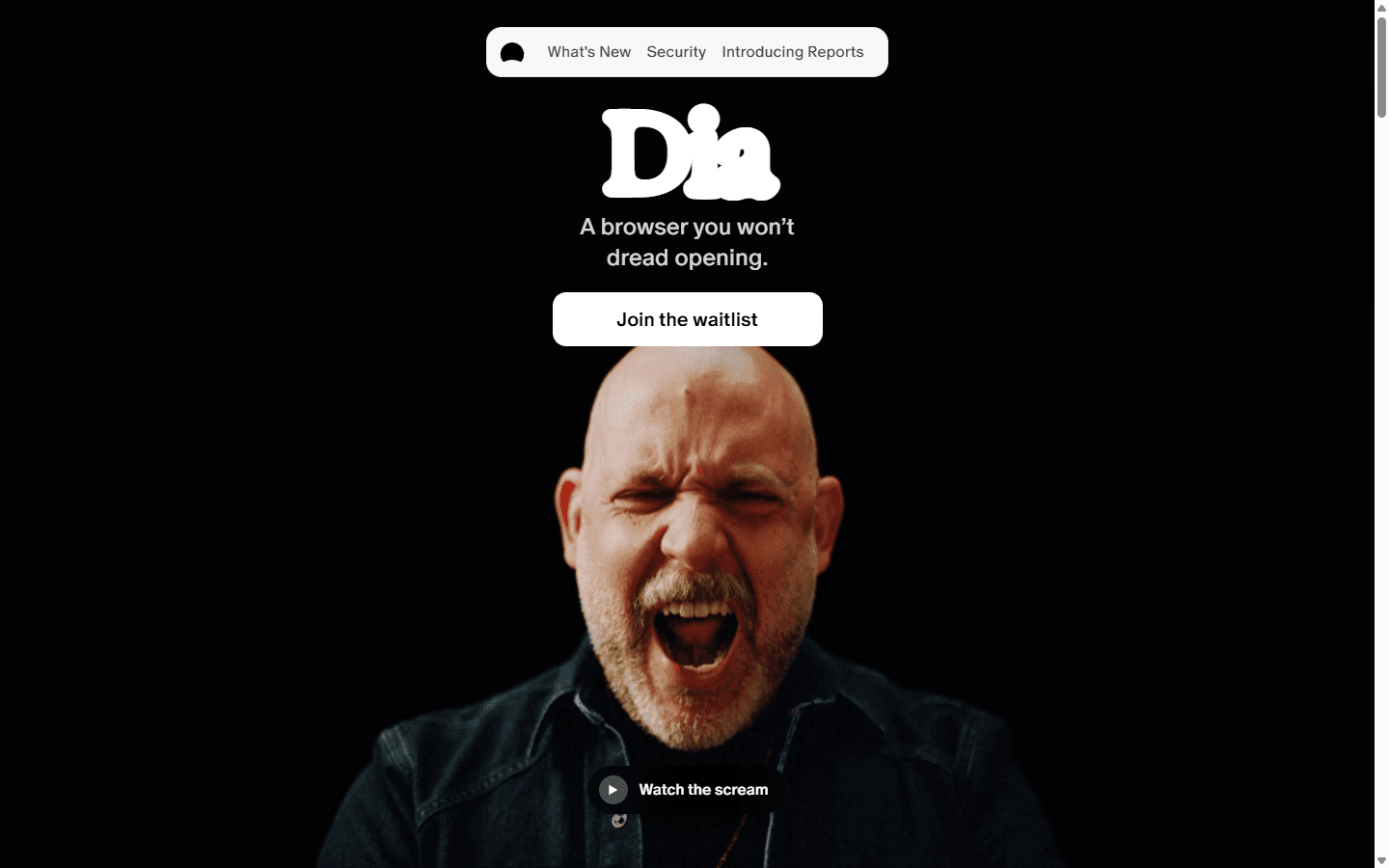
Dia's strongest idea is not a robot clicking buttons. It is context. The browser brings tabs, history, calendar, meetings, documents, Slack, Notion, profiles, reports, and files into the same working environment. That makes it appealing when the painful task is understanding scattered material rather than completing a checkout flow.
I would use Dia for a market brief, meeting preparation, a multi-source report, or any job where the answer depends on several open tabs and past work. Its official onboarding material says data is encrypted locally and the browser sends the context needed for a chat, while avoiding sensitive sites by default. Those are useful controls, not permission to stop thinking about confidential data.
Dia fits writers, strategists, researchers, and managers on an Apple silicon Mac. It does not fit Windows teams, people who need a mature cross-platform rollout, or anyone whose Comet workflow depends on aggressive autonomous action. The current homepage also presents a waitlist, so availability itself may decide the comparison. Migration is medium because the value grows with imported context and connected work.
For a direct workflow decision, read my Comet Browser vs Dia comparison.
Best privacy direction
5. Brave takes the security problem more seriously than the sales pitch.
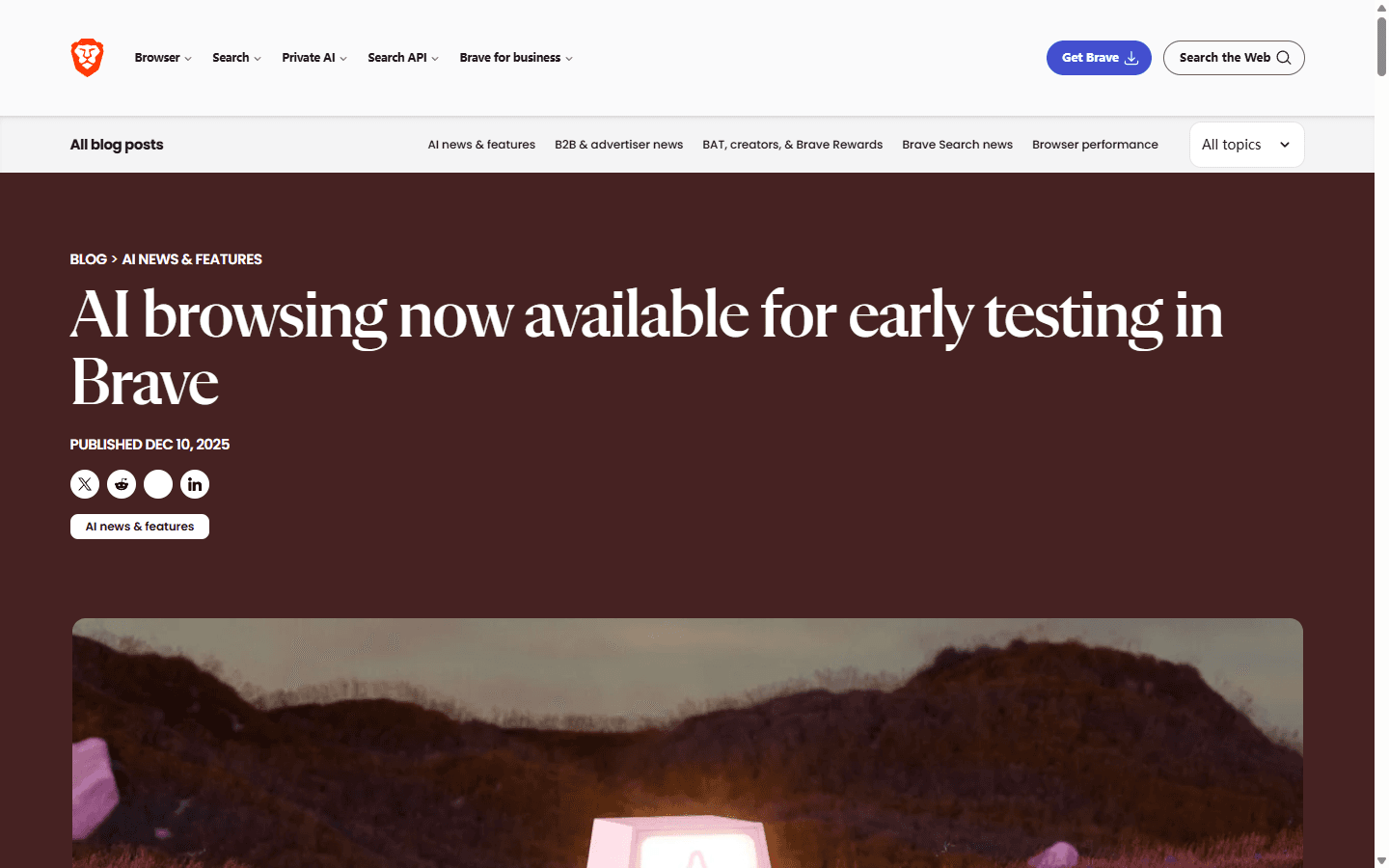
Brave already offers Leo as an in-browser AI assistant, and it is testing agentic browsing in release channels. What earns its place here is the warning label. Brave says agentic browsing is inherently dangerous and describes a separate safety checker intended to keep raw page content away from the component making high-risk decisions.
That matters because a browser agent reads hostile pages while holding access to useful accounts. Prompt injection is not a theoretical footnote. A page, email, document, or hidden instruction can try to redirect the agent. I trust a vendor more when it explains the failure mode instead of pretending the browser can safely click everything.
Brave fits privacy-conscious users who want a strong conventional browser first and AI second. It is not yet the best replacement for someone who relies on Comet to finish long multi-site jobs. Agentic browsing remains early testing, so I would keep expectations narrow. Migration is low to medium for Chromium users because familiar extensions and browser data reduce the mechanical work.
My full Comet Browser vs Brave comparison explains where Leo, Shields, citations, browser actions, privacy, and migration cost change the decision.
Lowest switching cost
6. Chrome with Gemini is the answer for people who do not actually want a new browser.
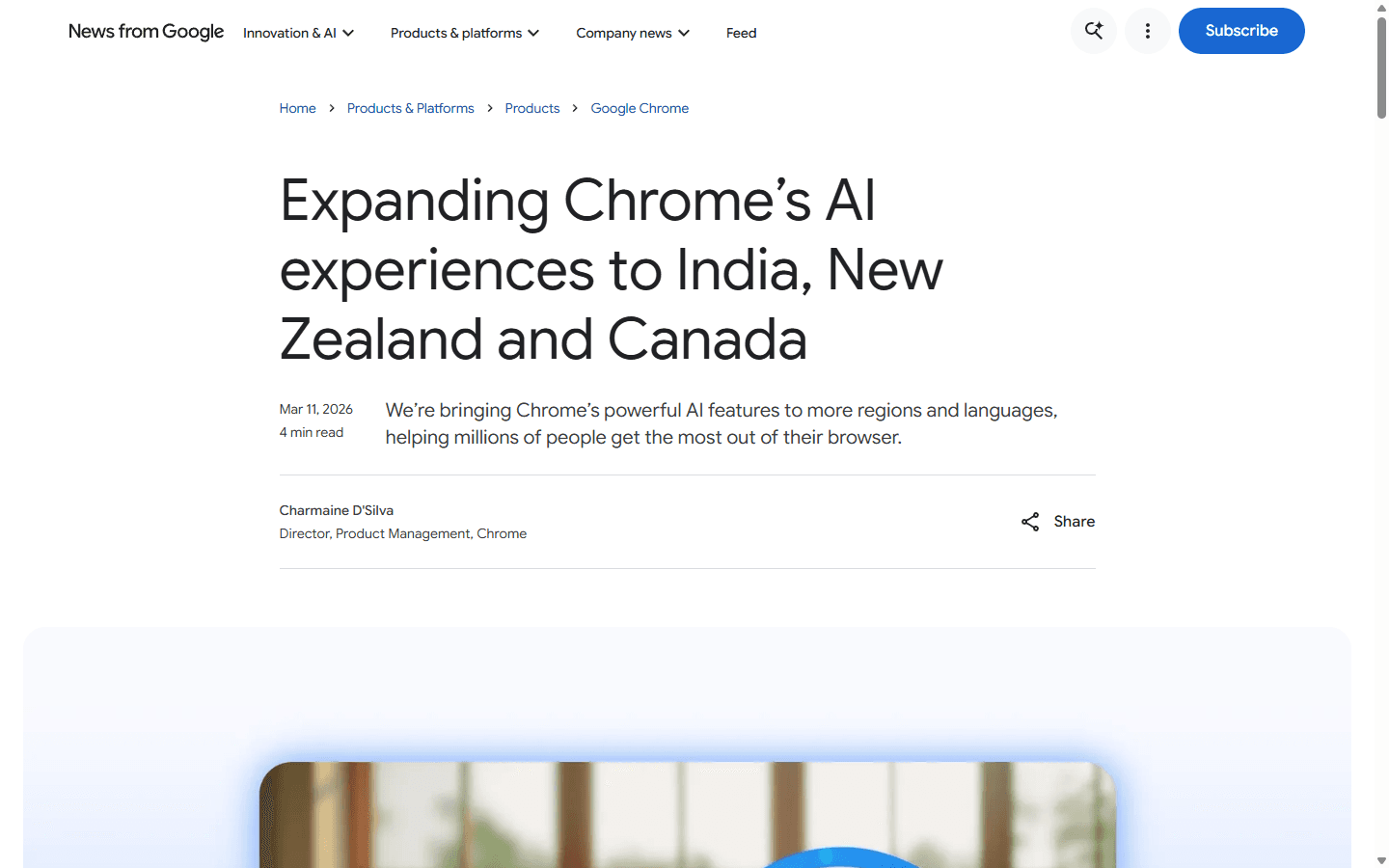
Gemini in Chrome can sit beside the current page, summarize it, use context from several tabs, and connect with Google services such as Gmail, Maps, Calendar, and YouTube. Google is also rolling out more agentic browsing, including Auto Browse on supported devices and plans. The important phrase is 'rolling out.' Availability varies by region, account, platform, and subscription.
Chrome wins when my extensions, password manager, profiles, enterprise policies, dev tools, and muscle memory matter more than owning the newest browser. I can add AI gradually without moving the foundation. That is a sensible response if Comet felt useful but never reliable enough to become the default.
This option fits Chrome users who mainly need page help, tab synthesis, and Google app context. It is not a clean solution for someone who wants one consistent agentic feature set across every device today. Migration cost is the lowest in the list because there may be no migration. The cost moves into feature discovery, account eligibility, and deciding which pages Gemini may read.
Most experimental
7. Fellou is the browser I would test in a sandbox before I trusted it with my day.
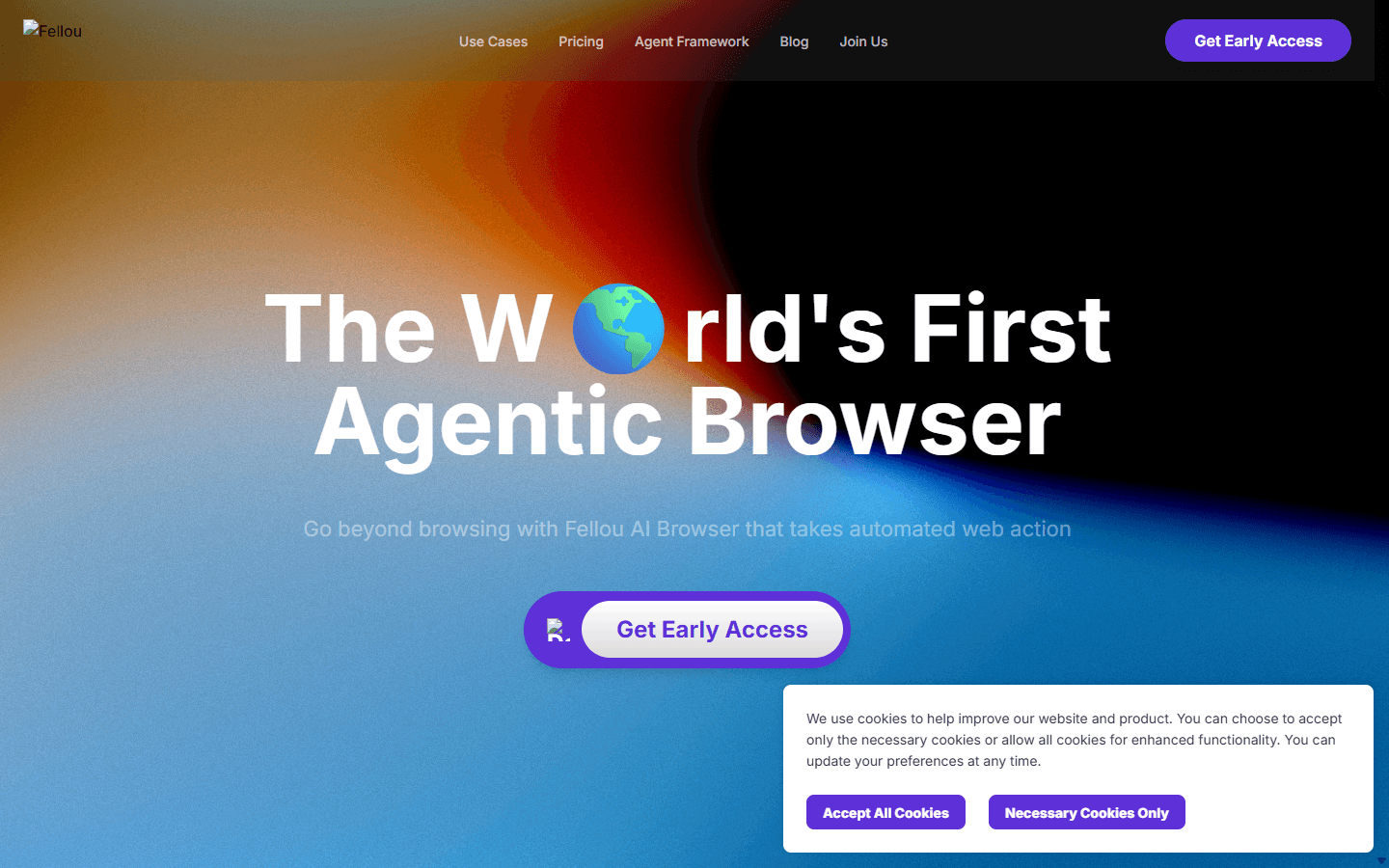
Fellou makes the most aggressive promise here. It describes deep search across public and logged-in services, cross-platform workflows, simultaneous background tasks, memory built from browser and chat history, scheduled work, and visible intervention before and during execution. Its Eko framework also gives developers a path to build custom agents.
That breadth is useful for discovering what an agentic browser could become. It is also a reason to slow down. A system that can work across email, calendars, social networks, documents, and logged-in research has a large permission surface. I would start with a separate browser profile, throwaway tasks, and accounts containing nothing I cannot recover.
Fellou fits experimenters, automation builders, and researchers comfortable evaluating unfinished behavior. It is not for a business that needs predictable support, mature controls, or a quiet default browser. The product still presents early access language, so I would treat every capability as something to verify. Migration cost is high because the useful configuration is the risky configuration: accounts, memory, schedules, and cross-app workflows.
I compare the research loop, Deep Action, Sparks, privacy, and switching cost in my dedicated Comet Browser vs Fellou guide.
Fit before features
Who should leave Comet, and who should keep it?
Switch to Genspark
You want the closest Windows-and-Mac substitute for autonomous web work and connected tools.
Switch to Opera Neon
You will pay for a focused agent browser and can tolerate an experimental product.
Switch to Edge
Microsoft 365, organizational controls, and work identity matter more than maximum autonomy.
Switch to Dia
Your browser job is research, synthesis, reports, and context on an Apple silicon Mac.
Switch to Brave
You want a privacy-first browser and can wait for agentic features to mature.
Stay with Chrome
You mainly need page and tab assistance and do not want to rebuild your browser setup.
Test Fellou carefully
You are comfortable evaluating broad permissions and experimental cross-site automation.
Keep Comet
It completes your real tasks reliably, its limits fit your workload, and a seven-day pilot cannot beat it.
I would not switch because a competing browser has more model names in a menu. Models change faster than browser habits. I would switch because the candidate handles one recurring workflow better: research without tab chaos, form work without babysitting, or sensitive browsing with clearer boundaries.
I would also keep two browsers for a while. The agent browser gets low-risk research and delegated tasks. The stable browser keeps banking, healthcare, confidential administration, and anything where a mistaken click has a meaningful cost. Convenience is not a reason to collapse every trust boundary into one profile.
Customer research
Reddit's recurring complaint is the gap between a good demo and a dependable browser.
On Reddit, the positive case for Comet is concrete. Users praise it when the assistant reads the current page, works with content behind a login, clicks through a process, fills a form, or completes a multi-step job. They do not want another chatbot pasted beside Chrome. They want the browser to do work.
Usage limits are the first recurring complaint. A user starts trusting the agent, delegates more, and then discovers that the useful mode is rationed. This is why I test a full week instead of one afternoon. Limits hurt most when they arrive halfway through a workflow and leave the user to reconstruct what already happened.
Privacy is the second theme. Users are uncomfortable giving one browser access to history, tabs, email, calendars, purchases, and logged-in pages. Some accept that trade for convenience; others return to Firefox or a conventional browser. The sensible response is not a universal verdict. It is a separate profile, a blocked-site list, narrow connected accounts, and explicit deletion rules.
Reliability is the third complaint. People report slow actions, basic tasks that fail, and a browser that sometimes feels like Chrome with a Perplexity panel. The standard I use is intervention count. If I have to correct, restate, unblock, or restart the agent more often than I would click manually, the product is not saving time.
Finally, some users simply switch back for speed. A daily browser is infrastructure. Fast startup, stable tabs, extension compatibility, and predictable rendering beat a clever agent on the ninety percent of browsing that does not need AI.
- Users comparing real browser action with simpler AI sidebars
- Discussion of current-page context and replacement options
- A user returning to Firefox for a simpler daily browser
- Debate about whether Comet changes enough to become the default
Switching cost
Importing bookmarks is the easy part. Rebuilding trust is the migration.
A Chromium import can move bookmarks, passwords, history, and some settings in minutes. That creates the comforting illusion that the migration is finished. It is not. The expensive work is deciding which accounts the new agent may use, which sites it may read, which actions require supervision, and what happens when a task stops halfway.
I budget one hour for a personal browser trial, one or two days for a careful solo migration, and several weeks for a managed team rollout. Team cost includes policy review, extension compatibility, data retention, incident response, support documentation, and a reliable way to disable the agent without disabling the browser.
I keep the old browser intact for at least two weeks. I do not delete passwords, revoke the fallback profile, or make the candidate default on every device. Reversibility is part of a good migration, especially when the new product is in preview, early access, or active experimentation.
| Workstream | What moves | Effort |
|---|---|---|
| Browser data | Bookmarks, passwords, history, autofill, search settings, and profiles | Low to medium |
| Extensions | Password manager, ad blocker, dev tools, accessibility, web clipper, and work apps | Medium |
| Signed-in work | Sessions, connected accounts, calendars, email, files, and shopping sites | Medium to high |
| AI context | Memories, saved prompts, blocked sites, allowed sites, and task history | High |
| Team controls | Policies, data retention, allowlists, audit needs, and incident response | High |
| Fallback | A stable browser profile and a manual path for every delegated task | Low effort, high importance |
Seven-day pilot
Use thirty tasks and measure how often the browser needs rescue.
- Create a separate profile. Do not begin with banking, healthcare, confidential email, or an administrator account. Add only the extensions and services required for the test.
- Run five current-page tasks. Summarize, extract claims, find a date, explain a table, and draft a response grounded in the open page.
- Run five multi-tab tasks. Compare products, identify disagreements, build a source list, recover a past tab, and produce a short brief with traceable evidence.
- Run ten low-risk actions. Navigate, filter, fill a disposable form, update a test calendar, organize tabs, and complete a workflow that crosses two sites.
- Stress the boring browser. Open extension-heavy tools, download a file, restore a session, use several profiles, join a video call, and leave twenty tabs open.
- Test five failure boundaries. Give an ambiguous instruction, visit an untrusted page, deny a permission, interrupt an action, and ask the agent to stop before a consequential click.
- Count interventions. Record completion, time, restarts, corrections, wrong clicks, limit interruptions, and whether I trusted the final state. Keep the browser only if it reduces work without expanding risk beyond what I can manage.
FAQ
Practical questions before changing an AI browser.
What is the best Comet browser alternative in 2026?
Genspark is my closest broad replacement for people who want autonomous browsing on Windows or Mac. Opera Neon is the cleaner paid power-user option. Edge is the practical choice for Microsoft 365 teams, while Brave is the better direction for people who put privacy ahead of maximum agent depth.
Is there a free alternative to Comet Browser?
Chrome with Gemini, Brave, and Genspark all provide free entry points or free browser features, but availability and AI limits vary. A free download does not mean unlimited agent actions, every model, or unrestricted connected-app access. Check the current plan and region before migrating.
Which Comet alternative has the best privacy?
Brave has the strongest privacy-first browser position in this list, and it openly describes the security risks of agentic browsing. That does not make delegated browsing risk-free. Any browser agent that reads logged-in pages or acts across sites needs narrow permissions, supervision, and a separate profile for sensitive work.
Can I keep Chrome and still get Comet-like AI features?
Yes. Gemini in Chrome can summarize pages, use context across tabs, and connect with Google services where the feature is available. Genspark also offers a Chrome extension with page analysis and automation. This route has the lowest migration cost, but it may not match Comet's integrated assistant on every workflow.
Is ChatGPT Atlas still a good Comet Browser alternative?
No. OpenAI announced that Atlas is being deprecated and is scheduled to stop working on August 9, 2026, as browser-based agentic work moves into ChatGPT and Codex. I would not migrate a daily browser into a product with a published shutdown date.
How should I test an AI browser safely?
Use a separate profile, start with low-risk sites, disable access to banking and confidential systems, watch every action, and keep a manual fallback. Test summaries, multi-tab research, forms, extension compatibility, error recovery, and permission boundaries before making it your default browser.
Sources
First-party pages and customer discussions used for this guide.
- Perplexity Comet getting-started documentation
- Genspark AI Browser announcement
- Opera Neon public access and pricing
- Microsoft Browse with Copilot documentation
- Dia getting-started and privacy guidance
- Brave agentic browsing announcement
- Google Gemini in Chrome availability
- Fellou agentic browser overview
- OpenAI Atlas deprecation notice
Read related articles
Keep reading practical SwitchMyTool guides after this one.

Qodo vs Codacy in 2026: Better AI Review or Stronger Merge Gates?
I compare Qodo and Codacy by AI review, static analysis, security gates, pricing, migration cost, team fit, and common Reddit complaints.
Read more
Qodo vs Graphite Agent in 2026: Better Review Governance or a Better PR Workflow?
I compare Qodo and Graphite Agent by review quality, stacked pull-request workflow, pricing, team fit, migration cost, and common Reddit complaints.
Read more
Qodo vs Bito in 2026: Better Review Governance or Broader Developer Coverage?
I compare Qodo and Bito by review governance, Git and IDE coverage, repository rules, pricing, team fit, migration cost, and Reddit complaints.
Read more