 SwitchMyTool

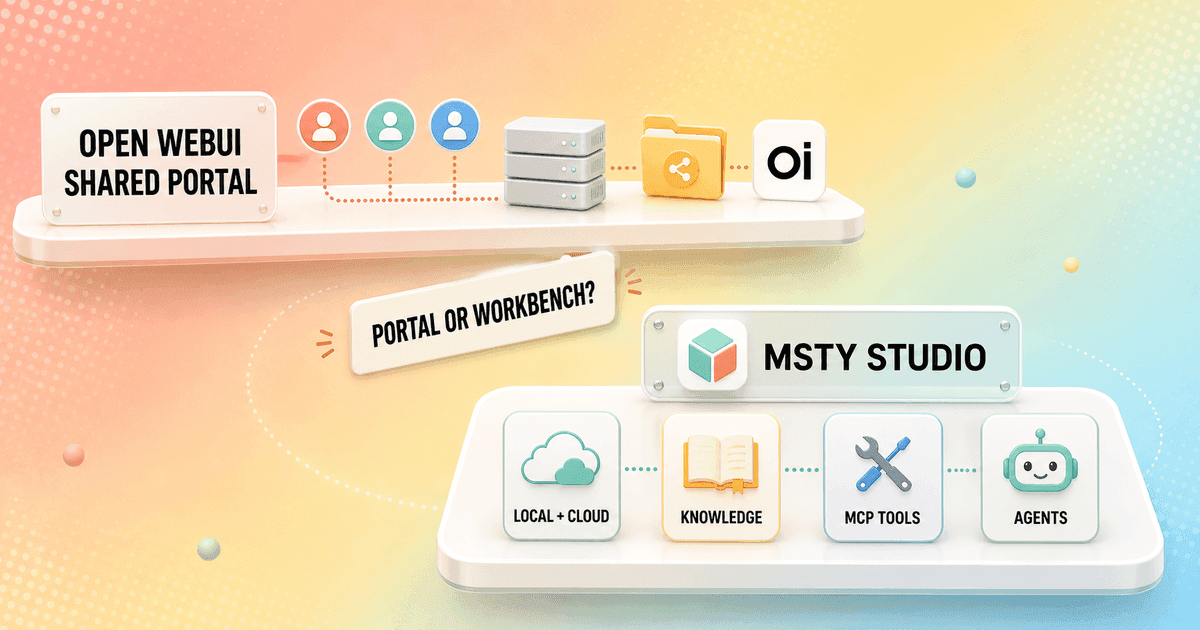
Open WebUI and Msty Studio can both put local models, documents, web research, and tools in front of me. That overlap makes the comparison look obvious. It is not. Open WebUI asks me to operate a shared service. Msty Studio asks me to shape a personal workspace.
In my open webui vs Msty Studio decision, I start with ownership. Do I want one portal that somebody maintains for a group, or one capable app that each person controls on a computer? The answer settles more than the longest feature checklist.
My verdict
Msty Studio is my personal workbench. Open WebUI is my shared front door.
I choose Msty Studio when one person needs a polished place for local models, hosted providers, research, personas, Knowledge Stacks, and MCP tools. It gets me from installation to useful work with fewer infrastructure decisions.
I choose Open WebUI when several people need the same models, shared resources, and access rules through a browser. Docker, storage, backups, updates, and a model backend add responsibility, but that responsibility buys a common service.
My Open WebUI alternatives guide covers more desktop, chat, RAG, and company-search options when neither operating model fits.
The real difference
One product centralizes access. The other centralizes my own work.
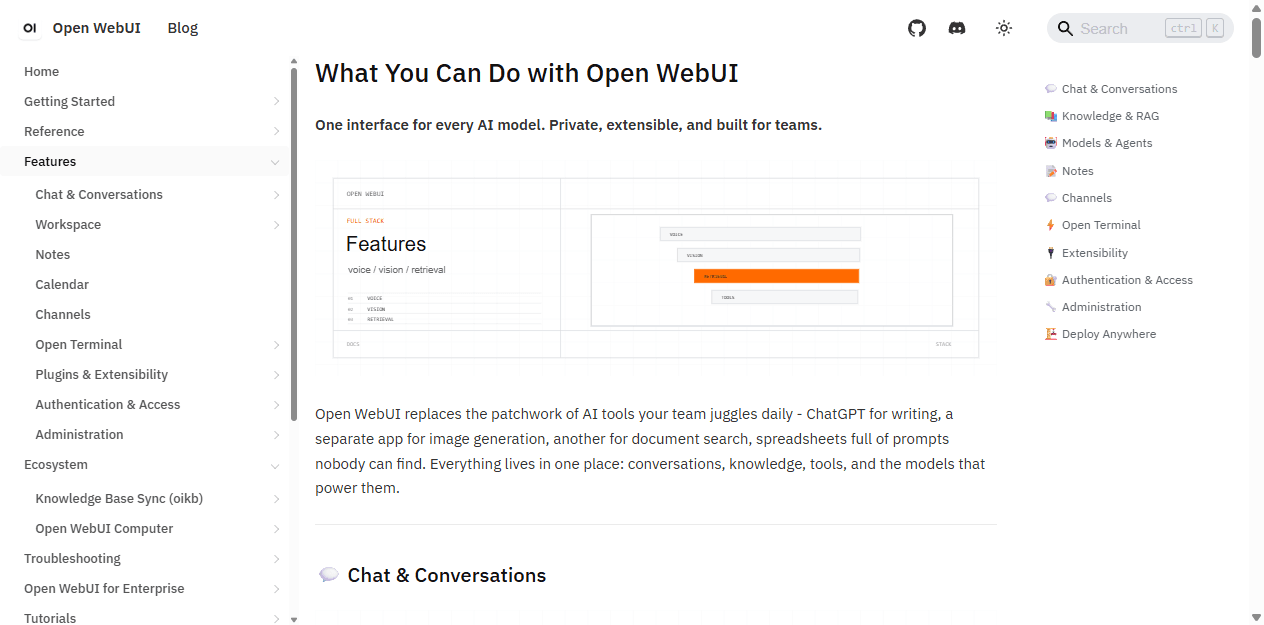
Open WebUI begins with a deployment. It connects to local or hosted model providers, then adds browser chat, users, shared Knowledge, prompts, skills, tools, voice, images, code features, and administration. The model can change without forcing every user to learn a new interface.
Msty Studio begins with an individual workspace. Its Model Hub combines local engines and online providers. Prompt, Persona, and Skill Studio shape repeatable behavior. Knowledge Stacks hold project context. The Toolbox connects tools. Split Chats let me compare models without pretending every task has one obvious winner.
That difference changes support. With Open WebUI, one owner handles uptime, storage, access, upgrades, secrets, and the backend. With Msty Studio, each desktop owns its data, local models, app updates, and provider keys unless the organization buys the team layer.
| Decision area | Open WebUI | Msty Studio |
|---|---|---|
| Primary job | A self-hosted browser portal for models, users, shared knowledge, tools, and access rules. | A polished desktop-first workspace for local and hosted models, knowledge, personas, skills, and tools. |
| Fastest start | Fast when Docker, storage, and a model provider already exist. | Install the desktop app, connect or download a model, and start working. |
| Model approach | Connects to model servers and hosted providers while keeping one shared interface. | Brings local engines and online providers into one personal workspace. |
| Knowledge | Shared Knowledge resources can be attached to models and controlled by user or group access. | Knowledge Stacks emphasize personal research, project context, retrieval controls, and local files. |
| Tools | Workspace Tools, Skills, Functions, OpenAPI connections, and MCP integrations. | A Toolbox for local and remote MCP servers, plus reusable prompts, personas, and skills. |
| Team shape | One maintained service with browser access, roles, groups, and reusable resources. | Personal use by default; paid team plans add management, RBAC, SSO, and shared resources. |
| Storage model | Central application data and shared resources live with the deployment and its connected services. | Desktop data stays on the device; browser data uses local browser storage unless team services are added. |
| Best fit | A family, lab, school, or technical team that wants one governed AI front door. | An individual who wants a calmer local-and-cloud AI workbench without running a shared web service. |
Setup and daily use
Msty Studio wins the first hour. Open WebUI can win the next hundred users.
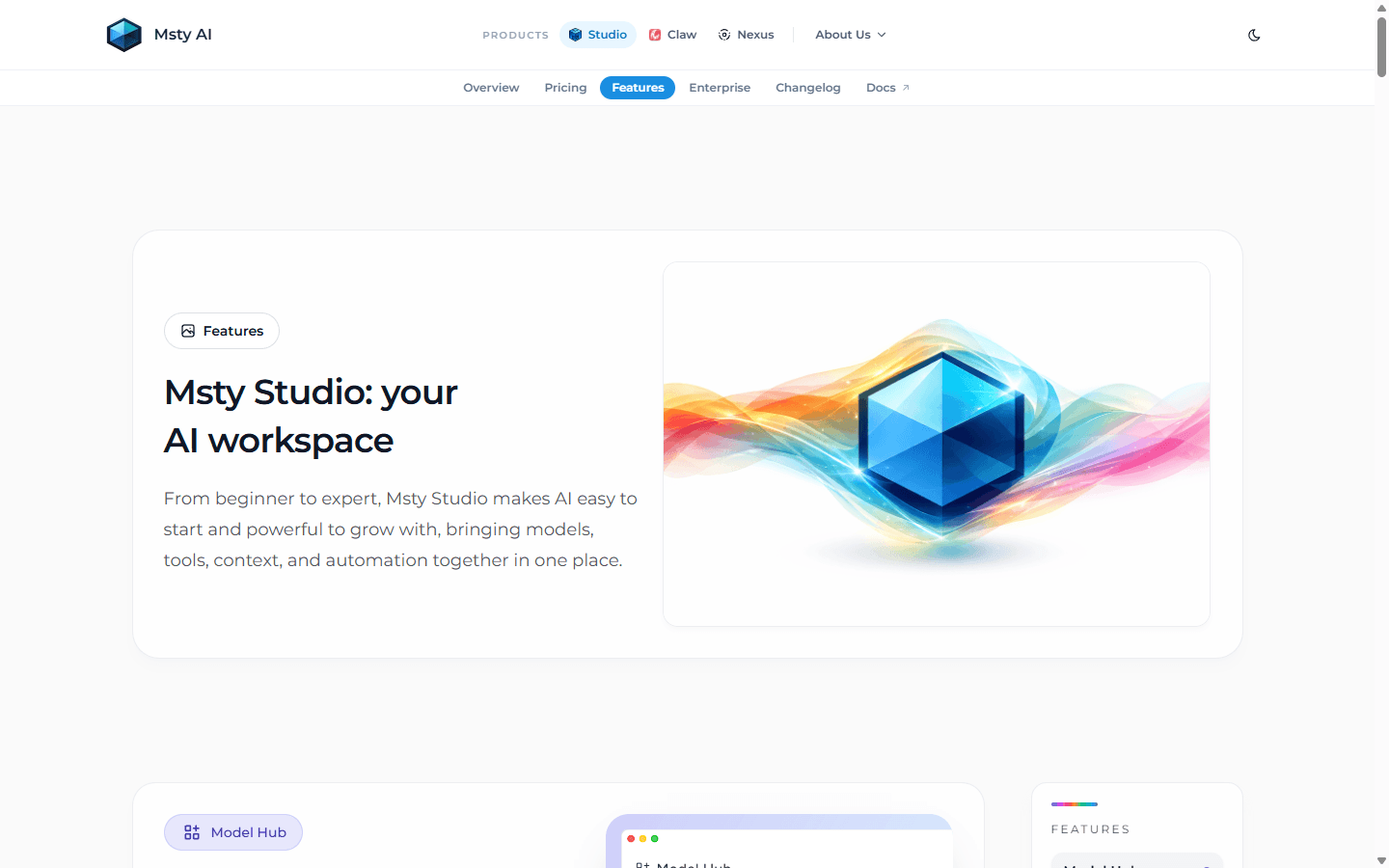
For one person, Msty Studio has the shorter runway. I install the desktop app, choose an engine such as Ollama, MLX, or llama.cpp, or connect an online provider. The quick-start flow keeps the decisions inside one product instead of sending me through containers, volumes, ports, and a separate model service.
Open WebUI's Docker command is short, but production use is not one command. I still choose persistent storage, a model backend, a fixed secret key, HTTPS, remote access, account policy, backups, update cadence, and recovery. None of that is outrageous. It is simply service ownership.
Msty Studio's browser edition, Aurum, should not be confused with a free self-hosted portal. Its desktop and browser data are also not automatically synchronized. That local-first behavior is useful for privacy, but it means I decide how project material moves between devices.
Models and workflows
Msty Studio gives each model a richer desk. Open WebUI gives many models one reception area.
Msty Studio is more deliberate about mixed model work. I can keep a private local model for routine notes, call a hosted model for a difficult analysis, compare responses in Split Chats, and wrap recurring instructions in a persona or skill. That feels natural for a consultant, researcher, developer, or writer who changes tools by task.
Open WebUI is more useful when I want the provider choice to disappear behind a curated interface. I can expose approved models, attach shared resources, and keep users away from backend details. The administrator can swap the service underneath without changing the browser habit.
Neither interface determines raw inference speed when both call the same backend. I match model, quantization, context, prompt, hardware, and warm-load state before comparing performance. Otherwise I am timing two different systems and blaming the chat window.
Knowledge and documents
Shared collections favor Open WebUI. Personal research favors Msty Studio.
Open WebUI Knowledge makes sense when a handbook, product corpus, class library, or support collection should be reusable. I can attach knowledge to models and manage access alongside other shared resources. The central index becomes part of the service I back up and govern.
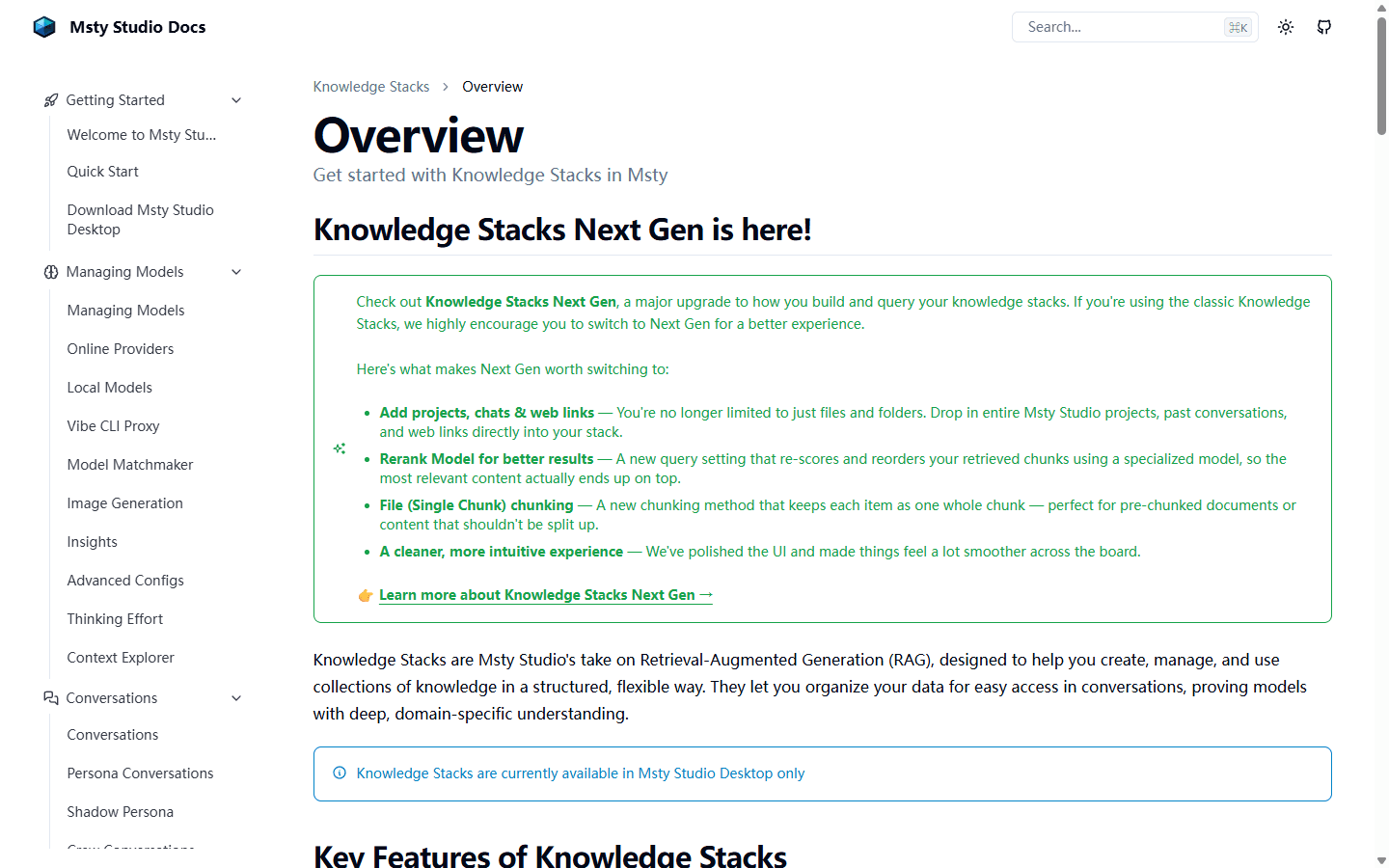
Msty Studio's Next Gen Knowledge Stacks feel closer to a research notebook with a serious retrieval engine underneath. The current desktop feature set includes reranking, source and chunk controls, project and chat material, web links, embedding choices, a chunk visualizer, and privacy options such as PII scrubbing.
I prefer Msty for a client packet or research stream that belongs to me and changes daily. I prefer Open WebUI when several users should query the same approved corpus and one owner should control updates. Msty's paid team product can share resources, but that is a different buying decision from the free desktop app.
For both products, I keep original files outside the retrieval system. I use known-answer questions, duplicate documents, tables, awkward PDFs, and questions that should return no answer. A confident paragraph is not evidence that the correct passage was retrieved.
MCP and tools
The friendly interface ends where credentials and actions begin.
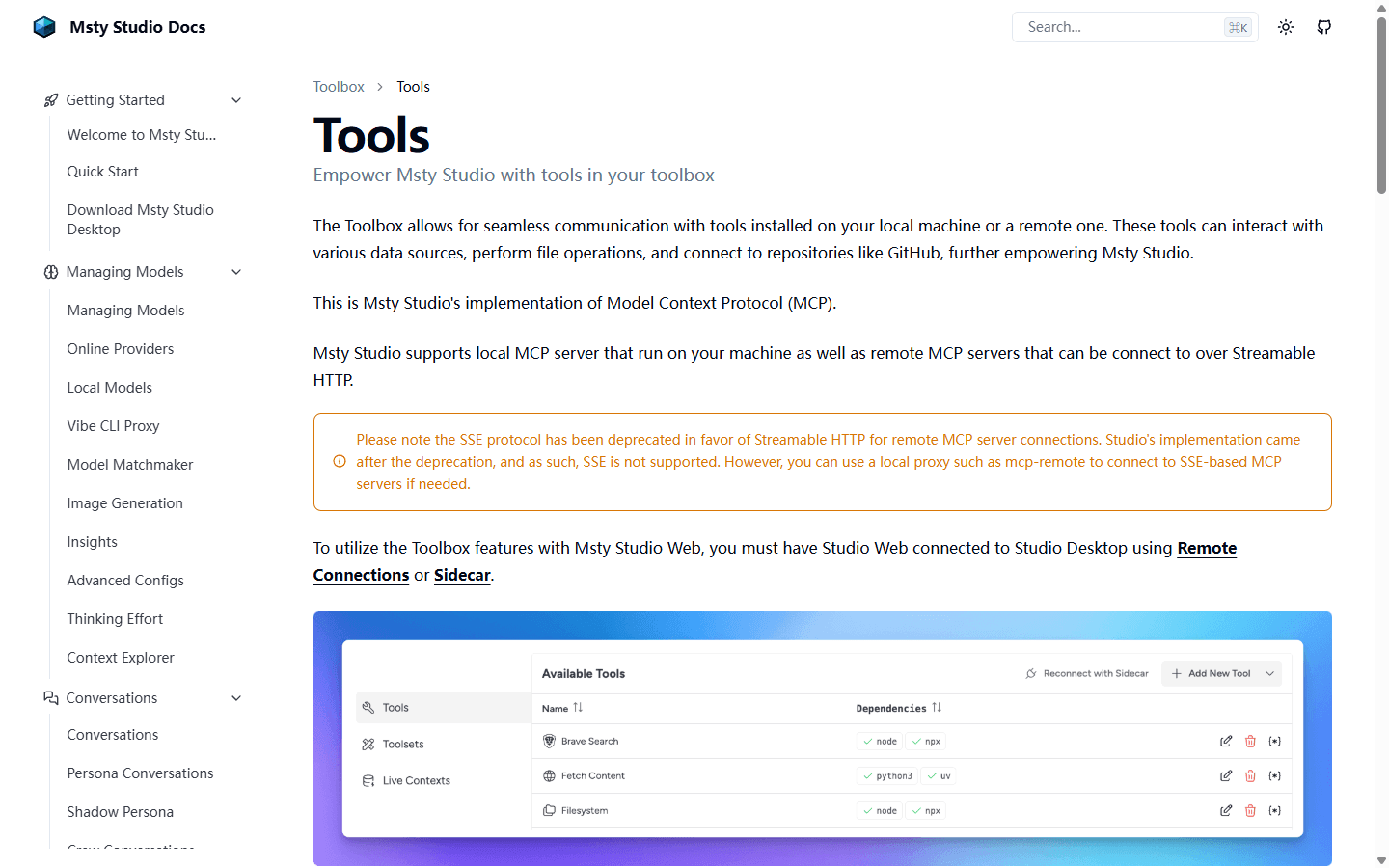
Msty Studio's Toolbox can connect local MCP servers and remote servers that use Streamable HTTP. Its documentation notes that SSE is not supported directly, and browser use needs Msty Desktop or Sidecar for Toolbox access. That distinction matters when a tool works on my laptop but not in Aurum.
Open WebUI has a broader shared tool surface through Workspace Tools, Skills, Functions, OpenAPI connections, and MCP support. Its own permissions documentation warns that Tools and Functions can execute arbitrary code. I treat tool creation as administrator-level trust, not as a harmless prompt setting.
Msty is easier when I own the tools and credentials. Open WebUI is stronger when a platform owner must publish an approved capability to several users. The first model is personal automation. The second is an internal platform with a security review hiding behind the pleasant chat box.
Teams and administration
Open WebUI includes the portal problem. Msty sells a team layer when I actually need one.
Open WebUI has Admin, User, and Pending roles, additive permissions, groups, and per-resource controls for models, knowledge, tools, and skills. I begin with restrictive global permissions, then grant access through groups. Additive rules are useful, but they reward careful defaults.
Free Msty Studio is not a substitute for that shared administration model. It is a personal desktop product. Msty's Enterprise and Teams plan adds SSO, user and team management, RBAC, shared knowledge, prompts and personas, and audit logs. Shared resources use customer-managed S3-compatible storage according to its enterprise documentation.
This makes the buying question concrete. If I already have people, policies, and a server owner, Open WebUI offers a direct self-hosted route. If I want Msty's personal workflow plus central control, I budget for the team plan instead of pretending desktop copies form a governed workspace by osmosis.
Privacy and pricing
Local storage is useful. It is not an invisibility cloak.
Msty says desktop data stays on the device, while its web edition uses browser local storage. That is a strong default for personal work. The boundary changes the moment I call a hosted model, remote MCP server, web search service, cloud storage, or team resource.
Open WebUI can remain inside infrastructure I control, but it inherits every connected service. I trace one real prompt through the model provider, embedding model, web search, speech service, tool, logs, and backup destination before calling the workflow private.
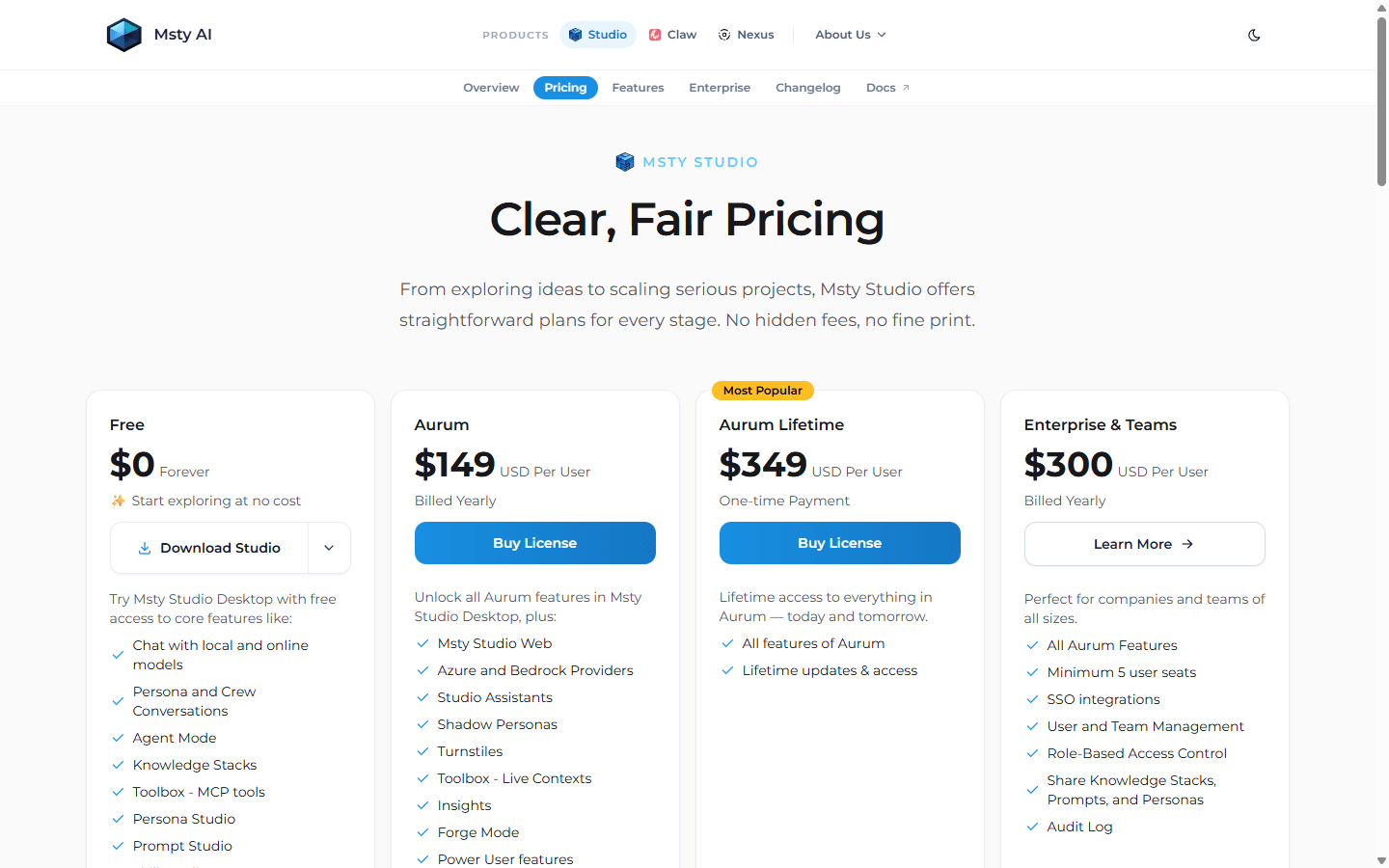
As checked on July 25, 2026, Msty lists Free at $0, Aurum at $149 per user per year, Aurum Lifetime at $349 per user, and Enterprise and Teams at $300 per user per year with a five-seat minimum. Provider usage and local hardware remain separate costs.
Open WebUI has no per-seat application subscription in the usual self-hosted setup, but free software does not mean free operation. I count the server, model inference, storage, backups, monitoring, update testing, security work, and the person who answers when login fails. Msty concentrates more cost in licenses and individual machines; Open WebUI concentrates more cost in infrastructure and ownership.
Who each is for
I choose the operating model before I choose the interface.
- Choose Open WebUI
- I need one browser address for several people, shared models and knowledge, group access, and an owner who can maintain the service.
- Skip Open WebUI
- I am one person on one computer, and Docker, backups, remote access, accounts, and a separate model backend would create work I do not need.
- Choose Msty Studio
- I want one polished desktop workspace for local and hosted models, reusable personas, Knowledge Stacks, web research, and MCP tools.
- Skip Msty Studio
- I require a fully open-source application, a free shared browser portal, or central administration without buying a team plan.
Msty Studio fits individual developers, researchers, consultants, writers, analysts, and local-model enthusiasts who want one polished place for several providers and recurring personal workflows. It is especially good when my knowledge and tools belong to projects rather than a central company portal.
Open WebUI fits home labs, schools, technical teams, internal AI services, and organizations that already know who will run the deployment. It earns its complexity when several users benefit from shared models, shared knowledge, browser access, and controlled capabilities.
Reddit complaints
Reddit users mostly disagree about where complexity should live.
I agree with the people who say there is no permanent winner. Msty Studio is easier to enjoy on one machine. Open WebUI is easier to justify when I need a network service. Both can become frustrating when I ask a personal app to behave like a platform or a platform to feel like a zero-maintenance app.
The recurring Open WebUI complaint is that its breadth can feel heavy. Features, tool behavior, updates, and permissions create more places for a mismatch. The recurring Msty complaint is different: polished does not mean open source, browser access costs money, and a fast-moving desktop product can still ship regressions.
I turn those complaints into acceptance tests. For Open WebUI I test a restricted user, a backend disconnect, one tool failure, an update, and a restore. For Msty I test a local model, a hosted model, a large Knowledge Stack, an MCP failure, browser limitations, and an app update.
Migration cost
Moving prompts is easy. Moving ownership is the expensive part.
| Migration area | What I rebuild | Typical effort |
|---|---|---|
| Models and providers | Recreate provider connections, API keys, model aliases, local engines, context settings, and defaults. | Low to medium |
| Prompts and personas | Translate system prompts, starter messages, reusable personas, skills, and model-specific parameters. | Medium |
| Knowledge | Keep the original files, rebuild indexes, match embeddings and chunking, then repeat known-answer retrieval tests. | Medium to high |
| MCP and tools | Reconnect servers, transports, credentials, permissions, tool descriptions, and failure handling. | Medium to high |
| Conversation history | Export what matters as durable notes because chat history rarely moves cleanly between products. | Medium |
| Users and operations | Add or remove accounts, groups, shared resources, backups, monitoring, remote access, and support ownership. | High |
Moving from Open WebUI to Msty Studio removes a central service. I decide which users need local copies, which computers can run the required models, how shared knowledge becomes project files, and where provider keys should live. Chat export is less valuable than preserving source documents, prompts, and tested retrieval cases.
Moving from Msty Studio to Open WebUI creates a service. I provision the backend, storage, accounts, groups, shared resources, remote access, backups, monitoring, and an update path. The first successful chat proves very little. A second user with restricted access is the real beginning.
I keep the old system available until normal work passes in the destination. The new setup must answer known document questions, run one approved tool, survive an update, recover from a failed dependency, and restore from backup before I call the move complete.
My seven-day test
One week exposes whether I need a workbench or a portal.
- Day 1: connect the same hosted provider and run the same local model with matching context and prompts.
- Day 2: recreate one reusable persona, one prompt, and one daily research workflow.
- Day 3: load the same source files, ask known-answer questions, and inspect retrieved passages.
- Day 4: connect one read-only MCP tool and confirm which process owns its credentials.
- Day 5: use a second device and a second user, then document what is shared and what stays local.
- Day 6: disconnect the model provider, break one tool, and observe recovery and error messages.
- Day 7: update, back up, restore, and count support work, manual fixes, and blocked tasks.
For one capable desktop, I pick Msty Studio. For several users, shared resources, browser access, and central policy, I pick Open WebUI.
That is my practical answer to Open WebUI vs Msty Studio. Msty reduces setup for the individual. Open WebUI centralizes setup for the group. The better choice puts maintenance in the hands of someone who agreed to own it.
FAQ
Open WebUI vs Msty Studio questions I settle before switching
Is Msty Studio better than Open WebUI?
Msty Studio is better for my personal desktop workflow when I want local and cloud models, Knowledge Stacks, personas, skills, and MCP tools without maintaining a shared server. Open WebUI is better when several users need one browser portal with shared resources, roles, groups, and central administration.
Is Msty Studio open source?
No. Msty Studio is a proprietary application with a free desktop plan and paid Aurum and team plans. Open WebUI publishes its source code, although its current license includes branding conditions that should be reviewed before commercial redistribution.
Can Msty Studio run local models?
Yes. Msty Studio supports local engines including Ollama, MLX, and llama.cpp, and it can also connect to online providers. Local data can stay on the desktop, but prompts sent to hosted models or remote tools follow those services' data paths.
Can Open WebUI and Msty Studio be used by a team?
Open WebUI is designed around browser users, groups, permissions, and shared resources in one deployment. Msty Studio is personal by default, while its Enterprise and Teams plan adds SSO, user and team management, RBAC, shared resources, and audit logs.
Which is easier to set up, Open WebUI or Msty Studio?
Msty Studio is usually easier for one person because the desktop app, local engines, hosted providers, knowledge, and tools are presented in one workspace. Open WebUI becomes easier to justify when a Docker environment, model backend, and service owner already exist or when many users share the result.
How much does Msty Studio cost?
As checked on July 25, 2026, Msty lists a Free desktop plan, Aurum at $149 per user per year, Aurum Lifetime at $349 per user, and Enterprise and Teams at $300 per user per year with a five-seat minimum. Model-provider usage and infrastructure can add separate costs.
Sources
Official pages used for current product facts
Features, prices, transports, storage behavior, and team plans can change. These are the reference points I used on July 25, 2026.


