 SwitchMyTool

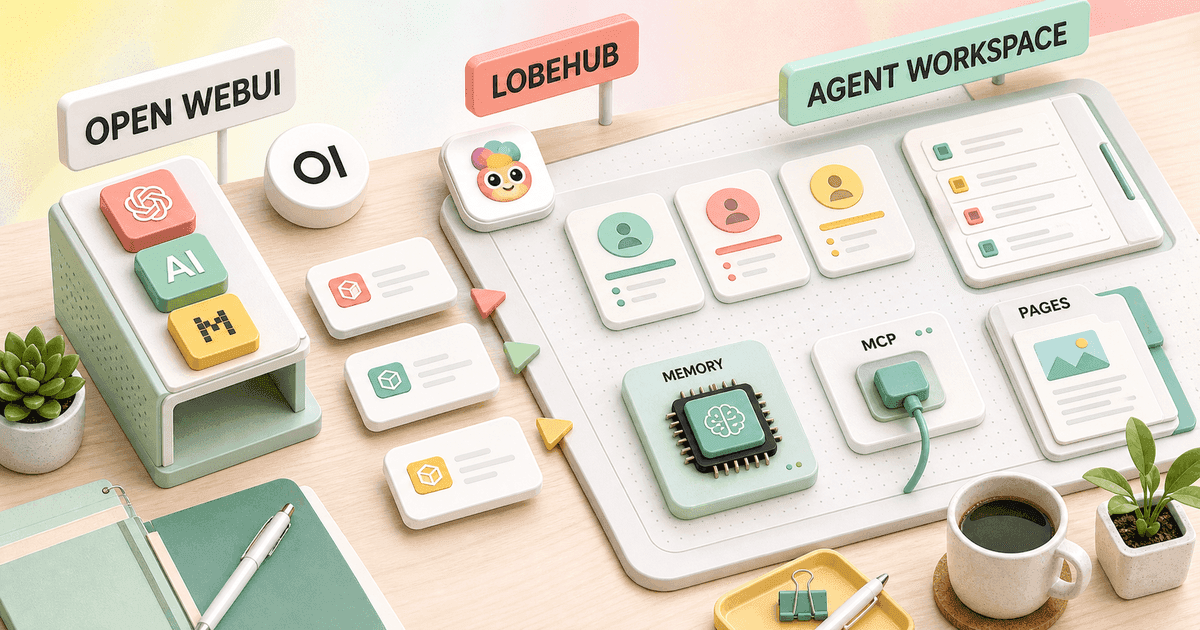
Open WebUI and LobeHub can both put local models, cloud models, files, tools, and agents behind a polished browser interface. If I compare them as two chat skins, I miss the decision that matters.
My open webui vs lobehub choice starts with the object people return to every morning. In Open WebUI, that object is a governed portal for models and capabilities. In LobeHub, it is a workspace full of reusable agents, tasks, skills, memory, and pages.
Both products are broad. Neither is the quiet little chat box its older reputation suggests. The better choice is the one whose extra machinery matches the work I am prepared to own.
My verdict
Open WebUI is the stronger shared portal. LobeHub is the more convincing agent workspace.
I choose Open WebUI when several people need a controlled front door for Ollama, hosted models, reusable model presets, files, knowledge, prompts, tools, and administrative policies. It feels more natural when an operator is responsible for the whole service.
I choose LobeHub when users think in named agents rather than model endpoints. Its Agent Market, skills, MCP discovery, Pages, tasks, memory, and agent groups turn the interface into a place where work is organized, not merely a place where a prompt is sent.
My Open WebUI alternatives guide covers lighter desktop tools, document-first workspaces, and company-search products. I use that broader list when neither a shared portal nor an agent workspace describes the real requirement.
Choose Open WebUI
I need a governed front door for local and hosted models, several users, reusable model presets, knowledge, tools, and administrator controls.
Skip Open WebUI
I am a solo user who values a polished agent workspace more than server administration, group controls, or a broad portal feature map.
Choose LobeHub
I want agents to be visible, reusable work objects with skills, marketplace discovery, Pages, tasks, memory, and a more designed daily workspace.
Skip LobeHub
I want the quietest possible chat client, need a mature fixed feature boundary, or cannot tolerate frequent releases and occasional database migrations.
The real difference
Open WebUI organizes capabilities around a service. LobeHub organizes work around agents.
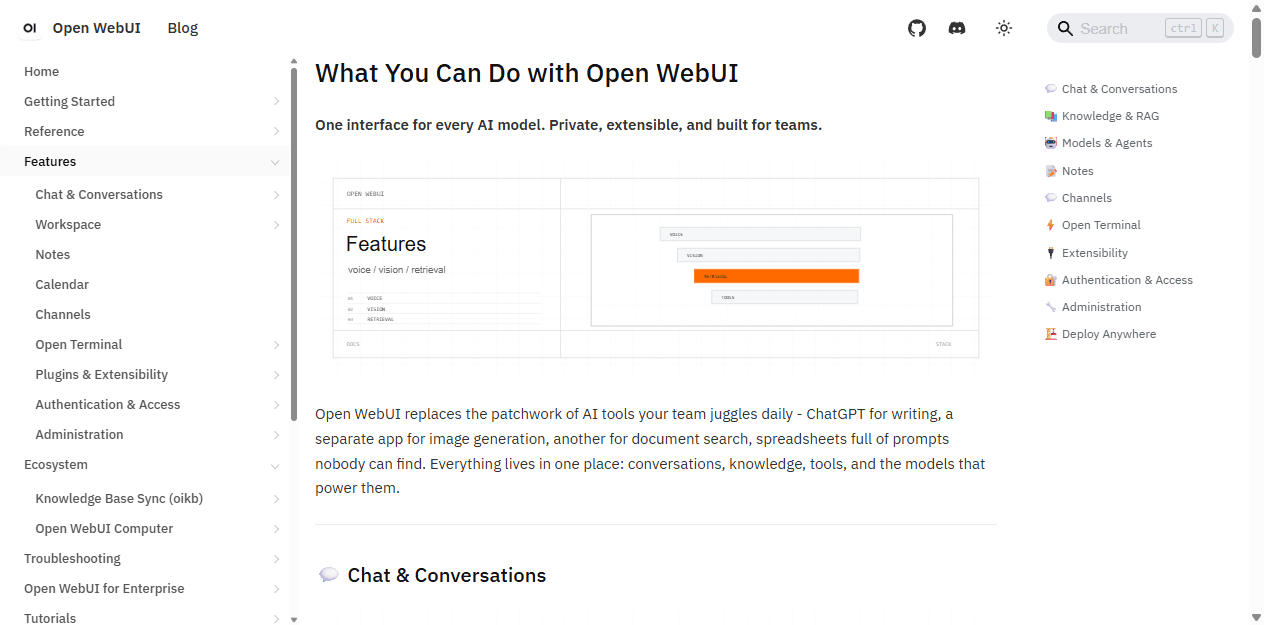
Open WebUI has grown into a broad AI application platform. Its current documentation covers conversations, knowledge, models and agents, notes, channels, web search, terminal access, extensibility, authentication, administration, and deployment. I can hide most of that from an ordinary user, but the operator still owns it.
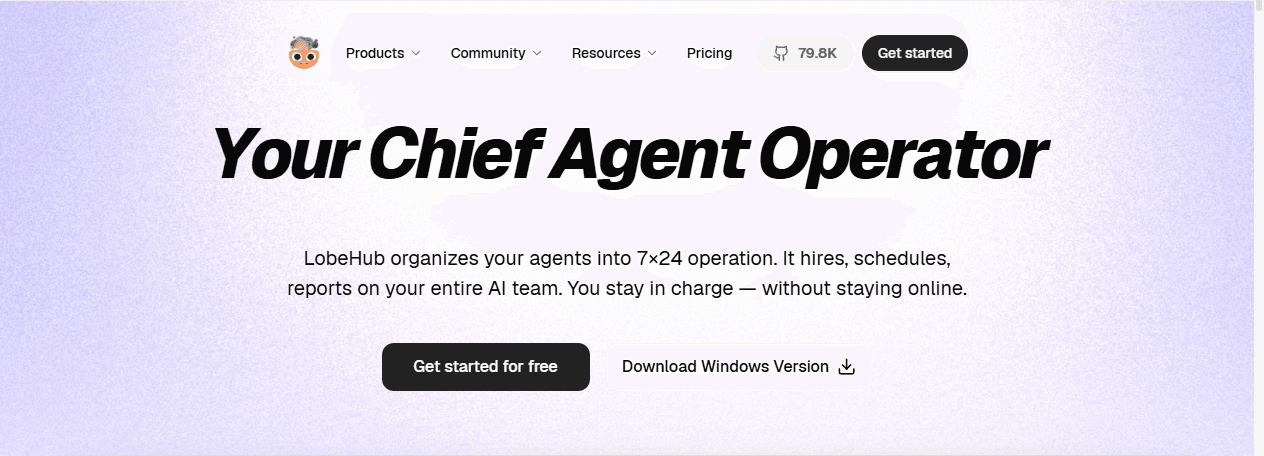
LobeHub has moved in a different direction from its earlier identity as LobeChat. The product now calls itself a chief agent operator. The homepage emphasizes long-running tasks, schedules, agent groups, skills, MCP servers, Pages, projects, workspaces, and memory. Chat remains important, but it is no longer the whole story.
That distinction shows up in small choices. In Open WebUI I ask which models, tools, and resources a group may use. In LobeHub I ask which agent should own a recurring job and which skills it needs. The first question is platform administration. The second is work design.
| Decision area | Open WebUI | LobeHub |
|---|---|---|
| Product center | A shared portal for models, chat, knowledge, tools, prompts, media, and administration | An agent workspace built around reusable agents, skills, tasks, memory, Pages, and collaboration |
| Best first use | Give several users one controlled interface for local and hosted models | Give one person or a small team a polished place to build and operate reusable agents |
| Model workflow | Curated model presets, provider endpoints, parameters, tools, knowledge, and group access | Broad model choice inside agent profiles, with cloud, desktop, and self-hosted paths |
| Agent workflow | Agents and model wrappers live inside a broader AI portal | Agents are the visible unit of work, supported by a market, skills, groups, tasks, and memory |
| Administration | Strong server-side user, group, feature, and resource controls | A fast-moving workspace with community, cloud, desktop, and commercial feature boundaries to check |
| Main risk | The portal grows into a platform that feels heavy to users who only wanted chat | The agent workspace grows into a busy operating system for users who only wanted a model picker |
Setup and operations
The first container is easy. The tenth upgrade tells me what I really bought.
I can get either product in front of a model quickly. That is a demo, not an operating plan. A real deployment needs persistent storage, secrets, backups, an upgrade cadence, logs, recovery notes, and a decision about who may create agents or attach tools.
Open WebUI has the more familiar shape when I am building a shared browser service. I connect Ollama or OpenAI-compatible endpoints, create users and groups, curate the visible models, and decide which workspace resources each group can reach. As the deployment grows, I also own web search, retrieval, tools, pipelines, media features, and every extension that can break an upgrade.
LobeHub offers several routes: its hosted plans, desktop application, and self-hosted project. Self-hosting becomes more serious when I use database mode, authentication, shared workspaces, or features that depend on background services. Official release notes sometimes call out database migrations, so I never treat an update as a blind image pull.
My rule for both is dull and effective: pin the version, read the release notes, back up the database, test a restored copy, and keep the previous image available. A polished agent card cannot rescue a missing database.
- Record every provider URL, model alias, secret owner, and network dependency.
- Separate test and production data before adding tools that can change external systems.
- Create one non-admin account and prove what it can and cannot see.
- Run one upgrade and one restore before inviting a team.
Models and chat
Open WebUI gives the operator a clearer model portal.
Open WebUI is at its best when the model catalog itself needs curation. I can wrap a base model with system instructions, parameters, knowledge, tools, starter prompts, and access rules, then give users a simpler name than the provider exposes. That is useful when one endpoint should behave like a support assistant and another like a code reviewer.
LobeHub supports a wide range of providers, local endpoints, modalities, and model choices. Its interface is attractive for an individual who wants to move among models without living in provider consoles. The model usually becomes part of an agent identity, which is a better mental model for repeatable work but a little heavier for an occasional question.
I compare latency only after disabling retrieval, web search, tools, and other orchestration. Otherwise I am timing two workflows, not two interfaces. The same model can feel slow because one product rewrites a query, searches, retrieves files, or calls a tool before returning the first token.
For a lab, school, family server, or internal AI gateway, Open WebUI gives me more explicit service administration. For a power user who wants a beautiful daily cockpit for several named agents, LobeHub feels more intentional.
Agents and workspaces
LobeHub wins when agents must become durable work objects.
An agent is useful only when it is easier to reuse than to rewrite. LobeHub leans into that requirement. An agent has a visible identity, instructions, model, skills, knowledge, and a place inside the wider workspace. Pages and projects give the output somewhere to live, while tasks and memory aim to carry context beyond one chat.
Open WebUI can build agents and model wrappers too. I can combine a model with instructions, knowledge, filters, and tools, then publish the result to selected users. The difference is emphasis. The agent is one resource inside a larger portal, not the organizing metaphor for the entire product.
I prefer LobeHub for a solo consultant maintaining a research agent, a writing agent, and a client-summary agent. I prefer Open WebUI for an administrator publishing an approved research model and an approved support model to fifty people who should not edit their underlying configuration.
The catch is workspace sprawl. Named agents feel productive until there are thirty nearly identical versions and nobody knows which one owns the current instructions. I still need naming, ownership, review dates, and deletion rules. A marketplace makes discovery easier; it does not make governance disappear.
MCP and marketplaces
LobeHub makes extension discovery part of the product.
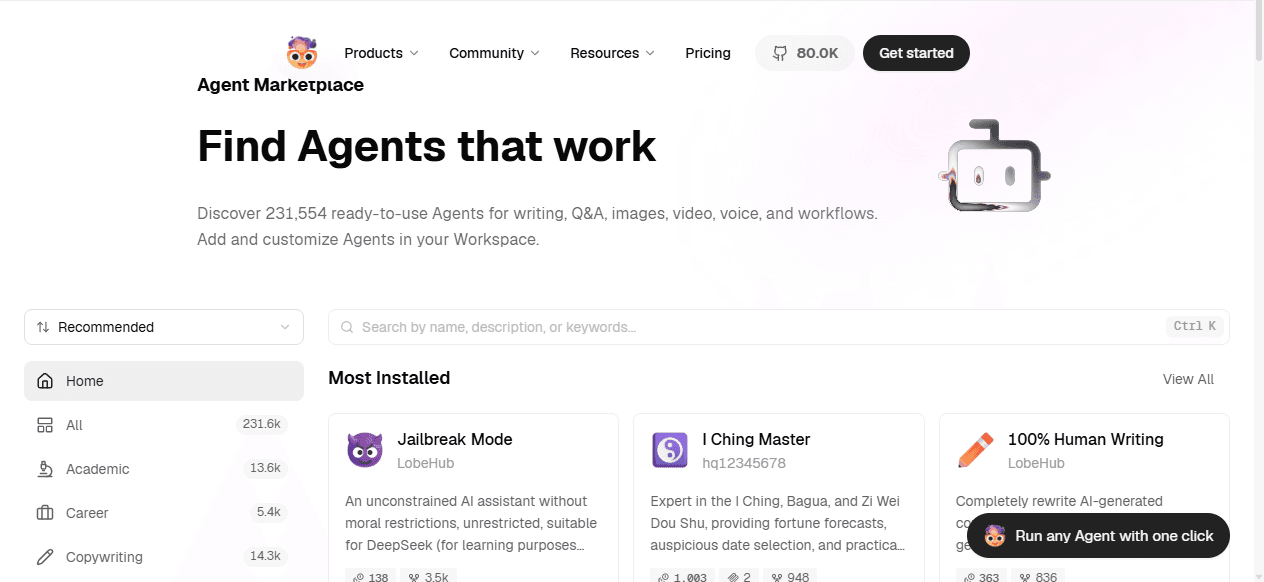
LobeHub puts its Agent Market, Skills Marketplace, and MCP server discovery near the center of the experience. That is a practical advantage when I want a user to start from an existing pattern, inspect it, and adapt it instead of assembling every agent from a blank form.
Open WebUI supports tools, OpenAPI servers, functions, pipelines, and MCP-related integrations inside its broader extension model. I like that shape when a platform owner must approve a smaller catalog and expose it to groups. It feels less like a consumer marketplace and more like an administered capability layer.
MCP does not remove the hard security questions. I still ask where credentials live, which user identity reaches the downstream service, whether the tool can write, what gets logged, and what happens after a partial failure. A one-click install is the beginning of the review.
For an individual builder, LobeHub's discovery experience is more inviting. For a team that needs a deliberately limited list of approved actions, Open WebUI's server-centered model is easier for me to reason about.
Knowledge and files
Both can use documents. Neither excuses a bad retrieval test.
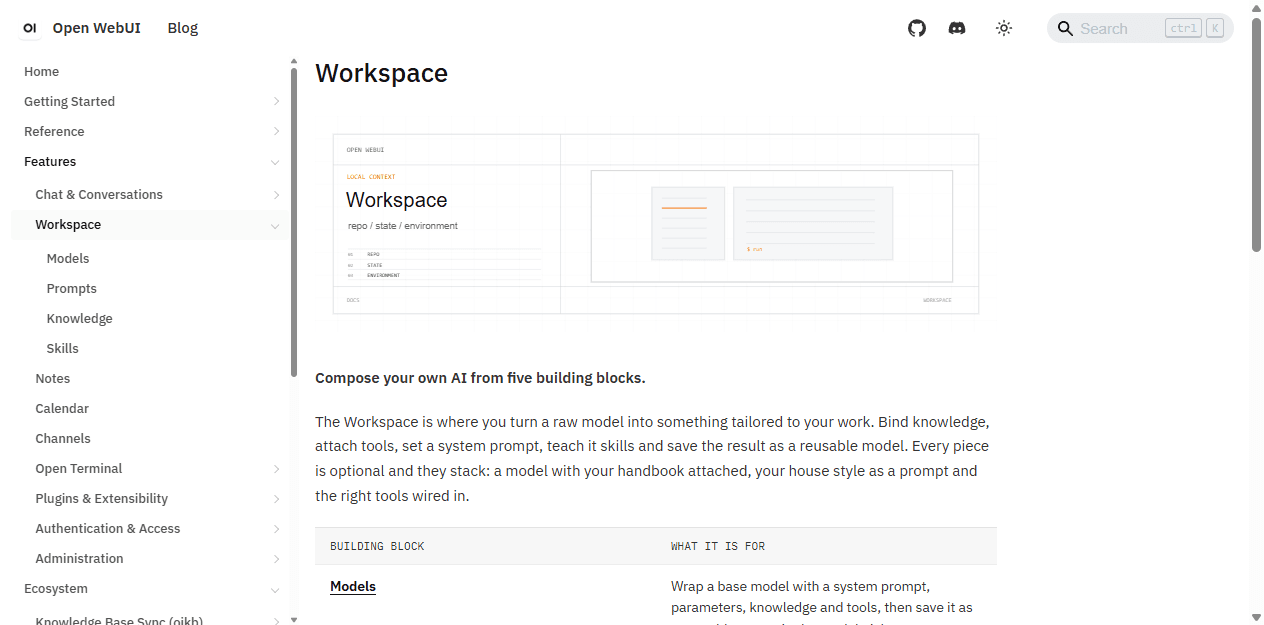
Open WebUI Workspace groups shared knowledge, prompts, tools, and model definitions in one administrative surface. I can attach a curated knowledge base to a model or let a user bring files into a conversation. That works well for manuals, policies, research collections, and other material with an identifiable owner.
LobeHub also supports files, knowledge bases, agent knowledge, and workspace artifacts. Pages make it more natural to turn a conversation into a durable document. The experience fits a user who is building an ongoing agent workspace rather than selecting a centrally published knowledge model.
I test both with the same known-answer, conflicting-version, table, scanned-file, and no-answer questions. I inspect the passages before judging the prose. A confident answer is not evidence that retrieval worked.
Neither product is automatically a company search system. If content changes across many business applications, I also need ingestion ownership, refresh behavior, deletions, source permissions, and an audit trail. Uploading the same PDF twice is not a freshness strategy.
Teams and access
Open WebUI gives me the clearer administrative boundary.
Open WebUI documents users, roles, groups, default permissions, and group overrides for features and shared resources. That lets me separate who may create models, upload knowledge, call tools, generate media, or administer the application. Its documentation also warns that application permissions do not replace least privilege at the provider.
LobeHub is attractive for personal work and small teams, and its product direction includes workspaces and collaboration. The exact boundary between community, hosted, and paid capabilities matters. I check the current edition before promising scheduled tasks, team features, identity integration, or enterprise controls.
This is where I resist a pretty demo. I create a normal user, a restricted user, and an administrator. I test model visibility, shared files, agent editing, tool execution, exports, and deletion. If the restricted user can reach one forbidden resource, the pilot is not ready.
A small trusted team may prefer LobeHub's fluid workspace. A larger deployment with several user groups and a platform owner will usually find Open WebUI's governance model easier to explain.
Pricing and license
Free software changes the invoice, not the amount of work.
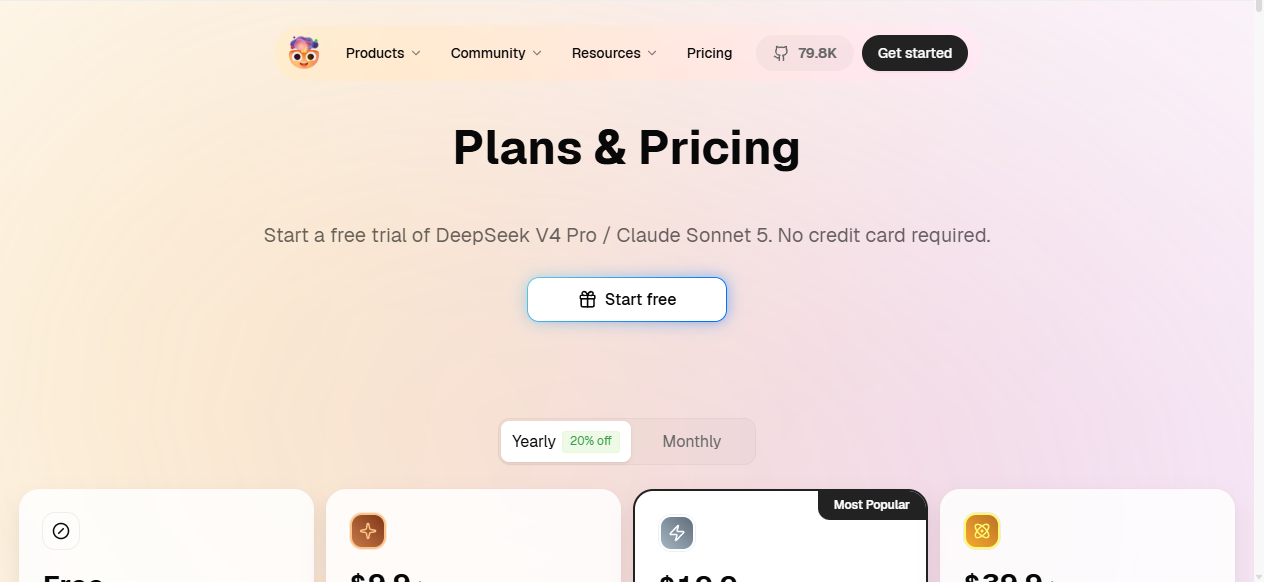
LobeHub's current cloud page lists Free, Starter, Premium, and Ultimate tiers, with lower monthly equivalents when billed yearly. The paid plans increase credits, storage, vector capacity, and support, while also introducing features such as memory and earlier access to selected models. I check the live page because plan limits and included models can change.
The self-hosted LobeHub project keeps core capabilities open source, but the maintainers are also building commercial cloud and team features. Official discussions make that direction clear. I verify the edition for every must-have feature instead of assuming that a cloud demo and a community deployment are identical.
Open WebUI does not charge a simple per-seat application fee for normal self-hosting, but current releases use the Open WebUI License and include branding conditions. That may be unimportant for an internal portal and important for white-label or redistributed use. I read the actual license with the intended deployment in mind.
The operating bill usually matters more than the sticker price. It includes model APIs or GPUs, embeddings, storage, backups, observability, security review, tool maintenance, upgrade testing, and support. LobeHub shifts more attention toward agent design and workspace habits. Open WebUI shifts more attention toward platform and access administration.
Who each is for
I choose the product whose hidden work matches the owner.
Choose Open WebUI
I need a governed front door for local and hosted models, several users, reusable model presets, knowledge, tools, and administrator controls.
Skip Open WebUI
I am a solo user who values a polished agent workspace more than server administration, group controls, or a broad portal feature map.
Choose LobeHub
I want agents to be visible, reusable work objects with skills, marketplace discovery, Pages, tasks, memory, and a more designed daily workspace.
Skip LobeHub
I want the quietest possible chat client, need a mature fixed feature boundary, or cannot tolerate frequent releases and occasional database migrations.
Open WebUI fits an internal AI platform owner, a technical operations team, a lab, a school, or a serious home server where several users share models and capabilities. The operator is willing to curate the service and users should not need to understand the provider stack.
LobeHub fits a developer, researcher, consultant, creator, or small technical team that wants named agents to persist across work. Its design and marketplaces reduce the friction of building a richer personal agent environment.
Open WebUI is not ideal when nobody wants to administer it. LobeHub is not ideal when the team wants a deliberately narrow and slow-changing chat interface. Both products reward curiosity, which is another way of saying they can accumulate features faster than a casual user can ignore them.
Reddit complaints
The complaints reveal where each product asks for patience.
The recurring Open WebUI complaint is that a good simple chat experience has accumulated a lot of optional machinery. People on Reddit describe it as comprehensive, then use the same breadth to call it bloated or clunky. Mobile behavior, file attachments, web search, RAG configuration, and regressions after updates also appear in discussions.
The recurring LobeHub complaint is a different kind of abundance. Users praise the polish, model support, MCP integration, and agent focus, while some say the interface contains too much at once. Self-hosters also disagree about Docker complexity and point to documentation gaps around authentication and certain deployment paths.
A LobeHub community discussion about scheduled tasks is a useful warning: a feature visible in the broader product story may not yet exist in the self-hosted community edition. I turn that complaint into a procurement rule. Every required feature gets tested in the exact edition I intend to run.
I do not treat a Reddit thread as a reliability study. I use it to build a test list. If several people mention slow search, I measure search. If they mention upgrade breakage, I restore a backup and test an upgrade. Complaints become useful when they change the pilot.
Migration cost
Provider keys travel quickly. Work habits do not.
| Migration area | What I rebuild | Typical effort |
|---|---|---|
| Providers and models | Recreate endpoints, keys, model names, context settings, fallbacks, and any model-specific wrappers. | Low to medium |
| Prompts and agents | Translate system prompts, agent instructions, model settings, starter messages, and reusable task habits. | Medium |
| Tools, skills, and MCP | Map each action to the destination tool or skill system, move secrets, and retest approvals and failure handling. | Medium to high |
| Knowledge and files | Move source files, rebuild indexes, reattach resources, and repeat known-answer and no-answer retrieval tests. | Medium to high |
| Users and access | Rebuild users, groups, sharing rules, identity settings, and administrator boundaries where equivalents exist. | High |
| History and operations | Decide what history must remain, then rebuild backups, monitoring, release pins, migration notes, and rollback steps. | Medium to high |
Moving from Open WebUI to LobeHub means translating centrally published models and tools into agents, skills, knowledge, and workspace habits. Moving the other way means deciding which personal agents should become shared model presets or controlled resources for a wider group.
I do not count copied prompts as a completed migration. I test retrieval, tool permissions, secrets, agent behavior, exports, history requirements, backups, and recovery. If users depend on a workflow every day, the destination must pass the same real task before the old system is switched off.
A solo setup can move in an afternoon. A shared deployment can take days or weeks because user access and extension behavior need redesign. I keep the old service read-only until the destination survives both normal work and one failed integration.
My pilot plan
Seven days are enough to expose the wrong operating model.
- Day 1: connect the same local and hosted model endpoints and record baseline chat behavior with tools disabled.
- Day 2: create one approved Open WebUI model preset and one equivalent LobeHub agent.
- Day 3: load the same document set and run known-answer, conflict, table, and no-answer retrieval tests.
- Day 4: connect one read-only MCP or API tool, inspect credential storage, and force one controlled failure.
- Day 5: add a normal user and a restricted user, then test visibility, editing, sharing, and exports.
- Day 6: back up each system, upgrade a copy, restore it, and document the rollback steps.
- Day 7: let the intended users complete real work without coaching and count navigation mistakes and support questions.
I choose the product that produces fewer unexplained failures in the target workflow. A feature that nobody owns is not a bonus.
For a governed multi-user model portal, my answer is Open WebUI. For a polished agent-centered daily workspace, my answer is LobeHub. That is the practical conclusion of Open WebUI vs LobeHub: both are capable, but they ask different people to do different work.
FAQ
Open WebUI vs LobeHub questions I settle before deployment
Is LobeHub better than Open WebUI?
LobeHub is better when reusable agents, skills, tasks, memory, Pages, marketplaces, and a polished personal workspace are the main job. Open WebUI is better when several users need one administered portal for local and hosted models, knowledge, tools, prompts, and controlled feature access.
Can Open WebUI and LobeHub both use local models?
Yes. Both can connect to local and OpenAI-compatible model endpoints. Open WebUI makes the shared model portal and server controls central. LobeHub puts those models inside a more agent-centered workspace and also offers desktop, cloud, and self-hosted routes.
Which is easier to self-host, Open WebUI or LobeHub?
A basic Open WebUI deployment is usually the more familiar route for a shared model portal. LobeHub can also be self-hosted, but its database mode, authentication, rapid releases, and broader agent feature surface deserve a careful upgrade and backup plan. The easier product depends on whether I need team administration or an agent workspace.
Is LobeHub open source?
LobeHub publishes its core project as open source and provides self-hosting instructions. Its maintainers are also developing cloud and commercial capabilities, so I verify whether a specific workspace, scheduling, collaboration, or enterprise feature exists in the community edition before committing to it.
Which is better for MCP, Open WebUI or LobeHub?
Both support MCP-related workflows. LobeHub gives MCP servers and skills a prominent marketplace and agent-building role. Open WebUI places MCP and tools inside a broader administered portal. I choose by who owns the integrations, how secrets are stored, and whether the same tools must be governed across many users.
Can I migrate from Open WebUI to LobeHub?
Yes, but it is a workflow rebuild rather than a direct import. Provider settings and prompts are the easy part. Agents, tools, skills, knowledge, users, permissions, history, backups, and upgrade procedures need to be mapped and tested before the old deployment is retired.
Sources
Official pages used for the current product facts
Product capabilities, prices, editions, and licensing can change. These are the reference points I used on July 24, 2026.


