 SwitchMyTool

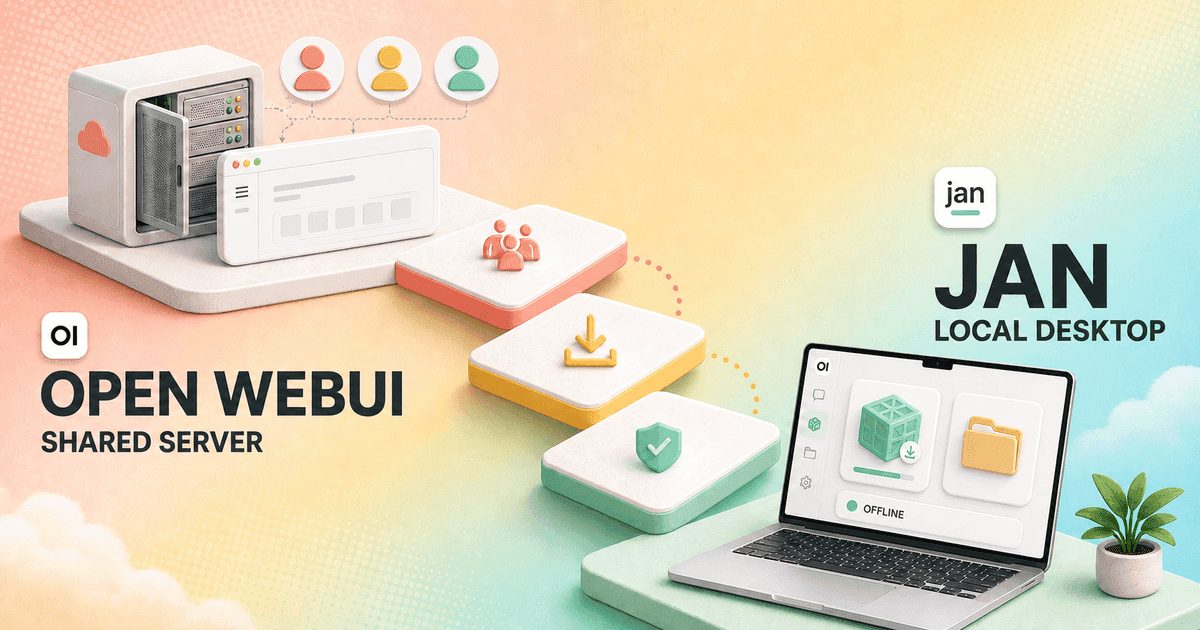
Open WebUI and Jan can both put local and cloud models behind a friendly chat interface. The useful comparison begins one layer lower: Open WebUI is a service I operate, while Jan is an application I install.
My open webui vs jan decision depends on who owns the machine and who needs access. Open WebUI makes more sense when one server should serve several people. Jan makes more sense when one person wants the entire local stack on one desktop.
That difference changes model management, remote access, backups, permissions, support, and migration. Ease of install is important. Ease of living with the product six months later is more important.
My verdict
Open WebUI is the better shared service. Jan is the better personal local workstation.
I choose Open WebUI when users should visit one URL from different devices and see a centrally curated set of models, knowledge, prompts, and tools. Its extra administration earns its keep when those resources must be shared and controlled.
I choose Jan when I want to install one desktop app, download a model that fits the hardware, work offline, organize personal projects, and optionally expose a local API to another application.
My Open WebUI alternatives guide covers other desktop, document, chat, and company-search options when neither of these operating models fits.
Choose Open WebUI
I need one browser address for several users, shared resources, remote access, group controls, and a platform owner who can maintain the service.
Skip Open WebUI
I am one person on one computer and do not want Docker, a separate model server, user administration, or a long list of optional platform features.
Choose Jan
I want to install a desktop app, download a compatible model, keep work on my machine, organize personal projects, and expose a local API when needed.
Skip Jan
I need a central multi-user portal, easy access from many devices, one shared model catalog, or administrator-enforced permissions across a team.
The real difference
Open WebUI separates the portal from the model server. Jan bundles the local stack.
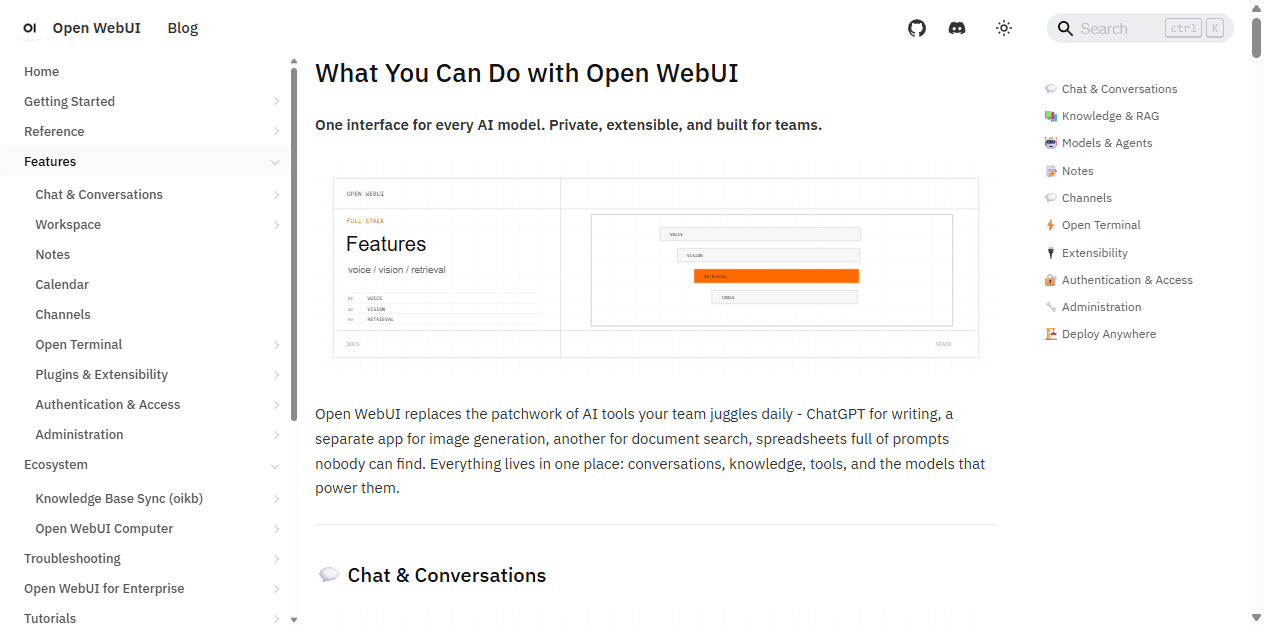
Open WebUI sits comfortably in front of Ollama, OpenAI-compatible endpoints, and hosted providers. I can change the model backend without replacing the browser portal. That separation is useful when inference runs on a different machine or when several people share expensive hardware.
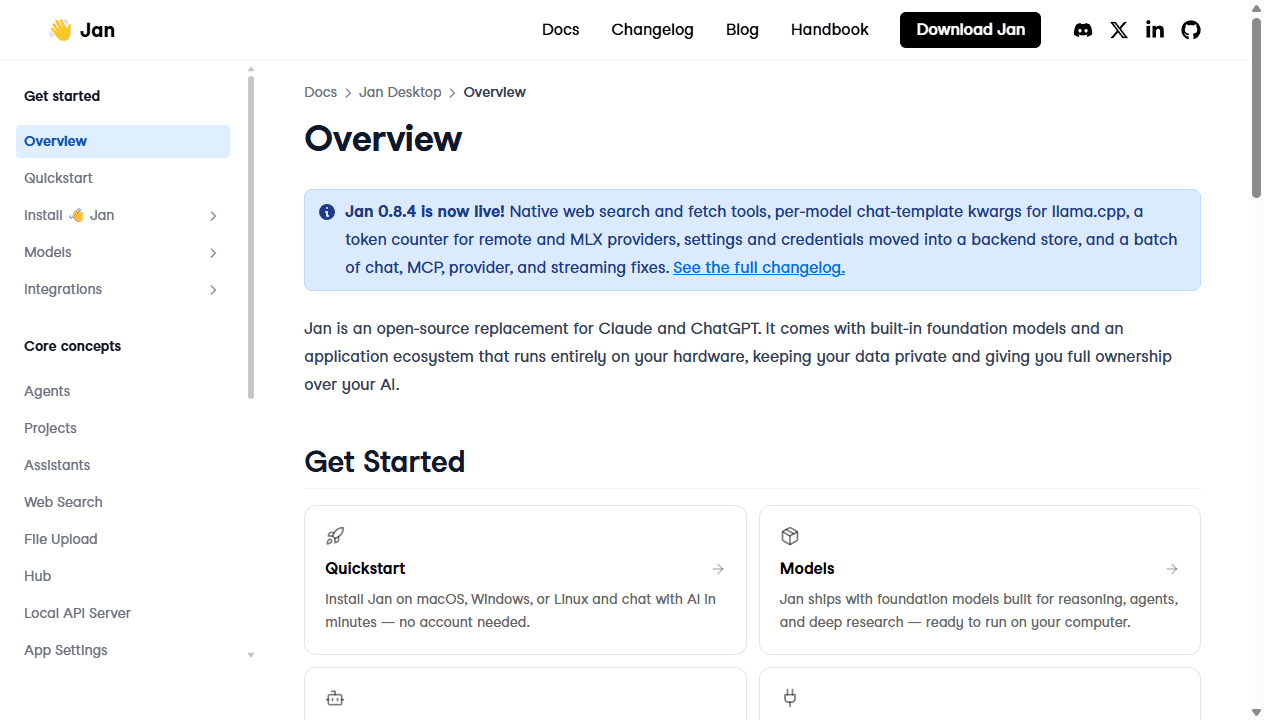
Jan combines model discovery, downloads, a llama.cpp-based local engine, chat, projects, assistants, agents, integrations, and an OpenAI-compatible API inside a desktop product. I spend less time assembling layers before the first useful conversation.
Bundling is neither automatically better nor worse. It moves the boundary. Jan owns more of the first-run experience. Open WebUI gives me more freedom to choose and operate the pieces behind it.
| Decision area | Open WebUI | Jan |
|---|---|---|
| Product shape | A browser-based service that centralizes models, users, knowledge, tools, and administration | A desktop application that bundles model discovery, local inference, chat, projects, assistants, and an API |
| Best first use | Give several users one managed AI portal that works across devices | Give one person a private local AI workstation without running a separate server stack |
| Local model path | Usually connects to Ollama or another model server and separates the interface from inference | Downloads compatible local models and runs them through its built-in llama.cpp engine |
| Remote access | Designed to be reached through a browser once the operator secures and exposes the service | Designed first for the machine where the desktop app runs; its local API can be exposed carefully |
| Team controls | Users, roles, groups, resource permissions, shared models, shared knowledge, and administrator policy | Personal projects and assistants are the natural starting point; a shared desktop install is not a team portal |
| Main hidden cost | Server ownership, upgrades, backups, identity, tool governance, and feature sprawl | Per-device setup, hardware limits, local storage, app updates, and duplicated configuration across users |
Setup and maintenance
Jan wins the first hour. Open WebUI wins when one setup should serve many people.
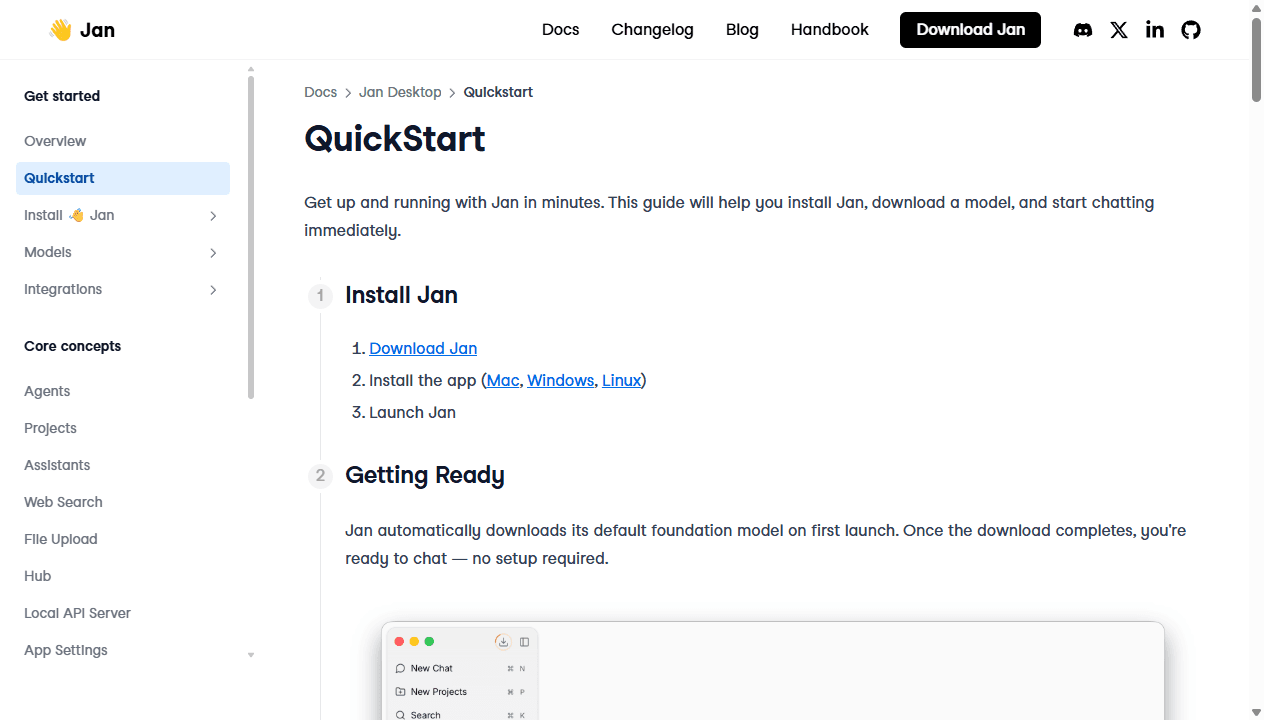
Jan uses the familiar desktop path: download the Windows, macOS, or Linux app, launch it, let the first model download, and start chatting. Its current quickstart says no account is required for the local path. That is hard to beat for a curious individual.
Open WebUI can also be quick when Docker and Ollama already exist. The work appears when I expose it beyond localhost. I need persistent storage, a reverse proxy or private network, transport security, user accounts, backups, update rules, and a model server sized for simultaneous use.
Jan does not remove maintenance. Models consume disk and memory. App updates can change providers, templates, MCP behavior, or the local engine. Each workstation needs its own storage and support. A desktop app is easier to install than a service, but ten desktop installs can be harder to standardize than one service.
I test an update and a restore before calling either product dependable. For Jan I back up the data folder, project files, and configuration. For Open WebUI I back up the application database, uploaded resources, environment settings, and model-server configuration.
Local models
Jan makes model ownership visible. Open WebUI makes model serving replaceable.
Jan's Hub is designed around finding and downloading local models that fit the computer. The app warns when a model may be slow or exceed available memory. That helps a newcomer avoid downloading a heroic quantization that the laptop cannot run.
The convenience has a boundary. Jan's local engine centers on compatible GGUF models and llama.cpp behavior. A power user who needs a different inference engine, an unusual quantization, tensor parallelism, or specialized sampling may prefer to operate the backend separately.
Open WebUI is more neutral about inference. I can point it at Ollama, another OpenAI-compatible server, or hosted providers. The same interface can survive a backend change, and several users can share models loaded on stronger hardware.
I compare the same model, quantization, context window, prompt, and hardware before making performance claims. A desktop app can feel faster because it avoids network hops. A server can be faster because it has better hardware and keeps the model warm for several clients.
Projects and knowledge
Jan is calmer for personal work. Open WebUI is stronger for shared resources.
Jan Projects group conversations around shared instructions, files, and an optional assistant. I like that shape for a research topic, a codebase, a client, or a writing project owned by one person. The project keeps the desktop workspace understandable without requiring administrator concepts.
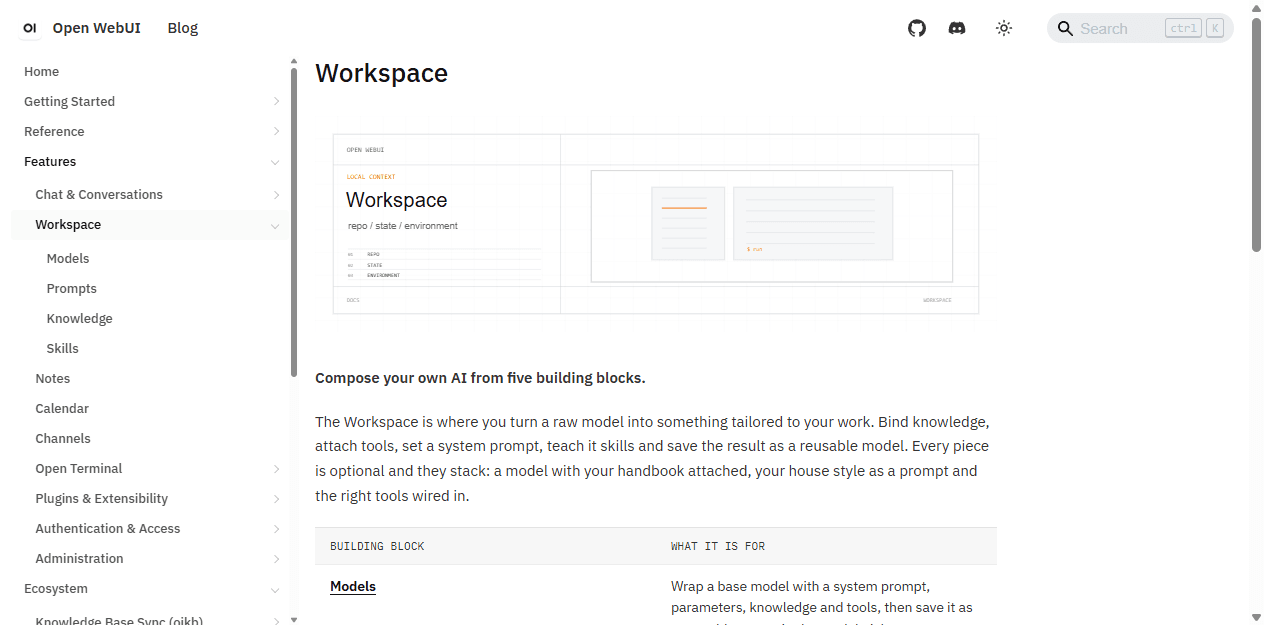
Open WebUI Workspace lets creators and administrators publish models, knowledge, prompts, and tools to other users. That is the better shape when a support team should use one approved policy collection or when a school wants everyone to see the same assistant.
I test retrieval with known answers, conflicting versions, tables, scanned files, and no-answer questions. I inspect the retrieved passages before judging the generated response. A local file does not become trustworthy merely because it never left the laptop.
Migration gets expensive when the source files are easy to find but the retrieval behavior is not. I keep original documents outside both products and treat their indexes as rebuildable.
Tools and local API
Jan can serve another app without becoming a full team portal.
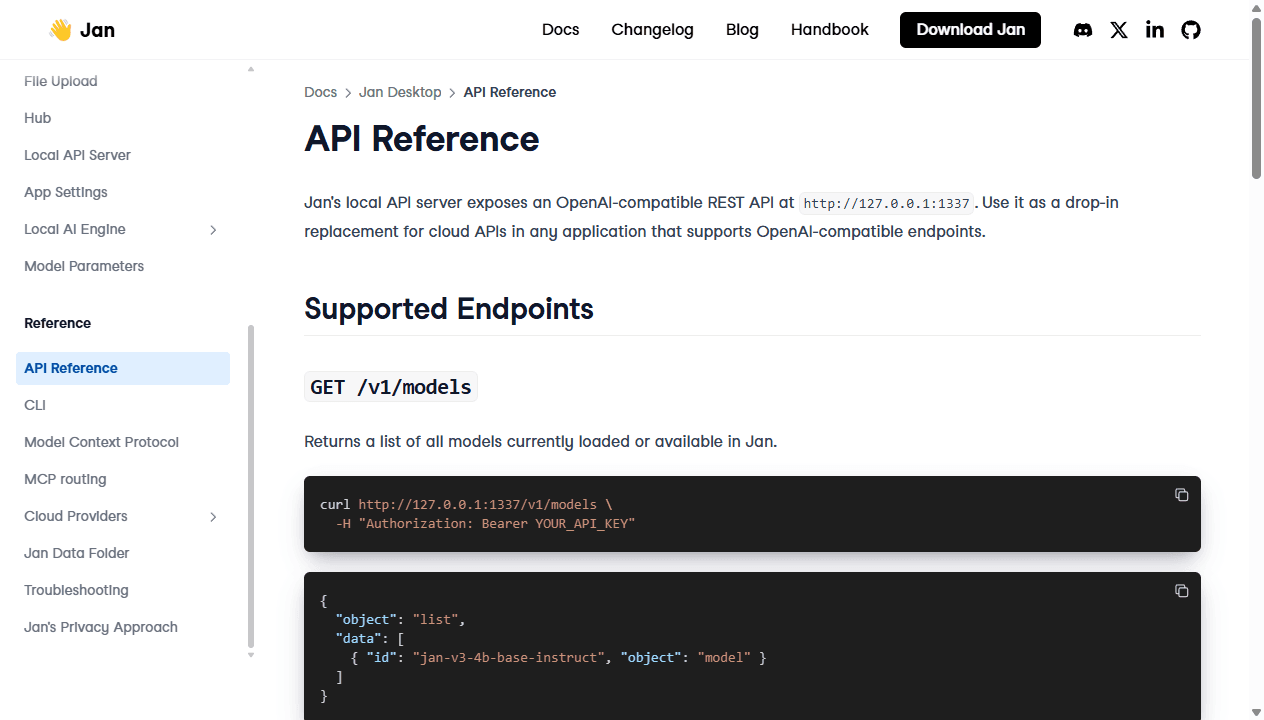
Jan's local API exposes OpenAI-compatible endpoints on 127.0.0.1:1337 by default. That gives coding tools, scripts, and other applications a private local model endpoint without a separate server package. The API key is required, and the host can be changed if another device needs access.
I leave the host on 127.0.0.1 unless I have a concrete network reason to change it. Binding to 0.0.0.0 turns a personal convenience into a network service. At that point I need firewall rules, trusted hosts, transport security, monitoring, and a clear threat model.
Both products support MCP-related workflows. Jan connects personal assistants and agents to external tools. Open WebUI gives a platform owner more ways to expose tools and integrations across groups. In either product, one-click discovery does not answer who owns the credential or whether the tool may write.
Open WebUI remains the better interface layer when several clients and users depend on one model service. Jan's API is excellent for local composition, but I would not pretend a laptop API is automatically a production team platform.
Teams and access
The browser address is Open WebUI's quiet advantage.
Open WebUI documents users, roles, groups, default permissions, and group overrides for features and resources. I can publish a model to one group, restrict tools for another, and keep administrative work away from ordinary users.
Jan's desktop ownership is simpler because the operating-system user already controls the machine. That is valuable for one person and awkward for a team that expects one shared history, catalog, policy, and support path.
Installing Jan on every laptop can still be a valid policy. It keeps data close to each user and avoids a central service. The trade is duplicated downloads, provider keys, updates, assistants, MCP configuration, troubleshooting, and hardware variance.
I choose Jan for independent workstations. I choose Open WebUI when consistency, sharing, remote access, and central control matter more than avoiding a server.
Privacy and cost
Local is a data path, not a magic privacy label.
Jan can run local models entirely on the computer with no cloud account. That is its clearest privacy advantage. The moment I add a cloud provider, web search, MCP server, or remote tool, data may leave the machine according to that service's rules.
Open WebUI can also keep inference and storage on infrastructure I control. It simply asks me to operate more infrastructure. Remote access, shared accounts, logs, backups, and integrations enlarge the security surface even when no model vendor receives the prompt.
Jan is free and open source under Apache 2.0, while model licenses remain separate. Open WebUI can be self-hosted without a per-seat application fee, but its current license includes branding conditions that deserve review for white-label or redistributed use.
The larger cost is hardware and time. Jan distributes compute and support across desktops. Open WebUI concentrates compute and maintenance on a server. I compare the machines, model APIs, storage, backup work, support hours, and expected number of users before calling either option cheaper.
Who each is for
I choose by the owner, not the feature count.
Choose Open WebUI
I need one browser address for several users, shared resources, remote access, group controls, and a platform owner who can maintain the service.
Skip Open WebUI
I am one person on one computer and do not want Docker, a separate model server, user administration, or a long list of optional platform features.
Choose Jan
I want to install a desktop app, download a compatible model, keep work on my machine, organize personal projects, and expose a local API when needed.
Skip Jan
I need a central multi-user portal, easy access from many devices, one shared model catalog, or administrator-enforced permissions across a team.
Jan fits a developer, writer, researcher, student, or privacy-conscious user who wants local AI to feel like a normal desktop application. It is especially good when one capable computer is the whole environment.
Open WebUI fits a home lab, school, internal platform team, family server, or technical group that wants to share models and capabilities through a browser. It is worth the maintenance when several people benefit from the same setup.
Jan is not a shortcut to identical team behavior. Open WebUI is not a sensible hobby if nobody wants to operate it. The best choice is the one that removes work rather than moving it to somebody who did not volunteer.
Reddit complaints
The community argument is really about where complexity should live.
The recurring praise for Jan is obvious: download an app, choose a model, and avoid Docker. The complaints target the other side of that convenience: app bugs, model compatibility, hardware limits, long-task stability, and dependence on the built-in model-management path.
Open WebUI complaints focus on setup, bloat, unintuitive options, web search, retrieval behavior, and update regressions. Other users defend the same product because its tools, pipelines, mobile browser access, users, and broad feature set are exactly what they need.
I do not turn Reddit comments into defect rates. I turn them into pilot cases. For Jan I test an unsupported-looking model, a long conversation, a large file, an app update, and a backup restore. For Open WebUI I test remote access, a restricted user, retrieval, a tool failure, and a version upgrade.
Migration cost
The model files are only one part of the move.
| Migration area | What I rebuild | Typical effort |
|---|---|---|
| Models | Match model files, formats, quantizations, context settings, chat templates, and hardware requirements. | Medium |
| Cloud providers | Recreate provider keys, custom endpoints, model aliases, limits, and any proxy behavior. | Low to medium |
| Prompts and assistants | Translate model presets, system prompts, starter messages, and assistant instructions. | Medium |
| Files and retrieval | Move source files, rebuild indexes, reconnect projects or knowledge bases, and repeat retrieval tests. | Medium to high |
| Tools and MCP | Reconfigure servers, credentials, permissions, tool descriptions, and failure handling. | Medium to high |
| Users and operations | Replace shared users, groups, history, backups, monitoring, and remote access with per-device ownership, or rebuild them in Open WebUI. | High |
Moving from Open WebUI to Jan turns a shared service into per-device workspaces. I decide which users need local copies, which models fit each machine, and whether shared knowledge becomes duplicated project files.
Moving from Jan to Open WebUI centralizes the stack. I choose a model server, publish shared presets, rebuild knowledge and tools, create users and groups, and decide what personal history should remain personal.
I keep the old product available until the new one passes the same real tasks. A successful import is not the finish line. The destination must survive one broken tool, one failed update, and one restore.
My pilot plan
Seven days expose whether I need an app or a service.
- Day 1: run the same local model and prompt on the same hardware with tools and retrieval disabled.
- Day 2: connect one cloud provider and verify key storage, model naming, and cost controls.
- Day 3: load the same files into a Jan project and an Open WebUI knowledge workflow, then inspect retrieval.
- Day 4: configure one assistant and one read-only MCP or API tool in each product.
- Day 5: use a second device and a second user, then record where Jan's desktop model or Open WebUI's service model creates friction.
- Day 6: back up, update, restore, and document the rollback path.
- Day 7: complete normal work without coaching and count support questions, waiting time, and configuration mistakes.
For one private workstation, I usually pick Jan. For one managed service shared across people and devices, I pick Open WebUI.
That is the practical answer to Open WebUI vs Jan. Jan removes infrastructure from the first conversation. Open WebUI makes that infrastructure reusable.
FAQ
Open WebUI vs Jan questions I settle before switching
Is Jan better than Open WebUI?
Jan is better for a person who wants one installable desktop app for local models, personal projects, assistants, and an optional local API. Open WebUI is better when several users need one managed browser portal with shared models, knowledge, tools, remote access, and administrator controls.
Can Open WebUI and Jan both run local models?
Yes. Jan includes a llama.cpp-based local engine and model hub inside the desktop app. Open WebUI usually connects to Ollama or another model server. Jan bundles the layers for one workstation, while Open WebUI keeps the interface and inference service easier to separate.
Which is easier to install, Open WebUI or Jan?
Jan is usually easier for one person because it uses a normal desktop installer and can download a suitable model inside the app. Open WebUI can be a short Docker deployment, but it also needs a model backend, persistent storage, security, and an operating plan when other users or remote access are involved.
Is Jan fully open source?
Jan describes its project as open source under the Apache 2.0 license. It can run local models without an account or subscription. Cloud providers still require their own API keys and charges, and individual model licenses remain separate from the Jan application license.
Can Jan replace Open WebUI for a team?
Not cleanly when the team depends on one shared URL, central users, group permissions, shared knowledge, and a curated model catalog. Installing Jan on every workstation can work for independent users, but it moves configuration, updates, storage, and support to each device.
Can I migrate from Open WebUI to Jan?
Yes, but there is no complete one-click migration. Provider endpoints and prompts are straightforward. Model files, quantizations, knowledge indexes, tools, MCP servers, history, shared users, permissions, and backup routines need to be mapped and tested.
Sources
Official pages used for the current product facts
Features, models, versions, and license terms can change. These are the reference points I used on July 24, 2026.


