 SwitchMyTool

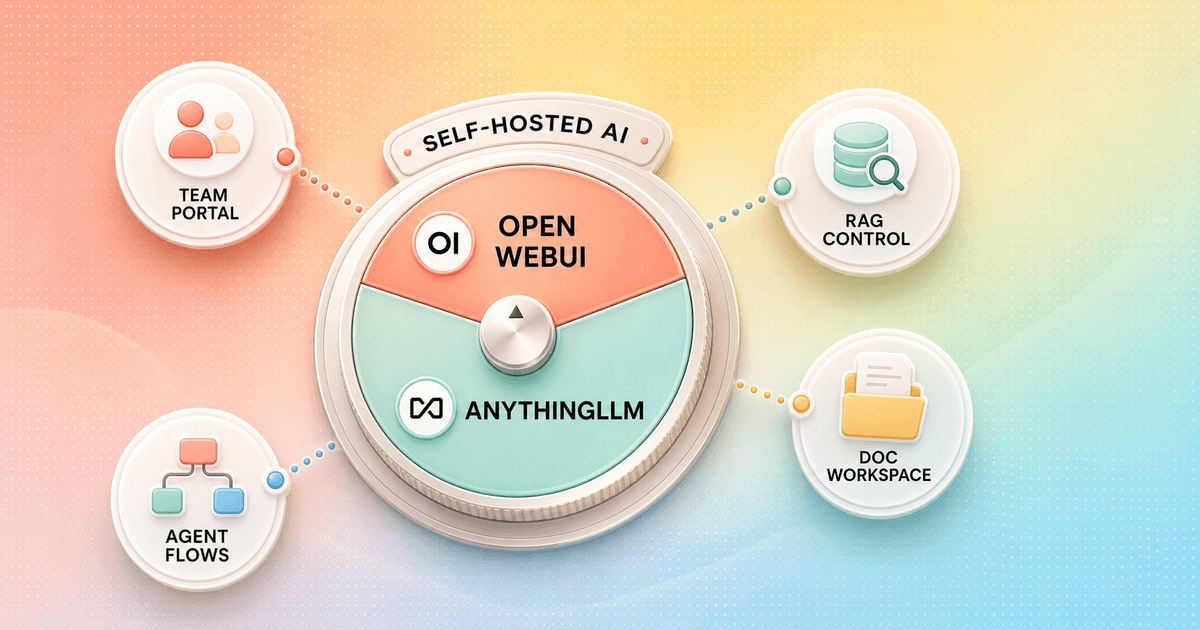
Open WebUI and AnythingLLM can both connect to Ollama, hosted APIs, documents, and agent tools. That makes the feature checklists look annoyingly similar. The similarity disappears when I set up real work.
My open webui vs anythingllm decision starts with ownership. Open WebUI asks me to operate a shared AI portal. AnythingLLM asks me to create workspaces for documents, chats, and tasks. One begins with users and resources. The other begins with a project folder.
That distinction changes setup, permissions, retrieval, migration, and support. I would rather choose the right operating model now than discover six months later that my "simple local chat" has become an undocumented internal platform.
My verdict
Open WebUI is the better portal. AnythingLLM is the easier document workspace.
I choose Open WebUI when several people need controlled access to models, knowledge, prompts, tools, and shared capabilities. Its browser admin surface, groups, permissions, model wrappers, and retrieval options make more sense for a team-wide home page.
I choose AnythingLLMwhen the first sentence of the project is "I have these documents." The desktop edition is a clean starting point for one person. Workspaces keep client files, instructions, chats, and agents together without forcing me to operate a shared server immediately.
If neither shape fits, my Open WebUI alternatives guide compares lighter desktop clients, broader chat platforms, and enterprise-search products. I would not force AnythingLLM into a large identity project or Open WebUI into a one-person PDF cabinet just because both can technically do the job.
Choose Open WebUI
I need a browser-based team portal, strong local-model administration, granular permissions, tunable retrieval, and many capabilities in one shared interface.
Skip Open WebUI
I only need a private document assistant, want a one-click desktop install, dislike platform sprawl, or require unrestricted white-label rights.
Choose AnythingLLM
I organize work by client or project folders, want local desktop use, need RAG to feel central, or prefer visual Agent Flows over building every tool in code.
Skip AnythingLLM
I need the deepest enterprise identity stack, one admin surface for many model resources, or a large shared portal where permissions change constantly.
The real difference
Open WebUI organizes capabilities. AnythingLLM organizes work.
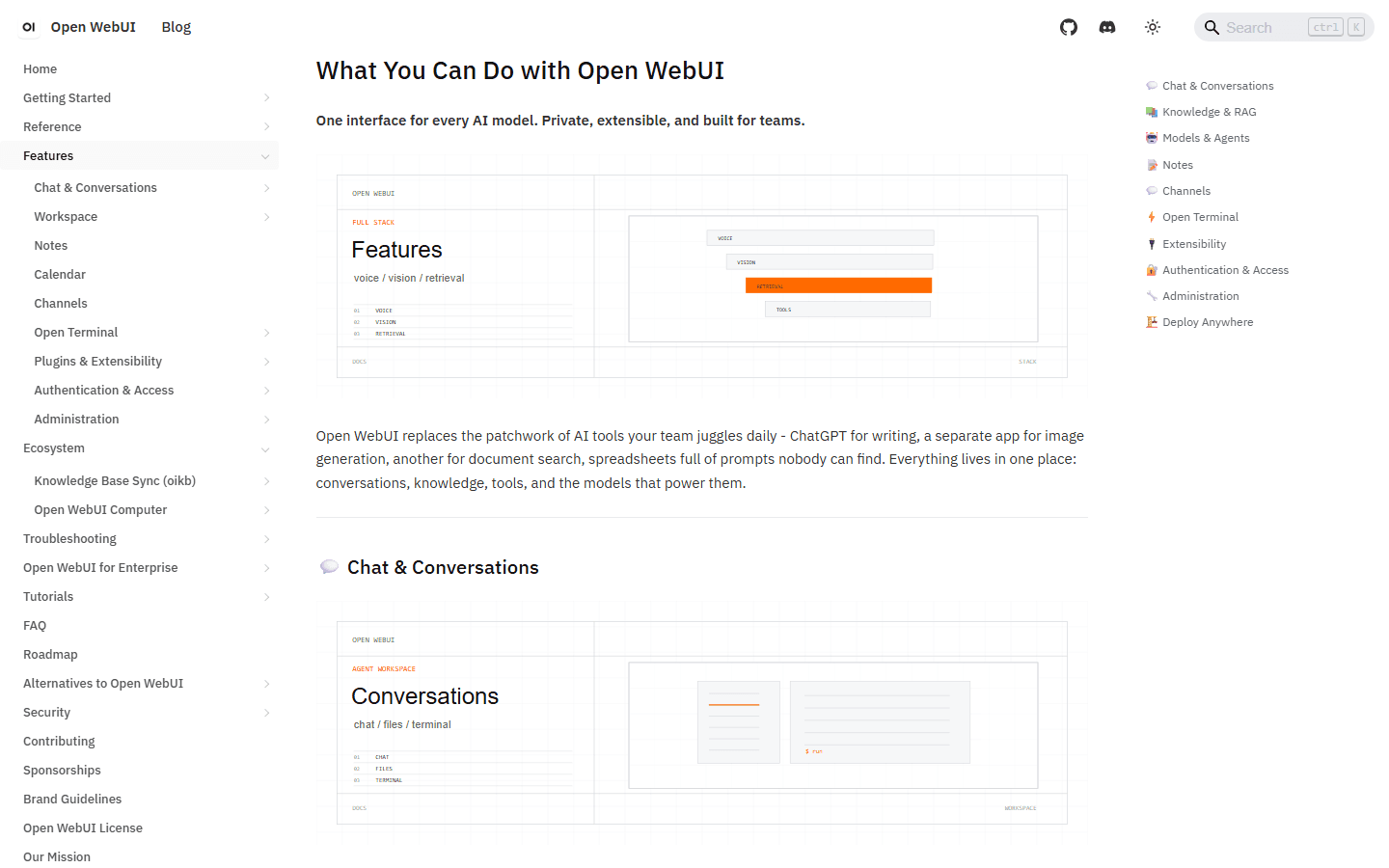
Open WebUI has grown far beyond an Ollama skin. Its official feature map now covers multi-model chat, knowledge, web search, code execution, image generation, voice, memory, task management, automations, tools, access control, and administration. I can make it the front door for a private AI stack.
AnythingLLM feels narrower at first and more opinionated underneath. A workspace becomes the boundary around documents, instructions, conversations, and agent behavior. That is useful when I think in clients, research projects, support products, or internal manuals. The interface reinforces the unit of work instead of exposing every capability as a separate platform resource.
Neither structure is universally simpler. Open WebUI is easier when an administrator needs to change access without editing the deployment. AnythingLLM is easier when a solo user wants one app and a few durable workspaces. Complexity has not disappeared. It has moved to the layer each product expects me to manage.
| Decision area | Open WebUI | AnythingLLM |
|---|---|---|
| Default product shape | A shared AI portal that combines chat, model access, knowledge, tools, prompts, groups, and administration | A document-first AI application built around workspaces, local desktop use, RAG, agents, and no-code flows |
| Fastest start | A Docker container connected to Ollama or an OpenAI-compatible provider | The desktop app for one user; Docker when multiple users and browser access matter |
| Knowledge model | Reusable knowledge bases attached to models, chats, and agentic retrieval with broad tuning controls | Workspaces that keep documents, chats, instructions, and agent behavior together |
| Agent approach | Python tools, OpenAPI, MCP, model wrappers, skills, prompts, pipelines, and native chat capabilities | Built-in agent skills, custom skills, MCP, scheduled jobs, and visual Agent Flows |
| Team controls | Groups, roles, per-resource permissions, SSO/OIDC/LDAP, SCIM, and model-level access | Docker adds users, workspace access, admin controls, chat logs, widgets, and white-labeling |
| License | Current releases use the Open WebUI License, including branding conditions | MIT License for the core project |
Setup and deployment
AnythingLLM wins the first hour. Open WebUI often wins the shared-server handoff.
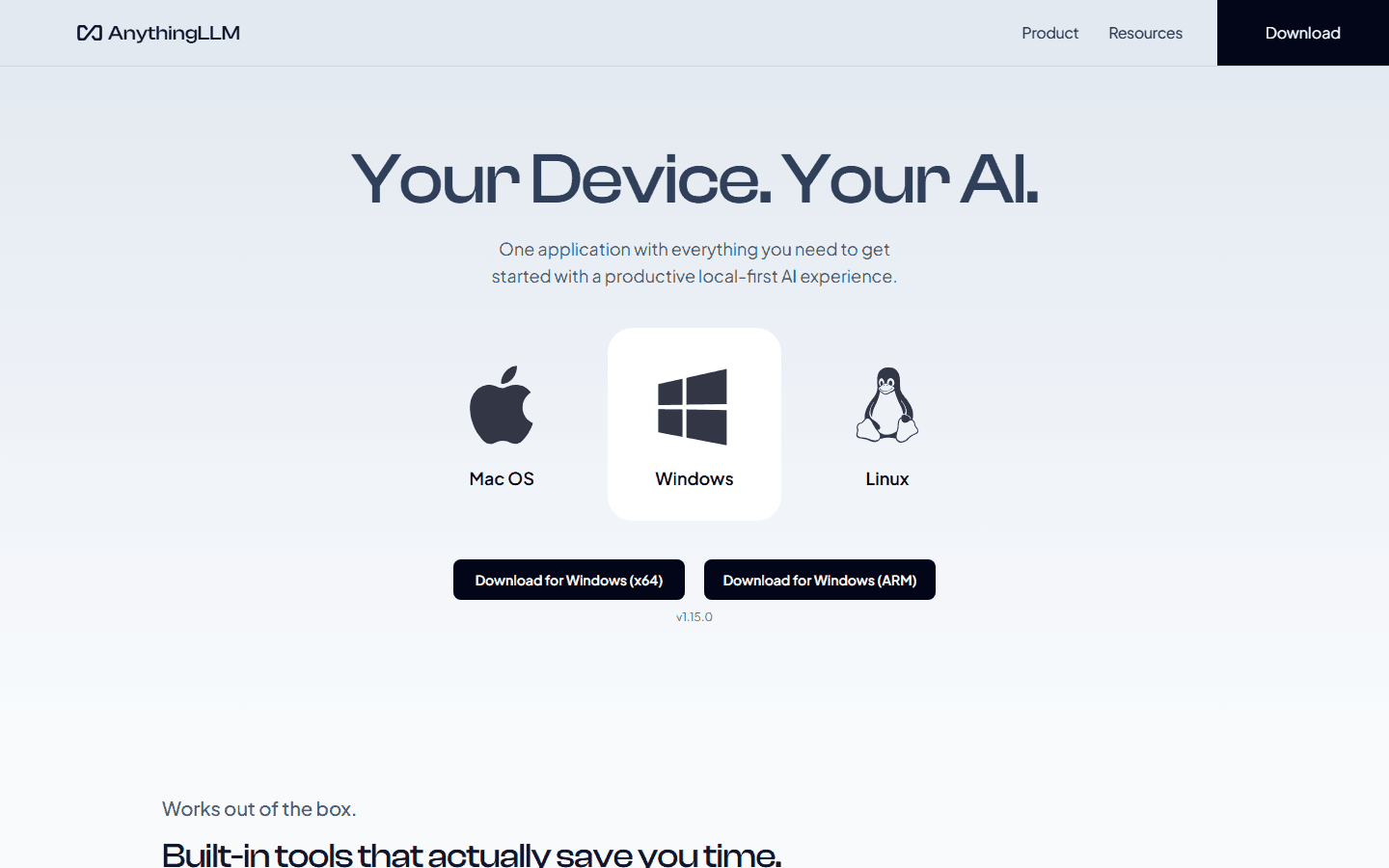
AnythingLLM Desktop is the lowest-friction route in this comparison. I install one application on Mac, Windows, or Linux, select a local or hosted model, create a workspace, and start adding material. No reverse proxy, user database, or public hostname is required. That is exactly what I want for private research or a single consultant.
The catch is obvious: desktop is a single-player product. When several people need browser access, workspace permissions, shared documents, widgets, or centralized administration, I move to AnythingLLM Docker. At that point the operational gap narrows. I still need persistent storage, backups, TLS, provider credentials, logs, upgrades, and somebody who owns the instance.
Open WebUI starts naturally as a shared browser service. Its standard container path is concise, particularly when Ollama is already running. The product then gives me more routine administration in the interface. I still pin versions and test upgrades because a fast-moving platform can change behavior between releases. A friendly admin panel is not a rollback plan.
Solo laptop
AnythingLLM Desktop removes the most infrastructure.
Home server
Either works; Open WebUI feels more natural as the household portal.
Small document team
AnythingLLM Docker keeps workspace ownership easy to explain.
Company AI portal
Open WebUI has the stronger administration and identity story.
Models and chat
The same backend does not guarantee the same response time.
Both products can sit in front of local and hosted models, so I separate model speed from interface speed. I run the same prompt against the same backend, with retrieval and tools disabled, before blaming either UI. Context settings, title generation, query rewriting, embeddings, web search, unavailable endpoints, and agent planning can add work before the first answer token appears.
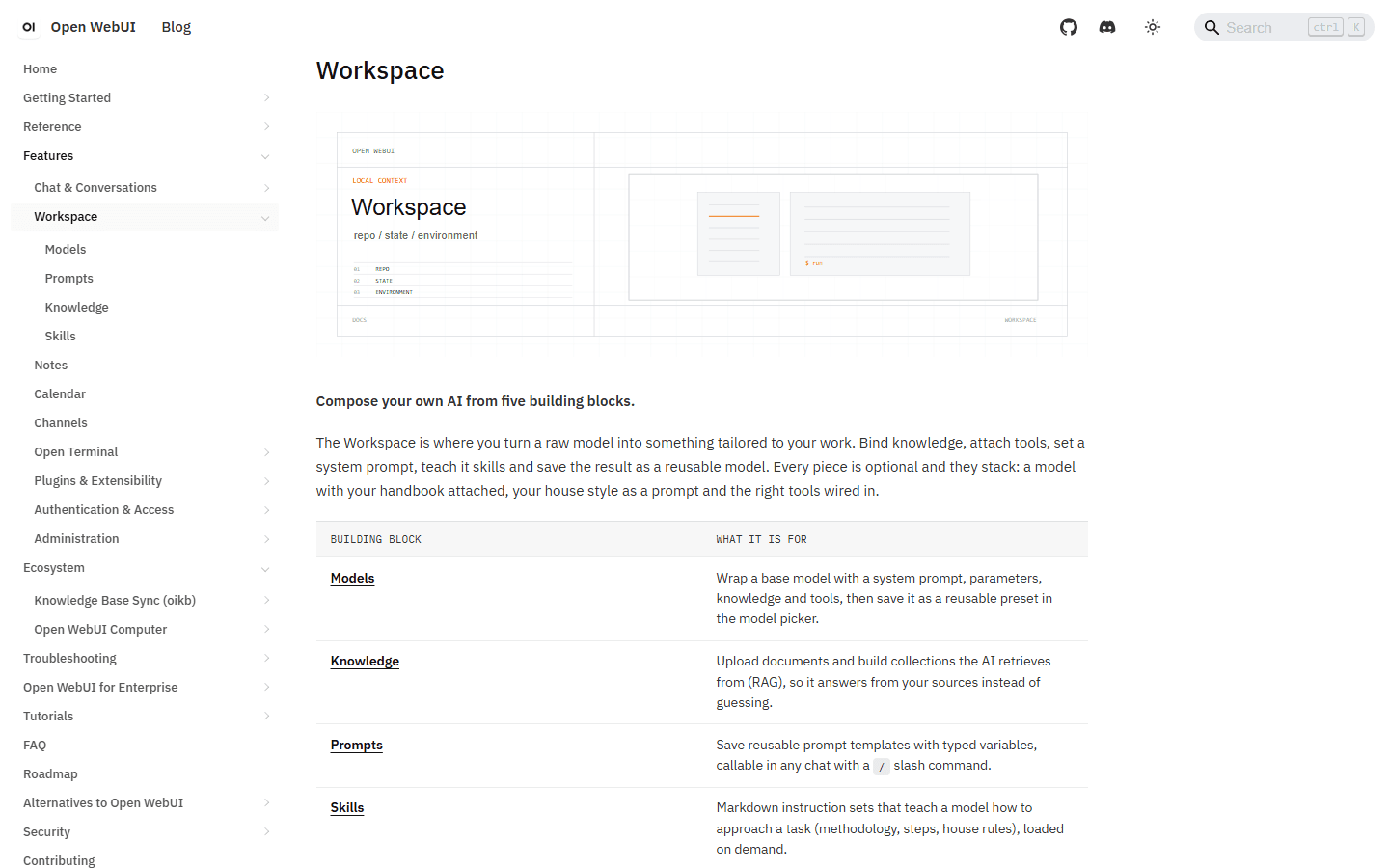
Open WebUI gives me a broader model-management surface. I can create reusable model presets that bind a system prompt, parameters, knowledge, and tools. That is valuable for a team because users see a curated option rather than a bare provider model. It also creates more configuration to document.
AnythingLLM is calmer when I want the model to serve a workspace. The provider, embedding model, vector database, and chat mode all matter, but I spend less time treating models as catalog items for an organization. I prefer that shape for focused project work and prefer Open WebUI when users need a governed model menu.
RAG and documents
AnythingLLM makes RAG easier to explain. Open WebUI gives me more retrieval controls.
AnythingLLM's strongest design choice is the workspace. I can separate a legal matter, support product, research topic, or client account and give each one its own files and instructions. That reduces accidental retrieval across unrelated material and gives non-technical users a mental model they already understand.
Open WebUI documents a deeper retrieval surface: multiple extraction engines and vector stores, hybrid BM25 plus vector search, reranking, full-context injection, citations, and agentic retrieval. I reach for that when extraction quality, large mixed collections, or retrieval tuning is part of the operator's actual job.
I do not crown a RAG winner from one PDF. My evaluation set contains plain text, a scanned file, a table, conflicting versions, an answer spread across two documents, and a question that should return no answer. I record the retrieved passages, not just the polished final response. A confident answer with the wrong chunk is a retrieval failure wearing a tie.
Reddit users often report better results after switching products, but those stories mix interface, embeddings, chunking, context size, model choice, document structure, and configuration. I treat them as prompts for tests. I do not treat them as a benchmark.
- Keep the original source files outside the product so a migration never depends on a vector database export.
- Use the same embedding model and context budget before comparing retrieval behavior.
- Test citations against page numbers or exact passages, not whether the answer sounds sensible.
- Measure ingestion time, failed files, re-index effort, and how quickly stale documents can be removed.
Agents and tools
AnythingLLM lowers the floor with visual flows. Open WebUI raises the ceiling for operators.
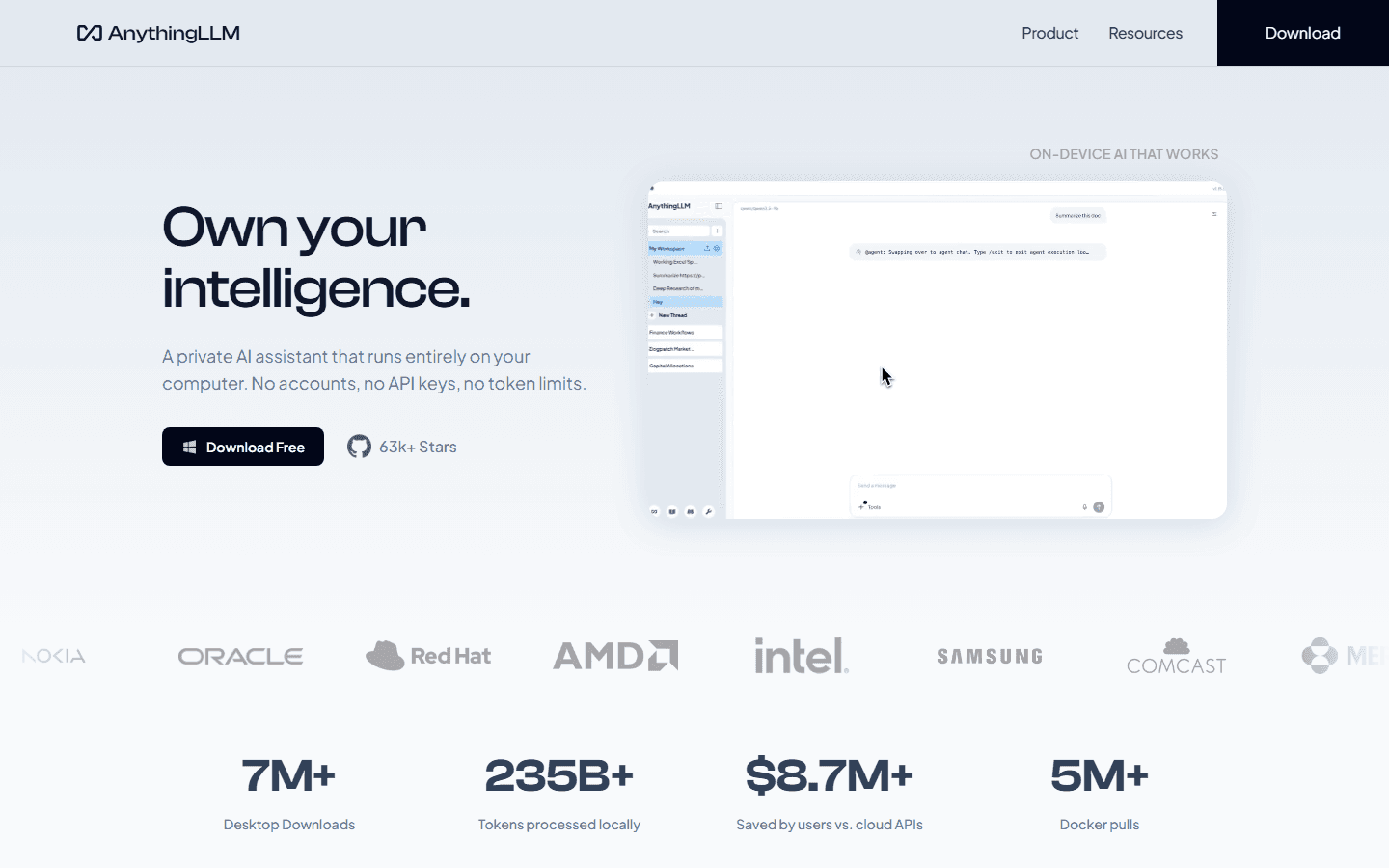
AnythingLLM combines built-in agent skills, custom skills, MCP compatibility, scheduled jobs, and Agent Flows. The visual flow editor matters because I can express a sequence such as read a file, call an API, ask a model, and write a result without turning every automation into a small software project. The model can call the resulting flow as a skill.
Open WebUI gives me several extension paths: native chat capabilities, Python workspace tools, OpenAPI servers, MCP, skills, prompts, functions, pipelines, and optional terminal access. That is the broader toolbox. It also expands the security review because each path has a different execution boundary and secret-handling story.
For either product, I start with read-only tools. I then add one external write action with an approval step and an audit trail. An agent that can search documents is a productivity feature. An agent that can send messages, change records, or run shell commands is an access-control project.
Smaller local models can struggle with tool selection and long agent loops even when ordinary chat works well. I test agents with the model the team will actually run, not only with a frontier hosted model during setup.
Teams and permissions
Open WebUI is the safer default when identity and resource access drive the project.
Open WebUI's current documentation covers roles, groups, per-resource permissions, SSO/OIDC/LDAP, SCIM, API keys, and feature controls. That gives me a clearer route when different departments should see different models, knowledge bases, tools, or expensive capabilities.
AnythingLLM Docker supports multiple users, workspace access, admin controls, chat logs, widgets, white-labeling, and a developer API. That is enough for many small teams. I become more cautious when the requirement expands into automated provisioning, complicated group inheritance, or frequent access changes across many shared resources.
I write the permission matrix before installing either product. The rows are users or groups. The columns are models, workspaces, knowledge, tools, provider keys, logs, exports, and administrative actions. If I cannot explain who owns each column, the product choice is premature.
I also keep provider credentials server-side where possible. Interface permissions do not replace least-privilege credentials at the model gateway, vector database, search provider, or MCP server.
License and cost
AnythingLLM has the cleaner license. Neither product makes infrastructure free.
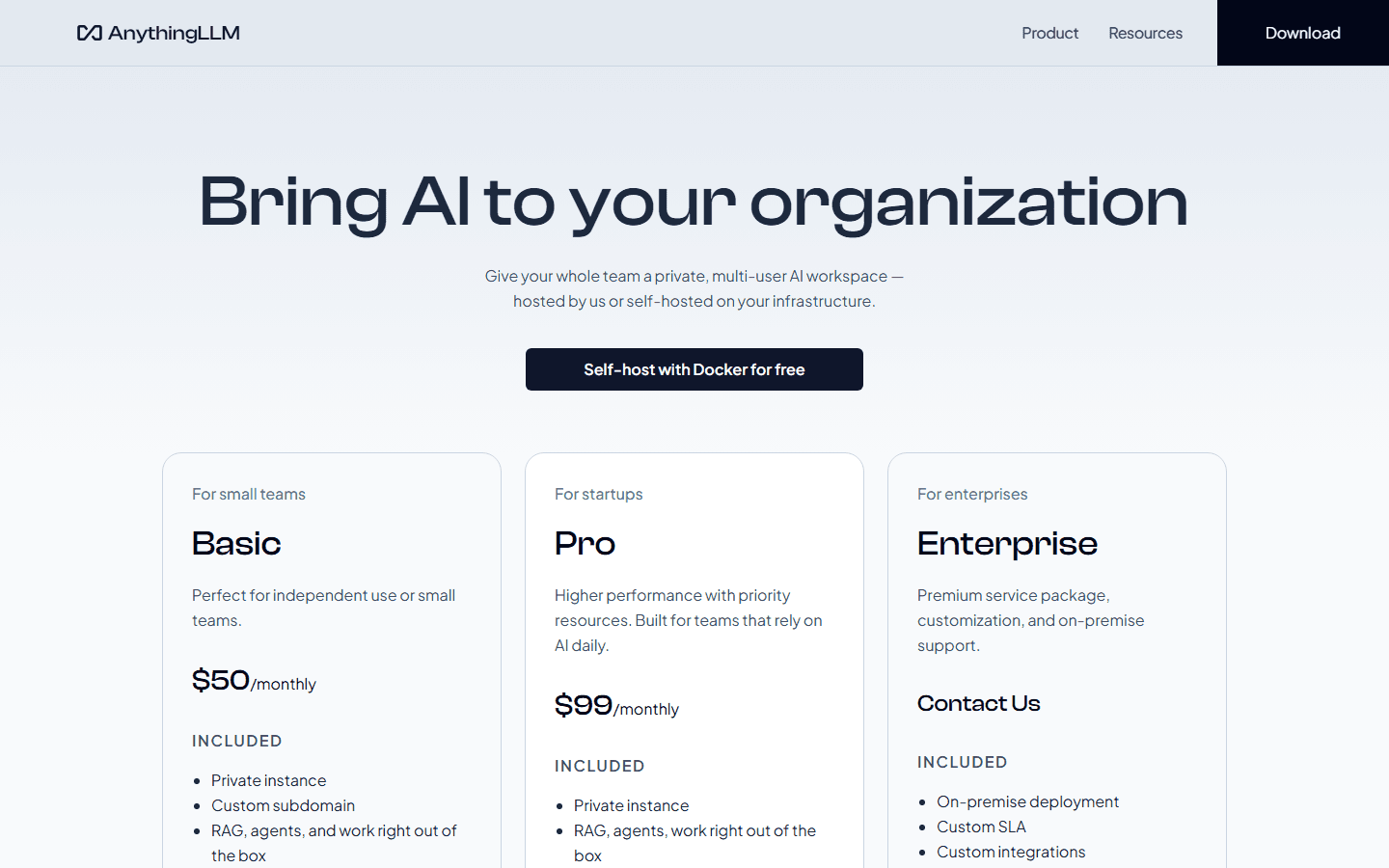
AnythingLLM's core repository uses the MIT License. That is the simpler foundation when I need modification, redistribution, or organizational white-labeling. AnythingLLM also offers paid hosted plans and support, but self-hosting the core project does not require a per-seat application subscription.
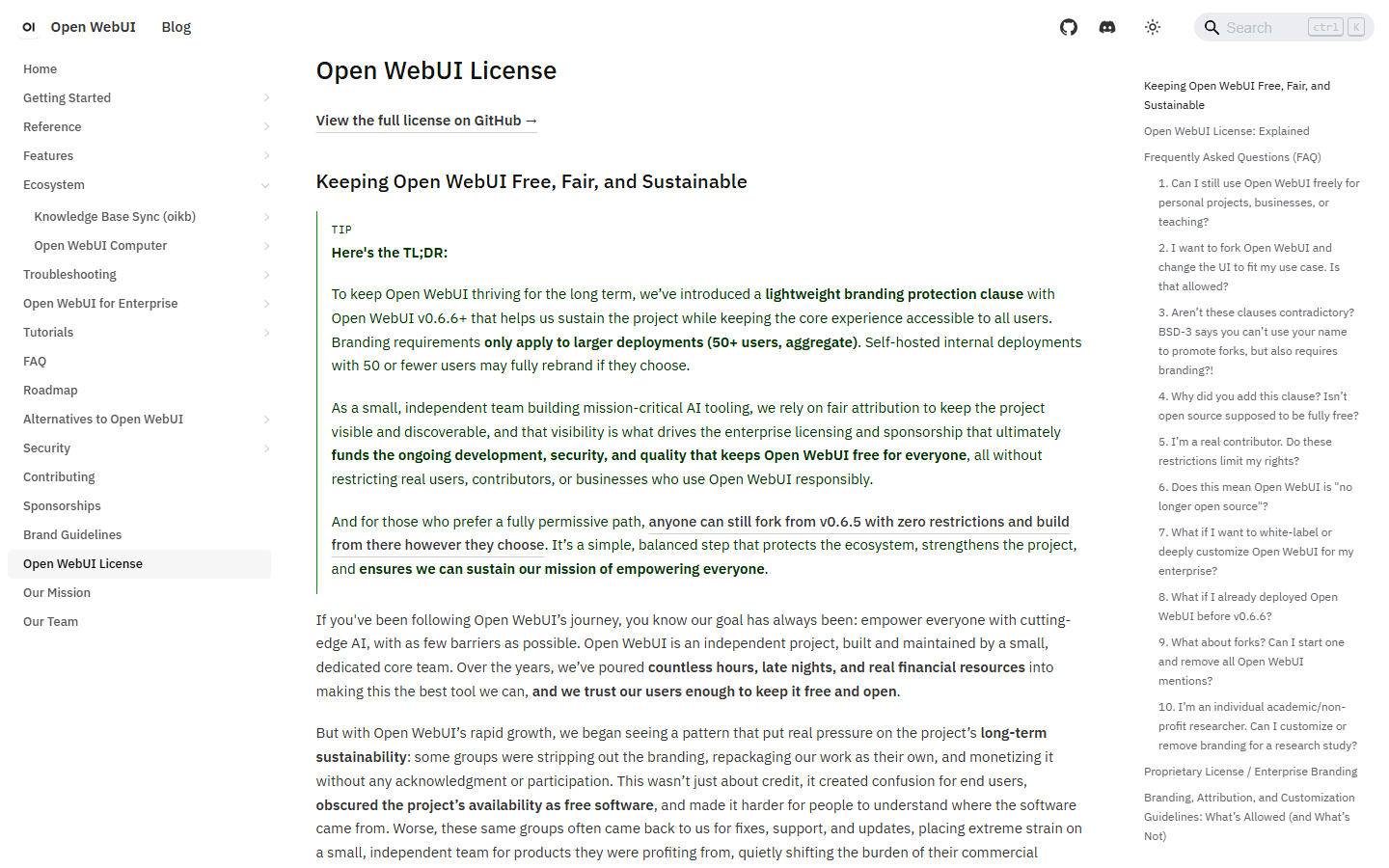
Current Open WebUI releases use the Open WebUI License. Its official explanation includes branding protection conditions. That may be irrelevant for an internal deployment that keeps the branding and critical for a commercial product that intends to replace it. I send the actual license to counsel instead of translating a paragraph from a comparison article into policy.
The real operating bill includes GPUs or model APIs, embeddings, vector storage, web search, code execution, backups, monitoring, support, upgrades, and incident recovery. The interface license can be zero while the monthly labor cost is not. I count operator hours because they are usually the line item teams pretend is free.
Who each is for
I choose by workflow ownership, not by the longest feature list.
Choose Open WebUI
I need a browser-based team portal, strong local-model administration, granular permissions, tunable retrieval, and many capabilities in one shared interface.
Skip Open WebUI
I only need a private document assistant, want a one-click desktop install, dislike platform sprawl, or require unrestricted white-label rights.
Choose AnythingLLM
I organize work by client or project folders, want local desktop use, need RAG to feel central, or prefer visual Agent Flows over building every tool in code.
Skip AnythingLLM
I need the deepest enterprise identity stack, one admin surface for many model resources, or a large shared portal where permissions change constantly.
Open WebUI fits a platform owner: an IT lead, AI enablement team, technical operations group, or serious home-lab operator who wants one managed surface across models and capabilities. The buyer is comfortable pinning versions, reviewing tools, maintaining backups, and explaining permissions.
AnythingLLM fits a knowledge worker or small technical team whose work already separates into projects. Consultants, researchers, support teams, analysts, and internal enablement groups can understand a workspace quickly. Desktop is particularly good when privacy means one machine rather than one private server.
I skip both when the real requirement is permission-aware search across dozens of live enterprise systems. That is an enterprise-search architecture, not a folder of uploaded files. I also skip both when the only need is a minimal local chat window. A smaller client will create less maintenance.
Reddit complaints
The recurring complaints reveal where each product sends its complexity.
The useful Reddit split is not a vote count. It is a vocabulary split. AnythingLLM fans say simple, workspace, documents, and desktop. Open WebUI fans say controls, features, groups, and flexibility. Those words describe the work each product makes easier.
AnythingLLM complaints cluster around document refresh, folder synchronization, agent timeouts, Docker networking, and retrieval behavior that changes with the model or embedding setup. Open WebUI complaints cluster around bloat, sparse documentation for advanced features, slow pre-answer tasks, inactive model endpoints, and RAG tuning.
I found recent reports on both sides where the same backend behaved better after a switch. That is plausible and still not proof of a universal winner. The move may have reset a bad configuration, changed context, selected a different embedder, or removed a slow auxiliary task. I reproduce the workflow before I repeat the conclusion.
Migration cost
Documents move easily. The behavior around them does not.
| Migration area | What I rebuild | Typical effort |
|---|---|---|
| Models and providers | Recreate provider credentials, base URLs, model names, context settings, fallbacks, and per-user access. | Low to medium |
| Documents and indexes | Keep the source files, re-ingest them, rebuild embeddings, then repeat known-answer and citation checks. | Medium to high |
| Prompts and agents | Translate model presets, system prompts, tools, MCP servers, agent skills, secrets, and approval boundaries. | Medium to high |
| Users and permissions | Recreate accounts, roles, groups, workspace access, shared resources, SSO behavior, and audit expectations. | High |
| Chat history | Export what the source supports and decide whether old conversations must stay searchable or only archived. | High when history matters |
| Operations | Rebuild volumes, backups, reverse proxy, monitoring, upgrade pins, outbound-network rules, and rollback notes. | Medium |
A personal move can take an afternoon when I have a few model endpoints and clean source files. A team move takes longer because the real system includes users, permissions, prompts, indexes, tool secrets, backups, links, logs, and undocumented habits.
Moving from Open WebUI to AnythingLLM usually means translating model-centric resources into workspace-centric organization. Moving the other way means deciding which workspaces become knowledge bases, custom models, prompts, skills, groups, or tools. There is no reliable one-to-one mapping.
I run both systems in parallel until the destination passes known-answer retrieval, permission, backup, restore, and rollback tests. I do not delete the old deployment because the new home page looks cleaner.
My seven-day pilot
I can settle this choice with one realistic workspace and five users.
- Day 1: connect the same local and hosted model endpoints and record first-token time with retrieval disabled.
- Day 2: ingest the same mixed document set and log extraction failures, citations, and known-answer accuracy.
- Day 3: recreate one useful prompt or model preset and one project workspace.
- Day 4: add one read-only tool or MCP server, then inspect secrets, logs, and failure behavior.
- Day 5: invite a normal user and confirm they cannot see an administrator-only model, document set, or tool.
- Day 6: back up the persistent data, restore it to a clean instance, and document the actual recovery time.
- Day 7: let the intended users work without coaching, then count support questions and repeated navigation mistakes.
I pick the product with fewer unexplained failures and fewer operator-only steps in the target workflow. A beautiful demo does not compensate for unreliable retrieval. A powerful admin panel does not compensate for a team that only wanted private project folders.
For most solo document work, my answer is AnythingLLM. For most shared AI portal work, my answer is Open WebUI. That is the useful conclusion of open webui vs AnythingLLM: they overlap heavily, but their centers of gravity are different.
FAQ
Open WebUI vs AnythingLLM questions I would answer before switching
Is AnythingLLM better than Open WebUI?
AnythingLLM is the better fit when I want a document-first workspace, a simple desktop application, or visual Agent Flows. Open WebUI is the better fit when I need a shared AI portal with stronger browser administration, model access, groups, retrieval controls, and enterprise identity options.
Which is easier to install, Open WebUI or AnythingLLM?
AnythingLLM Desktop is the easiest single-user start because it is an installable application. Open WebUI has a straightforward Docker path for a shared browser interface. AnythingLLM Docker is also approachable, but it adds the services and administration needed for multi-user use.
Which is better for RAG, Open WebUI or AnythingLLM?
AnythingLLM often feels simpler when documents and project workspaces are the main job. Open WebUI exposes broader retrieval controls, including multiple extraction and vector options, hybrid search, reranking, full-context mode, and agentic retrieval. In either product, extraction, chunking, embeddings, context size, and source quality matter more than the logo.
Do Open WebUI and AnythingLLM support local models?
Yes. Both can work with Ollama and other local or OpenAI-compatible endpoints. AnythingLLM Desktop can also provide a more self-contained local start. I still benchmark the same model through the same backend because UI tasks, retrieval calls, and unavailable endpoints can change perceived speed.
Are Open WebUI and AnythingLLM open source?
AnythingLLM's core project uses the MIT License. Current Open WebUI releases use the Open WebUI License with branding conditions. Both can be self-hosted, but the license difference matters for white-labeling, redistribution, and commercial product plans.
Can I migrate from Open WebUI to AnythingLLM?
Yes, but I treat it as a rebuild. Provider endpoints and source documents move first. Knowledge indexes, model presets, users, permissions, tools, agents, and chat history need recreation or testing. I keep the old system available until retrieval, access, backup, and rollback checks pass.
Sources
Official pages used for the current product facts
Product capabilities and licenses change. These links are the current reference points I used on July 23, 2026.


