 SwitchMyTool

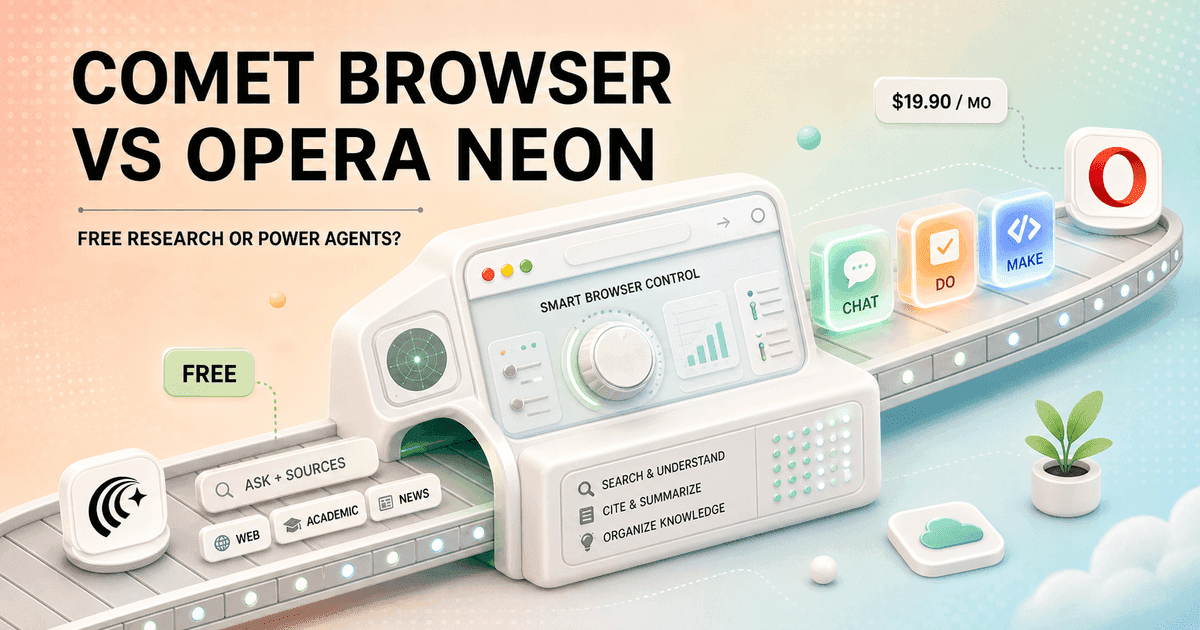
Comet and Opera Neon both want the browser to become an assistant, but they disagree about the job. Comet turns Perplexity search, sources, pages, and tabs into one research loop. Neon divides the work among Chat, Do, Make, deep research, Tasks, and Cards.
My Comet Browser vs Opera Neon decision comes down to frequency. I would use Comet every day because it is free and useful even when I ask for very little. I would pay for Neon only if its heavier agents finished enough valuable work to cover the $19.90 bill.
My verdict
Comet is the better default. Opera Neon is the more ambitious specialist.
I choose Comet for daily research, source checking, tab-heavy work, and quick browser assistance. Perplexity made the browser free worldwide, so the practical question is whether its limits and permissions fit my workload, not whether the download earns a subscription.
I choose Opera Neon for a smaller group of expensive jobs: a deep research report, a repeatable browser routine, or a created artifact that Neon Make can continue producing in a cloud workspace. It offers more distinct agent modes, but I have to use them often enough to justify paying for an experimental browser.
If neither answer feels right, my Comet Browser alternatives guide compares seven broader options, including lower-cost and privacy-first choices.
The real difference
Comet helps me understand the web. Neon wants to act on it and build from it.
Comet feels like a research browser first. I ask a question, open cited pages, continue from the current tab, compare several sources, and let the Assistant handle selected browser actions. The AI sits close to ordinary browsing instead of demanding a new operating system for every small task.
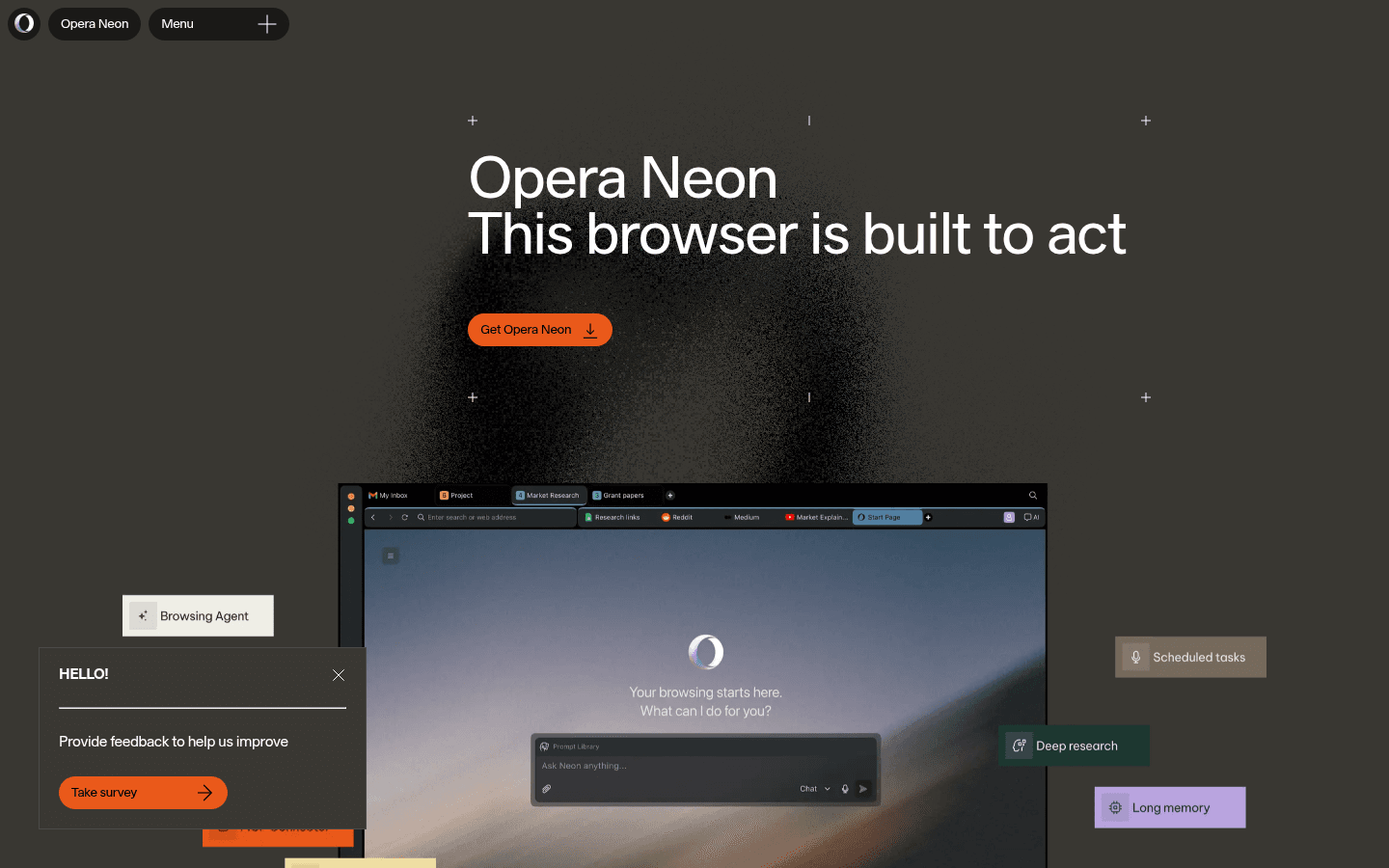
Opera Neon feels like an agent workspace that happens to include a browser. Chat answers, Do navigates, Make creates, deep research expands a question, Tasks separate projects, and Cards preserve instructions. That structure is clearer than a single assistant pretending every request is the same kind of work.
The extra structure is useful only when I need it. For a ten-minute comparison, Comet gets out of my way. For a two-hour job that mixes research, browser action, and an artifact, Neon gives each stage a home. Buying Neon for page summaries would be like renting a workshop to sharpen one pencil.
Feature comparison
The choice is free source-backed browsing versus a paid multi-agent workspace.
| Decision area | Comet Browser | Opera Neon |
|---|---|---|
| Core idea | A free Chromium browser organized around Perplexity search, citations, page context, tabs, and an assistant. | A paid experimental browser organized around Chat, Do, Make, deep research, Tasks, and reusable Cards. |
| Best daily job | Research a question, inspect sources, compare pages, and continue from the current tab. | Move from a prompt to an action, research report, generated artifact, or longer delegated workflow. |
| Research | Fast source-backed answers are part of the normal browsing loop. | ODRA and 1 Minute Research separate quick answers from deeper parallel research. |
| Browser action | Assistant can navigate, click, fill forms, manage tabs, and use allowed context. | Neon Do is a dedicated browser agent, while Intelligent Mode can route a request to the relevant agent. |
| Creation | Useful for drafting and acting inside the browser, but it is not built around a separate creation environment. | Neon Make can create sites, games, reports, and other artifacts in cloud virtual machines. |
| Organization | Tabs, history recall, shortcuts, bookmarks, extensions, and Perplexity Library support the workflow. | Tasks isolate work into separate contexts, while Cards save reusable instructions and agent routines. |
| Price | The browser is free worldwide. Perplexity plan limits still affect advanced model and assistant use. | $19.90 per month for public early access, with one subscription covering the current Neon experience. |
| Best fit | Researchers and knowledge workers who want a calmer daily browser with visible sources. | AI power users who will pay for multiple agents, creation tools, and a faster-moving experimental product. |
Daily browser use
Comet has the easier learning curve because normal browsing still feels normal.
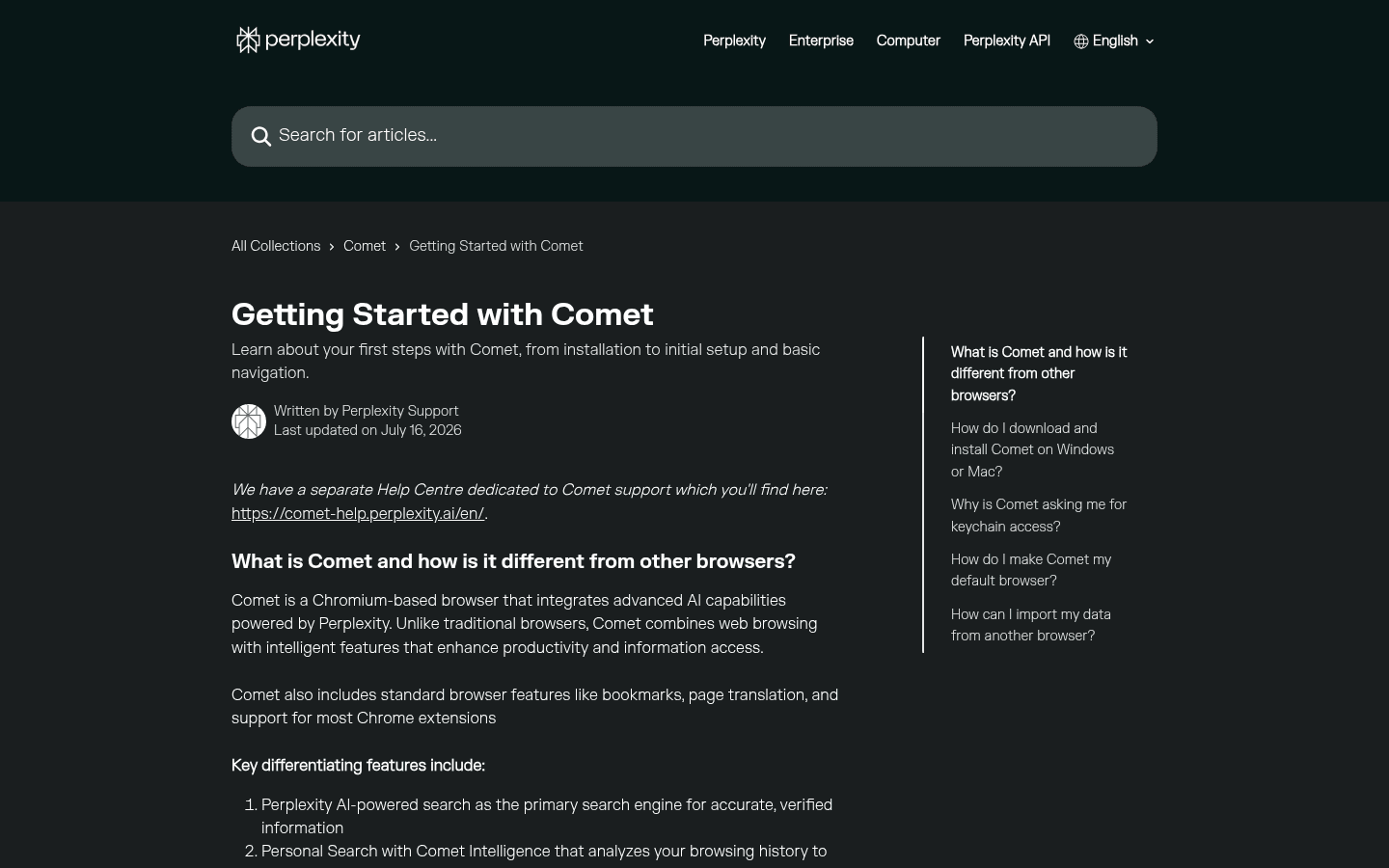
Comet is Chromium-based, supports most Chrome extensions, and retains familiar browser furniture. I can import a profile, keep my bookmarks, translate a page, and use the Assistant only when it adds value. That matters because most of my browser time is still clicking links, reading, logging in, and downloading files.
Neon asks me to learn when to use Chat, Do, Make, deep research, or a saved Card. Intelligent Mode reduces that decision by suggesting an agent, but the product still rewards deliberate task design. When I give it a vague request, I get a broader range of possible outcomes and a broader range of cleanup.
I judge both browsers under boring pressure: twenty open tabs, a slow form, a login wall, a missing permission, a download, and a task I interrupt. Comet is easier to use lightly. Neon becomes interesting when I am willing to supervise a larger job and inspect the route it took.
Research
Comet wins the everyday research loop. Neon wins when the research deserves its own job.
Comet's advantage is continuity. Perplexity search is the default experience, sources are expected, and page or tab context is close at hand. I can start broad, inspect the strongest sources, ask where they disagree, and keep the evidence trail visible without switching products.
Opera Neon splits quick research from deeper work. ODRA runs research in parallel and returns a referenced report, while 1 Minute Research targets a faster pass. I like that separation because a lunch recommendation and a market landscape should not consume the same amount of time.
For my daily work, Comet is faster to reach for. For a question that needs several lines of inquiry, Neon can earn its subscription by producing a structured first draft. I still open the references. A longer report is not automatically a better report, and an agent can multiply weak assumptions just as efficiently as strong ones.
Browser actions
Comet assists beside me. Neon Do makes delegation the main event.
Comet Assistant can navigate, click, fill forms, manage tabs, and use permitted context. I prefer it for actions that stay close to research: open a product page, compare options, prepare an email, or move through a site while I remain in the loop.
Neon Do is more explicit. I hand it a browser task and watch it work. That clearer boundary helps when the job contains several steps, but the direct comparison I found on Reddit exposed the cost of an incomplete chain. Neon created a Dropbox folder, then stopped before the email step that Comet handled more cleanly.
I never score an agent by whether it started impressively. I score the last mile: Did it finish? Did it ask before a sensitive action? Could I interrupt it? Did it leave enough context for me to recover? One missing final step can erase the time saved by the first five.
Make, Tasks, and Cards
Neon has the stronger case when the browser must produce something, not merely find something.
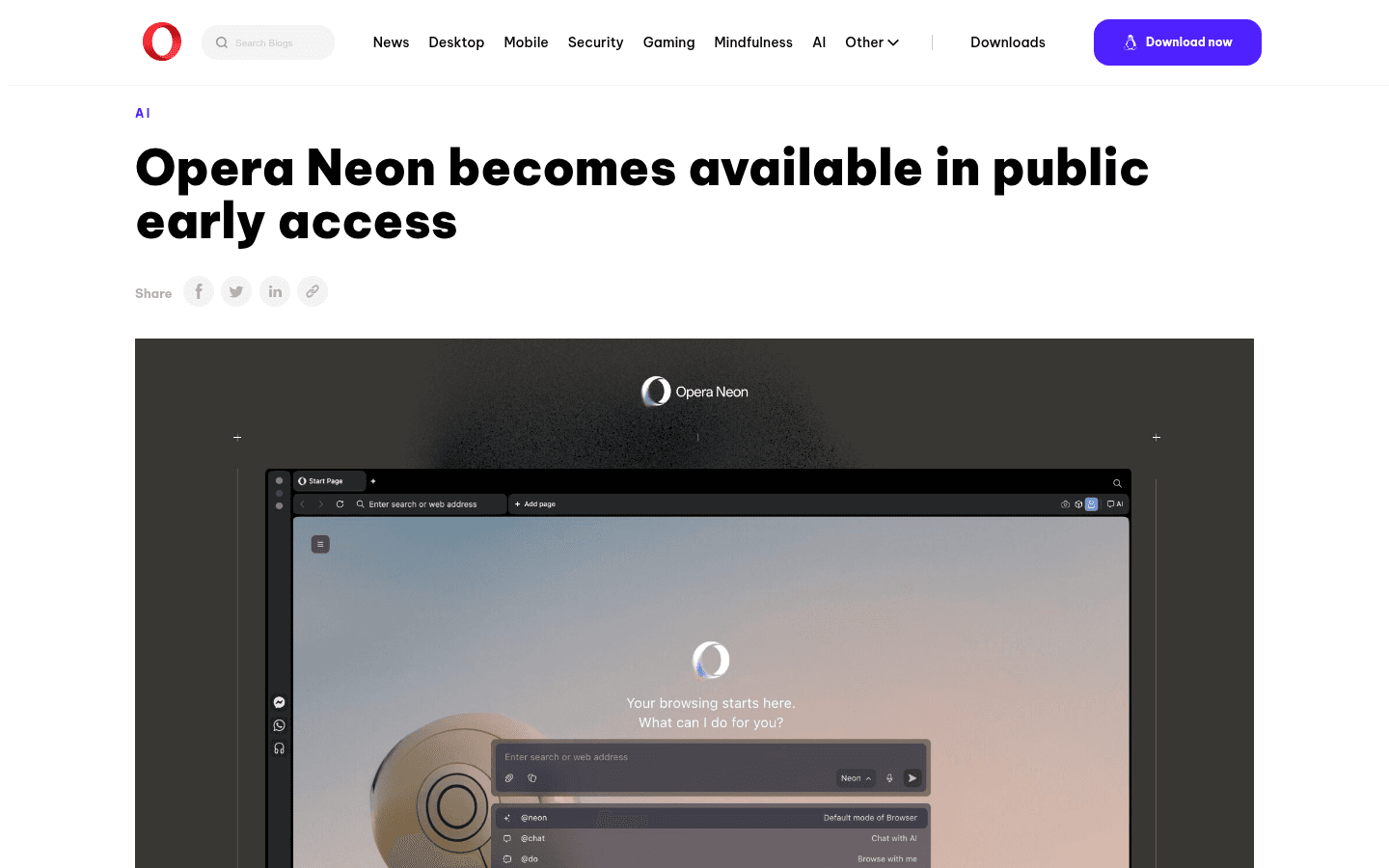
Neon Make is the feature Comet does not answer directly. Opera says Make can build sites, games, reports, and other outputs in cloud virtual machines hosted in Europe, and it can keep working after I go offline. That turns the browser into a small production queue rather than a chat panel.
Tasks give each job a self-contained context, which helps me keep unrelated research and actions apart. Cards store reusable instructions, so a successful routine can become a repeatable tool instead of a prompt buried in history. This is the part of Neon I would test hardest before paying.
The caution is operational. A cloud creation task has its own data path, failure mode, and review burden. A Card can preserve a bad instruction just as faithfully as a good one. I would use test data, keep source files outside Neon, and require a final human review before publishing or sending anything.
Privacy
Neither browser gets a blanket privacy label from me.
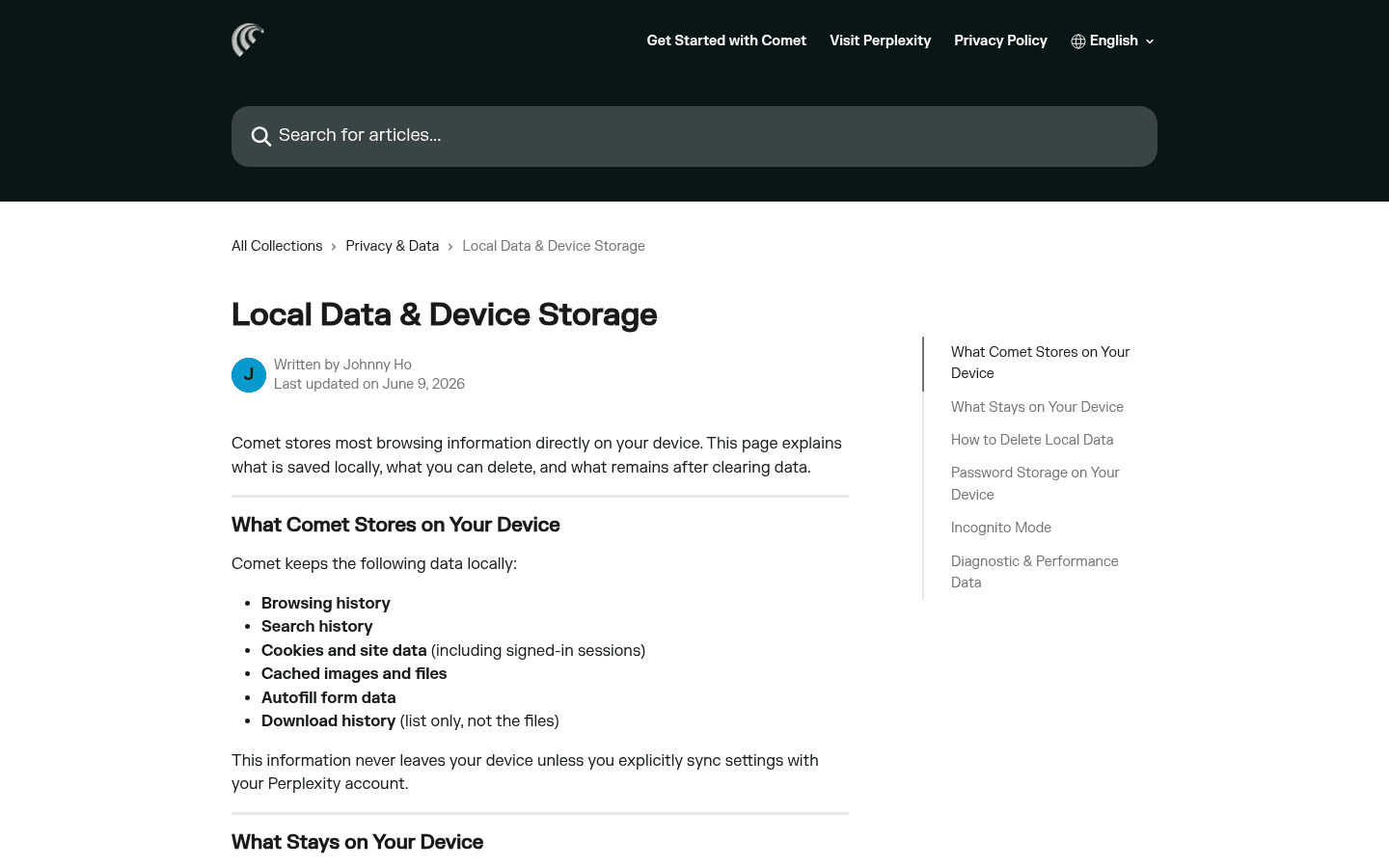
Comet documents that browsing history, search history, cookies, cached files, autofill data, and download history remain on the device by default. That is useful, but Assistant requests can still send relevant context to Perplexity. Incognito prevents local history in the usual way; it does not make an AI request happen without a server.
Opera says normal browser data such as history, logins, and cookies stays local for native browsing. Neon Make is different because it works in cloud virtual machines on European-hosted servers. I would not collapse those two workflows into the sentence 'Neon is local' or 'Neon is cloud.' Both would be lazy.
My rule is simple. I use a separate browser profile for agent testing, give one-time permission first, keep financial and health accounts out of the pilot, and avoid pasting secrets into either assistant. The dangerous part is not an abstract privacy score. It is a helpful agent with broad access to a logged-in browser.
Pricing
Free makes Comet easy to try. Neon must prove a monthly return.
Perplexity made Comet free worldwide in October 2025. That does not make every advanced model or assistant workload unlimited. I still check the current Perplexity plan, usage limits, and any feature tied to a paid account before building a repeated process around it.
Opera opened Neon public early access at $19.90 per month. The December 2025 launch included several leading text, image, and video models under one subscription, but the model catalog changes. I treat the current checkout and FAQ as authoritative, not a launch list frozen in a review.
I justify Neon with completed work. At $19.90, saving one reliable hour can make sense. If I spend that hour correcting an unfinished Do task, checking a shallow summary, or recreating a Make artifact elsewhere, the browser is expensive. Comet has the lower financial risk. Neon may have the higher upside for a narrow power user.
Who each is for
I choose by the work that repeats, not the demo that looks best.
- Choose Comet
- Most of my work starts with a question, and I care more about sources, tab context, and fast follow-up than maximum autonomy.
- Skip Comet
- I want a conventional browser with minimal AI permissions, or I need a broader creation environment rather than a research-first assistant.
- Choose Opera Neon
- I will use Chat, Do, Make, deep research, Tasks, and Cards often enough to justify $19.90 each month.
- Skip Opera Neon
- I need a free default browser, frozen behavior, mature organization-wide controls, or predictable workflows that do not change every week.
Comet fits analysts, researchers, consultants, students, operators, and founders who spend most of the week asking questions and defending answers. It is also easier to introduce when administrators need documented Chromium policies and domain-level Assistant controls.
Opera Neon fits solo power users, researchers, builders, and operators who will use more than chat. The buyer should have recurring jobs for Do, Make, Tasks, Cards, or deep research, plus enough patience for an experimental product that ships weekly.
Reddit complaints
The complaints are about unfinished work, limits, privacy, and speed.
The direct comparison is useful because it describes a workflow, not a vibe. Comet reportedly opened Dropbox, created a folder, prepared the email, and surfaced a send preview. Neon created the folder but left the email as text. That is exactly the kind of final-step difference I include in a pilot.
The same writer liked Neon Make enough to build a basic Spanish vocabulary trainer with text to speech. I would not ignore that success. It supports my broader conclusion: Neon is more compelling as a creation and multi-agent specialist than as a faster version of Comet.
For Comet, I turn Reddit concerns into tests for usage limits, page speed, privacy settings, and browser-control refusals. For Neon, I test action completion, agent latency, keyboard access, summary depth, weekly regressions, and whether the paid workflow still works after an update.
Migration cost
Moving the browser is easy. Moving the operating habit is not.
| Migration area | What I rebuild | Typical effort |
|---|---|---|
| Browser data | Import bookmarks, history, passwords, autofill, settings, and extensions, then check what did not transfer. | Low |
| Search habits | Replace Comet's source-first questions or Neon's agent routing with explicit saved workflows. | Medium |
| Tasks and Cards | Rewrite recurring Neon instructions as Comet shortcuts, external automations, or documented procedures. | Medium to high |
| Assistant context | Rebuild useful memory, history recall, trusted domains, and prompt patterns instead of assuming they move. | Medium |
| Permissions | Review browser control, signed-in sites, calendars, email, cloud services, and sensitive domains from zero. | High |
| Team deployment | Recreate browser policy, account ownership, support procedures, data guidance, and an exit path. | High |
Moving from Comet to Neon means replacing a source-first habit with a menu of agents. I decide which jobs belong in Chat, Do, Make, or deep research, create Tasks, save only proven Cards, and set rules for cloud work. I keep Comet available until Neon reproduces the research trail I rely on.
Moving from Neon to Comet means deciding where Make projects, scheduled work, and reusable agent routines will live. Some belong in a dedicated automation or development tool. Others become simple Comet shortcuts. I export finished artifacts and written procedures instead of treating browser memory as durable infrastructure.
I would run both for one week, but only one gets default-browser status. A specialist browser can still be valuable. It just should not inherit every login, cookie, and habit merely because its demo was exciting.
Seven-day pilot
One week exposes whether I need a research browser or an agent workshop.
- Day 1: import the same clean Chromium profile and record missing data, extensions, and settings.
- Day 2: research one unfamiliar purchase and verify five claims against primary sources.
- Day 3: summarize ten tabs, revisit an old page, and compare how each browser preserves context.
- Day 4: run one multi-step browser action with a harmless test account and interrupt it halfway.
- Day 5: give Neon one deep research job and Comet the same question plus manual source follow-up.
- Day 6: build one small Neon Make artifact and repeat the useful part with my normal tool stack.
- Day 7: count completed outputs, corrections, permission surprises, limits, and minutes of cleanup.
My default choice is Comet. It costs nothing to install, improves ordinary research, and asks me to change fewer habits. It earns a place even when I use only a fraction of its agent capability.
I would subscribe to Opera Neon when I can name three recurring jobs for Do, Make, Tasks, Cards, or deep research before checkout. Neon is the more interesting power browser. Comet is the more sensible browser for most days.
FAQ
Comet Browser vs Opera Neon questions I settle before switching
Is Opera Neon better than Comet Browser?
Opera Neon is better for me when I need several distinct agents, deep research, reusable Tasks and Cards, or Make to produce an artifact. Comet is better when I want a free daily browser centered on Perplexity search, citations, current pages, and tab context.
Is Comet Browser free?
Yes. Perplexity made Comet available worldwide for free in October 2025. Perplexity subscriptions can still change model access, usage limits, and advanced capabilities, so free browser access does not mean every AI feature is unlimited.
How much does Opera Neon cost?
Opera opened Neon public early access at $19.90 per month. The product changes weekly, so I check the current checkout and FAQ before buying rather than treating an older launch model list as permanent.
Which is better for research, Comet or Opera Neon?
Comet is my better everyday research browser because fast questions, sources, pages, and follow-ups sit in one loop. Opera Neon is stronger when the question deserves a dedicated deep research run or the research must continue into an action or created artifact.
Which is more private, Comet or Opera Neon?
Neither wins every workflow. Comet documents substantial local browser storage and sends relevant context when an Assistant request needs it. Opera says native browsing data stays local, while Neon Make can work in European-hosted cloud virtual machines. I review each agent and permission path separately.
Can I use Comet and Opera Neon together?
Yes. I can keep Comet as the default research browser and use Neon for deep research, Make, or a repeatable agent task. Two browsers add account and history friction, but this split is cheaper than forcing every job into the wrong product.
Sources
Official pages used for current product facts
Features, models, limits, permissions, and pricing can change. These are the reference points I used on July 25, 2026.


