 SwitchMyTool

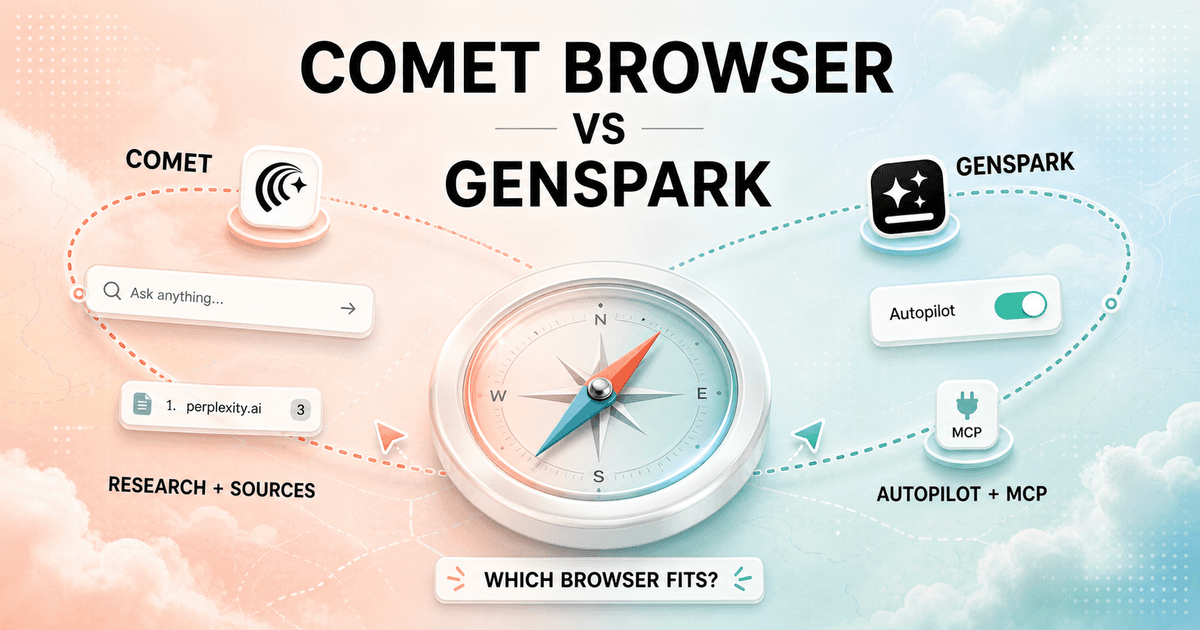
Comet and Genspark both promise a browser that does more than display pages. After using the same research, booking, and cross-app tasks as my yardstick, I found a cleaner dividing line than their feature lists suggest.
In my Comet Browser vs Genspark decision, Comet is the better research companion. Genspark is the more ambitious automation machine. One helps me inspect the web with sources. The other wants me to hand over a goal and return for the result.
My verdict
I pick Comet for research. I pick Genspark when the browser should keep working after the answer.
I choose Comet when accuracy, source trails, current-page context, and tab management matter more than maximum autonomy. Perplexity is not bolted onto the side. It is the search habit around which the browser is designed.
I choose Genspark when the job crosses several pages or services and I am willing to supervise an agent. Autopilot, MCP connections, and local models give it a wider execution surface, with more moving parts attached.
Neither choice is automatically permanent. My Comet Browser alternatives guide covers lighter browsers, research-first options, and other agentic browsers when this two-product decision is too narrow.
The real difference
Comet starts with a question. Genspark starts with an outcome.
Comet feels most coherent when I am trying to understand something. I search, open sources, ask about a page, compare tabs, trace a claim, and continue the conversation. The Assistant can act, but research remains the spine of the experience.
Genspark feels most coherent when I can describe the end state. Research a topic, collect material, work across a service, or run a repeatable browser routine. Super Agent and Autopilot make the browser feel closer to an execution environment than a search product.
Both are Chromium browsers, so importing bookmarks, history, passwords, settings, and familiar extensions lowers the switching barrier. That does not make the products interchangeable. The real cost appears after import, when I rebuild trust, permissions, connected services, and daily shortcuts.
| Decision area | Comet Browser | Genspark |
|---|---|---|
| Primary job | A research browser built around Perplexity search, sources, page context, tabs, and an assistant that can act. | An agentic browser built around Super Agent, Autopilot, MCP connections, and optional on-device models. |
| Best daily habit | Ask a sourced question, inspect pages, summarize tabs, and continue researching without losing the trail. | Give a multi-step objective, connect services, let an agent work through pages, and review the result. |
| Search | Perplexity is the default search experience, so answers and citations are central to the product. | Search supports a wider execution workflow, but cited research is not the browser's only organizing idea. |
| Automation | Assistant can click, navigate, fill forms, manage tabs, and use connected context with permission. | Super Agent and Autopilot are presented as core reasons to install the browser. |
| Local AI | Comet keeps substantial browser data local by default, but its assistant experience is tied to Perplexity services. | Genspark promotes downloadable open-weight models that can run on-device without an internet connection. |
| Connected tools | Gmail and Calendar context are useful for research and personal assistance. | The MCP Store connects services such as GitHub, Notion, Slack, Discord, and a broader tool catalog. |
| Team control | Enterprise admins get browser policies and domain-level Assistant permissions. | The surrounding Genspark workspace has team products, but browser governance is documented less clearly. |
| Best fit | Researchers, analysts, operators, and knowledge workers who value sources and controlled browser context. | Founders, operators, and automation-heavy users who want the browser to complete more of the workflow. |
Daily browser use
Comet feels calmer. Genspark asks me to think in jobs.
For ordinary browsing, I prefer Comet's mental model. Search is familiar, sources stay visible, and the Assistant can summarize the page or work across tabs without turning every click into an automation project. I can use it lightly and still get value.
Genspark rewards a more explicit instruction. Its strongest moments begin when I stop browsing manually and tell Super Agent or Autopilot what should happen. That can save time, but it also creates a review step. I check which pages it visited, what it submitted, what it inferred, and whether the final artifact matches the request.
I do not judge either product by a polished launch demo. I use twenty-tab research, a slow site, a login boundary, a broken form, a file download, a second browser window, and a task I deliberately interrupt. A browser earns default status in the awkward middle, not in the first five minutes.
Research and citations
Comet gives me the stronger evidence trail.
Perplexity search is Comet's biggest advantage because the browser and research engine share context. I can move from a broad question to sources, open the most useful pages, ask a narrower follow-up, and compare what several tabs say. The process feels like one research session instead of search results plus a separate chatbot.
Comet's Personal Search can use browsing history to recall material I have already seen. That is useful when I remember the idea but not the page. I treat the feature as a convenience, not as a source of truth. History can surface the wrong page, and a fluent summary can still flatten an important qualification.
Genspark can research the web, but I use it differently. I ask it to turn research into an action, a collected set of outputs, or a longer workflow. When the claim itself matters, Comet's source-first design gives me less cleanup. When the research is one stage in a larger task, Genspark can remove more manual steps.
Automation and MCP
Genspark offers the larger action surface, which also means a larger permission surface.
Genspark's MCP Store is the clearest difference for automation-heavy work. Connections to services such as GitHub, Notion, Slack, and Discord can move the agent beyond reading a page. I can imagine a task that gathers context, checks a service, creates an output, and reports back without constant tab switching.
Comet can also control the browser, fill forms, navigate, and use connected Gmail or Calendar context. Its actions feel closer to a research assistant working beside me. Genspark's product language pushes harder toward an operator that keeps going.
More autonomy is not free productivity. I use read-only access first, a test account second, and narrow write permissions last. I never let either browser discover the limits of a production account by accident. The useful question is not whether an agent can click. It is whether I can see, restrict, interrupt, and recover from the click.
Local AI
Genspark has the more credible offline story.
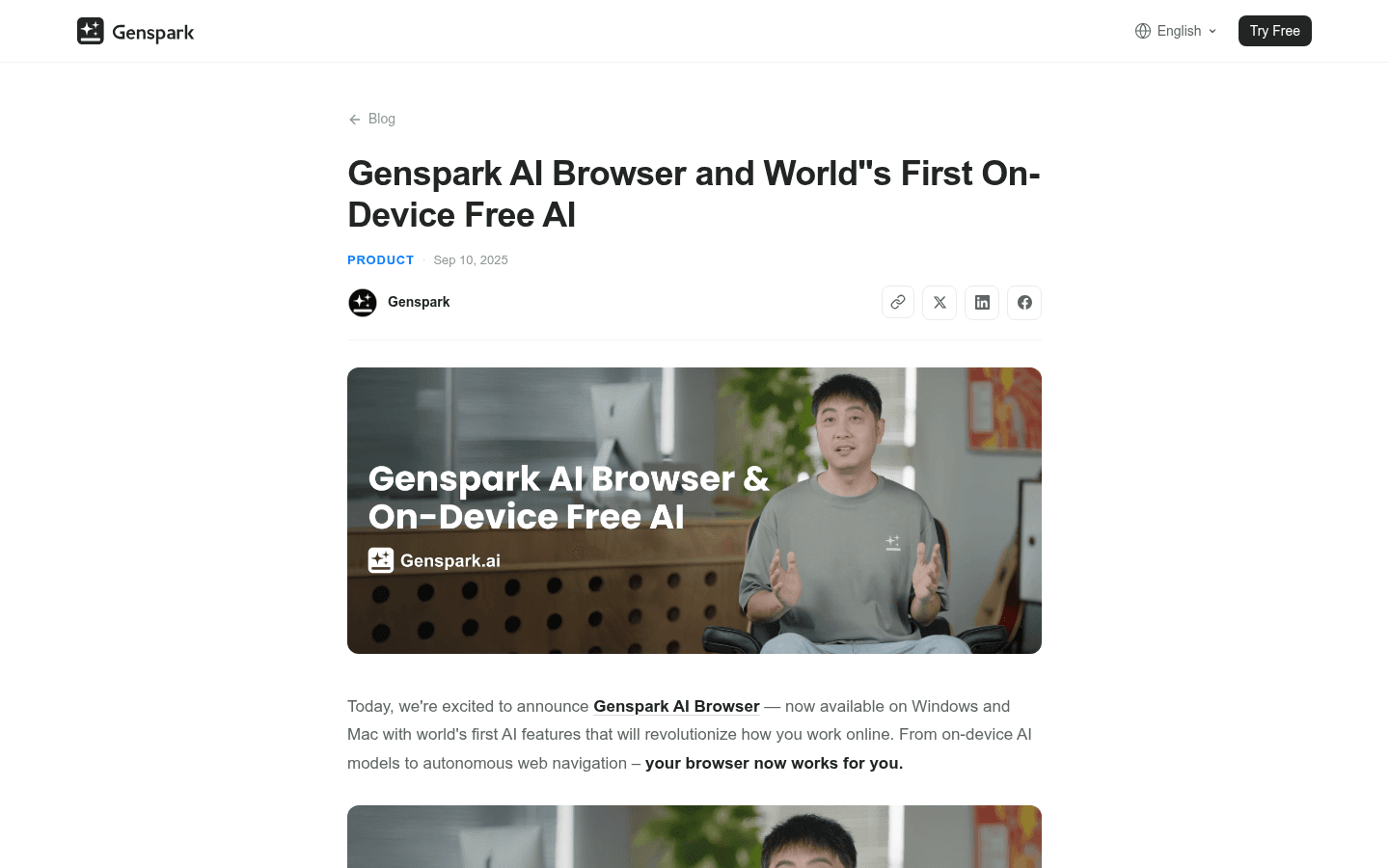
Genspark promotes downloadable open-weight models that run on the computer after installation. That matters for offline notes, private drafts, routine summaries, and situations where I do not want every prompt sent to a cloud model. The official announcement describes a catalog of on-device models, although the visible selection can change by browser build and hardware.
Local does not mean limitless. Model downloads consume storage, inference consumes memory and battery, and smaller models can struggle with long or exacting tasks. I test one known document, one factual extraction, one writing task, and one offline session before I call a local model useful.
Comet keeps meaningful browser data local by default, but its defining assistant experience remains tied to Perplexity. If offline model execution is a purchase requirement rather than a bonus, Genspark is the better fit. If I mainly want sourced web research, a local model catalog matters less than the quality of the search loop.
Privacy and permissions
I audit the exact workflow, not the privacy adjective.
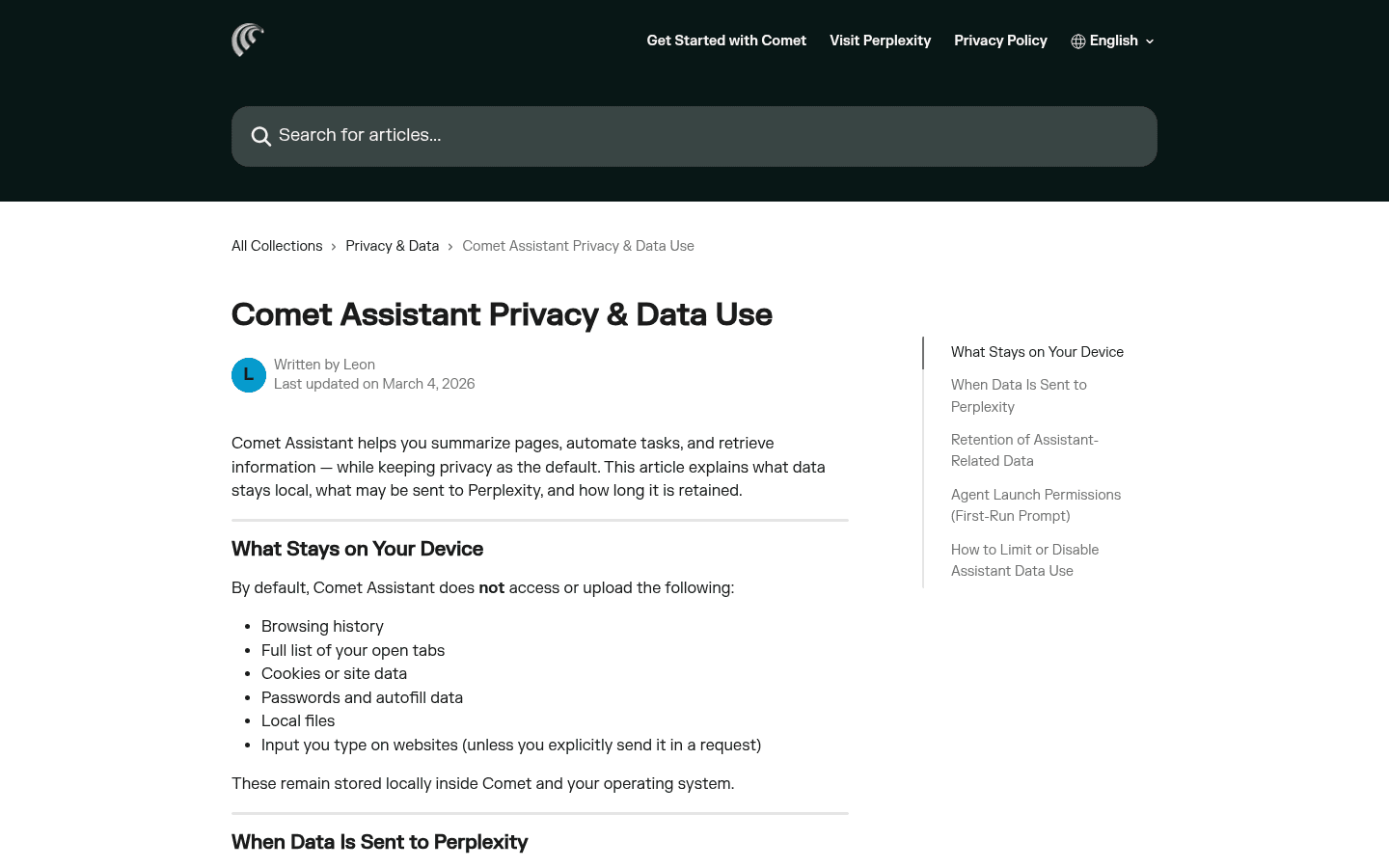
Comet's current privacy documentation is unusually specific. It says browsing history, the full list of open tabs, cookies, passwords, local files, and website input stay on the device by default. Context is sent when a request needs it, and Assistant-related page, history, or tab context can be retained for up to 30 days in the Library or query history.
That clarity helps me make a decision, but it does not remove judgment. Comet's advanced agent asks for browser-control permission on first launch, and I can allow once, always allow, or refuse. I use one-time permission until a workflow has earned repetition.
Genspark's on-device mode can keep model work local. Autopilot, Super Agent, MCP services, and cloud workspace features follow different data paths. Calling the browser local because one model runs locally would be like calling an office private because the printer is in the building.
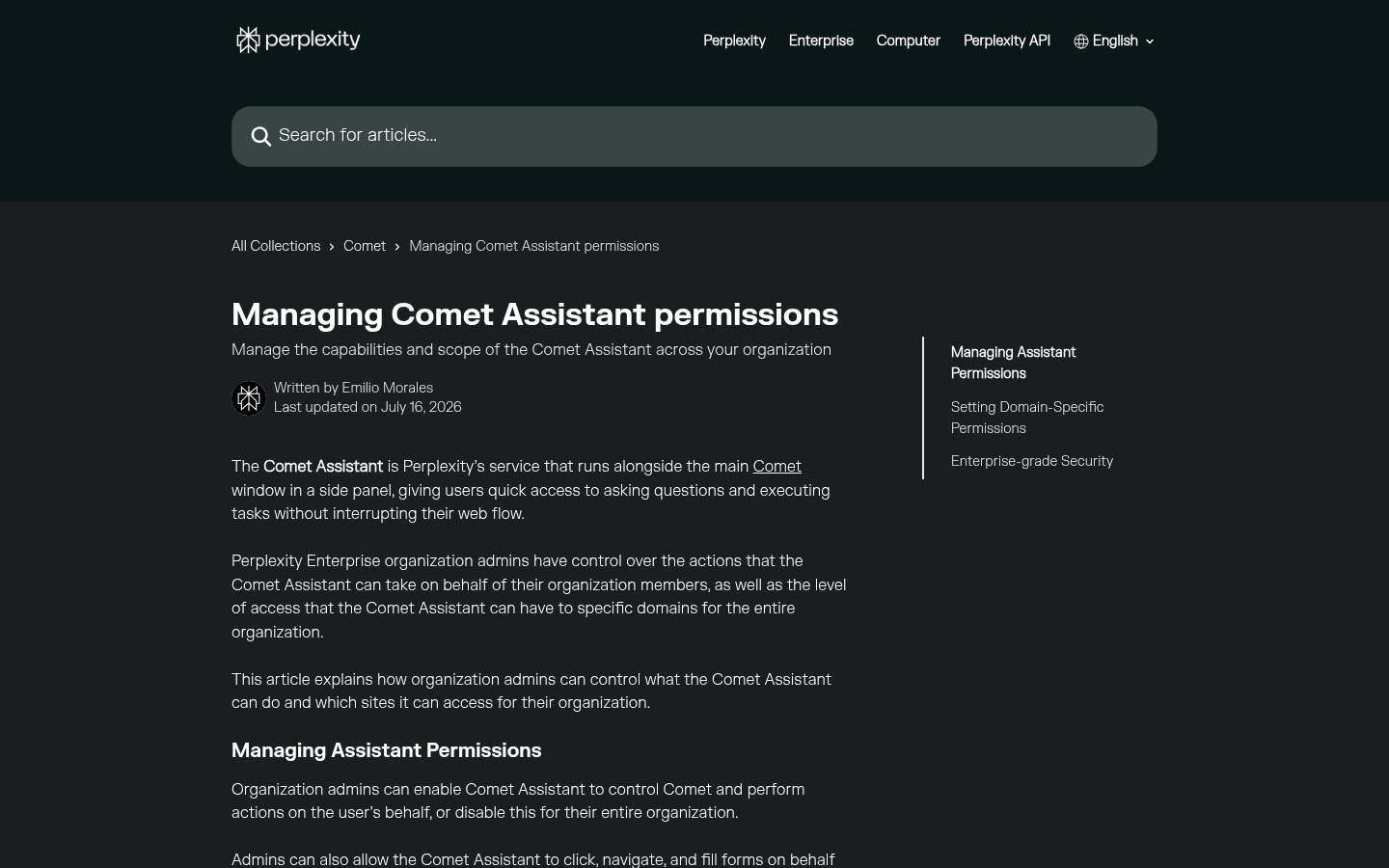
For managed teams, Comet has the stronger documented control layer. Perplexity describes more than 500 Chromium policies, MDM deployment on macOS and Windows, and domain-level settings for browser control, read-only access, or no Assistant access.
Genspark has broader team products around its workspace, but I found less public detail about browser-specific policy. I would require a live administration review before standardizing it across a company. A consumer feature list is not an enterprise control plane.
Pricing and limits
The browser can be free while the useful workload still has a meter.
Perplexity made Comet available worldwide for free in October 2025. That removed the old access barrier. It did not make every model, Assistant limit, or advanced mode unlimited. Perplexity plans still shape access, and Max is a separate premium subscription rather than the price of the browser.
Genspark markets its on-device browser AI as free. Cloud Super Agent work, the Chrome extension, and wider workspace actions consume credits or follow the current membership model. That makes a single monthly price comparison misleading.
I compare cost with a task ledger. I record local model storage and battery, cloud credits, failed runs, manual review, premium Perplexity access, connected-service subscriptions, and the minutes I save. An agent that burns credits while I redo the work is expensive at any sticker price.
Who each is for
I match the browser to the work that fills my week.
- Choose Comet
- I spend more time finding, checking, comparing, and explaining information than moving data between apps.
- Skip Comet
- I want a conventional browser with minimal assistant permissions, or I need offline local models as a first-class workflow.
- Choose Genspark
- I want Autopilot, MCP-connected services, local model options, and an agent that attempts longer multi-step tasks.
- Skip Genspark
- I need stable feature availability, predictable cloud-credit costs, mature enterprise browser policy, or citations as the center of every answer.
Comet fits analysts, researchers, consultants, students, operators, and founders who live in search results and need to explain where an answer came from. It is also the easier organizational choice when browser policy and Assistant permissions must be explicit.
Genspark fits solo operators, founders, growth teams, and automation-minded users who want one agent to cross more of the distance between an instruction and a finished task. It makes the most sense when someone is willing to design permissions, monitor credits, and review agent output.
Reddit complaints
Reddit users like the ambition and distrust the unfinished edges.
The most useful Reddit comment I found about the direct comparison was simple: Genspark's on-device models are a real differentiator. The original poster later confirmed that a downloaded DeepSeek model worked on the laptop. That is a concrete workflow difference, not marketing fog.
The caution is equally concrete. Genspark users report that local-AI visibility and other features can differ across versions, while Comet users sometimes return to a more conventional browser even after liking its AI answers and agentic tools. A feature can be impressive and still fail the daily-driver test.
I turn those complaints into acceptance tests. For Comet I test memory, permission prompts, tab-heavy speed, and source quality. For Genspark I test current feature availability, local model downloads, credit use, interrupted automation, and support recovery.
Migration cost
Importing Chromium data is easy. Rebuilding a trusted agent is not.
| Migration area | What I rebuild | Typical effort |
|---|---|---|
| Bookmarks and history | Import Chromium data, then check folders, passwords, autofill, search defaults, and history access. | Low |
| Extensions | Reinstall only the extensions I still use and test conflicts with the assistant, ad blocker, and side panels. | Low to medium |
| Assistant memory | Rebuild useful research context, shortcuts, saved instructions, and trusted workflows instead of assuming memory transfers. | Medium |
| Connected services | Reconnect Gmail, Calendar, MCP services, credentials, and domain permissions with the narrowest access that works. | Medium to high |
| Local models | Redownload models, budget disk space and memory, and repeat quality, speed, and offline tests on the actual computer. | Medium |
| Team policy | Recreate browser deployment, allowed domains, assistant permissions, support ownership, and data handling guidance. | High |
Moving from Comet to Genspark means replacing a source-first habit with an action-first habit. I rebuild connected services, identify which tasks deserve Autopilot, choose local models, and set a credit ceiling. I keep Comet available until Genspark can reproduce the research trail I still need.
Moving from Genspark to Comet means deciding which automations should remain elsewhere. MCP-connected workflows may need a dedicated automation tool, while browser research, tab context, and personal recall move into Comet. I preserve source documents and written procedures instead of treating agent history as infrastructure.
A two-browser transition is not failure. For a week, I keep one as the default and one as the specialist. The winner is the browser I open without thinking after the novelty disappears.
My seven-day test
One week is enough to expose the wrong mental model.
- Day 1: import the same browser profile and list anything missing, duplicated, or incorrectly configured.
- Day 2: research one unfamiliar purchase and verify five claims against primary sources.
- Day 3: summarize ten tabs, recover an old page, and compare how each browser preserves context.
- Day 4: run one read-only multi-step task, interrupt it halfway, and inspect the recovery path.
- Day 5: connect one service with the narrowest permission available and review every action.
- Day 6: test Genspark offline with a local model and test Comet under a heavy tab load.
- Day 7: count useful outputs, corrections, permission surprises, credit use, and minutes of manual cleanup.
My final choice is Comet when the browser's job is helping me know more and defend the answer. I choose Genspark when the browser's job is doing more and I have a review process for what it does.
That is the practical answer to Comet Browser vs Genspark. Comet is the stronger research browser. Genspark is the broader automation bet. The better browser is the one whose failure mode I am prepared to manage.
FAQ
Comet Browser vs Genspark questions I settle before switching
Is Genspark better than Comet Browser?
Genspark is better for me when the goal is multi-step automation, MCP-connected services, and optional on-device models. Comet is better when the work begins with web research, citations, page context, tab management, and Perplexity search.
Is Comet Browser free?
Perplexity made Comet available worldwide for free in October 2025. Assistant access, model limits, and advanced capabilities can still vary by Perplexity plan, so I check the current account limits before relying on a heavy workflow.
Can Genspark AI Browser run models locally?
Yes. Genspark promotes on-device open-weight models that can work without an internet connection after download. Hardware, storage, model availability, and performance still vary by computer and browser version.
Which browser is better for research, Comet or Genspark?
I prefer Comet for research because Perplexity search, sources, page summaries, tab context, and follow-up questions form one coherent loop. Genspark can research, but its stronger distinction is carrying work into automated actions and connected services.
Which browser is more private?
There is no single winner. Comet clearly documents what stays local and when context is sent to Perplexity. Genspark offers genuinely useful on-device model workflows, but cloud agents, Autopilot, and MCP services create separate data paths. I judge privacy per workflow, not per logo.
Can I try Genspark without replacing Chrome?
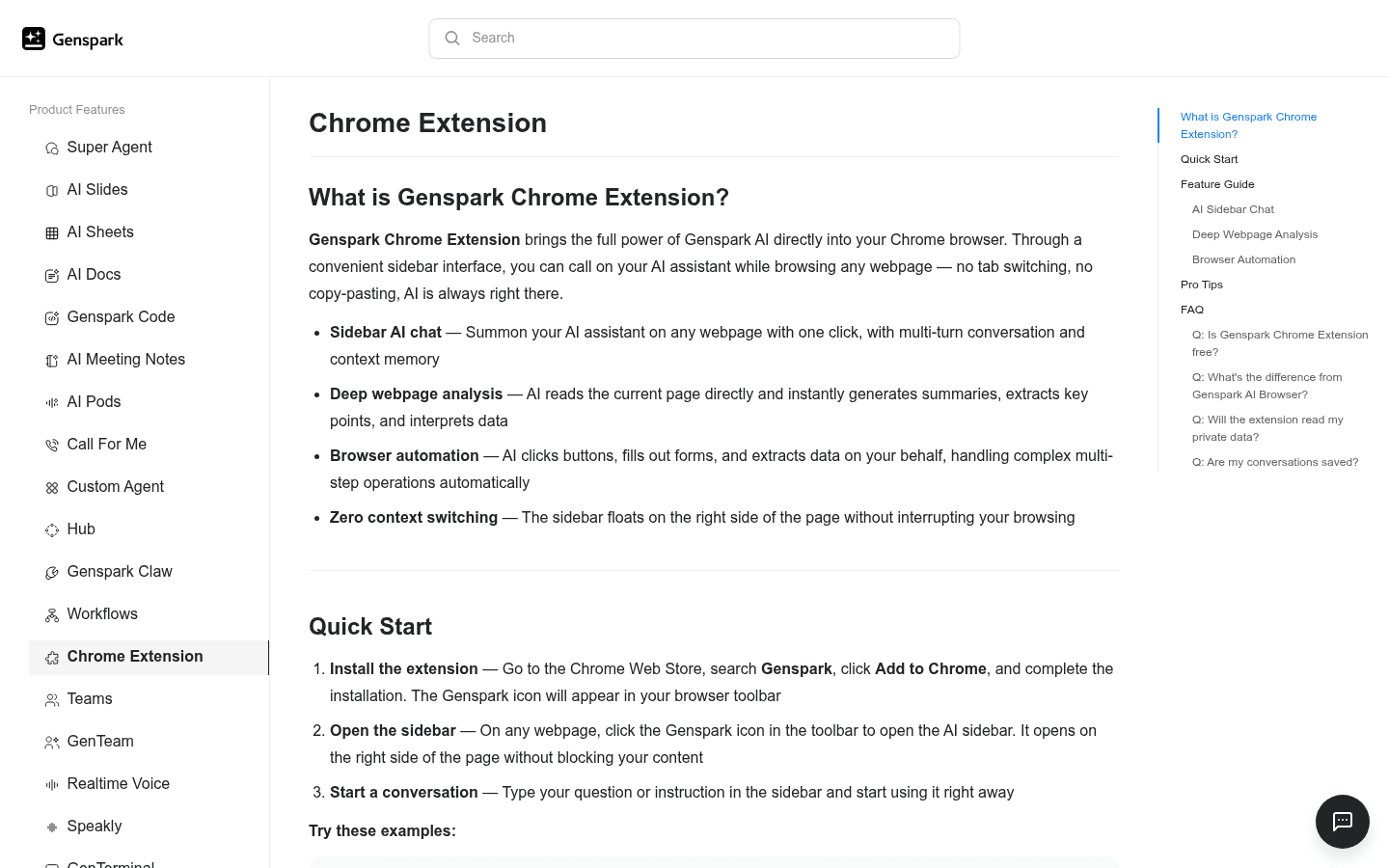
Yes. Genspark provides a Chrome extension with sidebar chat, page analysis, and browser automation. It is a practical trial path, although cloud actions consume Genspark credits and the extension is not identical to the full browser.
Sources
Official pages used for current product facts
Features, model catalogs, credits, permissions, and plan limits can change. These are the reference points I used on July 25, 2026.


