 SwitchMyTool

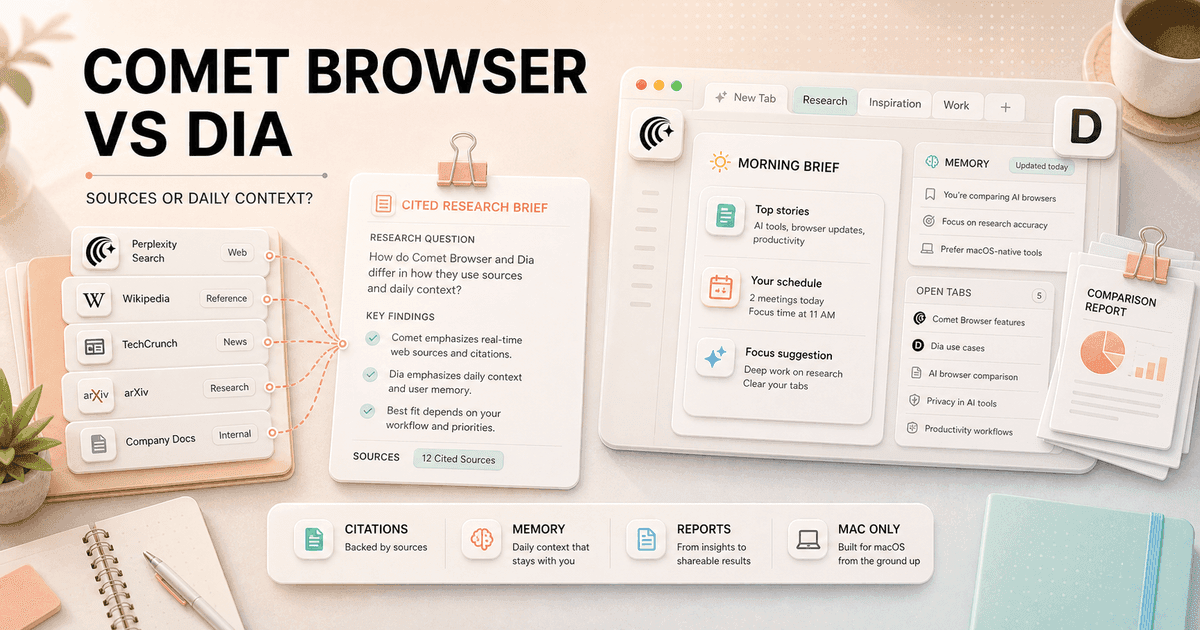
Comet and Dia both put AI inside a Chromium browser, but they solve different kinds of browser fatigue. Comet helps me investigate the web and act on selected pages. Dia tries to remember the work around those pages, then bring the useful context back before I go hunting for it.
My Comet Browser vs Dia decision is simple: I choose Comet for evidence and active research. I choose Dia for continuity, organization, and a calmer Mac workday.
My verdict
Comet is my research browser. Dia is the browser I would rather live in all day.
I choose Comet when the output must survive a skeptical client. Perplexity search, citations, current pages, tab context, and browser actions sit in one loop. The browser also runs on Windows, macOS, and Linux, which makes the recommendation much easier for mixed-device work.
I choose Dia when the harder problem is remembering what I was doing. Its Morning Brief, Reports, memory, Profiles, Splits, organized tabs, and connected work promise a less frantic way to resume projects. The catch is large: Dia currently requires an Apple silicon Mac and its homepage controls access.
If neither sounds right, my Comet Browser alternatives guide compares seven wider choices, including conventional, privacy-first, and more autonomous browsers.
The real difference
Comet starts with a question. Dia starts with the work already surrounding me.
Comet feels like Perplexity promoted from a search box into the browser itself. I ask a question, inspect the cited pages, compare tabs, and let the Assistant handle a bounded action. The product earns its keep when I need to know where an answer came from.
Dia is less interested in making every moment feel agentic. It pulls together tabs, history, chats, calendar, documents, messages, meetings, and connected work. Morning Brief surfaces what matters. Reports turn the gathered context into something I can share. Live Work brings active comments and mentions back into the browser.
That difference changes my expectations. I forgive Comet for looking busier when it shortens research. I forgive Dia for being less aggressive when it helps me resume a project without reopening twelve tools. The better browser is the one that removes my repeated tax, not the one with the longest feature page.
Feature comparison
The choice is source-backed action versus context-backed continuity.
| Decision area | Comet Browser | Dia |
|---|---|---|
| Core idea | A Chromium browser built around Perplexity search, cited answers, page context, and an Assistant that can act. | A work browser built around memory, connected context, Morning Brief, Reports, Profiles, Splits, and organized tabs. |
| Best daily job | Research a question, inspect sources, compare pages, and handle a selected browser task. | Reconnect with ongoing work, synthesize scattered context, and turn it into a brief or shareable report. |
| Research | Citations and source-first answers are part of the normal browsing loop. | Chat can read current and past context, but the product emphasizes synthesis more than a visible citation trail. |
| Memory | Personal Search can recall browsing history, with Assistant context used when the request needs it. | Memory, chats, history, projects, teammates, and connected work shape a more persistent daily context. |
| Browser action | Assistant can navigate, click, fill forms, manage tabs, and complete permitted multi-step work. | Dia can work across pages and connected tools, but its current pitch is less agent-first and more context-first. |
| Organization | Familiar Chromium tabs, bookmarks, extensions, shortcuts, history, and Perplexity Library. | Profiles, Splits, organized tabs, Live Work, connected apps, Morning Brief, Decks, and Reports. |
| Platform | Available across Windows, macOS, and Linux, with documented Chromium enterprise policies. | The current public requirements specify macOS 14 or later on an Apple M1 chip or newer. |
| Best fit | Researchers and operators who need answers they can defend and occasional browser automation. | Mac-based knowledge workers who value continuity, calm organization, and synthesis across work tools. |
Daily browser use
Comet feels familiar faster. Dia rewards a longer relationship.
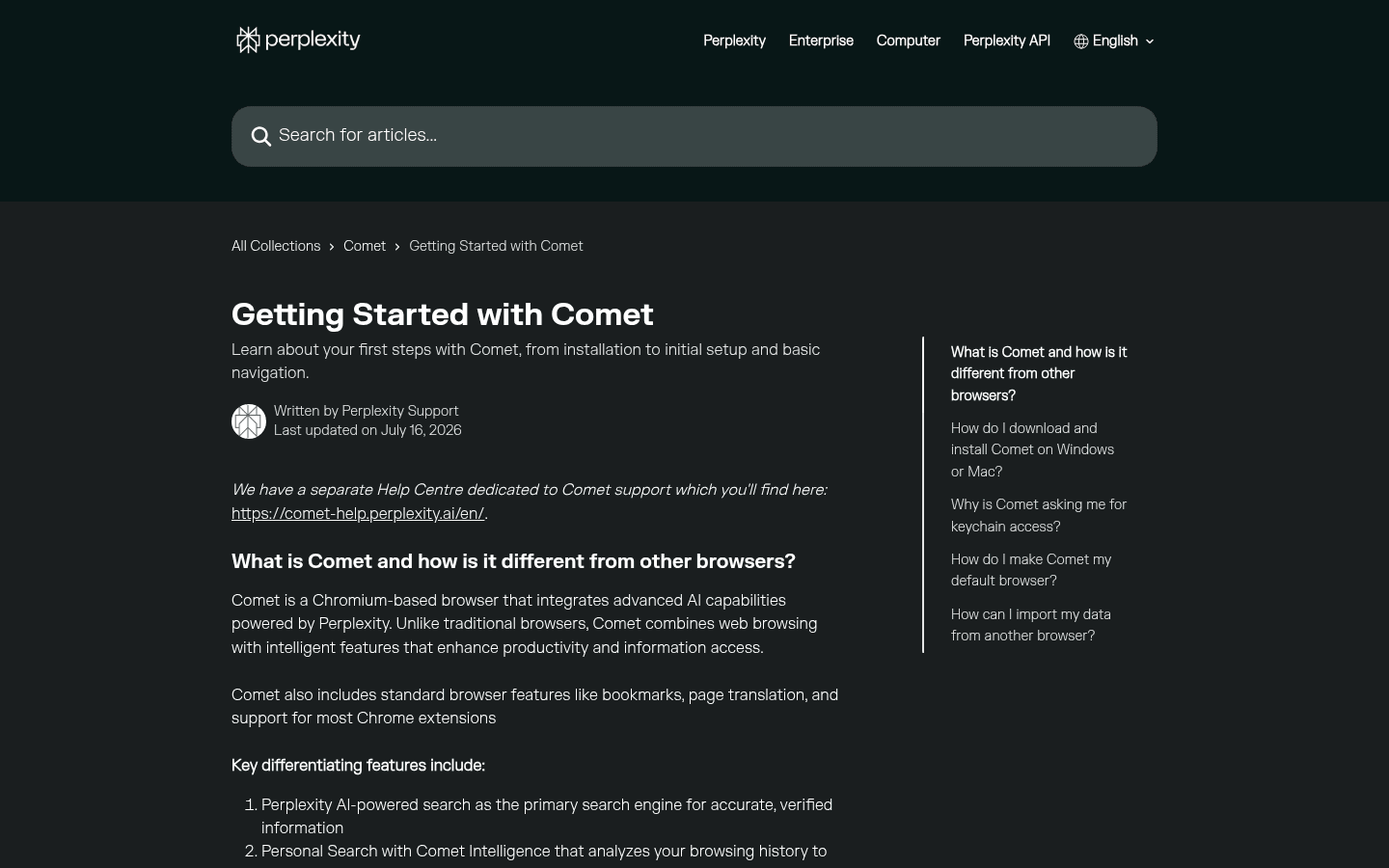
Comet is Chromium-based, supports most Chrome extensions, and keeps familiar bookmarks, translation, downloads, and tab behavior. I can import a browser profile and get useful research value on day one. The Assistant is optional enough that ordinary browsing still works when I ignore it.
Dia also makes migration mechanically approachable, but its value compounds. Memory improves after it understands projects, people, and patterns. Profiles and Splits become useful after I decide how work should be separated. Reports become useful after the right sources and connected apps are available.
This creates an odd first-week bias. Comet can look smarter immediately because it answers and acts. Dia can look prettier but less necessary until it has enough context to save a real search through old tabs, a meeting thread, and a document. I would not judge Dia after one afternoon.
Research and citations
Comet wins when I need to show my work.
Comet keeps source-backed search close to every page. I can start with a broad question, open the strongest references, ask where two sources disagree, and continue with the current tab in view. That is the workflow I want for pricing, policy, product claims, and any recommendation that could cost someone money.
Dia can synthesize several tabs and connected sources into a polished report. That is useful after the evidence is collected, especially when the job mixes documents, meetings, messages, and web research. I still want to know which sentence came from which source. A beautiful report without a defensible trail is a memo, not proof.
My practical split is to use Comet for discovery and verification, then Dia for continuity and presentation. Using both sounds extravagant until I compare it with rebuilding a weak evidence trail after a client asks one sharp question.
Memory and reports
Dia has the stronger answer to the question, “What was I doing?”
Dia's Chat can use the current page, other tabs, selected text, history, prior chats, and memory. The browser learns projects, teammates, and priorities, then uses that context in Morning Brief, reports, and day-to-day suggestions. I like this because most knowledge work is not one prompt. It is a half-finished chain spread across a week.
The useful example is not a magical personal assistant. It is mundane recovery. I open the browser on Tuesday and Dia can surface the document that changed, the comment waiting for me, the meeting I need to prepare for, and the tabs related to the same project. Saving ten minutes of reorientation every morning beats one flashy agent demo.
Persistent context also creates housekeeping. I need separate profiles, clear sensitive-site rules, and the discipline to delete stale context. Memory that never forgets becomes a junk drawer with confidence.
Browser actions
Comet has the higher agentic ceiling, but the last step decides whether it saved time.
Comet Assistant can navigate, click, fill forms, manage tabs, and use allowed context. I use it for research-adjacent actions: open relevant pages, compare options, prepare an email, collect a shortlist, or move through a site while I supervise.
Dia can work across pages and connected tools, but its current product language emphasizes briefs, reports, meetings, profiles, and organized work more than an autonomous browser robot. That restraint may be a feature for people who want help without turning every tab into a delegated mission.
I test agents by the last mile. Did the form finish? Did the draft include the requested link? Did the agent ask before a consequential click? Did it recover after a site blocked automation? A browser that completes five impressive steps and abandons the sixth has created a new checklist for me.
Work organization
Dia is better at making twenty tabs feel like a project instead of a confession.
Dia's Profiles separate identities and workflows. Splits keep related pages visible together. Organized Tabs reduce the pile. Live Work pulls active comments, mentions, and shared documents into one place. Decks and Reports give gathered material a destination instead of leaving it in browser history.
Comet stays closer to a conventional Chromium browser. That is easier to understand and easier to administer, but I still manage more of the structure myself. Perplexity Library helps preserve research, while shortcuts and history recall reduce repetition. It does not replace Dia's opinionated work environment.
I prefer Dia for a long-running launch, client account, or research program. I prefer Comet for a sharp investigation that begins and ends with a decision. One organizes a body of work. The other accelerates a line of inquiry.
Privacy and security
Both keep important data local. Both still send context when AI needs it.
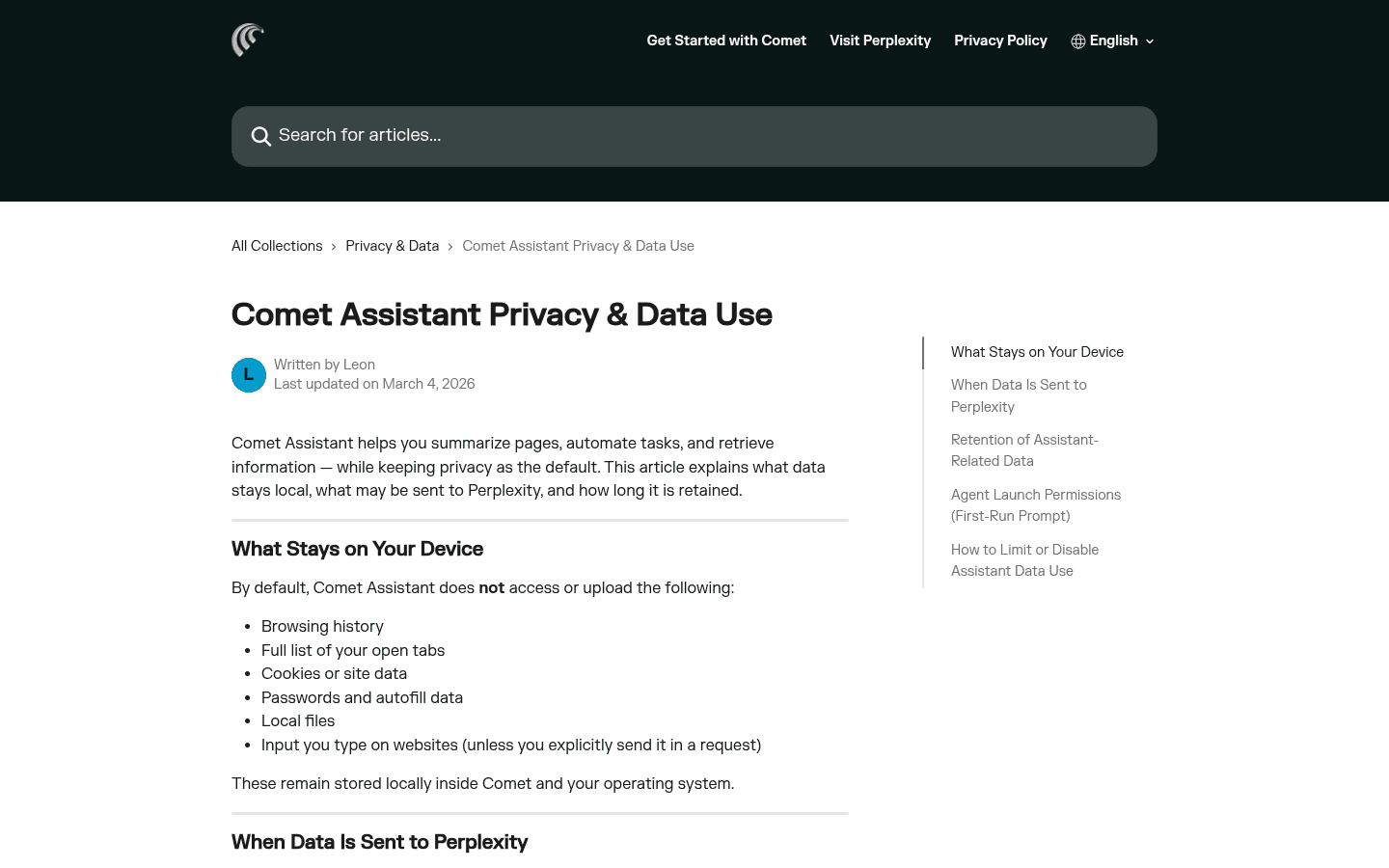
Comet says browsing history, the full open-tab list, cookies, passwords, autofill, local files, and website input remain local by default. When an Assistant request needs page or tab context, the relevant material is sent to Perplexity. First-run permissions, site blocking, and the ability to disable Assistant access matter more than a vague privacy slogan.
Dia says conversations, browsing history, bookmarks, and files are encrypted and local by default. AI requests send the relevant prompt and context through Dia's servers to trusted model providers. Sync is end-to-end encrypted and requires a recovery kit. Dia also allows its content improvement setting to be disabled and says retained improvement data is not tied to the account.
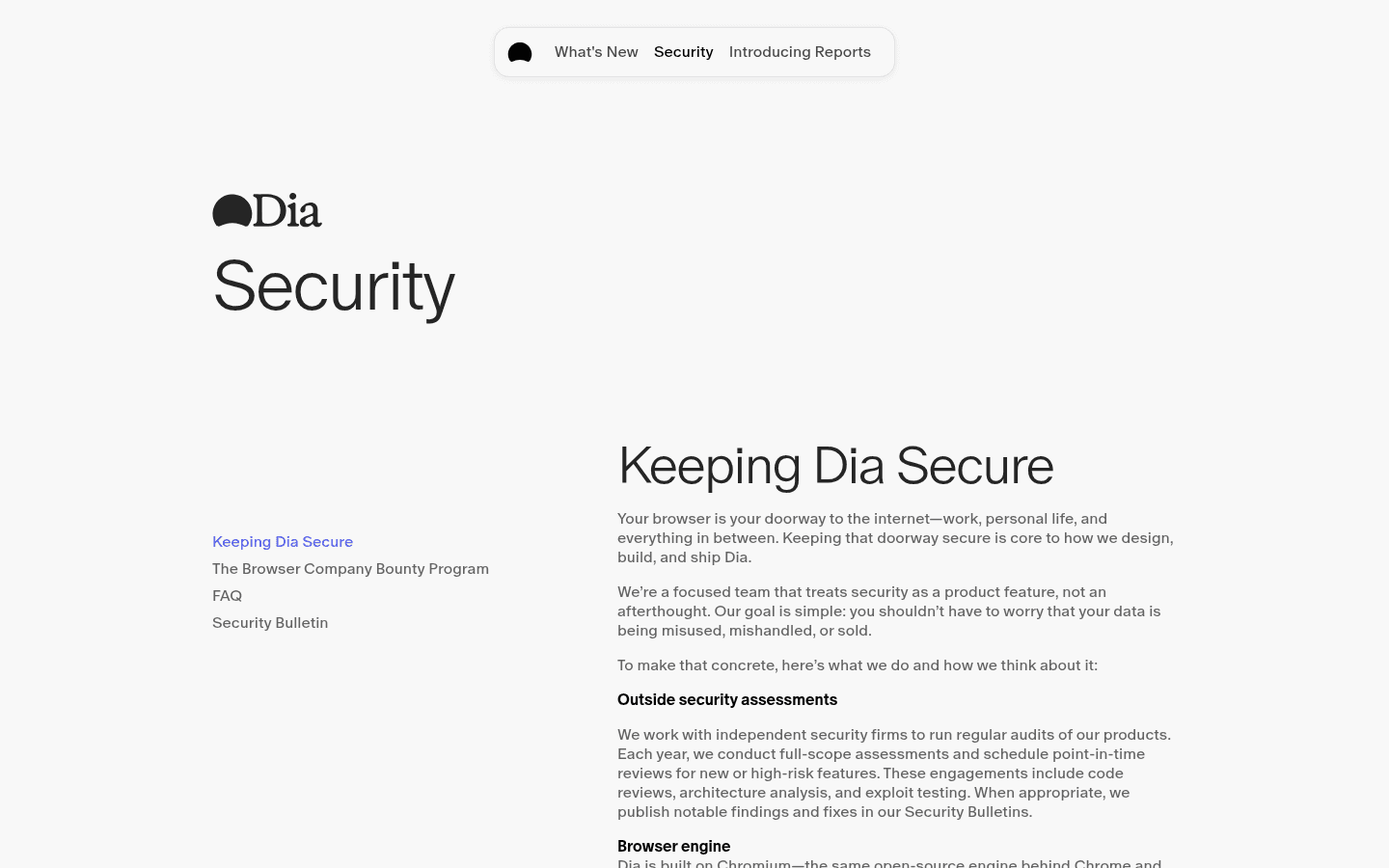
Dia documents SOC 2 Type II coverage, Chromium patching, prompt-injection defenses, MDM controls, SAML SSO, and AI site restrictions for work accounts. It also states an important limitation: Dia should not be used for protected health information and does not offer HIPAA compliance or a business associate agreement.
My rule is boring and effective. I use a separate test profile, begin with one-time permissions, keep financial and health accounts outside the pilot, and never hand either browser a secret just because the assistant sounds confident. The risky feature is a helpful AI attached to a logged-in browser.
Platform and price
Dia may lose before the comparison starts because it is Mac-only.
Comet supports Windows, macOS, and Linux, and Perplexity documents more than 500 Chromium policies for enterprise control. The browser is free worldwide, although Perplexity plan limits can still affect advanced models and Assistant usage. I verify the current account limits before turning a repeated task into policy.
Dia currently requires macOS 14 or later on an Apple M1 chip or newer. The homepage presents a controlled access path rather than a public consumer pricing table I can rely on. I would check the live account terms before planning costs, and I would not promise a Windows team that support is around the corner.
For a solo Mac user, the platform restriction may not matter. For an agency, school, or company with mixed devices, it is decisive. A delightful browser that half the team cannot install is not a browser standard. It is a specialist tool.
Who each is for
I choose by the repeated pain, not the product personality.
- Choose Comet
- My work starts with questions, source checking, competitive research, or browser tasks that benefit from a stronger active agent.
- Skip Comet
- I want a quiet conventional browser, distrust broad browser permissions, or dislike an assistant sidebar competing with the page.
- Choose Dia
- I use an Apple silicon Mac and want the browser to remember projects, surface work, organize tabs, and prepare reports without feeling busy.
- Skip Dia
- I use Windows or Linux, need immediate broad availability, rely on aggressive autonomous actions, or require HIPAA handling.
Comet fits analysts, consultants, researchers, founders, buyers, and operators whose work must move from question to source to action. It also fits mixed-device teams that need Chromium familiarity and a documented policy surface.
Dia fits writers, product leaders, strategists, managers, and researchers who live on an Apple silicon Mac and lose time rebuilding context. It is especially convincing when documents, meetings, messages, tabs, and ongoing projects should feel like one workspace.
Reddit complaints
Users praise Comet's brain and Dia's browser, then complain about the opposite halves.
The most useful Reddit complaint about Comet was not that AI is bad. It was that browser actions could be slow, stop early, or hit site blocks until manual work would have been faster. Users also mentioned a busy sidebar and discomfort around giving an agent access to credentials.
The recurring Dia complaint is capability anxiety. People like the design and daily feel, then wonder whether its AI, agentic features, platform support, and product direction will keep up. Some former Arc users also bring old frustration about unfinished promises into every Dia discussion.
I convert those complaints into tests. Comet must finish a harmless multi-step action and remain usable when the sidebar is open. Dia must recover an old project, produce a useful report, sync safely, and prove that its calm interface saves time rather than merely looking expensive.
Migration cost
Importing a profile is easy. Rebuilding trust and memory is the real move.
| Migration area | What I rebuild | Typical effort |
|---|---|---|
| Browser profile | Import bookmarks, history, passwords, extensions, settings, and open tabs, then audit what failed to move. | Low |
| Research habit | Rebuild Comet source-checking routines or teach Dia which projects and connected tools should inform a report. | Medium |
| Memory | Decide what old browsing context is worth importing and what should be left behind on purpose. | Medium |
| Saved workflows | Translate Comet commands into Dia Skills and reports, or replace Dia routines with Comet shortcuts and written procedures. | Medium |
| Permissions | Review calendars, documents, signed-in sites, local files, sensitive domains, and browser control from zero. | High |
| Team rollout | Recreate identity, MDM policy, support ownership, data guidance, recovery, and an exit path. | High |
Moving from Comet to Dia means replacing an evidence-first habit with a context-first one. I decide which projects deserve memory, connect only the services Dia needs, build Profiles, and create reports that still preserve links back to primary sources.
Moving from Dia to Comet means deciding where Morning Brief, Live Work, saved Skills, and project memory will live. Some of that becomes a project dashboard or automation. Some should disappear. I do not migrate clutter just because an import button can move it.
I keep both browsers for a week, but only one becomes the default. That forces links, passwords, downloads, and history to reveal which product actually owns my day.
Seven-day pilot
One week is enough to expose whether I need citations or continuity more.
- Day 1: import the same clean Chromium profile and record missing data, extensions, and settings.
- Day 2: research one unfamiliar purchase and verify five claims against primary sources.
- Day 3: reopen an old project and measure how long each browser takes to restore useful context.
- Day 4: run one harmless multi-step browser action and interrupt it halfway.
- Day 5: combine tabs, a document, and a meeting into a brief with links back to the evidence.
- Day 6: test profiles, sensitive-site rules, sync, permissions, and recovery on noncritical accounts.
- Day 7: count completed outputs, corrections, blocked actions, repeated searches, and minutes of cleanup.
My default recommendation is Comet because it is available across more platforms, makes source-backed research immediately useful, and offers stronger active browser help. It solves a problem I can measure on the first day.
I would choose Dia for an Apple silicon Mac when project continuity is the bigger drain. If Morning Brief, memory, organized tabs, and Reports save me from rebuilding context every morning, Dia becomes the more pleasant and productive daily browser.
FAQ
Comet Browser vs Dia questions I settle before switching
Is Comet Browser better than Dia?
Comet is better for my source-backed research, cross-platform use, and active browser tasks. Dia is better when I want a calmer Mac browser that remembers work, organizes context, and prepares briefs or reports. The winner depends on whether evidence or continuity is the harder problem.
What is the main difference between Comet Browser and Dia?
Comet starts with Perplexity search, citations, current pages, and an Assistant that can act. Dia starts with persistent work context, memory, Morning Brief, Reports, Profiles, Splits, and connected tools. Comet behaves like a research agent inside a browser; Dia behaves like a working notebook built on a browser.
Can I use Dia on Windows?
Dia's current public requirements specify macOS 14 or later and an Apple M1 chip or newer. I would not plan a Windows rollout until Dia publishes and ships Windows support. Comet is the practical choice when I need Windows, macOS, or Linux coverage today.
Which browser is better for research, Comet or Dia?
I choose Comet when I need visible sources, rapid follow-up questions, and a defensible trail from answer to page. I choose Dia when the job is to combine ongoing project context, meetings, documents, messages, and tabs into a brief or report.
Which is more private, Comet Browser or Dia?
Neither gets a blanket win. Both keep substantial browser data local and send relevant context when AI requests need it. Dia adds end-to-end encrypted sync and an opt-out content improvement setting. Comet provides explicit Assistant permissions and site controls. I compare the exact workflow and data path.
Can I use Comet and Dia together?
Yes. I can keep Comet for research and browser actions while using Dia for project continuity and reports on a Mac. The split works only if I define which browser owns passwords, history, and default links, otherwise two histories become a new problem.
Sources
Official pages used for current product facts
Features, access, limits, permissions, and platform support can change. These are the reference points I used on July 25, 2026.


