 SwitchMyTool

My verdict
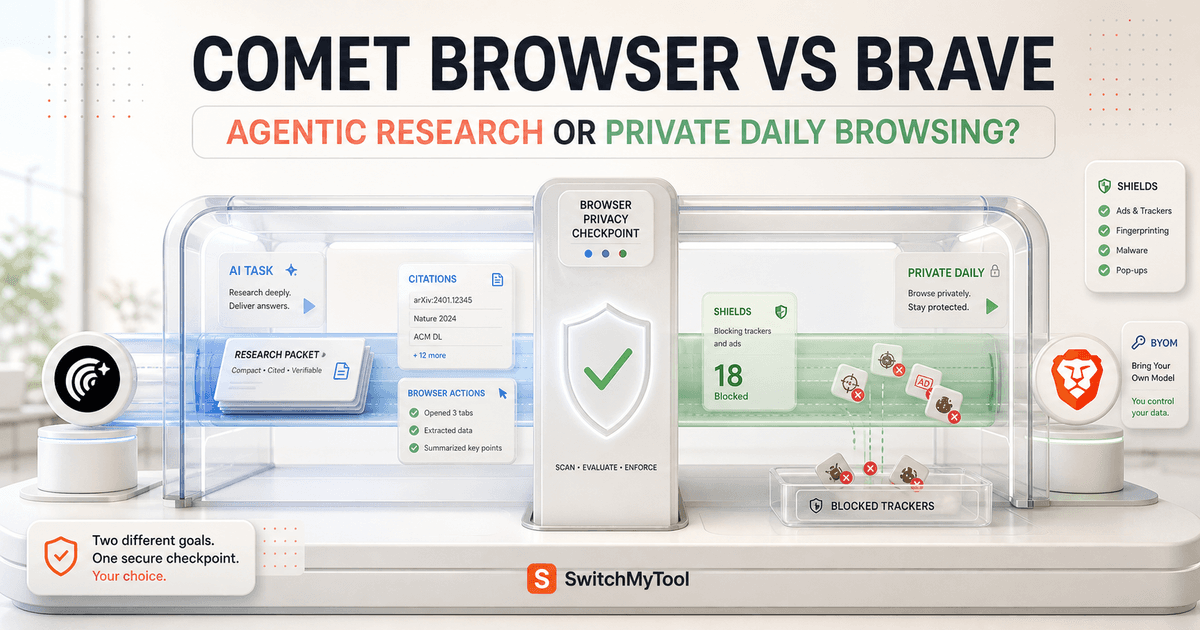
Comet wins the research job. Brave wins the browser job.
I choose Comet when the web is the assignment. It gets me from an unfamiliar question to cited sources quickly, keeps follow-up close to the evidence, and can take supervised action in the browser. If I am comparing vendors, checking policy, tracing a claim, or repeating a bounded task across sites, Comet saves more steps.
I choose Brave when the browser is infrastructure. It starts with blocking ads and trackers, gives me a familiar Chromium environment, runs across desktop and mobile, and lets AI remain optional. Leo is helpful for summarizing a page, comparing tabs, or using a model I select, but Brave does not yet replace Comet as my mature action-oriented research browser.
That makes my Comet Browser vs Brave decision less dramatic than the marketing. Comet is the specialist I open for research and low-risk automation. Brave is the default I can leave running all day. If privacy, routine speed, and predictable browsing matter most, I pick Brave. If source-backed investigation and browser action matter most, I pick Comet.
If neither fits, my broader Comet Browser alternatives guide compares the other directions I would test.
The real difference
One browser begins with an agent. The other begins with a shield.
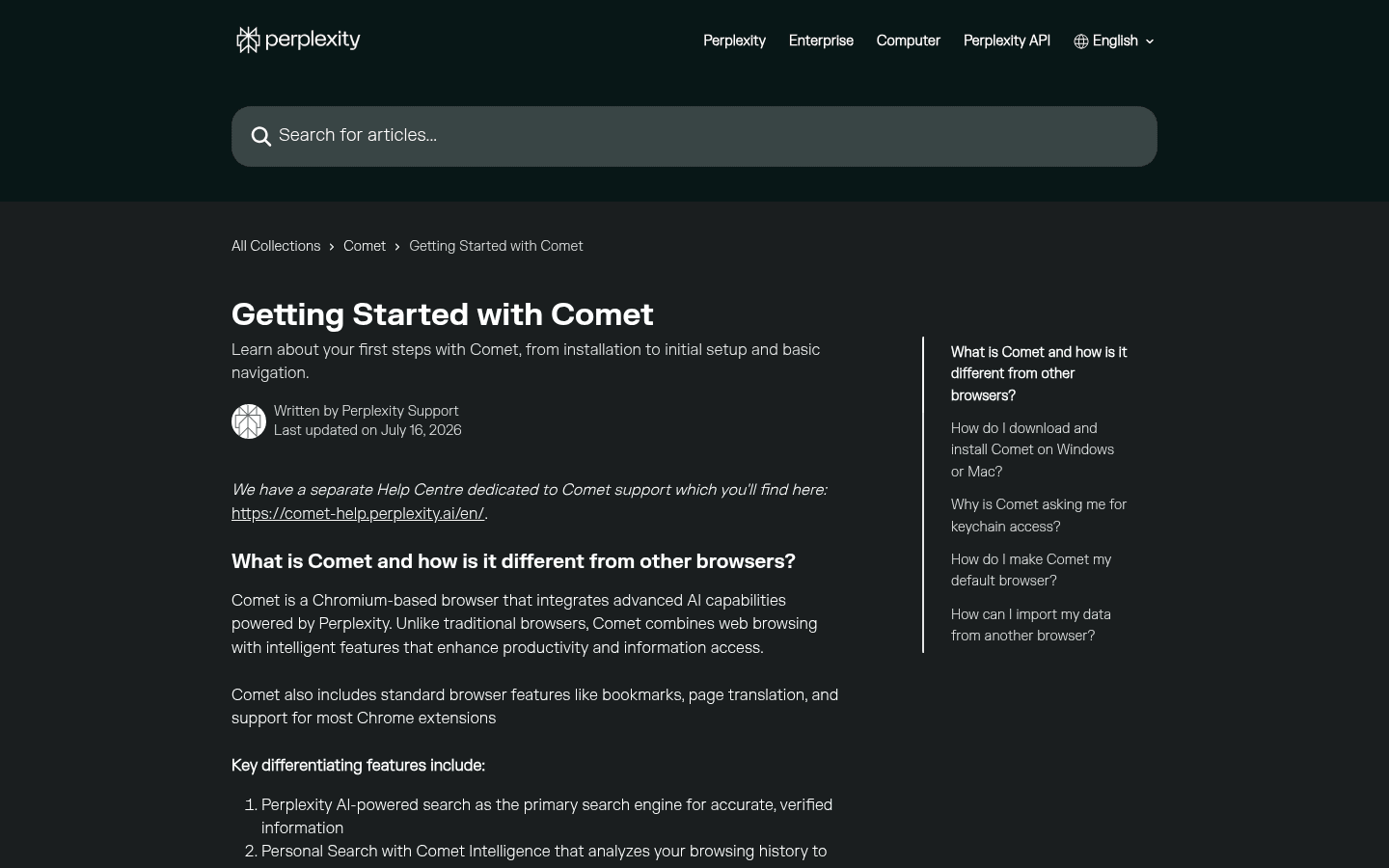
Comet feels like Perplexity expanded into the browser. Search, citations, follow-up, the current page, browser history, tabs, and Assistant actions all point toward one job: turn the web into a useful answer or completed task. The browser chrome is familiar, but the center of gravity is research.
Brave feels like a privacy browser that learned several AI skills. Shields changes page loading before Leo enters the conversation. Brave Search can produce cited answers. Leo can read the current page or selected tabs. Agentic browsing is now available for early testing, but the product still makes sense if I never use it.
This distinction matters after the novelty wears off. I open my default browser hundreds of times for ordinary work. A specialist research browser only has to earn its place during difficult tasks. Comet can be more valuable without becoming my default. Brave can be the better default without being the stronger agent.
Feature comparison
The feature lists overlap. The operating assumptions do not.
| Decision area | Comet Browser | Brave |
|---|---|---|
| Primary job | Turn web research into cited answers and supervised browser work. | Protect ordinary browsing first, then add search and AI assistance. |
| Research | Perplexity search, citations, follow-up questions, page context, and Personal Search live in the normal workflow. | Brave Search answers cite sources, while Leo can summarize and compare pages or tabs. |
| Browser action | Assistant can navigate, click, fill forms, manage tabs, and perform permitted multi-step tasks. | Agentic browsing is available for early testing, but it is not yet the reason I would adopt Brave. |
| AI assistant | Comet Assistant is closely tied to Perplexity research and browser actions. | Leo handles page chat, summaries, translation, document analysis, multiple tabs, and bring-your-own-model setups. |
| Privacy | Important browser data remains local by default; relevant context is sent when a request needs it. | Shields blocks ads and trackers by default. Leo says chats are not retained on its servers or used for model training. |
| Daily browser | A familiar Chromium foundation, but the product keeps AI and Perplexity close to the center. | A mature Chromium browser with Shields, Sync, desktop and mobile apps, profiles, extensions, and conventional defaults. |
| Best fit | Researchers and operators who need evidence and an active browser agent. | Privacy-conscious people who want a dependable default browser with optional AI. |
I would not reduce this comparison to which sidebar writes a better summary. Both browsers can explain a page. The expensive questions are what happens next, which context leaves the device, whether an action can be interrupted, how many daily browsing annoyances the product creates, and what survives when the AI is unavailable.
Brave wins more of the boring tests, which is praise. Extensions, profiles, syncing, mobile access, ad blocking, and ordinary navigation affect every hour. Comet wins more of the high-leverage tests. Citations, follow-up research, current-page reasoning, and supervised actions matter when one answer can change a purchase or save an afternoon.
Daily browser use
Brave asks for less attention when I am not doing AI work.
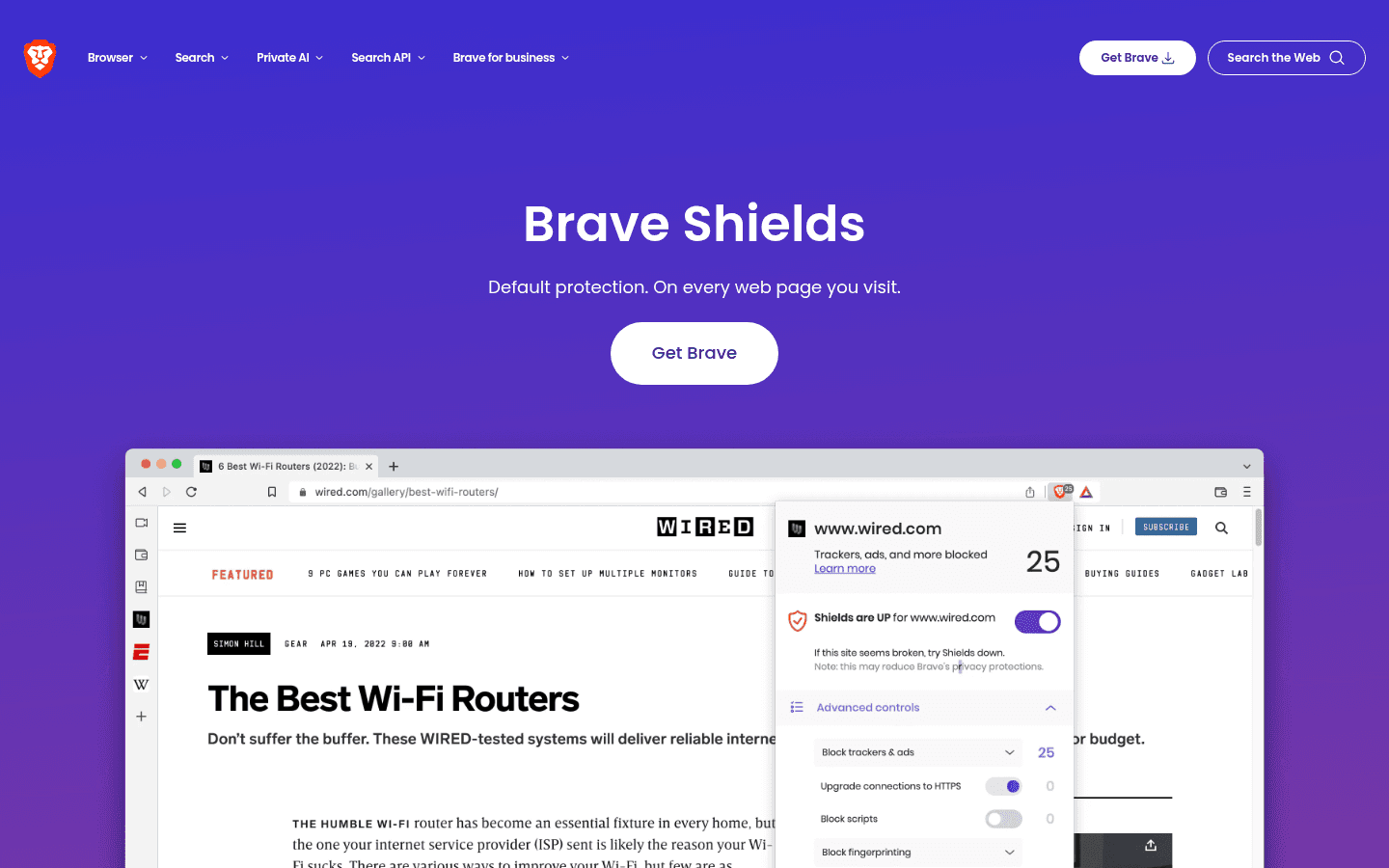
Brave is the easier recommendation for ordinary browsing. Shields is active on every page by default, extension support is familiar, and I can use the same browser family across desktop and mobile. I can turn protection down for a broken site without redesigning the rest of my setup.
That last detail matters. Aggressive blocking occasionally breaks logins, video players, payment widgets, or consent flows. I do not call that proof Shields is bad. I treat it as the cost of making privacy protection visible. The useful test is whether I can fix the site with one clear adjustment and restore protection afterward.
Comet can handle ordinary browsing because it is Chromium-based and supports most Chrome extensions. It still feels busier to me. Search and Assistant remain close at hand, which is wonderful during research and slightly unnecessary when I just want to open a dashboard, approve an invoice, or read a local news page.
On a laptop with limited memory, I also care about perceived weight. Reddit comments do not prove a benchmark, but repeated reports of lag, high memory use, or slower higher-end tasks tell me to measure my own twenty-tab workload. I compare cold start, tab switching, video playback, battery use, and one full workday, not a five-minute demo.
Research and citations
Comet keeps evidence closer to the answer.
My research loop is simple: ask a narrow question, open the cited primary sources, revise the question, collect the evidence, and write down what would change the decision. Comet shortens that loop because Perplexity search and citations are not a separate destination. They are the browser's normal language.
This is where Comet earns the specialist role. I can ask about the current page, branch into related sources, compare claims, and keep the research thread near the tabs it created. Citations are not a guarantee of truth, but they give me a faster route to inspect the claim.
Brave Search also provides AI answers with sources, and Leo can analyze more than one tab. That is enough for page triage, reading dense material, translating, or asking what two documents disagree about. It is less cohesive when I am building a source trail across a large investigation.
I never let either assistant become the source. For prices, policies, security controls, compatibility, and product availability, I open the vendor's current page. For strong claims, I look for a primary document or a second independent source. The better AI browser is the one that makes checking easier, not the one that sounds most certain.
Leo and Assistant
Leo is a private reading partner. Comet Assistant is a more active operator.
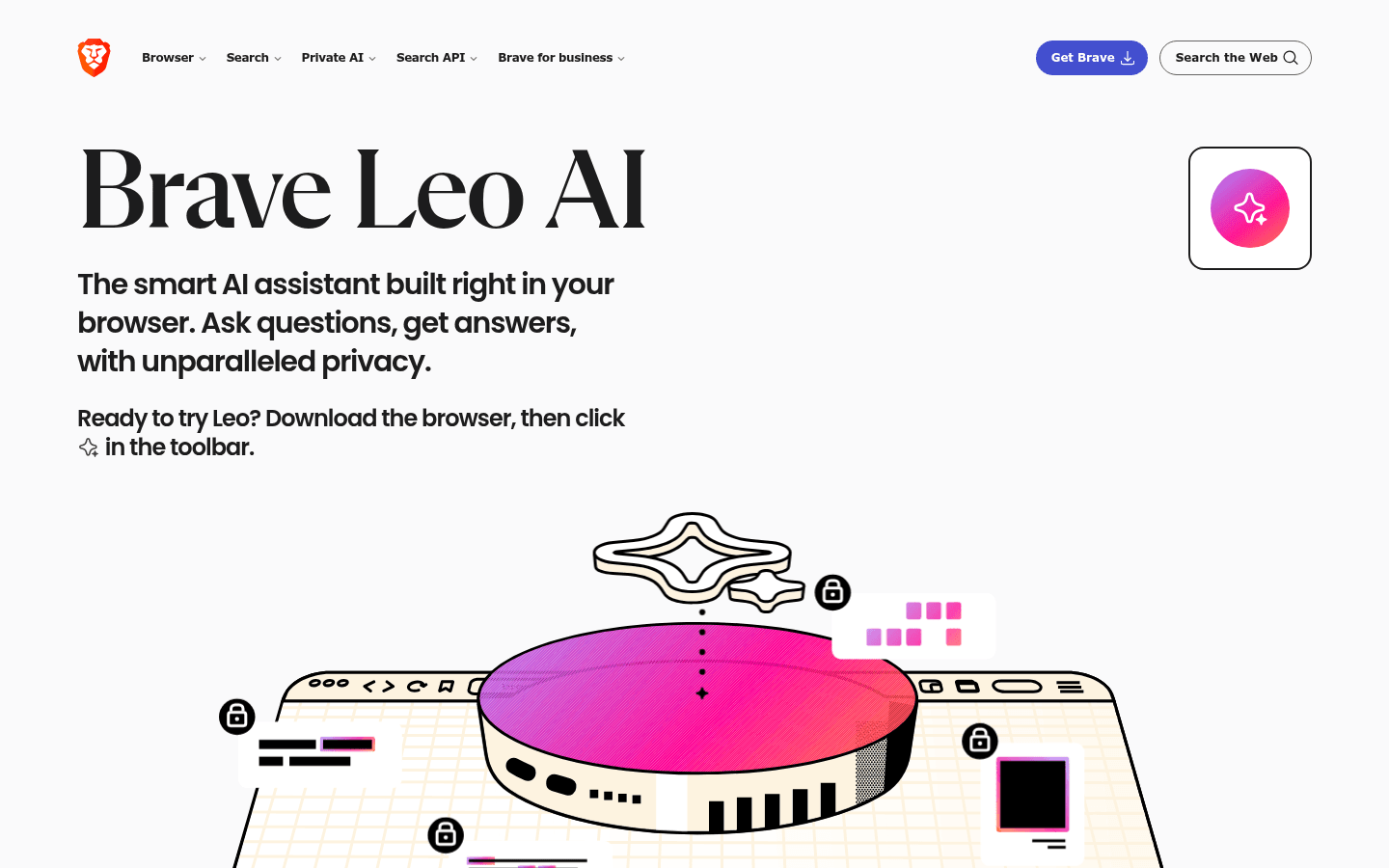
Leo handles the work I expect from a careful in-browser assistant. It can summarize, translate, analyze documents, answer questions about a page, organize tabs, and compare information across pages. Brave also supports bring-your-own-model choices, including local or remote options, which is appealing when model control matters more than a single polished default.
Comet Assistant is more tightly connected to browser action. It can navigate, click, fill forms, manage tabs, and work through permitted steps. That extra capability is exactly why it is useful and exactly why I give it fewer sensitive accounts.
I use Leo when I want help understanding what I am already viewing. I use Comet when I want the browser to help assemble the answer or move a low-risk task forward. Asking Leo to summarize a privacy policy is not the same risk as asking an agent to enter data, follow links, and submit a form.
The difference also changes how I judge mistakes. A weak summary wastes a few minutes. A bad browser action can send the wrong message, change an account, or disclose information. My action browser needs visible steps, interruption, narrow permissions, and a manual check before any irreversible result.
Browser actions
Comet is ahead today, while Brave is unusually honest about the danger.
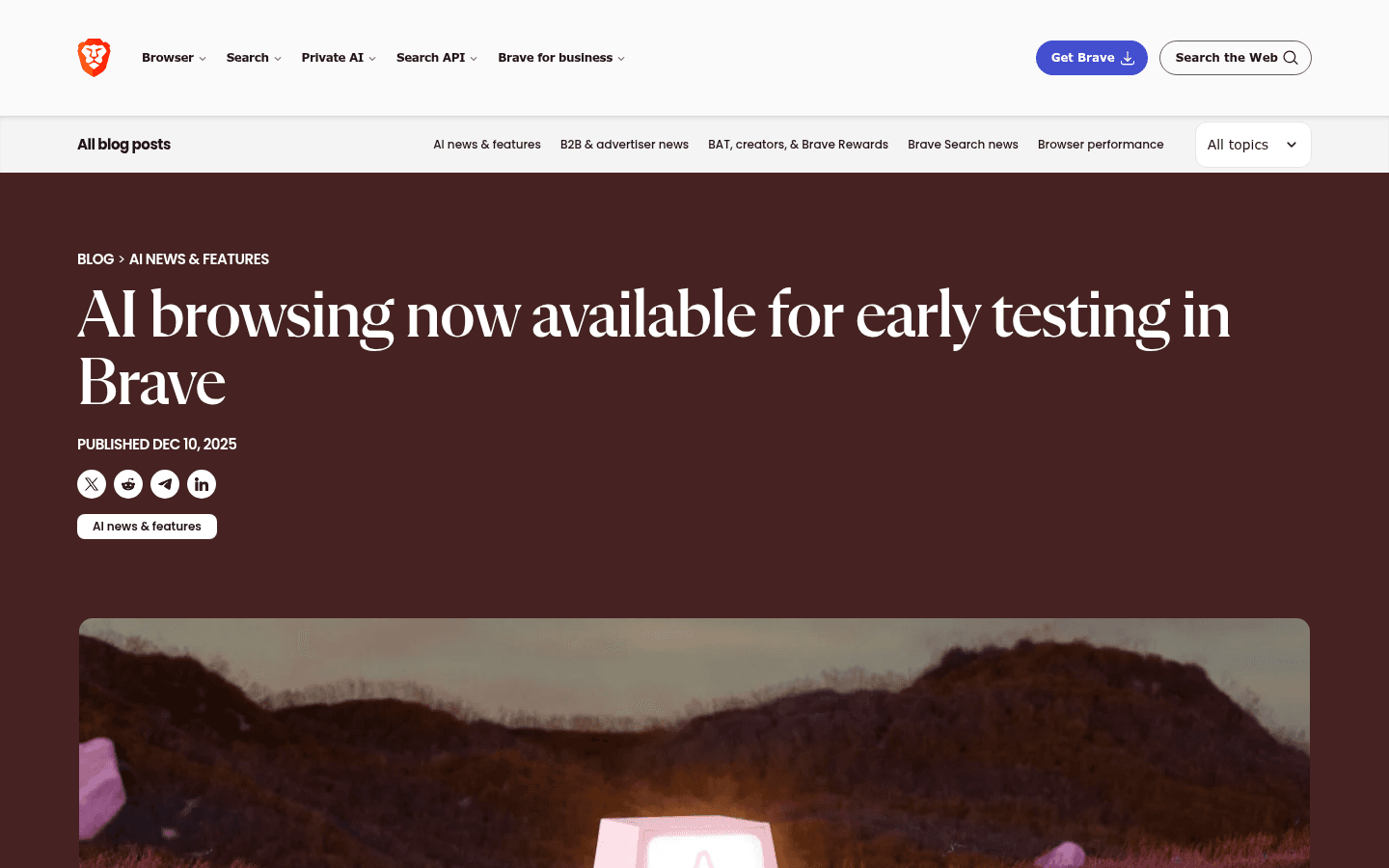
Brave announced agentic browsing for early testing and says the feature is available in its release channels. I would test it, but I would not buy into a migration plan based on preview behavior. Early access can change quickly, and one successful demo does not establish reliability across authentication, dynamic pages, downloads, or recovery.
What I respect is Brave's language. It says agentic browsing is inherently dangerous because the browser reads potentially hostile content while holding access to valuable accounts. A hidden instruction on a page can try to redirect the agent. The risk is not solved by a friendly confirmation dialog.
Comet gives me the stronger practical action workflow now. I use it for tasks with a narrow definition, low consequence, and an easy audit trail. Good examples include opening a set of public pages, collecting product details, organizing tabs, or preparing a draft that I will review.
I do not let either browser agent handle financial transfers, security settings, production administration, legal acceptance, health records, or messages whose tone could damage a relationship. The line is not whether the agent can click the button. The line is whether I can recover if it clicks the wrong one.
Privacy and security
Brave has the clearer default. Comet has a more complicated data bargain.
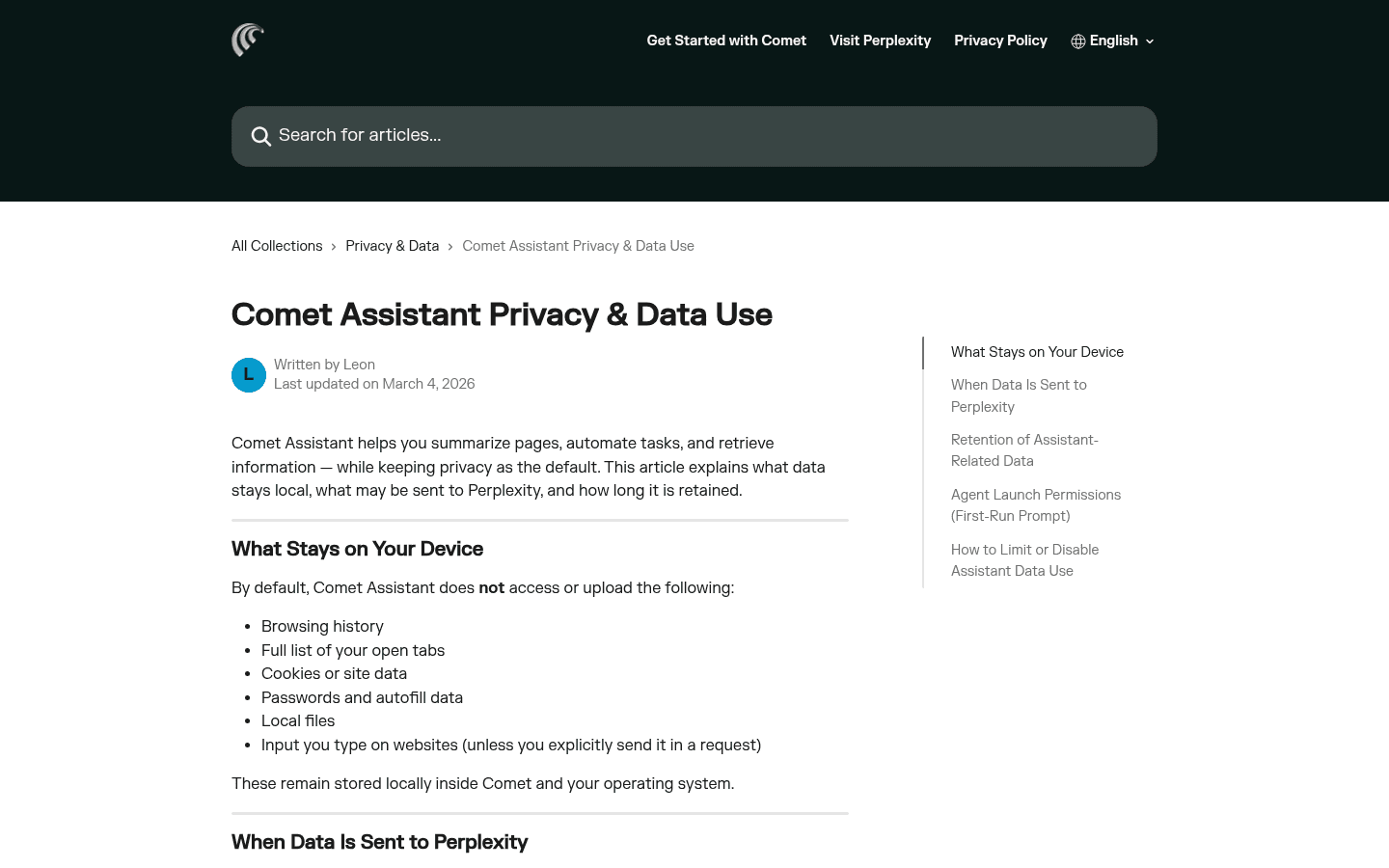
Comet says browsing history, the full list of open tabs, cookies, passwords, autofill data, local files, and ordinary website input remain on the device by default. When I ask Assistant to use a page or perform a task, relevant context can be sent to Perplexity. That distinction is reasonable, but it means my prompt and the selected context deserve the same care as any cloud AI request.
Brave starts earlier in the chain. Shields blocks third-party ads, trackers, cross-site cookies, fingerprinting, phishing, and other unwanted behavior by default. For Leo, Brave says chats are not retained on its servers or used for model training, and no login is required. The latest prompt, conversation context, and necessary page context still have to reach the service when I use hosted models.
Bring your own model can improve control, especially with a local model, but it does not make the browser magically private. Extensions, sync, websites, DNS, downloads, model endpoints, and the operating system remain part of the data path.
My safest setup is boring: one profile for ordinary work, a separate Comet profile for low-risk research, no saved financial credentials in the agentic profile, and manual approval before a consequential action. I also close pages the agent does not need. Fewer open contexts mean fewer accidental disclosures.
Price and availability
The browser download is not the expensive part.
Both products provide a usable browser without asking me to buy a separate desktop license. The meaningful limits sit inside AI access: model choice, response capacity, premium features, agent actions, regional rollout, and account eligibility can change.
I do not compare them by the cheapest advertised number. I compare the cost of the workflow I will repeat. If Comet saves two hours of research each week, a paid plan may be easy to justify. If I hit an action limit halfway through the important task, the low entry price stops mattering.
Brave gives me more value before I pay for AI because Shields, the browser, and the basic privacy posture solve daily problems. Leo has free and premium access, but its best financial argument is optionality. I can keep Brave even if I decide another assistant is better.
Before paying, I check the current plan page inside my region and account. I also record the limit that matters to me, not a vague promise of more access. For Comet that may be agent actions. For Brave it may be premium Leo models or the current status of agentic browsing.
Who each is for
I choose by the work I repeat, not the browser I want to admire.
- Choose Comet
- I spend hours comparing products, checking claims, collecting sources, or running bounded tasks across several sites.
- Skip Comet
- I mainly need a quiet default browser, predictable speed, conservative permissions, and minimal AI involvement.
- Choose Brave
- I want tracking protection by default, familiar Chromium behavior, mobile support, and an assistant I can keep optional.
- Skip Brave
- My main reason for switching is mature multi-site agent execution rather than privacy, page summaries, or ordinary browsing.
Comet fits analysts, founders, consultants, recruiters, buyers, and operators whose browser produces decisions. The ideal user already opens many sources, checks claims, and turns messy web material into a recommendation.
Brave fits almost anyone who wants a private Chromium browser, but its strongest case is the person who dislikes background tracking and wants AI on request rather than at the center of every tab. It is also the safer recommendation for a household using several device types.
Neither product is a perfect company standard by default. A team still needs identity, extension policy, data guidance, support ownership, and a written rule for agent actions. Personal enthusiasm is not an enterprise control.
Reddit complaints
Comet users complain when the agent stops. Brave users complain when the browser adds things they did not ask for.
The most useful positive Comet comments describe completed work: research across tabs, report downloads, shopping comparisons, or site tasks. The most useful negative comments describe the point where trust broke: a limit arrived, performance slowed, an action stalled, or the privacy surface felt too broad.
The Brave bargain is more familiar. Some users love a fast browser with blocking built in. Others dislike cryptocurrency and Rewards associations, product prompts, or protection that occasionally breaks a site. People comparing AI features often say Leo is fine for reading but does not match Comet's autonomy.
I use those complaints as a test list, not as a vote. Reddit is good at surfacing failure modes and terrible at providing a controlled sample. A loud thread tells me what to reproduce on my own machine. It does not tell me how often the problem happens.
Migration cost
Moving the Chromium data is easy. Moving trust is not.
| Migration area | What I rebuild | Typical effort |
|---|---|---|
| Bookmarks and history | Import the Chromium profile, then check nested folders, recent tabs, search engines, and anything that did not move. | Low |
| Extensions | Reinstall only the extensions I still need and review permissions, shortcuts, and account access. | Low |
| Passwords and autofill | Choose one password manager, verify passkeys and payment data, and remove duplicate browser storage. | Low to medium |
| Research archive | Decide where Perplexity Library threads, citations, reading lists, and saved evidence will live. | Medium |
| AI routines | Rewrite prompts, approval steps, sensitive-site rules, model choices, and manual fallbacks. | Medium |
| Trust boundaries | Recheck which pages the assistant can read, where context goes, what is retained, and which accounts remain off limits. | High |
The mechanical move is small because both browsers live in the Chromium world. Bookmarks and common extensions are not the problem. The problem is deciding which browser owns passwords, default links, research history, synced devices, and permission to read sensitive pages.
Moving from Brave to Comet costs more than the import wizard suggests. I lose some of the quiet default protection, and I have to create a stricter boundary around Assistant. Moving from Comet to Brave costs research momentum. Perplexity Library threads and source-heavy habits need a new home.
I keep both installed during the trial, but I choose one default. Otherwise each product appears better because the other browser quietly catches its weak jobs. My clean split is Brave for everyday and sensitive browsing, Comet for research in a separate profile.
Seven-day pilot
A week tells me whether I need a better agent or a better browser.
- Day 1: import the same clean Chromium profile and record missing bookmarks, extensions, shortcuts, search engines, and sign-ins.
- Day 2: research one unfamiliar purchase and verify five claims against primary sources.
- Day 3: open twenty normal work tabs and compare startup, tab switching, video playback, memory, and battery behavior.
- Day 4: ask each assistant to explain two pages that disagree, then inspect every cited claim.
- Day 5: run one harmless multi-step browser action, interrupt it, and check the result manually.
- Day 6: review Shields, page permissions, AI context, history, deletion, sync, and sensitive-site rules.
- Day 7: count completed outputs, corrections, blocked pages, failed actions, repeated searches, and minutes of cleanup.
My final recommendation is Comet for source-heavy investigation and bounded browser work. It has the clearer advantage when I need the browser to help produce the result.
My final recommendation is Brave for the daily default. It protects ordinary browsing before I ask for AI, remains useful when AI is off, and gives me more control over how deeply models enter the workflow.
The hybrid setup is not indecisive. It is a clean separation of duties. Brave holds the accounts and habits I use every day. Comet handles the public-web research that benefits from citations and action. Each browser gets the job it is actually good at.
FAQ
Comet Browser vs Brave questions I settle before switching
Is Comet Browser better than Brave?
Comet is better for my source-backed research and active browser tasks. Brave is better as a privacy-first daily browser with mature desktop and mobile support, Shields, familiar Chromium behavior, and optional AI.
What is the biggest difference in Comet Browser vs Brave?
Comet starts with Perplexity research and a browser agent. Brave starts with private everyday browsing and adds Brave Search, Leo, and early agentic features. That different starting point affects speed, permissions, trust, and which product feels natural as the default.
Does Brave have an AI assistant like Comet?
Brave has Leo, which can answer questions about pages, summarize, translate, analyze documents, compare tabs, and use selected local or remote models. Leo is useful, but it is not a complete replacement for Comet Assistant when I need mature multi-site browser actions.
Which is more private, Comet Browser or Brave?
Brave has the clearer privacy-first browser position because Shields is on by default and Leo says chats are not retained on its servers or used for training. Comet keeps important browser data local by default, but Assistant requests can send relevant context to Perplexity. Any active browser agent still needs careful permissions.
Can Brave perform agentic browser tasks?
Brave has made agentic browsing available for early testing in its release channels. I treat it as an emerging capability, not a mature substitute for the browser actions that make Comet useful today.
Can I use Comet and Brave together?
Yes. My practical setup is Brave for default and sensitive browsing, with Comet in a separate profile for research and low-risk automation. I keep passwords, financial accounts, and administration work outside the agentic profile.
Sources
Official pages used for current product facts
Features, plans, limits, availability, and policies can change. These are the reference points I used on July 26, 2026.


