 SwitchMyTool

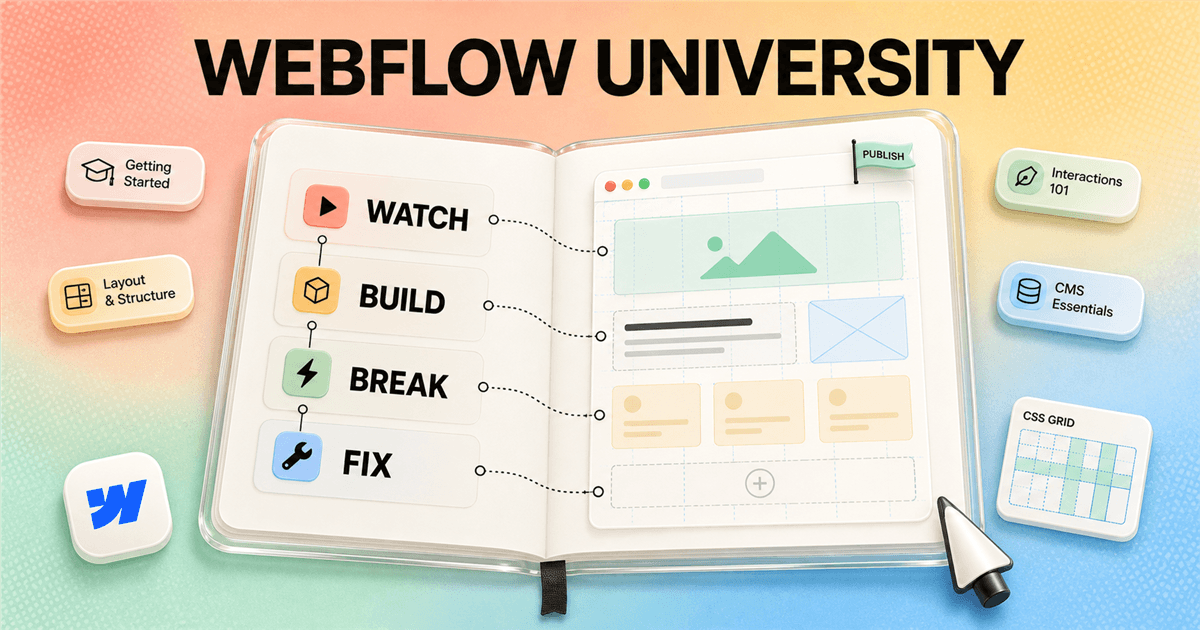
I like Webflow University because it teaches more than where the buttons live. Its better lessons explain why a section, class, grid, Collection, or breakpoint behaves the way it does. That is also why I would not binge the whole catalog. I would learn one idea, build something with it, break it, and return only when I had a specific question.
My verdict
Webflow University is the right first course and the wrong final step.
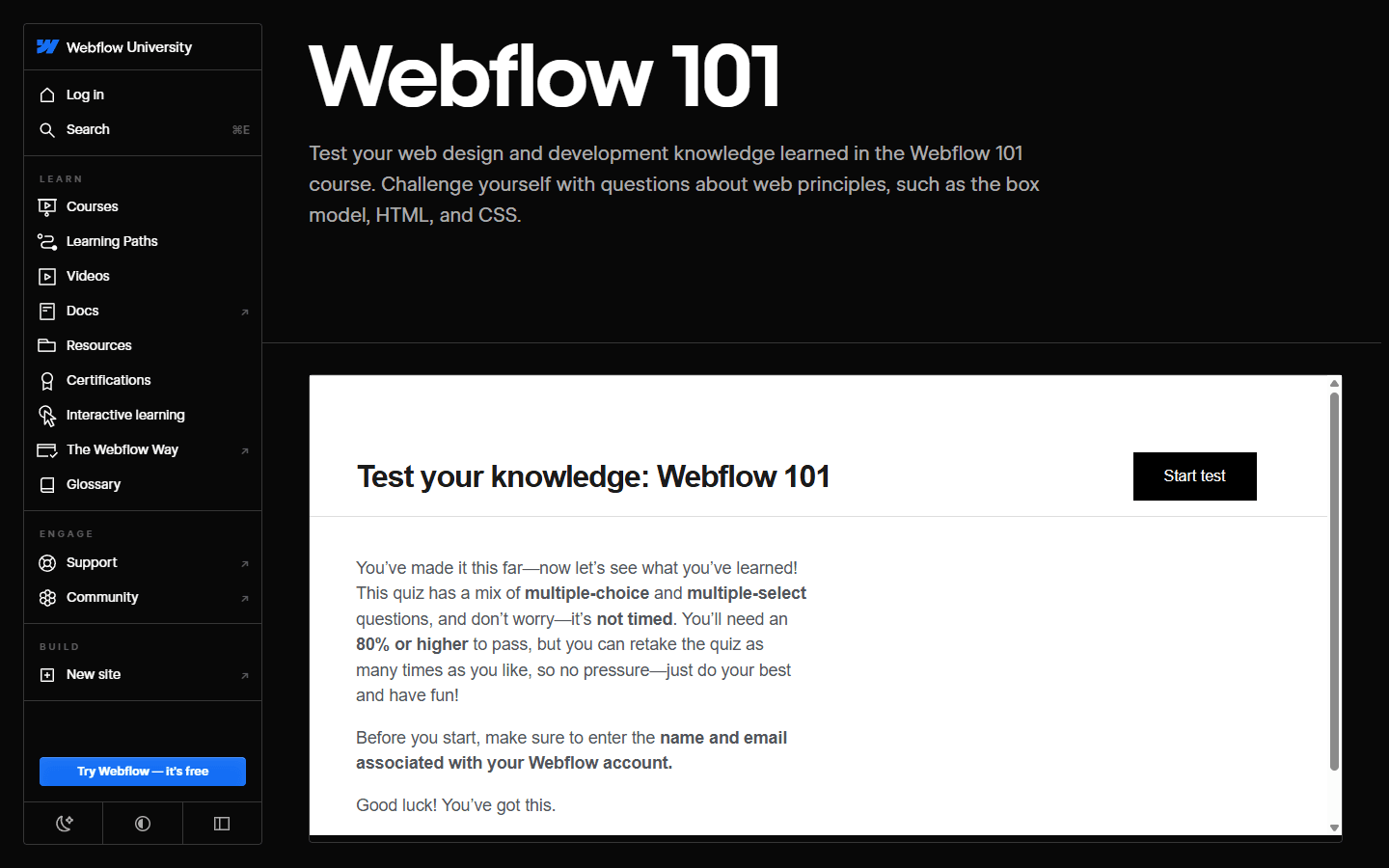
If someone asks me where to learn Webflow, I send them to Webflow University before I send them to a paid course. The material is current, product-specific, unusually clear, and broad enough to take a complete beginner from the box model to a published site. Webflow 101 remains the sensible foundation because it connects the Designer to HTML, CSS, responsive layout, interactions, accessibility, and publishing rather than presenting Webflow as a magic drawing tool.
For a beginner, I would plan four weeks rather than one heroic weekend. The official Webflow 101 course currently lists 2 hours 28 minutes, but that number describes video time, not learning time. When I include rebuilding, responsive cleanup, content modeling, accessibility, and publishing, the useful commitment is much larger and much more valuable.
What it is
The catalog now behaves more like a role-based learning system than one giant beginner course.
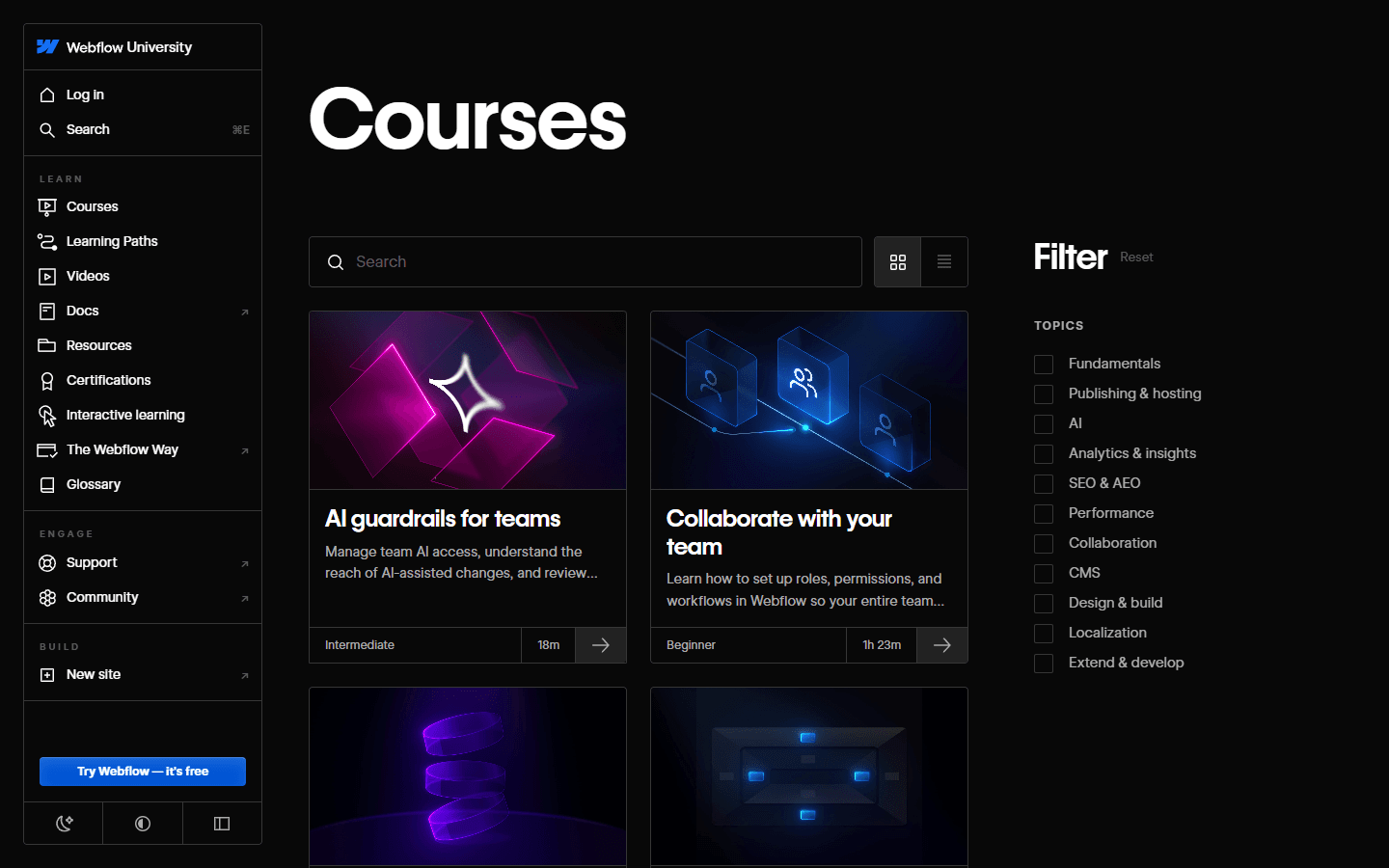
Webflow University includes courses, learning paths, individual videos, documentation, resources, assessments, interactive learning, a glossary, and certification routes. The course catalog covers fundamentals, publishing, AI, analytics, SEO, performance, collaboration, CMS, design, localization, custom development, and several role-specific workflows. That breadth is useful once I stop treating every item as mandatory.
I use the search and topic filters when a project exposes a gap. If a form behaves badly, I study forms. If the team is rebuilding its CMS, I use the CMS course and docs. If a page feels fragile, I return to layout, selectors, and responsive lessons. This just-in-time approach keeps the learning attached to work I can inspect.
Where I would start
Pick the first course from your job, not from your ambition.
Complete beginners should start with the short orientation material and move into Webflow 101. I want them to hear words such as element, section, container, div, class, padding, margin, flex, grid, and breakpoint before they start decorating. These terms are not academic trivia. They are the difference between a page that can be maintained and a pile of visually correct accidents.
Designers coming from Figma can move quickly through visual basics, but I do not let them skip structure. Figma rewards what appears on a canvas. Webflow also cares about the document tree, reusable classes, content flow, responsive rules, semantic elements, and what happens when a headline gains eight words. Translating a design system into the browser is the actual skill.
| Starting point | First course | Why I choose it |
|---|---|---|
| New to websites | Welcome to Webflow, then Webflow 101 | You need the vocabulary before you need speed. Learn the box model, HTML structure, classes, the Designer, and responsive behavior in that order. |
| Designer moving from Figma | Webflow 101, then Lay out & style your site | You already understand composition. The missing skill is translating a canvas into sections, containers, classes, flex, grid, and reusable components. |
| Marketer or content editor | Webflow for Marketers or Webflow for Content editors | Start with the job you actually own. You can learn deeper design and CMS structure after you can publish safely. |
| Experienced front-end developer | Getting started with Webflow, CMS, and custom code topics | Skip basic explanations you already know, but learn Webflow's class behavior, component model, CMS limits, hosting, and publishing conventions. |
| Team reviewer or stakeholder | Webflow for Reviewers | A short role-specific course is more useful than teaching every stakeholder to build layouts they should not touch. |
Webflow 101
The beginner course works because it teaches the web beneath Webflow.
Webflow 101 begins with the box model, HTML, CSS, and the Webflow interface, then uses a complete site build to apply those concepts. The current table of contents covers a hero, navigation, logos, cards, a form, footer, responsiveness, interactions, design review, accessibility, and publishing. That sequence is practical because each lesson changes the same system rather than presenting isolated tricks.
The official assessment is useful because it asks about web principles as well as product knowledge. It is not timed, and the current page says an 80 percent score is needed to pass with retakes available. I use the result as a map. Missing a box-model question tells me to rebuild a layout. Missing a product-setting question tells me to revisit a short lesson or the docs.
The practice loop
Watching is preparation. The learning happens when the page stops cooperating.
My fastest learning loop has four steps: watch, build, break, and fix. I keep the lesson small enough to apply immediately. After a flexbox lesson, I build a navigation bar, a split hero, and a card row. Then I change the copy, reverse the order, narrow the viewport, remove an image, and add one item. The layout tells me which rule I understood and which rule I only recognized on video.
I avoid copying a completed project until I have tried the problem from a blank canvas. Cloneables are excellent for inspection, but they can hide the decisions that created the clean result. Starting empty forces me to choose the section structure, container width, class strategy, spacing, and breakpoint behavior. That small discomfort is the point.
I also narrate the fix in plain language. If I can say, 'The card overflowed because the child had a fixed width inside a narrow grid column,' I can reuse the lesson. If I can only say, 'Changing this dropdown fixed it,' I have borrowed the answer without learning the model.
Watch
I watch one short lesson with the Designer open beside it. I pause before the instructor completes the action and predict the next setting.
Build
I recreate the idea in a blank project without copying the finished cloneable. A blank canvas exposes what I actually understood.
Break
I change the content length, viewport, nesting, class, and layout mode until the section fails. This is where responsive behavior becomes memorable.
Fix
I repair the page with the smallest clean change, then explain why it worked. If my explanation is vague, I revisit the exact lesson instead of replaying the entire course.
Layout and CSS
This is the part I would study slowly, even if the videos feel easy.
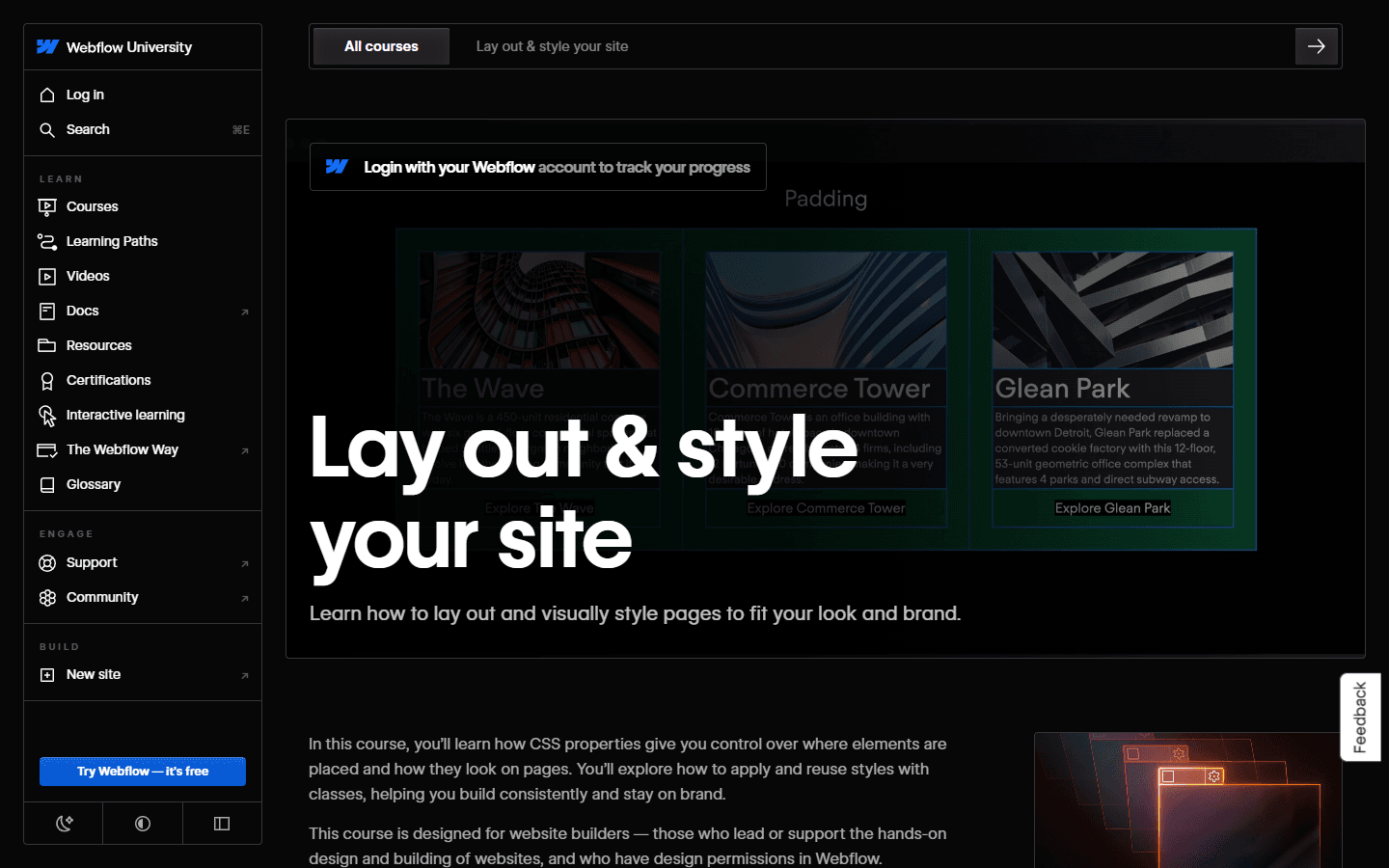
The Lay out & style your site course focuses on styling, selectors, classes, the box model, and CSS layout. Those topics sound basic after a polished landing page appears on screen. In practice, they control whether the fiftieth page remains editable. A clean class system and predictable content flow save more time than an impressive interaction attached to a fragile layout.
I practice with ordinary sections because ordinary sections expose discipline. A headline, paragraph, buttons, image, and a three-item list give me enough variation to test container widths, max widths, gaps, wrapping, alignment, and responsive changes. I deliberately add awkward copy. Real editors do not keep every card title the same length to protect my design.
Classes deserve their own habit. I name by purpose, reuse intentionally, and avoid stacking fixes until nobody can explain which selector owns the appearance. I am not religious about one naming framework, but I want a teammate to predict what a class does before clicking it. That standard matters more than copying somebody else's perfect syntax.
After the basics
A finished site needs more than a beautiful desktop page.
After Webflow 101 and layout fundamentals, I move into CMS, responsive behavior, components, accessibility, SEO, forms, and publishing. The order depends on the project, but I make each topic produce a visible artifact. A CMS lesson should end with a working Collection model. An accessibility lesson should change keyboard behavior and headings. An SEO lesson should change the rendered page and release checklist.
Accessibility belongs in the build, not in a final apology. Webflow University has dedicated material, and I combine it with keyboard checks, semantic headings, descriptive controls, useful text alternatives, visible focus, sensible contrast, and reduced reliance on motion. The Designer makes some tasks convenient, but the builder still owns the outcome.
Publishing is also a skill. I check domains, forms, metadata, canonicals, redirects, open graph data, favicon, analytics, consent, mobile behavior, links, performance, and indexing intent. Pressing Publish is easy. Knowing the page is ready is the professional part.
| Skill | Practice project | What good looks like |
|---|---|---|
| Responsive layout | Build one page at desktop, tablet, and small mobile widths. Use realistic headlines, cards, navigation, and images rather than tidy placeholder rectangles. | A page that survives longer copy, narrow screens, and changed content without one-off fixes everywhere. |
| CMS | Model a small publication with authors, categories, articles, related content, and a Collection template. | You can explain why each field exists and where editors can safely change content. |
| Components | Turn navigation, footer, CTA, card, and repeated sections into a restrained component system. | A global change takes minutes and does not create a trail of detached exceptions. |
| Accessibility | Navigate by keyboard, inspect heading order, add meaningful labels, test focus, and check contrast before publishing. | The page remains understandable without relying on animation, color, or a mouse. |
| SEO and publishing | Set titles, descriptions, canonicals, open graph data, redirects, image text alternatives, and a simple release checklist. | The live page has intentional metadata, crawlable content, working links, and no accidental indexation surprises. |
Learning paths
The curated paths are useful when you need a sequence, not a permission slip.
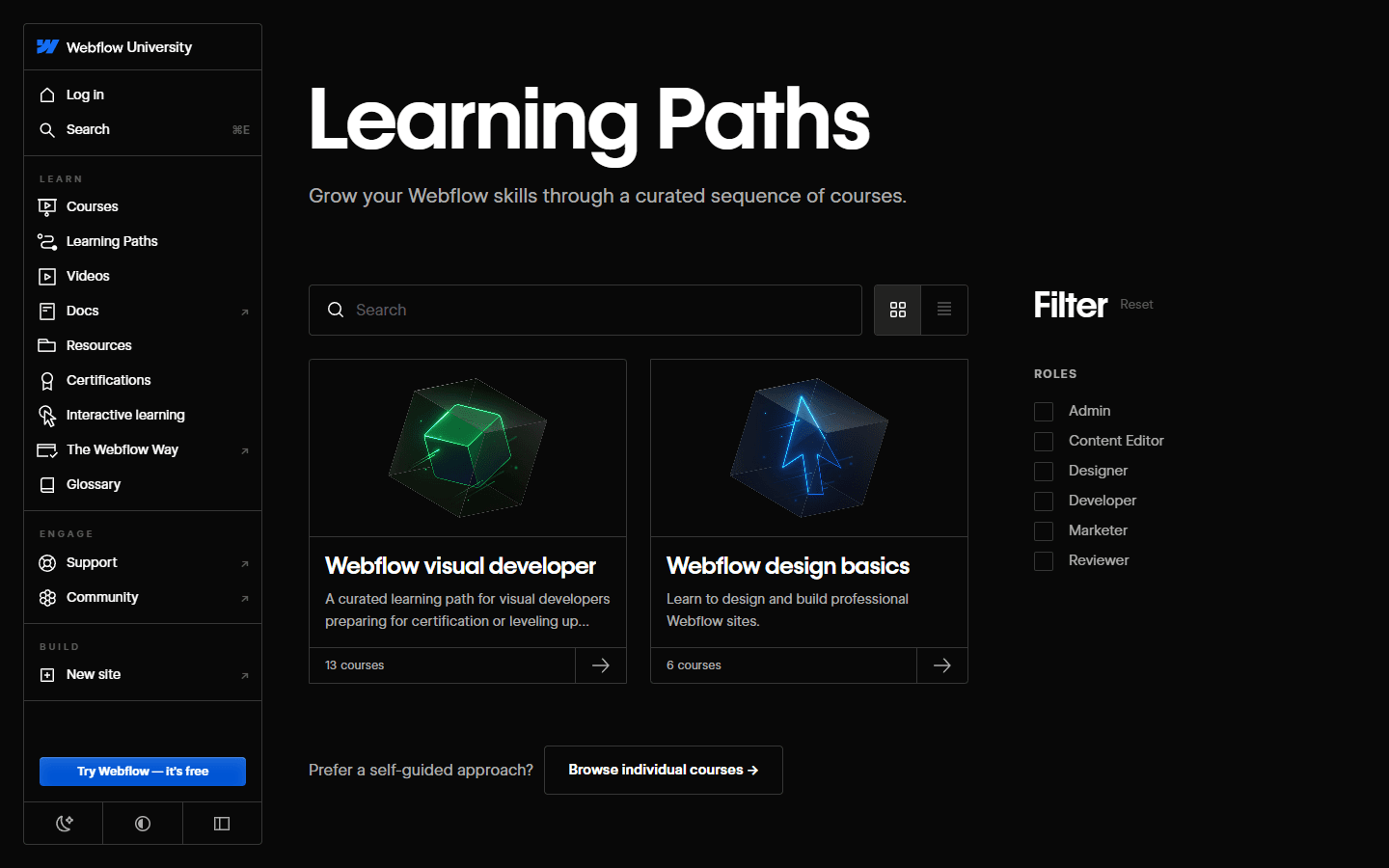
Webflow University currently presents a Webflow visual developer path with 13 courses and a Webflow design basics path with 6 courses. The role filters also include admin, content editor, designer, developer, marketer, and reviewer. I like this structure because it acknowledges that Webflow skill is not one ladder with a single top rung.
I also keep a short learning backlog beside the project. Every confusing issue becomes one sentence: 'I cannot explain why this grid overflows,' or 'I do not know the cleanest way to model related authors.' That list tells me which course, guide, doc, or community resource deserves my next hour.
Certification
I would certify an existing skill, not use the badge to invent one.
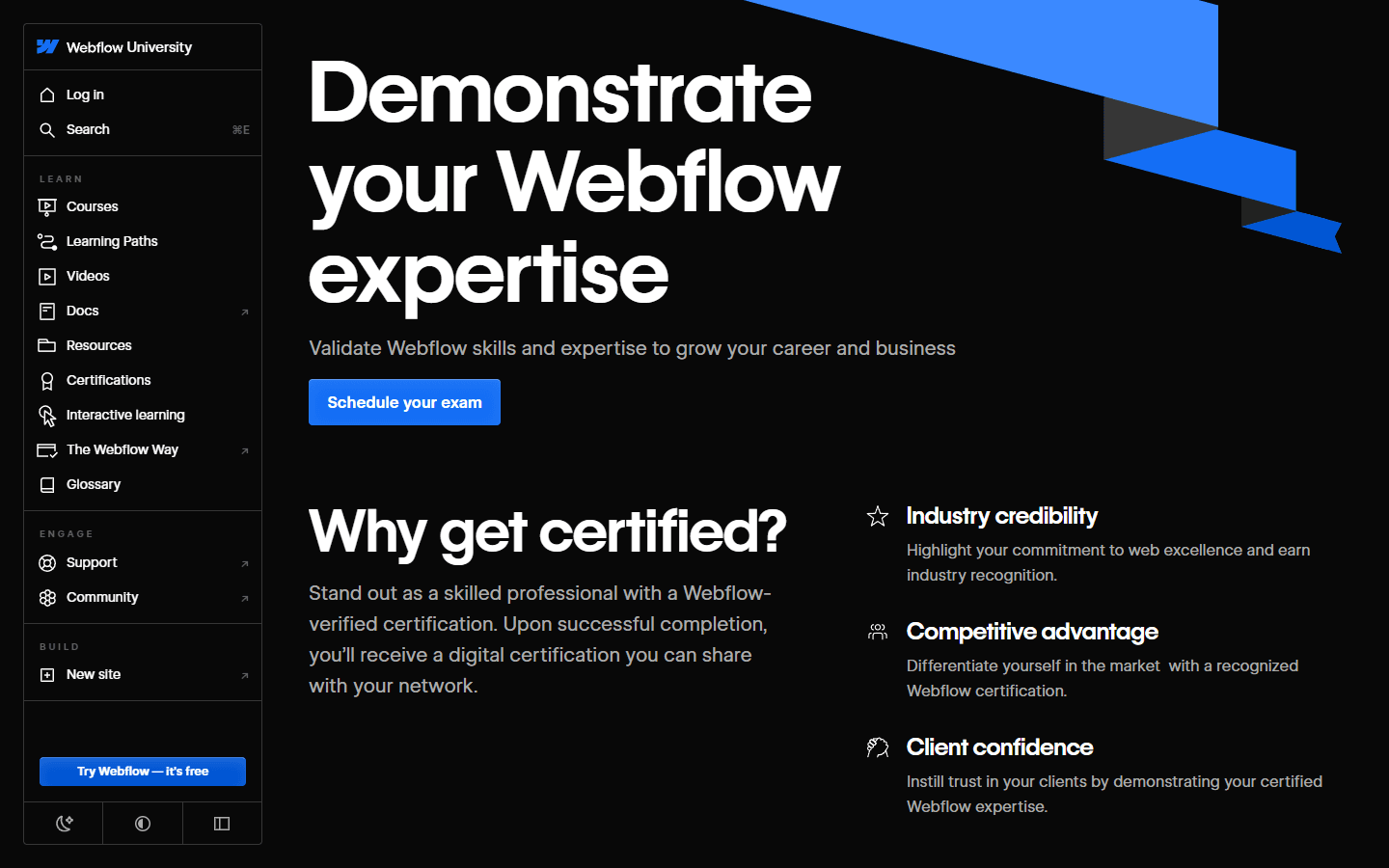
Webflow University currently lists Webflow Visual Developer and Webflow Practitioner certification options. The official page describes the Visual Developer route for experienced users building scalable production sites and the Practitioner route for beginners demonstrating knowledge of key features. Both current listings describe 50-question multiple-choice exams.
A certification can help when a buyer, employer, or partner wants a recognizable signal. It can also create a useful study deadline. I appreciate that value, especially for someone without years of client work. I simply keep the claim narrow: passing an exam shows knowledge of the tested material. It does not prove that every build is accessible, maintainable, well scoped, or commercially successful.
I prepare after completing independent projects. I review the relevant learning path, take assessments, revisit weak concepts, and explain a real build to another person. If I cannot defend the class strategy, CMS model, responsive decisions, and release process, another practice question is not my biggest problem.
Who it suits
Webflow University is strongest when the learner has a project close enough to touch.
I recommend it without hesitation to designers who want to understand browser layout, marketers who own Webflow sites, beginners exploring front-end work, freelancers adding Webflow to an existing service, and developers who need the platform's mental model. The production quality is high, the lessons are generally concise, and the official team can update product-specific material as the interface changes.
I also use selected lessons for team onboarding. Editors take editor material. Reviewers learn comments and approvals. Builders study design, CMS, accessibility, and publishing. This prevents the common handoff mistake where every person receives broad access and a one-hour tour of features they should never need.
Best for
Designers, marketers, freelancers, front-end beginners, content teams, and developers who want a structured introduction to Webflow's own concepts and interface.
Not for
People looking for guaranteed client work, advanced application architecture, deep JavaScript training, business coaching, or a substitute for shipping real sites.
What it costs
The learning material is available online without buying a third-party course. Building beyond the free project limits may still require a Webflow plan depending on your work.
The real commitment
Course time is the small part. I budget at least twice as much time for rebuilding, debugging, content modeling, responsive cleanup, and publishing practice.
When I add another resource
After the fundamentals, I use community frameworks, cloneables, docs, and specialist training only for a concrete gap in the project in front of me.
Where it falls short
The course can teach the tool. It cannot supply taste, requirements, or clients.
Webflow University is not a complete design education. It can explain layout, accessibility, and product workflows, but it will not automatically improve visual hierarchy, typography, art direction, writing, research, or information architecture. A technically clean Webflow site can still be confusing and forgettable.
The platform's own education naturally teaches within Webflow's product model. I still compare the project against alternatives before I commit. A course can show me how to build an ecommerce section without proving Webflow is the best commerce platform for that business. Tool fluency should improve the choice, not predetermine it.
Reddit complaints
The recurring complaint is tutorial confidence that disappears on a blank canvas.
In Reddit discussions about learning Webflow, Webflow University receives unusually consistent praise. Beginners often call Webflow 101 the right starting point, and experienced users mention that the lessons make HTML and CSS concepts transferable to other builders or front-end work. Several people advise using the University before paying for a course.
The praise comes with a warning. Users repeatedly recommend hands-on projects, cloneables, community frameworks, YouTube specialists, or paid programs after the basics. The common gap is not missing course polish. It is the jump from following a controlled build to solving an unfamiliar design with messy content, client constraints, and no instructor making the next decision.
The most useful Reddit advice is to start with Webflow 101, build several projects, then use additional resources for the gap in front of you. The least useful advice is a promise that one course, free or paid, turns a beginner into a professional. I have never seen software respect graduation day that politely.
My 30-day plan
I would trade a perfect completion streak for three imperfect projects.
This plan assumes roughly one focused hour on weekdays and a longer build session on weekends. Someone with HTML and CSS experience may move faster. Someone new to design and websites may need longer. I care more about the outputs than the calendar.
I keep the projects small enough to finish: a landing page, a CMS-backed mini publication, and one independent build. Finishing exposes forms, metadata, mobile bugs, content states, and publishing decisions that isolated sections avoid. It also gives me something concrete to revise after I learn a better method.
| Schedule | Focus | Output |
|---|---|---|
| Days 1 to 4 | Finish the orientation and begin Webflow 101. Rebuild each concept in a blank project. | A plain responsive page with clean sections, containers, typography, buttons, images, and a navigation bar. |
| Days 5 to 10 | Finish Webflow 101, including responsiveness, interactions, accessibility review, and publishing lessons. | A complete one-page site that works on mobile and uses a small, understandable class system. |
| Days 11 to 16 | Take the layout and styling material. Rebuild one familiar landing page from a reference without tracing it pixel for pixel. | A second project that uses flex, grid, reusable classes, components, and fewer arbitrary values. |
| Days 17 to 22 | Learn CMS structure, create a Collection, build a template, and add realistic content with awkward lengths. | A small article, portfolio, directory, or resource system that a non-designer can update. |
| Days 23 to 27 | Study accessibility, SEO, forms, and publishing. Run a written release checklist on both projects. | Working forms, intentional metadata, sensible headings, keyboard access, redirects where needed, and clean mobile pages. |
| Days 28 to 30 | Build one short project without following a lesson. Keep a list of every point where you become stuck, then study only those gaps. | A portfolio-ready build and a personal learning backlog based on real friction rather than course marketing. |
FAQ
The questions I would settle before choosing a course path.
Is Webflow University free?
Yes. Webflow publishes its University courses, videos, guides, learning paths, and assessments online. You may need a Webflow account to track progress or use the Designer, and a paid plan can become relevant when a project needs more than the free product limits.
Is Webflow University good for beginners?
I think it is one of the strongest starting points for beginners because it teaches Webflow alongside the box model, HTML structure, CSS layout, classes, responsiveness, and publishing. Beginners still need to build their own projects between lessons.
Where should I start in Webflow University?
I start complete beginners with the orientation material and Webflow 101. Designers can move next to layout and styling. Marketers, editors, and reviewers should begin with their role-specific course, then learn deeper building concepts only when their responsibilities require them.
Can Webflow University make me job-ready?
The courses can teach the product and important web concepts, but job readiness also requires finished work, responsive debugging, accessibility, SEO, CMS modeling, client communication, scoping, handoff, and repeated practice under imperfect requirements.
Is Webflow certification worth it?
It can help as a structured knowledge check and a supporting credibility signal. I would not use it instead of a portfolio. I pursue certification after I can build, explain, debug, and hand off a real site rather than before my first independent project.
Sources
The live pages I use to check the course structure.
I checked Webflow University's current course catalog, Webflow 101 course and assessment, layout course, learning paths, certifications, navigation guide, and Webflow's announcement about the newer learning and certification experience. I revisit the live pages because course names, durations, exams, and product workflows can change.
- Webflow University courses
- Webflow 101 course
- Webflow 101 assessment
- Lay out & style your site
- Webflow University learning paths
- Webflow University certifications
- Navigating Webflow University
- Webflow University update announcement
Read related articles
Keep reading practical SwitchMyTool guides after this one.

Qodo vs Codacy in 2026: Better AI Review or Stronger Merge Gates?
I compare Qodo and Codacy by AI review, static analysis, security gates, pricing, migration cost, team fit, and common Reddit complaints.
Read more
Qodo vs Graphite Agent in 2026: Better Review Governance or a Better PR Workflow?
I compare Qodo and Graphite Agent by review quality, stacked pull-request workflow, pricing, team fit, migration cost, and common Reddit complaints.
Read more
Qodo vs Bito in 2026: Better Review Governance or Broader Developer Coverage?
I compare Qodo and Bito by review governance, Git and IDE coverage, repository rules, pricing, team fit, migration cost, and Reddit complaints.
Read more