 SwitchMyTool

My buying rule
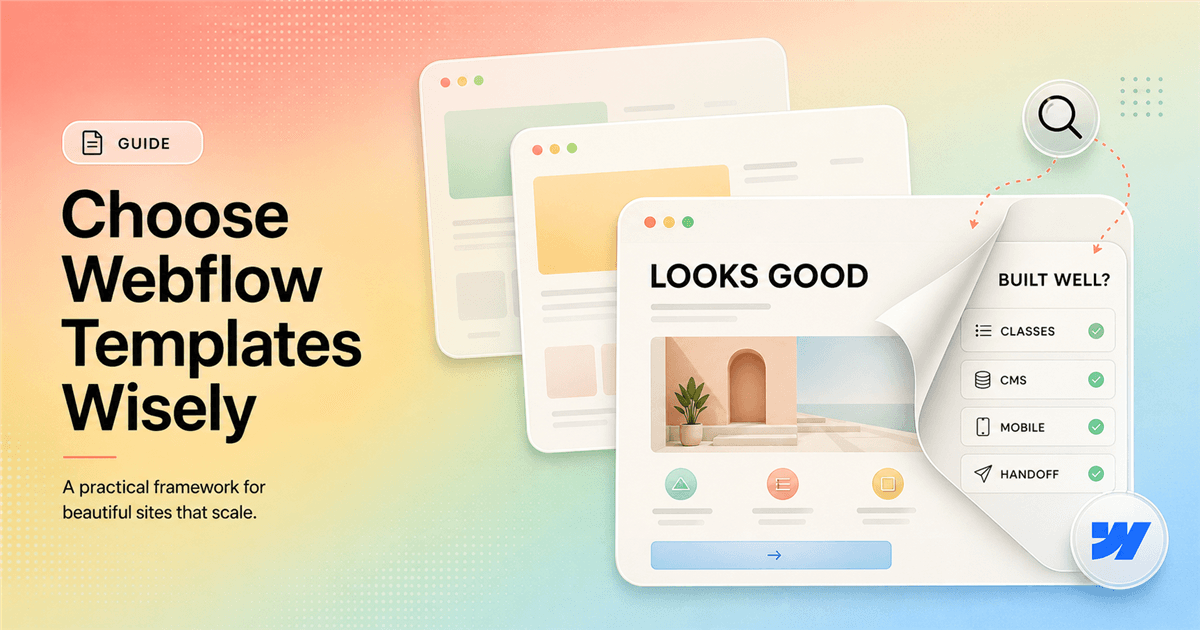
I buy a Webflow template for its internal system, not its homepage.
- I define the site map, content model, and editing owner before I open the marketplace.
- I use Preview in Designer to inspect classes, components, CMS Collections, breakpoints, and interactions.
- I buy only when adapting the template is clearly cheaper than replacing its assumptions.
My verdict
A Webflow template saves time only when I keep most of its decisions.
I have bought templates that turned a two-week build into four focused days. I have also inherited templates that took longer to untangle than a clean project would have taken to build. Both looked excellent in the marketplace. The difference was hidden behind the preview: one had a coherent system, while the other had a pile of pages assembled for the sales image.
I do not judge webflow templates by how closely the demo resembles the final brand. Colors, type, images, and copy are the easy layer. I judge the page architecture, class system, components, CMS schema, breakpoint behavior, interactions, forms, and handoff path. Those decisions determine whether I can reshape the site without breaking it.
A template is most useful when I want roughly the same kind of site the creator built. If I need a five-page consultancy site and find a clear five-page consultancy template, I can spend my time on positioning, proof, and content. If I buy a cinematic agency template for a practical accounting firm, I will spend the project removing the reason I bought it.
My rule sounds strict because the marketplace makes optimism cheap. I can imagine my logo inside almost any polished demo. I force myself to price the adaptation instead. Once I count page changes, CMS remodeling, class cleanup, interaction work, accessibility fixes, and client training, the right answer becomes much less romantic.
Build the shortlist
I start with the business, not the thumbnails.
Before I browse, I write the site map I would build without a template. I list the homepage, services or product pages, proof pages, resources, contact flow, legal pages, and any recurring content. I also mark the page that will be hardest to design. That page often reveals whether a template is a fit faster than the homepage does.
Then I describe the content model. A simple brochure site may need no CMS. A publisher may need articles, authors, categories, and resources. A SaaS company may need integrations, customers, industries, features, and a changelog. If the template models those relationships badly, I do not care how attractive its hero section is.
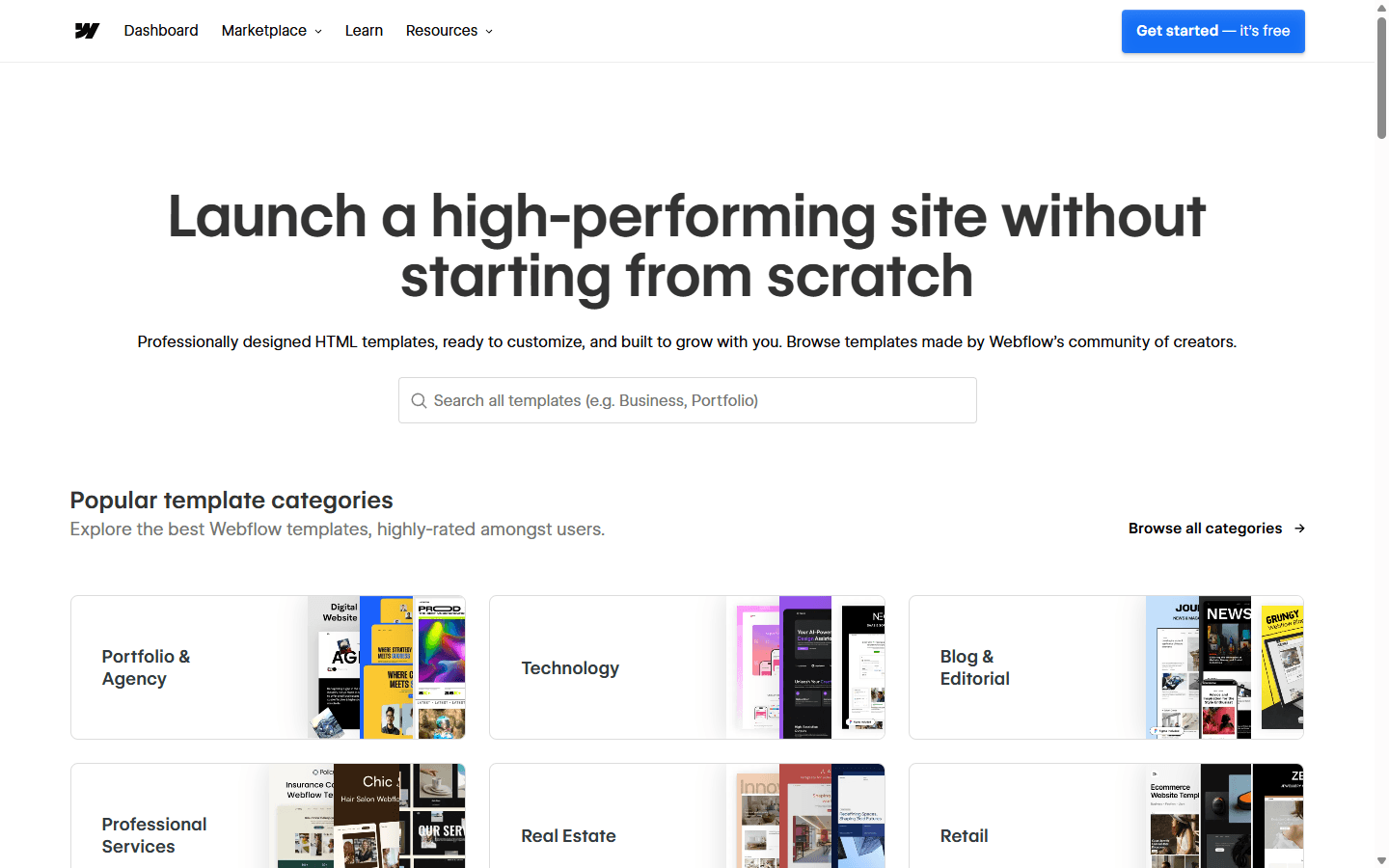
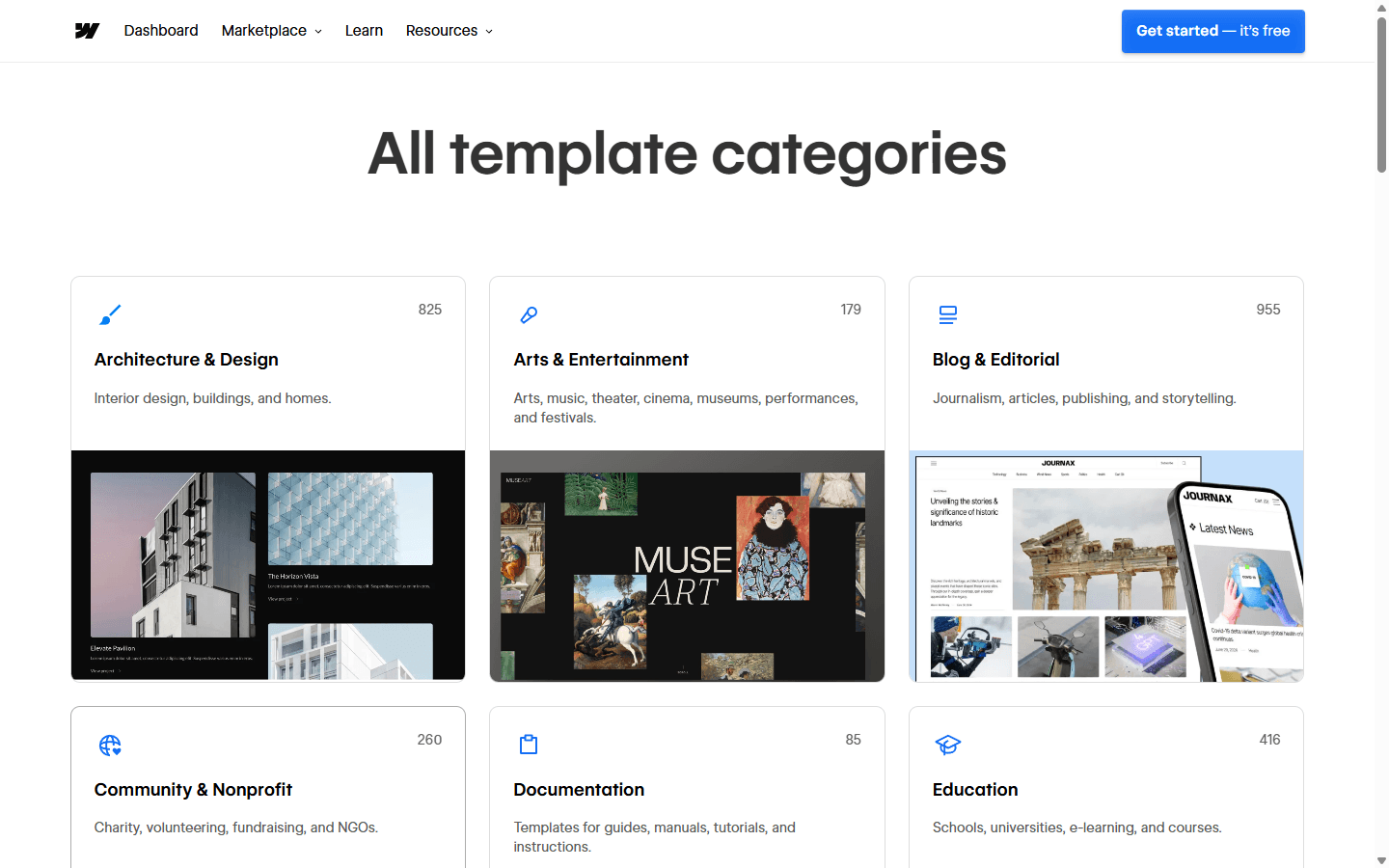
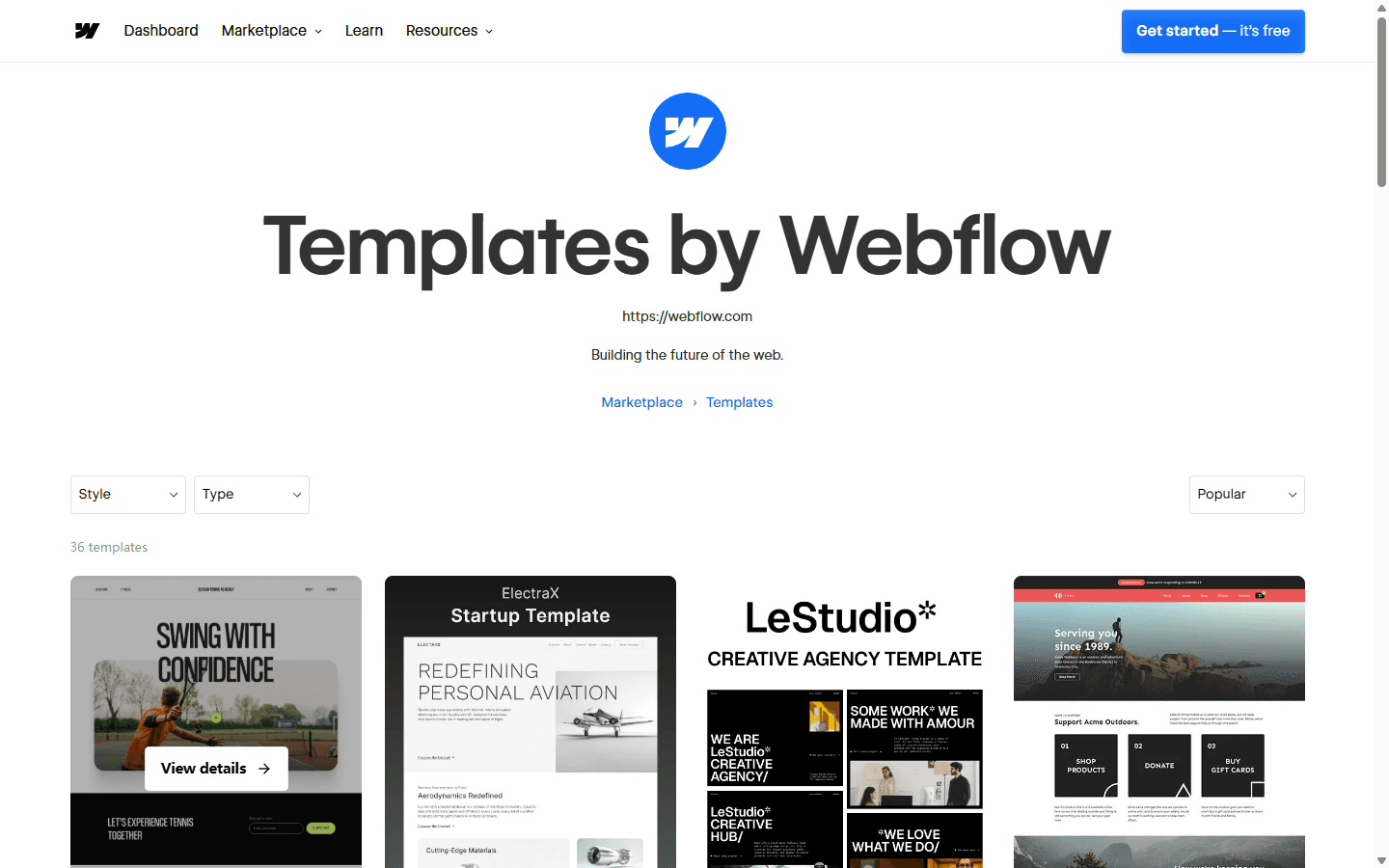
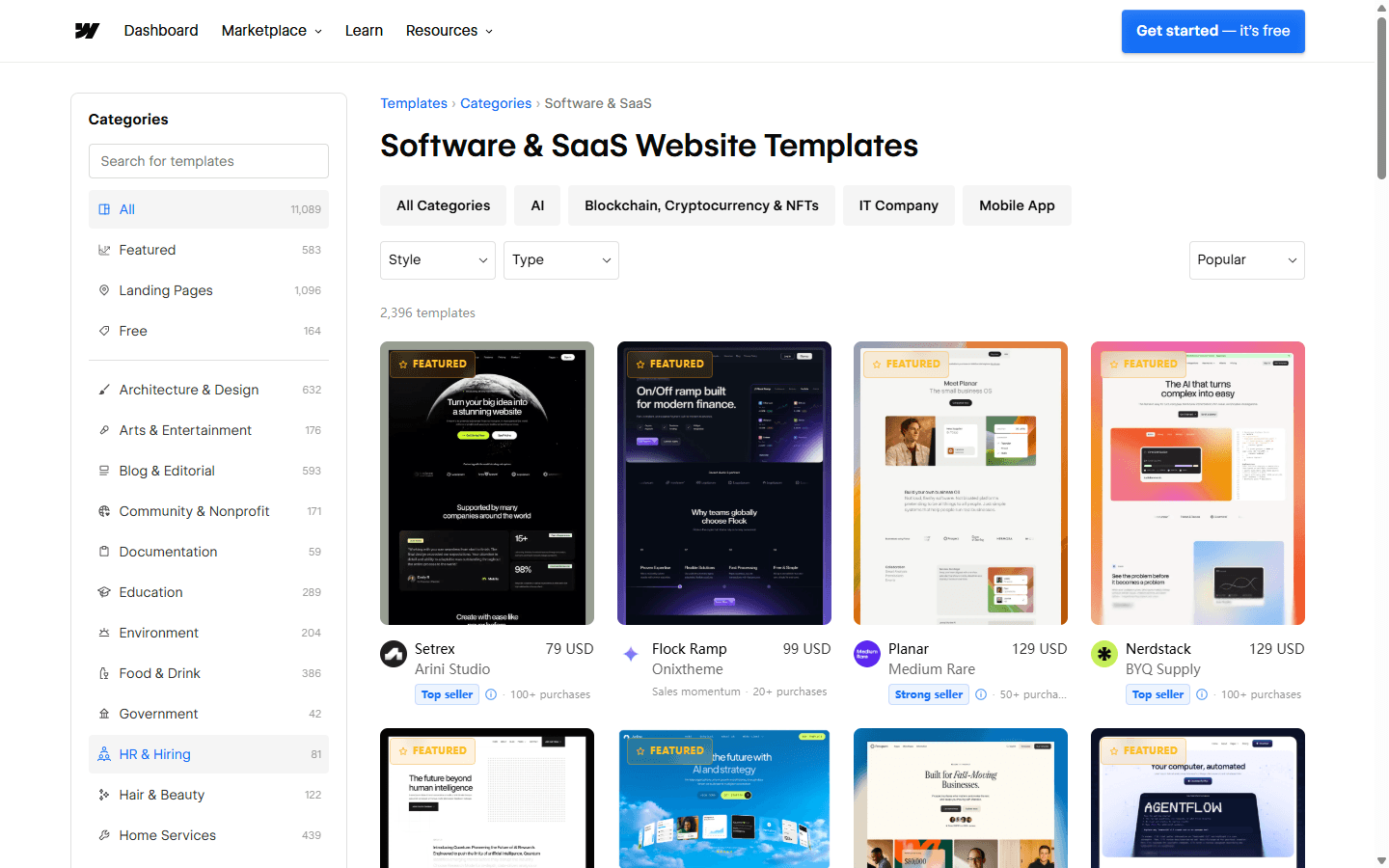
The Webflow marketplace now spans thousands of designs and many categories. That scale is useful, but it can turn browsing into entertainment. I filter by the actual industry, site type, CMS requirement, Ecommerce need, and style. I keep a small shortlist and stop opening new tabs once I have three serious candidates.
I also compare page substance. Some templates have many pages because they repeat slight variations. Others have fewer pages but provide a useful component language and thoughtful CMS templates. I prefer the second kind. A real system helps me create the missing page; decorative page count mostly gives me more files to delete.
Preview in Designer
I leave the polished preview and inspect the build.
Webflow recommends previewing a template in Designer before purchase. I take that advice literally. I open Preview in Designer, turn off Preview mode, and inspect the Pages panel and Navigator. I want to see how the site is assembled, not only how the published demo behaves.
I begin with the homepage Navigator. I check whether sections have understandable names, whether wrappers and containers follow a repeatable pattern, and whether important elements sit inside components. Five nested divs can be reasonable. Five nested divs named Div Block 47 through Div Block 51 tell me I will spend time decoding the author's habits.
Next I inspect a secondary page and a CMS template. Marketplace demos concentrate effort on the homepage because that page sells the template. A pricing page, article page, contact form, or legal page often reveals the everyday quality. I look for consistent spacing, proper heading order, reusable sections, and states that were designed rather than forgotten.
I also check what the preview does not show. I look for hidden style-guide pages, instructions, unused assets, custom code, external scripts, fonts, and integrations. A template can depend on a library or service that adds cost or maintenance. I want that dependency on my estimate before I buy, not after I have promised a launch date.
Inspect the structure
Class names tell me how expensive the next page will be.
I do not demand that every creator use my preferred naming framework. I do demand consistency. A useful class name tells me what an element does or how it participates in the system. I should be able to recognize containers, spacing utilities, text styles, buttons, cards, navigation, and section patterns without opening every style declaration.
I look for uncontrolled combo classes and local overrides. A one-off adjustment is not a crime, but dozens of them usually mean the template was tuned page by page. That approach can make the demo precise while making global changes dangerous. I change one base style in preview and watch how far the consequences travel.
Components matter for the same reason. I want navigation, footer, buttons, repeated cards, calls to action, and other shared patterns to have a clear source. I inspect component properties and slots to see whether I can change the content without detaching the structure. Reuse should make the site easier to operate, not hide complexity behind a label.
I also look for a style guide. A useful one shows typography, color variables, buttons, forms, spacing, cards, rich text, and common states. I do not need a ceremonial page full of every shade. I need enough documentation to make the next page look intentional without copying a random section and hoping for the best.
| What I inspect | My test | Why it changes the cost |
|---|---|---|
| Pages | I list the pages I need before browsing, then check whether the template already has the right page types rather than an impressive page count. | A template with twenty irrelevant pages creates more deletion and cleanup than a focused five-page starting point. |
| Classes | I open the Style panel and Navigator to see whether names reveal purpose, whether combo classes are controlled, and whether global styles behave predictably. | Random names and one-off overrides make every future edit slower because I must rediscover the author's logic. |
| CMS | I inspect Collections, fields, references, sample items, and Collection templates before I assume the content model fits my business. | A beautiful CMS demo can force a paid plan or leave me remodeling the database after purchase. |
| Breakpoints | I test the actual page at wide desktop, laptop, tablet, and narrow mobile widths, including navigation and long content. | A good homepage at one width does not prove that every card, form, and CMS item survives real devices. |
| Interactions | I identify what triggers each animation, what happens with longer copy, and whether the effect still works with reduced motion. | Decorative motion becomes expensive when the new content no longer matches the timing or element count. |
| Handoff | I preview the workflow from the future editor's perspective and identify which changes stay in CMS fields or component properties. | The template has failed if a client must enter the full Designer to make routine content changes safely. |
CMS and plans
A CMS template can change the hosting decision.
I inspect every Collection before I buy. I look at names, fields, references, sample content, slug patterns, and the Collection template. If a template has Blog Posts, Authors, Categories, Projects, and Team Members, I ask whether my site needs those exact things. Deleting a demo item is easy. Remodeling connected Collections and templates is not.
I pay special attention to rich text. I test headings, lists, images, captions, quotes, embeds, and long paragraphs because sample articles often use neat, short content. The final editorial design has to survive an ordinary writer pasting a real article into the CMS, not only the creator's ideal demo entry.
A CMS-based template can also require a different Site plan. Webflow's help documentation warns that some template features need a paid Site plan, and templates with more than two pages create plan or Workspace considerations. I count those requirements before purchase so the buyer sees the real recurring cost.
I do not remove CMS features merely to force a complex site onto the cheapest plan. If the site needs structured publishing, I budget for it. If it does not, I prefer a simpler template. Paying for a database nobody updates and manually rebuilding CMS sections are both poor ways to save money.
Responsive quality
I test the awkward widths and the awkward content.
Template cards usually show one wide desktop image and one phone image. I test everything between them. Laptop widths, tablets, landscape phones, and narrow browser windows expose assumptions about grids, fixed heights, absolute positioning, and text length. I drag the canvas slowly instead of jumping only between named breakpoints.
I replace sample headlines with something longer. I add a second line to buttons, put a long surname in a team card, and use a real article title. If the layout collapses when the copy stops cooperating, I need to know whether I can fix the component once or must repair every instance.
Navigation gets its own test. I open dropdowns, use the keyboard, inspect focus states, and check the mobile menu with enough items to wrap. I test forms with validation messages and realistic labels. I also inspect heading order, link purpose, image descriptions, color contrast, and motion behavior. Marketplace approval is not my accessibility audit.
Interactions deserve suspicion because they sell well in previews. I identify each trigger and ask what happens when sections move, cards are removed, or content becomes taller. I keep motion that improves hierarchy or feedback. I simplify motion that depends on the exact demo arrangement, because content teams eventually change the arrangement.
Customization cost
I measure how much of the template I am about to throw away.
A light reskin is the ideal template project. I keep the information architecture, components, responsive logic, and CMS. I replace typography, colors, media, and copy, then adjust a few sections to match the brand. The original system keeps doing useful work after the visual identity changes.
Moderate customization is harder to estimate. A new page can be cheap if it combines existing components. It can be expensive if it requires a new layout language, new CMS references, and new interactions. I write down every major departure from the demo and attach time to it before I quote the project.
Heavy conversion is where buyers lose the savings. If I replace the navigation, delete half the sections, change every card, remodel the CMS, rewrite global classes, and remove most interactions, I am no longer customizing a template. I am excavating one. Starting clean may give me fewer surprises and a system I can explain.
I include content work in that calculation. The demo may have perfect image crops, matched headline lengths, and concise cards. Real businesses arrive with uneven photography, complicated services, legal copy, testimonials, and pages the template never imagined. Making that content fit is design work, even when the template was already paid for.
| Scope | What I expect to change | How I judge the savings |
|---|---|---|
| Light reskin | I replace type, colors, logo, images, and copy while preserving the information architecture and component system. | This is where a good template saves the most time because the original assumptions still hold. |
| Moderate adaptation | I add or remove sections, change some page types, adjust CMS fields, and rebuild a few responsive patterns. | I expect meaningful savings only if the class system is clear and the new content remains close to the original layout. |
| Heavy conversion | I replace navigation, restructure pages, remodel CMS Collections, rewrite components, and remove interactions. | At this point I compare the cleanup cost with a clean build because the template may be supplying visual debt instead of speed. |
License and support
I check what I bought and who helps when it breaks.
Webflow's documentation states that paid templates use a single-use license. I buy another license when I use the paid template for a different client or site. I make that line item visible in the proposal. A small license cost is easier to explain before launch than an uncomfortable licensing conversation later.
I also check the creator's support tab and documentation. Complex interactions, custom menus, and popup systems can be difficult for a new Webflow user to edit. A creator who explains the structure, dependencies, and intended customization path can save hours. A support email address alone does not prove that help will be fast, but it is better than a dead end.
I look at the creator's other work for consistency. One strong template can be a lucky composition. A catalog with clear naming, useful CMS models, and maintained support suggests a repeatable practice. I still inspect the specific template because reputation does not make every project fit.
For a client project, I document which parts came from the template, which integrations require separate accounts, and who owns the Webflow site after handoff. I transfer the working site rather than leaving the client dependent on my personal Workspace. Clean ownership matters more than preserving the illusion that everything began from a blank canvas.
Reddit complaints
The community complaints point back to internal quality.
In recent Reddit discussions, experienced Webflow users repeatedly warn buyers to inspect templates in build mode before purchase. The complaint is not that every template is bad. It is that a polished demo can hide random class names, weak HTML structure, accessibility gaps, nested divs, and a CMS model that becomes expensive to scale.
Other users describe the time lost understanding somebody else's structure. That cost is easy to ignore because the template already looks finished. I account for a discovery period anyway. If I cannot explain the main class system and component model after a focused inspection, I do not promise a rapid client turnaround.
The CMS plan surprise appears too. A buyer chooses a template with dynamic content, then discovers that keeping those features live changes the required plan. I see that as a scoping failure rather than a reason to avoid CMS templates. I match template features to the planned hosting setup before I buy.
Reddit also contains the opposite experience. Some builders use templates successfully when the business genuinely matches the starting point, and some rename styles into their own system rather than rebuilding complex sections. I believe both sides. A template is neither cheating nor a shortcut by default. It is a codebase and design system I am choosing to inherit.
Who should use one
I recommend templates to buyers with a narrow, honest brief.
I use a Webflow template when the site map is known, the content model is modest, the design direction is already agreed, and the deadline rewards a strong starting system. A small professional service, portfolio, event, campaign, or early product site can fit this pattern well.
I avoid a marketplace template when the website is supposed to establish a distinctive category, support unusual product behavior, connect several complex datasets, or become a long-lived design platform. A custom system may cost more at the start and less every time the team launches something the template never anticipated.
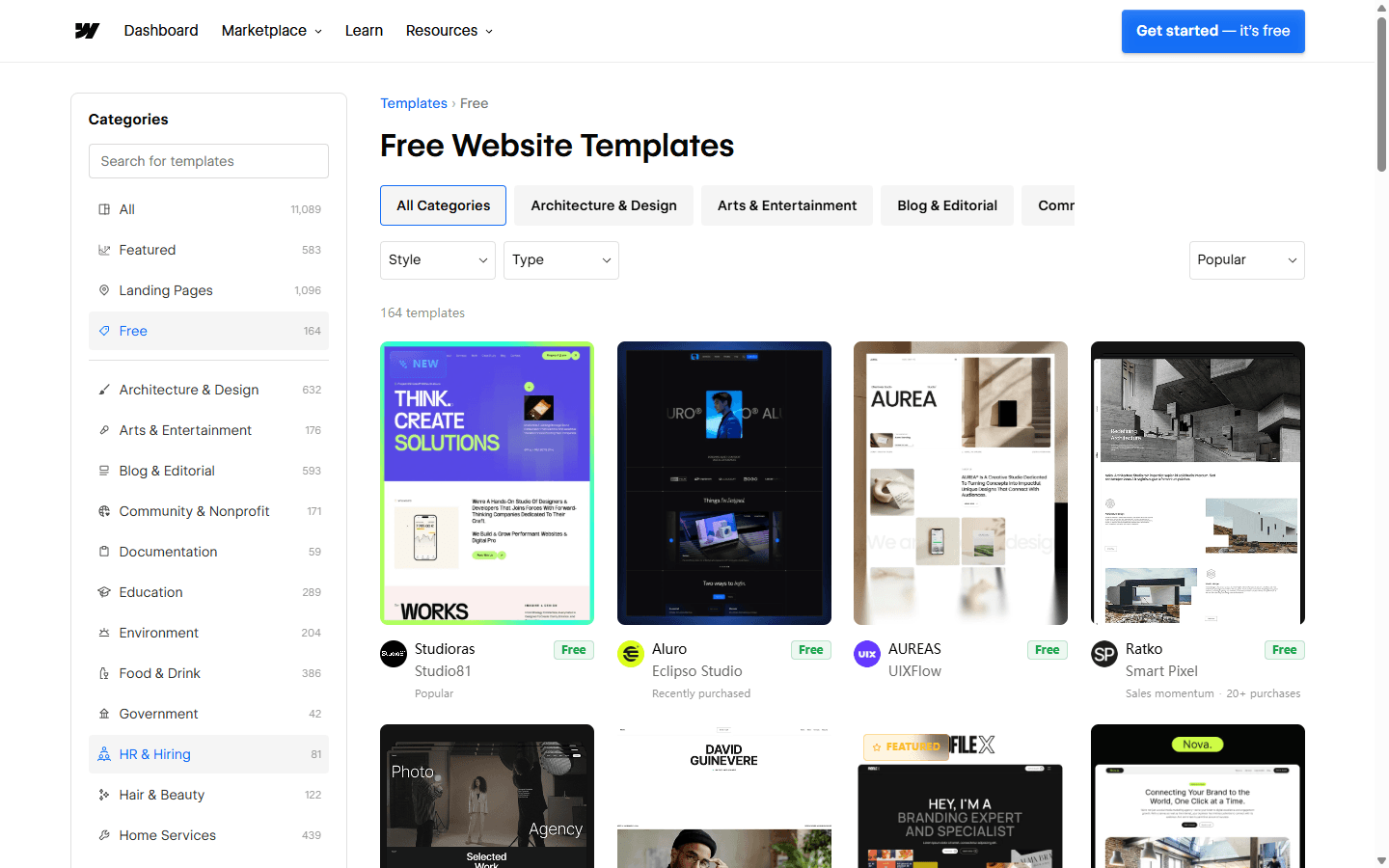
I use free Webflow templates for learning, prototypes, and simple projects, but I do not lower my quality bar. Free removes the purchase price. It does not remove cleanup, training, hosting, content, or maintenance. A clear free template beats a fashionable paid mess.
I buy a premium template when I can see the value in finished pages, reusable components, a thoughtful CMS, documentation, and support. I am paying for decisions I want to keep. That is the only template saving I trust.
I use a Webflow template for
A validated site map, a tight launch deadline, a modest budget, and a project whose content and visual direction already resemble the template.
I do not use one for
A brand that depends on distinctive information architecture, unusual product behavior, a large content remodel, or a design system I expect to scale for years.
I recommend a free template to
Someone learning Webflow, testing a concept, or building a small site where experimentation matters more than support and polished documentation.
I recommend a paid template to
A buyer who has previewed the internal build, confirmed the license and required plan, and values creator support or a stronger finished page set.
FAQ
The questions I settle before I buy.
Are Webflow templates worth it?
I find Webflow templates worth it when the page structure, content model, and visual direction already match the project. I skip one when I would need to rebuild the navigation, classes, CMS, and most major sections after purchase.
Can I use one Webflow template for multiple client sites?
I follow Webflow's single-use license for paid templates. I purchase another license when I want to use the paid template for a different client or site.
Can I preview a Webflow template before buying it?
Yes. I use Preview in Designer, leave Preview mode, then inspect the Pages panel, Navigator, classes, components, CMS Collections, breakpoints, and interactions before I buy.
Do Webflow templates require a paid plan?
Some do. I check the number of pages, CMS usage, Ecommerce features, custom code, and other requirements. Webflow notes that templates with more than two pages or certain features may require a paid Site or Workspace plan.
Are free Webflow templates good for a business website?
They can be. I use a free template when its internal build is clear and the site has modest needs. I do not assume free means simpler, faster to customize, or cheaper to maintain.
Sources
The current pages I use for marketplace and license details.
I checked Webflow's template marketplace, free template directory, category directory, creator pages, template overview, marketplace overview, Site plan guidance, and dynamic content limits. I revisit the live template page and plan documentation before each purchase because page counts, features, creator support, and plan rules can change.
- Webflow template marketplace
- Free Webflow templates
- Webflow template categories
- Webflow templates overview, previews, plans, licenses, and support
- Webflow Marketplace overview
- Webflow Site plan guide
- Webflow dynamic content limits
Read related articles
Keep reading practical SwitchMyTool guides after this one.

Qodo vs Codacy in 2026: Better AI Review or Stronger Merge Gates?
I compare Qodo and Codacy by AI review, static analysis, security gates, pricing, migration cost, team fit, and common Reddit complaints.
Read more
Qodo vs Graphite Agent in 2026: Better Review Governance or a Better PR Workflow?
I compare Qodo and Graphite Agent by review quality, stacked pull-request workflow, pricing, team fit, migration cost, and common Reddit complaints.
Read more
Qodo vs Bito in 2026: Better Review Governance or Broader Developer Coverage?
I compare Qodo and Bito by review governance, Git and IDE coverage, repository rules, pricing, team fit, migration cost, and Reddit complaints.
Read more