 SwitchMyTool


My working verdict
I choose Squarespace when the site has to carry a brand. I choose GoDaddy when the job is getting a dependable basic presence online.
- I pick Squarespace for visual quality, content, and a site that will keep changing.
- I pick GoDaddy when speed and a smaller editing surface matter more than a long design runway.
- I make the decision from the future editor and the hardest update, not the opening template.
My verdict
Squarespace vs GoDaddy is a decision about how much website I need to own.
I have watched this comparison get reduced to a vague question about which builder is easier. That is too thin. Both can get a business online. The useful question is what the site needs to become after launch. A one-page local service site, a portfolio, a booking page, a brand journal, and a campaign-heavy company have different problems. I do not buy the same tool for all of them.
I reach for Squarespace when the site itself is part of the product. I want a consistent visual system, room for story, photography, services, editorial pages, and a team that will improve the site over time. The website needs to feel considered because customers use it to judge the business before they ever make contact.
I reach for GoDaddy when the owner needs a straightforward web presence, a domain-centered setup, and fewer decisions before the first page is live. A plumber, independent adviser, local repair business, or new service company may get more value from publishing a clear site this week than from debating a design system for a month.
My default is not Squarespace for serious people and GoDaddy for beginners. I choose based on the job. Buying more design freedom than a team can maintain creates a fragile site. Buying less than the brand needs creates an early rebuild.
| My situation | What I choose | Why I choose it |
|---|---|---|
| A basic local-business site needed this week | GoDaddy | I can prioritize the domain, contact path, services, opening hours, and a useful first version without turning the project into a design program. |
| A portfolio or brand-led service site | Squarespace | I get a stronger visual system for photography, case studies, editorial pages, and a site that has to make the business feel considered. |
| A founder who wants very few editing decisions | GoDaddy | I prefer the smaller editing surface when the owner wants to change essentials and get back to running the business. |
| A marketing team publishing campaigns and stories | Squarespace | I want more room for landing pages, structured navigation, blog content, and visual consistency across repeated publishing work. |
| A site with unusual workflows or deep integrations | Neither by default | I pause and check whether WordPress, Shopify, or a custom stack better matches the work. I do not force a simple builder to become an operating system. |
Launching a site
I value GoDaddy's speed when the business needs a useful first version.
Sometimes a business does not need a creative playground. It needs a phone number, a service list, opening hours, a domain, and a page that tells a customer what to do next. In that situation, I understand the appeal of GoDaddy's guided route to a basic website. A smaller set of choices reduces the chance that the owner spends launch week adjusting details nobody else notices.
I still write the content before I trust the speed. A fast builder cannot decide which service deserves its own page, what evidence makes the business credible, or whether the contact button leads somewhere a person checks. I prepare the page list, offer, proof, and contact path first. Then the builder can do what it is good at: help me assemble a presentable first version.
Squarespace asks me to care more about presentation and page composition. That can make the first afternoon slower, but it gives me a stronger base when the brand needs more than a basic presence. I can make a portfolio, editorial story, service library, or campaign page feel like part of one system.
I choose the slower launch when the visual and editorial quality will influence sales. I choose the faster launch when being absent from the web is the bigger problem. The mistake is pretending those two situations require the same amount of design work.
Design control
I use Squarespace when visual consistency has to survive the next twenty pages.
A good-looking homepage is easy to approve because everyone is paying attention. The later pages reveal the platform. I want service pages, case studies, blog posts, team profiles, and campaign pages to feel related even when different people publish them months apart.
Squarespace gives me more room to build that visual language. I can establish type, color, spacing, imagery, and repeatable section patterns, then give the team a small set of page recipes. The editor still has boundaries, but I can make the site feel more distinctive without treating every page as custom development.
GoDaddy's narrower approach can be useful when nobody wants to own a design system. The theme and section model keep the choices closer to the basic job. I give up some expressive range and gain a simpler handoff. That is a fair trade when the website is a utility rather than the center of the brand.
I test the most visually demanding page before I sign off. If the business depends on detailed project stories, editorial layouts, dense service comparisons, or strong art direction, I want to see that page inside the real builder. A clean template gallery does not answer the question.
Everyday editing
I care more about the fifth update than the first template selection.
The first version usually has a motivated designer or founder nearby. The fifth update happens on a Tuesday afternoon when somebody needs to change a price, replace a staff photo, add a service, fix a link, or publish an announcement before going home. That is the workflow I test.
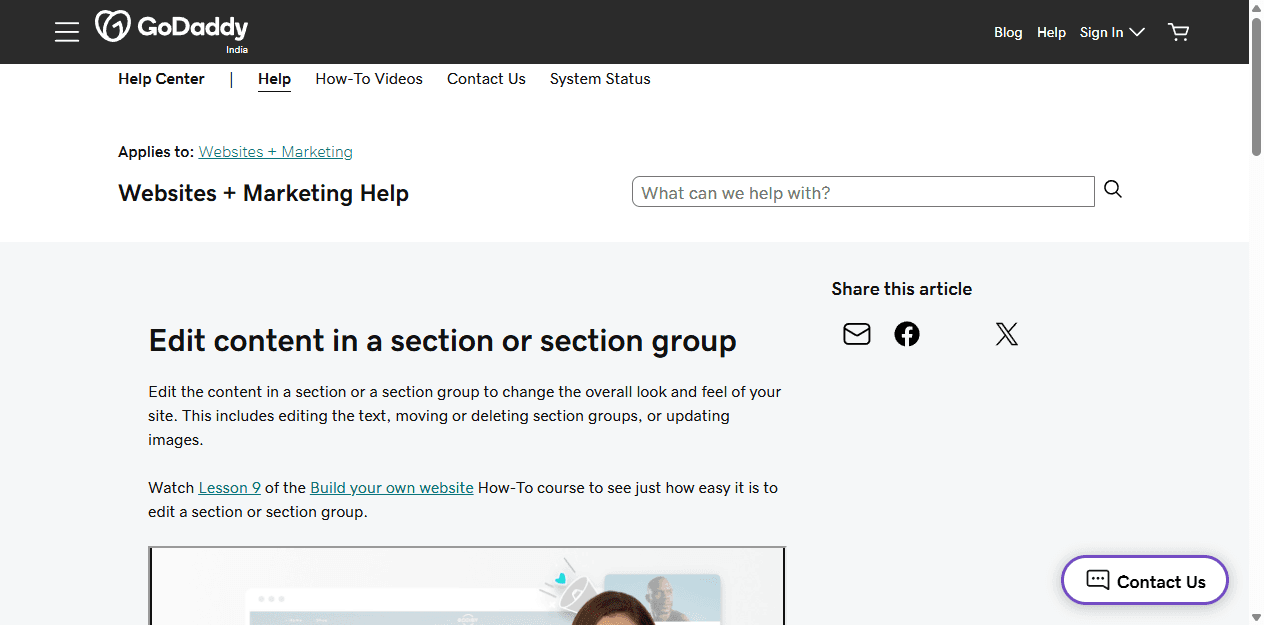
GoDaddy documents a section-based editing model for changing text, images, layouts, and section order. I see the appeal for a small business owner who wants to make direct changes without learning a broad design tool. The editor limits some options, but limits can reduce hesitation.
Squarespace asks the editor to understand a little more about how the site is composed. In return, I have more room to publish different kinds of pages while preserving the visual system. I write a short editing guide for the team: which sections to duplicate, which image ratios to use, how titles should be written, and what not to touch.
I also check permissions and ownership. The domain, analytics, form destination, billing account, and website login should not live in one former contractor's inbox. A builder can be easy to edit and still be badly handed over.
| Recurring task | Squarespace in my workflow | GoDaddy in my workflow |
|---|---|---|
| Change text and images | I can keep changes inside a composed page system and preserve the overall visual hierarchy. | I can make direct content changes through a section-based editor with a narrower set of layout choices. |
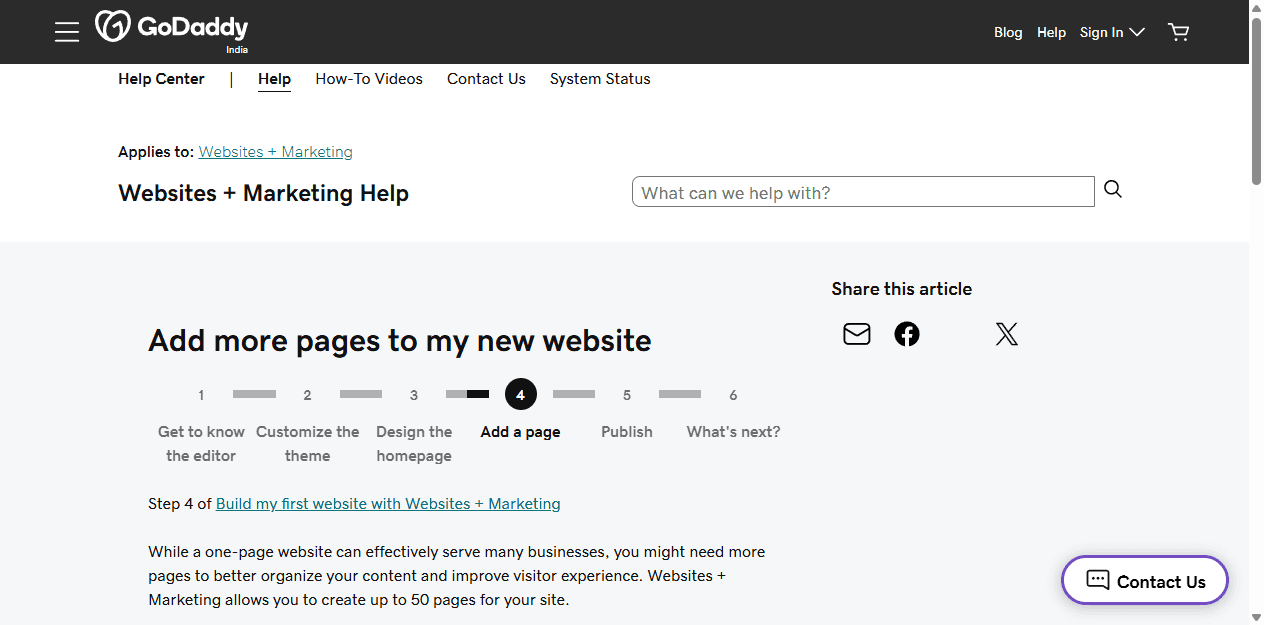
| Add a new page | I have more room to create a distinct service, portfolio, campaign, or editorial page while staying inside the site style. | GoDaddy documents support for up to 50 pages, which is enough for many small sites, but I still test whether the available sections fit the planned content. |
| Protect the design | I rely on Squarespace's site-wide styling and structured sections, then document the patterns the team should reuse. | I rely on fewer choices and a simple theme. That can be a relief when nobody wants to act as the design owner. |
| Handle an unusual request | I have more visual room, but I still hit platform boundaries and should test the hard page before launch. | I expect to reach the boundary sooner. If the request is business-critical, I do not hide it behind a workaround. |
SEO and publishing
I do not choose a website builder for SEO magic.
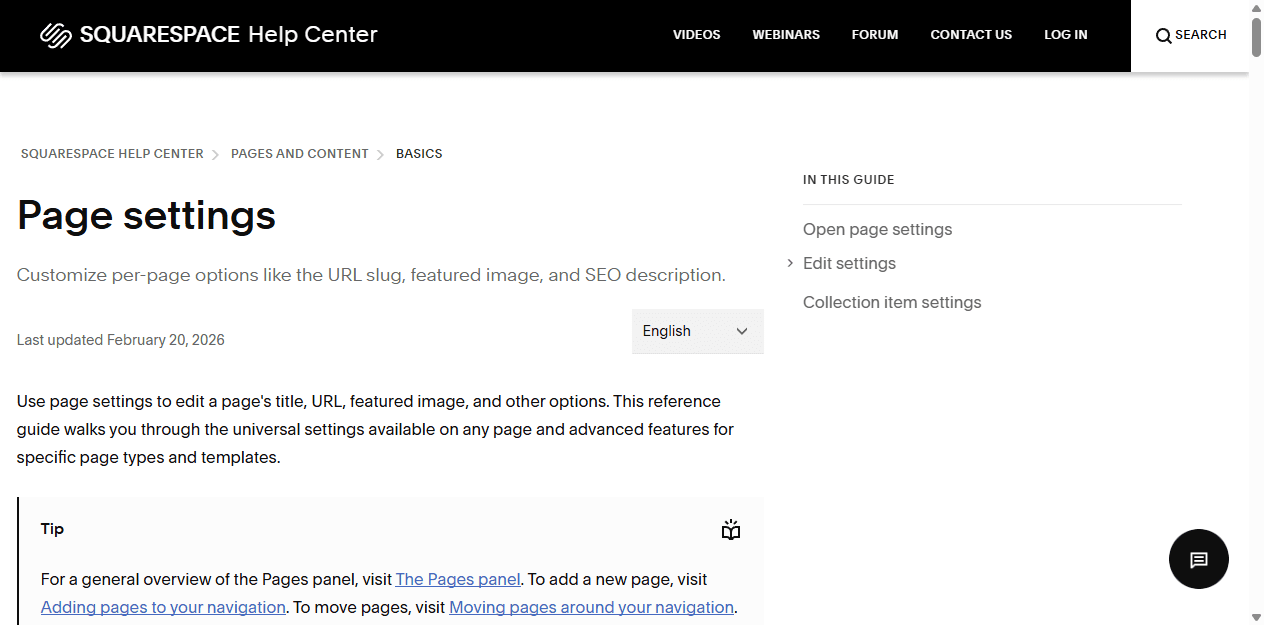
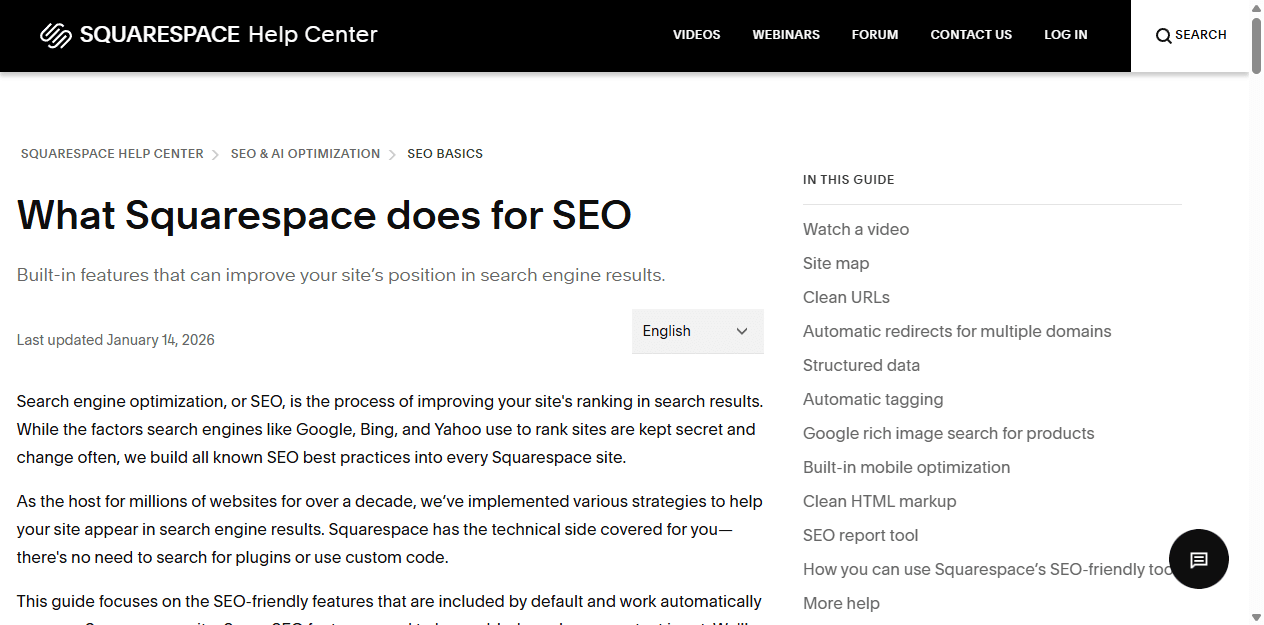
Squarespace documents sitemaps, clean URLs, structured data, mobile optimization, and reporting. Its page settings expose controls for URLs, SEO descriptions, social images, and visibility. That gives me a useful technical baseline for a content-led site.
The baseline is not the strategy. It does not tell me which services need dedicated pages, what questions customers ask before buying, how locations should be organized, or which old URLs must be redirected after a rebuild. I still have to research, write, link, edit, and publish.
For a small GoDaddy site, I keep the search plan proportional. I make one clear page for each real service or location rather than cramming every keyword into the homepage. I use descriptive titles, write for the customer, connect the site to the relevant business profiles, and make sure the contact information is consistent.
I lean toward Squarespace when search requires an ongoing editorial program or a richer library of pages. I remain comfortable with a simpler builder when the business needs a focused local presence and will realistically maintain only a handful of useful pages. An abandoned content strategy does not become valuable because the CMS had more options.
Commerce and bookings
I test the customer workflow before I compare feature lists.
A checkbox that says ecommerce or appointments tells me almost nothing. I map the actual journey: how a customer finds the offer, chooses a service or product, pays or books, receives confirmation, changes their mind, and contacts the business when something goes wrong.
For a simple service site, the commercial job may be a contact form, phone call, or appointment request. GoDaddy can make sense when that path is straightforward and the owner wants one vendor around the domain and website. I still test the form destination and mobile experience before launch.
Squarespace becomes more attractive when commerce sits inside a stronger brand and content experience. A studio selling workshops, a photographer selling prints, or a consultant selling a small set of products may care as much about the surrounding story as the transaction.
I stop and consider a commerce-first platform when inventory, shipping, subscriptions, wholesale rules, complex taxes, or multiple sales channels become central. Neither Squarespace nor GoDaddy has to win a brief that belongs to Shopify or another dedicated system.
Pricing and renewal
I compare the subscription with the cost of future compromises.
I never publish one price and pretend the decision is complete. Currency, promotions, annual billing, domains, email, commerce, add-ons, and renewal terms can change the total. I open the exact checkout for the business location and record what is included now, what renews later, and which features require a higher plan.
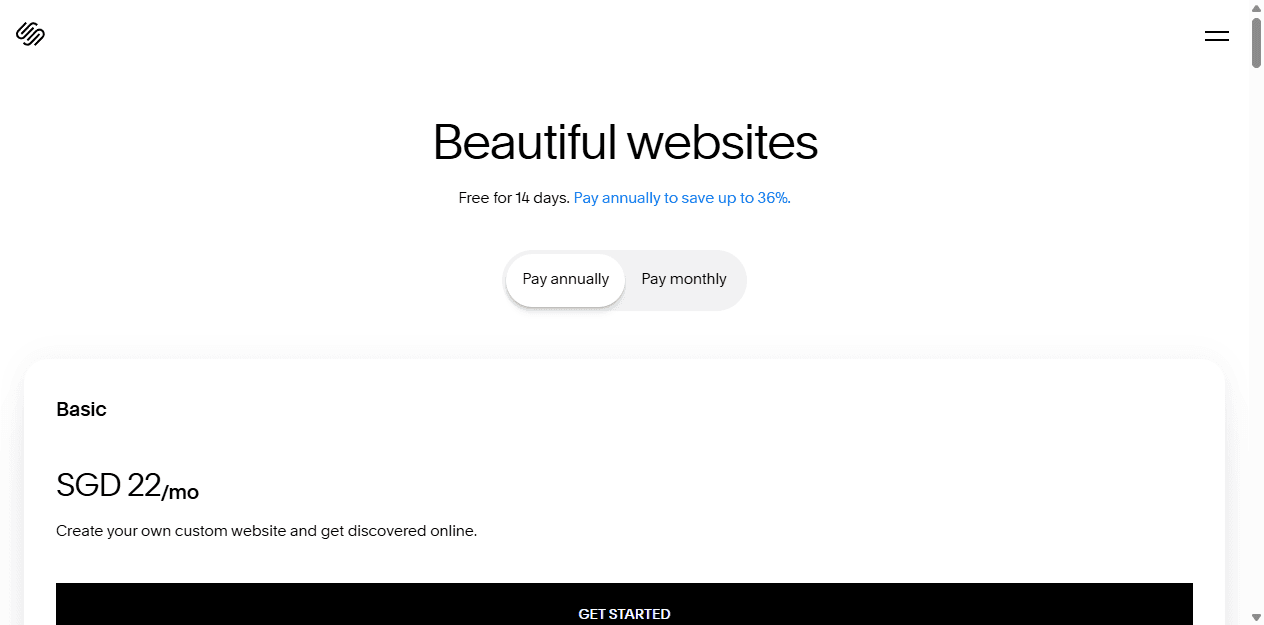
Squarespace offers a trial and managed website plans. I use the live plan page as a current reference, not a permanent promise. I also count the time needed to create and maintain the design system because visual flexibility has an operating cost.
With GoDaddy, I count the convenience of keeping the domain and site close together, but I do not let that convenience hide the limits of the builder. A cheap first year is not cheap if the company rebuilds after the first serious campaign.
The opposite mistake is buying Squarespace for a business that will never use the extra design and publishing room. The lower-cost option is the one the owner can maintain without workarounds, neglected pages, or repeated outside help.
Migration cost
I treat a migration as a monitored release.
Moving from GoDaddy to Squarespace, or back again, means rebuilding more than words. I need to preserve the parts visitors and search engines already rely on: URLs, navigation, forms, analytics, contact destinations, metadata, images, and the small settings nobody remembers until they fail.
I do not change the domain first and troubleshoot later. I prepare the new site privately, recreate the important pages, test forms and commercial paths, map redirects, and verify mobile layouts. Then I move the domain during a window when someone can watch the result.
After launch, I check Search Console, analytics, form delivery, campaign links, and error pages. I keep the old site available until the new one has survived real traffic. The migration is finished when customers can complete the same jobs and the owner can make the next update.
Inventory the working parts
I list every page, form, domain record, analytics tag, search landing page, image, booking path, and contact destination before I rebuild anything.
Map the URLs
I keep the old URL map and prepare redirects. A polished new homepage does not recover a library of broken service and blog links.
Rebuild the behavior
I expect to recreate navigation, forms, design sections, integrations, metadata, and any platform-specific feature. Exporting text is only one piece of the move.
Test before DNS changes
I test mobile pages, contact delivery, booking or purchase paths, analytics, and the pages that previously brought traffic before I point the domain at the new site.
Watch the release
I monitor Search Console, analytics, form delivery, and error pages after launch. I treat migration as a release with consequences, not a visual refresh.
Reddit complaints
I use community complaints to find the test I forgot to run.
In website-builder discussions, I keep seeing two kinds of regret. One owner chose the fastest tool and later wanted a design or workflow outside its comfortable range. Another chose the more flexible tool and resented the decisions, maintenance, or cost they never needed.
I do not turn those comments into market statistics. Reddit overrepresents frustrated users, technical users, and people with unusually strong opinions. I use the complaints as prompts: test the page I expect to be difficult, check renewal terms, confirm export options, and let the future editor try the real workflow.
The most useful complaint is specific. A person who says a platform is terrible tells me little. A person who explains that they could not build a required page, move a section, preserve URLs, or hand the site to a client gives me a scenario I can verify.
Who should choose what
I choose the smaller promise when it solves the whole job.
I am comfortable recommending either builder when the scope is honest. GoDaddy does not need to become a design platform for a five-page local site. Squarespace does not need to justify itself with elaborate features when the visual and editorial quality already matters to the business.
I write down the next twelve months of likely changes before I choose. If the list contains a few updates to services, staff, contact details, and opening hours, GoDaddy may be enough. If it contains campaigns, case studies, portfolio work, editorial content, and repeated visual storytelling, I lean toward Squarespace.
My final question is about ownership: who will notice when a form stops delivering, a page becomes outdated, or the domain renewal goes to the wrong card? The best builder is the one the business can operate after the person who launched it moves on.
I choose Squarespace for
Consultants, photographers, creators, studios, restaurants, local services, and small brands that care about visual presentation and expect to keep publishing.
I avoid Squarespace when
The owner only needs a tiny online presence, dislikes design decisions, or already knows the project needs deeper integrations than a hosted builder should carry.
I choose GoDaddy for
Owners who want a domain-centered setup, a straightforward service site, a contact path, and a limited set of updates they can make themselves.
I avoid GoDaddy when
The site must become an editorial asset, a distinctive portfolio, a campaign engine, or a design system that changes shape as the company grows.
FAQ
Questions I hear about Squarespace vs GoDaddy
Is Squarespace or GoDaddy easier to use?
I find GoDaddy more direct when I need a basic business site and want fewer design decisions. I find Squarespace easier when the site needs a stronger visual system and the team will publish more varied pages over time.
Is Squarespace better than GoDaddy for SEO?
I do not give either builder an automatic ranking advantage. Squarespace documents a broad technical SEO baseline and page controls, but results still depend on useful content, site structure, internal links, and consistent publishing.
Is GoDaddy Website Builder good for a small business?
I consider it a reasonable fit for a small service business that needs a domain, a clear set of pages, contact information, and simple owner-managed updates. I look elsewhere when the website must carry a distinctive content or design system.
Can I move from GoDaddy to Squarespace?
Yes, but I plan a rebuild rather than expecting a one-click clone. I inventory content and integrations, recreate the design and forms, map redirects, test the domain move, and monitor search and conversion paths after launch.
Sources


