 SwitchMyTool

My working verdict
I pick the builder that makes the next twelve months of edits less annoying.
- I choose Squarespace when I want a well-designed, managed site with useful guardrails.
- I choose Wix when I expect the site to keep changing shape and need more room to experiment.
- I do not make the call from the home page. I make it from the hardest booking, product, form, and update the business will need next.
My verdict
Squarespace vs Wix is really a decision about how much editing freedom I want to own.
I have used both kinds of builder projects long enough to stop asking which one is best in the abstract. A beautiful first week tells me very little. The useful question is what happens when the owner wants a new service page, a seasonal offer, a booking flow, a product bundle, a new location, or a campaign that does not match the original template.
Squarespace is the calmer choice in my hands. I can move quickly inside a system with stronger visual boundaries. That matters when a client wants to make their own updates and I do not want to spend the next year fixing a page that became a collage of bold fonts and floating buttons.
Wix is the more flexible choice. I can edit and extend more aggressively, then attach more business tools as the site needs them. The tradeoff is obvious after a few ambitious changes: I need to keep the design system in my head. Wix will let me make a page more specific. It will also let me make it worse with impressive speed.
My short version is simple. I choose Squarespace for a site that should stay composed. I choose Wix for a site that needs to keep changing. That is not a quality ranking. It is a maintenance decision.
| My situation | What I choose | Why I choose it |
|---|---|---|
| A polished brochure site | Squarespace | I get a calmer editor, strong starting templates, managed hosting, and less room to turn a simple update into a project. |
| A site that needs frequent layout changes | Wix | I get more direct editing freedom, more app options, and more ways to make a page behave like the business needs it to. |
| A small shop or appointment business | Wix, after I check the workflow | I look at the actual booking, product, payment, and follow-up flow. Wix gives me a broader business-tool surface, but I do not buy features I will not use. |
| A portfolio that should stay visually disciplined | Squarespace | I prefer the guardrails when the owner needs to update a beautiful site without slowly dismantling its visual hierarchy. |
| A content program with unusual templates | Neither by default | I pause and ask whether WordPress, a headless CMS, or a custom build is the better long-term home. Wix and Squarespace are not required to win every brief. |
Editing a real site
I feel the difference after the second change request, not the first template selection.
Squarespace gives me fewer levers. I like that more than I expected. Its editor pushes me toward a coherent arrangement of sections, type, spacing, and imagery. When I am building a portfolio or service site, those boundaries protect the work from my own urge to add one more thing.
Wix gives me more levers and more surface area. I can shape landing pages, add business functions, and pursue a more custom feel without immediately leaving the builder. For an owner who has a clear sense of what the site must do, that freedom can be the difference between a useful operating site and a pretty brochure.
Neither editor saves a weak brief. I still need a clear offer, trustworthy proof, readable navigation, and pages that answer a visitor's question. The builder decides how I make those things. It does not decide whether I have anything worth saying.
| Moment | Squarespace in my workflow | Wix in my workflow |
|---|---|---|
| My first hour | I move quickly because the editor keeps me inside a defined design system. That makes decent decisions easier when I am tired or the client has five minutes. | I can push harder on individual sections and page behavior. I gain latitude, then I have to use it with taste. |
| The recurring update | I use it for changing copy, images, pages, menus, posts, and simple commercial details without making the site feel like a box of parts. | I use it when the owner expects to adjust layouts, add business tools, build bespoke landing pages, or keep iterating after launch. |
| Where I slow down | I slow down once the requirement needs a behavior the editor does not naturally support. Workarounds can become a second design language. | I slow down when too much freedom starts producing uneven spacing, competing type choices, or an app stack nobody understands six months later. |
Design boundaries
I value Squarespace's constraints when visual consistency matters more than infinite options.
I reach for Squarespace when the person editing the site does not want to become a part-time designer. A small consulting firm, photographer, restaurant, studio, or creator business usually needs a site that looks intentional each time someone adds a page. In that situation, boundaries are not a handicap. They are the feature.
I reach for Wix when the page itself needs to become an experiment. I can make more unusual landing pages, adapt the layout around a campaign, and pull in more business functions without asking a developer to build each change. I still set a few rules before launch: a small type scale, a limited palette, reusable spacing, and a short list of approved page patterns. Without those rules, flexibility starts charging interest.
SEO and publishing
I do not choose a winner for SEO before I know what the site has to publish.
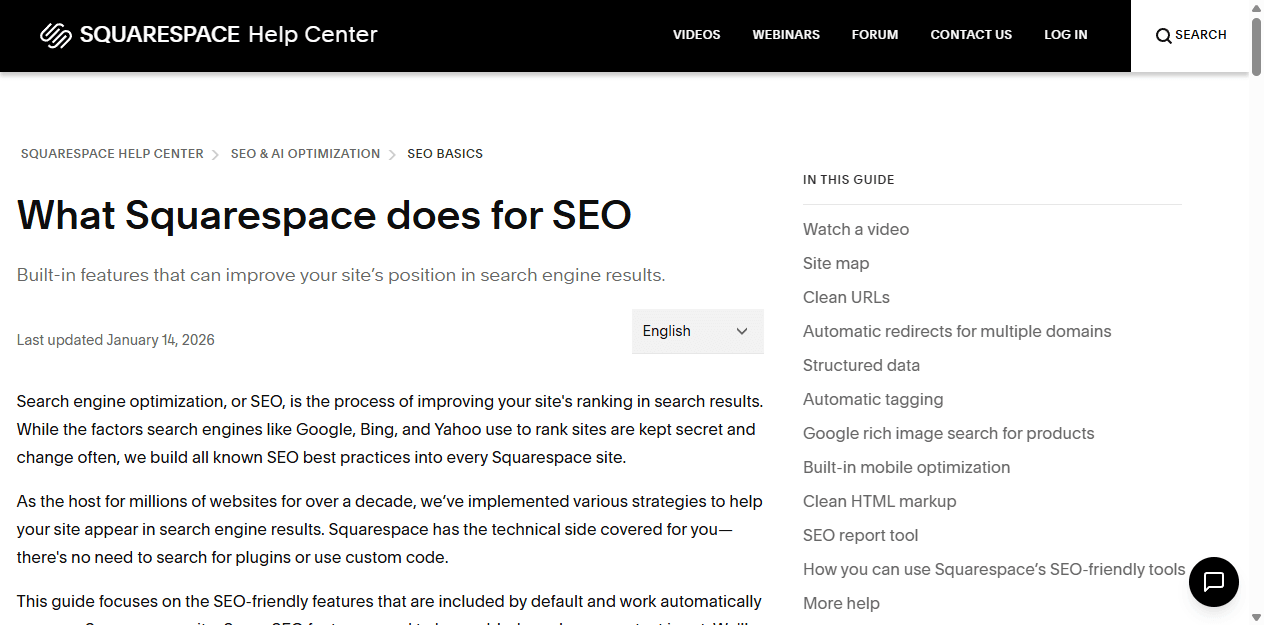
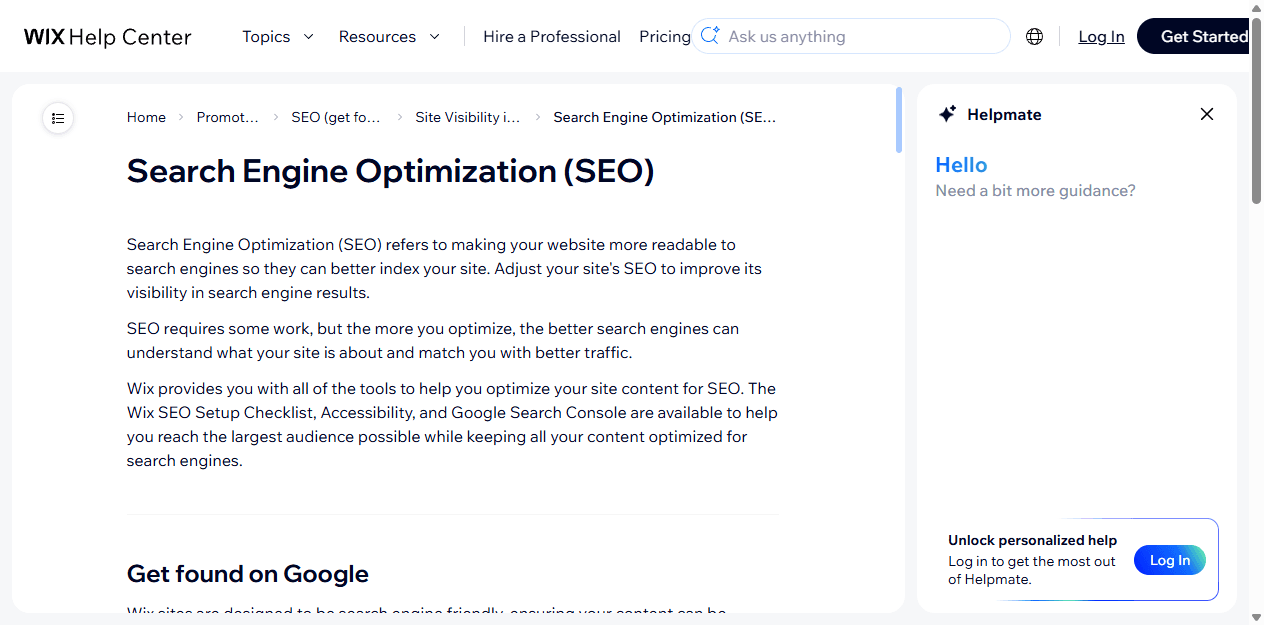
I do not believe a builder wins rankings by existing. Both platforms document serious technical SEO basics. Squarespace lists built-in capabilities such as sitemaps, clean URLs, structured data, mobile optimization, and an SEO report. Wix documents SEO setup, page settings, accessibility, structured data, and tools for connecting with Google.
That gets me to a solid floor. It does not write a useful location page, answer a buyer's difficult question, earn a link, or make a thin service site worth returning to. I choose Squarespace when the publishing plan is straightforward and the team needs a dependable baseline. I choose Wix when I need more knobs around the site's evolving content and business setup.
When search is the whole business model, I slow down and test the exact content structure before I commit. A builder is fine until I need it to carry a publishing architecture it was never designed to hold.
Selling and bookings
I compare the business workflow, not the feature list.
Wix has a wider menu of business-facing tools, which can be useful for appointments, memberships, stores, marketing, and operational add-ons. That does not mean I turn every small business into a control panel. I map the customer journey first: how a buyer discovers the offer, asks a question, books or pays, gets a confirmation, and returns.
Squarespace can handle many simple commercial paths without feeling overloaded. I prefer it when the shop, appointment flow, or subscription is close to the product it already offers. I stop and reconsider when the business needs unusual rules, large operational integrations, or a checkout that keeps accumulating exceptions.
The practical test is not whether the platform advertises ecommerce. I build the least glamorous scenario: a refund, a changed appointment, a customer email, a mobile purchase, or an owner editing a price at 10 p.m. I choose the system that handles that day without drama.
Pricing and renewal
I compare the subscription with the cost of the compromises I will make around it.
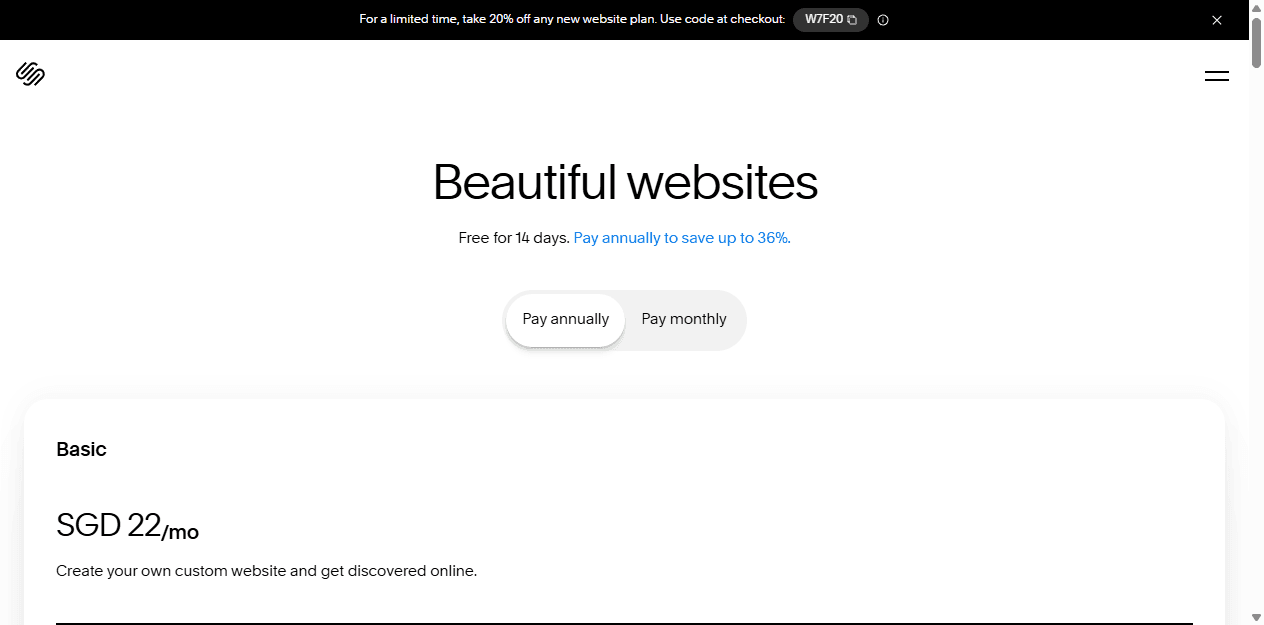
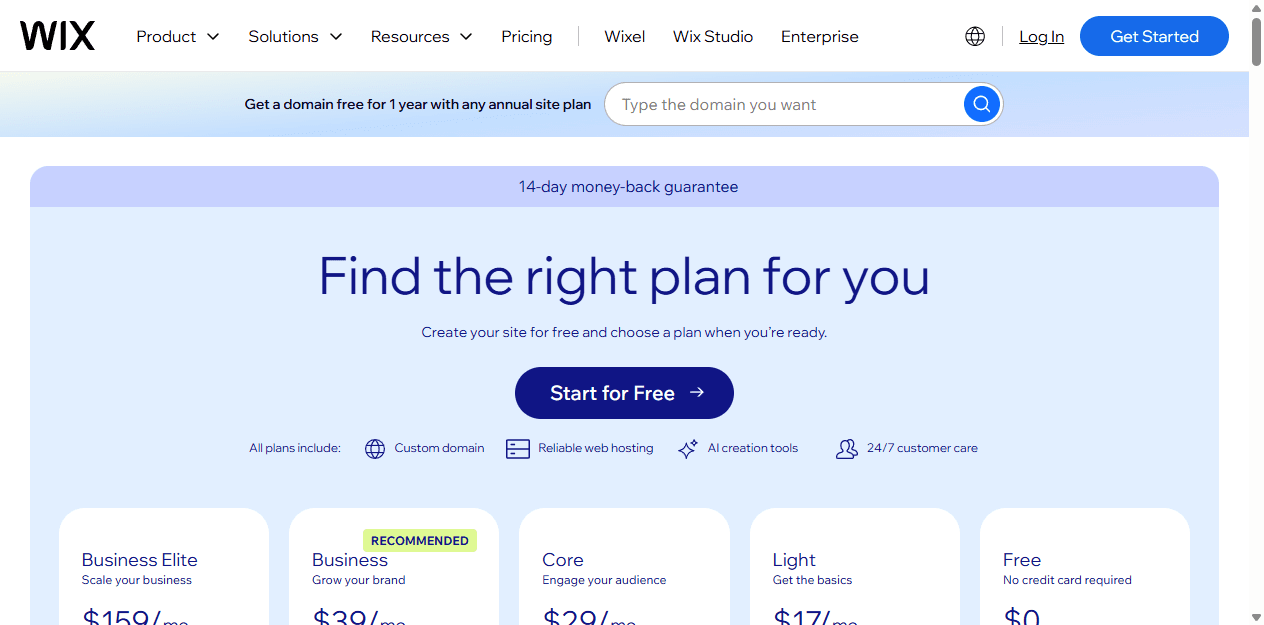
Wix offers a free starting route and says its prices and currencies vary by location. Squarespace says new sites begin with a 14-day trial, not a permanent free plan, and it offers monthly and annual billing. I like having the free Wix route for early exploration. I do not mistake it for the final cost of a business site that needs a custom domain, professional features, or a real operating plan.
I also avoid quoting a price from a page as if it will stay true in every country and renewal year. Promotions change. Plan names change. Payment and transaction conditions can change. Before I sign off on either platform, I open the exact checkout path for the business location and write down what the owner needs today, what they may need next, and what they can live without.
Migration cost
I assume I will rebuild more than the text when I move between Wix and Squarespace.
I never sell a builder migration as a copy-and-paste job. Content can move more easily than sections, styling, navigation, forms, automation, commerce behavior, tracking, and small details that only reveal themselves after the old site is gone. That is why an inexpensive migration can become expensive after launch.
I protect the pages that already earn attention. I map URLs, keep the old address structure where I can, prepare redirects, test the crucial workflows, and choose a quiet launch window. A new home page does not pay for lost booking confirmations or a library of broken links.
Make an inventory
I list pages, products, posts, redirects, forms, domains, analytics, booking rules, email capture, and every app before I build the new homepage.
Test the awkward path
I test the hardest booking, purchase, form, mobile page, confirmation email, and search landing page before I switch the domain.
Plan the rewrite
I expect to rebuild styling, template-specific sections, navigation, and integrations. Exporting text does not recreate the logic around it.
Watch the release
I monitor redirects, forms, sales, Search Console, and the pages that previously earned traffic. I treat the move as a release, not a weekend tidy-up.
Reddit complaints
I use community complaints to find the risk I should test before buying.
When I read recent Reddit conversations about Squarespace vs Wix, I do not see a clean winner. I see people with a mismatch between the platform they bought and the job that appeared later. Wix users can feel swamped by choices, app costs, billing concerns, or a design that needs a cleanup. Squarespace users can hit a wall when they want a layout or workflow that sits outside the editor's preferred path.
The useful feedback is not the loudest complaint. It is the reminder that a small business needs to test its own awkward workflow before it gets attached to a theme. If I expect to need unusual booking, a particular integration, a content model, or a custom checkout behavior, I test that first. I do not wait until the annual plan is paid and the site has fifty pages.
Who should choose what
I choose the smaller promise when it does the whole job.
I am comfortable recommending either builder when the fit is honest. I do not need to call Wix complicated or Squarespace limited in the abstract. A limitation that never affects the business is just a feature the owner does not have to learn. A flexible tool that solves a future requirement can be worth the extra discipline.
My last question is about ownership. Who will add a page, review an invoice, update a promotion, fix a form, and notice that a customer cannot book? The better builder is the one that makes that person competent instead of nervous.
I choose Squarespace for
Studios, consultants, photographers, restaurants, creators, service businesses, and small stores that want an elegant site with a predictable operating model.
I avoid Squarespace when
I already know the team will need custom interactions, a long list of operational apps, deeply unusual page behavior, or an editor that can be bent in many directions.
I choose Wix for
Businesses that need to experiment with pages, bookings, stores, memberships, forms, automations, marketing tools, and a more hands-on editing experience without hiring a developer for each new request.
I avoid Wix when
The owner wants the platform itself to prevent design drift, hates configuration choices, or would rather trade flexibility for a smaller number of reliable ways to do a task.
FAQ
Questions I hear about Squarespace vs Wix
Is Squarespace or Wix easier to use?
I find Squarespace easier when I want a more constrained editing environment and a polished starting point. I find Wix easier when I need more direct control over page behavior and business features. The easier product depends on whether I need fewer decisions or more options.
Is Wix better than Squarespace for SEO?
I do not give either builder an automatic SEO win. Both publish tools for sitemaps, page settings, and search visibility. I choose based on the content workflow, the site structure I need, and whether the owner will keep publishing pages people actually want.
Does Squarespace have a free plan?
No. Squarespace says new sites begin with a 14-day trial. Wix offers a free route, then paid plans for a custom domain, more business features, and other upgrades. I compare the full operating cost rather than treating a free starting plan as a finished business site.
Can I migrate from Squarespace to Wix or from Wix to Squarespace?
I can move supported content, but I do not expect a one-click clone. I plan to rebuild the design, recreate forms and business workflows, map redirects, test the hard paths, and monitor the site after the domain moves.
Sources


