 SwitchMyTool

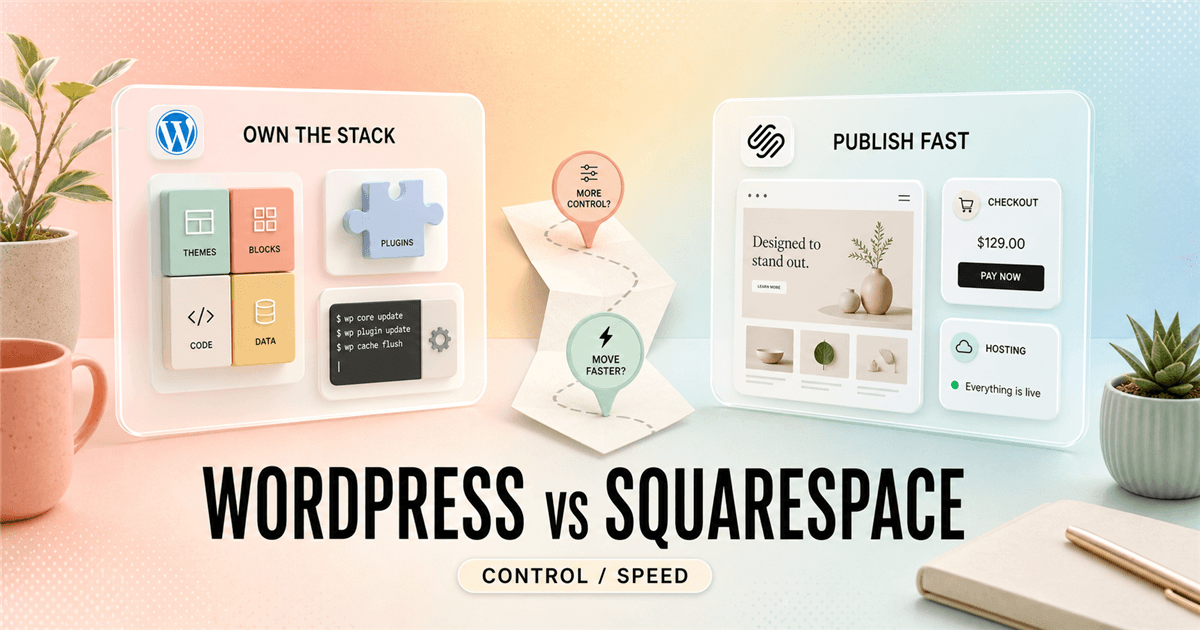
My working verdict
I choose the platform I want to maintain on an ordinary Tuesday.
- WordPress wins when I need the website to grow into a custom publishing or commerce system.
- Squarespace wins when I need a polished site, one accountable vendor, and fewer technical chores after launch.
- I do not call WordPress.com and WordPress.org the same purchase. One is managed hosting; the other is software I operate somewhere.
- I make the decision from the awkward pages, future edits, and ownership plan, not from the home-page template.
My verdict
WordPress vs Squarespace stops being a design choice once the site has a second job.
I have watched this comparison get reduced to a familiar story: WordPress is powerful, Squarespace is easy. That is not wrong. It is also about as useful as saying a van carries more than a bicycle. The choice gets interesting when I ask what the website will become after its first launch.
A portfolio, service business, wedding photographer, restaurant, studio, or simple shop can do excellent work on Squarespace. I can give the owner a site that looks deliberate, handles hosting, and does not require a support ticket every time WordPress plugins decide to have a disagreement. That has real value.
WordPress makes more sense when I need the website to behave less like a finished brochure and more like a system. I can build custom content types, editorial workflows, member areas, unusual integrations, complex forms, a broad WooCommerce catalog, or a publishing operation that will change shape three times before the year is over.
My honest default is blunt. I choose Squarespace when the organization wants to run a website. I choose WordPress when the organization needs to own a web platform. Neither answer makes the other tool look foolish. The bad decision is buying optionality I will never use or buying simplicity I will outgrow in six months.
| Situation | My pick | Why | What I check |
|---|---|---|---|
| A polished service site this week | Squarespace | I get managed hosting, a focused editor, templates, and fewer infrastructure choices before the first page goes live. | I check whether the client needs a design change that Squarespace cannot express without workarounds. |
| A content site that may change shape | WordPress | I can choose hosting, themes, blocks, plugins, data structure, and an editorial workflow that does not have to look like today's site. | I budget for updates, backups, performance work, and a person who owns those jobs. |
| A simple portfolio with no technical owner | Squarespace | I would rather have the client spend Saturday choosing images than debugging a plugin conflict on Monday. | I make sure the built-in commerce, forms, memberships, or scheduling options cover the actual offer. |
| An editorial or programmatic content operation | WordPress | I need custom post types, flexible templates, structured content, integrations, redirects, and room for unusual publishing requirements. | I keep the plugin list short and document who updates the site. |
| A store with complicated rules | Usually WordPress with WooCommerce | I have more room for custom catalog behavior, payment options, subscriptions, shipping logic, and integrations. | I do not call flexibility free. Every extra moving part needs ownership. |
Name confusion
I separate WordPress.com, WordPress.org, and a self-hosted WordPress site before I compare anything.
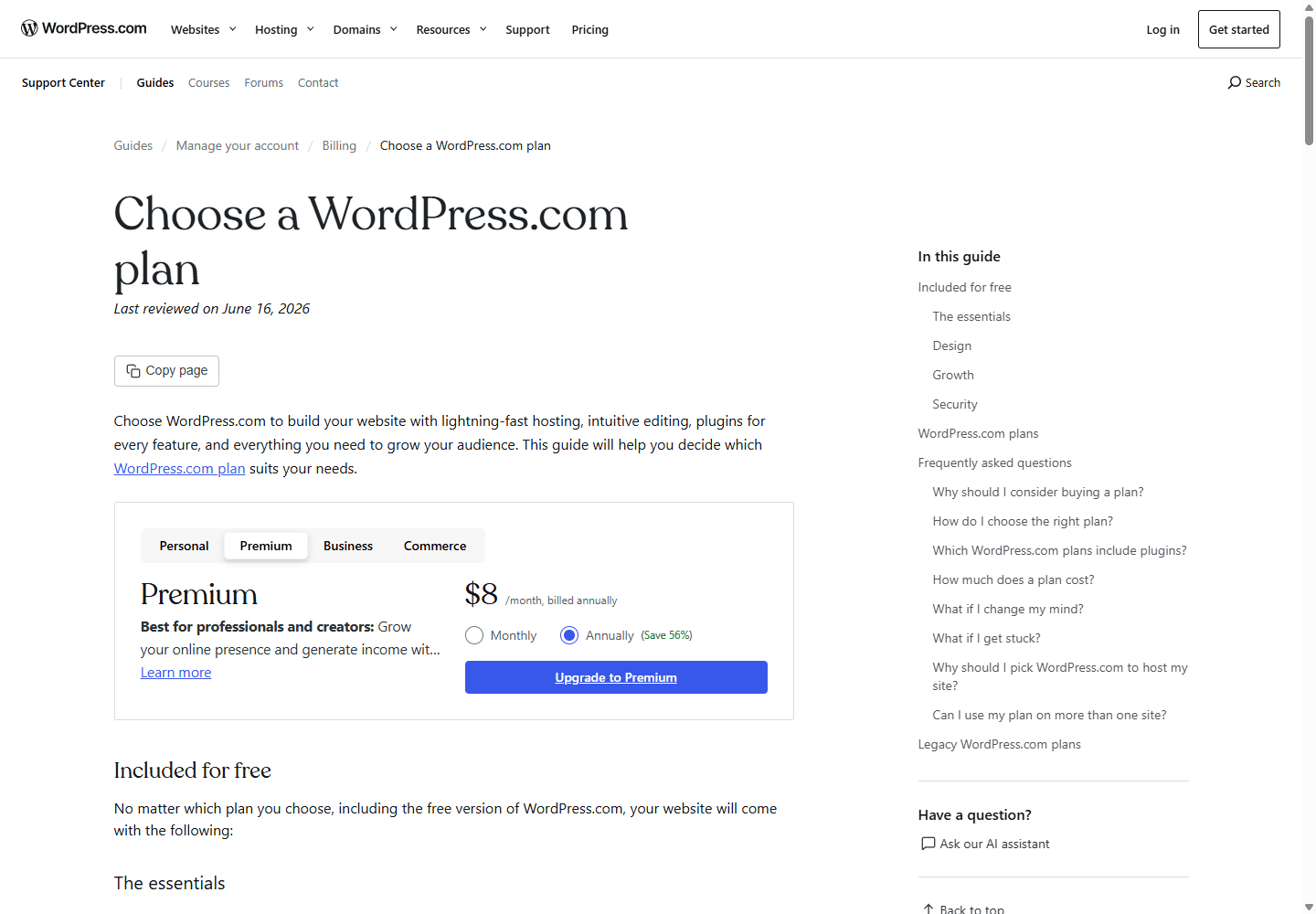
This distinction saves me from a surprising number of bad planning calls. WordPress.com is a managed service. It packages hosting, security, updates, support, themes, and WordPress features into plans. It has become a much more practical middle ground for someone who wants WordPress tools without assembling the entire stack.
WordPress.org is the open-source software. I can download it and run it on a host of my choice. That freedom gives me choices around performance, code, plugins, themes, backups, data, and vendors. It also gives me the consequences of those choices. WordPress.org's current requirements page still names PHP, a database, and HTTPS because somebody has to provide a real environment for the software.
When I write WordPress in the rest of this guide, I mean the wider ecosystem, then I name the managed or self-hosted route where it changes the advice. Squarespace does not create this three-way fork. I buy its hosted editor as one service. That clarity is part of the product.
Launching a site
Squarespace gives me fewer decisions before lunch. WordPress gives me more doors to open.
I can feel the Squarespace advantage in the first hour. I choose a starting point, adjust type, move sections, replace images, write the essential pages, and work inside a system that has already decided how hosting, themes, and basic site behavior fit together. For a small business, that restraint often feels like relief.
WordPress can also start quickly, especially on WordPress.com or a reputable managed host. The difference is that I can keep opening doors: block theme or classic theme, page builder or native blocks, form tool, analytics stack, SEO plugin, image optimizer, cache, membership system, ecommerce layer, and hosting setup. Each choice may be sensible. Together, they can turn a five-page site into a tiny software project.
I do not mistake Squarespace's quiet editor for a lack of serious work. A good site still needs a clear offer, good photos, readable navigation, useful copy, a contact path, and somebody willing to remove things. The tool gets me to a respectable baseline faster. It cannot decide what a visitor needs to understand in ten seconds.
With WordPress, I get more ways to make the baseline specific. I can create a resource library that behaves differently from a blog, turn staff profiles into reusable content, attach structured details to locations, or make a service catalog that a nontechnical editor can keep current. I reach for that power only when the business has a real use for it.
Control after launch
I care less about the first build than the fifth change request.
The first version of a website is usually the easy part. The business adds a new service, a second location, a course, a resource library, a different checkout rule, a staff directory, or an awkward integration. That is when I learn whether I bought a site builder or a durable content system.
Self-hosted WordPress gives me the bigger ceiling. I can change the host, add code, build a custom block, choose a new theme, connect another system, or keep moving content into a new shape. The tradeoff is not abstract. I need a maintenance plan, clear plugin ownership, backups I have actually restored once, and a person who knows which change is safe.
Squarespace gives me a narrower lane and better guardrails. I can ask a nontechnical owner to update a service, publish a post, swap an image, edit a page title, or make a simple campaign page without first explaining a plugin dashboard. The lane eventually ends for some businesses. The point is to find that boundary before I write the contract, not during a redesign.
| Area | How WordPress feels in my hands | How Squarespace feels in my hands |
|---|---|---|
| Hosting | I choose the host and can move it. That gives me leverage, plus a support relationship to manage. | Squarespace hosts the site. I trade infrastructure choice for a simpler operating model. |
| Design system | I can replace a theme, write custom blocks, or hire a developer without redesigning my content model from zero. | I work inside Squarespace's editor and template system. The boundaries are calmer, but still real. |
| Extensions | I can add plugins, custom code, and integrations. I also inherit the job of vetting and updating them. | I start with native tools and a smaller extension surface. I lose some options and avoid many maintenance chores. |
| Failure mode | A neglected stack becomes slow, insecure, or awkward to update. The platform is not the babysitter. | A business can outgrow a closed editor or discover a needed feature too late in the project. |
SEO and publishing
I do not choose WordPress for SEO magic, and I do not dismiss Squarespace because it is hosted.
Search engines do not reward me for having a favorite CMS. They reward pages that answer a real query, load reliably, can be crawled, have sensible titles and links, and earn signals that people found them useful. A thin WordPress site with an overgrown plugin drawer is not an SEO strategy. Neither is a clean Squarespace template with three paragraphs of generic copy.
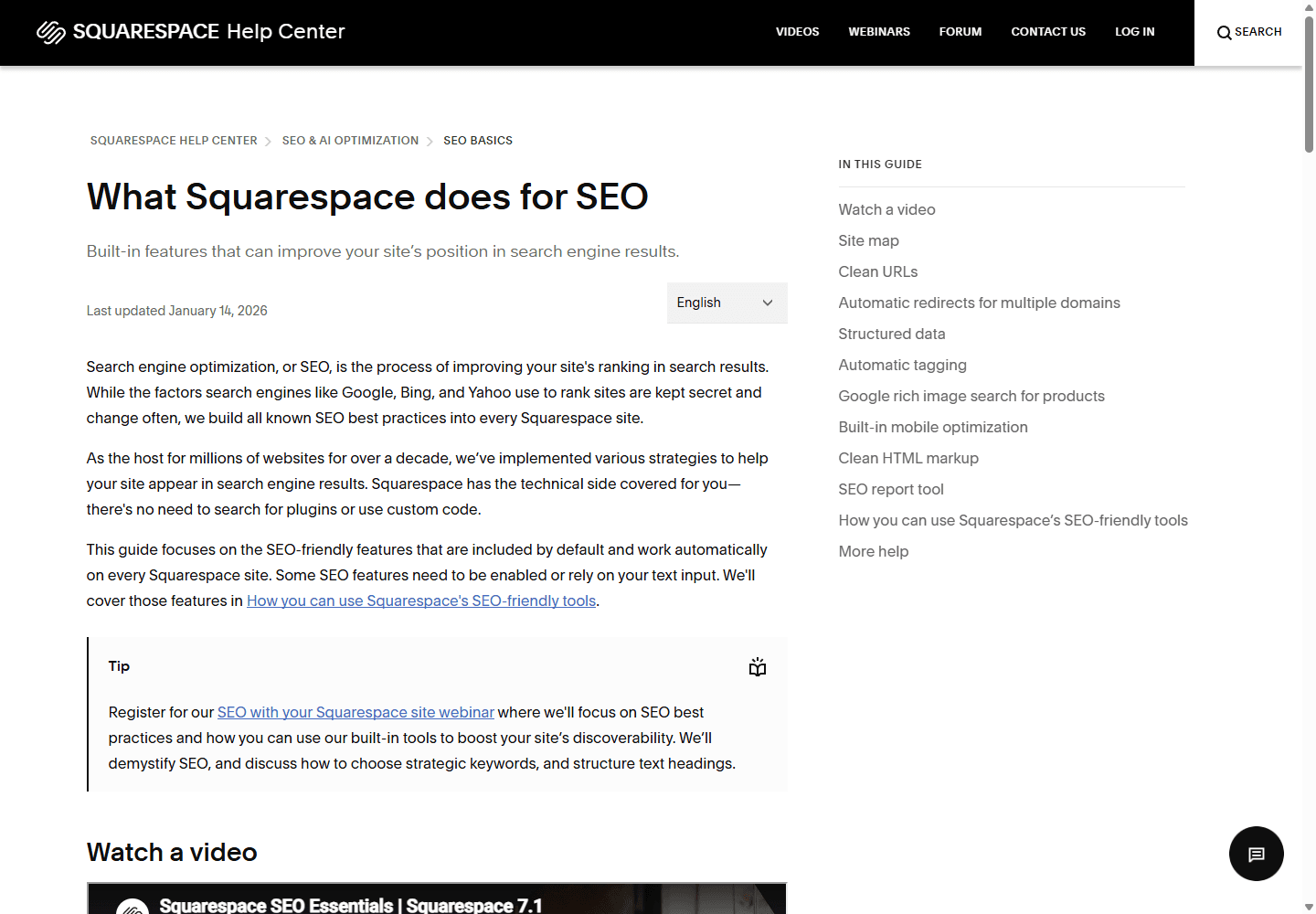
Squarespace's current SEO guide lists built-in technical work such as a sitemap, clean URLs, structured data, mobile optimization, and an SEO report. I like that baseline for owners who would otherwise avoid technical settings completely. Its page settings also expose title, URL, featured image, and SEO description controls. That is enough to publish a capable small-business site when the content plan is good.
WordPress gives me more control when SEO work becomes structural. I can shape templates around content types, control internal linking patterns, add a schema workflow, build topic hubs, manage redirects at scale, or integrate analytics and editorial tools. But extra control can make a site slower, harder to update, and dependent on people who are no longer answering email. I keep the stack boring where I can.
My practical rule: I select WordPress when SEO needs to influence the architecture. I select Squarespace when SEO needs a dependable foundation and the team needs to spend its energy writing, photographing, and serving customers. Those are different jobs.
Selling online
Checkout complexity is where I stop pretending every website builder solves the same problem.
Squarespace works for a surprising number of simple stores. I can sell products or services, collect payments, create polished product pages, and avoid hosting work. The current pricing page says all paid plans can sell, though the plan comparison decides which commerce features and payment fees apply. I verify that before I promise a store owner a tidy monthly number.
WordPress.com Commerce packages WooCommerce with managed hosting. Its current support material describes product management, payments, shipping, store themes, marketing tools, and extensions. That route is appealing when I want WooCommerce behavior without taking on a separate host immediately.
A self-hosted WooCommerce build becomes more attractive once products, subscriptions, shipping, tax, wholesale, bundling, regional payment options, inventory feeds, or custom customer journeys start behaving like requirements instead of nice ideas. It can meet those requirements. I also need a real operating budget for updates, tests, backups, and support. A custom checkout is not something I leave to chance because the store looked good in a demo.
Cost and maintenance
I compare the bill I can see with the work I will inherit.
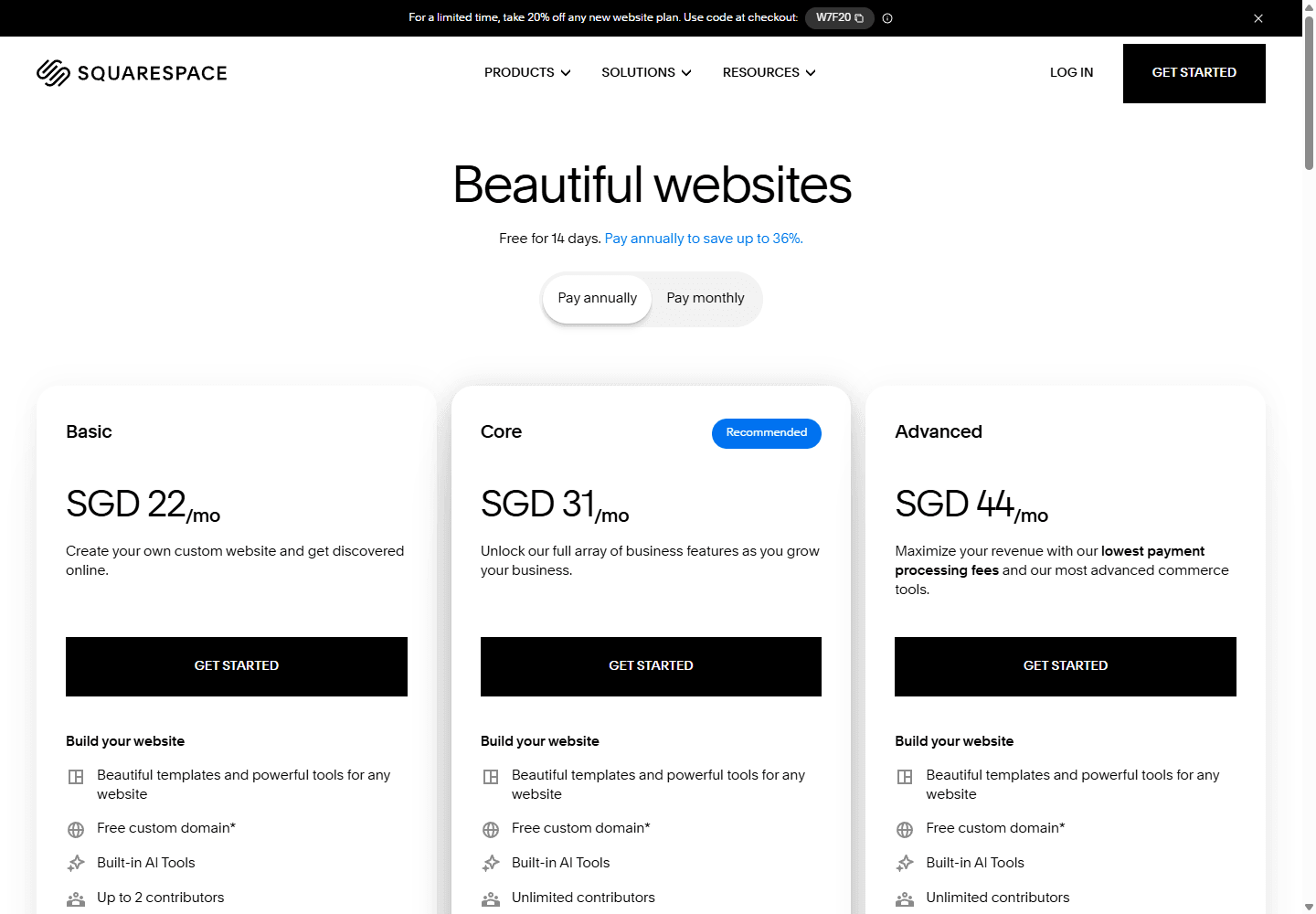
Squarespace is easier to explain in a budget meeting. One subscription covers the hosted site and editor. Its current page offers monthly and annual billing, a 14-day trial, and a first-year domain for qualifying annual plans. I still review the actual regional plan, renewal terms, transaction fees, and any additional product because the displayed price is not the whole operating picture.
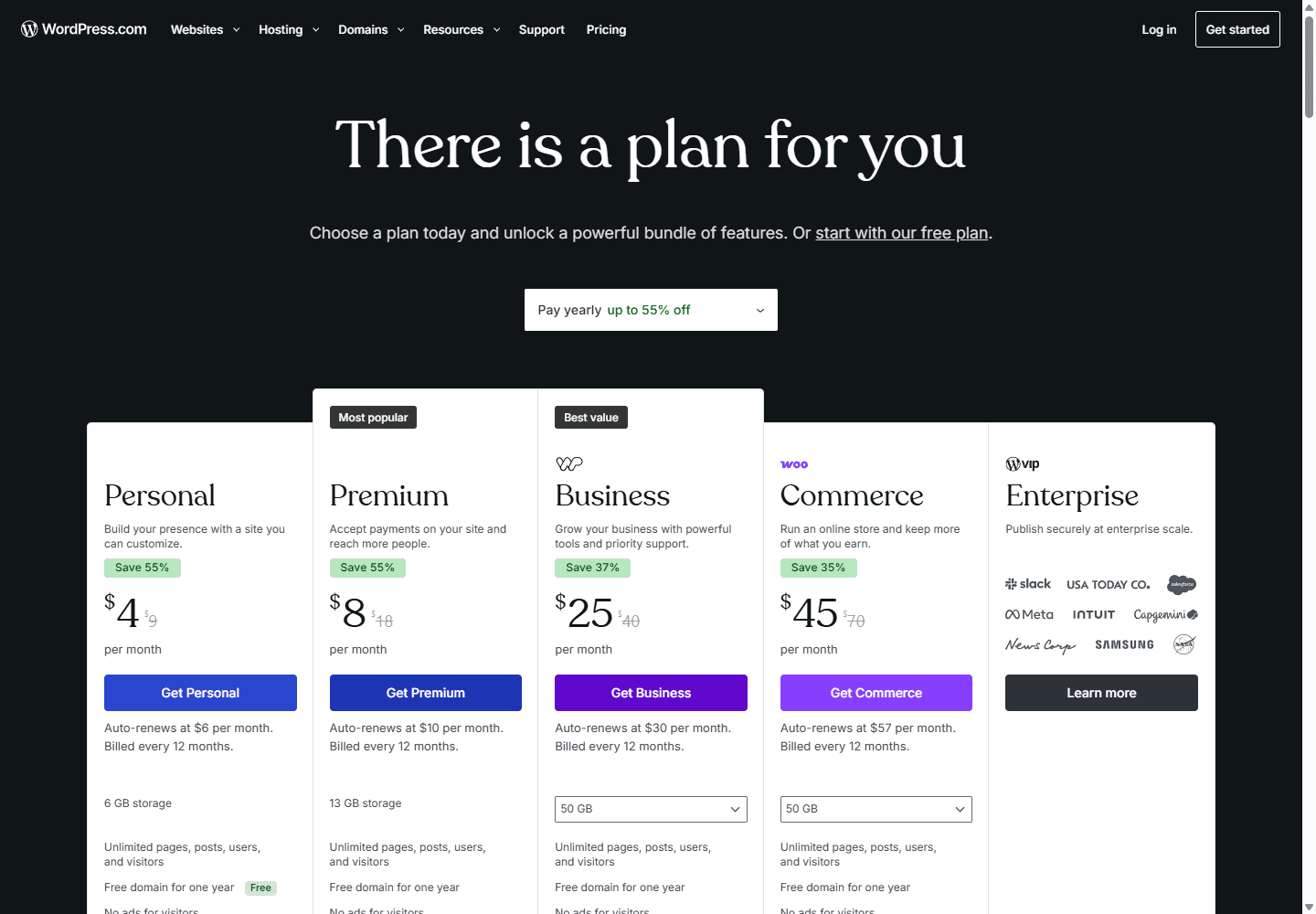
WordPress.com has a similarly legible managed-plan path. The current US plan page displays annual promotional pricing across Personal, Premium, Business, and Commerce tiers. I use that page as a live snapshot, not a permanent price promise. WordPress.com also separates its own plans from the much larger market of independent hosts and paid plugins.
Self-hosted WordPress turns cost into a menu. A careful basic site can stay affordable. An overbuilt site can quietly collect hosting upgrades, premium plugins, consultant hours, performance services, email tooling, and emergency repair work. I do not call that a reason to avoid WordPress. I call it a reason to design the stack on purpose.
| Cost question | WordPress | Squarespace |
|---|---|---|
| First-year bill | WordPress.com shows promotional annual pricing on its live plan page, while self-hosted WordPress combines hosting, domain, premium tools, and optional help from separate vendors. | Squarespace bundles site hosting and its editor into one subscription. Its live pricing page says annual billing saves money and includes a first-year domain for new sites. |
| What I count after checkout | I include backups, security, premium plugins, email delivery, performance work, developer time, and the cost of replacing abandoned extensions. | I include renewal pricing, transaction fees where applicable, extensions, domain renewal, and the time spent working around a platform limit. |
| Free route | WordPress.com offers a free plan. Self-hosted WordPress software is open source, but the server, domain, and maintenance are not free. | Squarespace offers a 14-day trial rather than a permanent free website plan. |
| The expensive mistake | I choose a cheap host, pile on plugins, then discover I need a developer every time the business changes direction. | I launch fast, then rebuild when the site needs content types, checkout behavior, or editorial automation that the editor was never meant to handle. |
Migration cost
Moving text is easy. Moving the business logic around the text is the part that keeps me awake.
I have seen teams treat a migration as an export button followed by a new template. That is how domains switch before redirects are ready, old forms disappear, product variants lose details, and the pages that earned search traffic drift into a pile of 404s.
The better approach is slower at the start. I inventory everything, map URL changes, export what the platform supports, identify what must be rebuilt, and decide who validates forms, payments, analytics, and search. Squarespace itself publishes guidance on protecting SEO rankings after a redesign or move. I take that as confirmation that the technical side of a platform change deserves a checklist.
I also keep the old site available until the new site has survived real visitors. I test the weird pages first. If the business makes money from appointments, I test booking. If it sells, I test a purchase. If it publishes, I test search, redirects, and author workflows. Launch day is too late to discover that a contact form emails a mailbox nobody checks.
Inventory first
I list pages, posts, products, forms, domain records, analytics, redirects, email capture, tracking, and every integration before I touch a template.
Keep the old URL map
I map old URLs to new URLs and test redirects. A beautiful new home page does not repair a broken library of old links.
Export is not a redesign
I export content where the platform supports it, then expect to rebuild styling, navigation, custom sections, forms, checkout settings, and anything driven by platform-specific blocks.
Move in a quiet window
I lower DNS drama by preparing the new site privately, checking mobile, testing forms and transactions, then moving the domain when the team can watch the result.
Measure after launch
I watch Search Console, analytics, form delivery, sales, error pages, and the pages that brought traffic before the move. Migration is a monitored release, not a one-click export.
Reddit complaints
The community split is less ideological than the comments make it sound.
In recent Reddit discussions, I saw one theme repeat in different voices: people like the platform that gets them publishing without creating new chores. One Squarespace owner may be tired of renewal changes or a feature boundary. One WordPress owner may be tired of maintenance, plugin conflicts, or the feeling that every small edit has become a technical decision.
I also saw a useful counterpoint in the SEO discussion: a site with fifty helpful articles can beat an empty site on the theoretically more flexible platform. That is not a ranking guarantee. It is a good antidote to platform anxiety. I would rather have an owner publish consistently in Squarespace than buy WordPress for a future they never build.
The more credible complaints are operational. Squarespace can become frustrating when the business needs a behavior that does not fit its editor. WordPress can become frustrating when nobody owns the machinery. I use those complaints as a planning checklist, not as a vote count.
Who should choose what
I choose the smaller promise when it solves the actual job.
I recommend Squarespace without hesitation for a business that needs a handsome, credible, editable site and has no interest in operating software. That is not settling. It is choosing a boundary that leaves the owner free to work on photos, clients, classes, inventory, and the service itself.
I recommend WordPress when the web presence already behaves like an asset that will be extended, integrated, and published into for years. The people involved do not need to be engineers. They do need a clear technical owner, whether that is an agency, employee, host, or trusted contractor.
The middle ground matters too. WordPress.com can give a team managed hosting and WordPress features without immediately making them a systems administrator. I see it as a sensible answer for people who want WordPress's publishing DNA but do not want to build a server relationship from scratch.
Choose WordPress
I pick WordPress when future requirements are already visible.
I choose WordPress for
Content-heavy businesses, publications, ambitious SEO programs, membership sites, custom directories, complex WooCommerce stores, and teams that expect their website to keep acquiring new jobs.
I recommend it to
Founders with a technical partner, marketers with a reliable developer, organizations with an editorial team, and people willing to treat the site as software rather than a finished brochure.
I avoid it when
The only owner wants a seven-page site, no plugin decisions, no maintenance calendar, and no reason to make the platform more complicated next year.
My first check
I ask who will own hosting, updates, backups, performance, plugin approvals, analytics, and urgent fixes. If nobody has an answer, I simplify the stack before launch.
Choose Squarespace
I pick Squarespace when a simple operating model is the feature.
I choose Squarespace for
Portfolios, studios, consultants, restaurants, local services, creator sites, event pages, and straightforward stores where a polished first version matters more than deep platform control.
I recommend it to
People who need a site they can edit themselves, teams with no technical operator, and businesses that would rather pay one vendor than assemble a host, theme, plugins, backups, and support plan.
I avoid it when
The roadmap already includes custom content models, unusual integrations, a large product catalog, complex subscriptions, heavy localization, or a publishing system that needs to work differently from the editor.
My first check
I build the three awkward pages first: the most detailed service page, the blog archive, and the page with the hardest form or checkout requirement. The home page is rarely the problem.
My decision test
I write down the next twelve months of requests before I choose a builder.
I ask the owner to imagine a normal Tuesday one year from now. Will they publish a case study, change a price, add a new staff member, launch a landing page, sell a new product, edit a page title, and look at a report without help? Squarespace often wins that exercise for straightforward websites.
Then I ask the uncomfortable version. What happens if the business needs a resource library, a partner portal, a store rule, a large migration, a custom integration, multilingual content, or a template that no longer looks like the rest of the site? If those requests are plausible, I would rather put WordPress in place with a disciplined maintenance plan than force Squarespace to impersonate a platform it is not.
My last question is about people, not features: who will own the site after I leave? A good Squarespace site can outlast a poorly maintained WordPress build. A good WordPress build can outgrow a Squarespace site without a panicked migration. The platform matters. The owner matters more.
FAQ
Questions I hear about WordPress vs Squarespace
Is WordPress better than Squarespace for SEO?
I do not treat either platform as an automatic ranking advantage. Squarespace includes many technical SEO basics, while WordPress gives me more control over structure, plugins, templates, and unusual publishing workflows. I choose based on whether the site needs that control and whether someone will maintain it.
Should I choose WordPress.com or self-hosted WordPress?
I choose WordPress.com when I want managed hosting and a more contained operating model. I choose self-hosted WordPress when I need host choice, deeper customization, or a stack assembled around a specific business requirement. They share a name, but the work I own is different.
Is Squarespace cheaper than WordPress?
Squarespace is easier to price as one subscription. A small WordPress site can cost less or more depending on hosting, a domain, premium tools, support, and labor. I compare the cost of running the site for a year, including the work required to keep it healthy.
Can I migrate from Squarespace to WordPress?
Yes, but I plan it as a content and operations project. I export supported content, rebuild the design and platform-specific features, map redirects, test forms and commerce, then monitor the result after launch. The hard part is usually not moving text. It is preserving the behavior around it.
Which platform is easier for a small business owner to update?
For a straightforward site, I find Squarespace easier to hand to a non-technical owner because the hosting and editor stay in one place. WordPress can also be easy to edit after a careful build, but the owner needs a clear update process and somebody responsible for the technical stack.
Sources


