 SwitchMyTool

Quick answer
First, decide if the bot is the actual problem.
If you like Fireflies but hate the bot tile, test Fireflies non-bot capture before moving the team. Switching tools is expensive in calendar glue, habits, exports, and the tiny rage of retraining everyone.
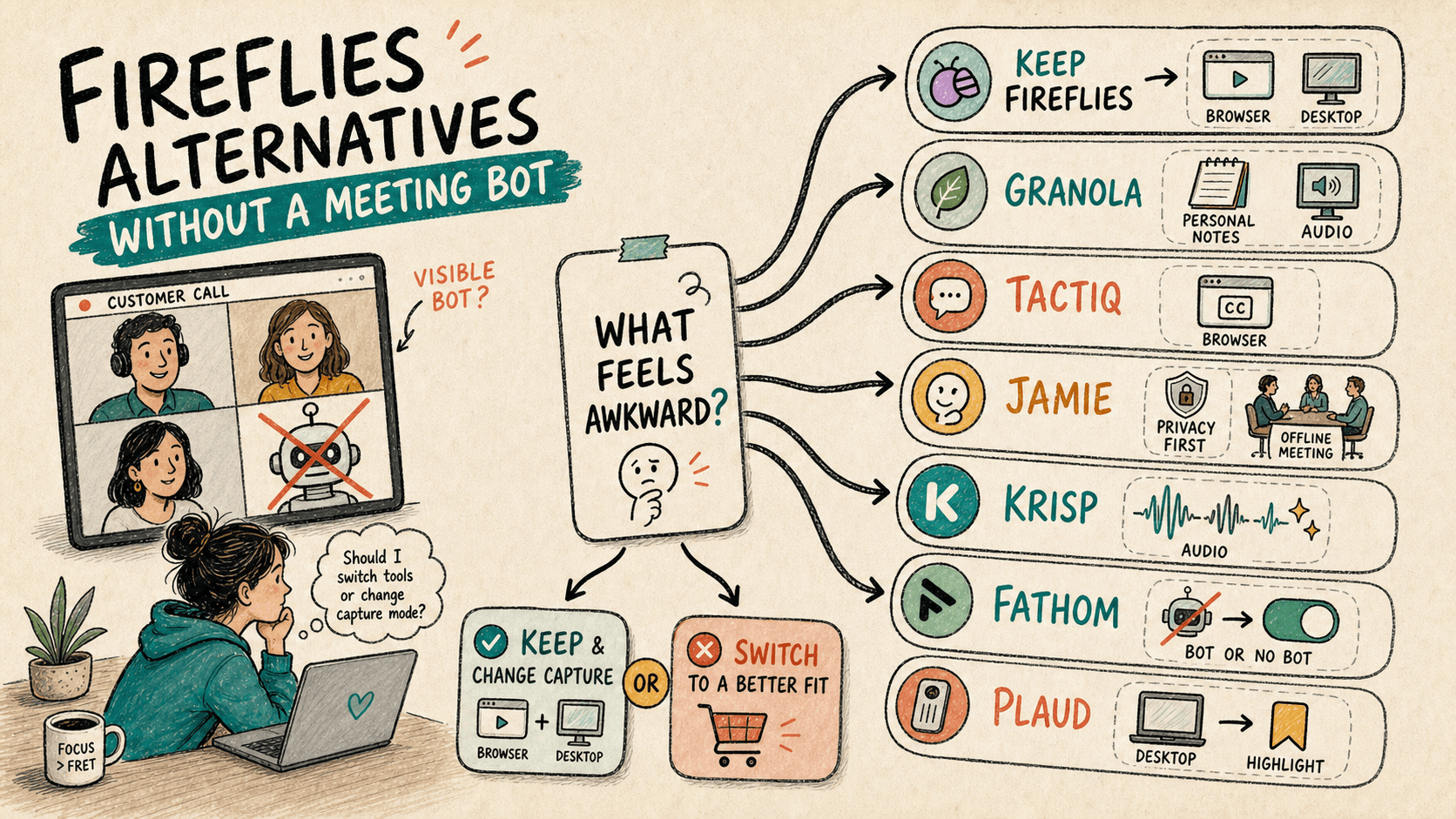
If the visible attendee keeps derailing sales calls, candidate interviews, board meetings, or client workshops, start with Granola. Try Tactiq for browser meetings, Jamie for privacy-led notes, Krisp for bad audio, Fathom for optional bot mode, and Plaud Desktop for desktop capture.
Cleanest bot-free replacement
Granola
Best for noisy calls
Krisp
Best privacy-first pitch
Jamie
Best browser workflow
Tactiq
Best optional bot mode
Fathom
Best desktop recorder feel
Plaud Desktop
Baseline
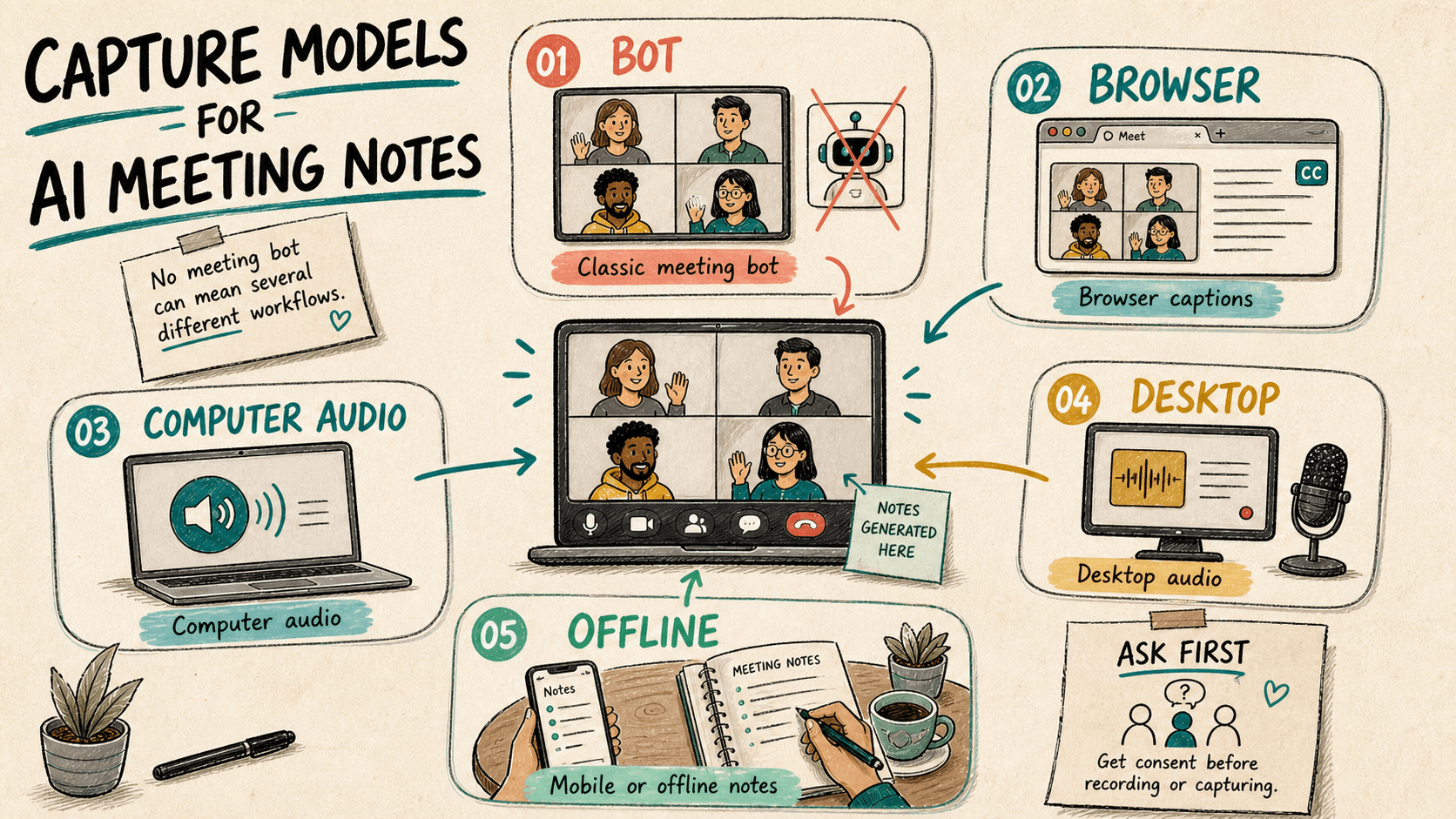
Fireflies is not only a bot.
Fireflies is still one of the stronger meeting-note products. It handles transcription, summaries, search, workflows, and team archives. That matters if your company already treats it as the place where calls go to become searchable memory.
The mistake is treating every bot complaint as a product replacement problem. Sometimes the real issue is etiquette. A bot can be fine for an internal standup and weird on a sensitive customer call. Same feature, different room.
So do the boring thing first: test Fireflies capture options, then test one outside tool. Do not install six meeting assistants and call that research. That is just calendar soup.
Capture models
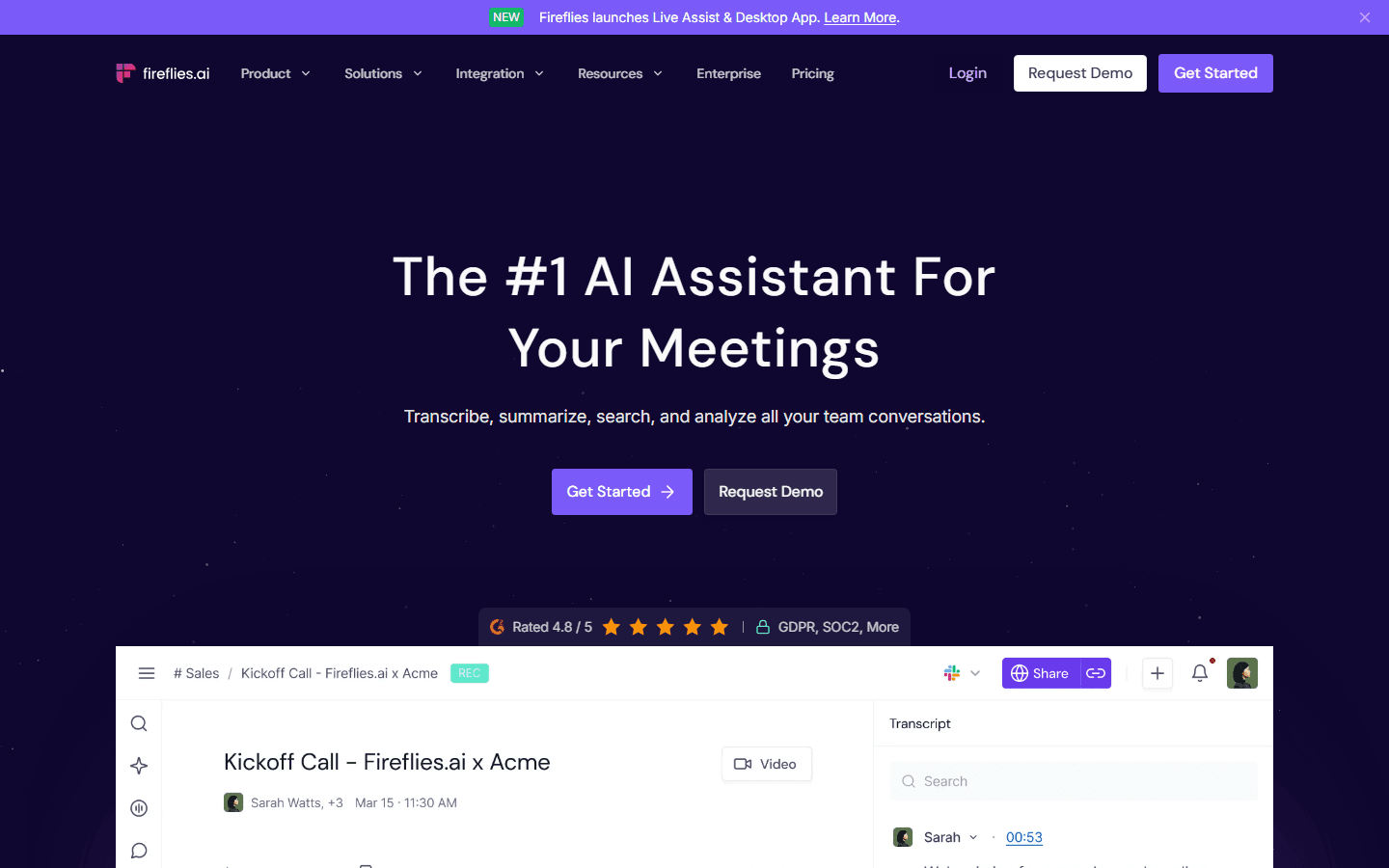
No-bot notes can mean 5 different things.
Bot-free does not mean magic. It means the note taker does not appear as a named participant in the meeting. The capture still has to come from somewhere: browser captions, computer audio, desktop audio, a mobile recorder, or your existing meeting platform.
Also, no-bot does not mean consent-free. If the meeting should be disclosed, disclose it. A hidden recorder is not suddenly classy because it has better typography.
| Model | How it works | Use when | Risk |
|---|---|---|---|
| Classic bot | A visible attendee joins the call. | Everyone expects a recorder. | Awkward on customer, legal, or recruiting calls. |
| Browser captions | A browser extension reads meeting captions or page audio. | You live in Chrome and want a light setup. | Less universal outside supported browser flows. |
| Computer audio | The app listens from your device. | You want personal notes without a new attendee. | Device setup and permissions matter. |
| Desktop audio | A desktop recorder captures system sound. | You want manual control and local-feeling capture. | You own the habit. Forget to start it, and nothing happens. |
| Offline notes | Phone, desktop, or recorder captures in-person conversations. | The meeting is not in Zoom, Meet, or Teams. | Consent still matters. Ask first. |
Shortlist
Six Fireflies alternatives without a meeting bot.
This is a narrow shortlist. I am not ranking every meeting assistant on Earth. I am filtering for products where the no-bot path is explicit enough to matter in real meetings.
The best choice depends on the meeting that keeps getting awkward. Customer calls, recruiting calls, noisy remote calls, and in-person meetings are not the same job.
Best personal notepad
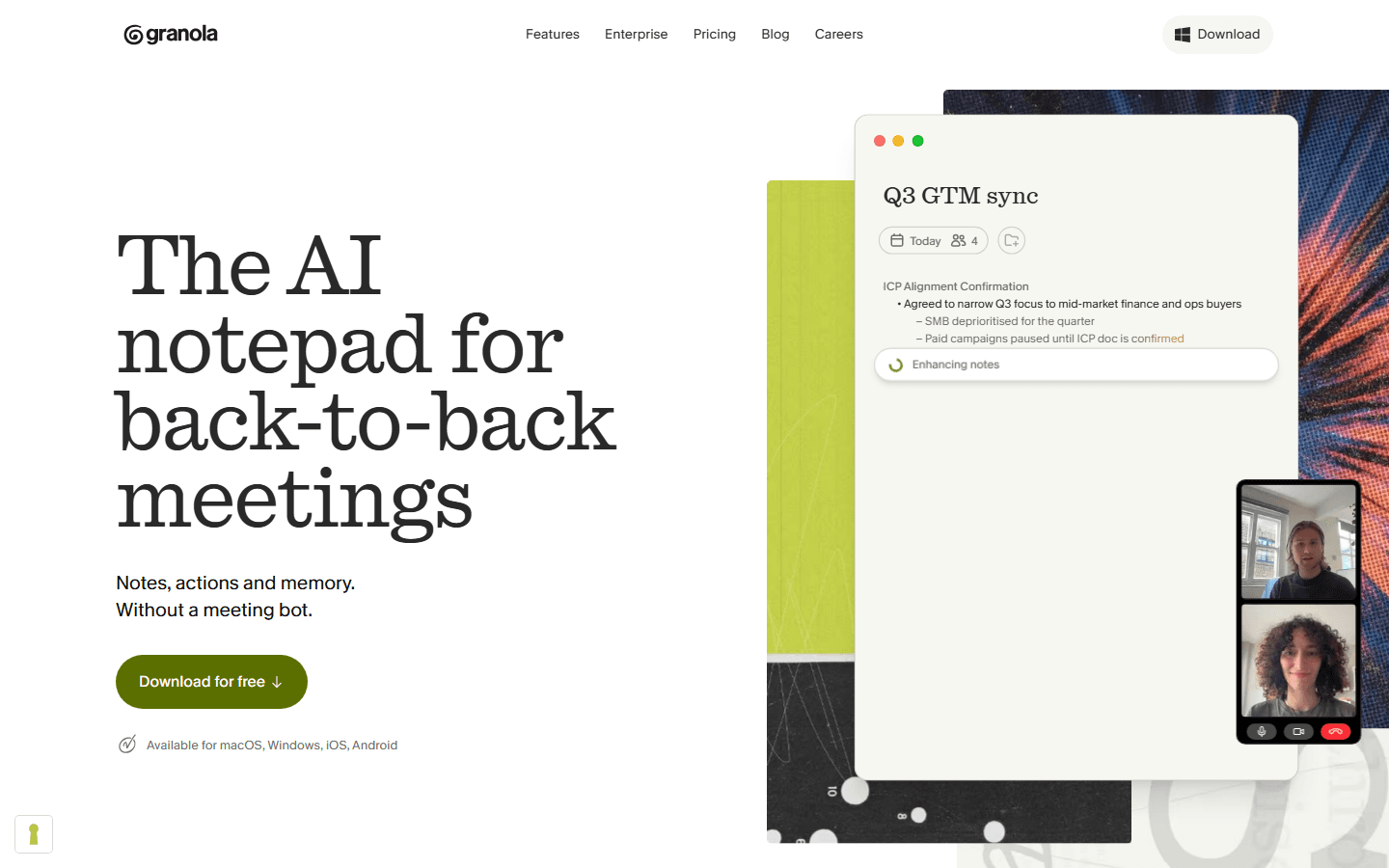
Granola
Capture
Computer audio, no meeting bot.
Best for
Founders, PMs, sellers, and anyone living in back-to-back calls.
Source
Real test: Run it on 3 customer calls and check whether notes still sound like you.
Rough edge: It is personal-first. That is great until the team wants a shared archive by default.
Start here if the bot tile is the whole problem.
Best when audio is messy
Krisp
Capture
Audio-focused meeting assistant, with flexible bot and no-bot capture.
Best for
Remote workers with barking dogs, cafe calls, and laptop-fan chaos.
Real test: Use it on one noisy call, then compare notes against a clean-room call.
Rough edge: If you only need notes, the audio surface may feel like extra furniture.
Pick Krisp when bad sound is killing your summaries.
Best privacy-first pitch
Jamie
Capture
No bots for online, hybrid, and in-person meetings.
Best for
Consultants, founders, and teams that need notes without making the room weird.
Source
Real test: Try it on one client call and one in-person conversation.
Rough edge: The privacy story is strong, but still check retention, exports, and admin controls.
Use Jamie when etiquette and privacy sell the switch.
Best browser workflow
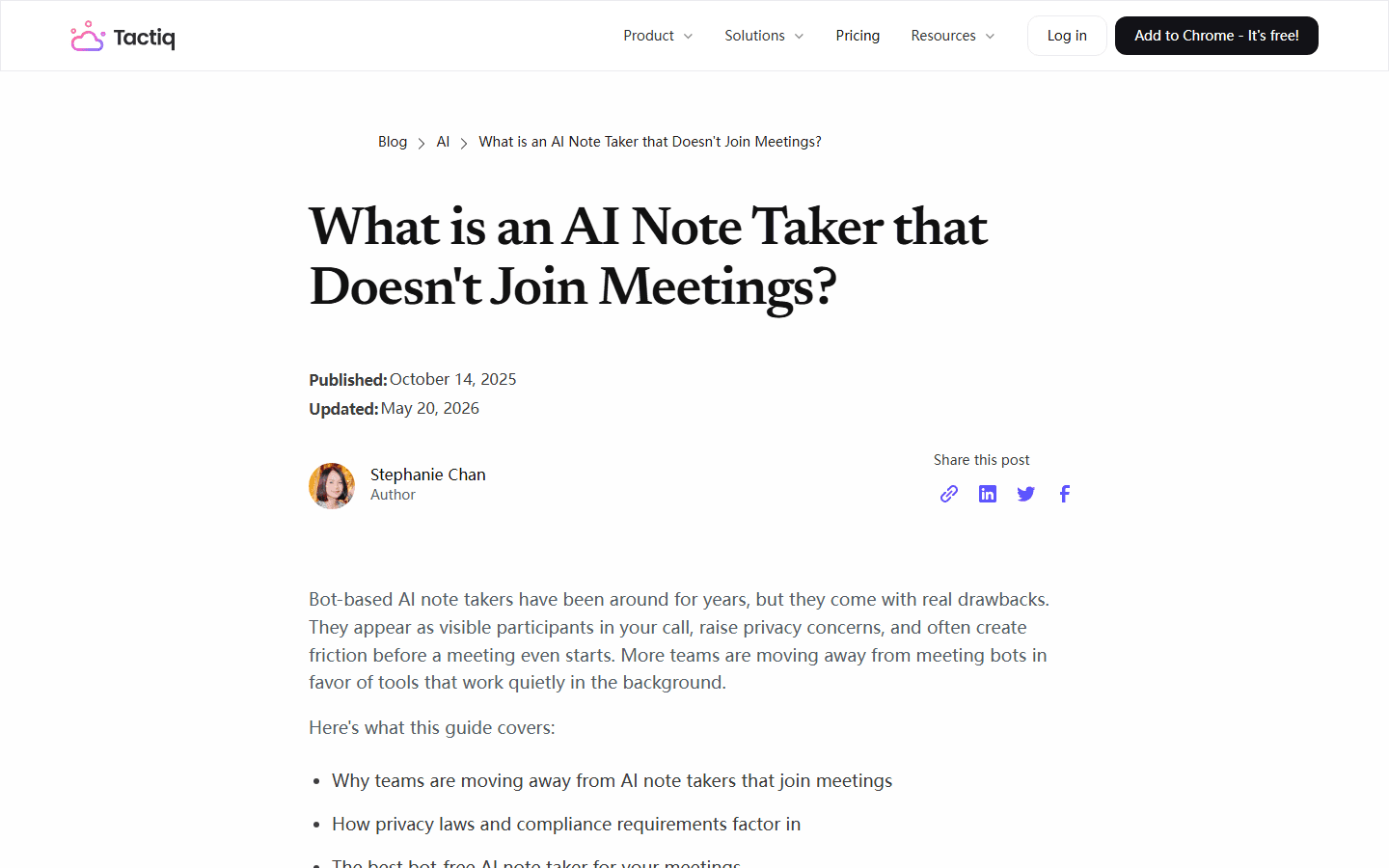
Tactiq
Capture
Browser-based transcripts and notes without joining as a bot.
Best for
Chrome-first users in Google Meet, Zoom, and Microsoft Teams.
Source
Real test: Run it on your most boring recurring meeting. Boring is honest.
Rough edge: Browser workflows are less universal than desktop capture.
Great if your meetings already live in the browser.
Best bot-or-no-bot choice
Fathom
Capture
Meeting notes with bot-free capture available alongside bot mode.
Best for
Teams that want a classic assistant most days and discretion on sensitive calls.
Source
Real test: Use bot mode internally and bot-free mode with one external stakeholder.
Rough edge: You need to confirm which capture path fits your platform and plan.
Pick Fathom when mandatory bot mode is the issue, not assistants in general.
Best desktop capture setup
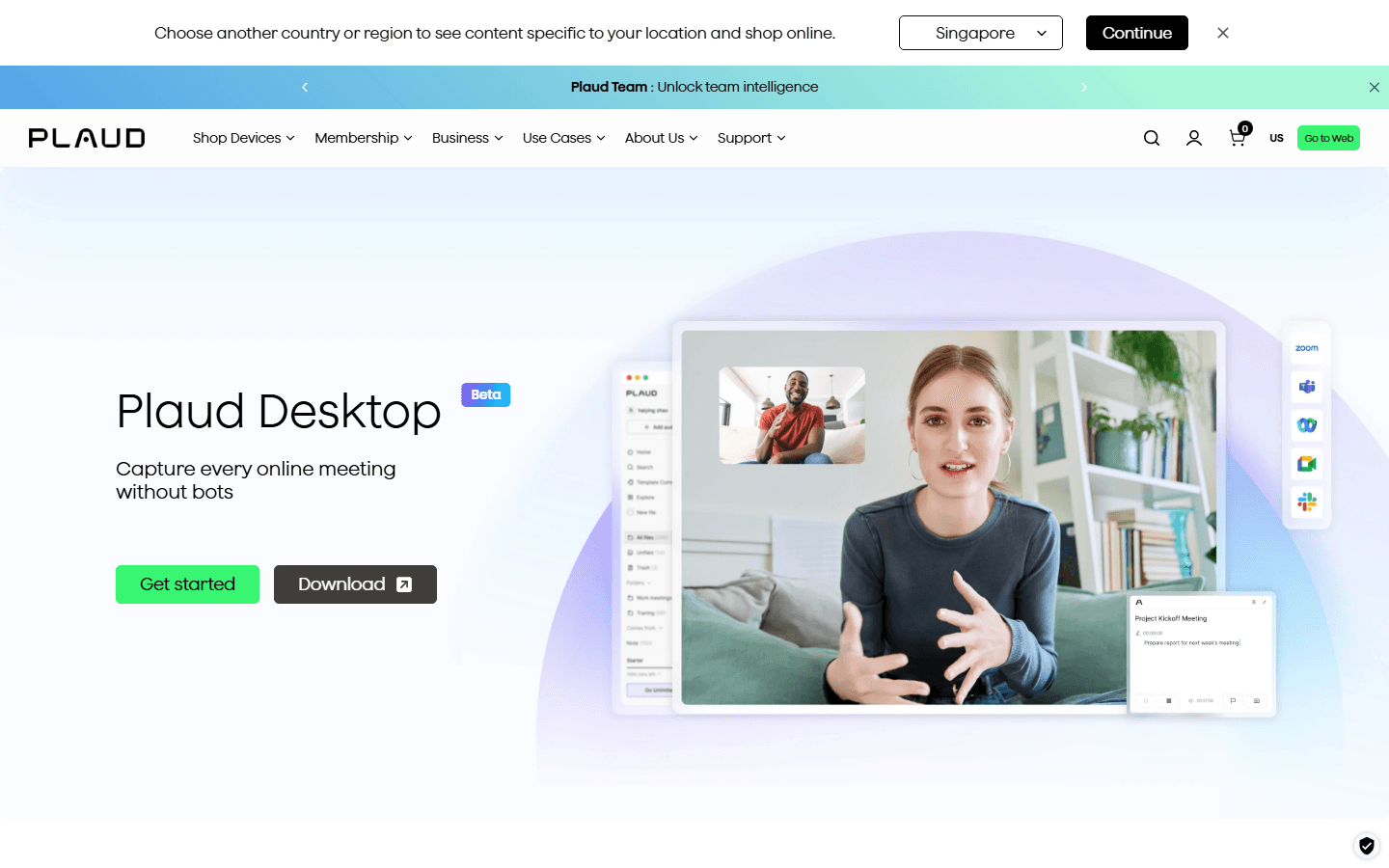
Plaud Desktop
Capture
Native desktop audio capture without a meeting bot joining the call.
Best for
People who want manual control and a local-feeling capture workflow.
Real test: Use it on one online meeting and one quick offline note session.
Rough edge: The wider Plaud ecosystem may bring hardware and membership decisions.
Use Plaud when you want a recorder mindset, not a meeting-room guest.
Real scenarios
Pick by the meeting that goes wrong.
A tool can look perfect in a product demo and still fail the one call you actually care about. Test the call type, not the homepage headline.
| Call | Problem | Try first |
|---|---|---|
| Customer demo | A random bot tile makes buyers ask questions. | Granola or Fathom no-bot mode |
| Recruiting call | Candidates may feel watched. | Jamie or Granola |
| Noisy remote call | The transcript misses half the useful bits. | Krisp |
| Google Meet in Chrome | You want notes without changing the whole stack. | Tactiq |
| In-person client chat | There is no meeting room for a bot to join. | Jamie or Plaud Desktop |
Trial plan
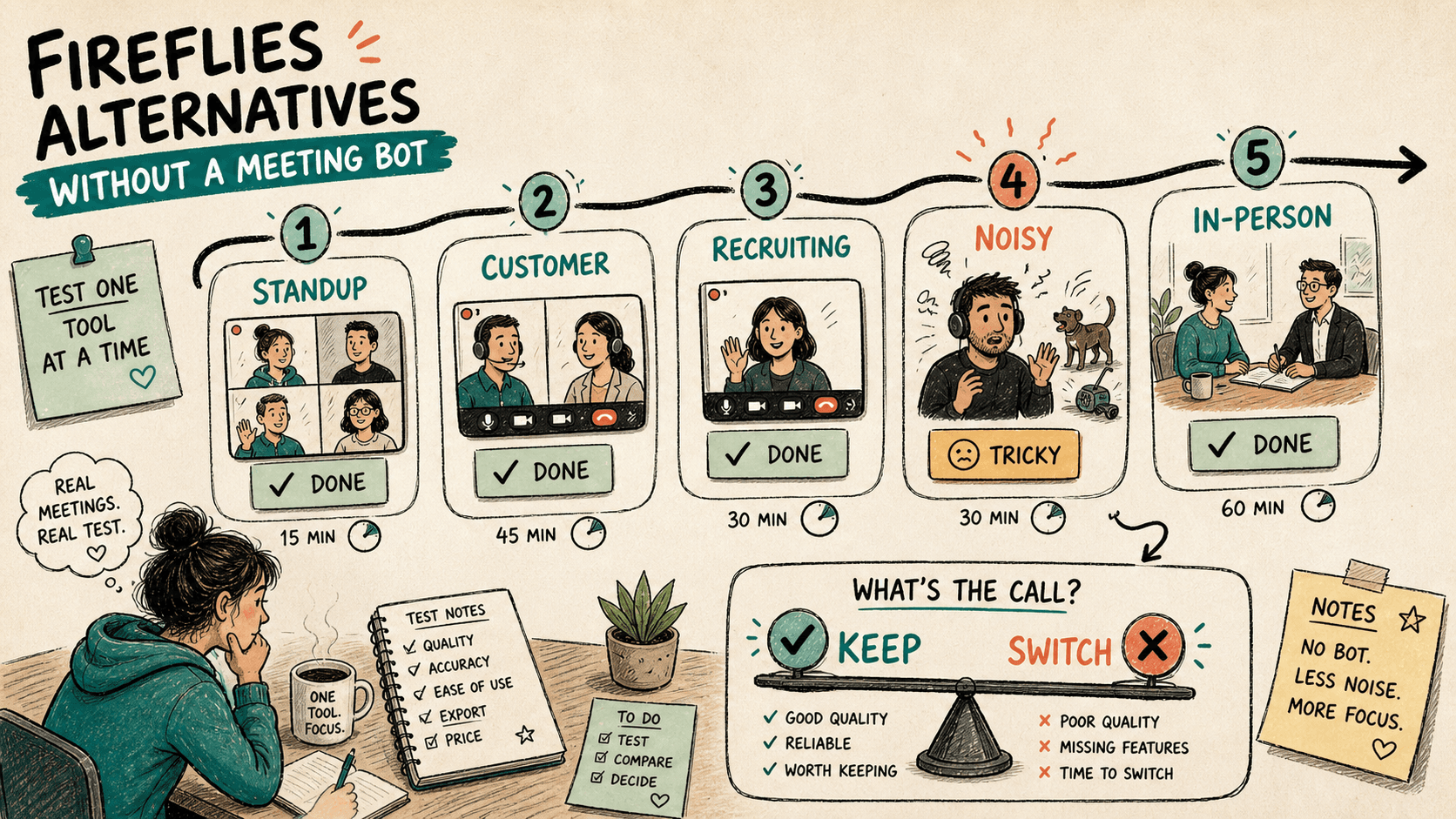
Run a 5-call test before migrating.
One demo call tells you almost nothing. Five real calls tell you whether the product survives boredom, noise, external pressure, and the one person who talks while chewing ice.
| Test call | What to check |
|---|---|
| Internal standup | Does it capture decisions without babysitting? |
| Customer call | Does the absence of a bot make the conversation smoother? |
| Recruiting call | Does the note quality hold up without making it creepy? |
| Noisy call | Does it survive bad audio, accents, and interruptions? |
| In-person chat | Can you capture notes without turning into the weird recorder person? |
Switch rules
Do not switch for vibes.
The switching bar should be annoyingly practical. Better notes are good. Less social friction is good. But a new tool also adds admin setup, exports, billing, training, and a fresh pile of "where did that transcript go?" messages.
Stay with Fireflies
- The team already uses search, summaries, and workflows.
- Bot capture is accepted in your calls.
- You only need to adjust capture mode, not rebuild the stack.
Switch tools
- External calls stall when the bot appears.
- You need personal notes before shared archives.
- You record offline, hybrid, or sensitive meetings often.
Final recommendation.
Start by testing Fireflies non-bot capture. If that removes the awkwardness, stay put and save everyone a migration.
If calls still feel weird, test Granola first. Add Tactiq for browser meetings, Jamie for privacy-led work, Krisp for noisy audio, Fathom for optional bot mode, and Plaud Desktop for desktop capture.
Pick one tool for five real calls. Not six tools. Not a spreadsheet shrine. One tool, five calls, then decide.
FAQ
Common questions.
What is the best Fireflies alternative without a meeting bot?
Granola is the cleanest first test for personal bot-free notes. Tactiq is better for browser meetings, Jamie for privacy-led teams, Krisp for noisy calls, and Plaud Desktop for desktop capture.
Does bot-free mean I can record without consent?
No. Bot-free only means no visible meeting attendee joins the call. Recording and transcription rules still depend on company policy, meeting context, and local law.
Should I leave Fireflies if I dislike meeting bots?
Not automatically. Fireflies has multiple capture paths. Test its non-bot capture first if the rest of the product already works for your team.
Which no-bot note taker is best for Google Meet?
Tactiq is the simplest browser-first option to test. Granola and Krisp are also worth checking if you prefer device audio or audio cleanup.
Sources
Sources used.
These official pages and screenshots use the same article date. Product behavior can change quickly, so test your exact meeting platform, operating system, workspace policy, and plan before migrating.


