 SwitchMyTool

Quick answer
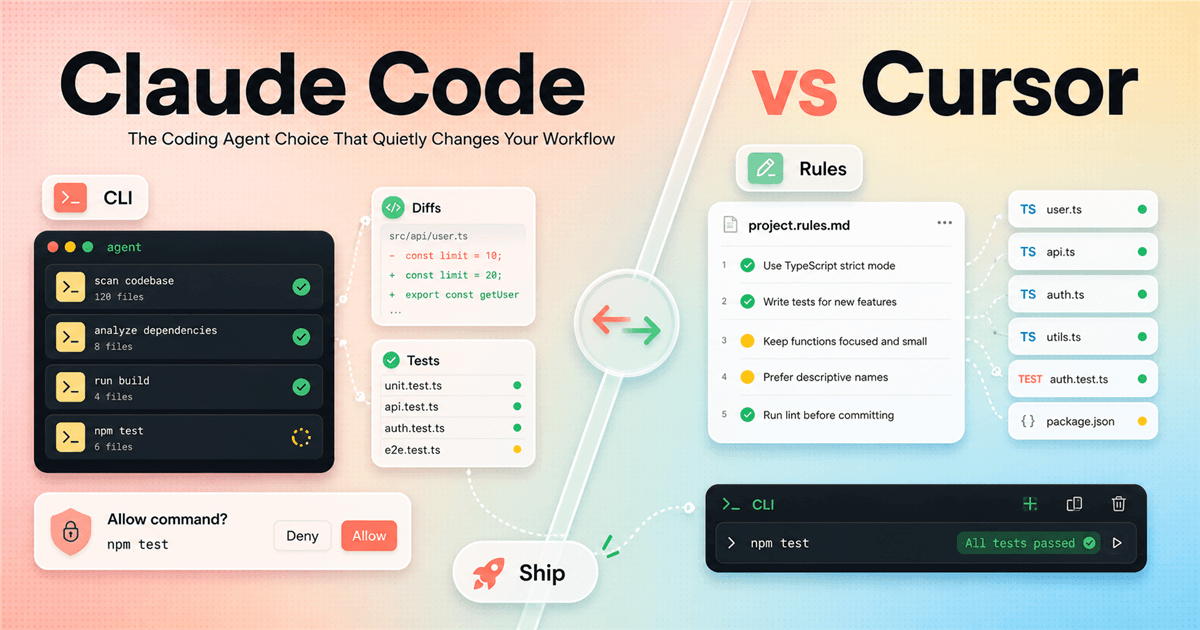
If your day starts in the terminal, test Claude Code first. If your day starts in the editor, test Cursor first.
That is the cleanest answer, and it is boring in the useful way. Claude Code and Cursor both want to help you build software with agents. They do not make the same bet about where that agent should live.
Claude Code feels strongest when the coding agent is part of your command-line loop: inspect the repo, edit files, run commands, explain failures, and keep moving. Cursor feels strongest when the agent is part of the coding environment: files are open, rules are visible, review happens in the editor, and the project is not just a folder path.
If you are searching for claude code vs cursor because you want a winner, here is the mild betrayal: you probably need a test, not a winner. The useful question is where your review loop is better. A coding agent that writes impressive code you cannot comfortably review is just a faster way to create tomorrow's mystery.
Pick Claude Code if
You want a terminal-first agent that can inspect a repo, edit files, run commands, and stay close to your existing shell workflow.
Pick Cursor if
You want an editor-first coding environment where agent work, inline edits, rules, files, review, and normal IDE motion live together.
Do not decide by
A single demo, one viral clip, or a cursor dance party style screen recording where many things appear to happen at once.
First real test
Give both tools the same bug, the same flaky test, the same rules, and the same branch. Compare the patch, not the theatre.
The real shift
We are no longer comparing autocomplete boxes.
A few years ago, the coding assistant question was mostly, "which tool finishes this line better?" That question still matters, but it is no longer the main event. The tools now read more context, plan changes, touch multiple files, run commands, and sometimes behave like a junior developer who works very fast and occasionally needs an adult in the room.
That changes the comparison. You are not only choosing model quality. You are choosing a work surface, a permission model, a way to store project instructions, a review habit, and a tolerance for agent autonomy. If the tool makes your codebase feel clear, it helps. If it makes your codebase feel like a magic show, you are paying for confusion with better lighting.
Cursor has an obvious advantage for people who want AI inside the editor. The product has spent years making the IDE itself feel like the place where the agent should think, edit, and explain. Claude Code has an obvious advantage for people who want the agent to meet them in the shell, where scripts, branches, tests, package managers, logs, and ugly build errors already live.
The practical cursor vs claude code decision is less dramatic than social media wants it to be. Pick the tool that keeps your hands close to the review loop. If you review in the terminal, Claude Code will probably feel natural. If you review in the editor, Cursor will probably feel calmer.
Claude Code
Claude Code is the terminal-first agent I would test when the repo is the job.
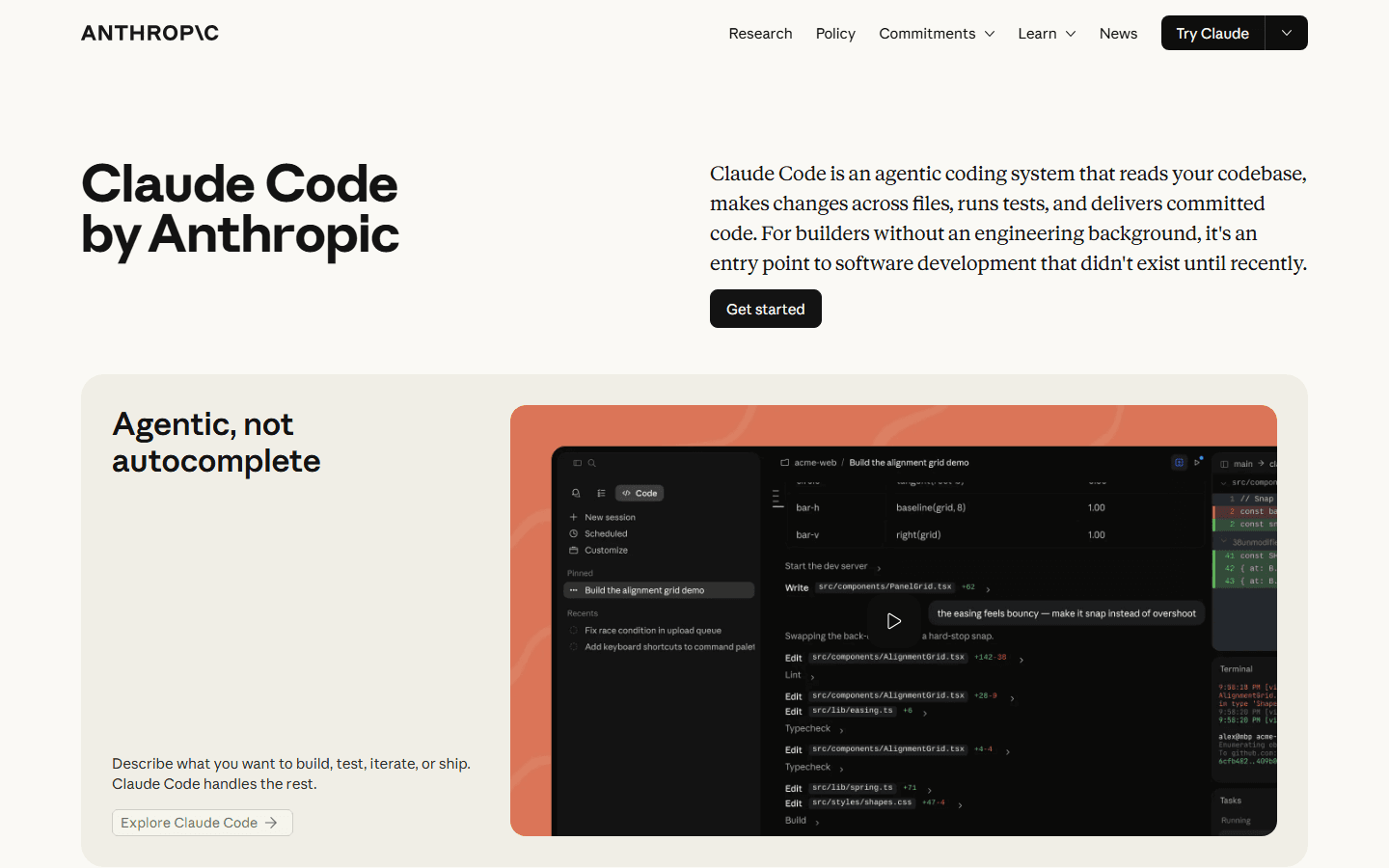
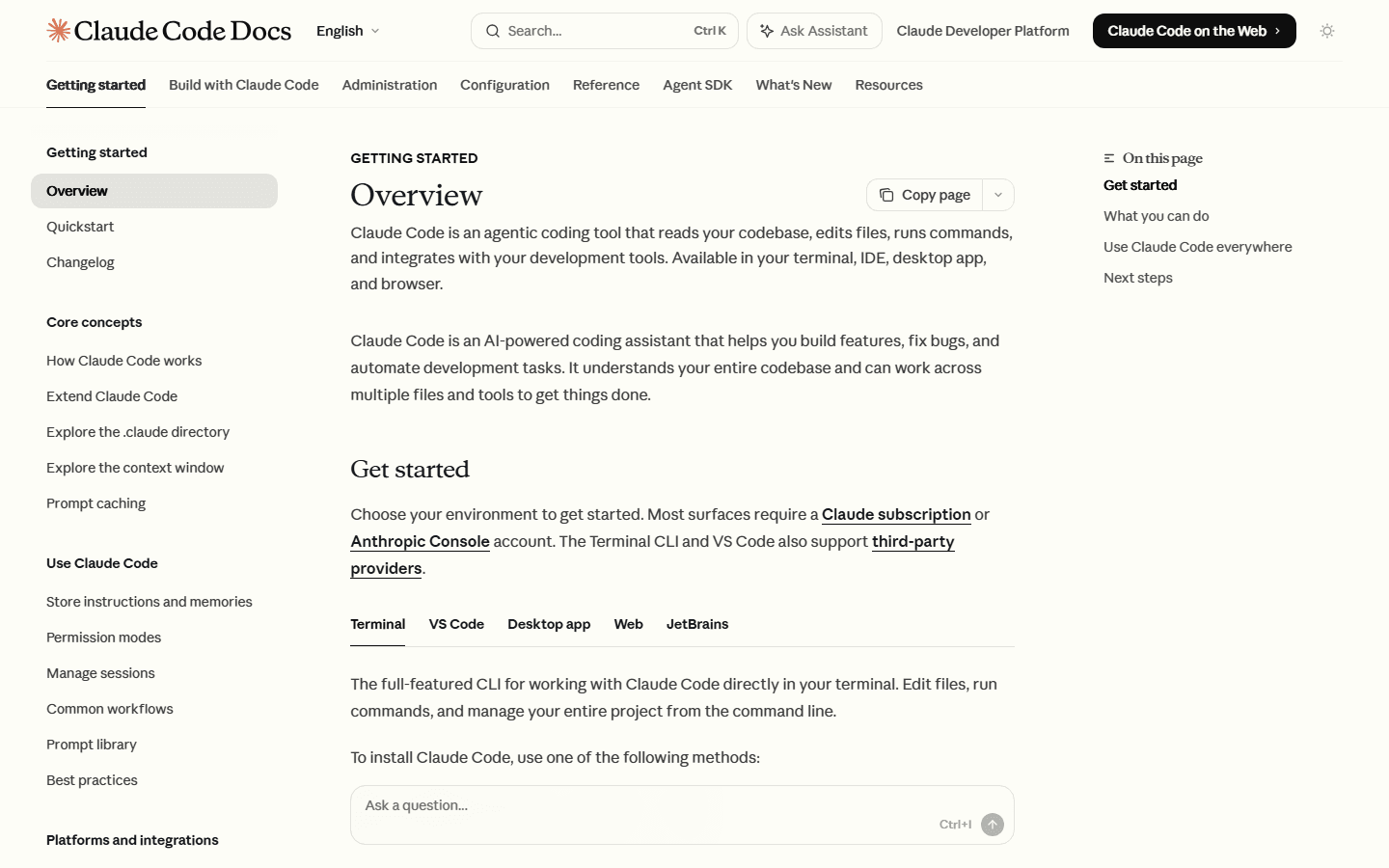
The official Claude Code docs describe it as an agentic coding tool that reads your codebase, edits files, runs commands, and integrates with development tools. That is the key sentence. It is not just a chat panel next to code. It is a tool that expects to operate across the project.
That matters when the task is not visually tidy. A dependency bump, migration, failing test, flaky script, CLI package bug, or repo cleanup rarely feels like an editor demo. The work is spread across logs, files, shell output, lockfiles, scripts, and "why is this package still here?" moments. Claude Code is easy to test on those jobs because the terminal is already the place where the mess is happening.
I would start Claude Code on tasks with clear boundaries and a real verification step: fix this failing test, update this API client, refactor this helper without changing behavior, add coverage for this bug, or trace why this build command fails. Those tasks expose whether the agent can do engineering work, not just produce confident code-shaped text.
The downside is also obvious. Terminal-first workflows assume you are comfortable reading diffs, watching commands, and stopping a tool when it wanders. If your team wants everything visible inside the editor, or if review happens through open file context and comments, Claude Code may feel like a very capable guest working in a different room.
Cursor
Cursor is the editor-first agent I would test when context and review need to stay visible.
Cursor's biggest advantage is not that it has an AI chat box. Everyone has a chat box now. Cursor's advantage is that the agent lives where many developers already make decisions: the editor. Files, selections, tabs, comments, rules, inline changes, and review all stay near each other.
That is a big deal for feature work. If you are building a small UI, changing a component, checking copy, editing a config file, or asking the agent to respect a local convention, the IDE is a useful stage. You can see the neighborhood around the change. You can inspect files without changing mental mode. You can accept, reject, or revise work with the rest of the project in view.
Cursor also has a better story for teams that want written agent instructions to sit beside the code. Cursor rules are concrete enough that a team can discuss them in a pull request. That sounds small until you realize half of "AI coding quality" is actually "did the agent know our boring local habits?"
The risk is comfort. A polished editor experience can make agent output feel more reviewed than it is. Do not confuse a familiar UI with a safe patch. Cursor can still write code that compiles and misses the point. The job is still to read the diff, run the tests, and ask whether the change matches the product behavior you wanted.
Cursor CLI
Cursor CLI changes the comparison, but it does not erase it.
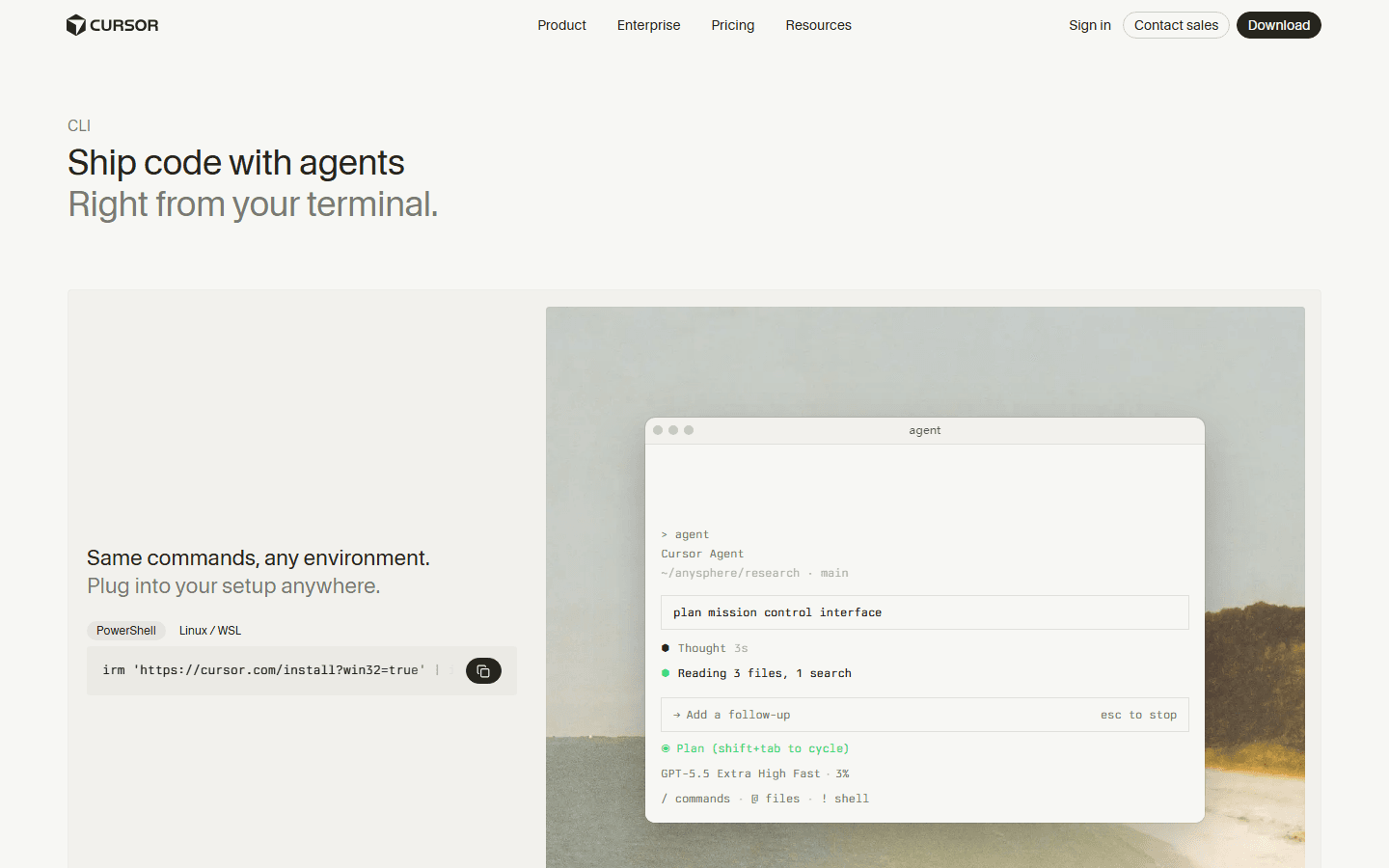
The cursor cli page uses the promise "ship code with agents right from your terminal." That is exactly why this comparison is less obvious than it used to be. If Cursor were only an editor, the split would be clean. Claude Code for terminal people. Cursor for editor people. Done. We could all go outside.
Cursor CLI complicates that in a useful way. It gives Cursor users a terminal path, which means a team can keep Cursor as the main environment and still let agents work in shells, scripts, CI-like tasks, and command-heavy workflows. For a team already invested in Cursor, that matters more than a theoretical clean comparison.
Still, product gravity matters. Cursor CLI expands Cursor's surface area, but the product's center of gravity remains the editor and the workspace. Claude Code's center of gravity remains the agentic coding loop around codebase inspection, edits, commands, and tool integration. The question is not whether both can touch the terminal. They can. The question is which one makes your normal review behavior easier to keep.
My recommendation: if you already use Cursor, test Cursor CLI before adding another paid or operational dependency. If the CLI work still feels awkward, or if your important tasks are deeply shell-native, then test Claude Code with the same tasks. Do not switch because of tool envy. Switch because the patch quality and review speed improve.
Cursor rules
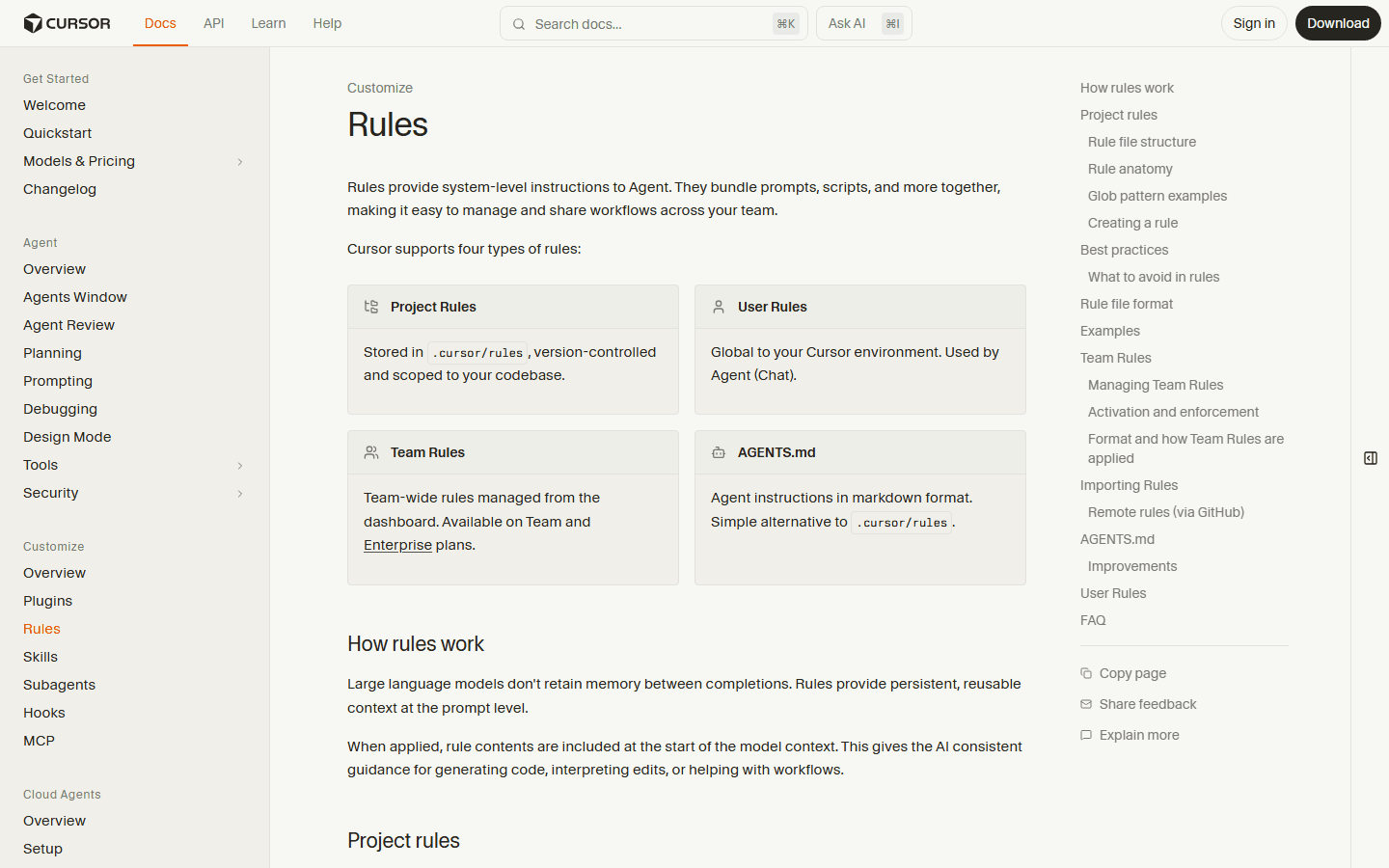
Cursor rules are the feature I would inspect before judging Cursor on a real team.
Cursor rules are not glamorous. Good. The least glamorous feature is often the one that saves a codebase. The official Cursor docs show project rules stored in .cursor/rules, user rules, team rules, and AGENTS.md support. That is the part I would read before I cared about a demo.
Why? Because agents need local taste. They need to know whether you prefer server components, how you name files, when you add tests, what copy style is allowed, what color palette is banned, which package manager to use, and which clever abstraction your team regrets from last quarter. Without rules, every agent session starts with a tiny onboarding meeting.
Cursor rules are useful because they turn those repeated instructions into shared project material. A rule file can be reviewed. It can be versioned. It can be corrected when the team learns something. It can say, "do not use this pattern," and everyone can stop pretending they will remember to paste that into every prompt.
Rules are not a force field. A model can still misunderstand them, overfit to them, or follow the letter while missing the point. But a tool with strong rules gives you a better starting position. If your Cursor output feels generic, weak cursor rules are one of the first things I would blame.
Permissions
The boring security page is where the real product shows up.
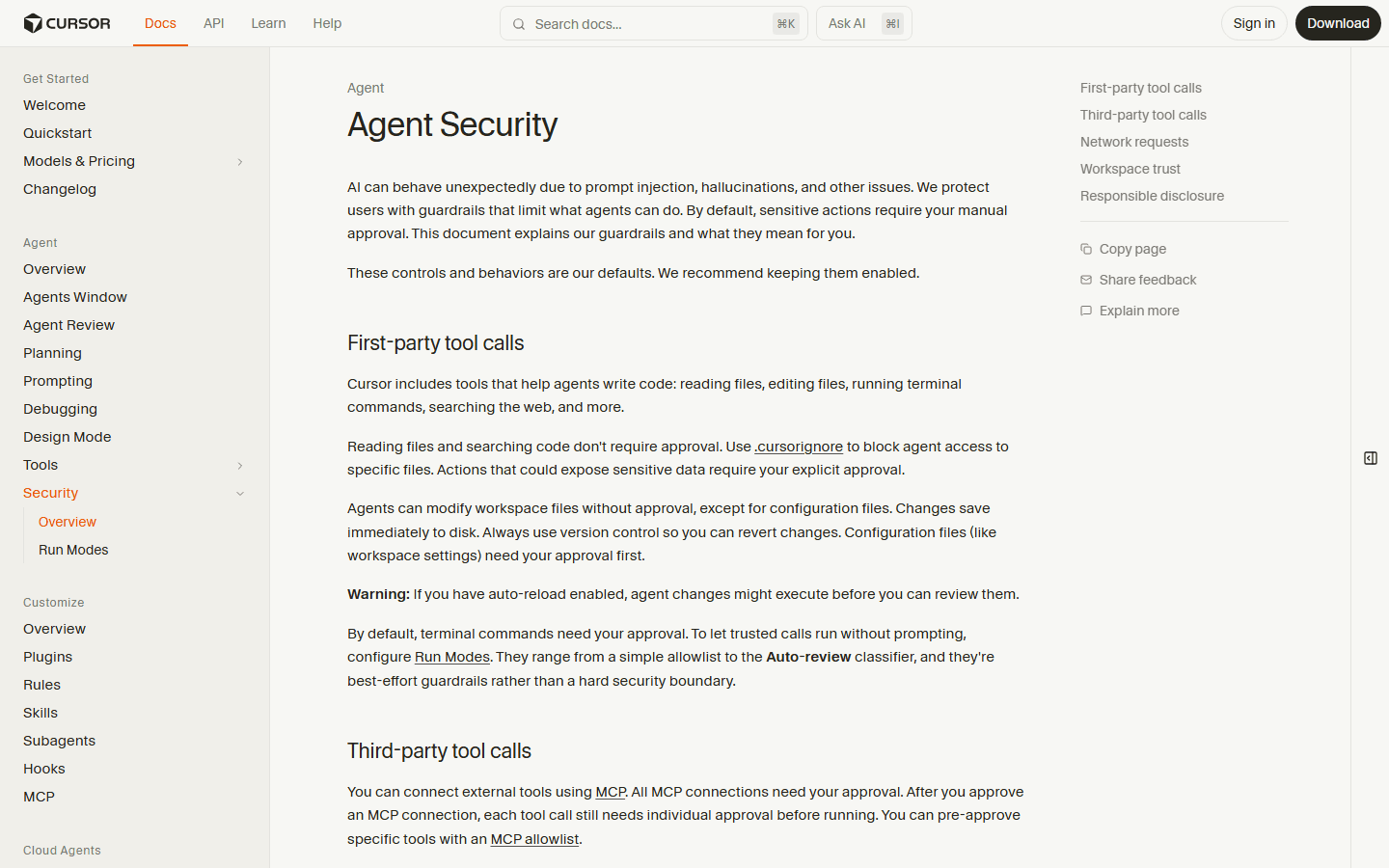
Coding agents are not harmless because they have friendly buttons. They read files, edit files, run commands, search, call tools, and sometimes make decisions from incomplete context. The security and permission model is not an appendix. It is part of the product.
Cursor's agent security docs are unusually direct about this. The page explains guardrails around file reads, edits, terminal commands, network requests, workspace trust, and third-party tool calls. It also says actions that can expose sensitive data require approval, and terminal commands need approval by default. That is the kind of boring sentence you want in a tool that can modify a repo.
In practice, the right setting depends on the repo. A toy app can tolerate more freedom. A production app with secrets, customer data, infra config, generated clients, and a fragile migration history needs a tighter leash. If a tool makes it hard to understand what it can do without asking, I would not put it near a serious repository.
This is also where Claude Code vs Cursor becomes less about preference and more about team maturity. A careful developer can use either tool responsibly. A careless team can turn either one into a high-speed mess generator. The winner is the setup where people actually pause, review, and say no when the agent proposes something weird.
The demo trap
Beware the cursor dance party.
If you typed cursor dance party into Google and ended up here, I am guessing you saw a demo where cursors, files, or agents seemed to move everywhere at once. It looks fun. It also tells you almost nothing about whether the final patch is good.
The problem with a cursor dance party is that motion pretends to be progress. A dozen edits can feel more impressive than one correct edit. A fast transcript can feel smarter than a boring test run. A tool can look alive while quietly changing a boundary condition your customer depends on. This is how engineering debt gets a soundtrack.
Use demos for orientation, not judgment. A demo can show you where buttons live, how the agent asks for approval, and what a happy path looks like. Then close the demo and give the tool a real task from your repo. Real tasks have ugly names, stale tests, weird conventions, and that one helper function everyone is afraid to touch.
The better comparison is dull: Did the tool understand the task? Did it read enough code? Did it ask for approval at the right moments? Did it run the right tests? Did it explain the tradeoff? Did the diff make review easier or harder? That is the anti-party checklist. It is less fun. It also ships.
Decision table
Choose by workflow, not by brand loyalty.
The best choice depends on where your work gets messy. Use this table as a first pass, then run the test plan below. A table can save you from a bad assumption. It cannot replace a repo.
Workflow fit
My starting recommendation for common teams.
Nobody uses a coding agent in the abstract. You use it inside a team, repo, deadline, review process, and tolerance for risk. This is where the real decision gets clearer.
Field test
The eight-step test I would run before switching.
Run this before you decide. It is simple enough for a solo developer and strict enough to stop a team from buying vibes. Keep notes. If the result is close, choose the tool your team will review more carefully.
- Use the same repository, branch, model budget, and task brief. Do not let one tool get a cleaner setup than the other.
- Ask both tools to fix one bug that touches at least three files. Single-file toy tasks mostly test vibes.
- Give both tools the same project instruction file. For Cursor, test cursor rules and AGENTS.md. For Claude Code, test the documented instruction and memory paths you actually plan to use.
- Force a test run. If the tool cannot explain why a test failed, the patch is not finished.
- Check the diff like a reviewer, not like a fan. Look for deleted edge cases, changed public behavior, dependency churn, and confident nonsense.
- Repeat with a refactor task, a docs task, and a small feature. The first run tells you if the demo works. The fourth run tells you if the workflow works.
- Track cleanup time. The best coding agent is not the one with the flashiest transcript. It is the one that leaves you with the least boring repair work.
- Try one task in the terminal and one task in the editor. If your team only tests the tool in its favorite habitat, the result is fake comfort.
Claude wins when
Claude Code wins when the terminal is not just a launcher.
Choose Claude Code first when the work is already expressed as commands, tests, scripts, failing logs, and repo-wide changes. That is not a niche. A lot of engineering work looks like this: "the build broke," "the migration failed," "the generated client changed," "the test is flaky," "this package needs an upgrade," or "we need to update this pattern across the repo."
Claude Code also fits developers who like explicit loops. Ask for a plan. Let it inspect. Let it edit. Run a command. Read output. Adjust. Commit when the diff is clear. That workflow feels old-fashioned because it is. It is also how a lot of reliable software gets made.
The trap is over-delegation. A terminal-first agent can feel powerful enough that you stop narrating your constraints. Do not do that. Tell it what not to touch. Tell it what tests to run. Tell it how broad the change should be. The agent is not offended by boundaries. It is software. It will survive.
Cursor wins when
Cursor wins when the editor is where judgment happens.
Choose Cursor first when your work benefits from seeing the surrounding code while the agent works. UI changes, small product features, refactors near open files, design-system cleanup, and copy-sensitive edits all benefit from an editor that keeps context visible.
Cursor also wins when a team wants a shared instruction layer. Cursor rules can encode local style. AGENTS.md support gives a simple path for markdown instructions. Team rules can matter when a company wants a more managed setup. None of that guarantees good code, but it lowers the chance that every developer trains the agent from scratch every morning.
The trap is accepting pretty patches. The editor makes a bad diff look less scary because it sits beside familiar files. Fight that. Expand the diff. Read the nearby code. Run the tests. Ask why a file changed. If Cursor cannot explain a surprising edit, do not merge the surprise.
Final answer
My practical verdict.
If I were choosing for a backend-heavy repo today, I would test Claude Code first. The terminal-first model fits the work: commands, logs, tests, scripts, and multi-file patches. It keeps the agent close to the verification loop.
If I were choosing for a product team writing app code every day, I would test Cursor first. The editor-first model fits the work: open files, rules, inline review, component changes, and the constant little decisions that happen while reading code.
If I already used Cursor, I would test cursor cli before adding Claude Code. If I already lived in Claude Code and only missed editor context, I would test Cursor on UI-heavy work before switching everything. The best setup may be boringly mixed: Cursor for editor-native product work, Claude Code for terminal-native repo work.
The only answer I do not trust is "we picked the one with the cooler demo." A cooler demo will not review a diff for you. A cooler demo will not remember your brittle edge case. A cooler demo will not explain to your teammate why the test suite now needs three more minutes. Choose the workflow that helps you do the unglamorous parts. That is where the value is.
A simple buying rule.
Pick the agent that makes your review loop easier to keep. If it helps you read, test, reject, and ship with less confusion, it is the better tool. If it just makes the screen look busy, congratulations, you bought choreography.
FAQ
Common questions.
Is Claude Code better than Cursor?
Not universally. Claude Code is easier to recommend when the work starts in a terminal and needs repo-wide inspection, commands, tests, and patches. Cursor is easier to recommend when the work starts in the editor and benefits from project rules, open files, inline review, and IDE flow.
What is the short cursor vs claude code answer?
Cursor is the safer first pick for developers who want the agent inside the coding environment. Claude Code is the sharper first pick for developers who already trust their terminal workflow and want the agent to operate there.
Does Cursor CLI replace Claude Code?
Cursor CLI narrows the gap because it brings Cursor agents to the terminal. It does not erase the product difference. Cursor still has an editor-centered product philosophy, while Claude Code treats terminal work as a primary surface.
Do cursor rules matter for small teams?
Yes. Cursor rules matter as soon as two people care about consistent edits. They are not magic, but they stop you from retyping the same project preferences into every chat.
Why mention cursor dance party in a serious comparison?
Because people search for it when they see agent demos where many files, cursors, or tasks appear to move at once. It is a useful reminder to judge the patch, tests, and review burden instead of the party trick.
Sources
Official pages used.
Product pages and docs change. Re-open these official sources before you make a tooling decision, security policy, or team-wide migration plan.


