 SwitchMyTool

Quick answer
Start with Void. Add Cline if you want the agent loop.
If you want a free open-source Cursor alternative that feels like an editor swap, test Void first.
If your real need is "please make this change across five files," test Cline first.
If you already trust your terminal more than any sidebar, use Aider.
If your company wants control, start a small Tabby pilot. Small means two people, not a 40-person committee with snacks.
Closest to Cursor
Void
Best coding agent
Cline
Best terminal workflow
Aider
Best self-hosted setup
Tabby
Fastest editor bet
Zed
Read before choosing
Continue
Reality check
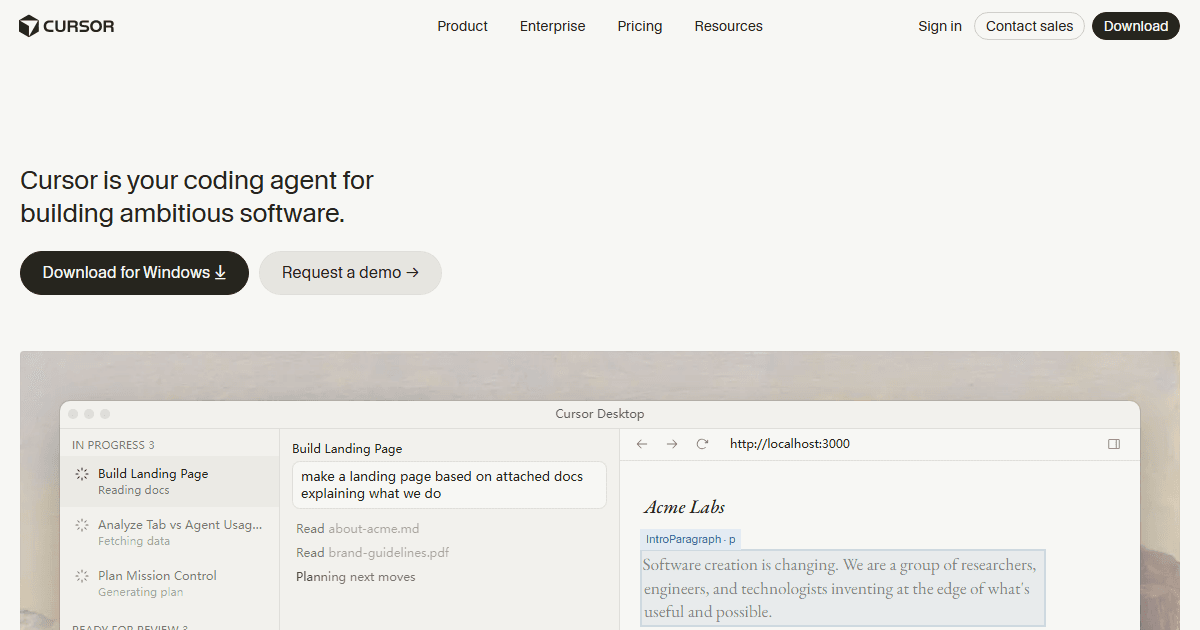
Cursor is not one thing.
Cursor wraps several jobs into one daily habit.
It is an editor. It is autocomplete. It is chat. It is an agent that can make code changes. It is also a place where your team starts building muscle memory.
That is why many "Cursor alternatives" lists feel fake. They compare logos, then go home.
You need to know which piece you are replacing.
Want the same editor feel? Start with Void.
Want a stronger agent? Start with Cline.
Want Git-native patch work? Start with Aider.
Want control over infrastructure? Start with Tabby.
Decision table
Compare the jobs, not the slogans.
The fastest way to choose badly is to ask, "Which one is best?" Ask what job hurts first.
| Tool | Best job | First test | Watch out |
|---|---|---|---|
| Void | Cursor-like editor | One repo, one model, one bug | Still feels early |
| Cline | Agent tasks in VS Code or terminal | A two-file change with tests | Loose prompts waste money |
| Aider | Git-first pair programming | Patch a failing test | Terminal comfort required |
| Tabby | Self-hosted team assistance | Pilot one private repo | Ops work is real |
| Zed | Fast editor plus AI | Two normal work sessions | Not a Cursor clone |
| Continue | Existing Continue users | Read the current docs first | Not my fresh-start pick |
Shortlist
Six free and open-source Cursor alternatives worth testing.
I care less about launch-page drama and more about Tuesday afternoon. Can it open your repo, make a useful change, and leave a diff you can review without sighing? That is the bar.
Closest Cursor-style editor
Void
Best for
You want an editor swap, not a new religion.
First test
Open one repo, connect one model, fix one real bug.
Setup pain
Beta roughness. Expect a few sharp corners.
Skip if
You need enterprise polish by lunch.
Best agent workflow
Cline
Best for
You want an agent that plans, edits, and asks before risky moves.
First test
Give it a two-file ticket and review every diff.
Setup pain
Model spend can jump fast when prompts get vague.
Skip if
You hate approving tool calls.
Best terminal pick
Aider
Best for
You live in Git and want patches, not panels.
First test
Ask for one failing-test fix, then read the commit.
Setup pain
No shiny editor magic. That is also the charm.
Skip if
Your team refuses the terminal.
Best self-hosted route
Tabby
Best for
Your team wants coding help on infrastructure it controls.
First test
Pilot it with one private repo and two developers.
Setup pain
Someone owns hosting, upgrades, and model choices.
Skip if
Nobody wants the ops work.
Best fast editor bet
Zed
Best for
Cursor feels heavy and you care about editor speed.
First test
Use it for two normal coding sessions, not a demo repo.
Setup pain
It is not a Cursor clone. You will relearn habits.
Skip if
You only want the exact Cursor workflow.
Best historical context
Continue
Best for
You already used Continue and need to understand your options.
First test
Read the current docs before building a new workflow around it.
Setup pain
The project status changed. Do not ignore that.
Skip if
You want the safest fresh start today.
1. Void
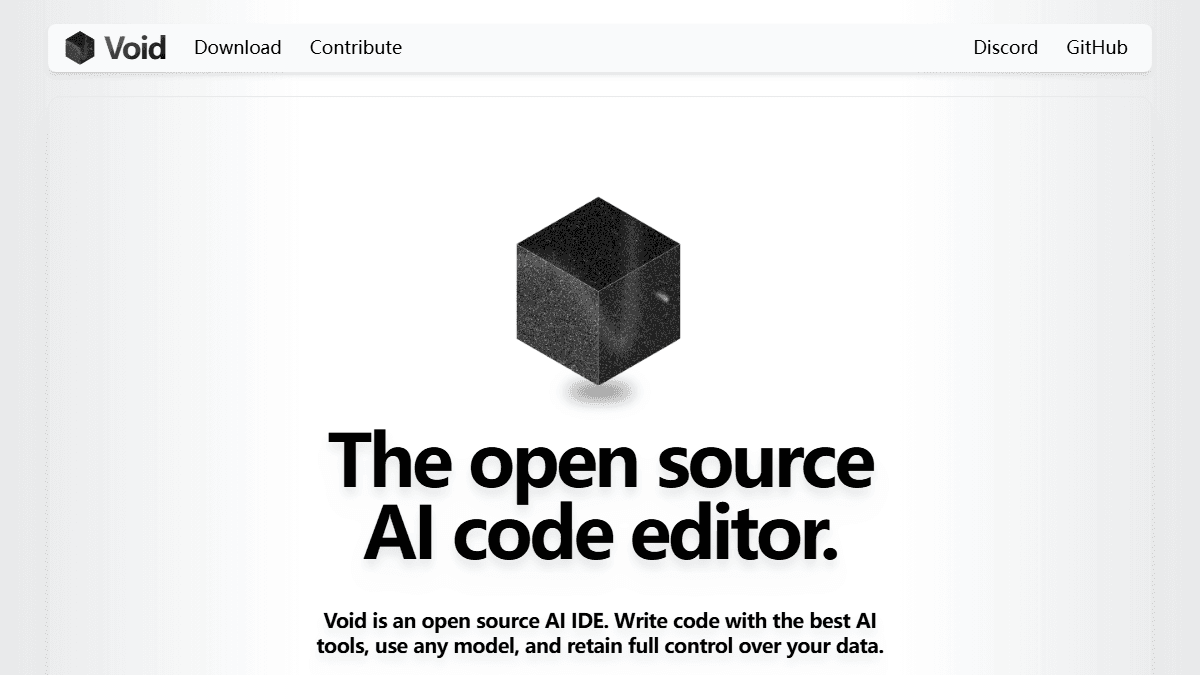
Void is the closest Cursor-style exit.
Void is the first tool I would test if the assignment is simple: "Give me Cursor vibes, but open source."
Its official positioning is blunt. Open-source AI IDE. Any model. More control over your data.
That does not mean it magically beats Cursor today. It means the switching path is easier to imagine.
My test would be boring on purpose. Open your normal repo. Connect the model you can actually afford. Fix one bug you already understand. If the diff feels clean, keep going.
If the first hour turns into settings archaeology, stop. You are here to ship code, not become a museum guide for config files.
2. Cline
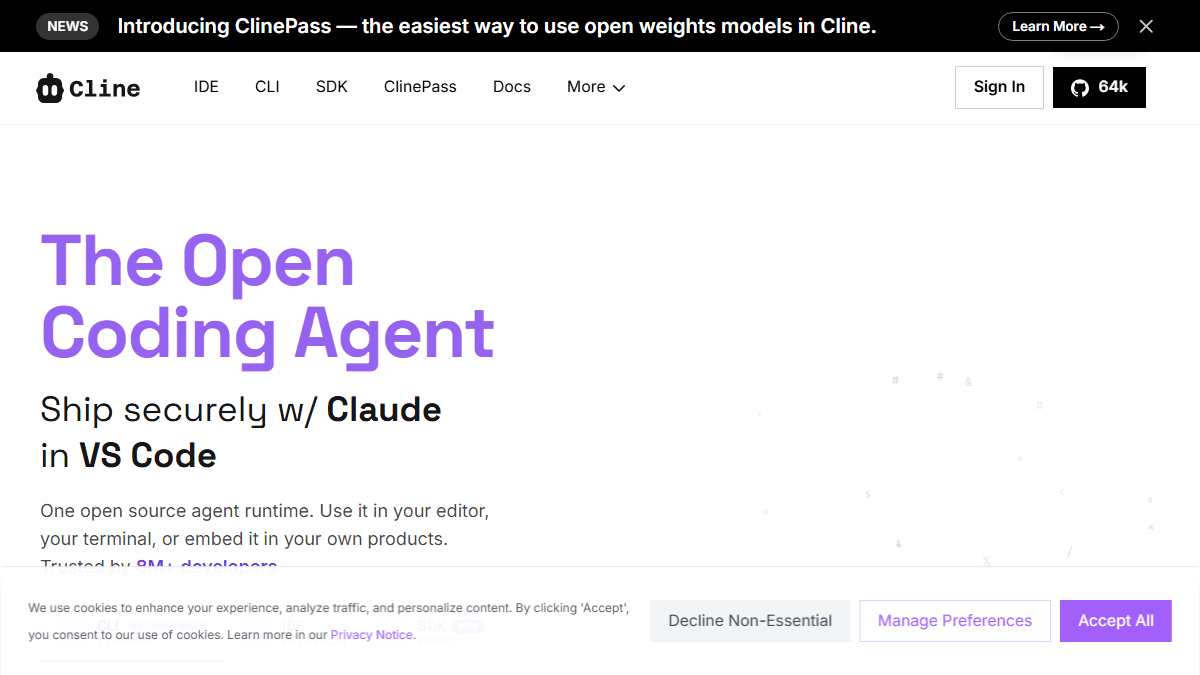
Cline is the agent pick.
Cline is not trying to be a full editor replacement in the same way Void is. It is the agent loop.
That matters if your Cursor habit is less about typing and more about asking for a plan, watching file edits, and approving commands.
Cline works best when your prompt is concrete. "Fix the payment retry bug and add one test" is useful. "Improve the codebase" is how you buy a token bonfire.
I like it for bounded tickets: rename a flow, add a regression test, wire one API response, or explain a scary component before touching it.
The danger is confidence theater. The agent may sound calm while making a mess. Review the diff like it owes you rent.
3. Aider
Aider is for people who trust Git.
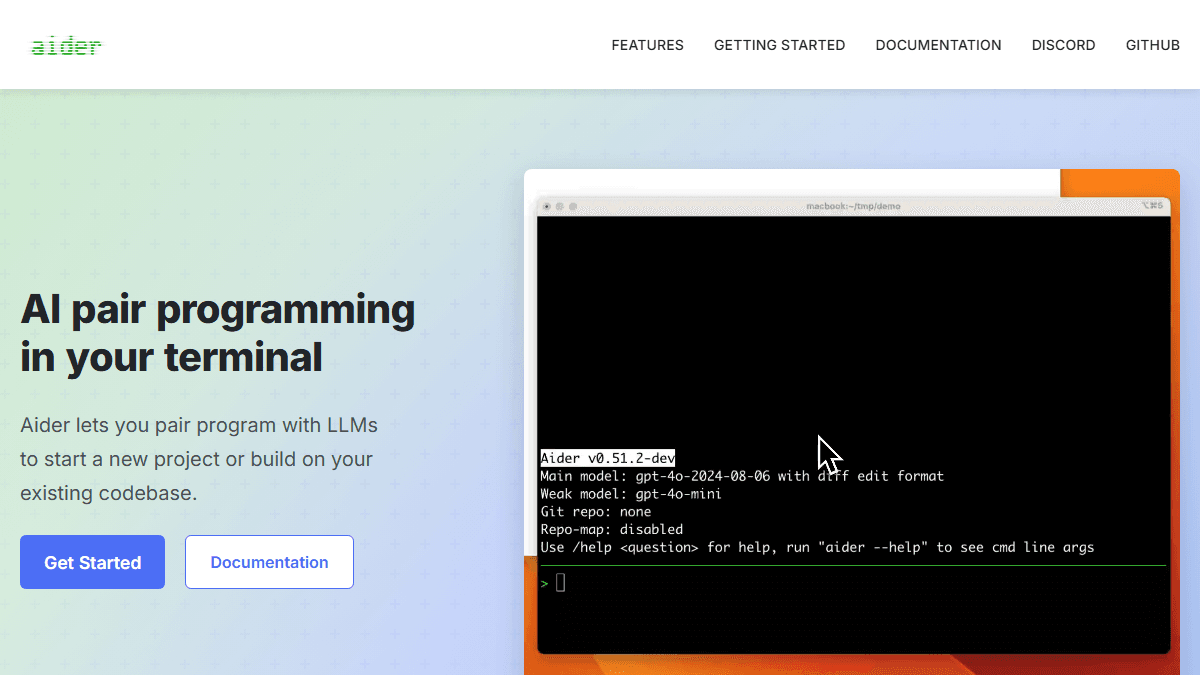
Aider feels almost too plain after using glossy AI editors. That is part of the appeal.
You work from the terminal. You point it at a repo. You ask for changes. You review what changed. The workflow stays close to Git.
This is great for maintainers, backend work, small refactors, and anyone who treats commits as the source of truth.
It is less great if your team wants inline magic, pretty panels, and no command-line learning curve.
My favorite Aider test is simple. Break a test on purpose. Ask Aider to fix it. If it fixes the wrong thing, you learned something useful in 15 minutes.
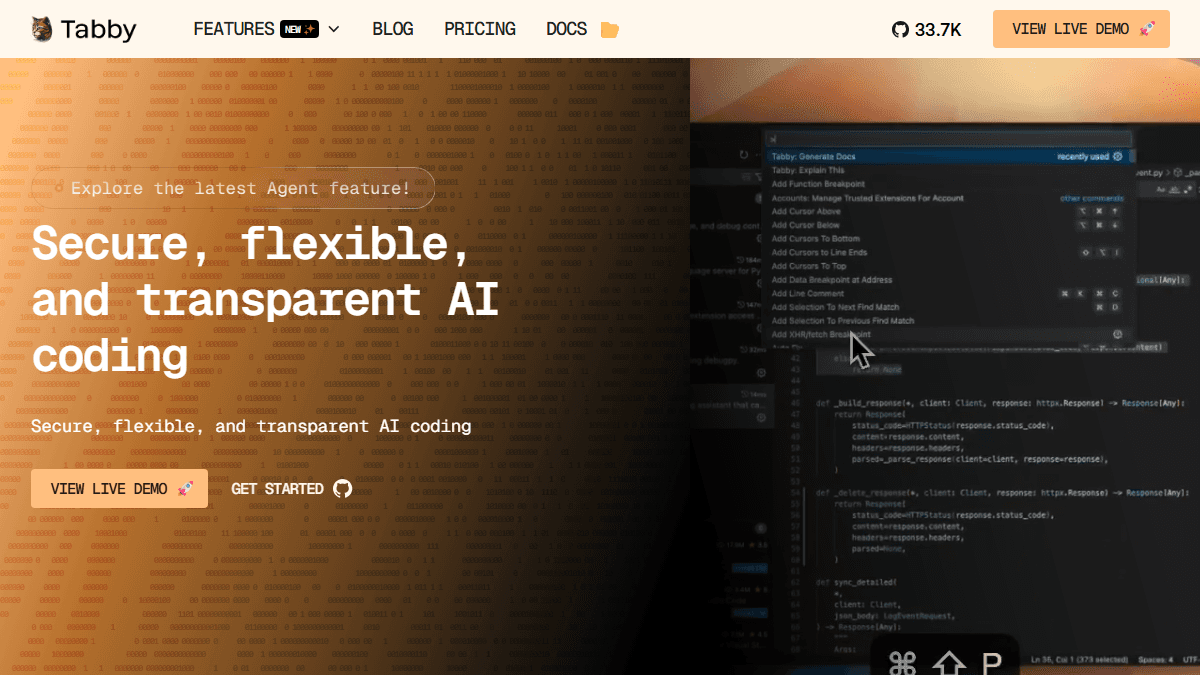
4. Tabby
Tabby is not the lazy choice.
Tabby is for teams that say "self-hosted" and mean it. Not "we like control in theory." Real control.
That usually means private repos, internal rules, or leadership that gets nervous when source code leaves the building.
The upside is control. The downside is also control. You choose infrastructure, models, upgrades, and support habits.
Do not roll this out company-wide first. Run a two-developer pilot. Pick one private repo. Measure whether people keep using it after the novelty wears off.
Self-hosting always sounds noble in a meeting. Then the person on call gets the invoice from reality.
5. Zed
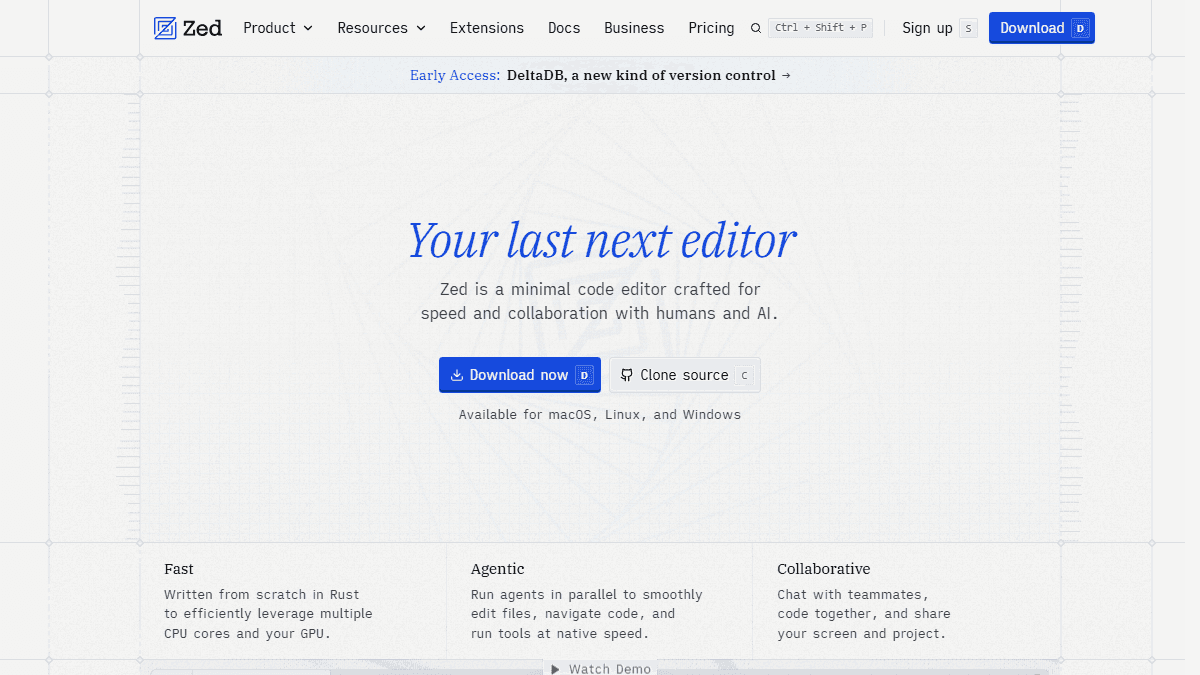
Zed is the editor-speed bet.
Zed is the pick if your first complaint is not price. It is friction.
Some developers do not need another agent first. They need an editor that feels fast after eight hours.
Zed is open source, fast, and built with collaboration in mind. Its AI story is improving, but I would not sell it as a one-for-one Cursor clone.
Test it for two normal work sessions. Do not just open the welcome screen and declare victory. That is not testing. That is sightseeing.
If you miss Cursor's exact agent workflow every ten minutes, stop. If your shoulders drop because the editor feels lighter, keep going.
6. Continue
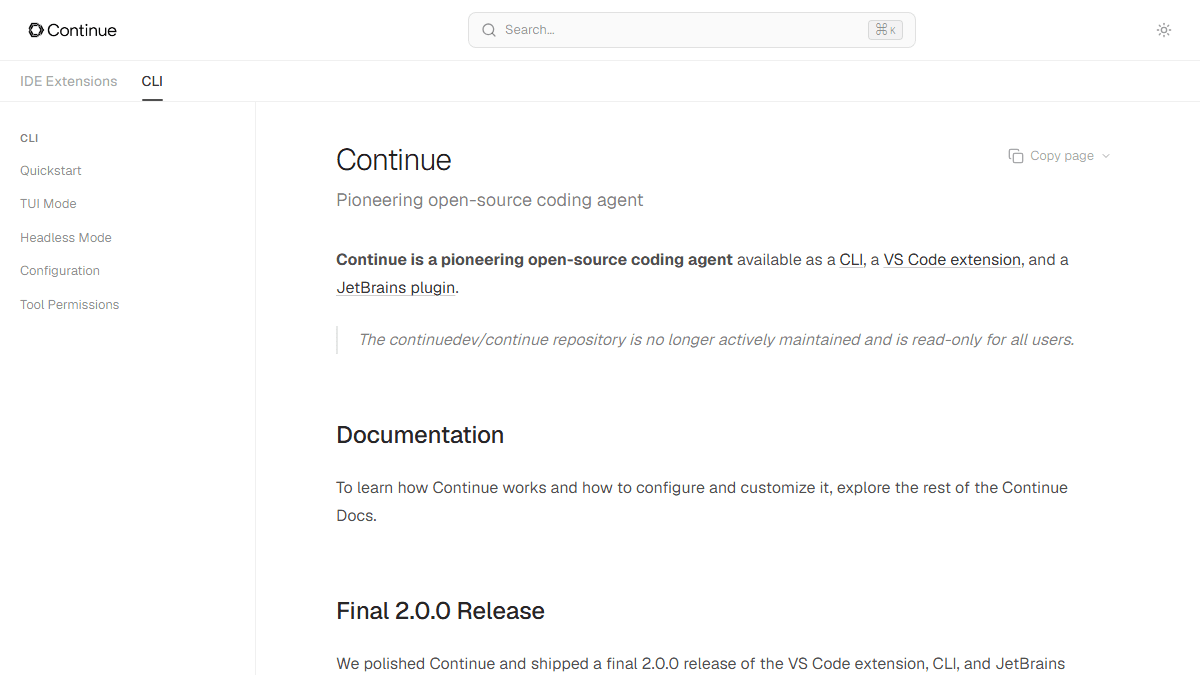
Continue belongs in the history section now.
Continue helped shape the open-source AI coding category. It deserves credit.
But a 2026 switching guide has to be honest. I would not tell a fresh team to start there before reading the current official docs.
If you already run Continue and it works, do not panic-migrate for sport. If you are choosing today, test Cline, Void, Aider, or Tabby first.
Old favorites are like old dotfiles. Some are gold. Some are cursed. Usually both.
Field test
My 90-minute switching test.
Do not test AI coding tools on hello-world examples. That tells you almost nothing. Use code with ugly edges. The kind you actually work on.
- Pick one repo you know well.
- Pick one model and keep it fixed.
- Use a real bug, not a toy task.
- Give each tool 90 minutes.
- Count review time, not just typing time.
- Run your normal tests.
- Keep Cursor installed for a week.
The winner is not the tool that writes the most code.
The winner is the tool that leaves you with the cleanest review. If review gets harder, the tool failed.
Real scenarios
Which one should you try first?
Most bad choices start with a vague sentence like "we need AI coding." Use a real scene instead.
| Scene | Problem | Start with |
|---|---|---|
| Solo dev shipping a tiny SaaS | Cursor helps, but the monthly bill feels annoying. | Void first, then Aider. |
| Freelancer juggling client repos | You need visible diffs and fewer surprises. | Aider or Cline. |
| Startup with one messy monorepo | You need an agent, but nobody wants a setup week. | Cline. |
| Company with strict code rules | Private code should stay close. | Tabby pilot. |
| Frontend dev tired of sluggish tabs | The editor itself feels like wet cardboard. | Zed. |
| Deadline this Friday | Everything is already on fire. | Do not switch yet. |
Cost
Free can still get expensive.
Open source removes one kind of lock-in. It does not remove every bill.
You may still pay for model APIs. You may pay for a local model setup. You may pay with teammate confusion. That last bill is quiet, but rude.
- API tokens can cost more than the editor.
- Local models can cost time, RAM, and patience.
- Self-hosting means updates and logs.
- Open source does not remove code review.
- A free tool can still slow the whole team.
- The cheapest setup is the one you keep using.
Switching
Do the boring migration.
The boring migration is the one that works.
Keep Cursor installed. Pick one alternative. Use the same repo for a week. Compare review time, not demo vibes.
If the alternative saves 20 minutes of typing but adds 40 minutes of doubt, it lost.
If it changes less code and gives you cleaner diffs, it may be better than the loud tool.
Final recommendation.
Start with Void if you want the closest editor replacement.
Add Cline if you want a real agent workflow.
Keep Aider for Git-heavy work.
Try Tabby only when the team wants self-hosting badly enough to maintain it.
Try Zed when speed is the daily pain.
FAQ
Common questions.
What is the best free Cursor alternative?
Start with Void if you want a full editor replacement. Start with Cline if you mainly want an agent workflow.
What is the best open-source Cursor alternative?
Void is the closest Cursor-style option. Aider is stronger if your daily workflow already lives in Git.
Can I replace Cursor with only open-source tools?
Yes, but do not expect a free lunch. You may still pay for model APIs, hosting, or setup time.
Should a team self-host its Cursor alternative?
Only if the team values control enough to own setup, upgrades, and model choices. Otherwise, start with Cline or Void.
Is Continue still a good first pick?
I would not start there fresh. Read the current Continue docs first, then decide if it still fits your plan.
Sources
Official pages used.
Screenshots came from public official pages. No AI-generated article images were added.
Product pages change. Before moving a team, re-open the official docs, check licenses, and test with your own model budget.


