 SwitchMyTool

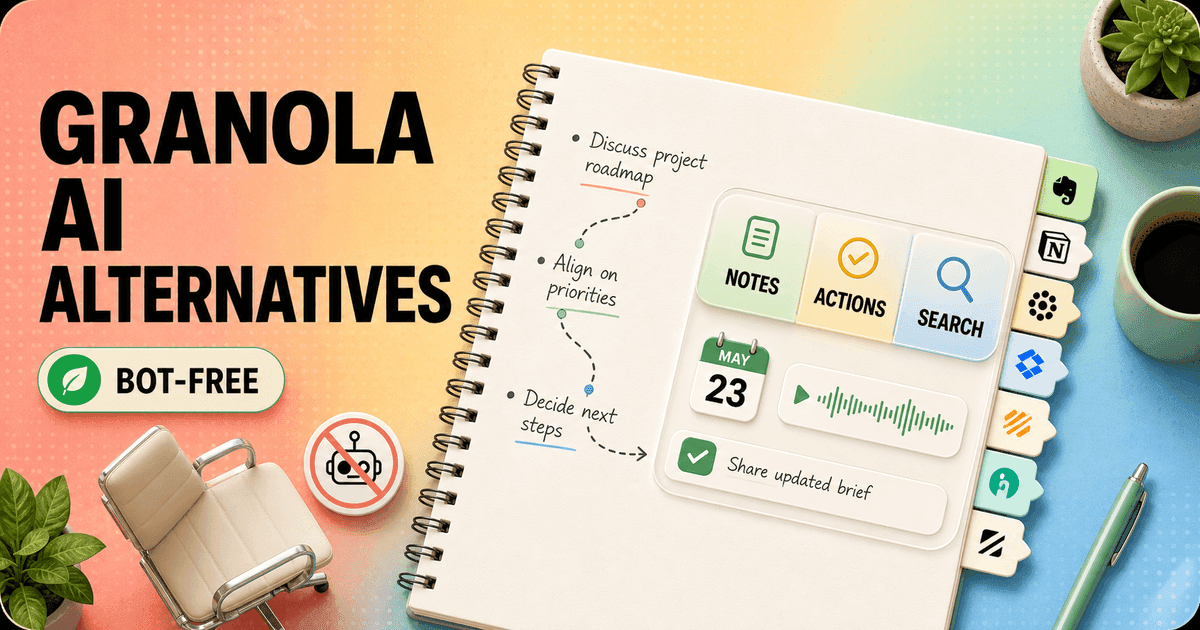
Granola understands a small but important truth about meetings: I do not want another guest in the call, and I do not want to reread a raw transcript. I want to jot down three imperfect cues, keep listening, and leave with a clean record of decisions and next steps.
That is the standard I used for these granola ai alternatives. A conventional transcription bot can produce more text and still be a worse replacement. The useful question is whether the product preserves attention during the call and makes the result easier to use afterward.
I also looked beyond note quality. Granola's Basic plan keeps older notes stored but only makes the latest 30 days accessible. Its official billing page lists Business at $14 per seat each month and Enterprise from $35. Those limits can be reasonable for a light personal workflow. They become the reason to compare when a meeting archive, phone calls, mobile use, CRM updates, or team coaching starts to matter.
If your shortlist has already narrowed to a browser-first live transcript, read my Granola AI vs Tactiq workflow comparison. It explains why the two bot-free products feel different before, during, and after a call.
My verdict
Circleback is the closest replacement. Jamie is the cleanest privacy-first reset.
Circleback is my first test for someone who likes Granola's no-bot desktop behavior but wants more automation around it. It works across meeting platforms, keeps the assistant off the participant list, adds search and follow-up, and connects the notes to a wider set of work tools. It feels like moving outward from Granola rather than abandoning the core workflow.
Jamie is the more focused answer when privacy and bot-free notes come first. It runs as a native application, handles online and in-person meetings, supports more than 100 languages, recognizes speakers, and deletes audio after transcription according to its current product material. The interface asks less of a team than a large meeting-intelligence platform.
Krisp is my choice for bad rooms, inconsistent microphones, and accents because it improves the sound before asking AI to understand it. Fireflies is the better operations layer when notes need to update CRM fields, move into collaboration tools, and trigger repeatable work. Fathom is the easiest free starting point. tl;dv is better for a team studying many calls. Otter remains a practical transcript-first choice across desktop, mobile, and in-person conversations.
I would keep Granola if its notes already match how I think. Switching away from a quiet tool to a larger system can trade one missing feature for a week of notifications, templates, permissions, and admin work. A replacement should solve a named problem, not merely have a longer integrations page.
Closest overall
Circleback for bot-free desktop notes plus search, automation, mobile access, and integrations.
Best for privacy
Jamie for sensitive calls and a native no-bot workflow with restrained administration.
Best audio
Krisp for noisy rooms, difficult microphones, accents, and real-time transcription.
Best free start
Fathom for a solo user who needs unlimited basic meeting history before buying.
Best for teams
tl;dv for shared call libraries, clips, coaching, and patterns across many meetings.
The Granola test
A good alternative must replace attention, not just transcription.
Granola's advantage begins before the summary. It listens through the computer without sending a named bot into the room. I can write a fragment such as “budget owner unclear,” keep eye contact, and let the product combine my cue with the conversation after the meeting. My note influences what the final page emphasizes.
That differs from a bot that joins, announces itself, creates a full transcript, and expects me to search the archive later. The bot route is not automatically bad. It can produce stronger speaker labels, a shareable recording, and a central team record. But it changes the social feel of a call, especially with clients who did not expect another participant.
The second job is turning a meeting into work. I care about names, decisions, commitments, dates, open questions, and the exact line that changed the plan. A polished recap that misses the owner of an action is decorative. A rough transcript with reliable search may be more useful. I test both the reading experience and what happens next.
The third job is memory across meetings. A personal tool can organize yesterday. A team tool must answer what changed across ten customer calls, show the source, respect access, and push the result into the CRM or task system. That is why Fireflies and tl;dv are on this list even though they are larger than Granola.
Finally, I look at consent and retention. A bot-free interface is still processing a conversation. I tell participants, follow the rules that apply to the call, limit access, and set a deletion policy. The absence of a visible bot is not permission to make recording invisible.
Comparison
Choose the workflow you need after the meeting ends.
| Alternative | Product shape | Best for | Strongest difference | Migration effort |
|---|---|---|---|---|
| Circleback | Bot-free desktop and mobile meeting assistant | Closest overall Granola replacement | Search, automations, and integrations | Medium |
| Jamie | Privacy-first native meeting assistant | Sensitive calls and in-person meetings | Bot-free notes and privacy controls | Low to medium |
| Krisp | Audio cleanup plus meeting notes | Noisy calls, accents, and mixed hardware | Noise cancellation and live transcription | Low |
| Fireflies | Meeting intelligence and automation platform | Teams with a large app stack | Integrations, AskFred, and AI workflows | Medium to high |
| Fathom | Meeting recorder and follow-up assistant | Solo users who want a generous free entry | Unlimited free recordings and transcripts | Low |
| tl;dv | Team meeting library and multi-call analysis | Sales, product, and research teams | Clips, coaching, CRM, and cross-call insights | Medium |
| Otter | Live transcription and conversational knowledge | Mobile, in-person, and transcript-first work | Fast live notes and searchable conversation history | Low to medium |
I do not rank these with a raw feature total. Circleback and Jamie deserve credit for preserving the no-bot habit. Fathom and Otter deserve credit for making a useful transcript easy to reach. Fireflies and tl;dv carry more team machinery because their job extends into revenue, research, and management workflows.
Plan names and limits change frequently in this category. I use prices only where the current first-party page makes the number clear, and I still verify the plan during a pilot. The more important cost is whether a product turns one meeting into five new admin steps.
Closest overall
1. Circleback keeps the bot out and adds a stronger work layer.
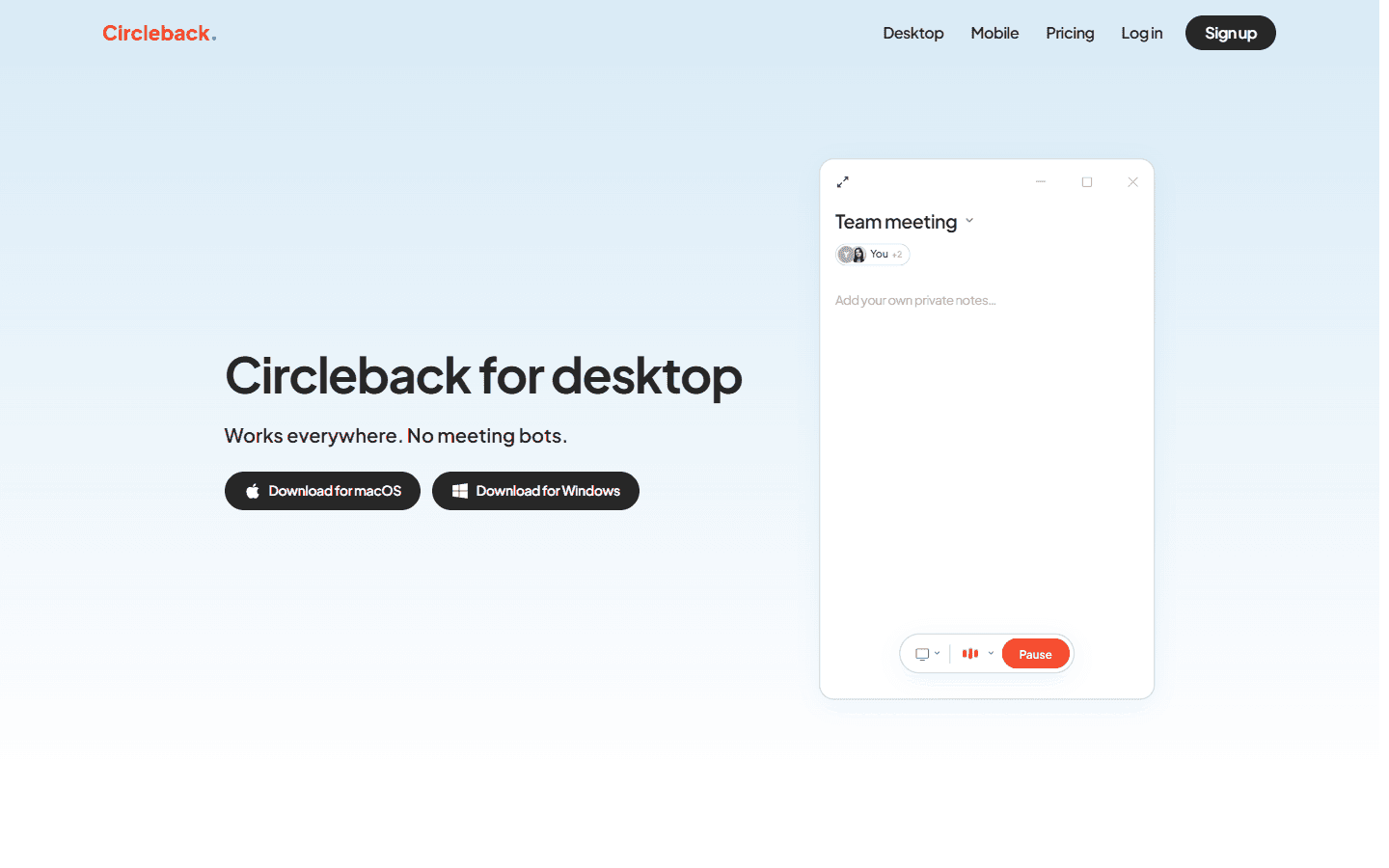
Circleback is the most natural Granola alternative for me because the desktop application preserves the quiet part of the experience. It runs on macOS and Windows, works across meeting platforms, and does not need a visible bot. I can start it for a call, add my own private notes, and use the resulting transcript, summary, and action items afterward.
The reason to move is what happens around the note. Circleback offers search across meetings, automations, mobile use, in-person recording, and a large integrations catalog. Its current pricing page places the Individual plan at $20.83 per user each month on annual billing and Team at $25. That is more than Granola Business, so the extra workflow needs to earn its keep.
I would put Circleback in front of consultants, founders, product managers, and client-facing teams who want Granola's discretion but need notes to travel farther. I would not choose it for a buyer whose only complaint is price. Paying more for an alternative is a poor savings plan, even with a lovely summary.
The move is medium effort. Recent notes can be exported or carried over where an importer supports them, but I still rebuild templates, vocabulary, calendar access, sharing rules, and automations. I run both tools for a week because a meeting archive is less valuable if names, recurring projects, and personal context reset on day one.
Best for privacy
2. Jamie is the focused bot-free option for sensitive work.
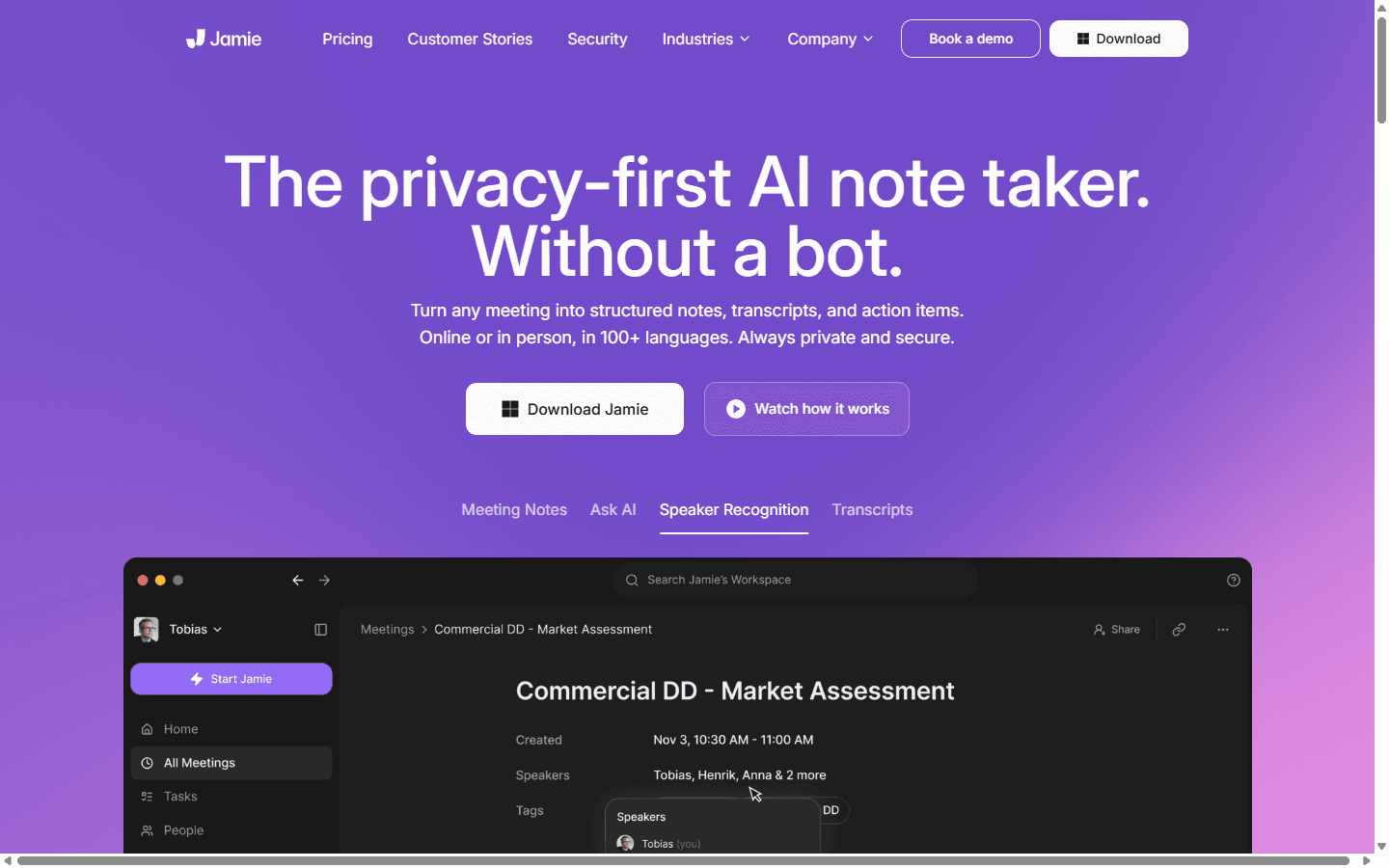
Jamie is the alternative I reach for when the meeting should feel normal. Its native app works with online and in-person conversations without adding a participant. It produces structured notes, transcripts, action items, speaker recognition, and an Ask AI layer across more than 100 languages.
Privacy is not a small badge on the page. Jamie says it hosts data in Germany, follows GDPR requirements, and deletes meeting audio after transcription. That combination will not answer every legal or security review, but it gives a privacy-conscious team a clearer starting point than a generic promise that data is “secure.”
I like Jamie for therapy-adjacent administration, recruiting, executive conversations, professional services, and multilingual teams that want a simple native workflow. I would not make it the first choice for a sales organization that measures dozens of calls, needs advanced coaching, and expects every note to update several CRM fields.
Migration is low to medium. The daily habit is close to Granola, so people do not need to relearn how to behave in a call. Historical context, custom note formats, names, and downstream actions still need a deliberate setup. I test ten real meetings before deciding whether its summaries understand the team's vocabulary rather than merely formatting it neatly.
Best for difficult audio
3. Krisp fixes the sound before it writes the notes.
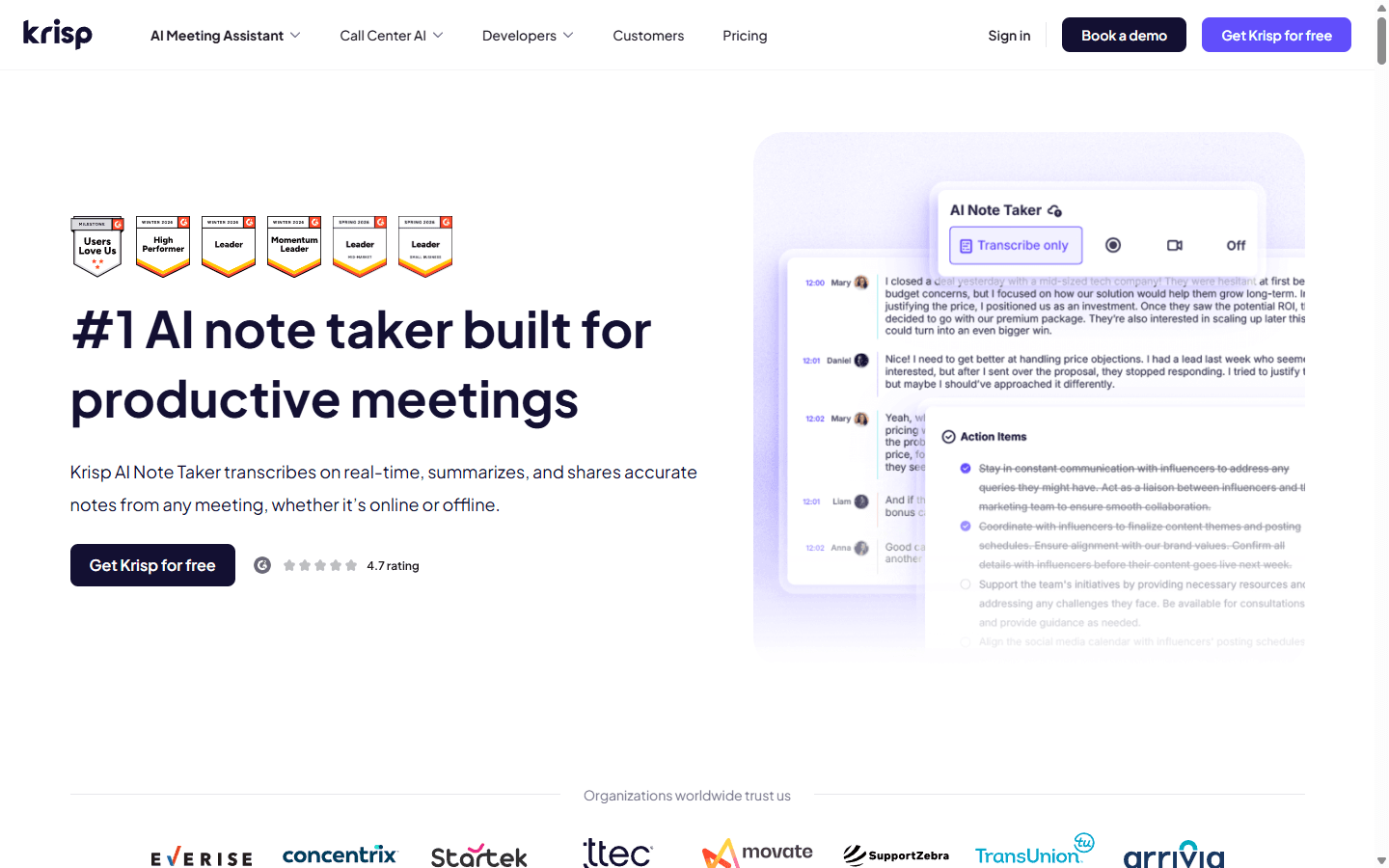
Krisp has a useful unfair advantage: it spent years working on the audio problem. Its AI Meeting Assistant combines noise cancellation, real-time transcription, summaries, and action items. It supports online and offline meetings, and its current product page offers both a bot-free path and an optional bot mode.
That matters when the input is messy. A clever summarizer cannot recover a name that a fan, keyboard, echo, or bad headset erased. I would test Krisp first for remote support teams, international calls, open offices, and anyone who regularly says, “Sorry, could you repeat that?”
Krisp is less attractive when my main requirement is a deep institutional memory across many meetings. It can organize meeting output, but Circleback, Fireflies, and tl;dv are easier to justify when search, CRM automation, coaching, and multi-call analysis drive the purchase.
The switch is usually low effort for one person: install the desktop app, choose the correct microphone and speaker route, connect the calendar, and compare names and action items across five calls. Team deployment takes longer because audio settings, device policies, consent, and support vary by machine. I keep a rollback path for users whose call setup already involves a dock, headset, and two conferencing apps.
Best integrations
4. Fireflies is the bigger system when notes must trigger work.
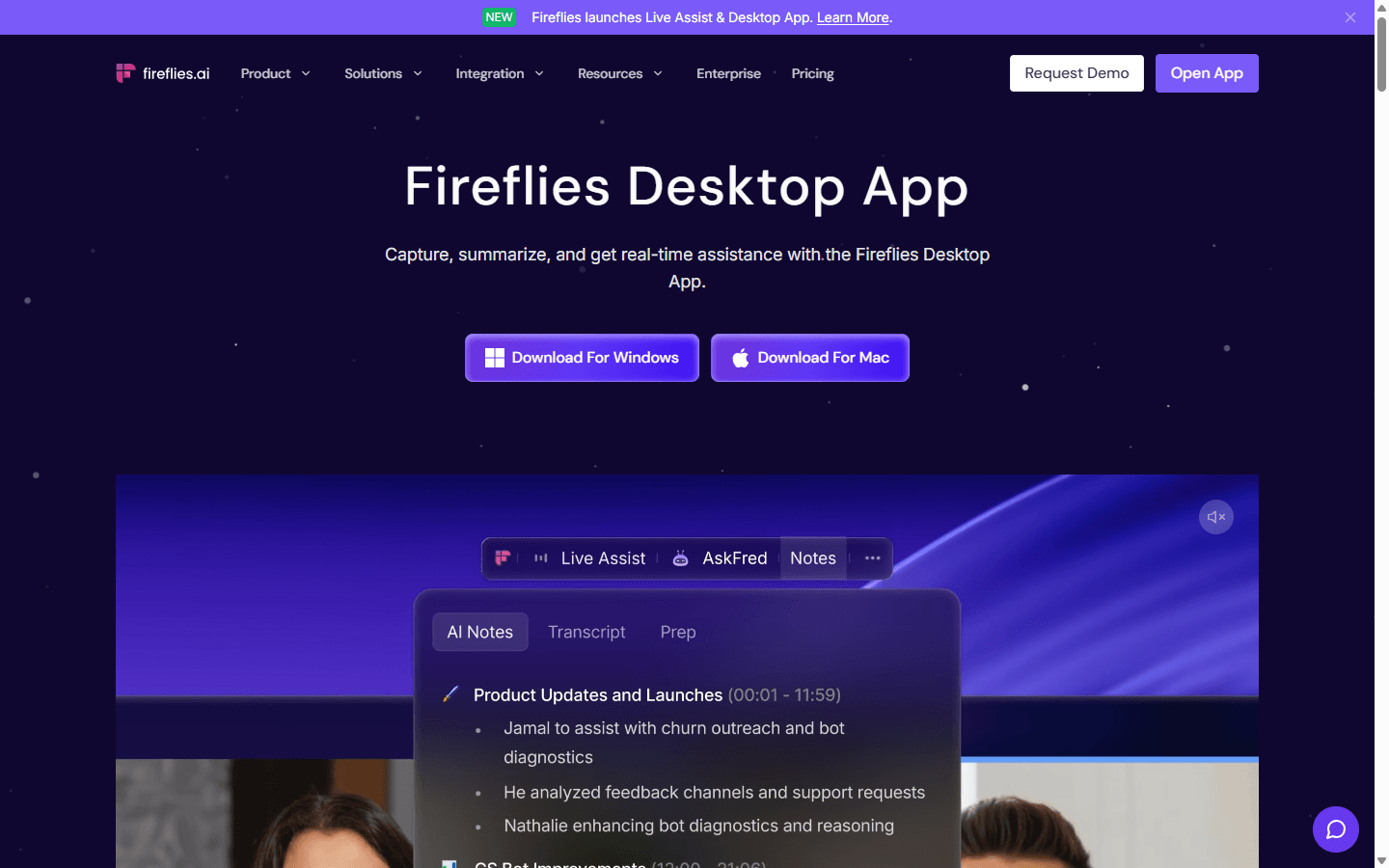
Fireflies used to be an obvious contrast with Granola because its assistant joined the meeting. The desktop application now gives users a no-bot route on macOS and Windows, with live transcripts, notes, AskFred, and AI Skills. The broader platform still supports the bot workflow when teams need recordings and richer speaker context.
I choose Fireflies when the meeting is an input to an operating system. The product connects to more than 100 tools, can search and question meeting content, and can turn notes into structured follow-up. A customer call can update the CRM, send a channel recap, create tasks, and make the next meeting easier to prepare.
That power creates a sharp fit line. Revenue teams, recruiters, agencies, and customer-success groups can benefit. A solo user who only wants a calm page of notes may find the interface, automation choices, and team features exhausting. Granola feels like a notebook; Fireflies can feel like a control room.
Migration is medium to high because automations carry business logic. I map every destination field, owner, trigger, and failure case before I turn anything on. Fireflies also documents a practical trade in its desktop path: no-bot use may not preserve the same speaker labels, audio, or video as the bot route. I test the exact mode the team will use rather than comparing homepage promises.
Best free start
5. Fathom gives a solo user room to test the habit properly.
For the head-to-head buying decision, my Granola AI vs Fathom comparison covers bot-free eligibility, retained recordings, free-plan limits, meeting coverage, privacy, and the cost of moving a useful archive.
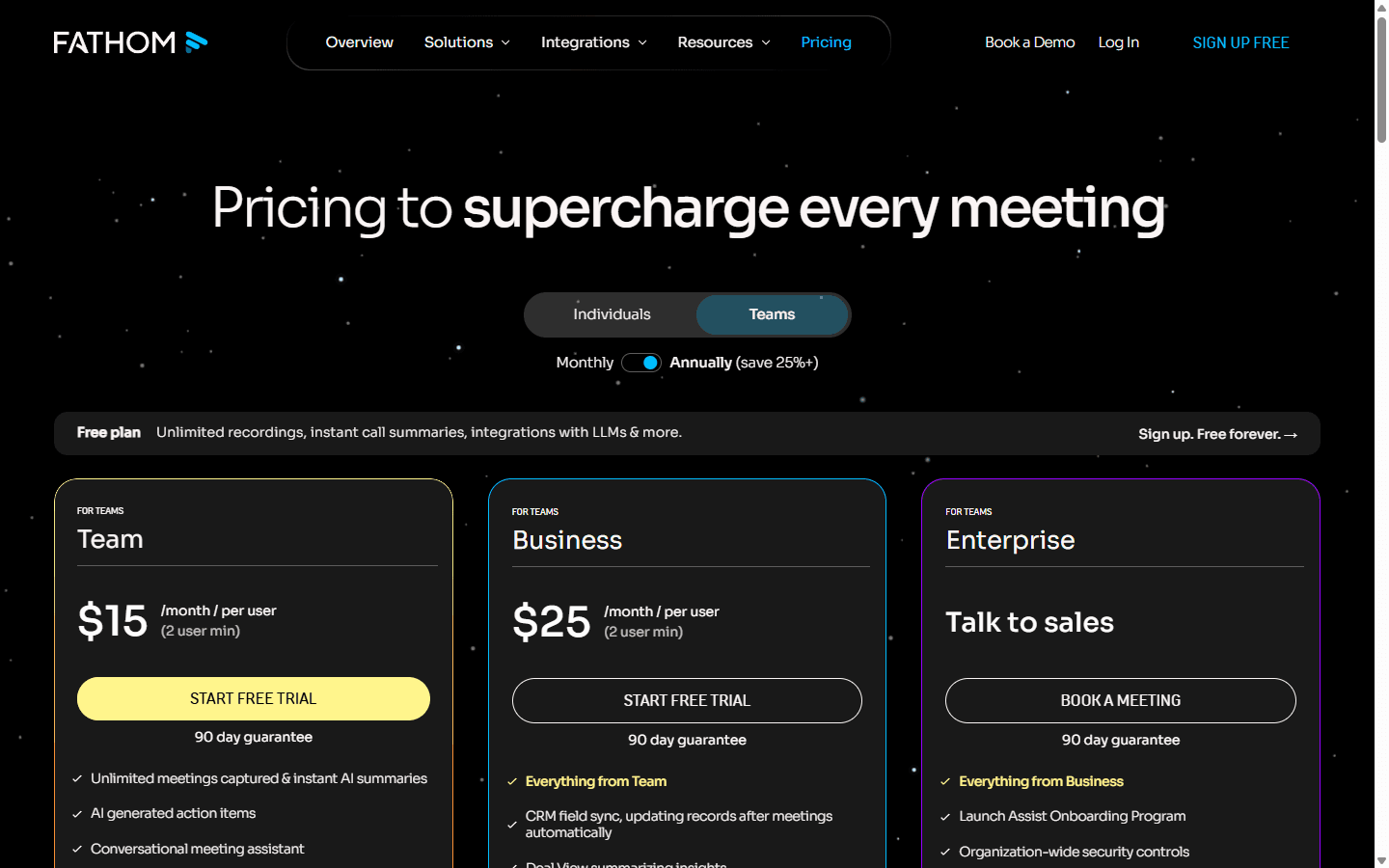
Fathom is my budget recommendation because the free individual plan is not a three-meeting demo disguised as a workflow. Its current help material says free users receive unlimited recordings, storage, and transcriptions in 38 languages. Advanced summaries are limited each month, after which the account falls back to a more general summary.
The product is easy to understand: join a supported meeting, get the transcript and summary, find action items, and share or follow up. Paid tiers add stronger summaries, action items, custom formats, Ask Fathom, and team functions. That gives a solo user enough real usage to decide whether meeting notes change the week.
Fathom fits individual salespeople, consultants, recruiters, and founders who want a generous free starting point and do not mind a visible assistant in the meeting. It is not my first replacement for someone whose reason for loving Granola is precisely that clients never see another participant.
The migration is low when I treat Fathom as a fresh system and keep Granola history available during the trial. It becomes medium when existing notes must remain searchable in one place. Before switching, I also check the platforms and meeting types the team actually uses; a free plan saves nothing if half the calls happen outside its comfortable path.
Best team intelligence
6. tl;dv is for teams that need patterns across calls, not one perfect recap.
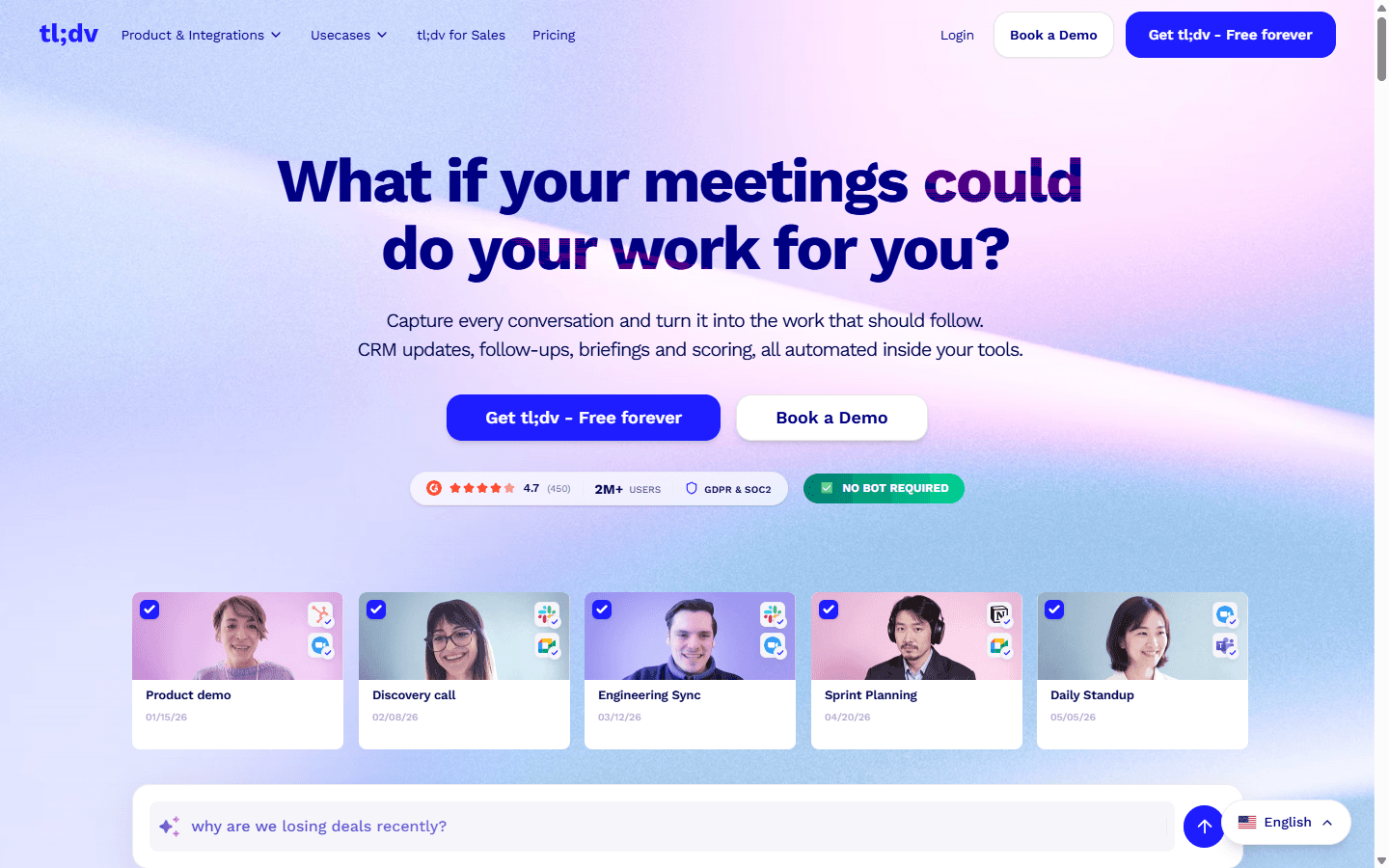
tl;dv becomes interesting when a manager, researcher, or product lead needs to understand more than the meeting they attended. It organizes calls, summaries, clips, CRM work, coaching, and recurring reports. Its current homepage also advertises a no-bot route, while other product paths still use an assistant that joins supported conferencing platforms.
The strongest workflow is aggregation. I can ask what customers keep objecting to, gather clips around one product problem, or compare how a sales message lands across a week of calls. Granola helps me remember my meeting. tl;dv helps a team study its meetings.
I would choose it for sales enablement, user research, product discovery, and distributed teams with a large call library. I would not put it in front of a privacy-sensitive solo professional who wants one quiet page and no management layer. The extra analytics only matter if someone acts on them.
Migration is medium. Calendar connections and new calls are straightforward. Existing folders, tags, clips, templates, CRM mappings, access groups, and recurring reports need design. I pilot one meeting type and one team first, then check whether the cross-call insight points back to the right source rather than producing a confident blur of many conversations.
Best live transcript
7. Otter is still the practical transcript-first choice.
For the direct buying decision, I break down Granola AI vs Otter by bot-free capture, audio playback, transcript search, pricing, privacy, and migration cost. The short version is that Granola leaves a cleaner note while Otter preserves a fuller record.
If the real question is whether to keep a software notebook or carry dedicated hardware, my Granola AI vs Plaud comparison covers phone calls, room meetings, retained audio, hardware cost, privacy, and the switching work between those two capture models.
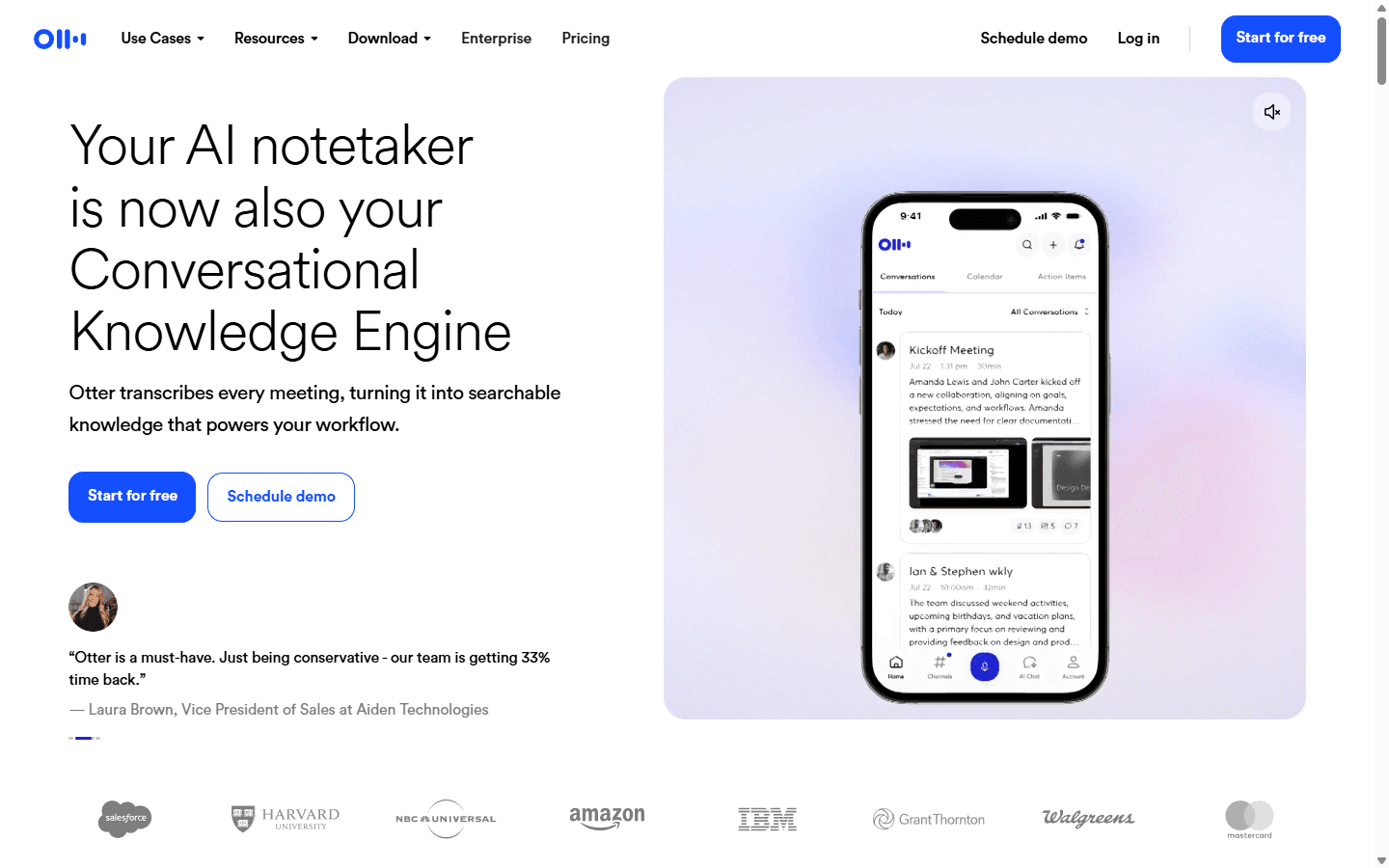
Otter is the alternative I recommend when people want to see the words appear during the conversation. Its product centers on live transcription, searchable knowledge, action items, mobile access, and meeting agents. That immediate text is useful for accessibility, interviews, lectures, in-person conversations, and people who think by scanning a running record.
The mobile experience is the strongest reason to compare it with Granola. A phone can become part of the workflow instead of an awkward afterthought. Otter also turns conversation history into a broader knowledge layer, which helps when a user remembers a phrase but not the meeting title.
The trade is product feel. Otter is transcript-first and its meeting-agent workflow may be more visible than Granola's native listening model. People who chose Granola to avoid a bot may not see Otter as a direct replacement. Teams also need to decide when a live transcript helps attention and when it becomes another pane everyone watches instead of listening.
Migration is low to medium for new work and harder for a historical archive. I test names, jargon, mobile behavior, exports, and search with real conversations. I also review sharing defaults carefully; a searchable transcript contains much more raw material than a concise meeting summary.
Fit before features
Who should switch, and who should keep Granola?
Switch to Circleback
You want the closest bot-free workflow plus stronger search, mobile use, automations, and integrations.
Switch to Jamie
You prioritize privacy, multilingual notes, and a native assistant that stays out of the participant list.
Switch to Krisp
Bad audio, accents, echo, and inconsistent hardware damage the notes before the AI can help.
Switch to Fireflies
Meeting output must update business systems and trigger repeatable work across a team.
Switch to Fathom
You are a solo user who wants a meaningful free trial period and can accept a visible meeting assistant.
Switch to tl;dv
You need clips, coaching, reports, and themes across a shared library of calls.
Switch to Otter
Live transcription, mobile use, in-person conversations, and transcript search matter most.
Keep Granola
Its bot-free notes already match your thinking, 30-day or paid history is enough, and you do not need a larger automation layer.
Customer research
Reddit users praise the quiet workflow and complain about the archive around it.
The strongest positive theme I see on Reddit is not summary accuracy in isolation. It is the lack of a visible bot. Users mention client calls, calls on speakerphone, and the ability to add a few personal notes while the product fills in the rest. That social comfort is easy to underrate until an alternative joins every meeting with a name and avatar.
The most concrete complaint concerns the Basic plan's 30-day accessible history. Granola says older notes remain stored, but free users cannot view or use them. People reasonably dislike discovering that their memory system has become a window. The notes are not deleted, yet the distinction offers little comfort when yesterday's client detail sits behind an upgrade.
Platform coverage is the next theme. One user described needing Windows, iPhone, WhatsApp calls, phone calls, Apple Watch access, and direct audio upload. Granola met enough of that workflow to remain the favorite, but the list shows why no single alternative wins. A desktop note taker, a mobile recorder, and a team meeting bot solve overlapping rather than identical jobs.
Privacy and ownership come up whenever people discuss local-first projects. Developers have built open-source products such as Char and Steno around Markdown files, local models, migration, and keeping meeting data under the user's control. I treat those projects as signals rather than default recommendations: the demand is real, while maturity, support, mobile behavior, and long-term maintenance still need scrutiny.
The broader complaint applies to the whole category. Some products record everything and leave users with a large, poorly organized archive. Others force so much manual note-taking that the assistant barely earns its name. The useful middle ground is structure with correction: the machine drafts, the person steers, and the final note has an owner and a next action.
- Meeting-note users comparing Granola with other assistants across calls and devices
- Mac users discussing a local-first, Markdown-based approach to meeting notes
- Developers discussing local models, migration, and ownership of meeting history
Switching cost
New meetings move in an afternoon. Old context is the expensive part.
The simplest migration is a clean date boundary: old meetings remain in Granola, new meetings begin in the replacement, and the overlap lasts long enough to compare quality. That avoids forcing years of notes into a format the destination does not understand. It also means keeping paid access until the important history has been preserved.
Granola's help center says its CSV export includes note titles and summaries but not full transcripts. I therefore inventory what the team actually searches. If summaries are enough, the export may cover the requirement. If users depend on verbatim context, links, private notes, or chat across meetings, the gap is larger.
Templates are small files with large consequences. I copy the headings, action format, vocabulary, and meeting-type rules that make a recap useful. Then I compare ten outputs side by side. A new assistant can be more accurate sentence by sentence and still lose if it hides decisions inside a cheerful wall of prose.
Automations need a proper map. For each CRM field, Slack post, task, email, or webhook, I record the trigger, destination, owner, permissions, and failure behavior. I do not turn on automatic follow-up until the assistant has stopped inventing owners or dates in the test set.
For one person, I budget two to four hours plus a week of parallel use. For a small team, I budget three to five days to handle templates, access, consent language, integrations, and training. A regulated team should treat retention, data location, deletion, audit access, and vendor review as a separate project.
| Workstream | What has to move | Typical effort |
|---|---|---|
| Meeting history | Past notes, summaries, transcripts, folders, and links | High if the destination has no importer |
| Templates | Summary formats, headings, vocabulary, and recurring meeting types | Low to medium |
| People and context | Speaker names, company terms, projects, and relationship history | Medium |
| Automations | CRM updates, Slack posts, task creation, email follow-up, and webhooks | Medium to high |
| Access and consent | Calendar permissions, recording notices, retention, sharing, and deletion rules | High for a team |
| Team habits | Who starts the assistant, checks actions, fixes names, and owns follow-up | Medium |
Seven-day pilot
Use twenty real meetings before you trust the replacement.
- Write the reason for leaving. Pick one problem: history, phone use, privacy, audio, CRM follow-up, team coaching, or price. A vague pilot produces a vague winner.
- Preserve the current archive. Export available data, keep source links, record templates, and confirm how long Granola access will remain available.
- Run five routine meetings. Include a one-to-one, a team call, an external call, an in-person conversation, and one meeting with unfamiliar vocabulary.
- Run five difficult meetings. Use overlapping speakers, a poor microphone, an accent, a changed decision, and a call where the action owner is only implied.
- Check the first five minutes after each call. Count name fixes, missing decisions, false actions, manual formatting, and steps needed to share the result.
- Test retrieval across ten notes. Ask what changed, who promised what, and where the source appears. A summary app becomes a memory product only when search earns trust.
- Test one failure. Disconnect a calendar, deny microphone permission, use the wrong audio route, and confirm the user can recover without losing the meeting.
- Compare the whole week. Include subscription cost, admin time, corrections, follow-up completed, user comfort, and consent. Keep the product that improves the work after the call.
FAQ
Practical questions about Granola AI alternatives.
What is the best Granola AI alternative in 2026?
Circleback is my closest overall replacement because it keeps the bot-free desktop workflow while adding deeper search, automations, mobile support, and integrations. Jamie is the stronger first test when privacy and a native no-bot experience matter more than workflow automation.
Which Granola AI alternative works without a meeting bot?
Circleback, Jamie, Krisp, and the Fireflies desktop app can work without adding a visible participant. tl;dv also advertises a no-bot route. Product modes differ, so I confirm whether speaker labels, audio, video, and sharing behave the same in the no-bot path before moving a team.
Is there a free alternative to Granola AI?
Fathom is the easiest free option to test because its individual plan includes unlimited recordings, storage, and transcripts, although advanced summaries are limited. Jamie and several other products also offer limited free entry. Free plans can change, so check the current first-party pricing page before standardizing a workflow.
Why do people leave Granola AI?
The complaints I see most often concern the free plan's 30-day accessible history, mobile and call coverage, export depth, pricing as the archive grows, and the desire for more control over where meeting data lives. Other users stay because Granola's bot-free notes and light-touch workflow are unusually good.
Can I move my old Granola notes to another app?
There is no universal importer. Granola provides CSV export for note titles and summaries, but its help center says full transcripts are not included in that export. Preserve original notes, links, templates, vocabulary, and automation rules, then test any destination importer before canceling access.
Is Granola still worth using?
Yes, when its rough-notes-plus-AI workflow already produces reliable summaries and the 30-day Basic history or paid plan fits your budget. Switching only makes sense when you can name a missing job such as live transcription, mobile use, CRM automation, team coaching, or local-first data control.
Sources
First-party pages and customer discussions used for this guide.
- Granola subscription, history, and export documentation
- Granola pricing
- Circleback Desktop
- Circleback pricing
- Jamie product overview
- Krisp AI Meeting Assistant
- Fireflies Desktop
- Fathom pricing
- tl;dv product overview
- Otter product overview
Read related articles
Keep reading practical SwitchMyTool guides after this one.

Qodo vs Codacy in 2026: Better AI Review or Stronger Merge Gates?
I compare Qodo and Codacy by AI review, static analysis, security gates, pricing, migration cost, team fit, and common Reddit complaints.
Read more
Qodo vs Graphite Agent in 2026: Better Review Governance or a Better PR Workflow?
I compare Qodo and Graphite Agent by review quality, stacked pull-request workflow, pricing, team fit, migration cost, and common Reddit complaints.
Read more
Qodo vs Bito in 2026: Better Review Governance or Broader Developer Coverage?
I compare Qodo and Bito by review governance, Git and IDE coverage, repository rules, pricing, team fit, migration cost, and Reddit complaints.
Read more