 SwitchMyTool

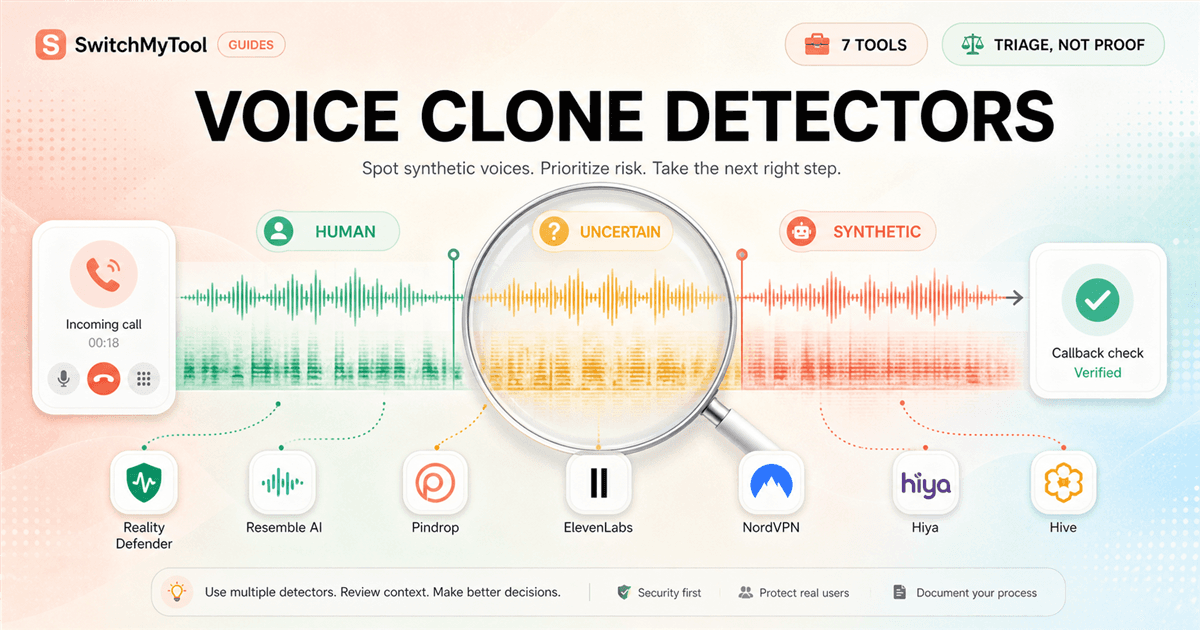
The most dangerous button in an AI voice cloning detector is the one that says fake without explaining what I should do next. A score can be useful. It can also turn one weird codec, noisy phone line, edited pause, or unfamiliar accent into an accusation. I want a detector to slow a risky decision down, not dress a guess in forensic clothing.
I compared seven products across the situations where cloned speech actually reaches me: an uploaded file, a social clip, audio playing in a browser, a live meeting, and a customer call. I paid particular attention to scope. A tool that can confirm an ElevenLabs watermark is solving a different problem from a contact-center platform that watches a call in real time.
This guide to the Best AI Voice Clone Detectors is therefore not a race to the biggest advertised accuracy number. I care about the evidence returned, how quickly a reviewer can act, whether private audio leaves the device, and how honestly the vendor describes blind spots. Those details decide whether a tool improves judgment or merely adds another alarm.
My verdict
Reality Defender is my best general starting point, but no one detector gets the final word.
Reality Defender is the first product I would try for a mixed queue of audio files because its free plan is large enough to establish a baseline and its paid platform can grow into API and enterprise review. Resemble Detect is my stronger choice when an analyst needs an explanation, source tracing, on-prem deployment, or an auditable case record. Pindrop Pulse is the specialist I would shortlist for live calls, meetings, and contact-center fraud.
Hive is the practical API choice when segment timestamps matter. ElevenLabs is the best narrow provenance check when the real question is whether ElevenLabs created the clip. Hiya and NordVPN make browser audio easier to question without asking a casual user to build an investigation workspace.
My operating rule is simple: a detector can trigger a pause, a callback, a second check, or human review. It cannot prove identity, intent, fraud, or authorship by itself. For a payment request, account recovery, hiring decision, public accusation, or legal dispute, I preserve the original media and verify the speaker through a known channel before I act.
Best overall
Reality Defender for accessible file triage plus a clear route into API and enterprise workflows.
Best evidence
Resemble Detect when explanations, source tracing, deployment control, and audit history matter.
Best live calls
Pindrop Pulse for organizations that already operate fraud, contact-center, or trust-and-safety review.
Best free check
ElevenLabs for ElevenLabs provenance; Hiya, Hive, NordVPN, and Resemble for limited browser triage.
Before the ranking
An AI voice detector estimates a pattern. It does not identify the person behind the audio.
Three detection approaches are commonly mixed together. A provenance check looks for a watermark or signature inserted by a known generator. A statistical detector looks for spectral, temporal, or model artifacts. A voice-security system combines synthetic-speech analysis with call context, device, liveness, identity, or fraud signals. The output may look like the same red badge, but the claim underneath is different.
Provenance is strongest inside its boundary. If ElevenLabs finds its SynthID watermark, that is meaningful evidence about origin. If it does not, the clip may still be synthetic, because another generator, an older ElevenLabs model, or a third-party model may not carry that mark. Absence of a known watermark is not proof of human speech.
Statistical detection is broader and messier. Re-encoding, background music, packet loss, noise suppression, speed changes, splicing, very short clips, and unfamiliar languages can all move confidence. New generators also arrive faster than a slow retraining cycle. I look for segment output, threshold control, model updates, and calibration guidance rather than one impressive global percentage.
The safest workflow separates authenticity from identity. A perfectly real voice can belong to a scammer. A synthetic voice can be an authorized accessibility tool or company assistant. The business question is usually not only 'Is this AI?' It is 'Should I release money, disclose data, trust this claim, or let this request continue?' Detection is one input to that decision.
| Signal | What it can support | What it cannot prove |
|---|---|---|
| Known watermark | The audio likely passed through a participating generator or workflow. | The speaker's identity, intent, permission, or whether unmarked sections are real. |
| Synthetic confidence | The sample resembles known AI-generated speech above a chosen threshold. | Who generated it, whether it is malicious, or whether the threshold fits your audio channel. |
| Segment flag | A particular time range deserves closer review. | The exact edit boundary or that every unflagged second is authentic. |
| Source attribution | A likely generator family or platform may explain the artifacts. | A legally certain chain of authorship without supporting evidence. |
| Live-call alert | Pause, challenge, callback, or route the interaction before a sensitive action. | That the caller is a criminal or that a real voice is trustworthy. |
Comparison
I rank by workflow fit and evidence, not the loudest accuracy claim.
Public pricing is uneven because four products sell primarily to enterprises. I list a free allowance only when the vendor publishes one, and I call a plan sales-led when a buyer needs a conversation. A free extension can be excellent for personal triage and still be the wrong choice for a regulated investigation.
I also discount accuracy claims that do not define the test set, threshold, compression, language mix, or unseen generators. Resemble itself makes a useful point in its 2026 benchmark material: two vendors can both claim 99 percent while testing different data under different conditions. I would rather see a reproducible calibration set than another decimal place.
| Tool | Best surface | Public entry | Best for | Main caution |
|---|---|---|---|---|
| Reality Defender | Files, API, and enterprise workflows | 50 audio or image scans monthly on the free plan; paid tiers available | Teams that need a credible general-purpose starting point | A risk score still needs human review and an escalation policy |
| Resemble Detect | Real-time streams, files, API, on-prem | Four free browser scans daily; enterprise pricing is sales-led | Security and compliance teams that need an explanation and audit trail | The full platform is heavier than a one-off consumer check |
| Pindrop Pulse | Contact centers, meetings, and media files | Custom pricing | High-risk live calls and organizations with fraud operations | Requires integration, calibration, and an operational response team |
| Hive | Browser checks and chunked file/API analysis | Free browser extension; production API is sales-led | Platforms that need timestamps and machine-readable confidence | Ten-second chunks can hide shorter transitions inside a segment |
| ElevenLabs | ElevenLabs provenance and watermark checks | Free | Anyone asking whether a clip came from ElevenLabs | Not a general detector for every voice generator |
| Hiya | Browser playback and voice-security integrations | Free browser extension; business API is sales-led | People checking social, news, or video audio in Chrome | Browser verdicts are triage signals, not forensic reports |
| NordVPN AI Voice Detector | Audio playing in the active Chrome tab | Free extension | Privacy-conscious users who want fast local browser triage | New product with limited public third-party evaluation |
1. Best overall
Reality Defender gives me the cleanest path from a free check to a real review operation.
Reality Defender covers audio, image, and video rather than treating voice as an isolated novelty. Its platform uses an ensemble of detection models, and the product line spans a self-serve interface, API, calls, and meetings. That makes it easier to keep one review policy when a suspicious post includes both a manipulated face and a cloned voice.
The free plan includes 50 audio or image scans per month. That is enough for a small trust team, newsroom, investigator, or security lead to build a labeled sample before buying. I would use those scans on representative material: clean speech, phone audio, social-video re-encodes, noisy calls, and known synthetic clips from the generators most relevant to the organization.
The product's strength is breadth, but breadth creates a temptation to treat one platform score as universal truth. I still want the raw result, model context, original media, and a second independent method for a consequential decision. A general-purpose detector must handle more variation than a narrow watermark checker, so threshold and false-positive review matter.
My first deployment would not automatically block anything. I would route high-confidence flags and a random sample of passes to a reviewer, log callback outcomes, and calculate the false-positive cost in the actual workflow. Once I know how the tool behaves on our codecs and languages, I can decide whether an alert should warn, delay, challenge, or stop an action.
Best for
Newsrooms, security teams, investigators, and mixed-media review queues that need a low-risk starting point.
Not for
Anyone who wants one score to serve as courtroom-grade proof or an automatic accusation.
Migration cost
Moderate once API rules, review history, thresholds, and mixed-media cases become part of daily operations.
First move
Use the 50 monthly scans to build a labeled baseline before discussing automation.
2. Best explainability
Resemble Detect is the one I would choose when a reviewer must explain why a clip was flagged.
Resemble Detect combines a multimodal detection model with an intelligence layer that returns a verdict and an explanation. The current platform covers audio, image, and video, supports cloud, on-prem, and air-gapped deployment, and publishes real-time integrations for calls and meetings. That deployment range matters when the audio contains customer, employee, biometric, or unreleased media data.
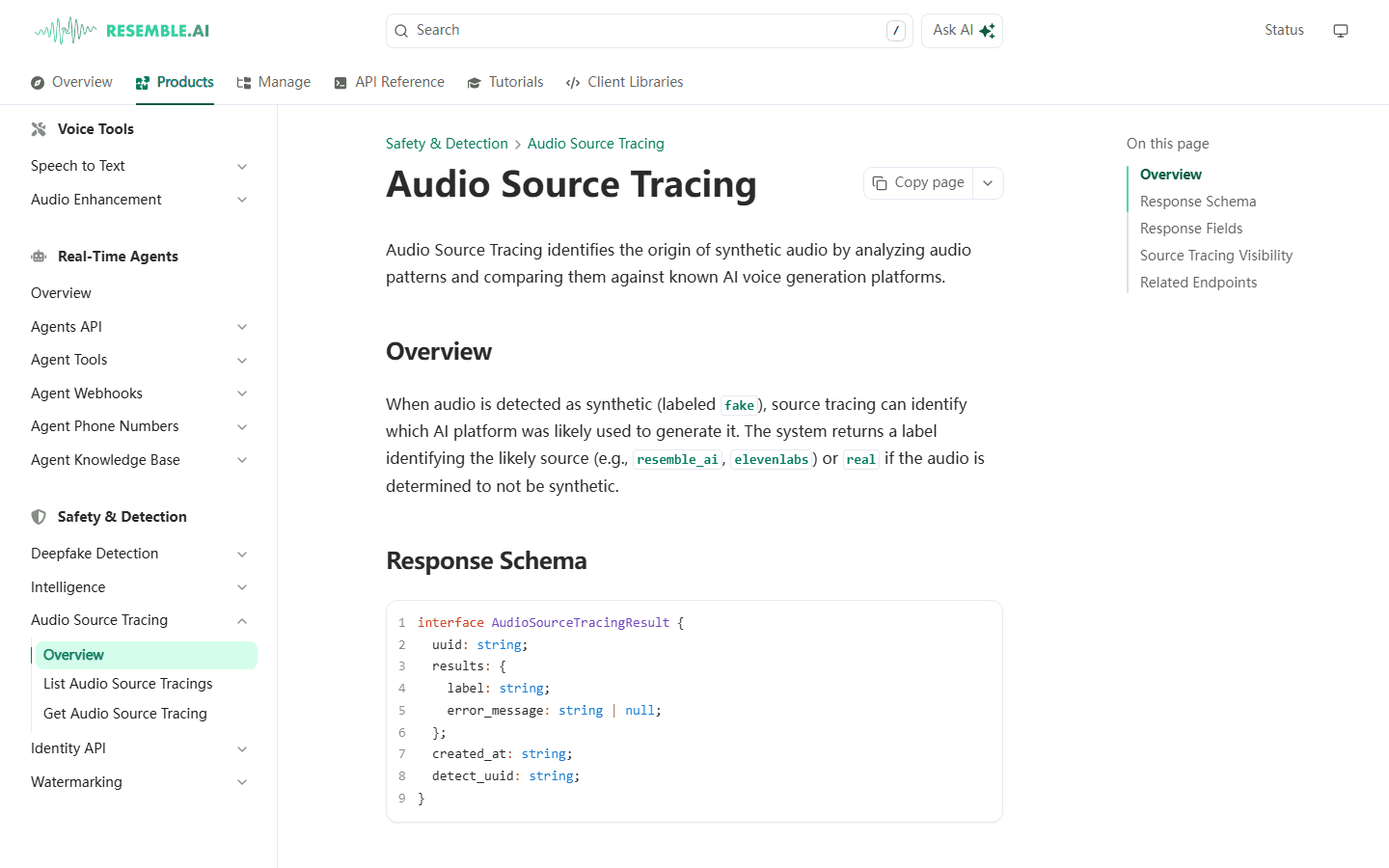
The audio source-tracing feature can identify a likely generation platform after a sample is labeled synthetic. I treat that attribution as an investigative lead, not authorship proof, but it is more actionable than a floating confidence number. An analyst can compare the suspected source with account activity, file metadata, publishing history, and known authorized tools.
Resemble publishes coverage across 160-plus generative models and 51 languages, along with sub-300-millisecond detection claims. Those figures are useful buying questions, not permission to skip local calibration. I would ask which exact languages, telephony formats, attack transformations, and unseen generators were represented in the evaluation that resembles my traffic.
The free Chrome extension includes four scans per day, which is enough to understand the interaction. The serious value sits in the API, explanations, retention controls, and deployment options, so a production buyer should expect a sales process. If all I need is to question one social clip a week, the platform is more machinery than the job requires.
Best for
Compliance, media, security, and trust teams that need an explanation, source lead, and audit trail.
Not for
A casual user who only wants a fast free yes-or-no check.
Migration cost
High when explanations, on-prem infrastructure, review notes, and automated case routing depend on the platform.
First move
Compare the same known-real and known-synthetic set in the extension, then request raw API fields before a pilot.
3. Best live-call defense
Pindrop Pulse makes sense when the detector must change a live conversation, not decorate a report later.
Pindrop splits the problem into distinct operating surfaces. Pulse protects contact-center conversations, Pulse for Meetings watches conferencing environments, and Pulse Inspect analyzes recorded files for media, government, nonprofit, and social-platform review. That separation is useful because a two-second live warning and a careful post-event analysis have different latency and evidence requirements.
Pulse Inspect analyzes a file in repeated segments and supports text-to-speech, speech-to-speech, and voice-conversion detection. Segment output matters when a real recording contains one inserted sentence or a synthetic call begins with a human operator. A single average score can bury the exact moment a reviewer needs to hear.
Pindrop publishes strong performance claims and research across large audio collections and hundreds of text-to-speech systems. I would still insist on a customer-specific evaluation. Contact-center audio is full of hold music, speakerphone echo, packet loss, accents, code switching, silence, and aggressive noise suppression. Those conditions can be more important than a pristine benchmark.
This is an operational purchase, not an upload widget. The value arrives when an alert can pause an account change, trigger stronger authentication, warn an agent, preserve a case, and feed a fraud team. Without that response layer, a premium real-time detector becomes an expensive red light that everyone learns to ignore.
Best for
Banks, insurers, contact centers, meeting-security teams, media organizations, and high-risk fraud operations.
Not for
Individuals or small teams that need occasional file checks and public self-serve pricing.
Migration cost
High because telephony, agent guidance, authentication, case management, and fraud metrics must move together.
First move
Replay a consented historical set through a silent pilot and measure agent impact before enabling customer-facing alerts.
4. Best segment API
Hive is the clean choice when I need timestamps and confidence in a production pipeline.
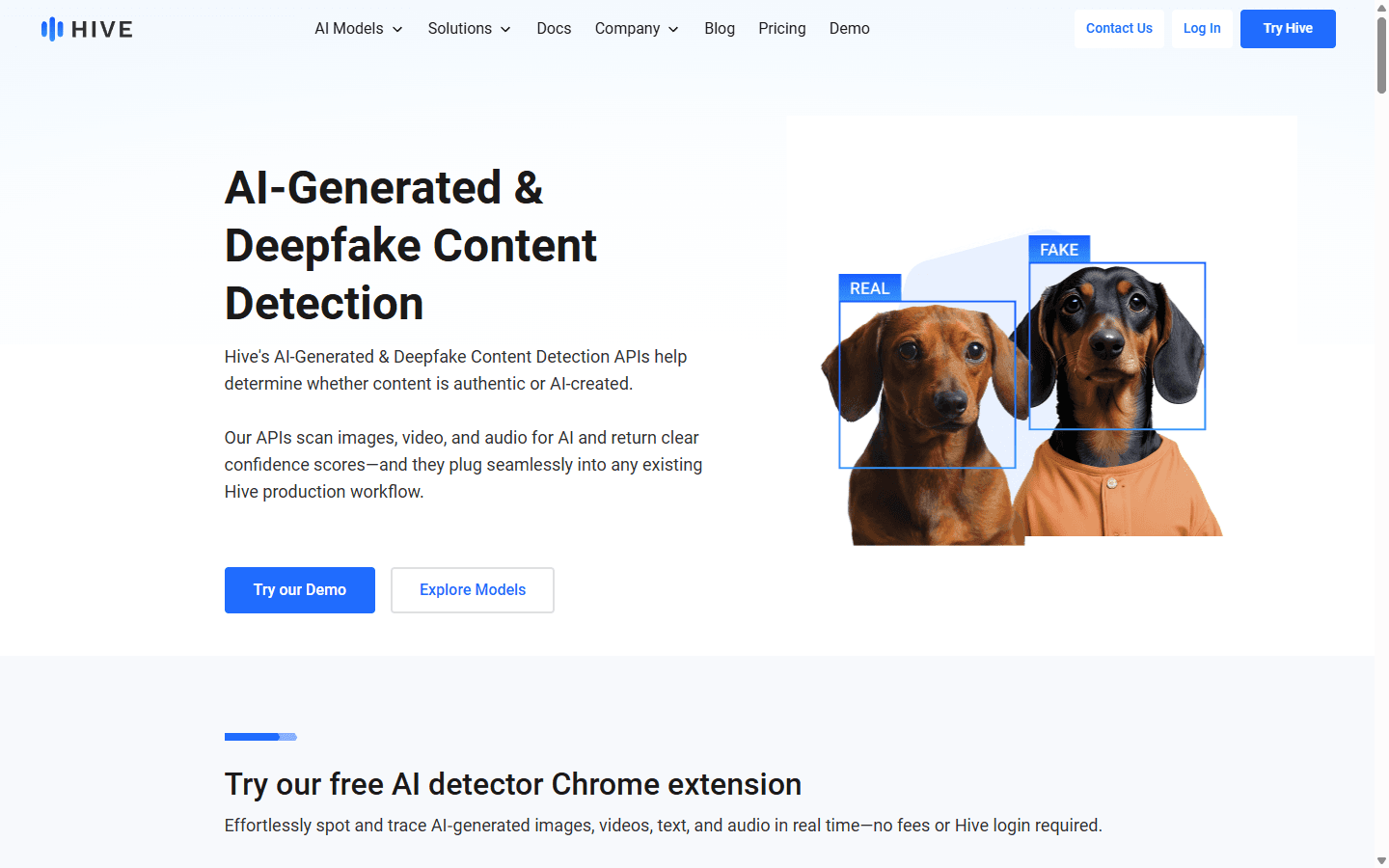
Hive's AI-generated audio API returns two classes, ai_generated and not_ai_generated, with confidence for every ten-second chunk. It supports common audio and video containers, so a platform can analyze the audio track without building a separate media-conversion service for every upload.
Chunked output is useful for moderation and investigations. I can send a reviewer to the suspicious interval instead of making them listen to a 40-minute episode. It also exposes mixed content that a whole-file average might smooth away. The limitation is equally important: a short synthetic insert can live inside a ten-second block, so the timestamp is a search area rather than a precise edit boundary.
Hive recommends starting thresholds for general accuracy, recall, and precision, then explicitly tells customers to refine them for their use case. That is the right posture. A social platform trying to catch every likely fake will choose a different threshold from a bank that cannot afford to challenge many legitimate callers.
The free Chrome extension offers no-login checks for audio, image, video, and text. Production API access is sales-led. I would choose Hive when engineers already have an ingestion, moderation, or case-review pipeline and need a compact response to route. I would not choose it if nontechnical reviewers need a rich explanation by default.
Best for
Platforms, moderation systems, media pipelines, and engineering teams that can use chunk-level API output.
Not for
Teams that need narrative forensic explanations or a turnkey fraud-response operation.
Migration cost
Moderate to high once thresholds, queues, reviewer labels, and downstream actions are coded around the response.
First move
Test short inserts, mixed real-and-synthetic files, and your worst codecs before selecting a production threshold.
5. Best provenance check
ElevenLabs is excellent when I ask the narrow question it can actually answer.
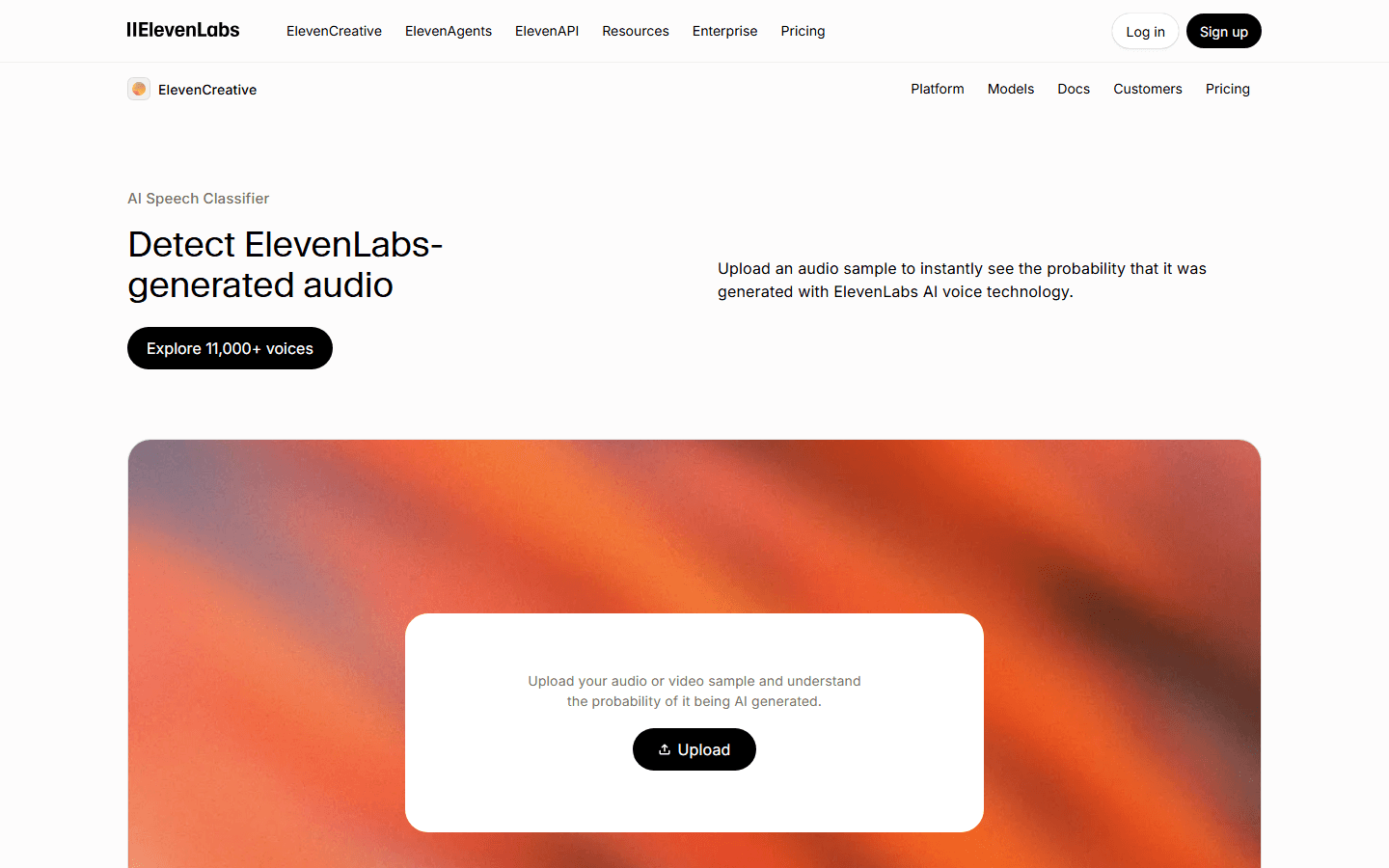
ElevenLabs offers a free Audio Detector for signed-in users and a legacy AI Speech Classifier. The current detector first checks for Google DeepMind's SynthID watermark in ElevenLabs audio, then falls back to the statistical classifier when no watermark is present. That layered approach makes it valuable for source confirmation.
The boundary is explicit. SynthID detection only finds the watermark embedded by ElevenLabs, not audio from other platforms. Third-party models available through ElevenLabs may not be watermarked, and ElevenLabs says audio created before June 2026 does not carry this SynthID mark. The legacy classifier also does not reliably classify Eleven v3 and only uses the first minute of a sample.
Those caveats do not make the tool weak. They make it honest. If a suspicious clip sounds like an ElevenLabs voice or a publisher claims the platform was used, I run this check because a positive watermark result is a different kind of evidence from generic synthetic confidence. If the result is negative, I continue with a broad detector rather than declaring the clip human.
This is also a useful model for procurement. Every detector should state what a pass does not mean. I would rather use a narrow free tool with a documented boundary than a universal-looking score whose training set and blind spots are hidden.
Best for
Creators, publishers, moderators, and investigators checking possible ElevenLabs-origin audio.
Not for
A general verdict across every generator, old sample, third-party model, or edited recording.
Migration cost
Low because the value is a discrete provenance check rather than a full case-management platform.
First move
Run it alongside a broad detector and record whether the result came from watermark or statistical classification.
6. Best free browser check
Hiya makes the moment of doubt easy: pause the clip and analyze what is already playing.
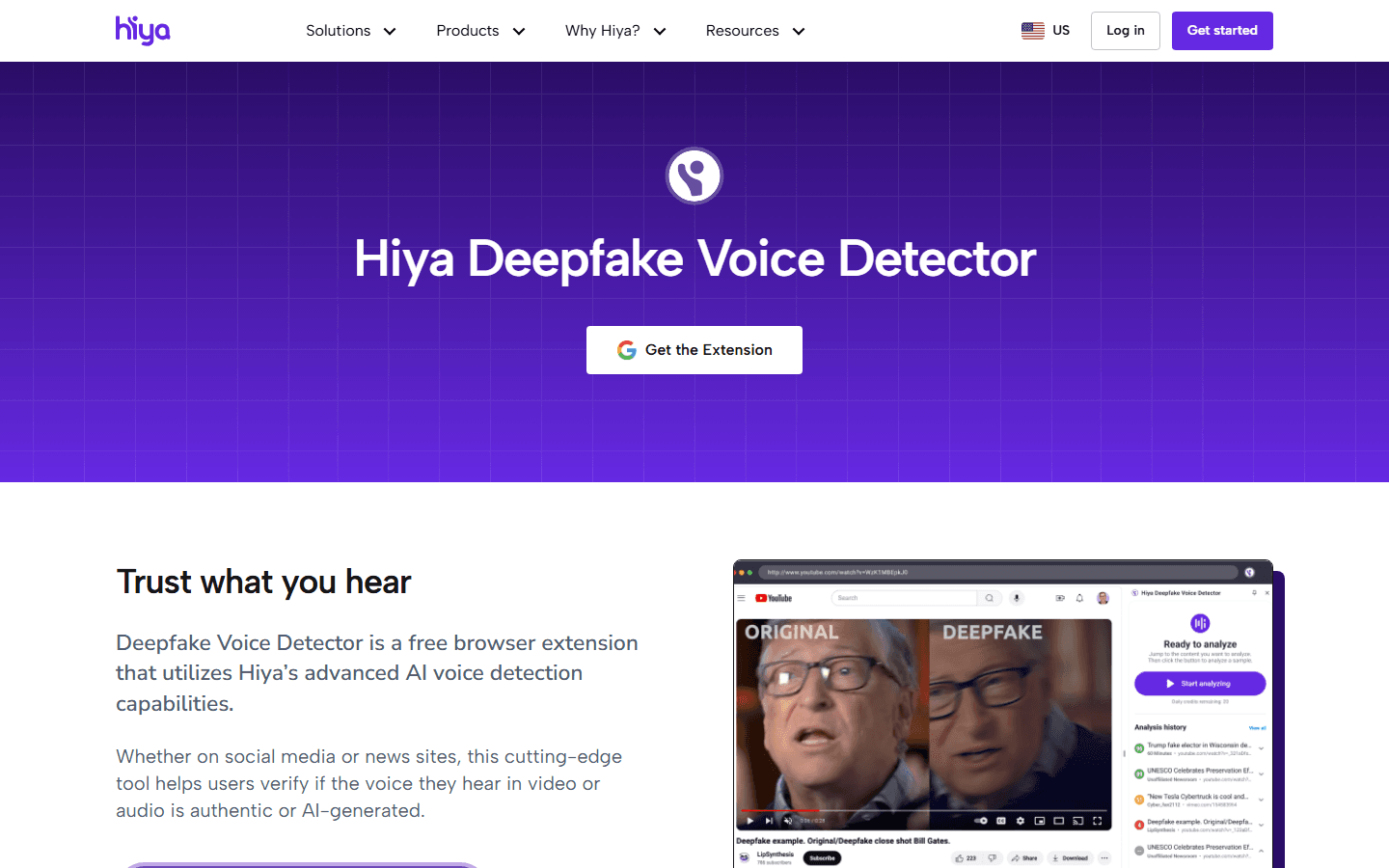
Hiya's Deepfake Voice Detector is a free Chrome extension designed for audio and video on social platforms, news sites, and the wider web. That placement is its main advantage. A user does not need to download a questionable file, convert it, or understand an enterprise console before asking for a second signal.
Hiya also sells real-time and offline voice-detection capability to businesses and carriers. The company acquired Loccus.ai and has continued publishing voice-security APIs and call protection. The consumer extension is therefore a small entry point into a wider speech and signal-processing stack, not a random classifier attached to a toolbar.
I would use Hiya when a viral speech, interview, ad, or apparent celebrity endorsement feels wrong. I would not use the extension's verdict as the headline of a fact check. Browser playback may already be compressed, mixed with music, edited, or shortened. I want the original file and a second method before I publish a claim about authenticity.
The free workflow is also a good staff exercise. Give a communications or support team a set of known clips, make them record the result and uncertainty, then practice the callback or escalation step. The detector is only useful when the person seeing the alert knows what to do next.
Best for
Journalists, communications teams, educators, and individuals checking audio already playing in Chrome.
Not for
Legal proof, automated blocking, or organizations that need detailed downloadable forensic reports.
Migration cost
Low for the extension and moderate to high for a business API or real-time voice integration.
First move
Practice with known material and define the callback or second-review step before a real incident.
7. Best privacy-first browser triage
NordVPN keeps the interaction small and clears the audio buffer when I stop.

NordVPN introduced its AI Voice Detector through the NordLabs Chrome extension in April 2026. It analyzes audio in the active tab and returns a simple human, AI, or maybe state. The company says the detector analyzes acoustic characteristics without understanding or recording what is being said, and clears audio buffers when detection stops or the tab closes.
That privacy posture is the reason it makes this list. Many people want to question a suspicious clip without uploading family, work, or customer audio to a new cloud account. A browser tool with a narrow temporary buffer lowers the friction and the exposure, provided the implementation matches the published description.
The tradeoff is maturity. This is a new NordLabs product with much less public third-party evaluation than the enterprise specialists. On Reddit, early reactions included understandable caution and a desire for independent auditing before trusting vendor claims. I share that caution. Privacy architecture and detection quality are separate questions.
I use it as a smoke alarm for browser content, not a lab result. A red or amber result tells me to stop forwarding the clip, find the original source, run a second detector, and verify the claim. A green result does not make a suspicious payment request, emergency call, or political recording safe.
Best for
Privacy-conscious Chrome users who want a fast signal without creating an investigation workspace.
Not for
Regulated cases, batch processing, API automation, or buyers who require mature independent validation.
Migration cost
Very low because the extension does not become the system of record.
First move
Use it as one browser signal and preserve the original source before escalating a result.
Buyer fit
Buy software when it can change a risky workflow, not because deepfakes are frightening.
A strong buyer has a repeatable intake channel, a costly action to protect, and someone accountable for reviewing exceptions. Banks, insurers, contact centers, newsrooms, marketplaces, trust-and-safety teams, public-sector organizations, and executive-protection groups can connect a detection signal to a callback, stronger authentication, content hold, or investigation.
A weaker buyer sees suspicious audio a few times a year and has no case process. That person is better served by two free tools, a known-channel callback, and a written checklist. Buying an annual enterprise platform for rare incidents can create unused shelfware and encourage untrained users to over-trust a score when an incident finally arrives.
I also avoid deployment when the organization cannot legally or ethically send voice data to the vendor. Employee calls, health discussions, children, confidential media, and biometric identity all deserve a privacy review. On-prem or zero-retention options can reduce risk, but they do not replace consent, access control, and deletion policy.
Good fit
Frequent audio intake, a high-cost decision, a trained reviewer, and a clear callback or escalation path.
Poor fit
Rare casual checks, no owner, no labeled examples, or a plan to auto-accuse people from one result.
Security fit
The tool can run within required retention, region, access, on-prem, and audit boundaries.
Success signal
A flag prevents or delays a risky action while legitimate callers still complete the workflow without excessive friction.
Customer research
Reddit users are less impressed by detection than by what happens after a mistake.
The clearest Reddit complaint was about trust. If a tool wrongly labels a legitimate call, the product has not merely missed a metric; it has damaged a relationship. Several commenters preferred challenge-response and known-channel verification over a system that pretends to identify every fake automatically. That is why my recommended action for a flag is usually 'pause and verify,' not 'block and accuse.'
Model drift came up repeatedly. Generation systems change, attackers can probe public detectors, and a model trained on yesterday's artifacts may fail on tomorrow's voice conversion. Continuous retraining sounds like a vendor feature, but it also creates versioning work for buyers. I need to know when a model changed and whether the new threshold was rerun against our calibration set.
Privacy was another recurring concern. People were more comfortable with on-device or open approaches, especially for personal calls. Some users said they would not pay for a tool used only rarely. That pushes free browser detectors into a sensible role, but it also raises the bar for transparency: a convenience extension should say what leaves the device, what is retained, and whether content trains a model.
I also saw skepticism about using AI to detect AI and requests for third-party audits. That skepticism is healthy. The answer is not that machine learning cannot detect machine learning. The answer is to make claims falsifiable: publish scope, preserve raw evidence, label uncertainty, test independent samples, and give users a safe action that does not depend on perfect classification.
- Discussion about false positives, challenge workflows, model drift, privacy, and willingness to pay
- Discussion asking for caution and independent review of a browser voice detector
- Discussion about unclear app support and feature availability
- Discussion about regional, language, and firmware limits
Verification workflow
My safest result is a documented next step, not a prettier probability.
- 1. Pause the action. I delay the payment, credential reset, publication, account change, or disclosure. A detector is most valuable before an irreversible step.
- 2. Preserve the original. I save the highest-quality file, source URL, message headers, timestamps, file hash, and surrounding conversation. A forwarded or re-encoded copy can erase useful evidence.
- 3. Run the narrow check. If there is a plausible generator or watermark, I test that provenance first. A positive known watermark is more specific than generic synthetic confidence.
- 4. Run an independent check. I use a second detector with a different method or vendor and compare segments, not just final labels. Agreement raises confidence; disagreement sends the case to review.
- 5. Verify the identity. I call a known number, use a trusted account, or ask a pre-agreed question. I never use contact details supplied in the suspicious message itself.
- 6. Record the decision. I store the tools, versions, raw results, reviewer, callback outcome, action, and uncertainty. This becomes calibration data instead of a forgotten anecdote.
For a personal scam call, the workflow may end after a callback. For media, employment, fraud, legal, or public-interest cases, I involve a trained analyst and preserve chain of custody. A detector result should never be the only evidence behind a damaging public claim.
Migration cost
The hard part of switching is rebuilding the decision history.
Uploading the same WAV file to a new vendor is easy. Recreating thresholds, review outcomes, codec behavior, retention rules, case routing, and agent guidance is not. Those details are the real system. If I move only files and final labels, I throw away the evidence that explained when the old detector was trustworthy.
Before switching, I export raw scores and segment timestamps, not only a PDF report. I document the model or version where available, threshold logic, overrides, known false positives, callback outcomes, and downstream actions. I also preserve the calibration set with permission and retention controls intact.
I run both products in silent mode over the same consented sample for at least two decision cycles. I expect disagreement. The goal is not to force matching numbers; it is to understand which cases move, whether the new system catches the incidents I care about, and how much legitimate friction each threshold creates.
| Move | What to preserve | Why it matters |
|---|---|---|
| Evidence | Original file, file hash, codec, duration, source URL, and collection time | A score without the original media cannot be reproduced or defended. |
| Detector context | Vendor, model or version, result, raw confidence, thresholds, and segment timestamps | Different versions and thresholds can reverse the same decision. |
| Decision rules | Allow, review, challenge, block, preserve, and escalate criteria | Moving tools should not quietly change the business response. |
| Calibration set | Known-real, known-synthetic, compressed, noisy, accented, and mixed samples | A generic benchmark may not represent calls or files in your workflow. |
| Privacy controls | Retention, training use, region, access, deletion, and on-prem requirements | Voice can be biometric and personally sensitive data. |
| Review history | Analyst notes, overrides, callback outcomes, incidents, and false-positive labels | Past mistakes are the most useful material for tuning the next system. |
30-day pilot
I make the detector earn one safer decision before I automate anything.
- Days 1-5: define harm. I name the action being protected, the cost of a missed fake, the cost of a false alarm, and the person allowed to decide.
- Days 6-10: build a set. I collect consented known-real and known-synthetic audio in the actual languages, devices, codecs, noise, and durations the workflow receives.
- Days 11-15: compare tools. I run at least two independent methods, preserve raw output, and examine disagreements by segment and transformation.
- Days 16-20: rehearse response. Reviewers practice pausing, calling back, escalating, documenting, and safely clearing legitimate cases.
- Days 21-25: run silent. The detector observes real consented traffic without changing the customer or agent experience. I compare flags with final outcomes.
- Days 26-30: price the year. I include volume, API calls, concurrency, regions, storage, on-prem work, analysts, integrations, training, and false positive handling.
I proceed only when the system reduces risky actions without creating unacceptable friction for real people. If the result is merely an interesting dashboard, I keep the smaller manual workflow and spend the budget on callback design, staff training, or stronger authentication.
FAQ
Questions I settle before trusting a voice-clone result.
What is the best AI voice cloning detector in 2026?
Reality Defender is my best general-purpose starting point because it offers a usable free allowance and a path to API and enterprise review. Resemble Detect is stronger when explainability, on-prem deployment, and structured audit evidence matter. Pindrop Pulse is the specialist choice for high-risk calls and meetings.
Can an AI voice detector prove that a recording is fake?
No. A detector estimates whether audio resembles material in its training or provenance system. Compression, noise, editing, a new generator, or an unusual real voice can change the result. I treat a positive result as a reason to preserve evidence and verify through another channel, not as a final accusation.
Are free AI voice clone detectors accurate?
Free tools can be useful for triage, especially when their scope is explicit. ElevenLabs is useful for ElevenLabs-origin checks, while Hiya, NordVPN, Hive, Resemble, and Reality Defender offer limited public workflows. Accuracy depends on the generator, language, codec, noise, duration, and threshold, so I never rely on one free verdict alone.
How much audio does a detector need?
Requirements vary. Some live systems publish decisions from a few seconds of speech, while file tools may analyze the full clip or fixed segments. More clean speech usually helps, but a long recording can also contain both real and synthetic sections. Segment-level output matters more than one score for the whole file.
What should I do after an AI voice detector flags a call?
Pause the sensitive action, save the original evidence, and contact the person or organization through a known number or account. Use a pre-agreed verification question or callback process. For fraud, legal, employment, or public claims, route the case to a trained reviewer and use a second independent detection method.
Can AI voice detectors keep audio private?
Some products analyze audio locally or offer zero-retention, on-prem, or air-gapped deployment, while others upload media to a cloud service. Check retention, model-training use, data region, deletion, subprocessors, and access controls before submitting sensitive calls. A privacy promise should be part of the buying decision, not a footnote.
Primary sources
Product details and technical boundaries I checked.
- Reality Defender platform and free-plan allowance
- Resemble Detect capabilities and deployment options
- Resemble free Chrome extension allowance
- Resemble audio source tracing documentation
- Pindrop Pulse Inspect file-analysis workflow
- Pindrop Pulse contact-center detection
- Hive audio classes, segments, formats, and threshold guidance
- Hive browser extension and production API overview
- ElevenLabs Audio Detector, SynthID, and legacy-classifier limits
- ElevenLabs AI Speech Classifier
- Hiya free browser detector
- Hiya real-time and offline voice APIs
- NordLabs AI Voice Detector availability
- NordVPN browser analysis and audio-buffer privacy details


