 SwitchMyTool

Quick answer
The best Windsurf alternative depends on what you mean by control.
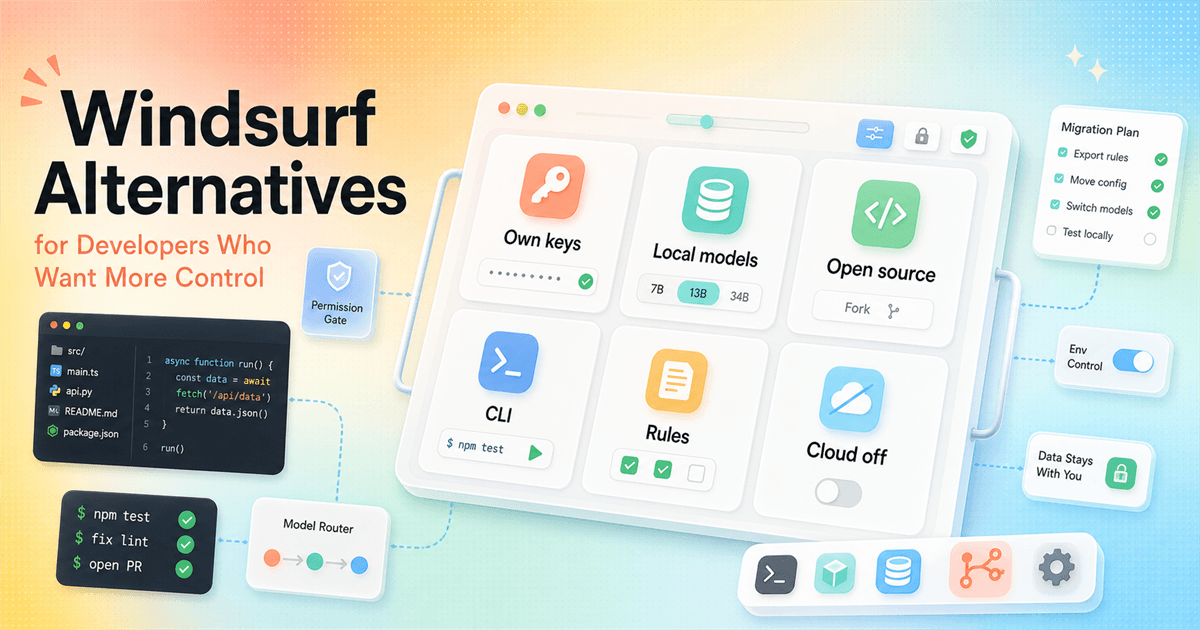
If control means fewer surprises and a smooth team rollout, start with Cursor. If control means own keys, local models, open source code, and no mystery markup, start with Kilo Code. If control means watching an agent ask permission before it touches your repo, test Cline. If control means terminal, git, and explicit diffs, Aider belongs near the top of your list.
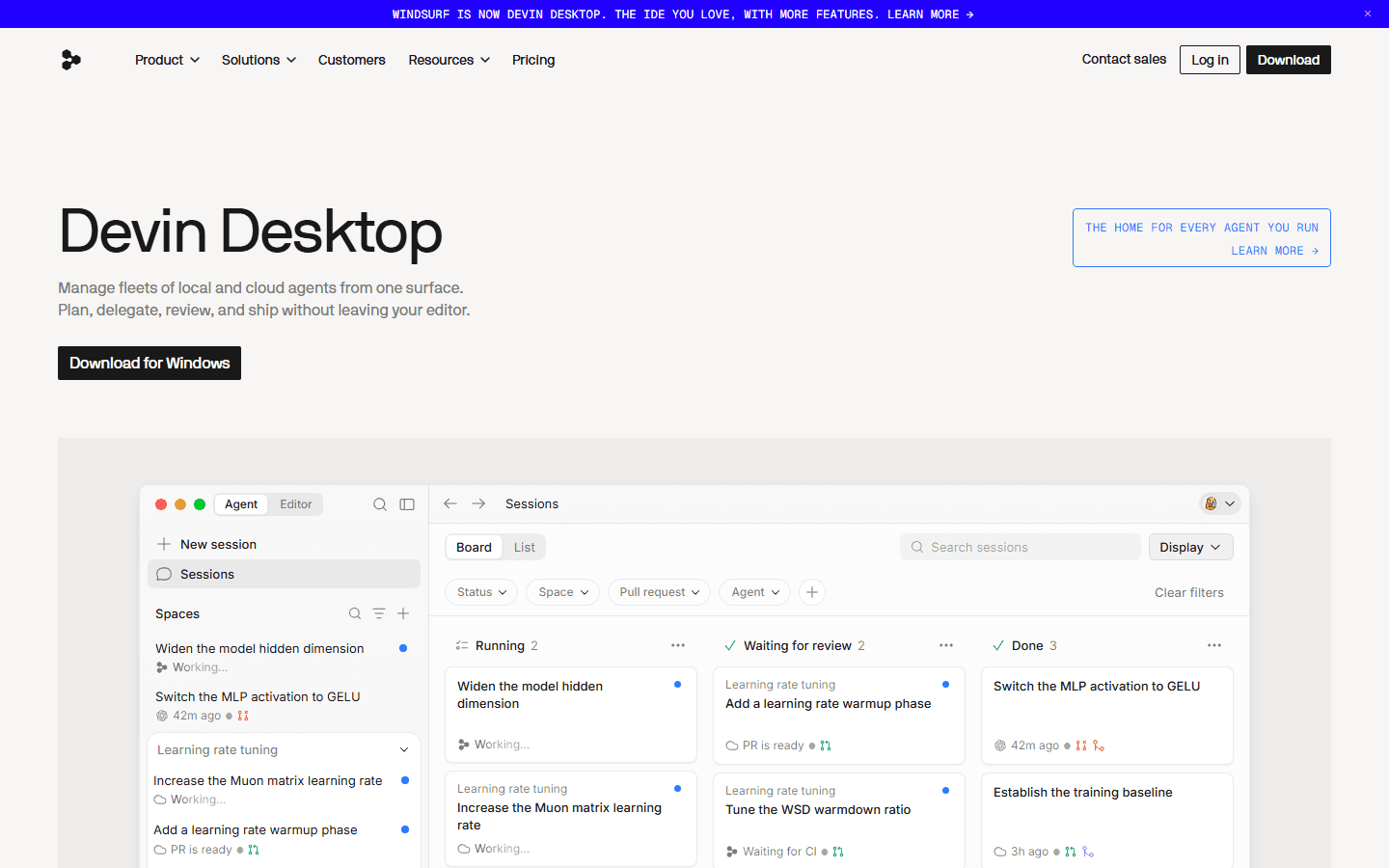
Windsurf is now Devin Desktop, and that matters. Devin's own homepage says it manages fleets of local and cloud agents from one surface. That may be exactly what some teams want. It can also be the moment a developer says, "I want my setup to be a little less tied to one product direction."
I would not frame this as panic. Windsurf did not become useless overnight. But the migration to Devin Desktop is a good excuse to audit your coding-agent setup before it becomes muscle memory.
Shortcut
Pick Cursor if you want the most polished move away from Windsurf without giving up an AI-first editor.
Shortcut
Pick Kilo Code if control means own keys, local models, open source, and no AI inference markup.
Shortcut
Pick Cline if you want an open coding agent you can run in the IDE, terminal, or your own product.
Shortcut
Pick Aider if you trust git, terminals, test loops, and smaller explicit changes more than a big IDE surface.
Why control matters
More control is not a vibe. It is a list of decisions you do not want hidden from you.
A coding assistant can be brilliant and still be a bad fit. The failure mode is not always bad code. Sometimes the tool is good enough that your team starts depending on it, then the pricing changes, the product gets renamed, the best workflow moves behind a plan, or an open source repo quietly turns read-only.
That is why I care about control when comparing windsurf alternatives. Can you choose a model? Can you bring your own key? Can you run local models for sensitive work? Can you see what context the agent used? Can you store repo rules in git? Can you review every diff before it lands? Can you leave without rewriting the whole team workflow?
None of those questions are glamorous. They are the questions that stop an AI coding tool from becoming another subscription you complain about in Slack while still paying for it.
Customer research notes
Reddit-style complaints point to four risks: quota, model choice, churn, and review load.
Reddit is not a perfect market sample. It skews technical, impatient, and louder than a normal buyer call. Still, it is useful for raw language. When developers discuss Windsurf alternatives, the pattern is not just "what is the best editor?" It is closer to "what will this cost me, what can I control, and how much code will I have to babysit?"
Treat the following as medium-confidence customer research, not a survey. I used official product sources for facts and public Reddit/community threads as voice-of-customer signals.
Credit anxiety
Developers do not only ask whether a tool is good. They ask whether a long agent run will quietly burn through quota.
Model control
People want to know which model is being used, whether they can bring their own key, and whether local models are realistic.
Product churn
Windsurf becoming Devin Desktop made some developers more cautious. Even a good migration story still creates a review chore.
Review burden
The complaint is rarely 'the AI wrote nothing.' The sharper complaint is 'now I have to review too much code I did not ask for.'
Shortlist
The control-first shortlist, with the catch attached.
This is the short version before the deeper notes. I am not pretending every option competes in the same way. Cursor is a polished commercial AI IDE. Kilo and Cline are closer to open agent systems. Aider is a terminal pair programmer. Zed is a fast editor with agent collaboration. Continue and Void are useful warnings about relying on open source projects without checking maintenance status.
| Alternative | Best role | Control level | Migration cost |
|---|---|---|---|
| Cursor | Polished Windsurf replacement | Moderate. Strong rules and team controls, but still a hosted commercial product. | Low if your team already uses VS Code habits. |
| Kilo Code | Open source, own keys, local model path | High. Its site emphasizes zero markup, bring your own keys, local models, and open source code. | Medium. You still need to choose providers and tune workflows. |
| Cline | Open agent runtime across IDE, CLI, SDK | High. It is open source and can run in editor, terminal, or embedded products. | Medium. Powerful agents need permissions and review habits. |
| Aider | Terminal and git-first control | High for developers who like explicit diffs, commits, linting, and tests. | Medium to high if your team avoids terminal workflows. |
| Zed | Fast editor with agent collaboration | Medium. The editor is fast and agent-aware, but it is not mainly a self-hosting story. | Medium if your team is deeply invested in VS Code extensions. |
| Continue | Open source foundation, but now read-only | High in principle, lower as a fresh production bet because the official docs say the repo is read-only. | High if you expect active upstream maintenance. |
Top picks
Cursor is the safe move. Kilo, Cline, and Aider are the control moves.
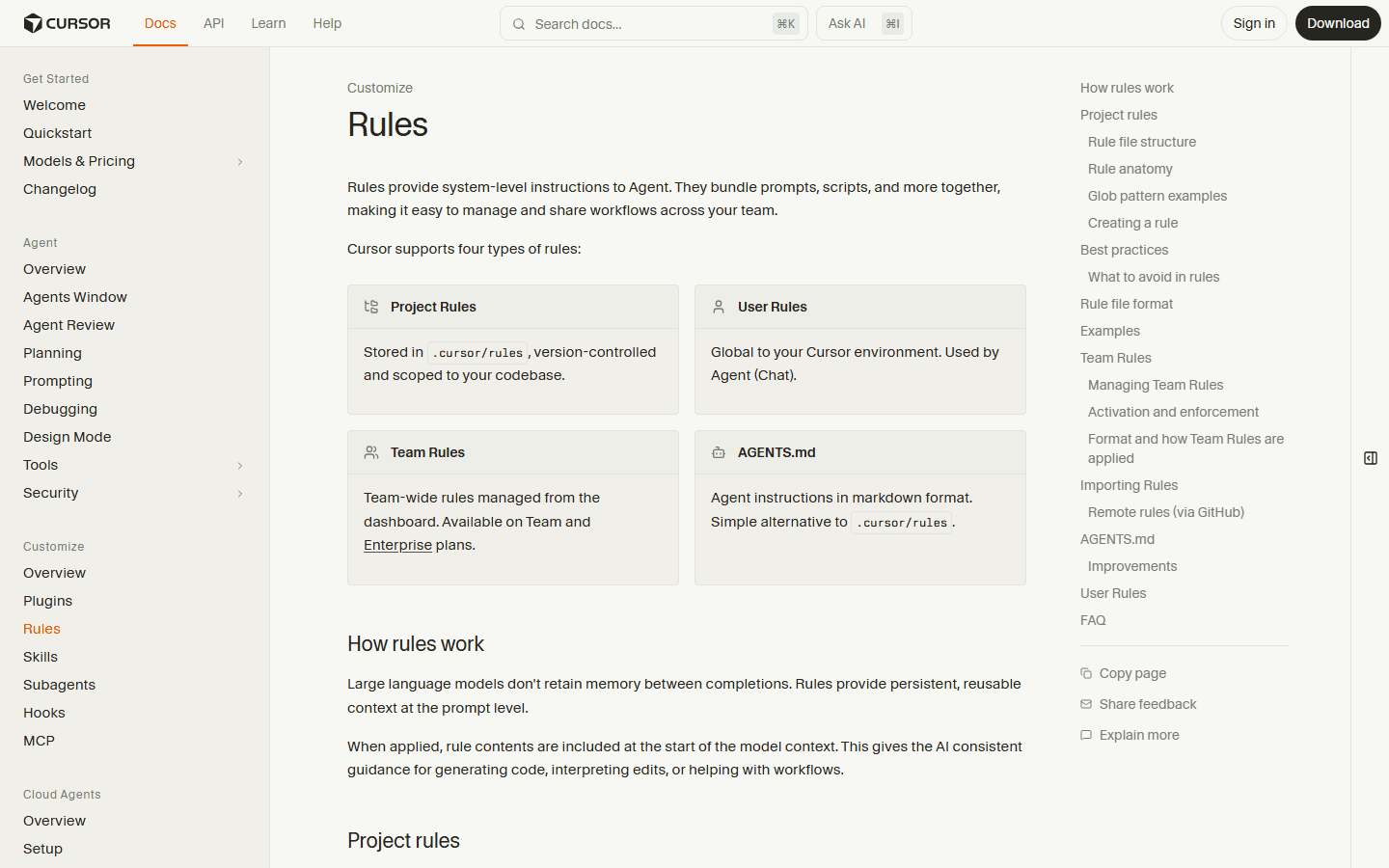
Cursor is the obvious first answer for many Windsurf users. It is not the most open option, but it is the easiest product to explain to a team. Cursor's rules docs cover project rules in `.cursor/rules`, user rules, team rules, and AGENTS.md. That matters if your main problem is keeping the AI from forgetting your repo rules every morning.
Pick Cursor when you want an AI editor that feels mature enough for normal product work. Skip it if your main goal is maximum control over models, hosting, and source code. Cursor gives you strong workflow control. It does not give you the same ownership story as an open source agent.
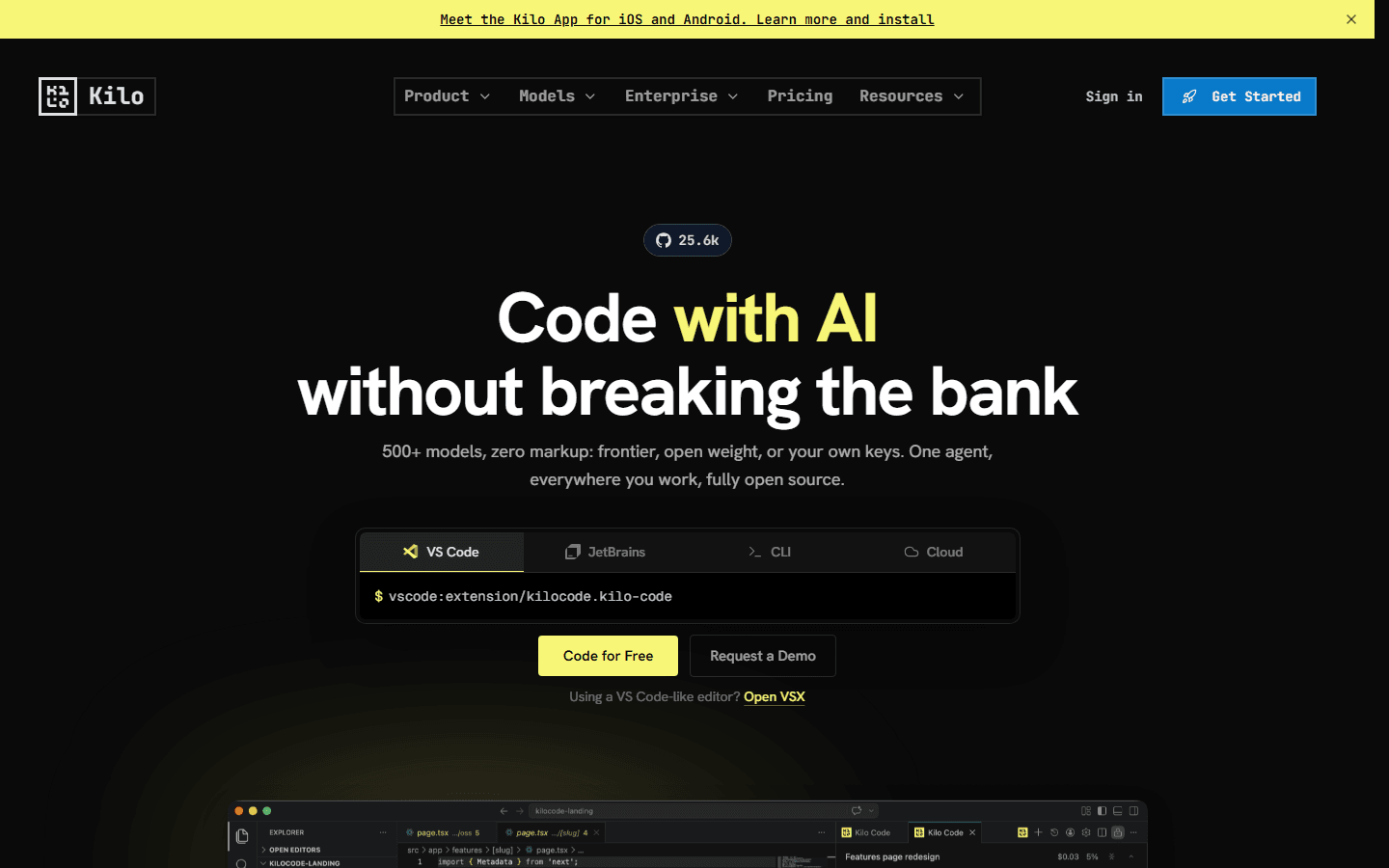
Kilo Code is the most interesting 2026 addition for people searching for windsurf alternatives free enough to test but serious enough to keep. Its site says it supports 500+ models, zero markup, frontier and open weight models, your own keys, local models, and open source code. That is a very direct answer to the control complaint.
The tradeoff is setup responsibility. When a tool lets you pick providers, keys, local models, cloud agents, and CLI workflows, you also have to make those choices. Kilo is best for developers who would rather tune their setup than accept a black box.
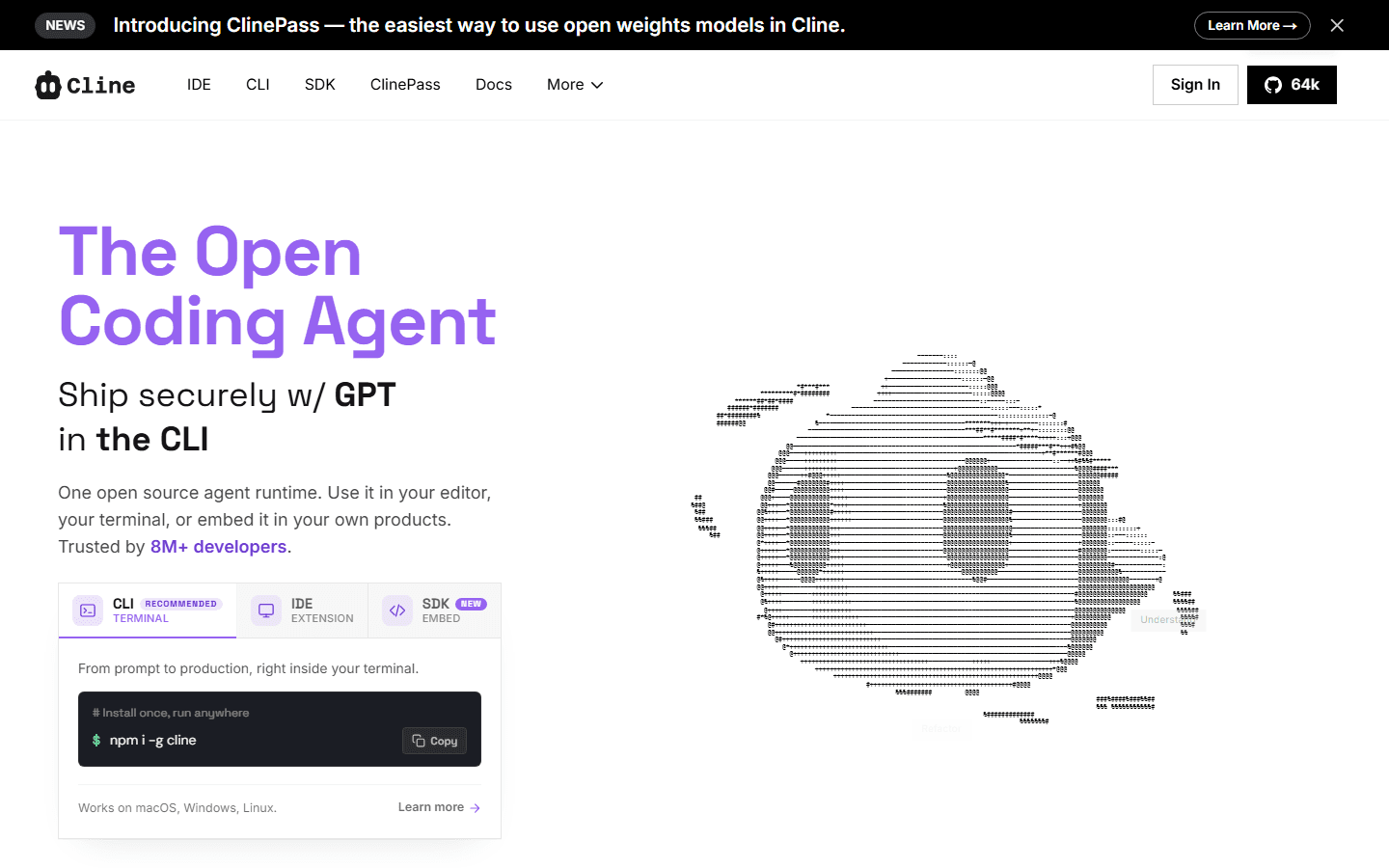
Cline is the open coding agent pick. The official site describes one open source agent runtime that can run in the editor, terminal, or embedded in other products. That makes it attractive if you like the agent idea but do not want the IDE to be the whole product.
Cline is also a good test for your team's review discipline. Agents with tool access can be useful, but they need permission habits. Start stricter than you think. The best migration is the one where the first week feels a little boring.
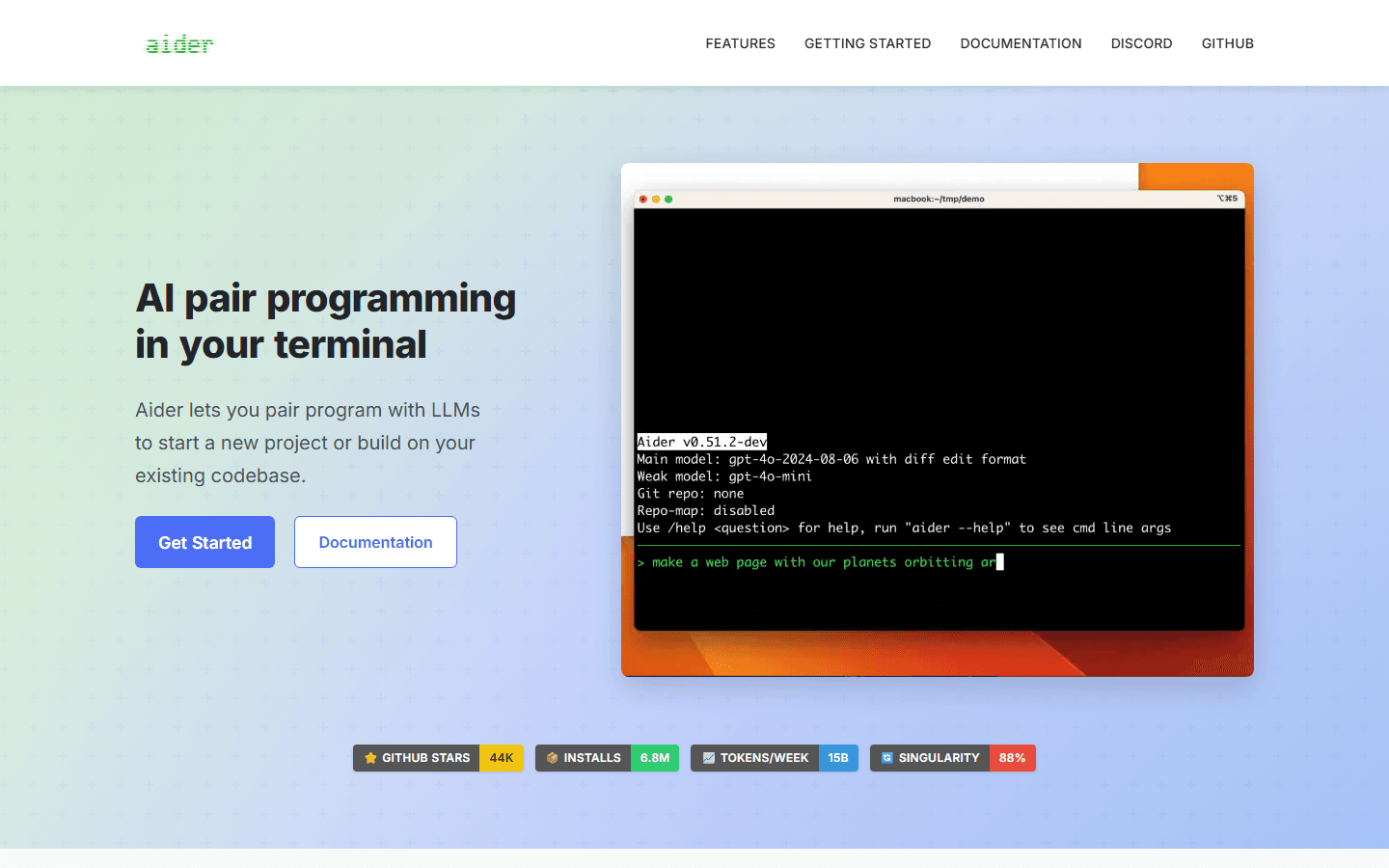
Aider is the terminal choice for developers who want the smallest amount of ceremony around AI edits. Its homepage describes AI pair programming in your terminal, codebase maps, git integration, broad language support, and lint/test loops. That is a control story disguised as a simple tool.
Aider is not for everyone. Some teams will reject it because it does not feel like a modern AI IDE. Fine. If your team already trusts command-line workflows, Aider can be cleaner than a giant editor agent because the review path is obvious: inspect the diff, run tests, commit or throw it away.
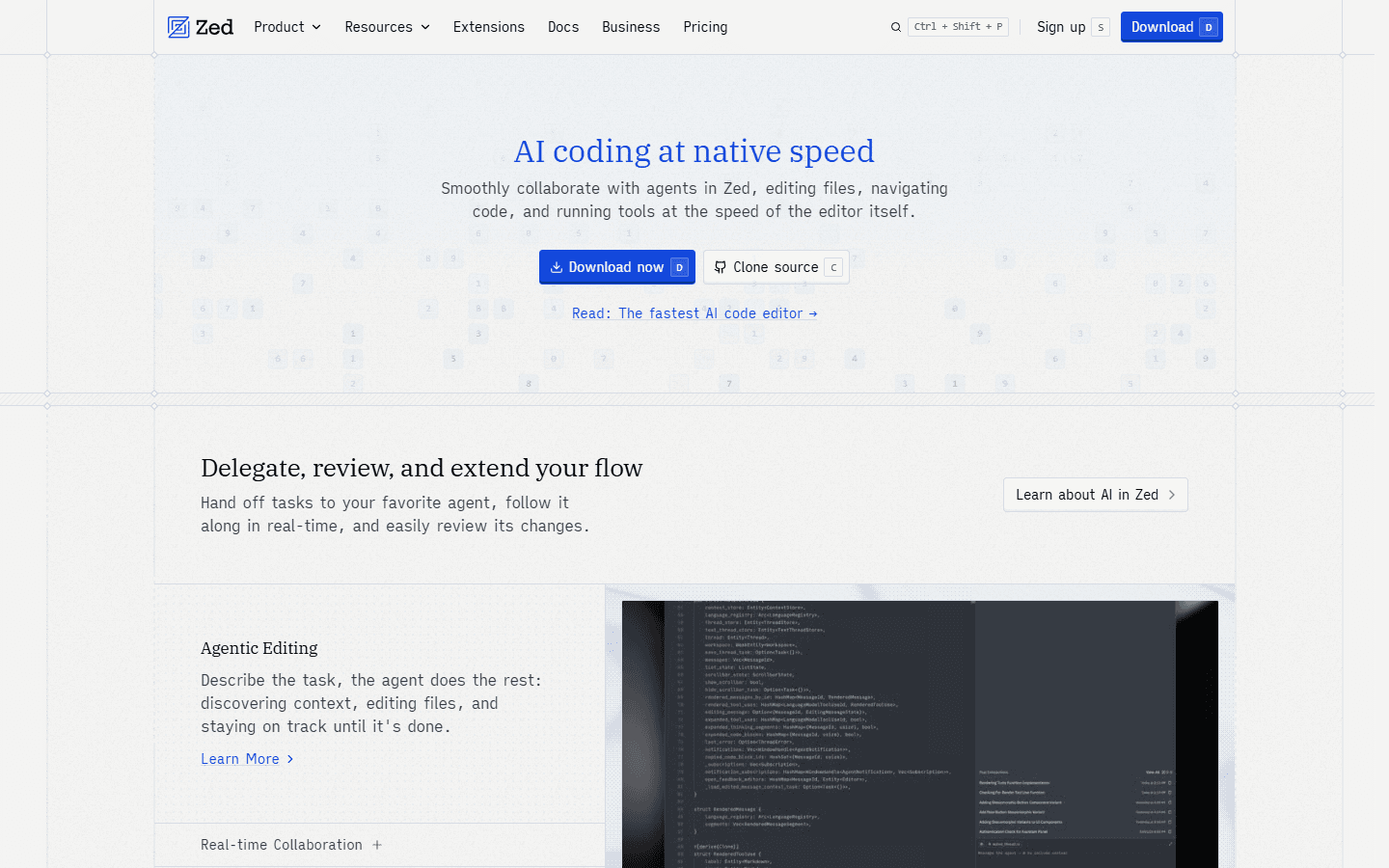
Zed belongs here for a different reason. It is not the most open alternative in this list, and it is not a VS Code clone. Its pitch is speed: collaborate with agents in Zed while editing files, navigating code, and running tools at the speed of the editor itself.
Pick Zed if your complaint about AI editors is drag. Skip it if your team depends on a long VS Code extension stack or wants the most familiar migration path. Zed is a better personal trial than a blind team rollout.
Free reality
Free Windsurf alternatives exist. Free does not mean no bill, no setup, or no maintenance risk.
The phrase windsurf alternatives free needs a warning label. A tool can be free to install and still cost money the moment you use a frontier model through your own API key. A tool can be open source and still cost engineering time if upstream slows down. A local model can avoid provider lock-in and still be too weak or too slow for the task.
This does not make free paths fake. It makes them honest. If you care about control, you probably prefer an explicit bill and visible tradeoffs over a clean UI that hides the model economics until renewal time.
Free extension is not free inference
Cline, Kilo, Aider, and similar tools can be free to install, but useful frontier-model runs usually cost money through a provider key.
Local models reduce lock-in, not effort
Local model support is control. It is not a magic replacement for tuning context, hardware, latency, and output quality.
Open source changes the risk shape
You can inspect and fork code, but you also inherit more responsibility when upstream slows down or archives a repo.
BYOK needs policy
Bring your own key is great for control. Teams still need spend caps, provider rules, and logging choices before it spreads.
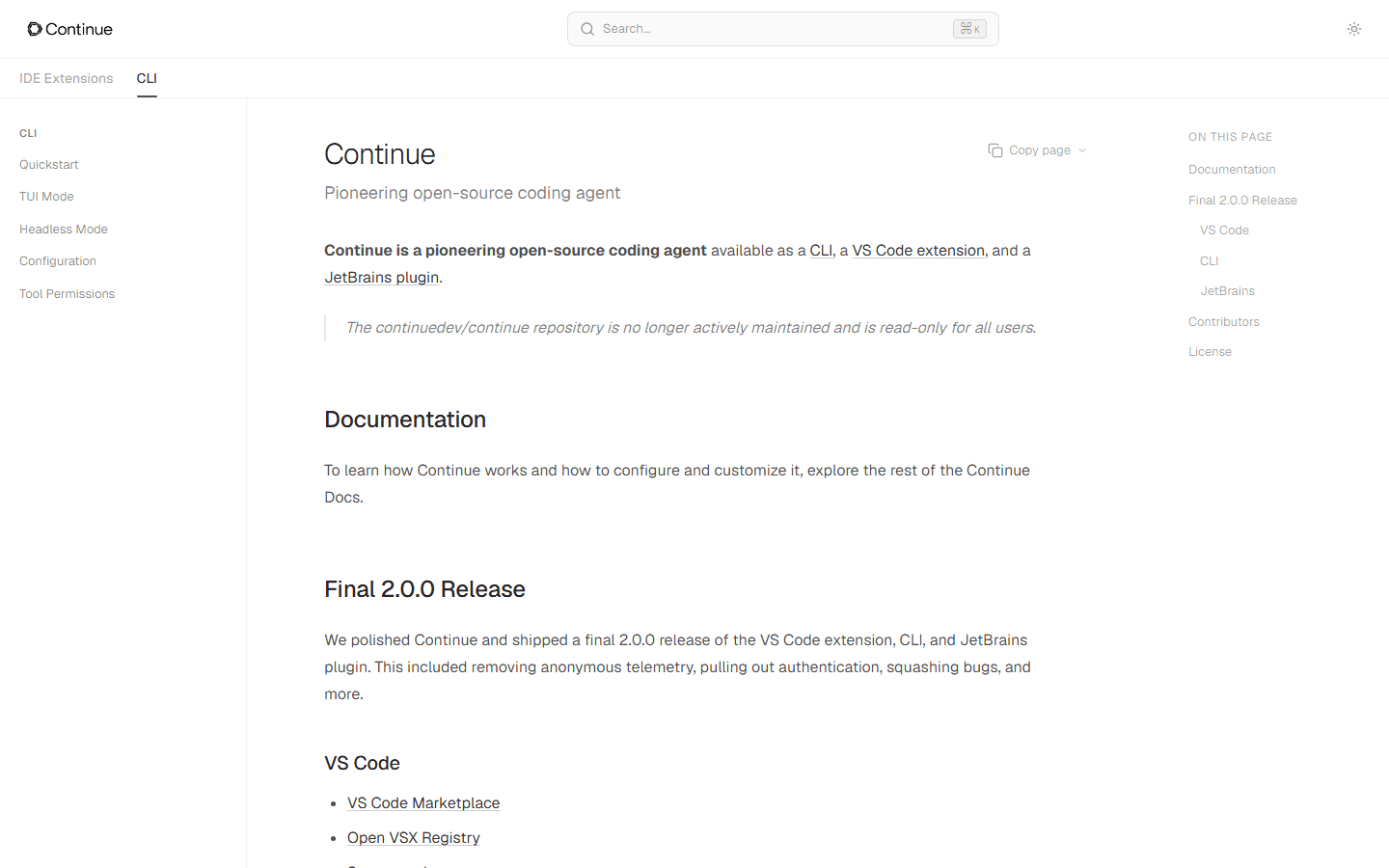
Continue is the example I would handle carefully. It was a major open source coding agent, and the docs still describe a CLI, VS Code extension, and JetBrains plugin. The same docs also say the repository is no longer actively maintained and is read-only. That does not erase its value. It changes the decision from "install this vendor tool" to "are we willing to own this foundation?"
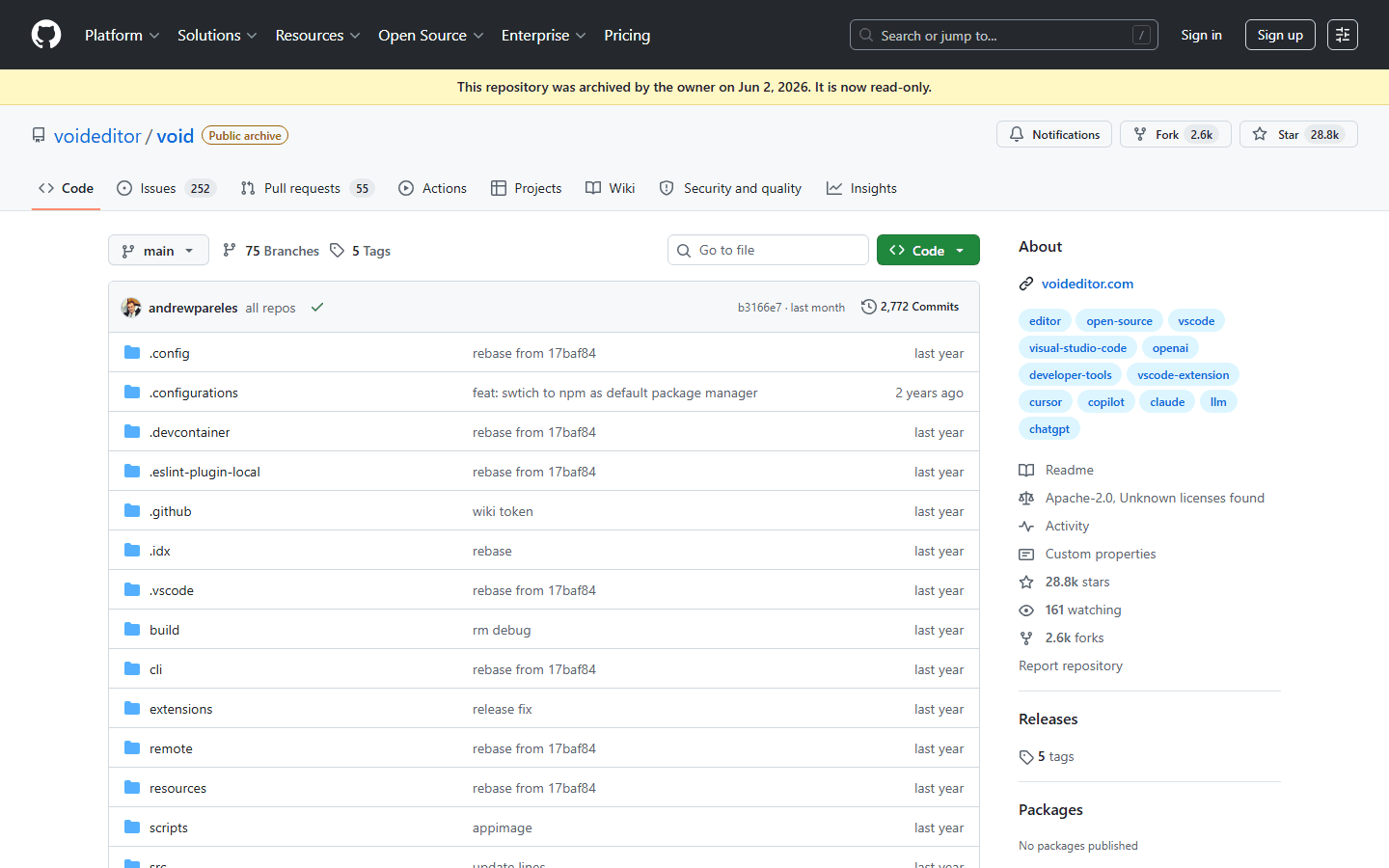
Void is the same lesson in a sharper form. Its GitHub repository is archived. If you are browsing old lists of free Windsurf alternatives, check maintenance before you get excited. Open source is not a time machine.
Migration plan
Test control with one real branch before you move the team.
Do not migrate because a landing page says "open source" or "500 models." Run a small migration drill. Pick one real bug fix, one refactor, one test failure, and one boring docs change. Run the same work in Windsurf or Devin Desktop and in the alternative. Track the review time, not the demo magic.
For each tool, write down who it is for, who should skip it, and what migration cost you are accepting. Your team does not need the tool with the biggest agent. It needs the tool whose tradeoffs are visible before they become expensive.
Cursor
Best for
Best for teams that want a clean AI IDE migration with strong rules.
Not for
Not the best pick if your main goal is self-hosting the whole stack or avoiding commercial AI-editor lock-in.
Migration cost
Low to medium. Move repo instructions into Cursor rules, test Agent against real branches, and set model or usage guardrails before rollout.
Kilo Code
Best for
Best for developers searching for windsurf alternatives free enough to test, but still controllable when work gets serious.
Not for
Not ideal if you want one vendor to hide every provider decision and make the bill feel simple.
Migration cost
Medium. The work is choosing models, API keys, local model paths, and team defaults. That is the point, but it is still work.
Cline
Best for
Best for developers who want an open coding agent in the editor, CLI, or an embedded workflow.
Not for
Not ideal if your team wants a quiet autocomplete tool and nothing agentic enough to need permissions.
Migration cost
Medium. Start with read-only or approval-heavy settings, then loosen tool access after the team trusts the diffs.
Aider
Best for
Best for terminal-heavy developers who already think in commits, tests, and small reviewable patches.
Not for
Not ideal for teams where most developers want a visual IDE assistant and dislike terminal-first workflows.
Migration cost
Medium to high. You need to document how to run it, how commits are created, and which tests must run after each change.
Zed
Best for
Best for developers who want a fast native editor with agent collaboration, review flow, and less UI drag.
Not for
Not ideal if the team depends on a long list of VS Code extensions or needs the most mature enterprise admin controls today.
Migration cost
Medium. Test language support, extensions, keybindings, and agent review flow before moving a whole team.
Continue
Best for
Best as an open source reference point or internal foundation, not my first fresh recommendation for a new team in 2026.
Not for
Not ideal if you need an actively maintained upstream extension with a busy product roadmap.
Migration cost
High for production teams. Treat it like code you may own, not a SaaS vendor that will keep carrying the roadmap.
FAQ
Short answers for developers comparing from search.
What are the best Windsurf alternatives for more control?
Cursor is the easiest polished move, Kilo Code and Cline are stronger for open and own-key workflows, Aider is best for terminal and git control, and Zed is worth testing if editor speed matters more than VS Code compatibility.
Are there windsurf alternatives free enough to use seriously?
Yes, but read free carefully. Kilo Code, Cline, Aider, and Continue have free or open source paths, but model usage, local hardware, provider keys, and team setup can still cost money.
Why not just stay with Windsurf?
Staying can be reasonable if Devin Desktop keeps your workflow intact. Look elsewhere if you want less product churn, clearer model choice, local model options, stronger repo-owned rules, or a more explicit review loop.
Is Continue still a good Windsurf alternative?
Continue is still useful as open source code and a reference implementation, but its docs say the continuedev/continue repository is read-only. That makes it a weaker fresh recommendation for teams that need active upstream maintenance.
Should I migrate my whole team at once?
No. Run one real branch in two tools for a week. Compare review time, quota pressure, setup friction, model control, and whether the assistant follows repo rules without being reminded every prompt.
Sources
Official product pages, repo status, and community research starting points.
I used official pages for product facts and public community links as weak-to-medium voice-of-customer signals. Product pages and repo status can change quickly in AI coding tools, so re-check the source before a team rollout.


