 SwitchMyTool

Practical take
The best free Midjourney alternative depends on the bill you are willing to pay.
- Use Bing Image Creator when you want to test ideas in a browser with a personal Microsoft account and no local setup. It is the lowest-friction starting point, not a private production studio.
- Use Adobe Firefly when the image will move into Photoshop, Express, or a cautious client workflow. Its free allowance is limited, but the editing path is far less awkward than exporting from a random prompt site.
- Use Ideogram when words inside the image matter. Its free tier is deliberately small and public, which makes it a useful typography test bench rather than a confidential design room.
- Use Recraft when you need icons, vector-like graphics, product imagery, or a coherent asset family. Its free plan is public and non-commercial, so treat it as exploration, not a stealth client delivery channel.
- Use FLUX.2 Klein 4B with ComfyUI when you want genuine local control. The software is free; the price becomes GPU memory, storage, setup time, and a willingness to learn what the controls do.
Start with the trade
Free Midjourney Alternatives are not all free in the same way.
The phrase Free Midjourney Alternatives sounds tidy until you try to use one for real work. One tool is free because it gives you a few fast generations each day. Another is free because it runs at a slower queue. Another is free because the generation becomes public. A local model is free because you own the software, while your computer quietly takes the shift.
That is why a simple price comparison produces bad advice. A solo blogger who needs two header-image ideas before lunch has a different problem from a designer building a public icon system, and both have a different problem from a developer who wants a controllable local image pipeline. Midjourney's appeal is not only image quality. It is the way it removes many of those decisions until you need them.
I rewrote this guide around the costs that show up after the first attractive output: speed, public versus private work, commercial terms, text rendering, editing, repeatability, local setup, and the amount of cleanup needed before an image can leave the prompt window. The result is narrower than a giant tool directory and more useful when you actually have a job to finish.
One warning before the list: no single option below reproduces Midjourney's default visual taste, hosted speed, and simple prompt flow for free. That is not a failure of the list. It is the trade you should expect. The smarter move is to choose the tool that is good at your actual deliverable, then stop asking it to be every image model on the internet.
If you already know the category you need to replace, use the Midjourney alternatives comparison for a tighter choice between browser controls, readable text, Adobe production work, design layouts, and image-to-video tools. This article focuses on the free paths worth testing before you subscribe to another creative service.
The shortlist
Six free paths that solve different image jobs.
The six choices below deliberately do not compete on a single beauty contest. Bing Image Creator lowers the barrier to trying an idea. Adobe Firefly helps when the image continues into a professional creative workflow. Ideogram earns its place when the picture needs legible words. Recraft is more useful for design assets than dreamy scenes. FLUX.2 Klein 4B and ComfyUI are the local route for people who want control badly enough to accept the work that comes with it.
This is also why I left out several capable names from the main list. A tool can be excellent and still be redundant for this question. You do not need seven web generators that each offer a handful of credits. You need clear reasons to try one, a realistic warning about the free tier, and a first test that reveals whether the tool fits your workflow before you build habits around it.
| What you need | Start here | Free reality | Watch out for |
|---|---|---|---|
| Fast browser testing | Bing Image Creator | Free personal Microsoft account, 15 fast creations daily, then standard-speed generation within Microsoft's current prompt limits. | Daily speed limits and less workflow control than a dedicated local setup. |
| Cautious creative workflow | Adobe Firefly | Limited free daily generations and an editing path that connects to Adobe's creative tools. | Free usage is capped, and partner-model terms can differ from Adobe Firefly model terms. |
| Readable words in graphics | Ideogram | 10 slow credits each week, up to 40 images weekly according to its current FAQ, with public generations on the Free plan. | A small allowance and no privacy on the free plan. |
| Design assets and vectors | Recraft | 30 daily credits for personal exploration, including image and vector tools. | Free images are public and not commercially licensed. |
| Open local model | FLUX.2 Klein 4B | An Apache 2.0 licensed model that you can run in a compatible local workflow or through a provider. | It is a model, not a friendly web product. Hardware and setup still matter. |
| Local visual workflow | ComfyUI | A free GPL-3.0 node-based interface that can run models locally and work offline. | It rewards patience and makes poor workflow choices very visible. |
Best easy starting point
Bing Image Creator is the browser option for people who want to get moving.
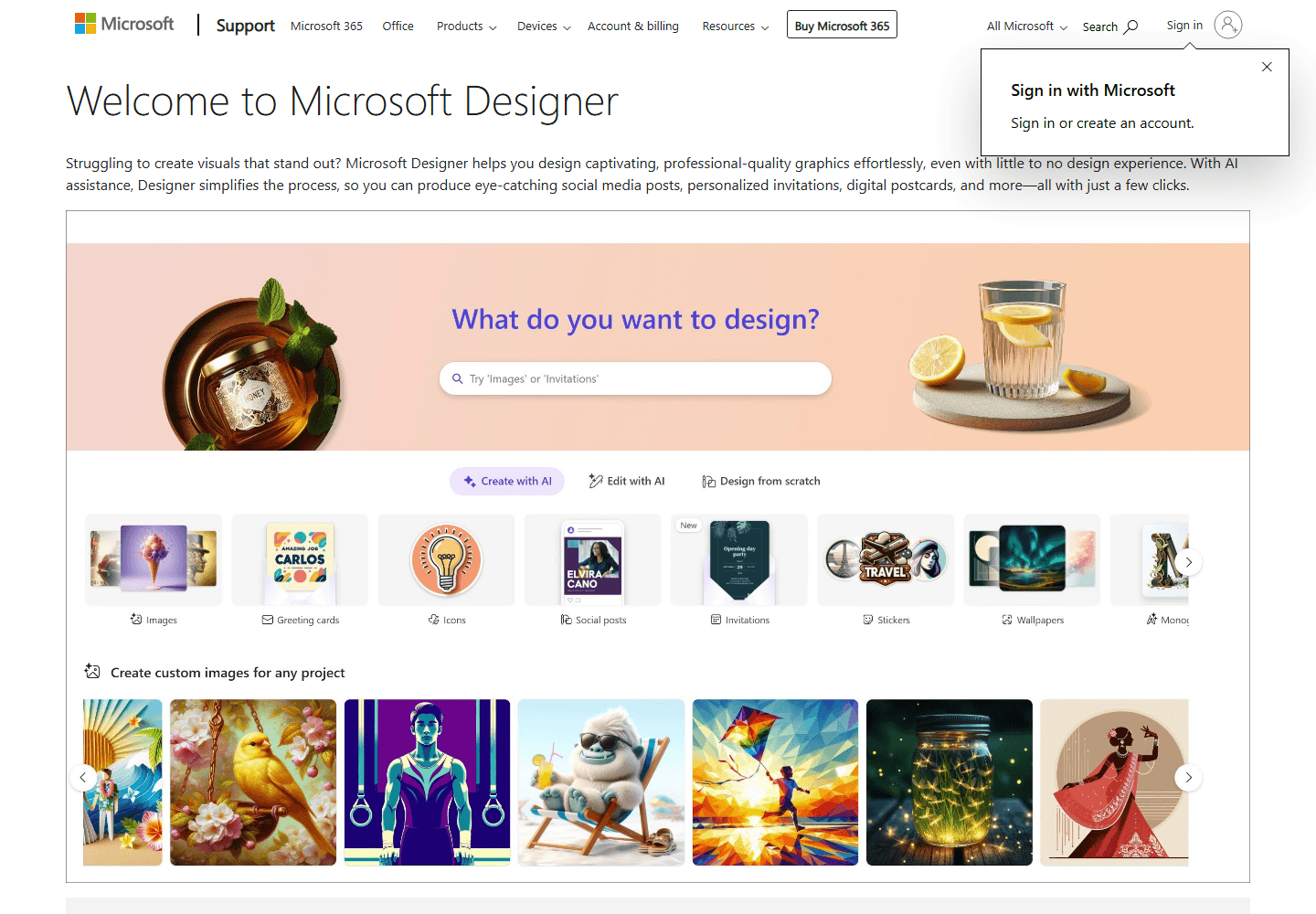
Bing Image Creator is where I would send a normal person first. Not a prompt engineer. Not someone who wants to tune a node graph at midnight. A normal person who needs a hero image for a post, an illustration for a slide, or a quick way to see whether an idea has visual legs.
Microsoft's current Bing Image Creator page says the product is free with a personal Microsoft account. It lists 15 free fast creations daily, then standard-speed creation after that, with a maximum of 200 prompts in a 24-hour period. That is a clear enough starting point for casual work. You can make a batch, decide whether the direction is useful, and move on without installing anything.
The quality question needs more honesty. Bing can produce a useful image quickly, and Microsoft's current page lets users choose from several models. It is not a promise that every model will respond like Midjourney or that one short prompt will produce a signature editorial look. If you need a polished visual system, test the same brief across multiple outputs and plan for selecting, cropping, and editing.
The account boundary matters too. Microsoft describes the free experience for a personal account, not Microsoft Entra work or school accounts. A person with a company login can discover that distinction at exactly the wrong moment. Test from the account that will own the work, not the account you happen to use at home.
Bing wins because it makes the first experiment cheap in both money and attention. It loses when you need a private team workspace, a reliable design pipeline, deep reference control, or a model you can take offline. That is fine. It does not need to be the final studio to be the right first stop.
Best cautious production lane
Adobe Firefly is more useful after the first generation than before it.
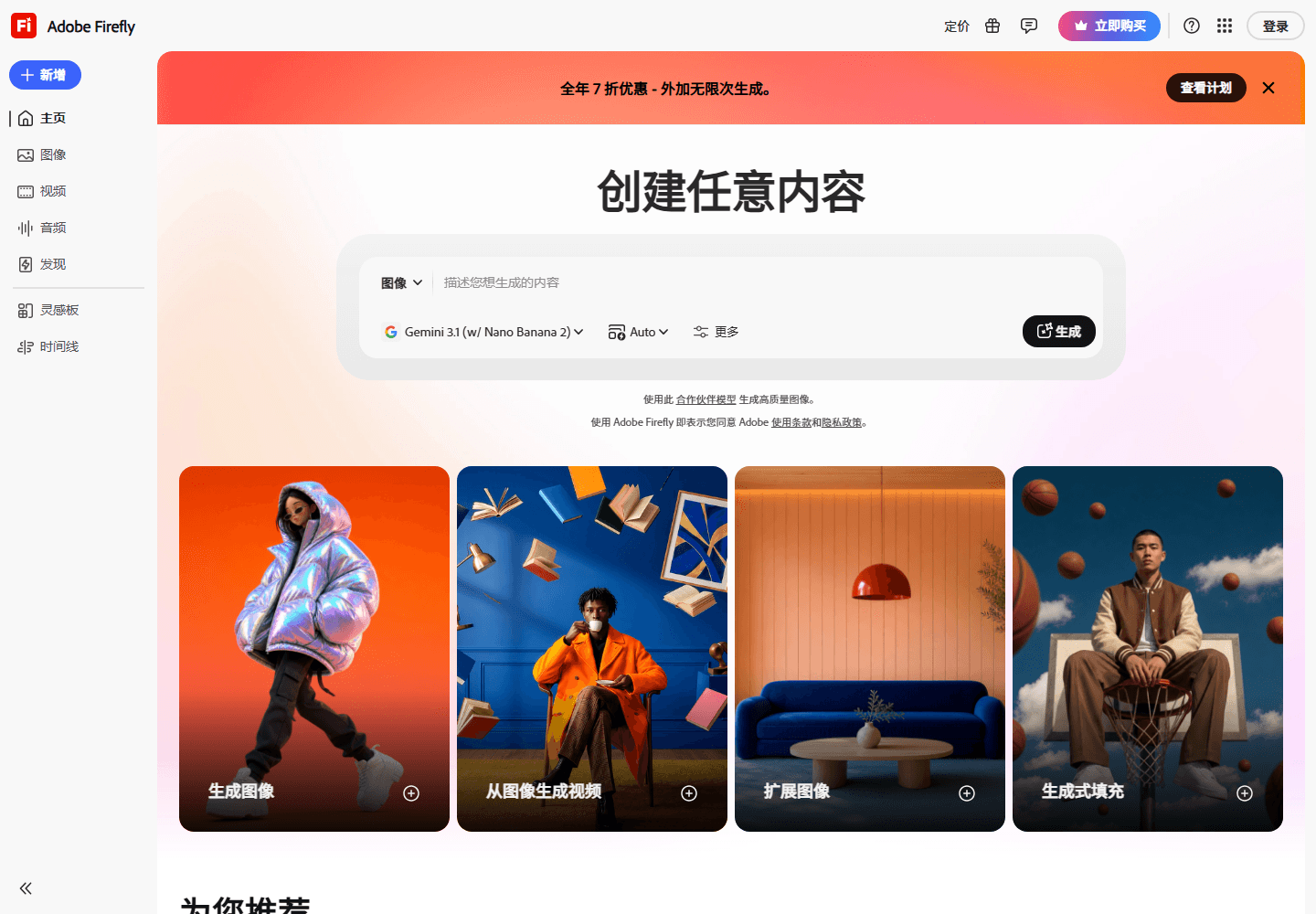
Adobe Firefly is not trying to win every 'make it weird and cinematic' prompt contest. Its value is what happens when the image must become part of actual creative work. A marketer needs a clean background, a designer needs to expand a crop, someone has to remove an object, and the file may end up in Photoshop, Express, a brand review, or a client deck. That is where Firefly's wider creative stack becomes practical.
Adobe lists a free Firefly plan with limited daily generations. The company also sells paid plans with monthly credits and broader standard-generation access. That language sounds ordinary, but the distinction matters because Firefly now spans more than basic text-to-image. Image, vector, video, audio, and partner-model features do not always consume the same allowance or carry the same usage conditions.
For commercial work, use precise language. Adobe says output generated with its Adobe Firefly models can be used commercially. It also warns that partner models have separate terms and may not be suitable for every commercial use. The sensible workflow is not to memorize a slogan about rights. Check the model selected in the interface and the current plan terms before you send an image into a paid campaign.
Firefly's weakness is that it can feel less surprising than Midjourney. That is not always a criticism. If you need a fantasy illustration with a highly stylized visual voice, you may prefer a different tool. If you need an image that survives resizing, editing, brand review, and a designer's next request, Firefly's restraint can save time.
My test here is deliberately boring: make a campaign image, then edit it. Change the crop, extend one edge, remove an object, and bring it into the format where it will be published. The winner is not the prettiest first output. It is the image that needs the fewest rescue operations afterwards.
Best for words inside images
Ideogram is worth testing when the text cannot turn into decorative nonsense.
A surprising number of image briefs are really typography briefs wearing an illustration hat. A webinar poster needs a title. A product mockup needs a label. A YouTube thumbnail needs two readable words. A sale card needs a price. Those jobs expose the weakness of many otherwise impressive image generators because a beautiful image with mangled copy is still a failed design.
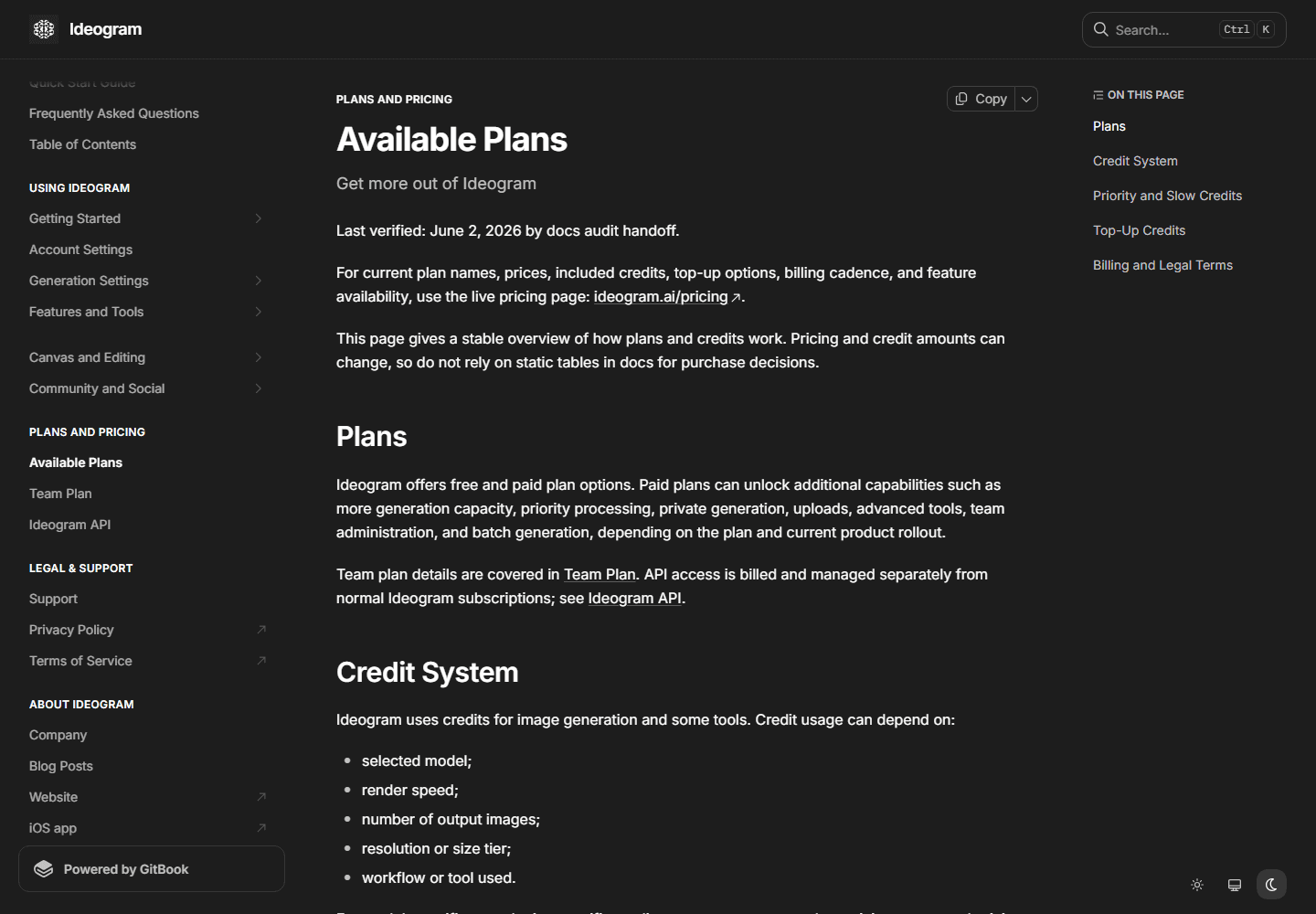
Ideogram's current pricing page lists a Free plan with 10 slow credits each week. Its FAQ says that allowance can generate up to 40 images each week. The Free plan is public, so use it for public-safe experiments rather than unreleased product names, client work, or anything that should not appear in a shared generation feed.
The appeal is simple: Ideogram is a sensible place to test whether a model can keep exact words and a clear composition in the same output. It will not make spelling errors disappear forever. Treat every generated word as a draft, especially when the asset will be printed or viewed closely. Still, it gives text-heavy prompts a better chance than hoping a more painterly model happens to behave.
Its free limit is intentionally tight. Ten slow credits a week will not sustain a production schedule, and a public plan is a poor place to build a secret campaign. That does not make the free tier useless. It makes it a focused test: run the hard poster, label, and thumbnail prompts that break your current tool, then decide whether the typography gain is worth a paid plan or a different workflow.
Do not judge Ideogram only on a single poster. Ask it for a quote card, a simple product package, a vertical thumbnail, and an event graphic. Check spelling, kerning, hierarchy, empty space, and whether the image leaves enough room for your own edit. A readable phrase is useful. A reusable layout is better.
Best for design systems
Recraft is not a Midjourney clone, and that is the point.
Some people who search for Free Midjourney Alternatives do not want a mystical landscape. They want a clean product visual, an icon family, a piece of presentation art, a mock package, a repeatable illustration system, or something that can sit next to real interface design without looking like it arrived from another planet.
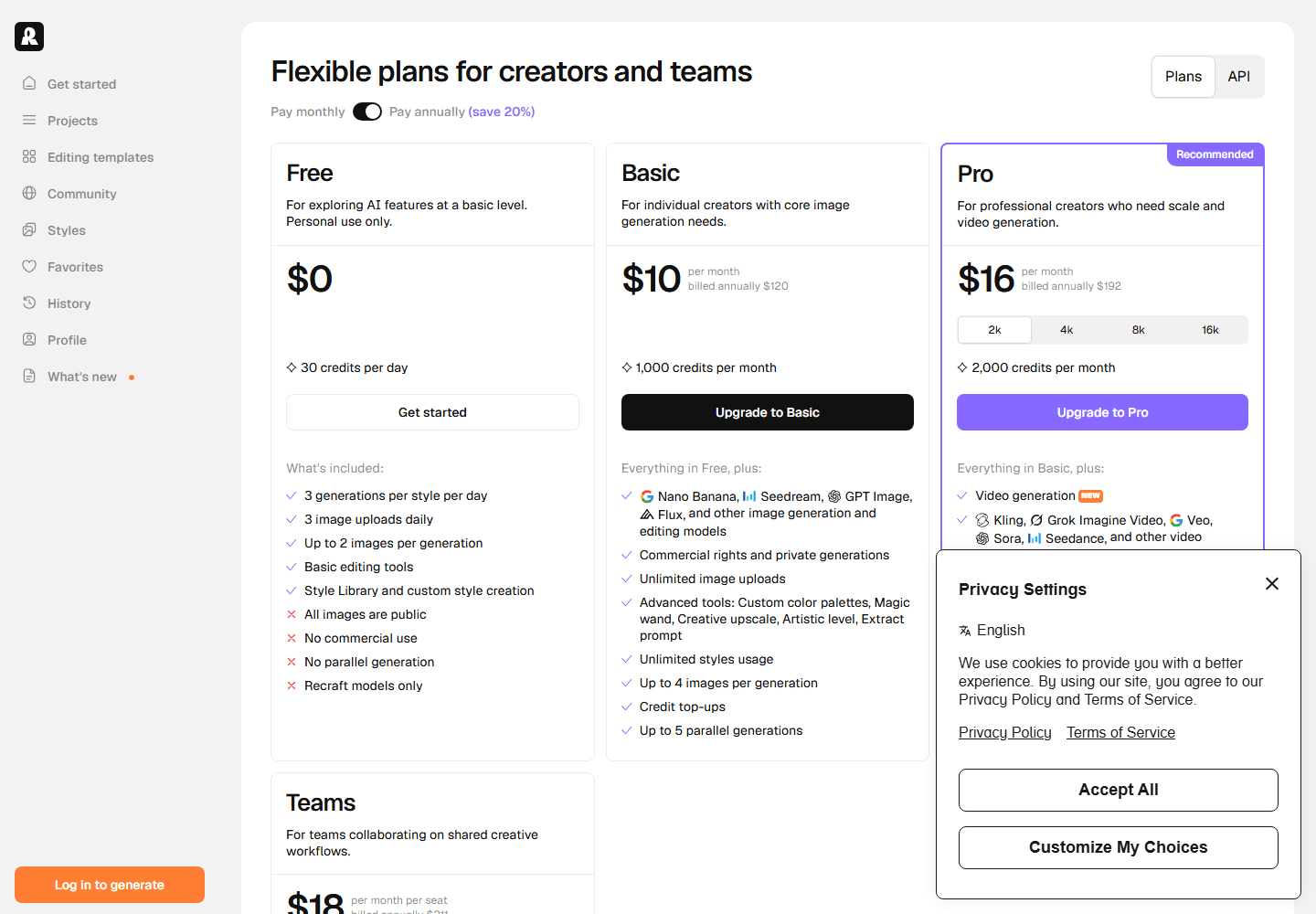
Recraft is the better fit for that job. Its current documentation says the Free plan gives 30 credits daily, allows up to three uploads a day, and creates up to two images per prompt. It also says free-plan generations are public and may appear in the community gallery. The pricing page adds the important commercial warning: Free images are not commercially licensed.
That is a very useful boundary. You can explore style, build a concept board, test icon directions, and see whether a visual family holds together without spending money. You should not use the Free plan as a quiet route to finished paid client assets. Plenty of image tools make the rights line fuzzy. Recraft makes this one reasonably plain.
Recraft earns its place because design work rewards consistency more than spectacle. Give it one subject and ask for a hero graphic, a small icon, a product-adjacent illustration, and a social crop. If the style holds across all four, you have a useful asset system. If every output feels like it came from a different studio, you have pretty samples and a future cleanup task.
Midjourney often gives you atmosphere with very little instruction. Recraft is better when you need visual utility. The image might be less dramatic, but a clean vector-like asset that fits the rest of a product can be worth more than a dazzling image that creates work for every person who touches it next.
Best actual local model
FLUX.2 Klein 4B is the route for people who want the model, not another subscription surface.
A local model solves a different problem from a free web plan. You are no longer negotiating with daily credits, public feeds, or an interface that may change its limits next month. You are choosing a model, a runtime, storage, hardware, parameters, and a workflow that can be repeated. The freedom is real. The responsibility arrives with it.
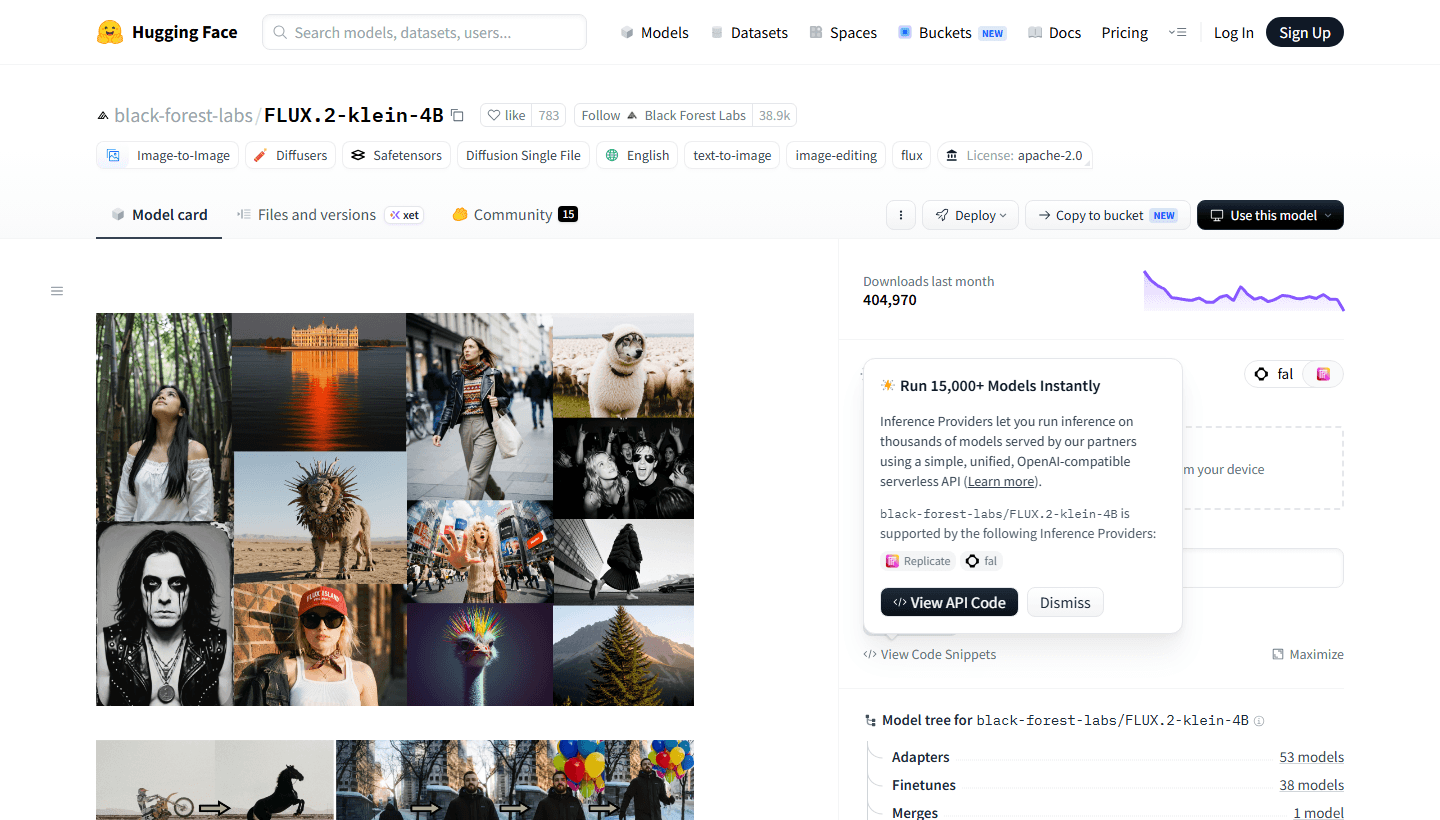
Black Forest Labs lists FLUX.2 Klein 4B on Hugging Face as an image-to-image and text-to-image model under Apache 2.0. That makes it one of the clearer options in this guide for people who want a permissively licensed model card and a local or provider-based implementation path. It is important not to blur this with every model carrying the FLUX name. Models and variants can have different licenses and constraints.
The model itself is not a friendly replacement for Midjourney's web product. You still need a compatible application or code path, enough disk space, enough VRAM or a remote provider, and time to understand resolution, seeds, guidance, image conditioning, and the tradeoffs of the workflow you choose. A free model can be more expensive than a subscription if it burns a weekend you did not have.
Why make the effort? Privacy, control, repeatability, and portability. A local workflow can keep files and prompts on your own machine. You can test a model without waiting in a public queue. You can make a template workflow for a team. You can rerun a job months later because you saved the model version and settings instead of hoping a hosted product still behaves the same way.
Start small. Generate one square image, one landscape image, and one image-to-image variation from a reference you own. Save the seed, model version, prompt, resolution, and settings. If you cannot reproduce your own success, adding another model will only create a larger pile of almost-good images.
Best local workbench
ComfyUI gives you more control because it refuses to hide the plumbing.
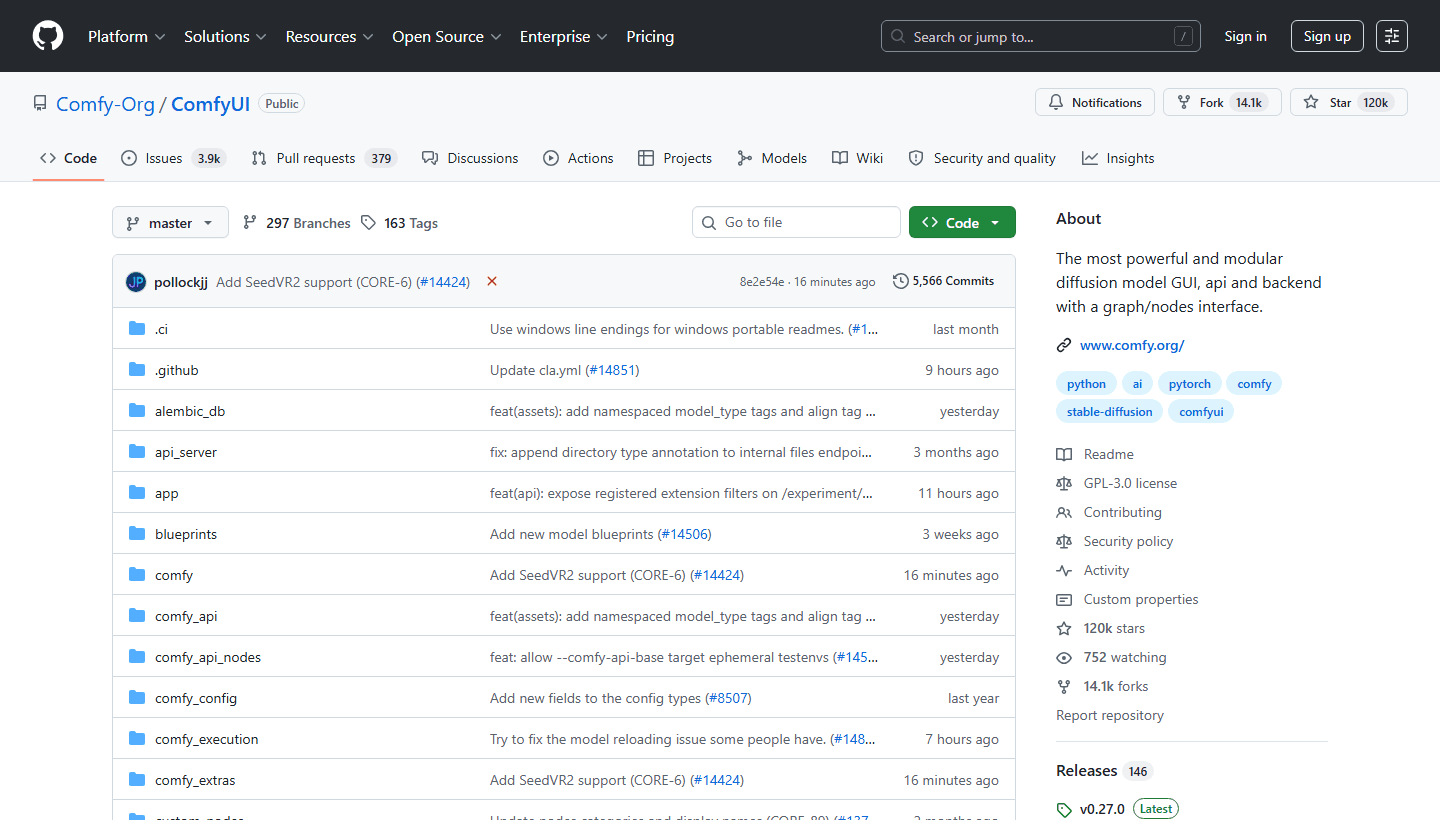
ComfyUI is a free, modular diffusion interface built around a graph of nodes. The official repository describes it as a powerful backend and interface for diffusion models, and the project is licensed under GPL-3.0. You can run it locally, work offline, and assemble workflows from the pieces that a hosted generator normally hides behind one Generate button.
That structure is the reason people love it and the reason beginners bounce off it. A node graph can make the logic of an image pipeline visible: load a model, encode a prompt, choose a seed, set the size, send the latent through a sampler, decode it, save the result. It can also make a simple task look like a plumbing diagram if you install a giant community workflow before learning the basic path.
ComfyUI pairs naturally with a model like FLUX.2 Klein 4B because it gives you a place to turn local access into repeatable work. You can keep a small template for product concepts, a separate one for reference-driven styles, and another for upscale or cleanup steps. That kind of separation is hard to get from a web tool that keeps every setting inside one changing interface.
The cost is migration and maintenance. Models take space. Custom nodes can break. Workflows copied from strangers can have missing dependencies. A GPU that feels fine for games may still feel slow at the resolution you want. If this sounds irritating rather than empowering, use the browser tools first. You do not earn points for making a one-image task complicated.
The best first project is one clean graph with one model. Do not chase every custom node, LoRA, control method, or community preset on day one. A small workflow that you understand beats a giant workflow that works until you move one folder and forget why.
Reddit signal
The recurring complaint is not that free tools are useless. It is that the trade is hidden until the second hour.
I reviewed recent r/StableDiffusion discussions about free and open alternatives to Midjourney. The people in those threads did not agree on one replacement, which is more useful than a fake consensus. They repeatedly returned to the same point: there is no simple 'Midjourney, but open source' answer that preserves the same default aesthetic with zero setup.
Several commenters described Midjourney as unusually good at choosing a flattering visual direction from a short prompt. Their complaint about local models was not that local outputs were impossible. It was that a comparable result often needed a more detailed prompt, a specific model, a LoRA, reference images, a refiner pass, or a workflow assembled in ComfyUI. That is a real cost even when the software is free.
The threads also showed why rankings become silly. One person wanted artistic variety. Another wanted character design. Another cared about realism. Someone else wanted a model that could run locally. Those needs point toward different models and workflows. A tool that disappoints an artist chasing Midjourney mood can still be excellent for a product team that needs controlled visual assets.
Treat Reddit as customer language, not a representative survey. The people posting in technical image-generation communities are more willing than average users to install models and discuss samplers. Their complaints are still valuable because they name the hidden work: model selection, prompt precision, style adapters, refiners, memory limits, and the gap between a good demo and a usable pipeline.
The practical lesson is boring and helpful. Do not ask which free tool wins in the abstract. Ask whether you need browser speed, text accuracy, design consistency, private local files, or a controllable workflow. Then accept the downside of the tool that gives you the upside you care about.
Fit by workflow
Browser tools and local tools are different bargains.
The wrong way to choose is to split the list into beginner tools and expert tools. That flatters the person making the list and does not help the person with a deadline. The useful split is between a browser tool that removes setup and a local tool that removes platform dependence. Both can be the right choice for an experienced creator.
Choose a browser option when the work is public-safe, the team needs something today, and the generated image will go straight into a wider editing or publishing flow. Choose local tools when privacy, repeatability, model choice, and long-term control outweigh the first-day setup cost. The in-between path is usually a hosted service with a paid plan, which may be sensible once your free experiment identifies the real need.
Browser-first tools
Best for
A blogger, marketer, student, teacher, or small team that needs a few usable ideas today and does not want to install models, learn nodes, or manage a GPU.
Not for
Confidential campaigns, repeatable character systems, high-volume production, or a workflow that needs deep seeds, adapters, custom models, and predictable control.
Reddit common complaint
The fastest free web tools can make pleasant images, but they do not reproduce Midjourney's default artistic taste from one short prompt. Users often want more control immediately after the first decent result.
Best first test
Give each browser tool the same five prompts: a social ad with exact copy, a product image, a two-person scene, a branded illustration, and an unusual camera angle. Keep the prompt plain before adding style language.
Local model and workflow tools
Best for
Developers, hobbyists, privacy-conscious creators, and teams that need to own the workflow, choose models deliberately, retain local files, and tolerate a technical setup.
Not for
Anyone with a hard deadline, a weak machine, no interest in configuration, or a plan to hand the workflow to colleagues who only want a simple browser editor.
Reddit common complaint
Local tools do not deliver 'Midjourney, but free' after one download. People report a trade: more control and model choice, but more time on LoRAs, reference images, refiners, node graphs, model files, and troubleshooting.
Best first test
Install one model, make one repeatable text-to-image workflow, and run the same prompt six times with only one variable changed. Do not build a 40-node graph before you know what a seed or sampler changes.
Before you publish
Free credits do not settle privacy or commercial rights.
This part is less fun than comparing images, and it is where expensive mistakes happen. A free plan can be technically capable while being wrong for confidential prompts. A product can say it supports commercial use while attaching that statement to a specific model, plan, or region. A local model can have a permissive license while your hosted provider charges for access or imposes separate account terms.
Do not treat a search result, a viral tutorial, or an old pricing table as your legal department. Use the live official plan page and model card before you publish work for a client. Save the relevant terms with the project if the asset is important. Plan descriptions change faster than a lot of comparison articles do.
For simple public experiments, a small free plan is usually enough. For a product launch, an unreleased campaign, a client brand, or a regulated environment, make privacy and rights part of the tool selection before the creative team falls in love with an output. Rebuilding an image late is annoying. Rebuilding a campaign after a rights issue is much worse.
Public generations
Ideogram's Free plan and Recraft's Free plan are not private workspaces. Recraft expressly says free images may appear in the community gallery. Do not place client names, unreleased products, customer data, or internal strategy in a public prompt box.
Commercial use
Recraft says free-plan images are not commercially licensed. Adobe says Adobe Firefly model outputs can be used commercially, but partner models have their own suitability and terms. Treat every product's live plan and terms page as the final word before you publish paid work.
Local model licenses
A model license can be permissive while the surrounding workflow still creates obligations. FLUX.2 Klein 4B is marked Apache 2.0 on its model page, but you still need to respect the license, the model's documentation, and the rules that apply to your use case.
Hosted provider cost
A free model does not make every hosted endpoint free. Running a local model can avoid per-image charges, while a hosted inference provider may bill for speed, API calls, or higher limits.
A 30-minute reality check
Test the workflow, not just the first pretty image.
A fair test takes less time than reading another listicle. Choose one real image job and make the same brief in two browser tools or in one browser tool and one local workflow. Do not compare prompts after you have rewritten one of them fifteen times. Start with the same plain language, then note which tool needs more help to reach a usable result.
Keep a rough count of time spent generating, waiting, editing, exporting, and explaining the process to another person. Midjourney alternatives are often judged at the point where an image appears. Your actual cost begins after that point, when you need the image in the right ratio, with readable text, in a private workflow, with an answer for commercial use, and with enough documentation for tomorrow's version of you.
At the end of the test, give the tool a narrow job title. Bing might be your quick idea generator. Ideogram might be your text-in-image tool. Recraft might be your design exploration tool. FLUX and ComfyUI might be your local pipeline. That is a better outcome than declaring a universal winner and then being surprised when it cannot do the next job.
| Step | What to do |
|---|---|
| 1. Make the brief small | Pick one real job: three blog illustrations, a product launch visual, a poster with exact words, or a four-image character set. A vague comparison produces vague winners. |
| 2. Set a budget | Use only the stated free allowance. Track images generated, minutes spent, prompts changed, and edits needed after export. Free tools become expensive when they eat an afternoon. |
| 3. Check the ugly cases | Test text, hands, faces, packaging labels, a multi-person scene, and an instruction with a specific composition. A flower in a jar tells you very little. |
| 4. Check the finish line | Ask whether the image can actually enter your deck, post, site, or client review. Include resizing, cleanup, privacy, rights, and how another person would reproduce the result. |
| 5. Keep the winner narrow | One tool can be your poster tool while another is your local concept-art tool. Forcing one free tool to cover every visual job is how you end up resenting all of them. |
FAQ
Common Free Midjourney Alternatives questions.
What is the best free Midjourney alternative for beginners?
Bing Image Creator is the most straightforward first test for someone with a personal Microsoft account. It runs in the browser, gives a daily fast allowance, and does not require local model setup. It is best for quick exploration, not deep creative control.
Is there a free Midjourney alternative with commercial use?
Terms vary by product and can change. Adobe says output from Adobe Firefly models can be used commercially, while Recraft explicitly says Free-plan images are not commercially licensed. Check the live plan and terms for the exact model and account tier before you publish paid work.
Which free Midjourney alternative is best for text in images?
Ideogram is a sensible first test when exact words, poster copy, labels, or thumbnails matter. Its free plan is small and public, so use it for non-confidential typography experiments before moving a serious campaign into a private workflow.
Can I run a free Midjourney alternative locally?
Yes. A model such as FLUX.2 Klein 4B can be used in a compatible local workflow, and ComfyUI provides a node-based interface for running diffusion models locally. The money saved on subscriptions is partly exchanged for compatible hardware, downloads, configuration, and learning time.
Why do free image tools feel worse than Midjourney?
Midjourney is tuned around a distinct default look and a polished hosted workflow. Free browser tiers limit speed or volume, while local tools demand model selection and workflow skill. A free tool may be excellent for a narrow job without producing Midjourney's style from a short prompt.
Are open models the same as open-source image generators?
Not automatically. A model, its weights, its code, and the application that runs it can have separate licenses and requirements. Read the model card and the software license instead of treating every downloadable model as interchangeable.
Sources


